Click Use Template
The form opens in the Formester form builder with every field pre-loaded and ready to edit.
This template is built for real estate teams that lose deals when enquiries arrive without the details an agent needs to follow up. It captures contact, location preference, budget range, property type, and move-in window in one short form, then routes the lead to the assigned agent by inbox or webhook. Works for sales, rentals, commercial, and short-let. Also handles the US "property inquiry form" use case with the same field set.
Formester’s Property Enquiry Form Template makes it easy for potential buyers or tenants to inquire about available properties. Whether you’re in real estate, property management, or an agent, this template helps you collect the right information to respond quickly and efficiently to inquiries.
Customizing your form is simple with Formester’s form builder. You can add fields for name, contact information, property preferences, budget, and desired move-in dates. The drag-and-drop interface allows you to customize the form quickly without needing any technical skills.
To further personalize the form, you can use conditional logic to show or hide fields based on user responses. For example, if a potential tenant specifies their preferred property type, you can display relevant questions specific to that type.
Formester also offers an appointment scheduler feature, so you can schedule property viewings directly from the form. This helps streamline your process and ensures that you never miss a booking.
For added convenience, the form comes with email verification and spam protection features, ensuring you only receive genuine inquiries. You can also include an electronic signature field if you need clients to sign any agreements or documents during the enquiry process.
Once your form is live, use form analytics to track submissions, helping you understand what type of properties are most in demand and adjust your offerings accordingly.
Start using Formester’s Free Form Templates today to create your Property Enquiry Form and enhance the way you connect with potential clients!
The template is a starting point. Here is the exact path from clone to live form, including the swaps most real estate teams make on day one.
The form opens in the Formester form builder with every field pre-loaded and ready to edit.
Add property photos, a map field, or a finance pre-qualification step. Reorder, rename, or remove anything you do not need.
Use conditional logic so buyers see purchase questions and renters see lease questions, never both.
Drop the appointment scheduler at the end of the form so qualified enquiries book a viewing without a second email.
Turn on email verification and spam protection, then connect submissions to your CRM with a webhook or one of the native integrations.
Five scenarios where this template drops in without modification. If your setup is close but not exact, the Customize section below shows the swaps.
Let visitors ask about a specific unit without leaving the page, so the lead lands with the listing reference already attached.
Sits above the agent directory as the main lead-capture path for buyers, renters, and tenants browsing your brand.
Drop the form into a Mailchimp or Klaviyo email so warm subscribers reply with intent the same day a property goes live.
Point yard signs, flyers, and open-house handouts to the form so foot traffic converts into a structured enquiry, not a missed call.
Capture budget, move-in date, and pet status up front, so the agent only schedules viewings with renters who actually fit.
Every field the form ships with, what it asks, and why it earns its place. Add, remove, reorder, or rename without writing code.
Full name Short text
Required. The name the agent uses on the call back and inside the CRM record.
Email Email with verification
Required. Verified at submit so listings, viewing slots, and offer documents reach a real inbox.
Phone number Phone
Required. Most property leads close by phone, so the agent has a direct line before the prospect cools.
Property of interest Short text or dropdown
Required. Pre-fill with the listing reference when embedded on a property page, or leave open for general enquiries.
Property type Single choice
Required. Apartment, House, Townhouse, Commercial, or Land. Drives routing rules and matching listings.
Budget range Single choice or number
Required. Qualifies the lead before the call, so the agent only sends listings the buyer or renter can actually afford.
Preferred location Short text
Required. Neighbourhood, suburb, or postcode the prospect wants to live or invest in.
Move-in or purchase timeframe Date or single choice
Required. Separates this-week renters from six-month buyers, so the agent prioritises the pipeline correctly.
Buy or rent Single choice
Required. Splits the enquiry into the right pipeline and unlocks the buy-only or rent-only follow-up questions.
Additional comments Long text
Optional. Catch-all for context the structured fields miss, like pet status, parking needs, or finance status.
The questions estate agents, property managers, and listing sites ask before they swap the contact form on a live property page.

Transferring inherited assets should be simple and well-documented. Our Transfer of Beneficiary Personal Property Form ensures a smooth handover of belongings, whether it's real estate, vehicles, or valuables. This form helps beneficiaries and estate administrators maintain clear records while avoiding disputes. With Formester’s Form Builder, you can customize the form to include beneficiary details, property descriptions, transfer dates, and signatures. Enable e-signature collection for legal authorization, and use email verification to ensure accuracy. For added convenience, embed this form on your website using embed forms or generate a PDF version for official records. Make property transfers seamless and dispute-free with this Free Form Template today!

The Buyer Intake Form helps real estate agents collect important information from home buyers. This form asks about their budget, preferences, and what they’re looking for. By using this form, you can find the best options for your clients. It’s perfect for agents who want to make the home-buying process easier.

Capture more real estate leads with this interactive quiz. Help buyers or sellers discover their readiness, preferences, or property match while collecting valuable contact info. Ideal for agents, brokers, and real estate marketers.

Get future real estate agents ready for their exam with this interactive practice quiz. Great for course creators, tutors, or real estate schools looking to train and test students in a fun, effective way.

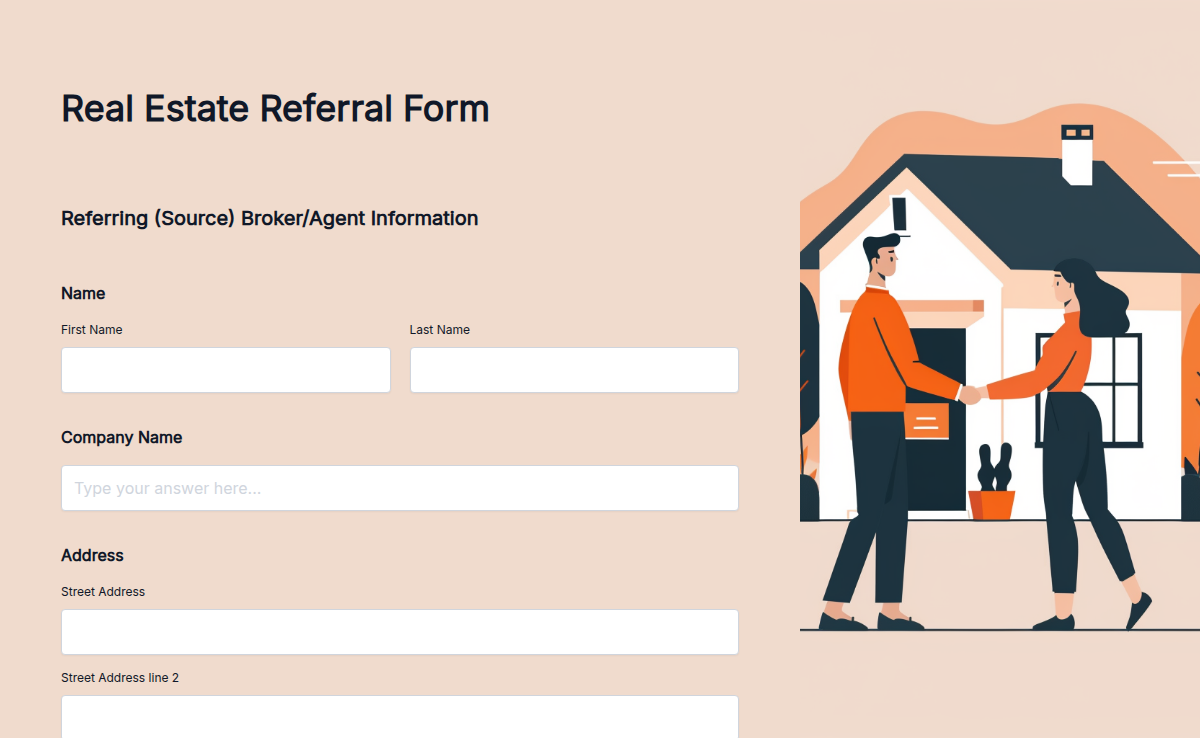
The real estate referral form helps you collect referrals for property buyers, sellers, or renters. It allows clients to submit their information and property details, making it perfect for real estate agents. Formester’s customizable features enable you to personalize this form to suit your business needs, improving the efficiency of your referral process and boosting your sales.

An agent in Texas sends a buyer to an agent in Florida. Both work for different brokerages. The referral fee is 25%. Without a written agreement, that handoff turns into a 'wait, we agreed on what?' email thread three months from now when the deal closes. This template makes the agreement happen before the introduction does. Capture the referring agent's name, license number, and brokerage, the receiving agent's same, the client and property, the referral fee percentage (typical range 20-30%), the conditions on the fee (closing, financing, time limit), and signed acknowledgments from both sides. The fee structure is the part agents argue about most, and the part this form spells out clearly.

The apartment rental application form helps landlords and property managers collect complete tenant information before renting out a property. It includes personal details, employment info, rental history, references, and consent to background checks—all in one secure form. This form makes tenant screening faster, clearer, and more consistent.

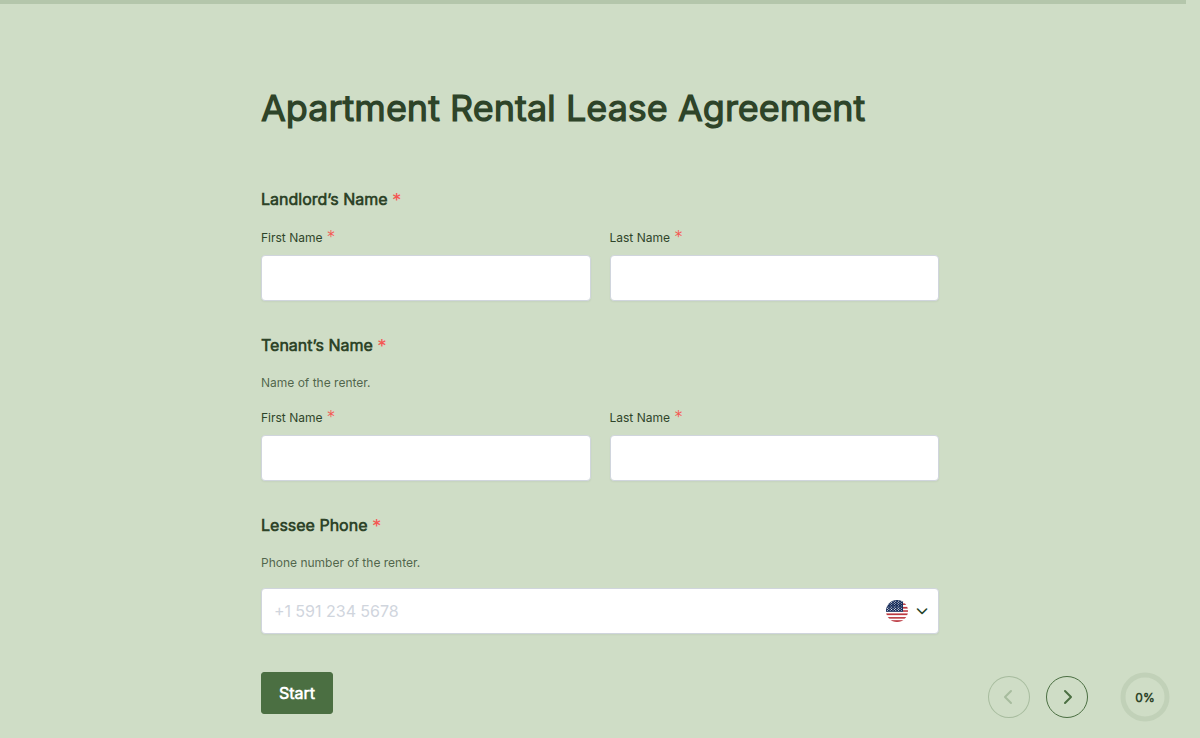
Renting out an apartment? Ensure a smooth leasing process with our Apartment Rental Lease Agreement Template. This legally binding form helps landlords and tenants define rent terms, security deposits, and maintenance responsibilities. Fully customize it, collect electronic signatures, and use conditional logic to display relevant clauses. Save time, reduce paperwork, and manage rental agreements easily with Formester’s Form Builder!

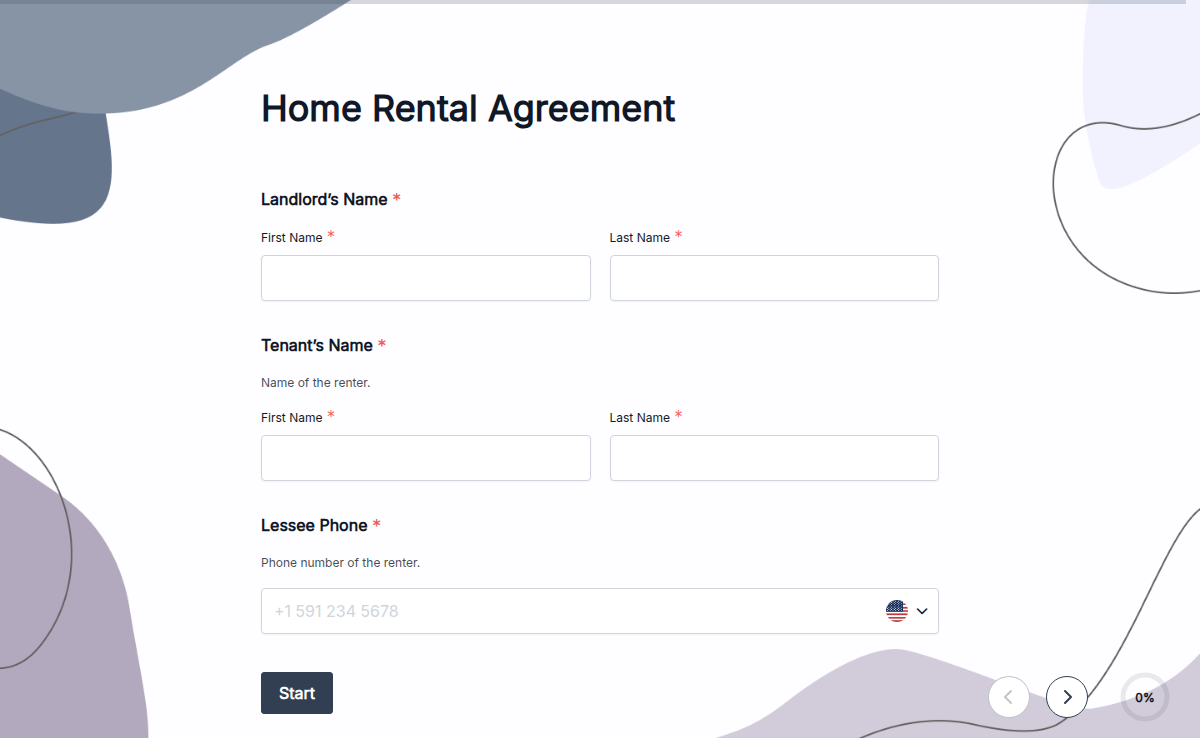
Renting out your home? Make it stress-free with our Home Rental Agreement Template. This legally binding document helps landlords and tenants set clear rental terms, security deposits, and maintenance responsibilities. Customize it with ease—add clauses, adjust rent details, and collect electronic signatures online. With conditional logic, you can show relevant terms based on responses. No more messy paperwork—get started today with Formester’s Form Builder and create agreements in minutes!