Survey Forms Templates
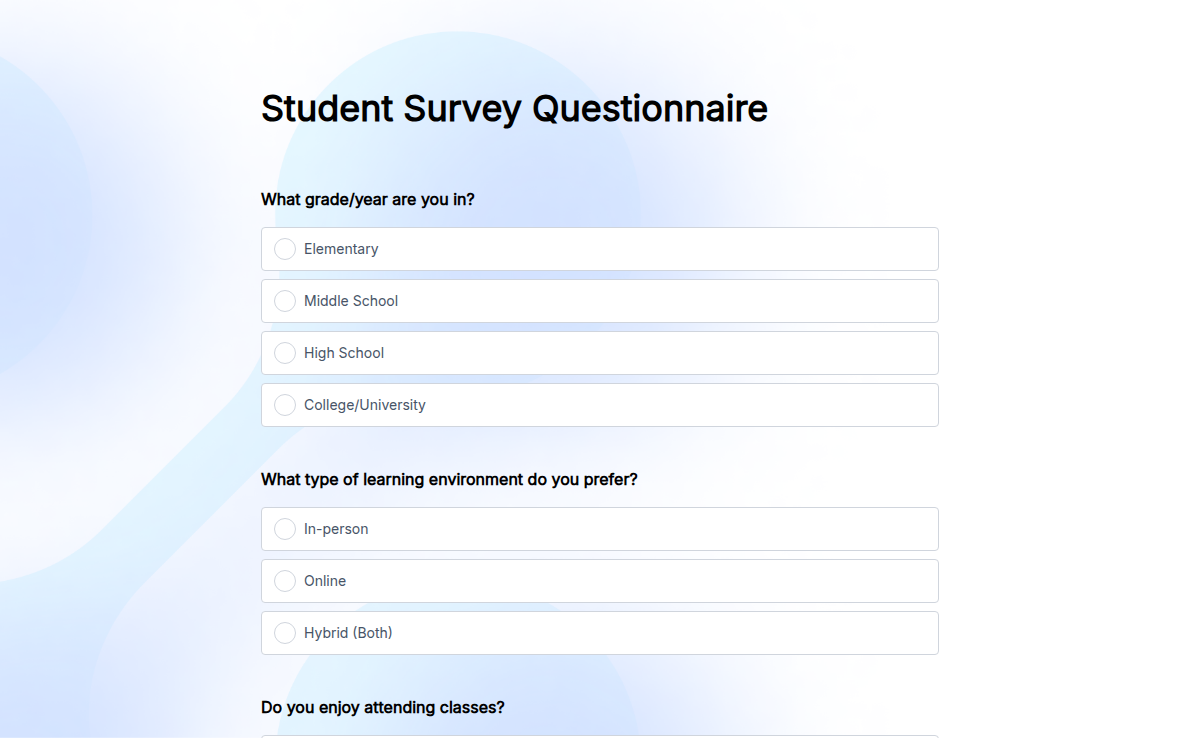
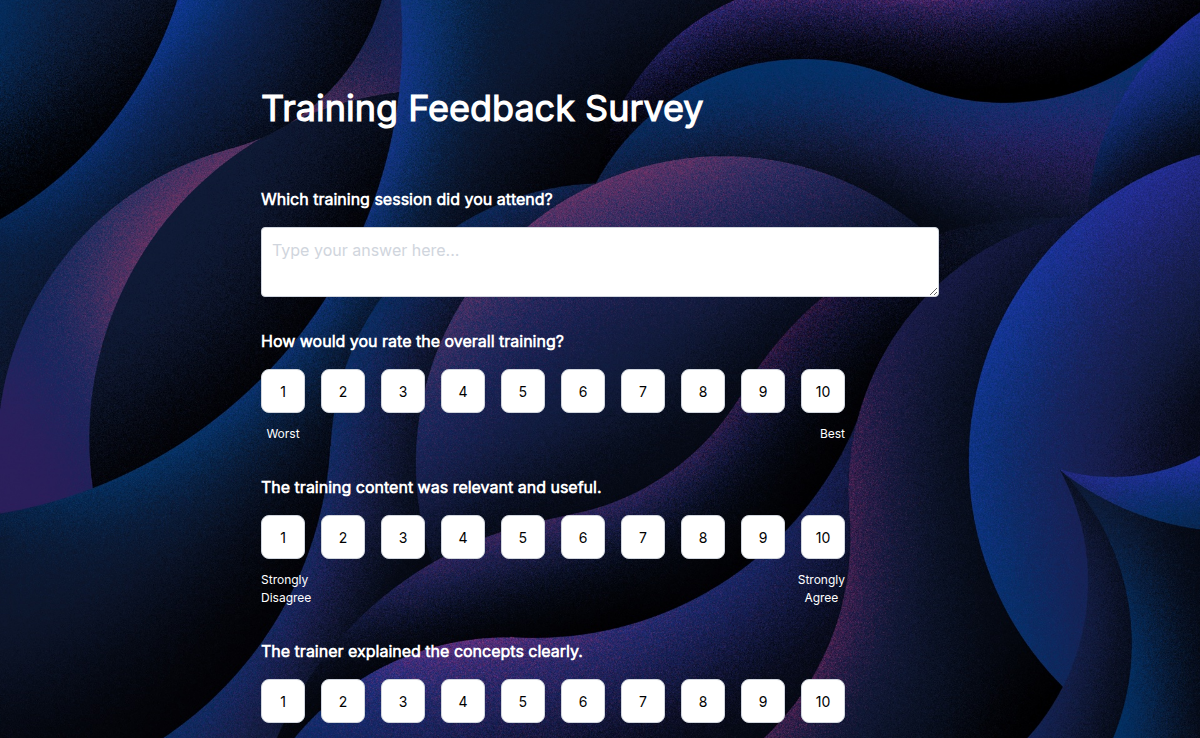
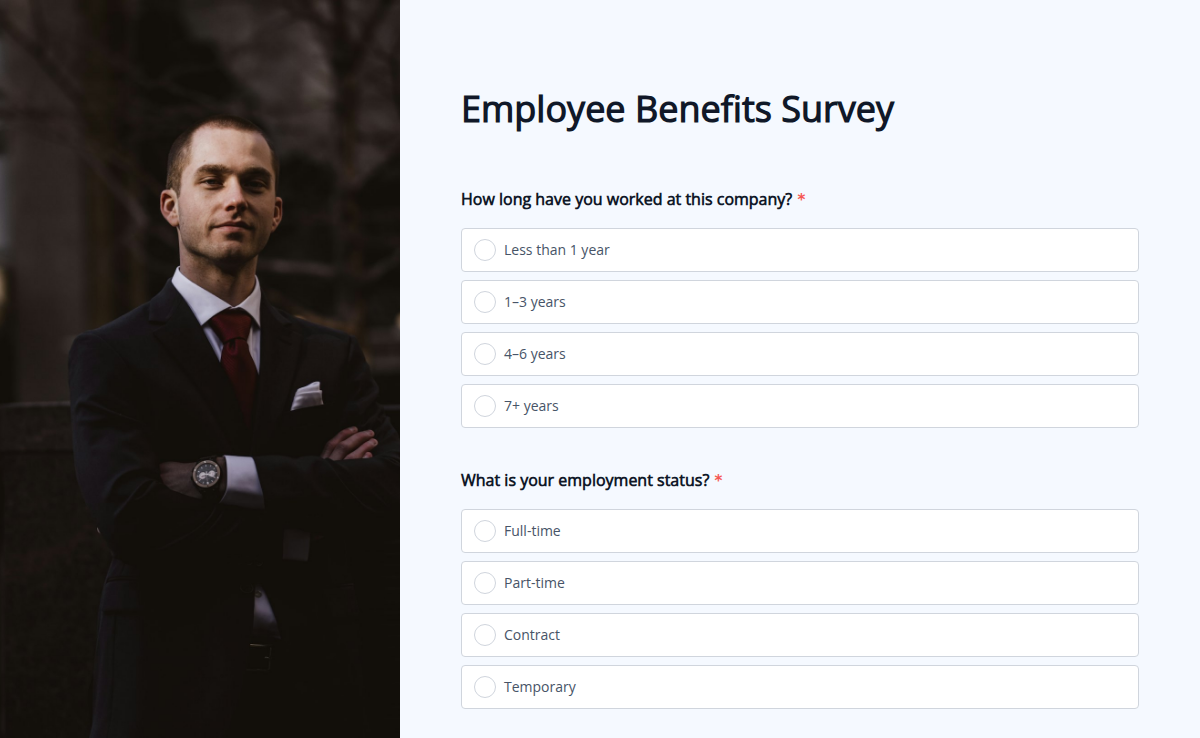
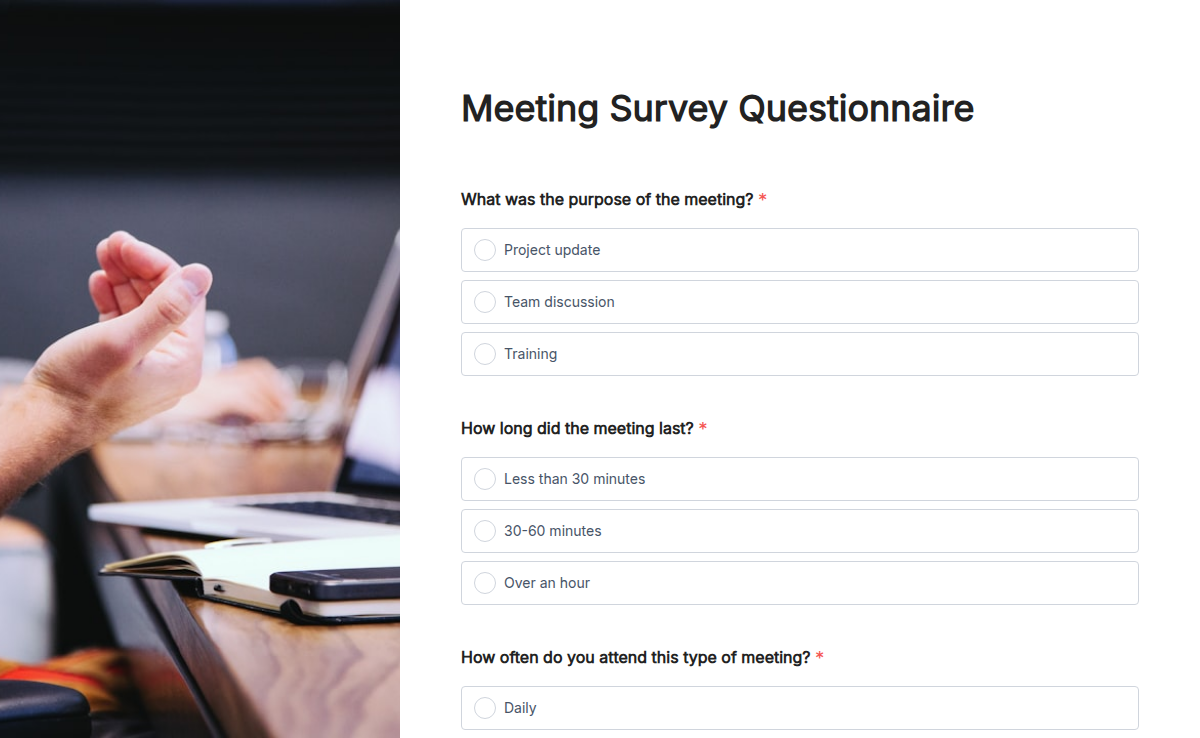
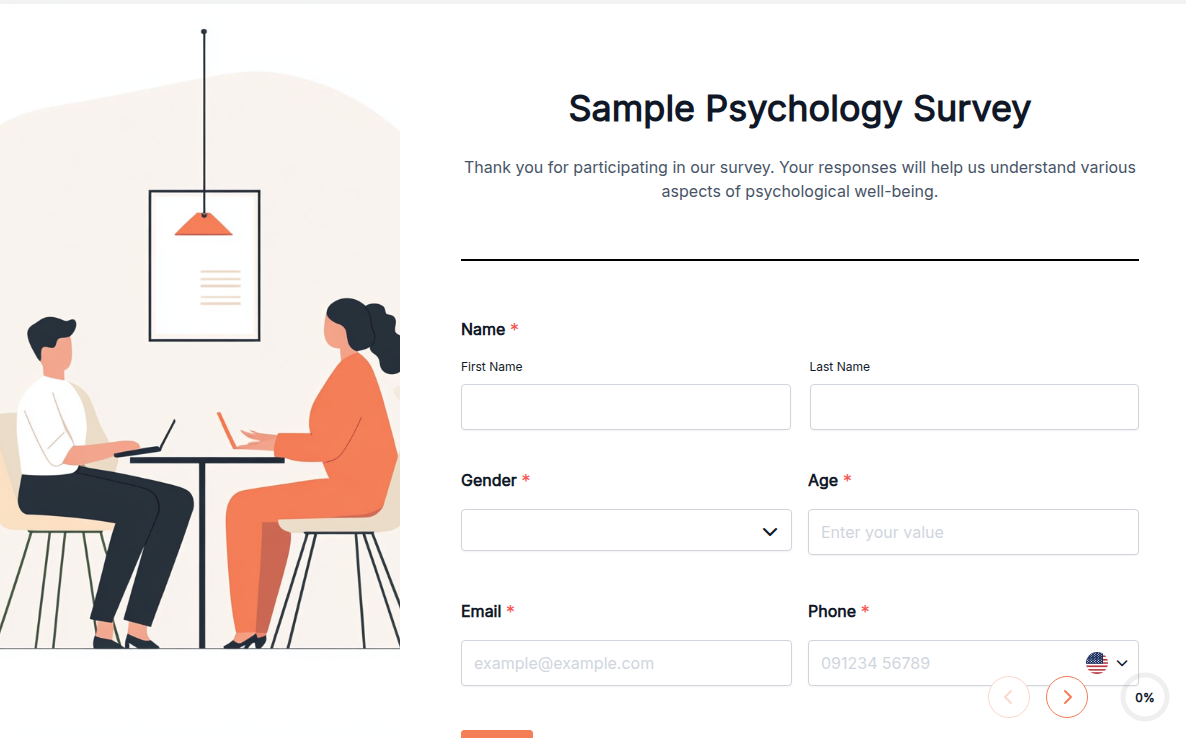
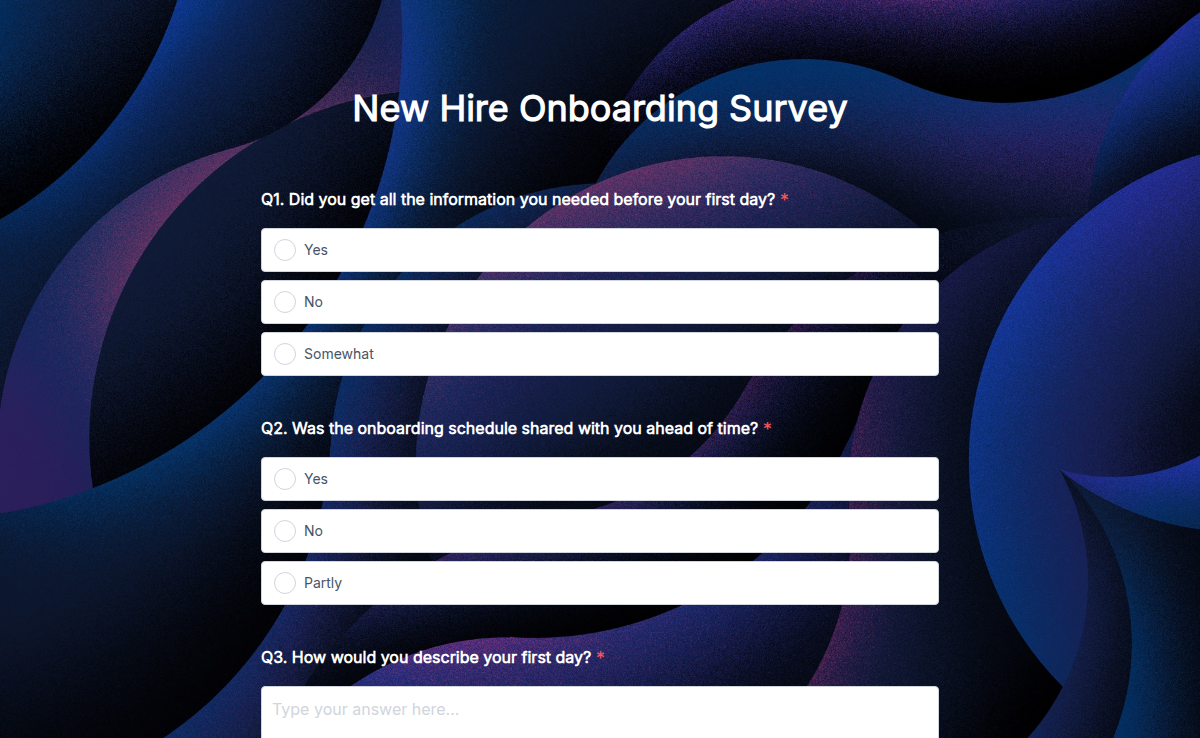
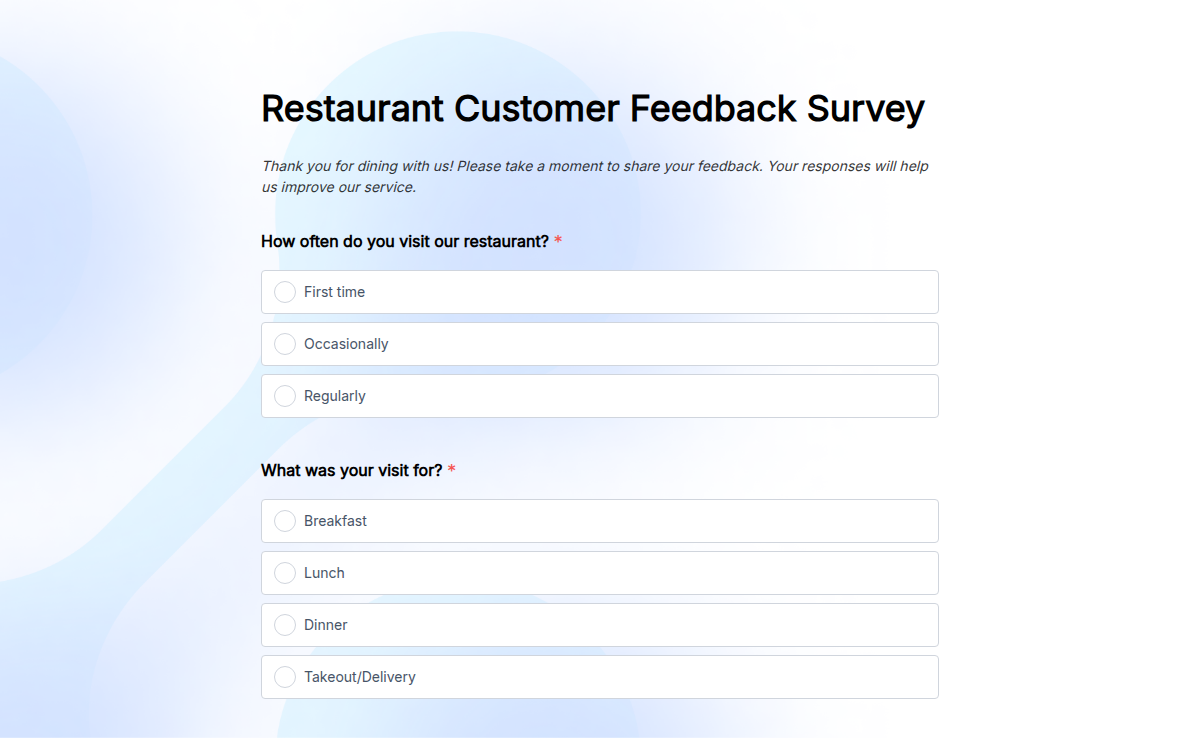
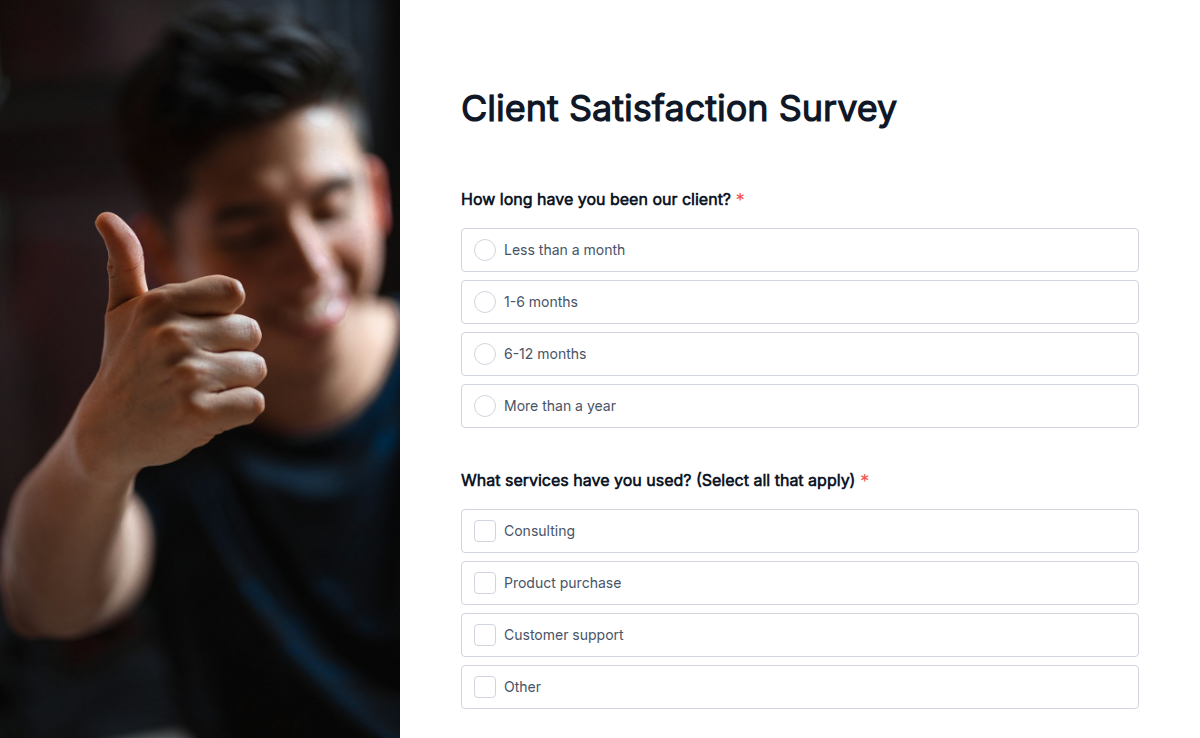
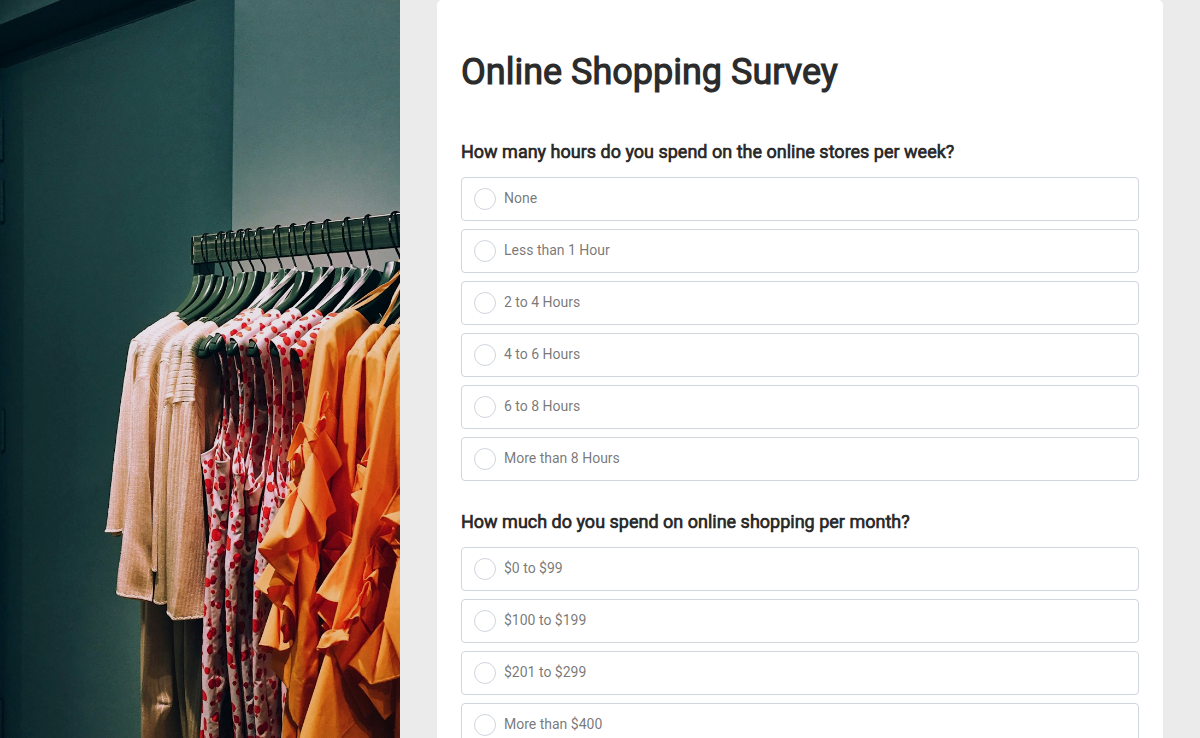
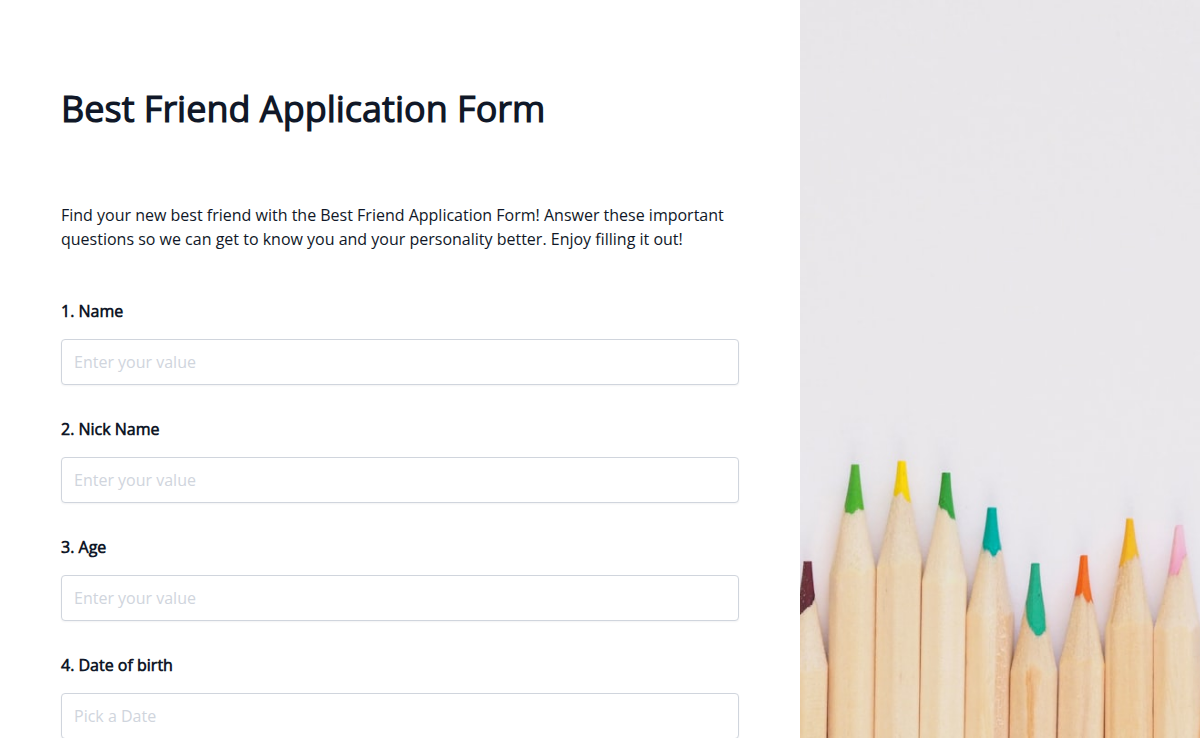
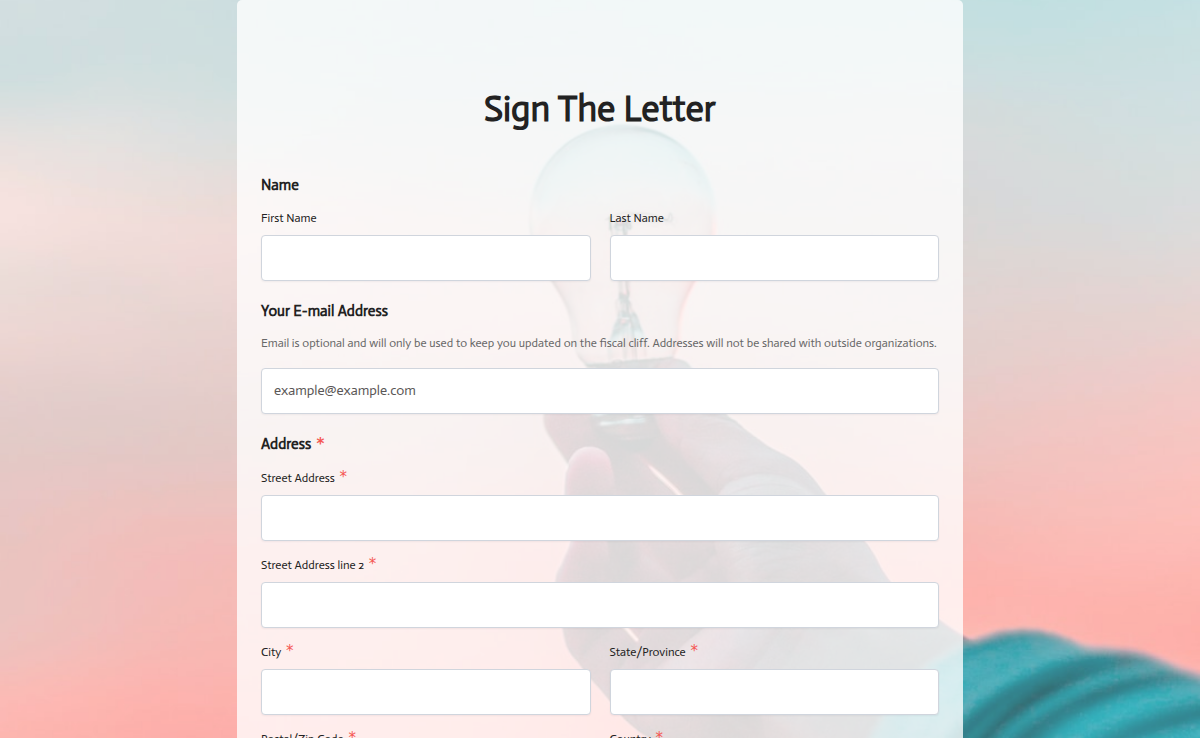
A survey is only as good as the questions you start with. Skip the blank page. Pick a free survey template, swap in your wording, and start collecting answers in under ten minutes.
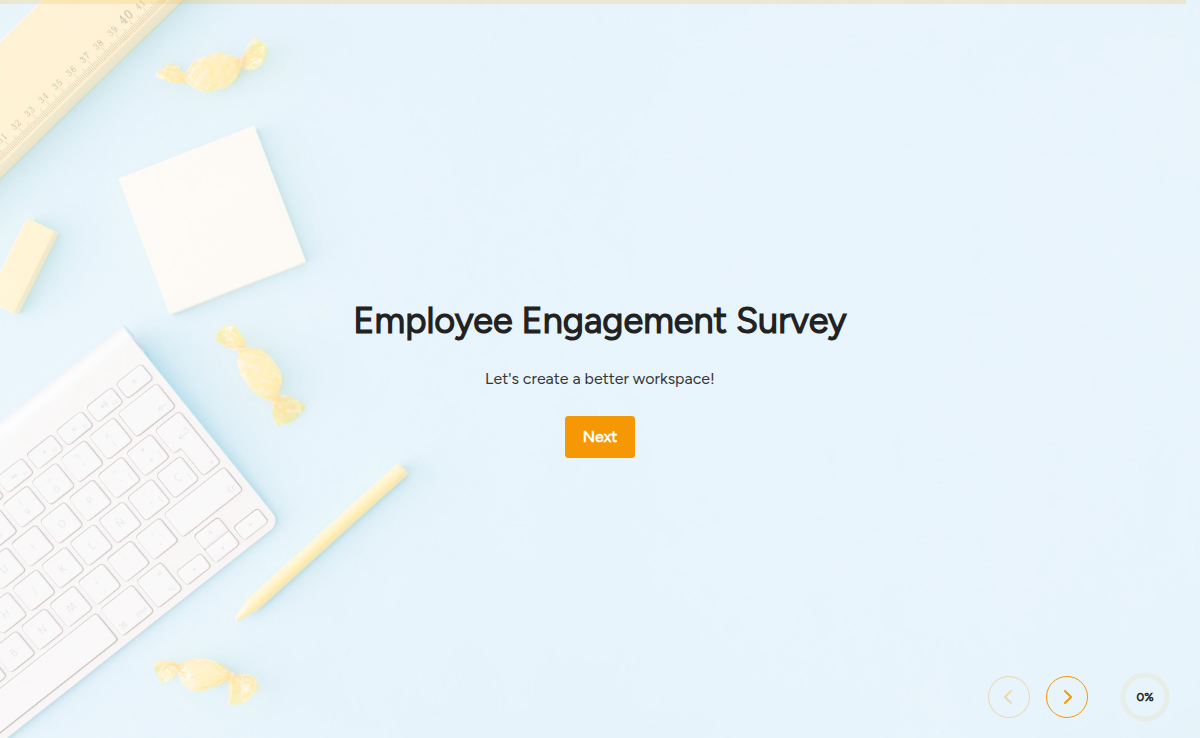
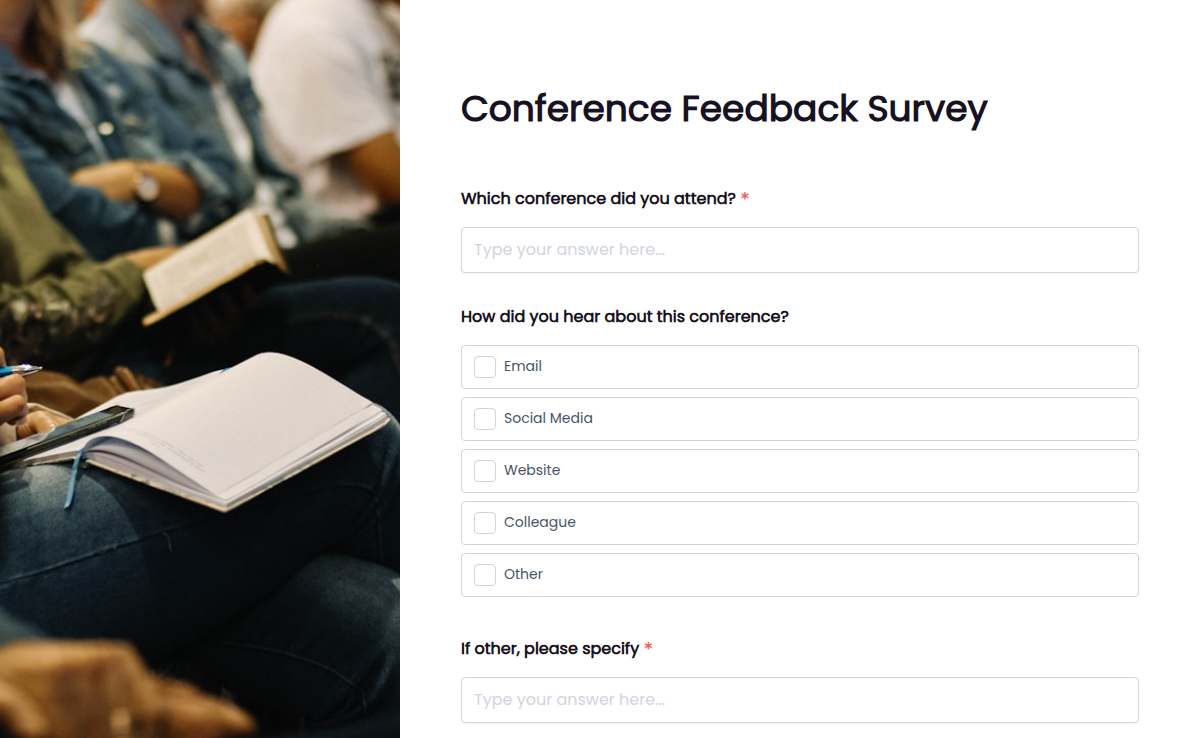
Use them for customer satisfaction, NPS, employee engagement, market research, product testing, event feedback, or any moment you need a real answer from a real person.
Every template is mobile-friendly, embeddable, and connects to Google Sheets, your CRM, and email tools so responses land where you already work. Need something custom? The AI survey builder writes a first draft from a one-line prompt.
What are Surveys?
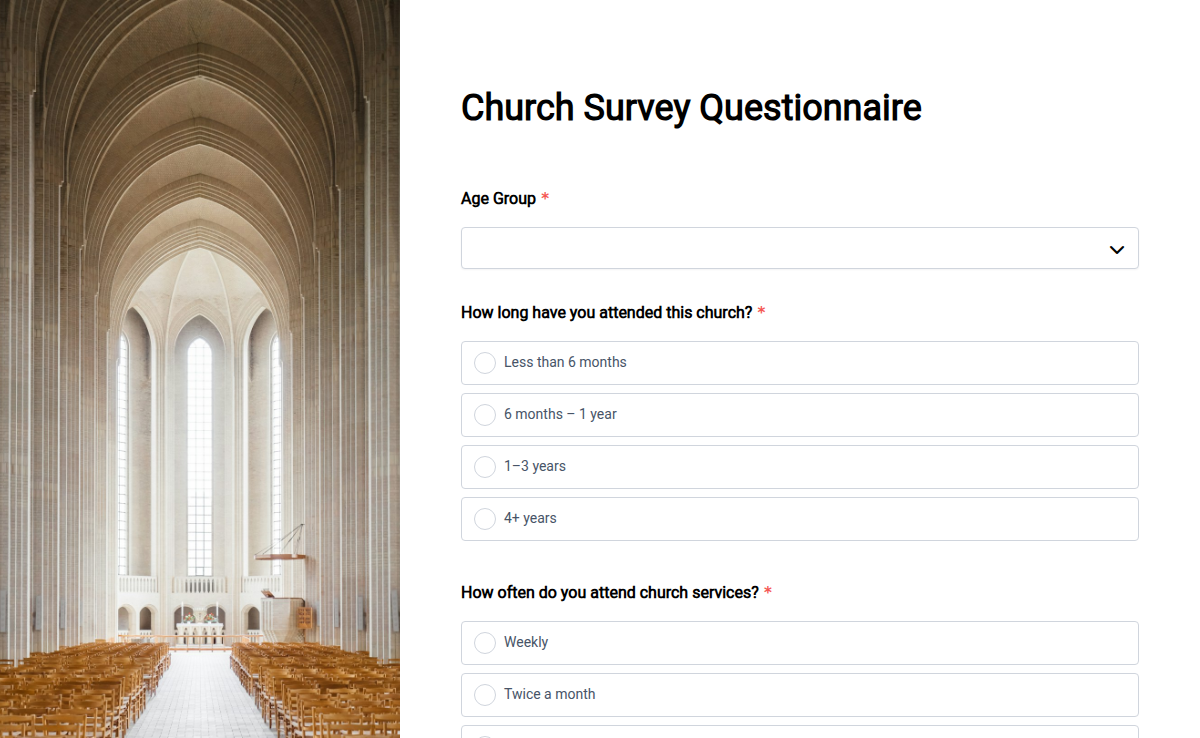
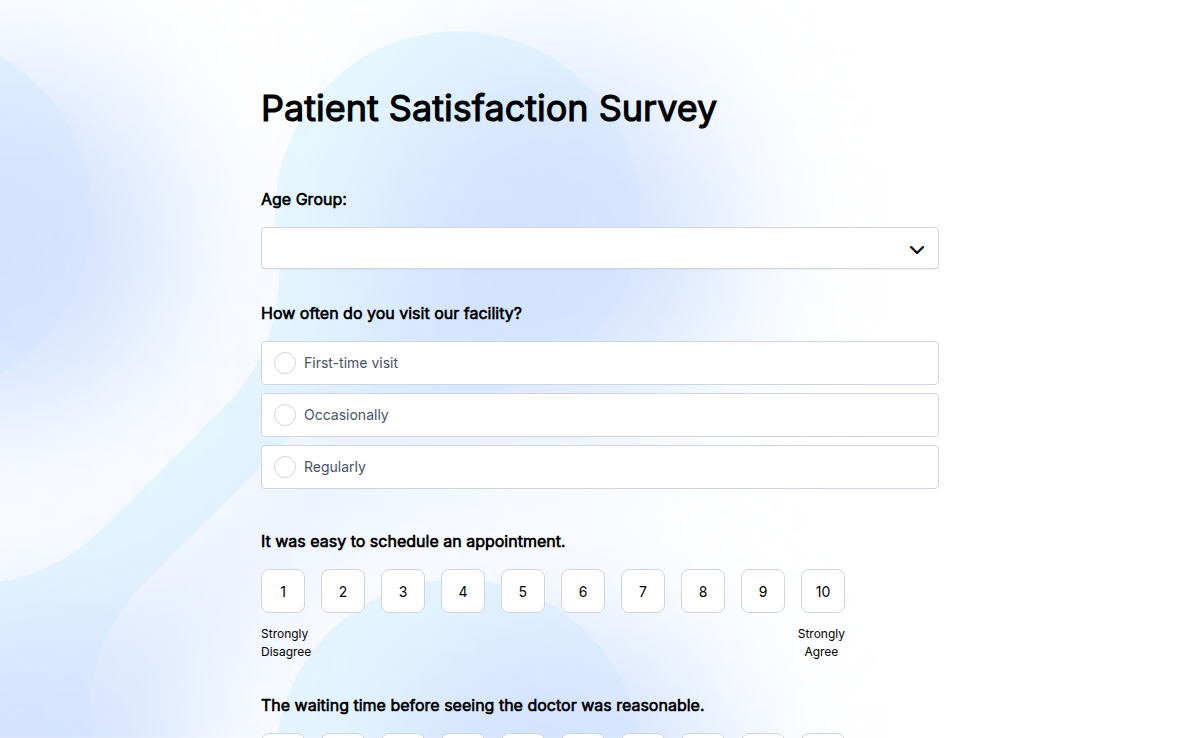
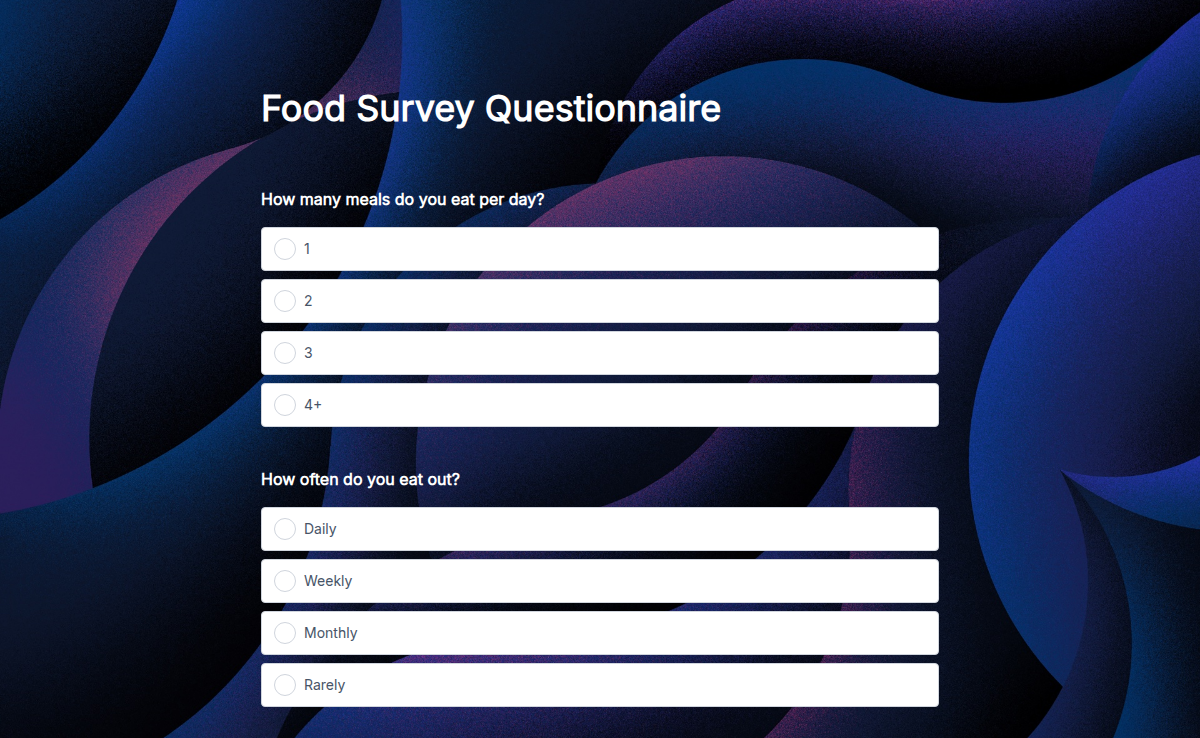
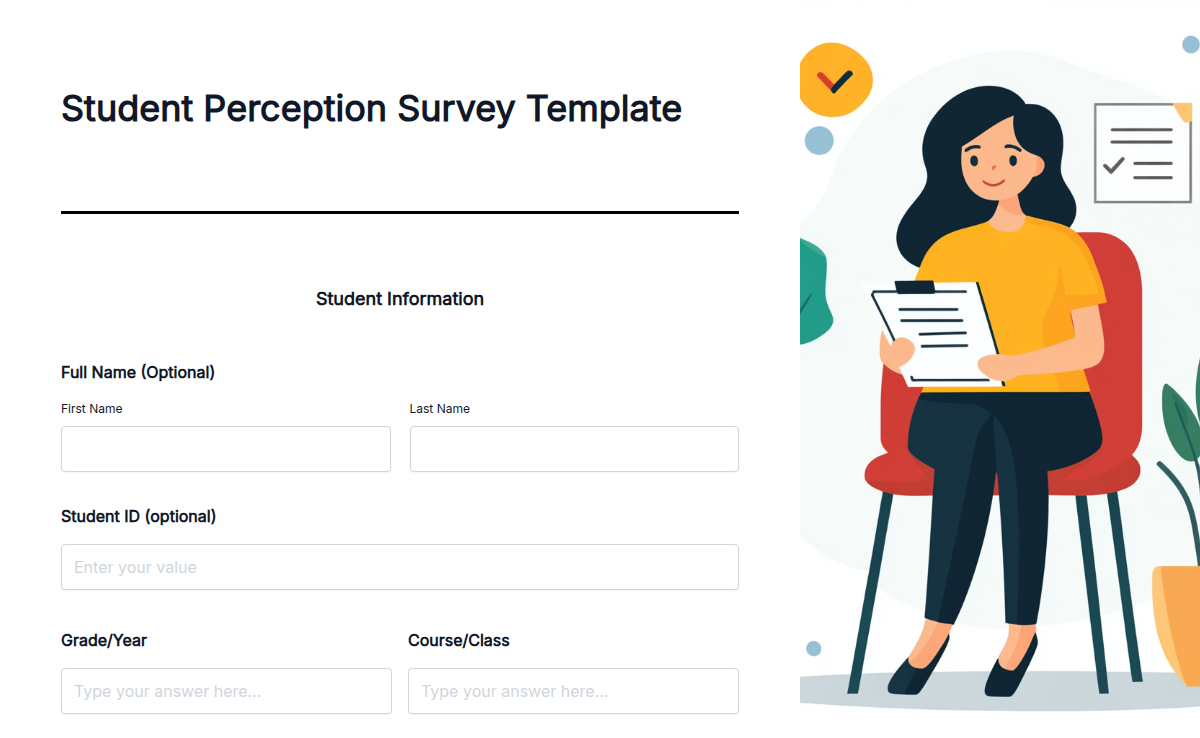
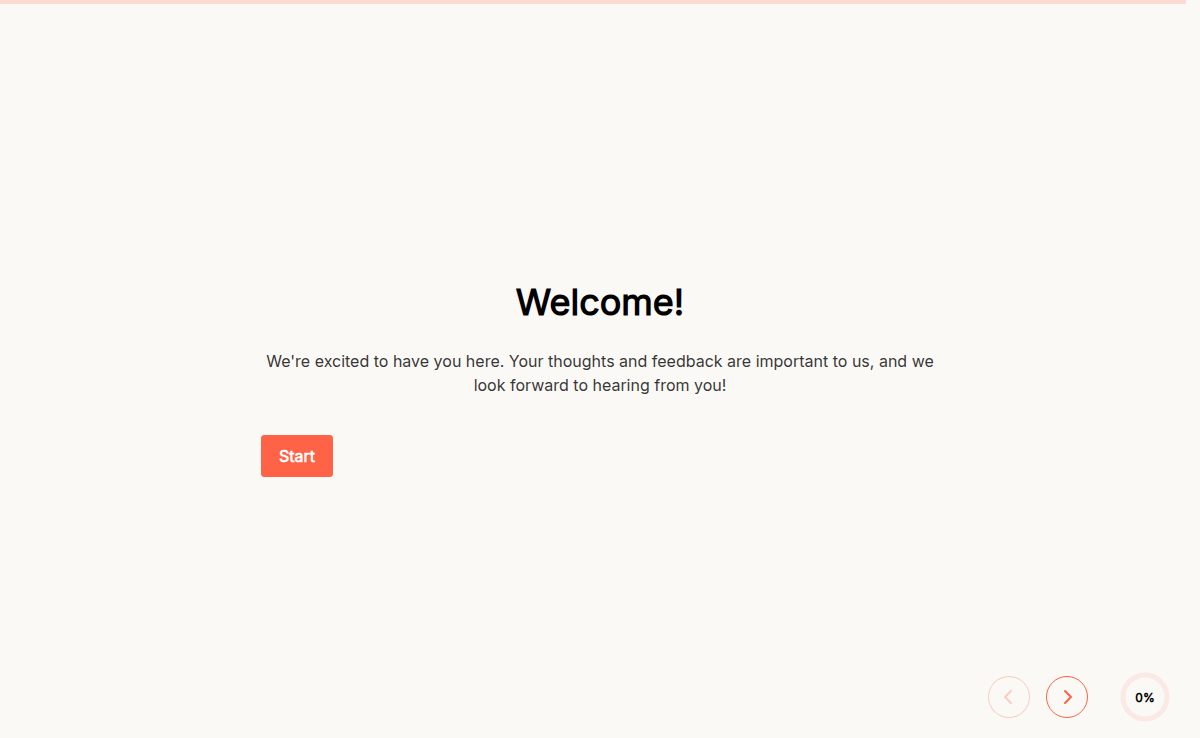
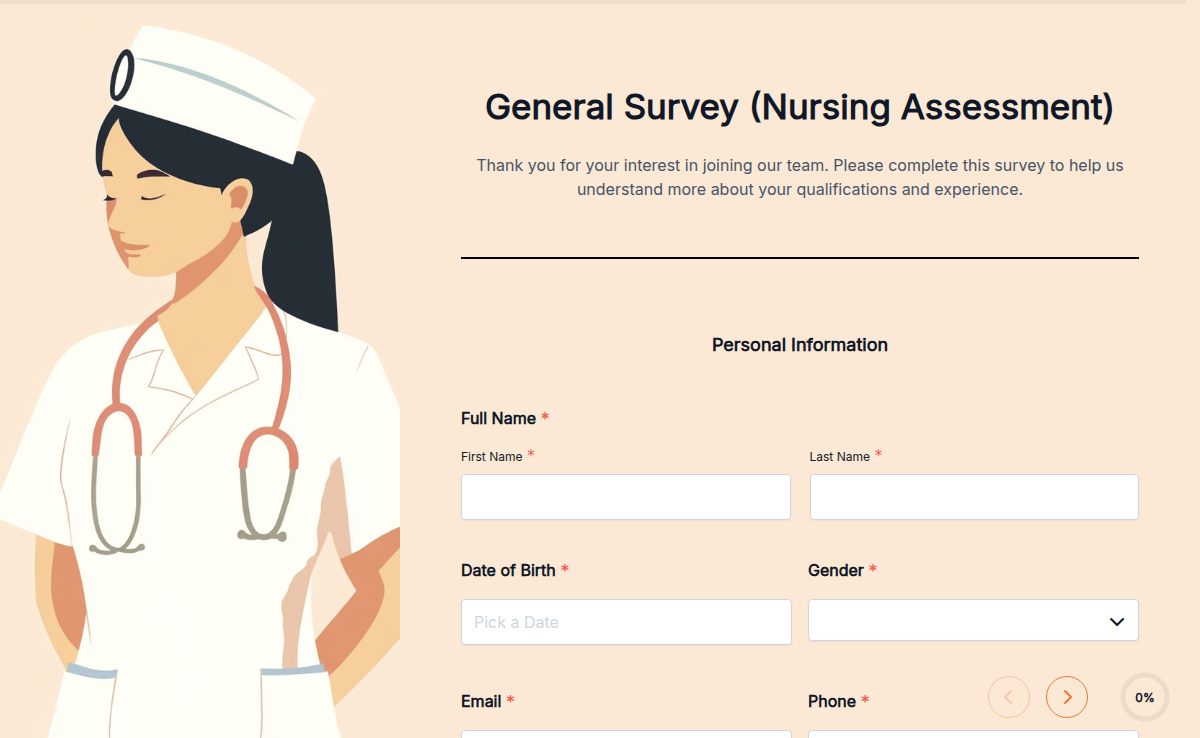
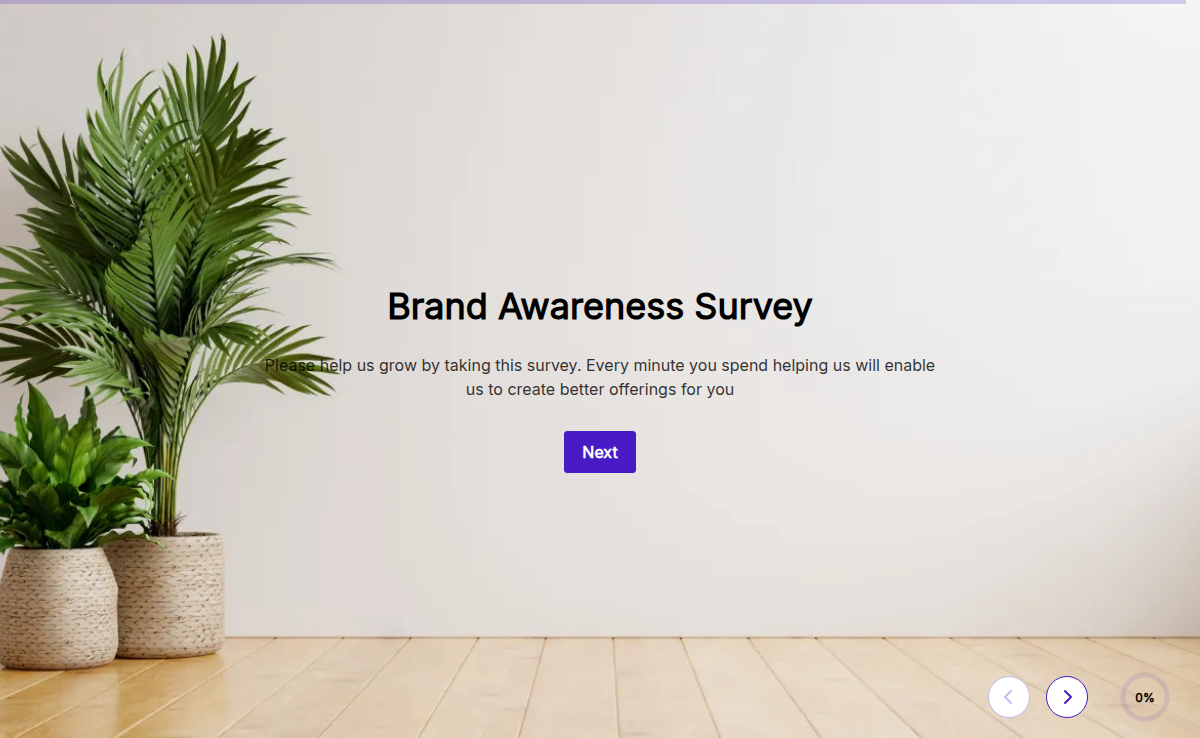
Surveys are ready-made templates designed to ask questions and collect responses from any group. You can use them for customer satisfaction, employee engagement, product feedback, or event evaluations.
It helps you make informed decisions based on real data.
Why Use Surveys?
Manual feedback collection is slow and incomplete. Digital surveys let you reach more people, collect honest responses, and analyze data quickly.
Just share the survey link and get valuable insights in minutes.
Smart Features You’ll Love
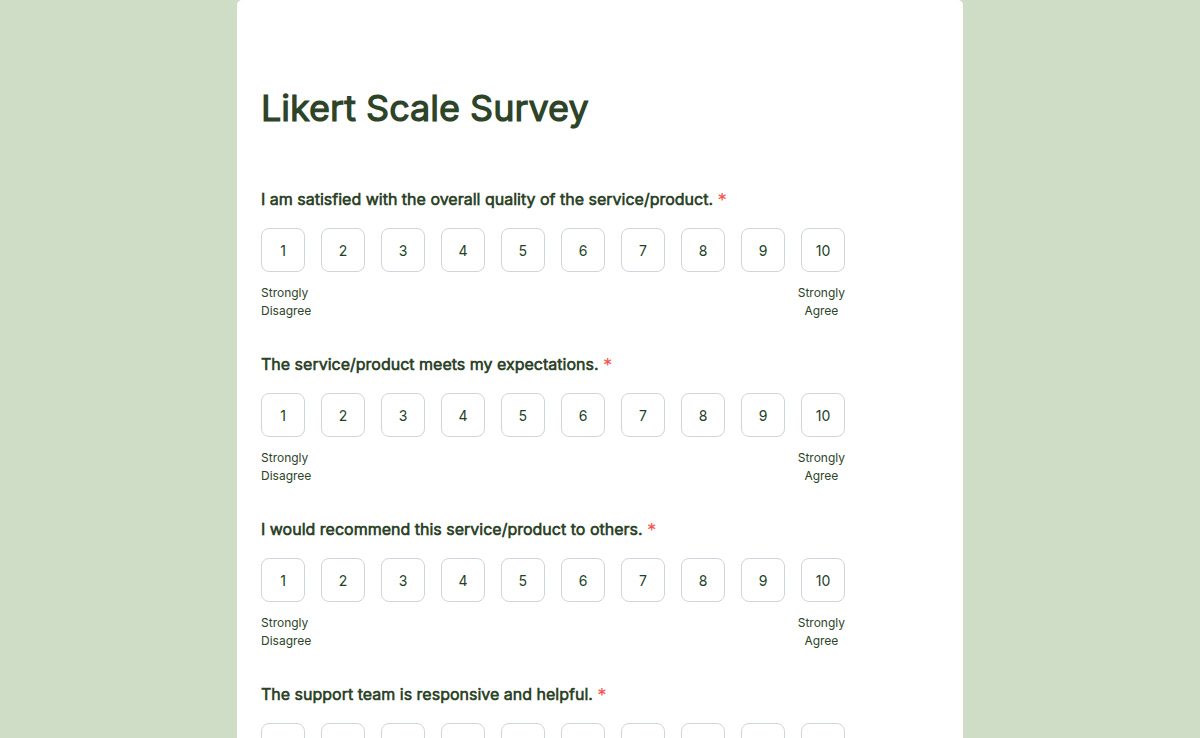
Custom Questions: Add multiple choice, rating scales, or open-ended questions.
Skip Logic: Show questions based on previous answers for better relevance.
Real-Time Reports: View response summaries and detailed analytics instantly.
Instant Alerts: Get notified when new responses come in.
Response Tracker: Manage and export data easily from your dashboard.
AI-Powered Survey Builder: Create surveys fast with Formester.
Survey Features: Add progress bars, response limits, or multi-page forms. explore form features
Powerful Integrations: Connect surveys to Google Sheets, CRM, or email tools. explore integrations
How to Use a Survey Template
Pick a ready-made survey template
Click Use Template
Customize questions to fit your needs
Publish and share the survey via link, email, or social media
Collect responses and analyze feedback easily
FAQs
1. How do I create a simple survey form?
Pick a template that matches your use case (customer, employee, market research, or product), click Use Template, edit the questions in the drag-and-drop builder, and publish. Share it by link, embed it on a page, or send it from your email tool. Five to ten questions is the sweet spot for completion.
2. What are the five basic questions for surveys?
Absolutely. Formester supports multiple choice, rating scales, and open text.
3. Will I be notified when someone completes the survey?
Most surveys lean on five question types: a rating scale (1-5 or 1-10), a multiple-choice question, a yes/no question, an open-ended "why" question, and a demographic question. Use the first four to capture the substance and the last to segment results. Every Formester template is built from these five primitives, so you can swap them in and out without rebuilding.
4. What are the four main types of surveys?
The four most common types are descriptive (what is happening, e.g., CSAT), analytical (why it is happening, e.g., open-ended follow-ups), exploratory (used early in product or market research), and comparative (used to test variants, e.g., A/B pricing). Pick the type before you pick the template. A descriptive template will not answer an exploratory question.
5. Can I send the same survey by email, link, and embed?
Yes. Every Formester survey gets a unique shareable link, an embeddable code snippet for any web page, a QR code, and a direct email-send option. Responses funnel into one dashboard regardless of which channel they came from, so you can compare completion by source.
6. Is Formester's survey builder free?
Yes. Every survey template on this page is free to use on Formester's free plan. The free plan covers unlimited templates, the drag-and-drop builder, and submissions up to the plan limit. Heavier use cases (high response volume, advanced logic, custom domain, integrations with CRMs) move to a paid plan. Check the pricing page for current limits.
7. How long should a survey be?
Five to ten questions for web and email surveys, fewer for SMS, and up to 15-20 for research instruments where respondents are paid or incentivized. Completion rates drop sharply past the 10-question mark on unincentivized surveys. If you need depth, run a short survey first and send a longer follow-up to people who answered.

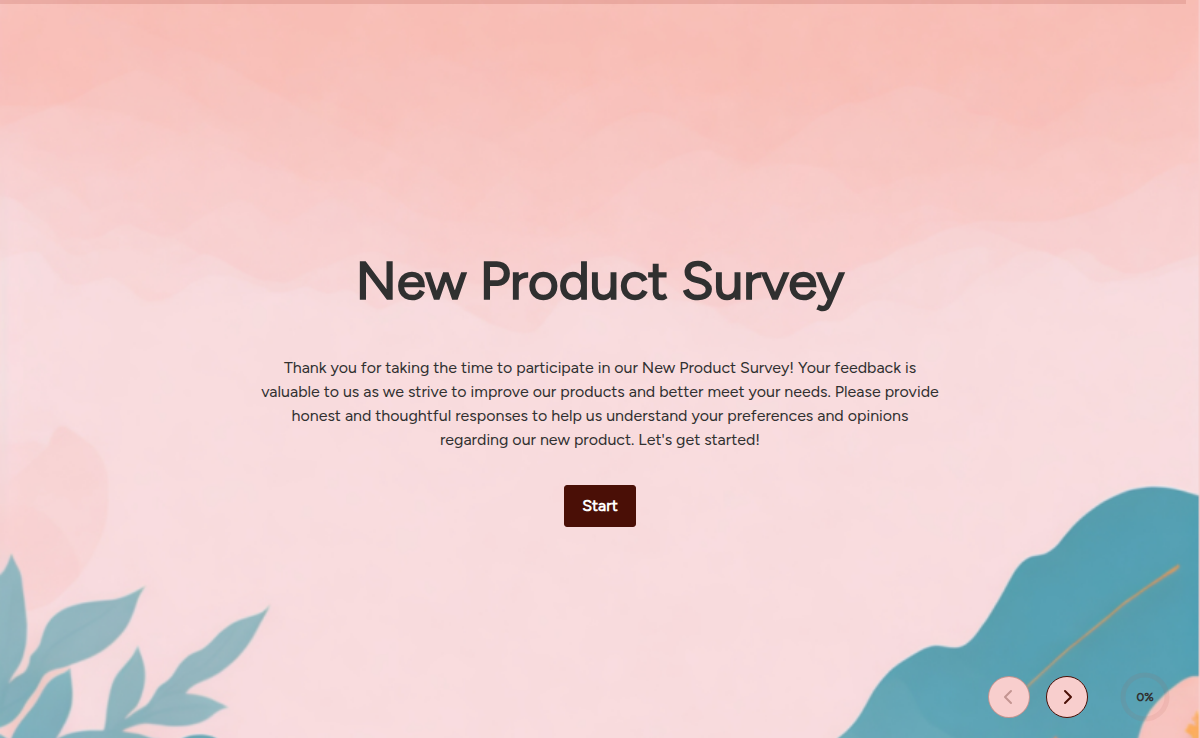
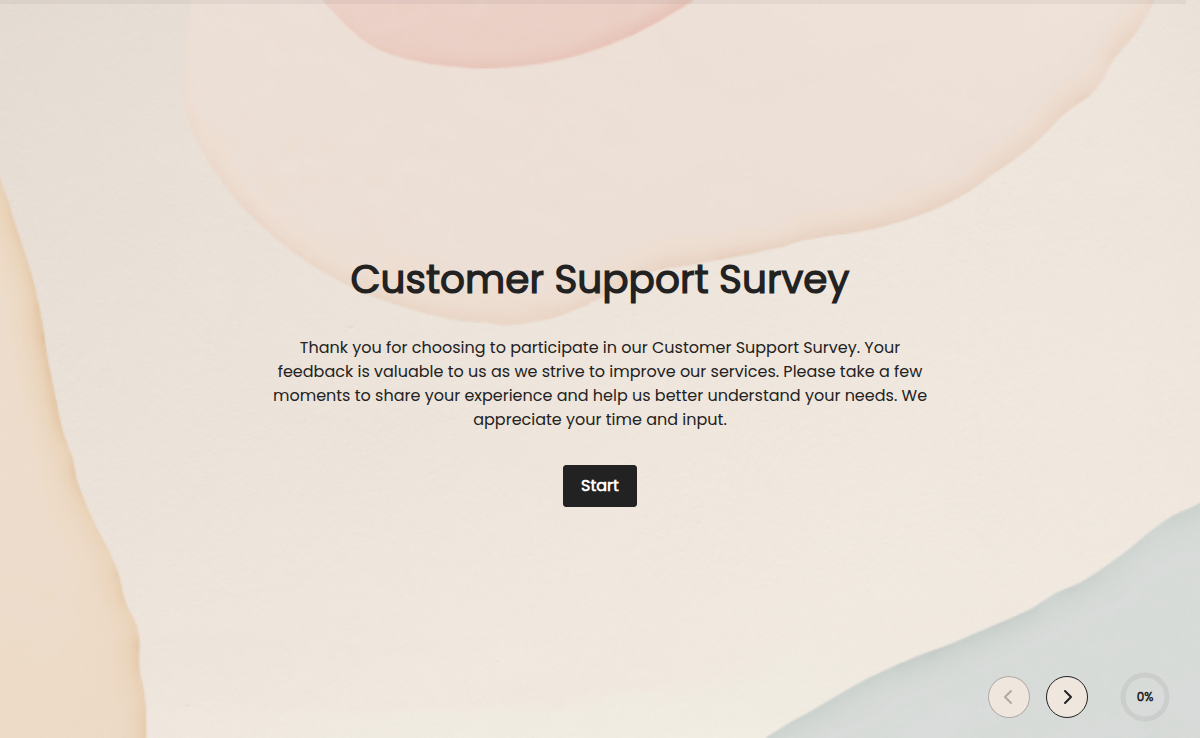
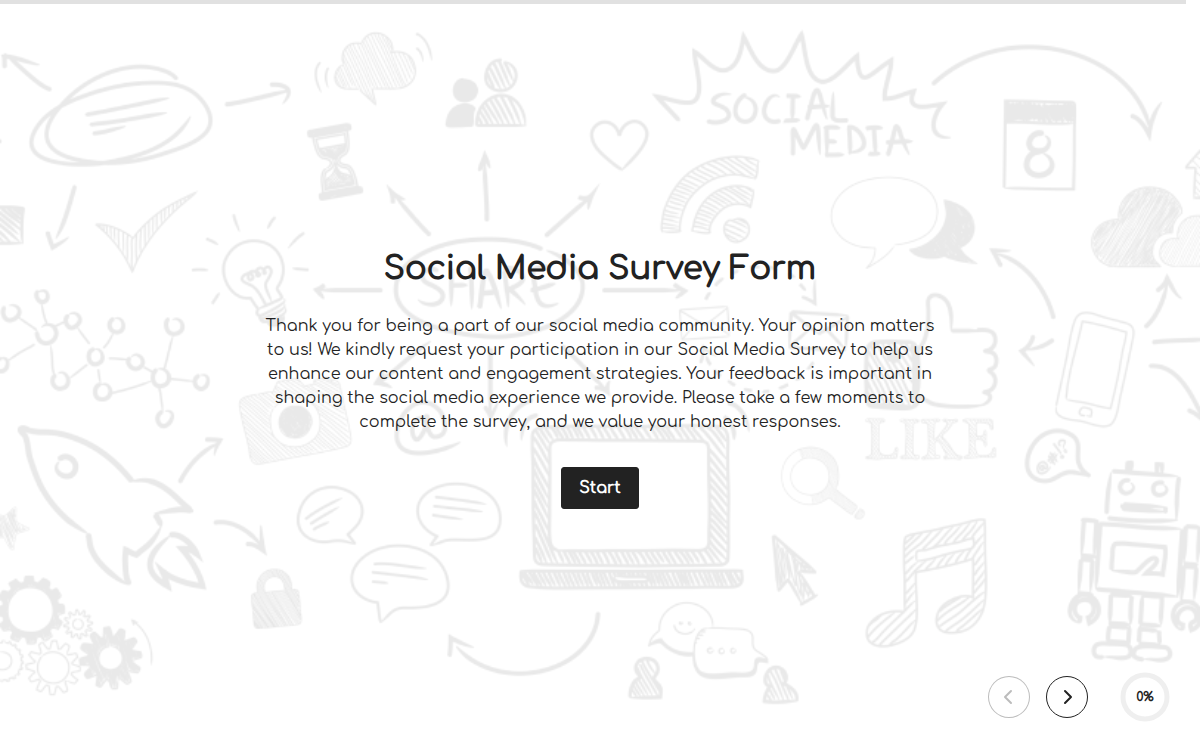
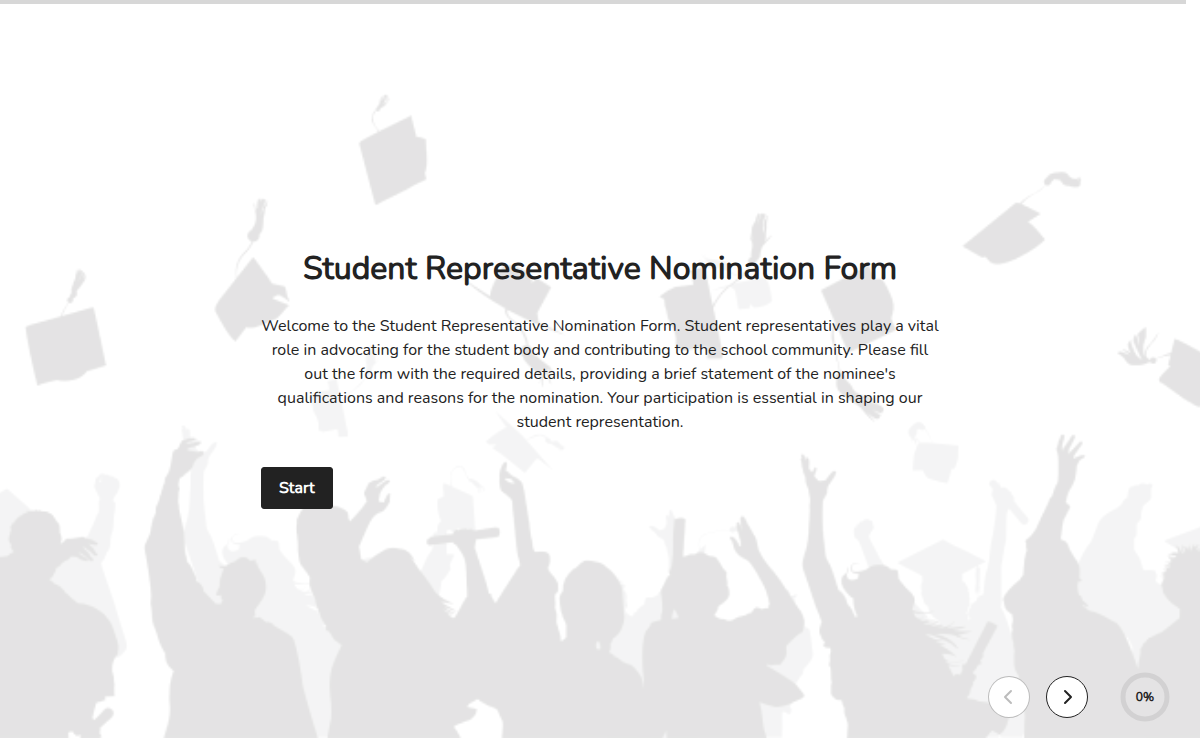
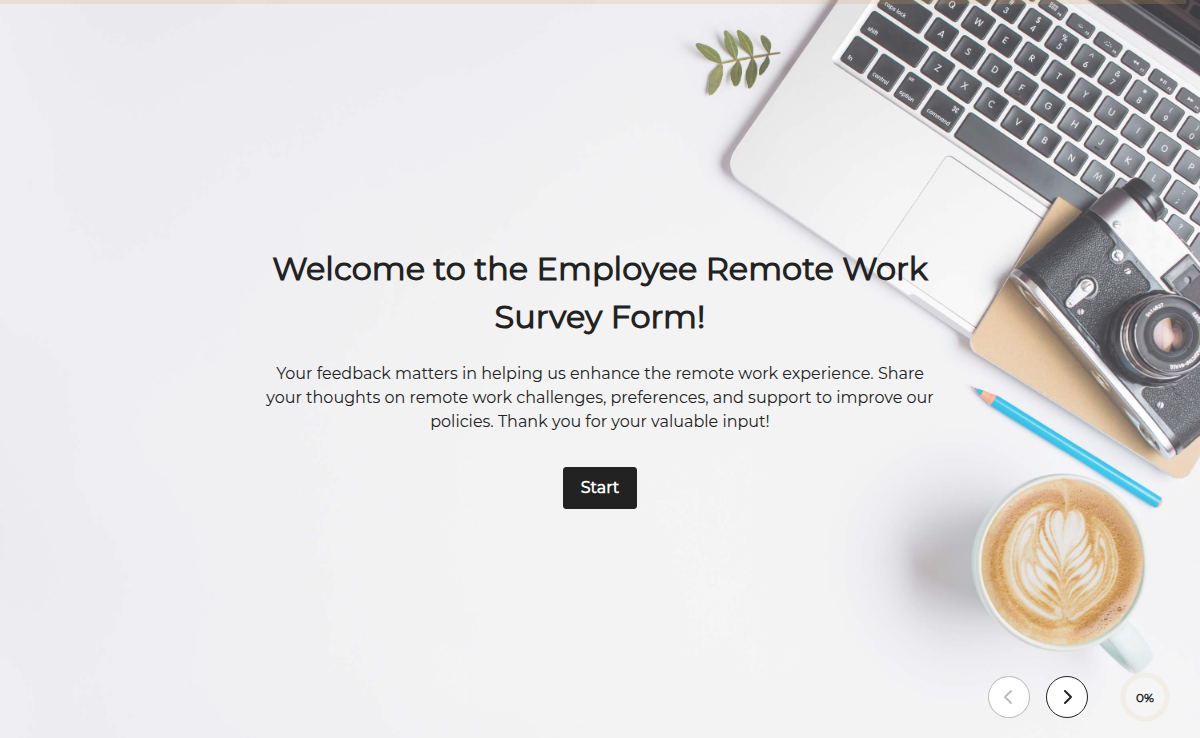
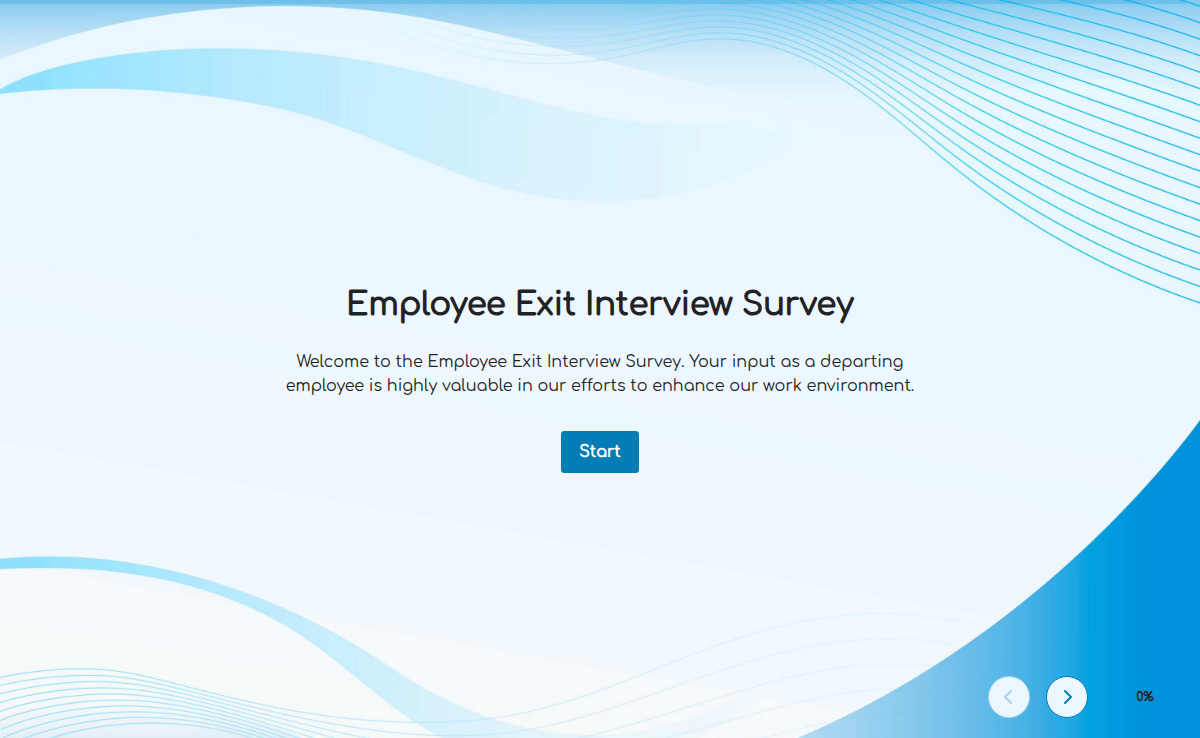
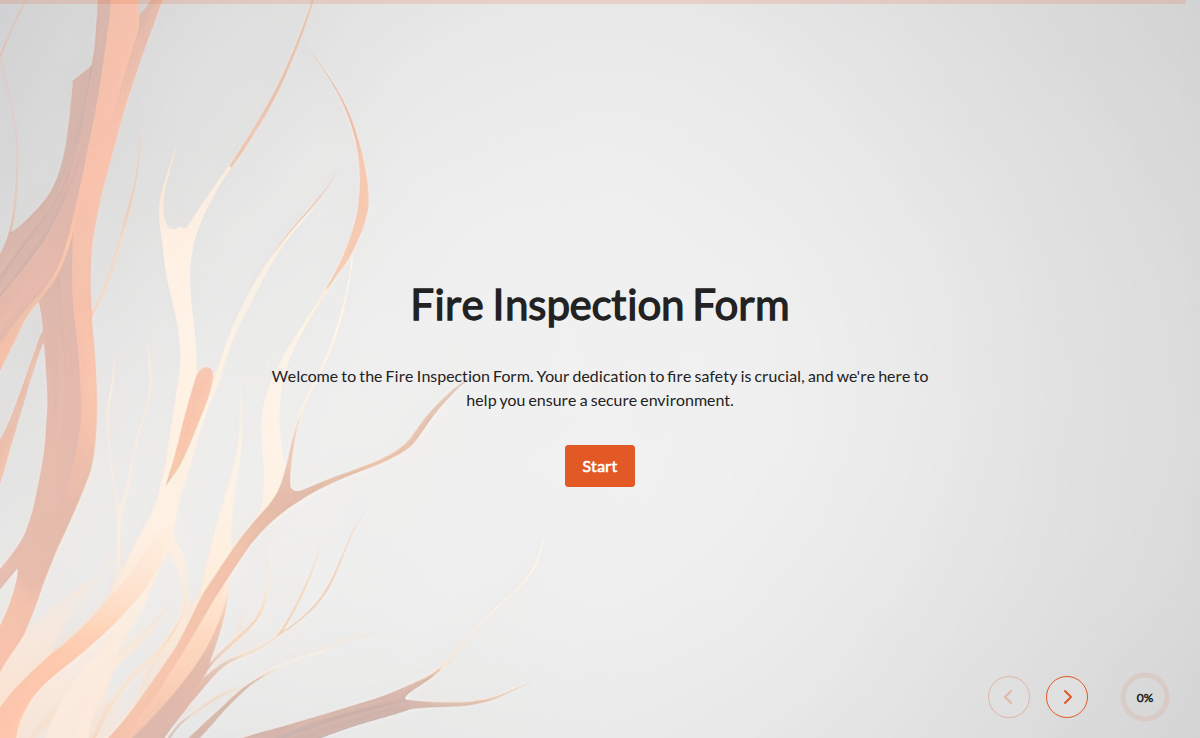
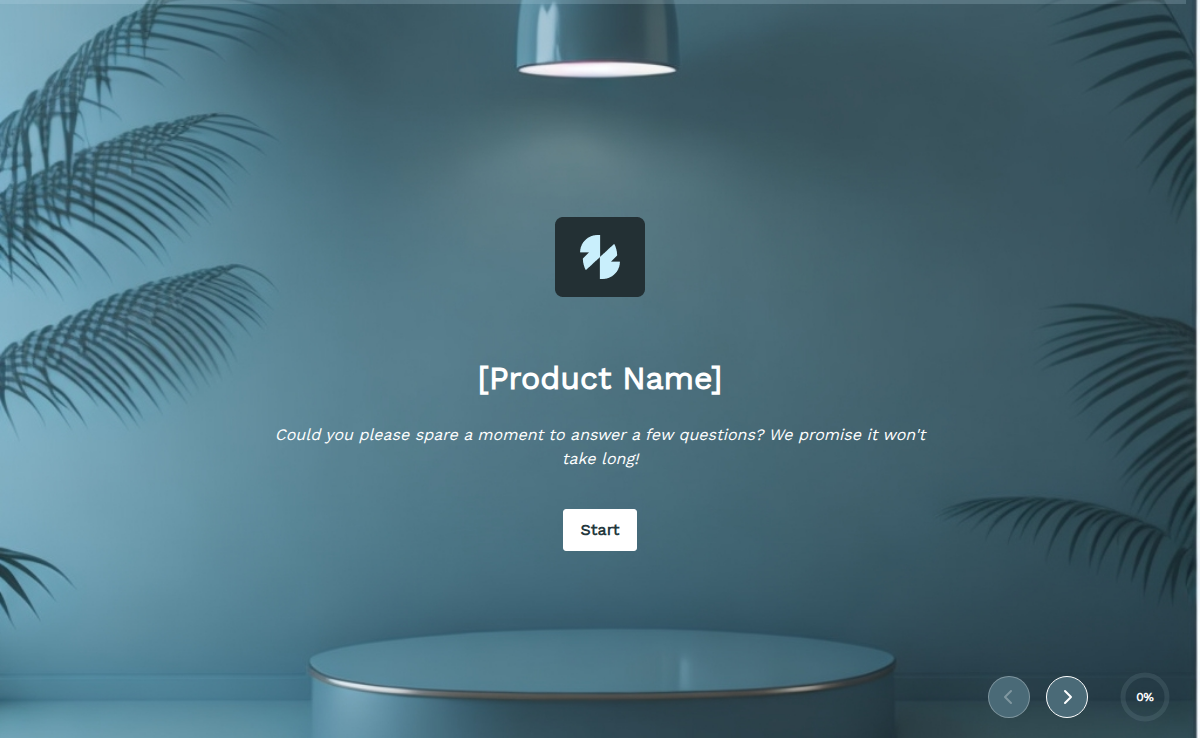
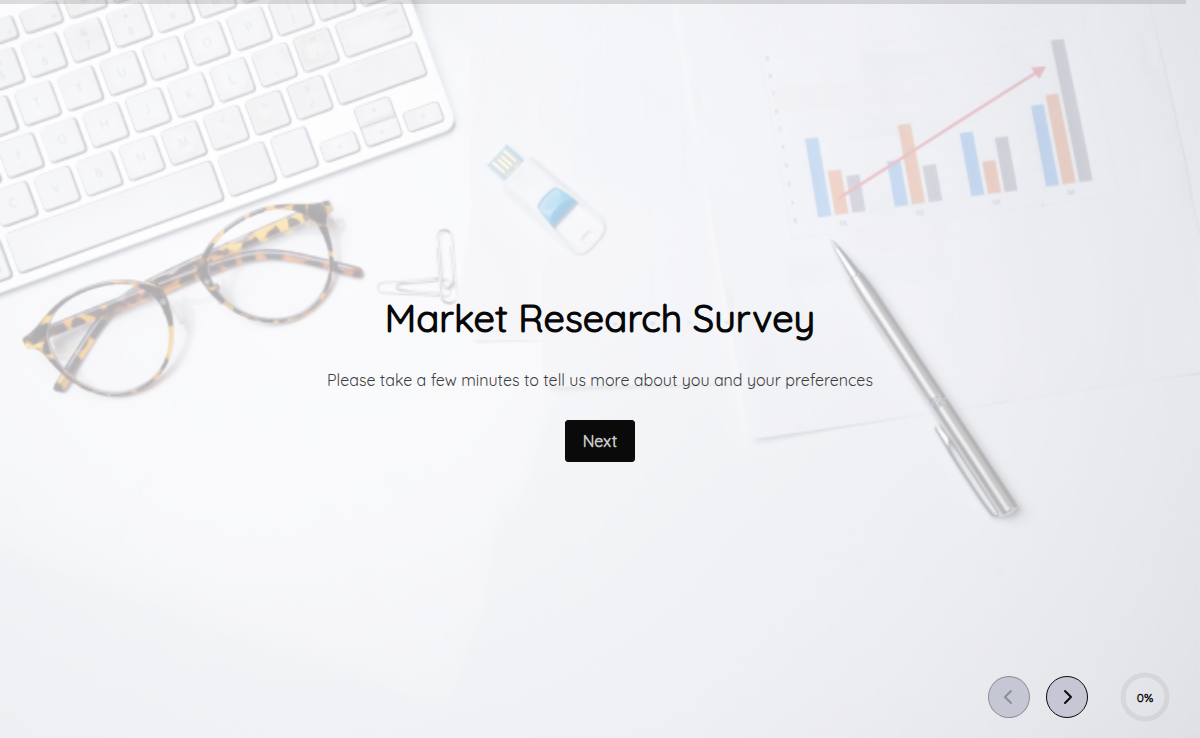
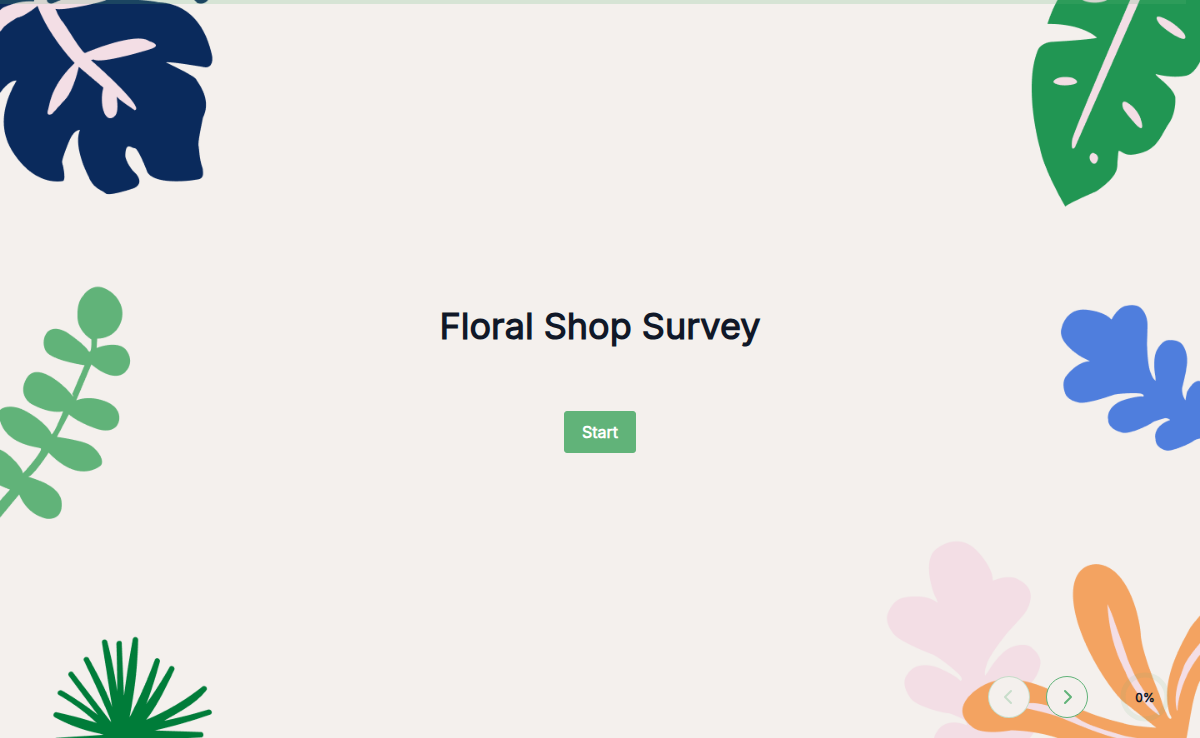
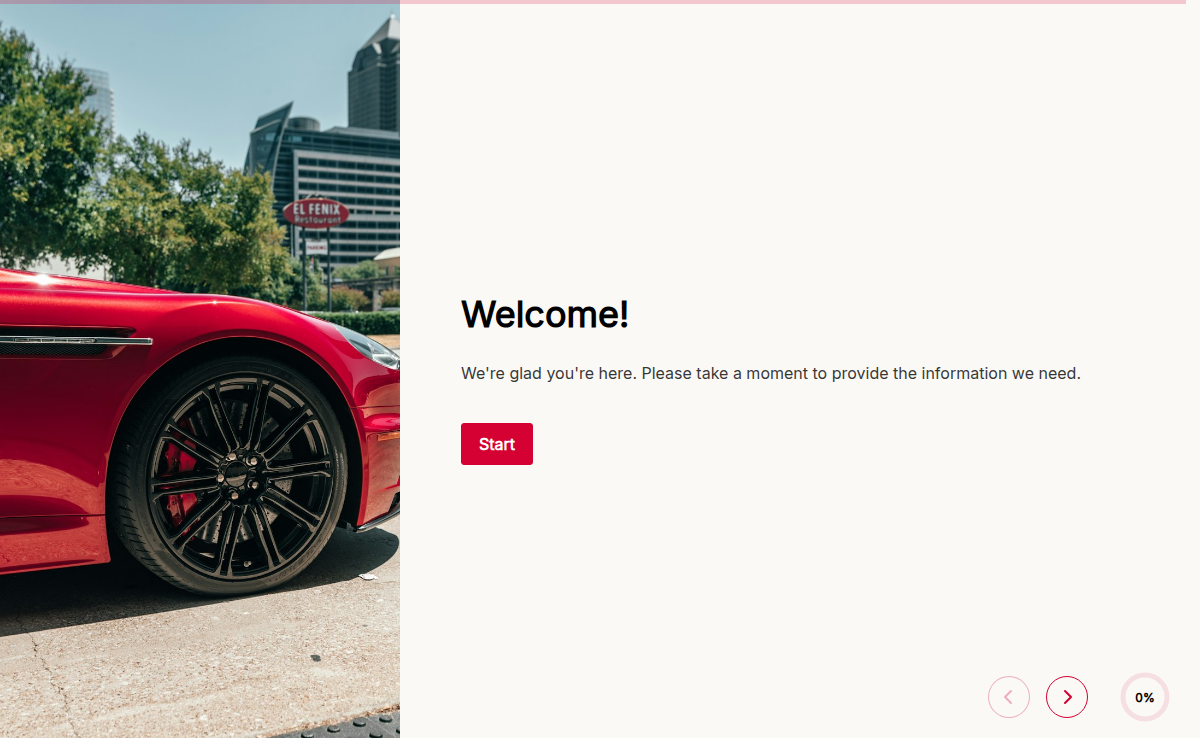
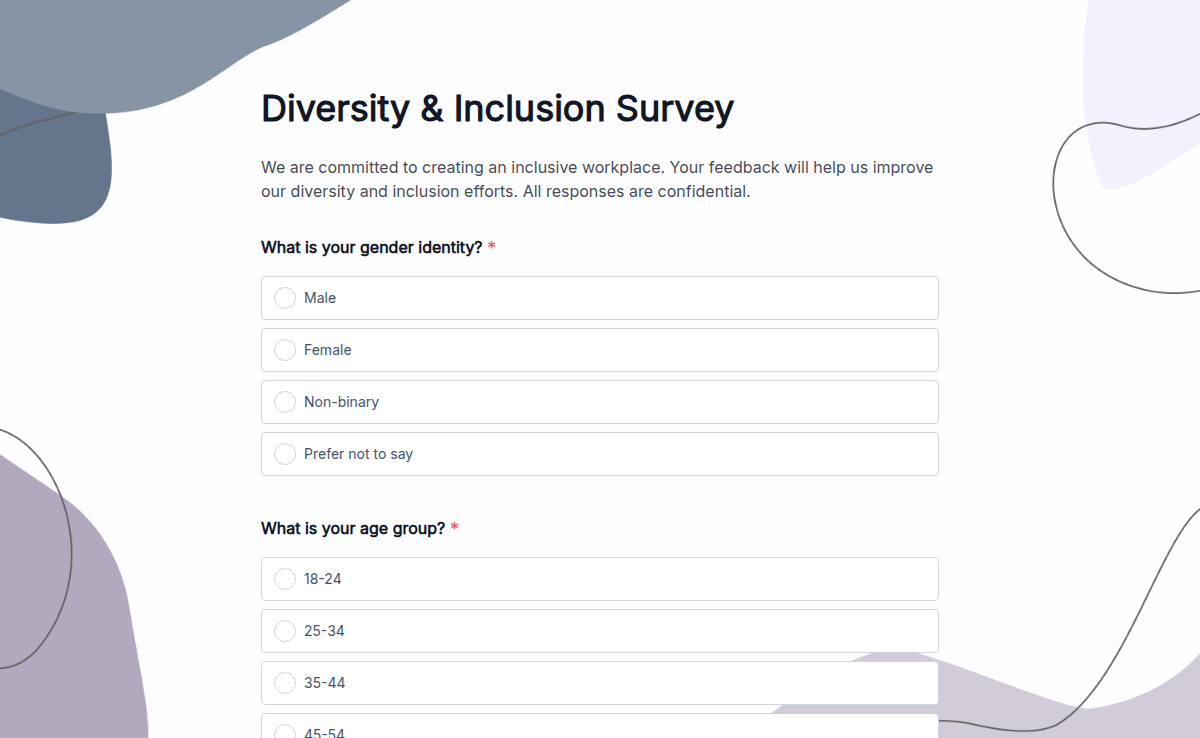
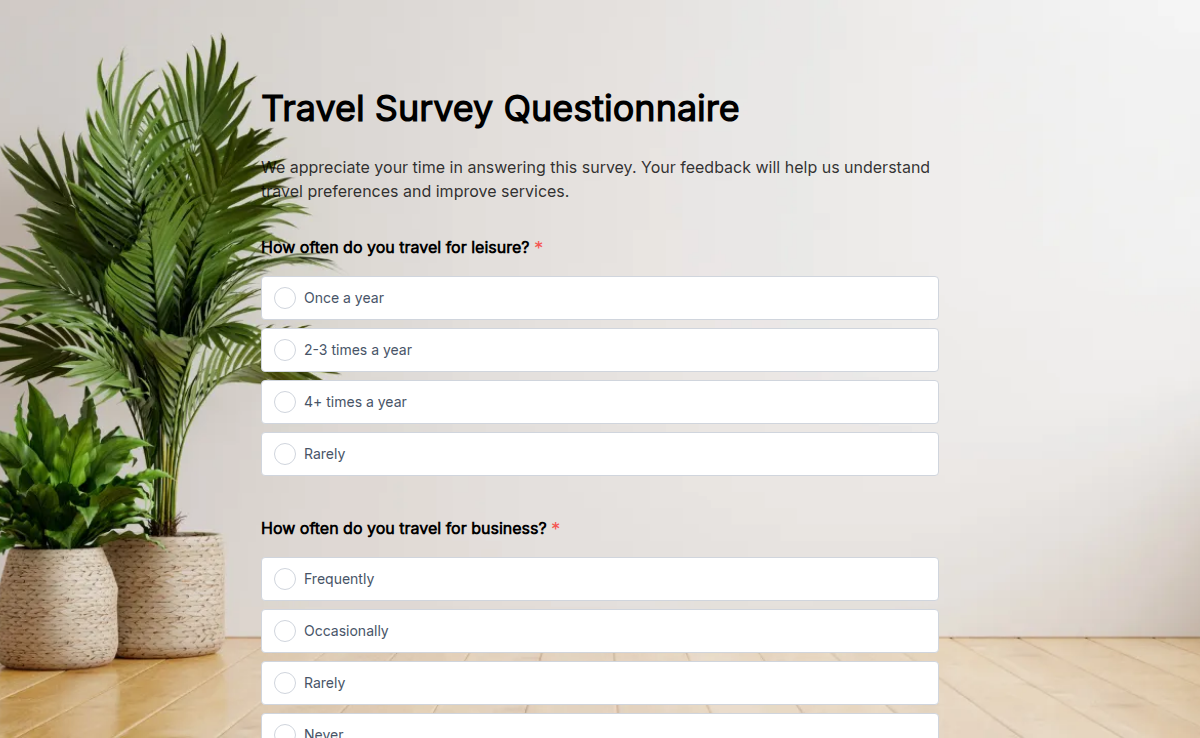
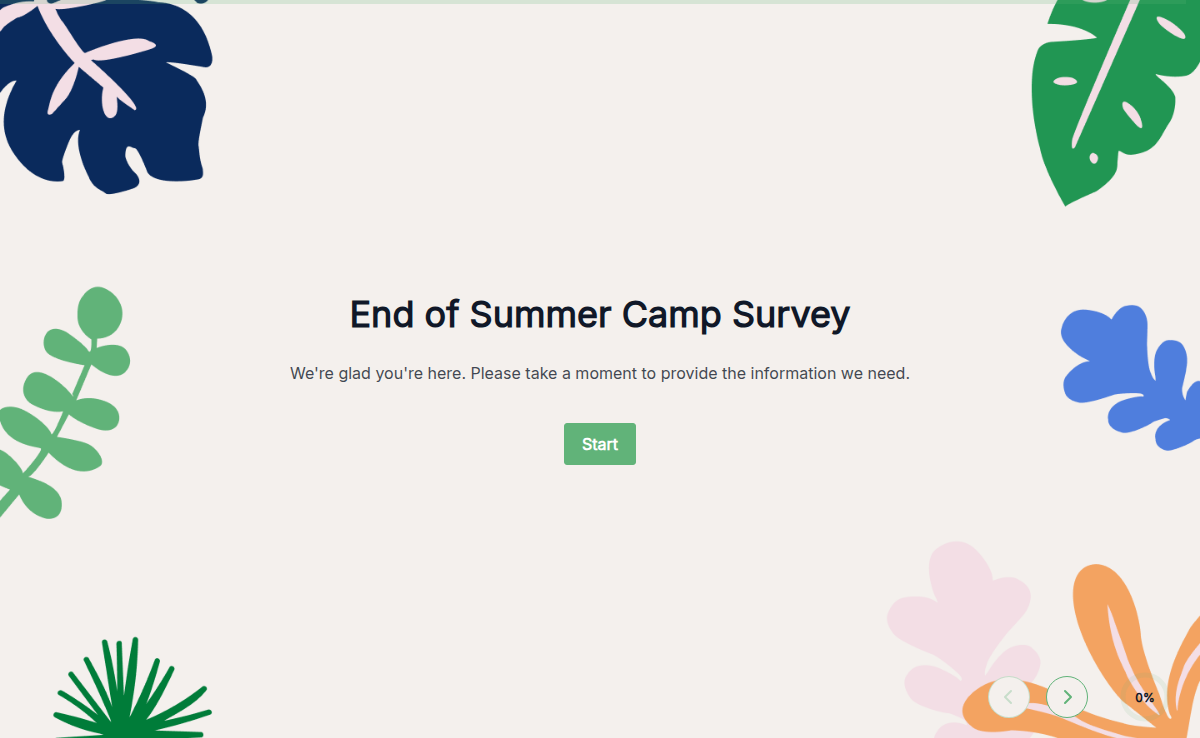
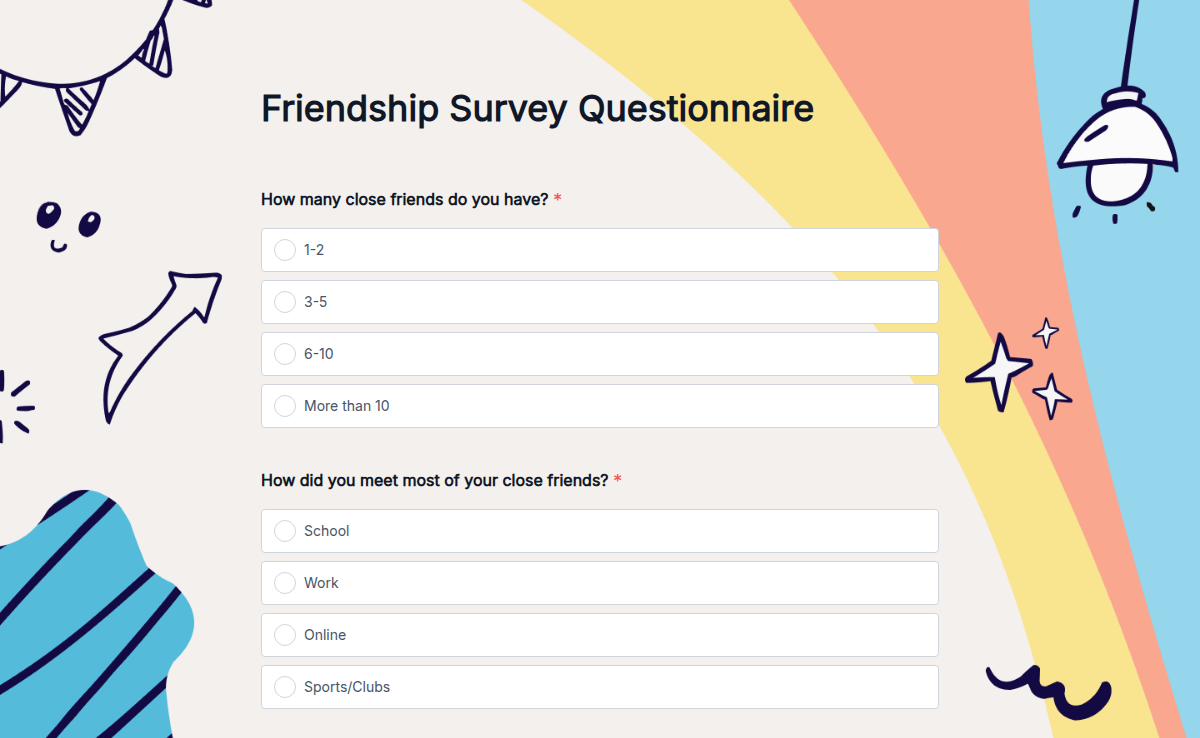
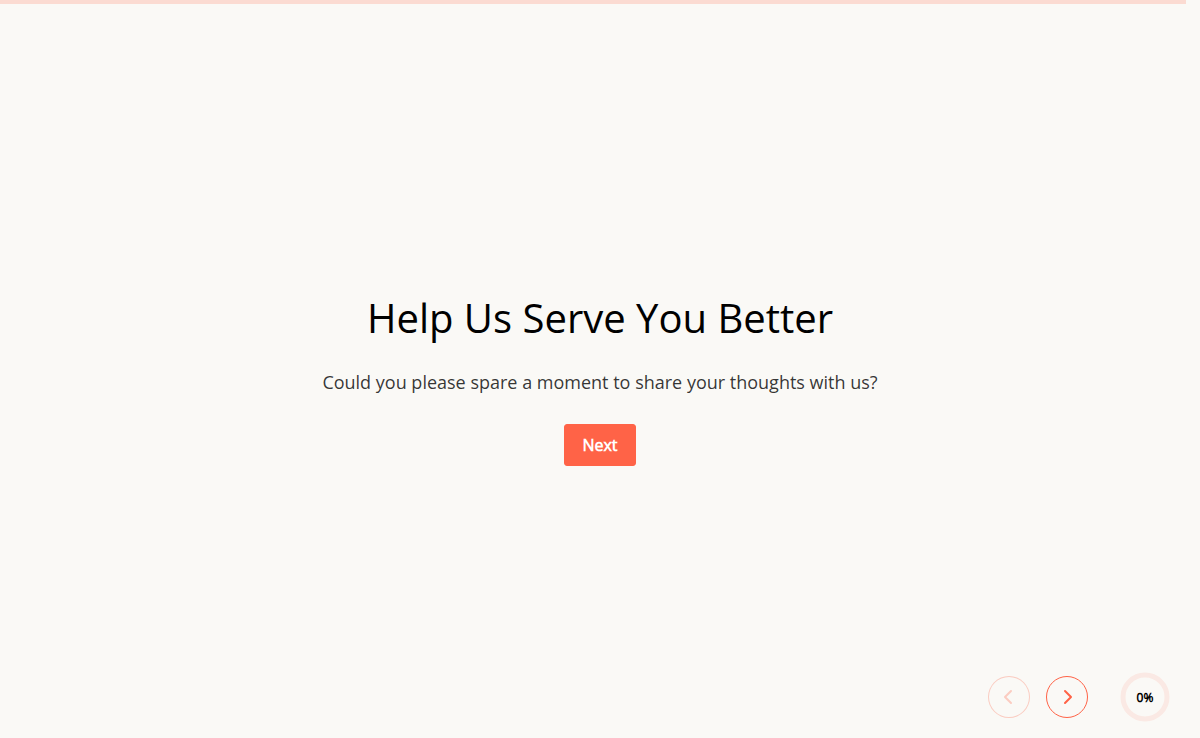
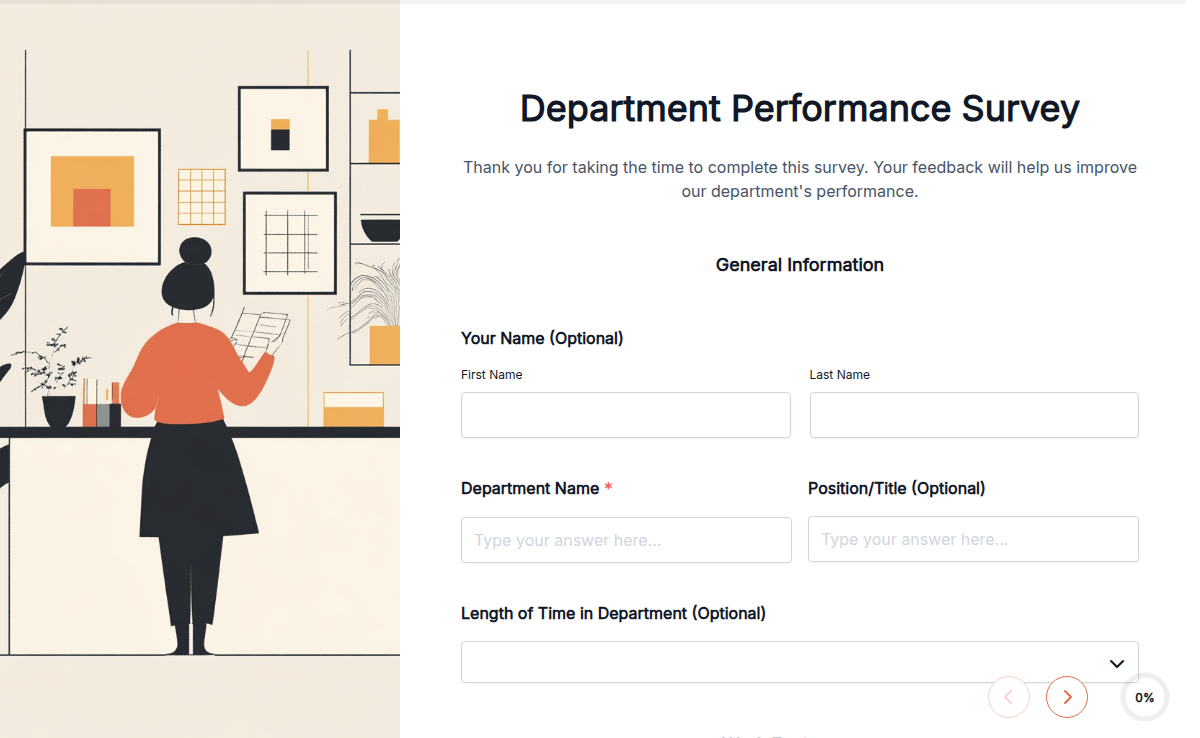
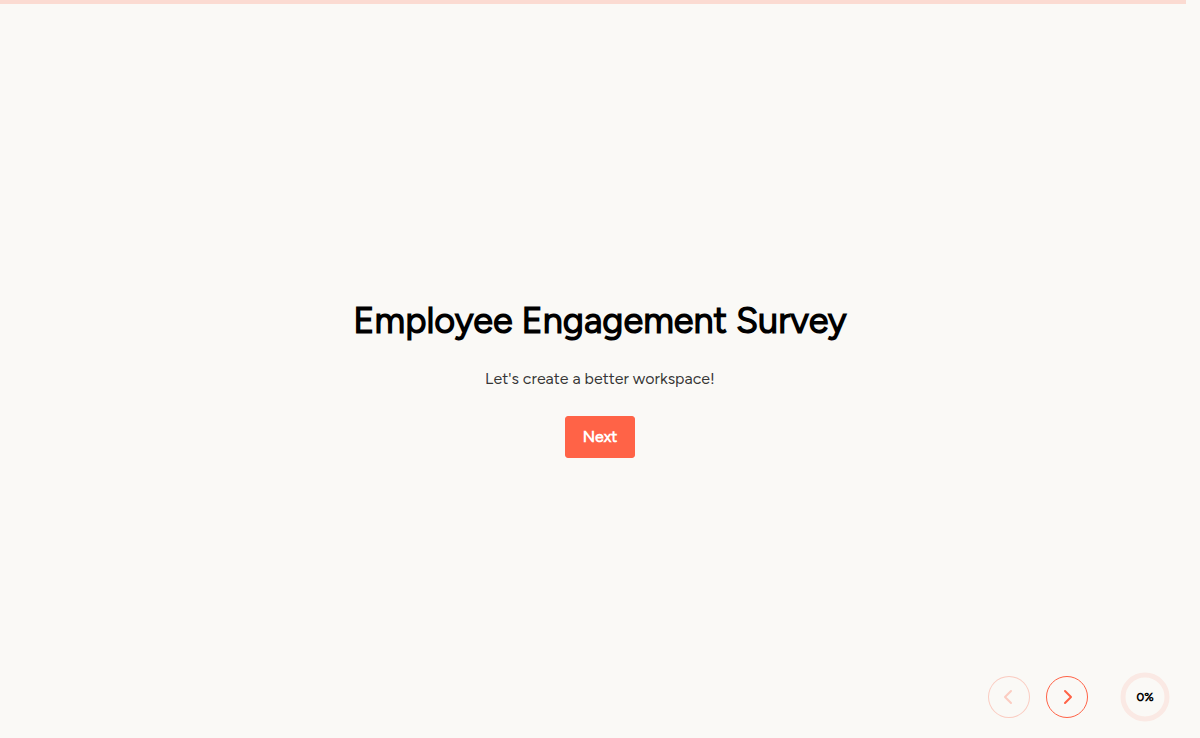
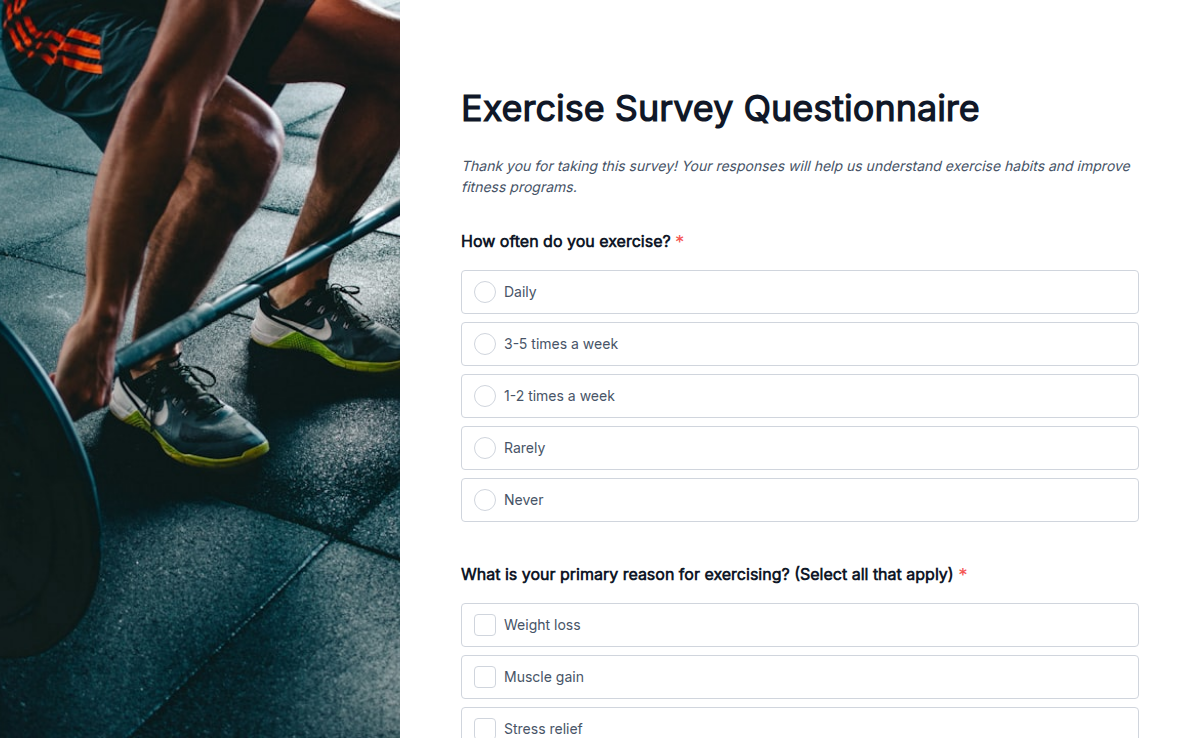
Start with a Survey Forms template, ship today.
Pick a ready-made template, brand it, embed it. Free plan included, no credit card.

