Overs per side
Add an organiser-controlled "overs" dropdown above the roster (5, 8, 10, 15, 20, 30, 40, 50) so the same form serves a five-over gully bracket and a 50-over weekend league.
Running a cricket tournament means chasing rosters across three WhatsApp groups, a Google Sheet someone shared once, and a captain who insists his bowler is "definitely all-rounder." This template puts the whole signup in one form. Teams confirm their 11, every player picks a role, the entry fee clears before toss day, and you see the full bracket in one dashboard.
It works for any format. Use it for a T20 club tournament, a 40-over weekend league, a junior cricket cup at U-13 / U-15 / U-19, or a gully cricket bracket with five-over sides. Add the playing format as an organiser-controlled dropdown at the top of the form, and conditional logic shows the right roster size and entry fee under each option.
Customise the fields in a drag-and-drop builder, take entry fees through Stripe or PayPal, collect e-signatures on liability waivers, and branch the form with conditional logic so a junior team never sees the senior division questions
A cricket tournament registration form is the single sheet that captures every entry into your league or cup. It records team name and captain, the full eleven plus substitutes, each player's role (batsman, bowler, all-rounder, wicketkeeper), batting hand and bowling arm, age category, the format (T10, T20, 40-over, 50-over), the entry fee, and a signed waiver. Organisers use it to seed brackets, balance divisions, send updates, and refund the right captain when a team drops two days before toss.
Running a cricket tournament involves a lot of moving parts—player registrations shouldn’t be one of them! The Cricket Tournament Registration Form simplifies the process by collecting all necessary details in one place, making it easy for players and teams to sign up.
With this form, organizers can gather essential information such as player names, team details, age groups, and emergency contacts. The form can also include waiver agreements and tournament rules, with electronic signatures ensuring quick approvals. Start with one of our Free Form Templates and customize it with our drag-and-drop form builder to fit your tournament’s needs.
To enhance the user experience, conditional logic can be used to adjust form fields based on individual or team registrations, tournament categories, or entry fees. Organizers can track registrations and monitor participation trends using form analytics.
Players and teams can register effortlessly by accessing the form via a QR code or through an embedded link on the tournament website.
The right form replaces five tools. Roster collection stops being a WhatsApp thread. Format selection stops being an email reply chain. Payment stops being a UPI screenshot. Waivers stop being a stack of paper at the ground. And every entry lands in one dashboard you can filter by format and age category, export to CSV for your scoring app, and email by division.
This template is built to be that single sheet. Take it as a starting point, then tune it for your format, your division ladder, and your entry-fee structure using the rich-text builder.
Six cricket formats this template handles out of the box. If your event is close but not exact, the Format and role considerations block below covers the swaps.
Collect every team's eleven, age proof, parent contact, and waiver in week one. U-13 through U-19 in one form.
One-shot bracket events where you need teams in, rosters confirmed, and entry fees cleared by Thursday so the draw is locked Friday morning.
Per-team roster with student ID, age category, and a parent signature on the waiver. Conditional logic hides senior-division fields for U-15 entries.
Entry fee plus an optional top-up donation field. Departments or hostels as team name; sponsor logos collected through the same form.
Five-over sides, four players, no waiver, no roster repeater. Trim the template to four questions and run it from your phone at the ground.
Per-player registration with role, bowling style, batting hand, recent stats, and consent for video footage. Conditional logic routes batsmen and bowlers to different stat blocks.
Every field included in the cricket template, what it asks, and why it earns its place. Drop any you do not need; the rest work on the free tier.
Team and captain details Text + phone
Team name, sponsor (optional), captain first and last name, captain mobile, and team email.
Playing format Dropdown
T10, T20, 30-over, 40-over, or 50-over. Organiser-controlled dropdown at the top of the form. Conditional logic adjusts roster size and entry fee per format.
Roster of eleven plus substitutes Repeater
First name, last name, jersey number, date of birth, batting hand (right or left), bowling arm (right, left, or none), and role (batsman, bowler, all-rounder, wicketkeeper) for every player.
Age category Dropdown
U-13, U-15, U-19, Senior, or Veterans. Organiser-controlled, so a U-15 team never accidentally signs up for the open division. Auto-validates against the date-of-birth field on roster rows.
Bowling style and batting order preference Optional
Bowling style (fast, medium, off-spin, leg-spin) helps with bracket seeding. Batting order helps organisers print scorecards. Both shown by conditional logic only when the role calls for them.
Team logo and player headshots File upload
Optional file upload, capped at 5 MB by default. Useful for printed brackets, scorecards, and stream graphics.
Liability waiver and rules acknowledgement E-signature
Checkbox plus an e-signature field, dated automatically on submission. Parent or guardian signature required for U-18 categories.
Entry fee Payment
Stripe or PayPal field on the form itself, with per-format pricing handled by conditional logic. The team's slot is held only when payment clears.
The template is configured for T20 by default. Six swaps cover most other formats, league rules, and selection scenarios.
Add an organiser-controlled "overs" dropdown above the roster (5, 8, 10, 15, 20, 30, 40, 50) so the same form serves a five-over gully bracket and a 50-over weekend league.
The "Role" field is a four-option dropdown (batsman, bowler, all-rounder, wicketkeeper). Conditional logic shows "bowling style" only when the player picks bowler or all-rounder, and "batting order preference" only when the player picks batsman or all-rounder.
U-13, U-15, U-19, Senior, Veterans. Required for junior leagues. Pair with date-of-birth on the roster row to let Formester auto-validate that no over-age player is registered to a U-15 team.
Not enforced inside the form, but you can add a one-line "Match-format rule" field where the organiser pastes the DLS or VJD setting for the tournament. Captains acknowledge it before submitting.
Use conditional logic on the entry-fee field to show different amounts for T10, T20, and 40-over teams in the same form.
Add a "category" field above the roster. Conditional logic hides irrelevant divisions for visitors who pick the women-only path.
Cricket organizer questions about formats (T20, 40-over), roles (Bat / Bowl / AR / WK), age categories, and team rosters.
Running a different sport? Pick a sibling template that ships pre-tuned for that field set.
Roster, overs, playing format, batting and bowling role.
Use template Multi-sportThe multi-sport anchor with sport swaps for cricket, basketball, football, esports, golf, pickleball, and volleyball.
Use template BasketballTeam roster, jerseys, positions, division.
Use template FootballRoster, formation, kit colour, age division.
Use template EvaluationPlayer evaluation and seeding companion to the basketball signup.
Use template AthleteIndividual athlete registration for singles events and combines.
Use template EnduranceEndurance event registration with timing-chip and wave fields.
Use templatePair the cricket tournament registration form with the other documents you need on match day.
Standalone waiver if you'd rather attach it as a follow-up step.
Use template EventBroader event signup if the tournament is part of a wider programme.
Use template SignupSingle-day signup variant.
Use template PaymentPayment-first registration pattern.
Use template FundraisingFor charity cricket days with donation tiers.
Use template SponsorSponsor onboarding for tournament partners.
Use template DanceAdjacent template for performance-based events.
Use templateIt collects player and team details, emergency contacts, and waiver agreements for tournament registration.
Yes! Use our drag-and-drop form builder to modify fields and settings.
They can sign documents online using electronic signatures.
Yes! Form analytics helps you monitor sign-ups and trends in real time.
You can embed it on your website, send it via email, or generate a QR code for easy access.
Simplify your form creation process with our range of professionally designed form templates. Choose from a variety of styles and designs, including contact forms, surveys, job applications, and more - all available now for free!


The survey content provides a comprehensive set of 50 questions designed to explore compatibility and alignment between potential co-founders. Originating from Paul Biggar and refined by Gloria Lin, these questions cover six categories, including roles, corporate structure, personal motivation, commitment, finances, team culture, and the co-founder relationship. They aim to clarify expectations, skills, motivations, and potential challenges in a startup partnership.
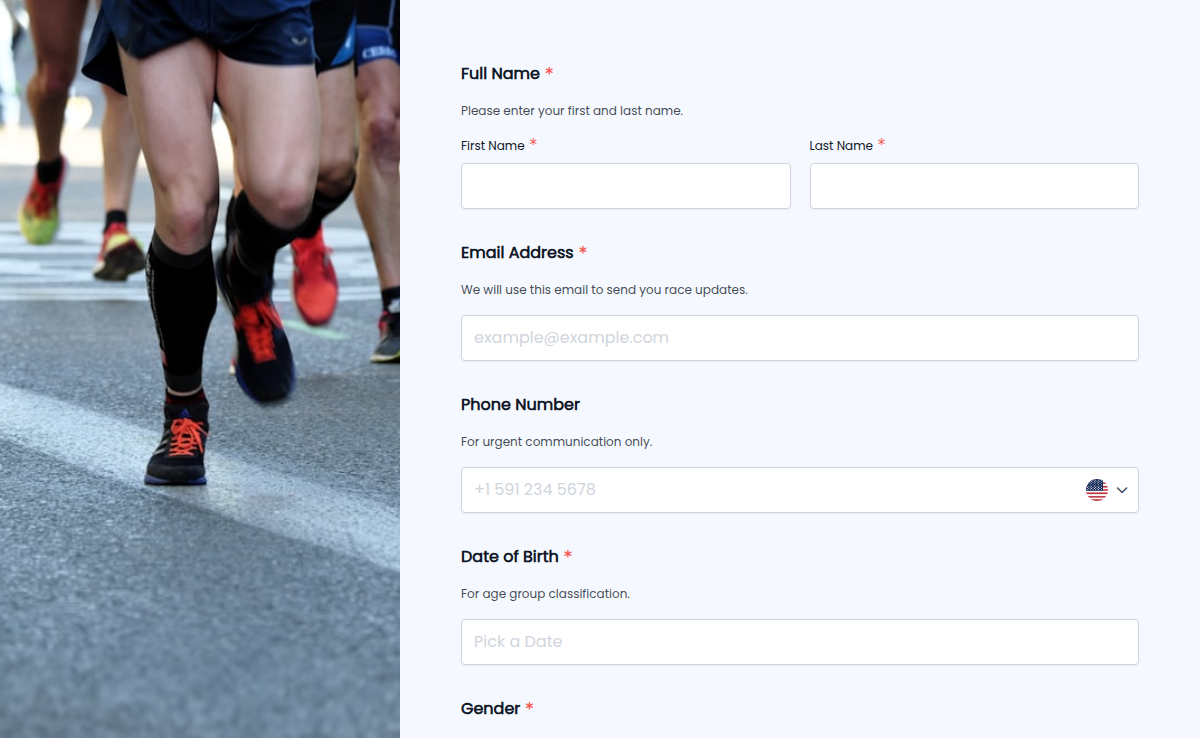
Organizing a 5K race? Our 5K Sign-Up Form makes registration seamless! Whether it's a charity run, corporate event, or a local marathon, this form lets participants sign up quickly, choose their race category, and submit payments if needed. Conditional logic ensures runners see only relevant options based on age or experience level. E-signature collection secures waivers, while trusted form certification boosts credibility. Plus, with higher submission limits, you can register as many runners as you need without any hassle!
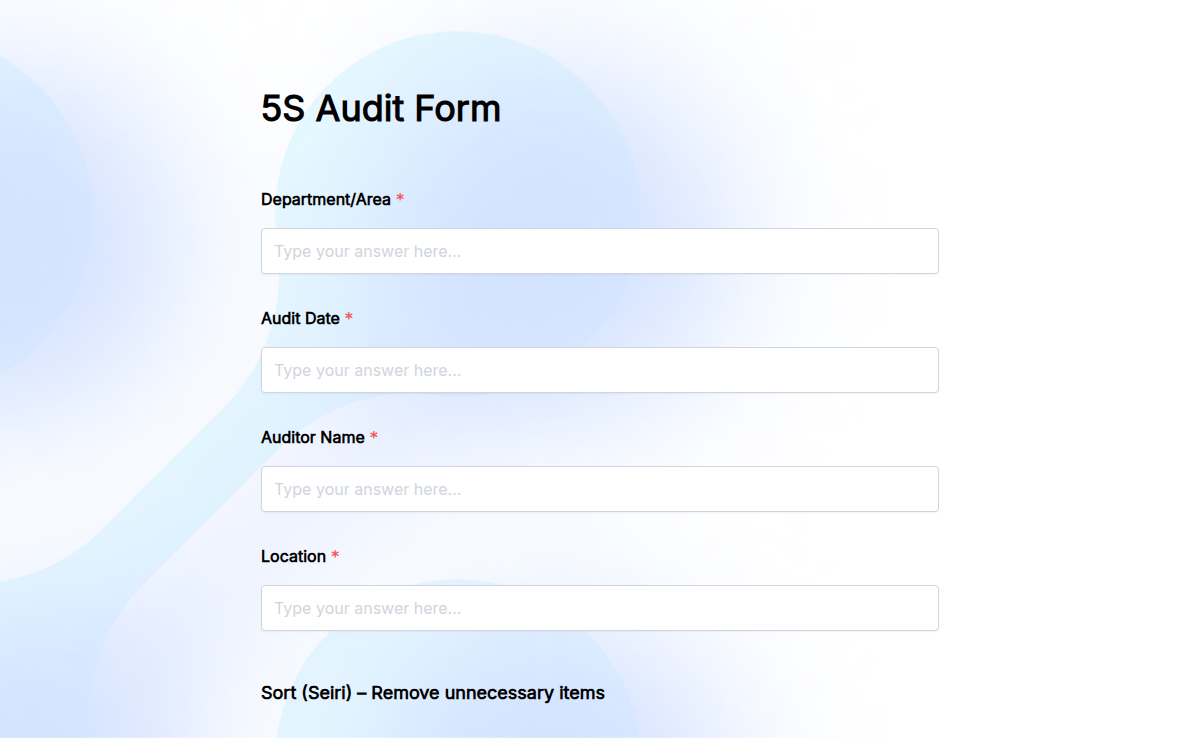
Maintaining a clean, organized, and efficient workspace is key to productivity and safety. The 5S Audit Form helps businesses streamline their audits by ensuring every area follows the 5S principles—Sort, Set in Order, Shine, Standardize, and Sustain. With this easy-to-use form, teams can track compliance, identify areas for improvement, and maintain workplace efficiency. No more messy paperwork or missing reports—our Form Builder allows you to customize this form to fit your company’s specific needs. Add conditional logic for smarter workflows, collect electronic signatures, and embed the form anywhere for easy access. Get higher submission limits and real-time form analytics to monitor progress effortlessly. Start conducting 5S audits with a digital solution that saves time and improves efficiency today!
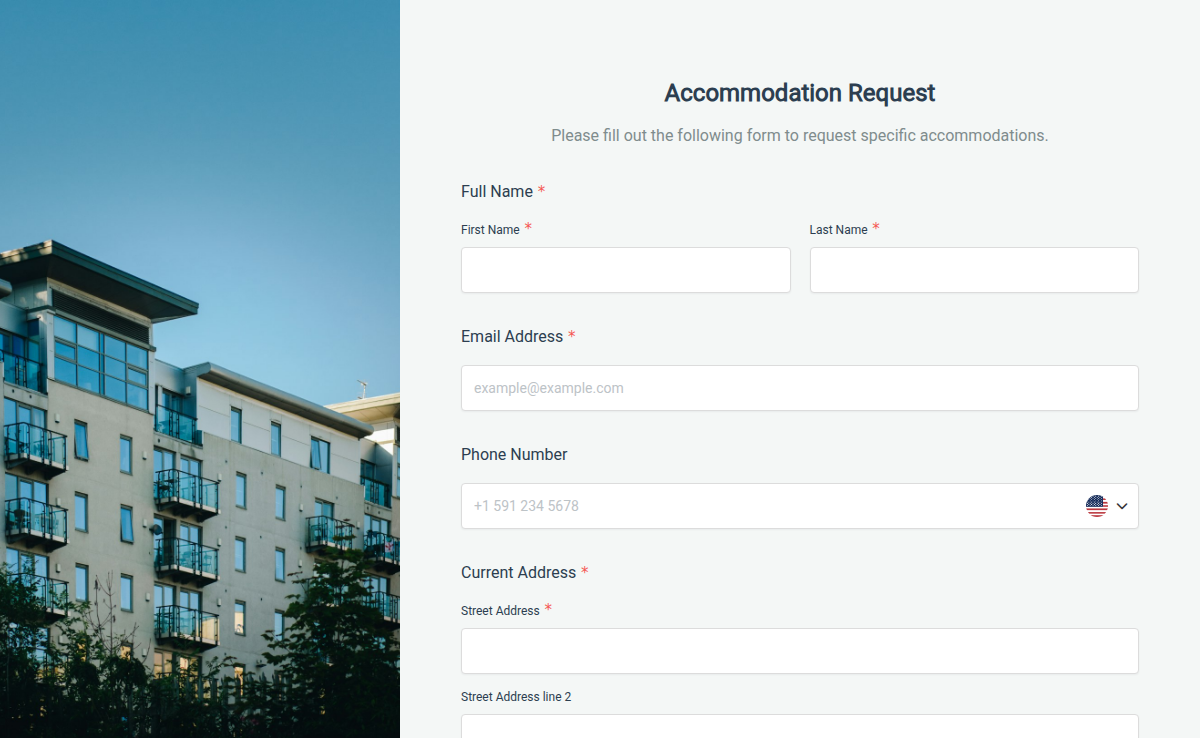
The accommodation request form helps employees, students, or event attendees submit their housing or accessibility needs in a simple and organized way. It keeps all requests clear, documented, and easy to manage.
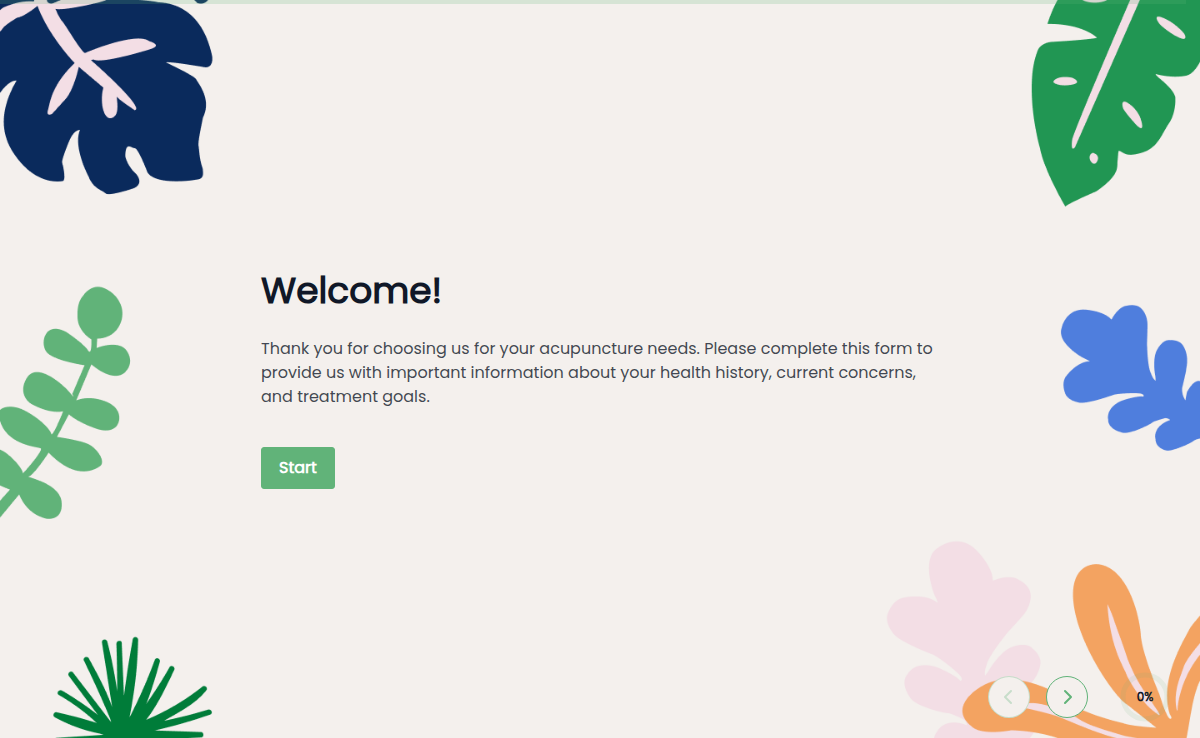
The Acupuncture Intake Form helps you gather patient details, symptoms, and lifestyle information before treatment begins. It gives you a complete view of the patient’s health and helps build a personalized care plan from the start. It reduces paperwork at check-in and improves patient experience.
An admission form template is essential for schools and colleges to streamline the enrollment process. This form gathers necessary information from students and ensures all required details are collected efficiently. Using a form builder like Formester makes creating your admission form template straightforward and effective. Formester offers a variety of free templates designed specifically for educational institutions. These templates cover different types of school admission form and college application format, making it easy to find one that suits your needs. They include fields for personal details, academic history, and any additional information required for admission. With Formester’s platform, you can take advantage of over 7000+ integrations to seamlessly integrate your admission forms with other systems and tools. Whether you need to connect with a student information system, manage applications through email platforms, or store data in a cloud storage service, Formester’s integrations ensure smooth workflow management. Customize your admission form format pdf to match your institution’s branding and requirements. Include sections for documents like transcripts, recommendation letters, or application fees if applicable. If you’re looking for inspiration, you can view a admission form sample on Formester to see how others have structured their forms. Explore Formester’s powerful features to further enhance your admission process. Use features like conditional logic to show or hide questions based on previous answers, set up notifications to alert staff about new submissions, and create a user-friendly experience for applicants. Ready to simplify your admission process? Sign up to Formester today and start using an efficient admission form template tailored to your educational institution’s needs.