How we verified this: every figure on this page comes from the vendor's own pricing page or its public G2 profile. You can check every source here.
Which drag and drop form builder should you choose?
Every tool here lets you drag a field onto a canvas, so the builder itself is rarely what separates them. What separates them is what happens once the form is live.
Two things decide most of it: whether the tool counts your responses, and how much of the editor's power sits behind a paid tier. The nine below are ordered on that.
The 60-second TL;DR
- Best all-around: Formester, unlimited responses on the free plan
- Best for feature depth: Jotform, from $39/mo
- Best for Airtable and Notion teams: Fillout, from $19/mo
- Best for WordPress: Gravity Forms, from $59/year
- Best for conversational surveys: Typeform, from $39/mo
- Best free option: Google Forms
- Best inside Microsoft 365: Microsoft Forms
- Best cheapest paid tier: Zoho Forms, $10/mo billed annually
How the nine drag and drop builders compare at a glance
The table shows what each free plan allows and what the first paid tier costs on monthly billing. Read it first, then jump to whichever review matches your situation.
| Tool | Free plan | First paid plan (monthly) | Editor | G2 rating |
|---|---|---|---|---|
| Formester | Unlimited forms and responses | $13/mo | Modern, fast preview | 4.7/5 (14) |
| Jotform | 5 forms, 100 submissions/mo | $39/mo | Dense, very deep | 4.7/5 (5,426) |
| Fillout | 1,000 responses/mo | $19/mo | Modern, multi-step default | 4.6/5 (30) |
| Gravity Forms | No free plan | $59/year | Functional, WordPress | 4.7/5 (248) |
| Typeform | 10 responses/mo | $39/mo | One question at a time | 4.5/5 (1,017) |
| Google Forms | No practical cap | Bundled with Workspace | Simple, Docs-like | No standalone profile |
| Microsoft Forms | 200 responses per form | Bundled with M365 | Simple, Office-like | 4.4/5 (476) |
| Zoho Forms | 3 forms, 500 submissions/mo | $10/mo billed annually | Functional, dated | 4.4/5 (129) |
| forms.app | 5 forms, unlimited responses | See review | Modern, AI-first | 4.5/5 (498) |
How we picked and ranked these nine tools
Every figure here comes from the vendor's own pricing page and plan limits, read in full. The ranking weighs how far each free plan goes and how much editor capability is held back for paid tiers.
Tools that place no ceiling on responses rank highest. Several vendors advertise annual rates, so the monthly figures below run higher than the ones on their pricing pages.
1. Formester, best all-around
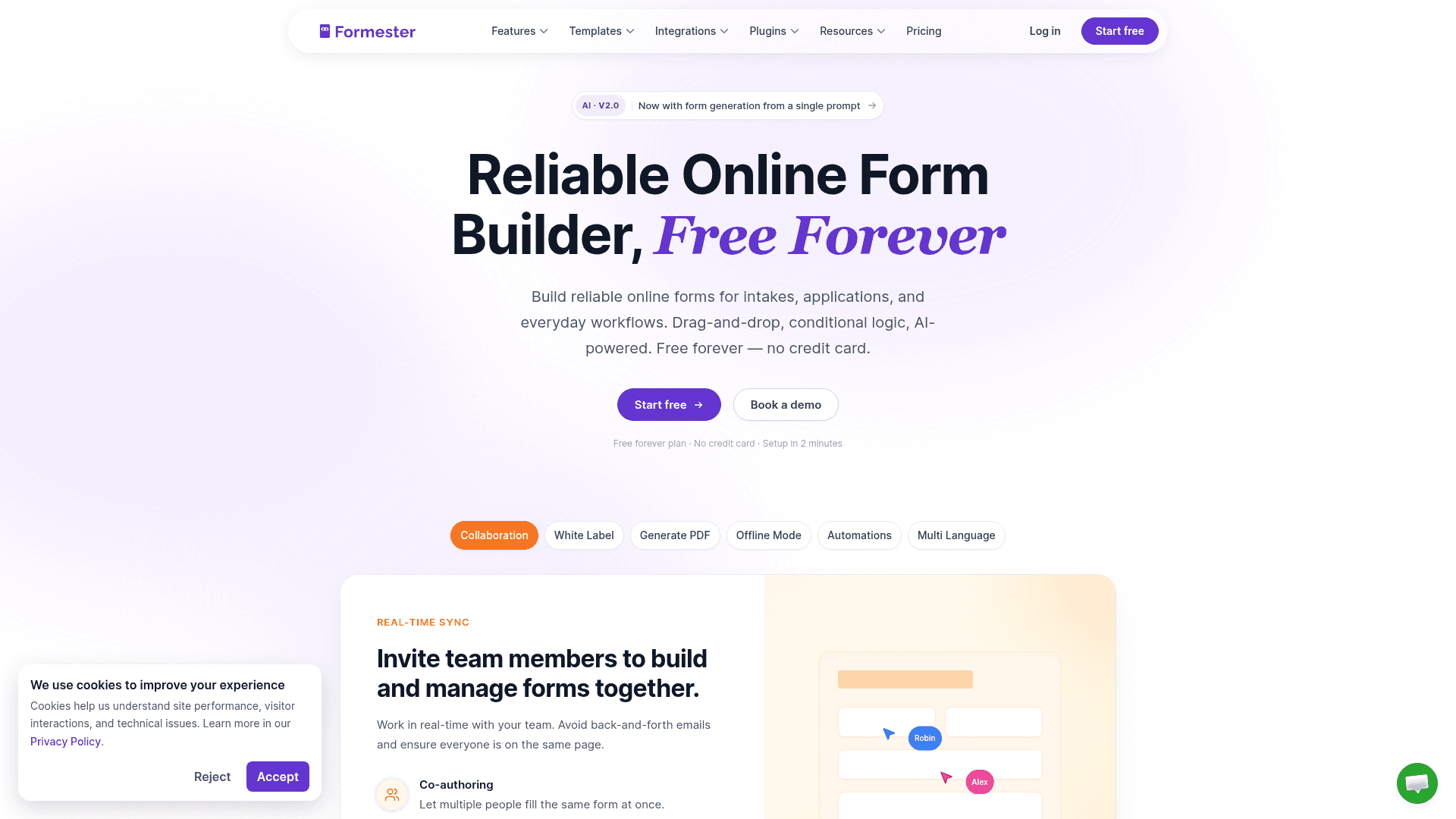
Formester never meters you. Unlimited forms, unlimited responses and every field type come with the free plan, so a form that suddenly performs does not change what you pay.
The editor is quick. Interactions land immediately, the live preview tracks every change, and forms come out mobile-responsive without extra work.
Field settings sit in a right-hand panel that stays out of the way until you need it. AI generation takes a prompt, a PDF or a pasted question list, and it runs on the free plan.
| Strengths | Weaknesses |
|---|---|
| No cap on forms, responses or fields | 720 templates against Jotform's 20,000 |
| AI generation from a prompt, a PDF or a question list | Conditional logic starts on Personal at $13/mo |
| Payments and e-signature on the free plan | No HIPAA option at any tier |
| Offline capture on every plan | 14 G2 reviews, a small sample |
| Live preview tracks every edit |
| Plan | What you get |
|---|---|
| Free | $0. Unlimited forms, responses and fields, AI generation, payments |
| Personal | $13/mo ($12/mo billed yearly). Adds conditional logic |
| Business | $49/mo ($45/mo billed yearly). Adds custom domain and 25 seats |
Best for: teams that want a modern editor without a response ceiling.
The catch: 720 templates against Jotform's 20,000. If you would rather start from a template than a blank canvas, that gap is real.
G2 rating: 4.7/5, from 14 reviews. High score, small sample; read it as an early signal.
2. Jotform, best for feature depth
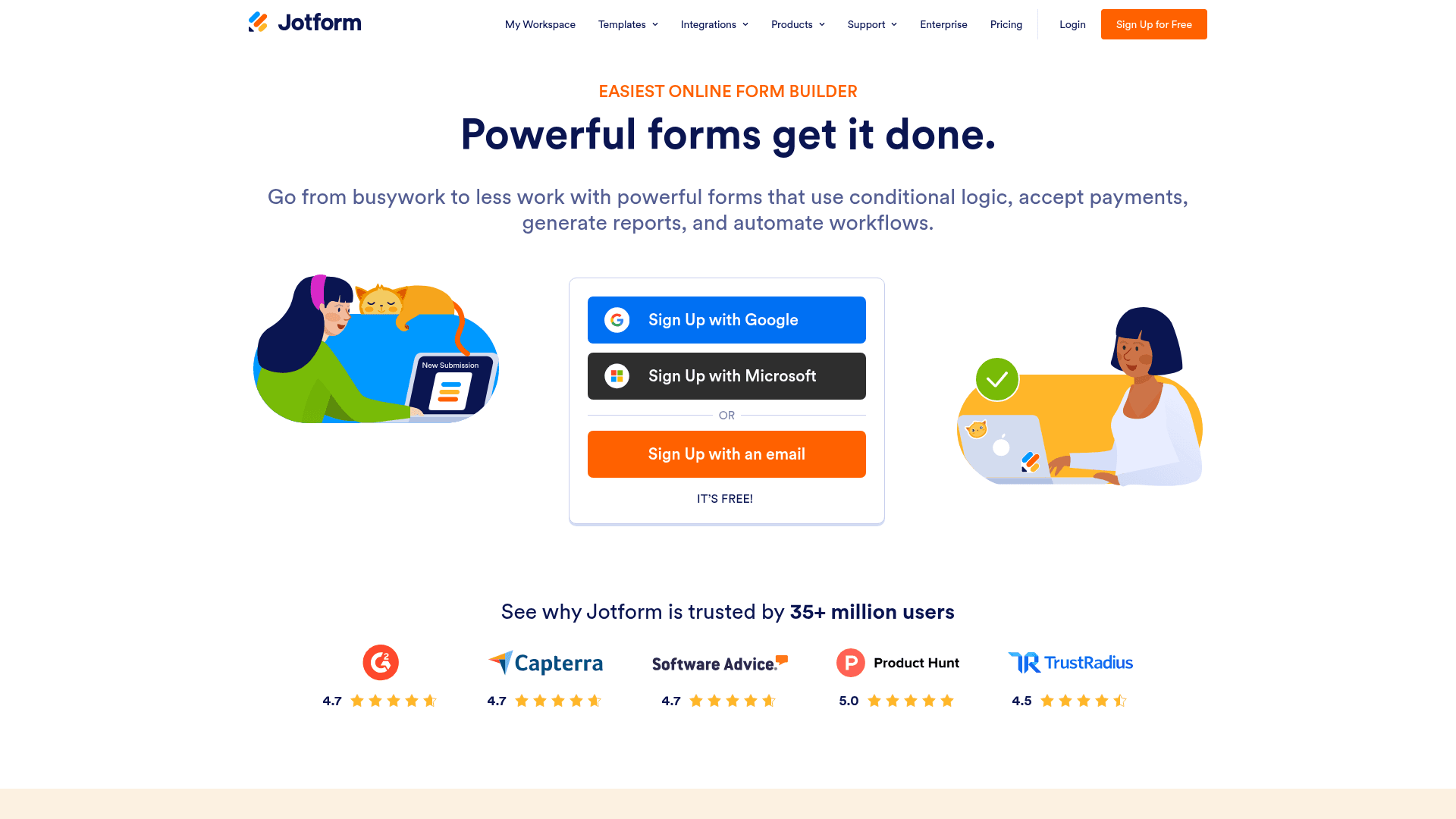
Jotform is the largest general-purpose builder here by review count, and the scale shows: 20,000+ templates, 40+ payment gateways and HIPAA features on the Gold plan.
The editor is dense. Every toolbar hides another toolbar, and new users take noticeably longer to feel at home than they do in Formester or Fillout.
The payoff for pushing through is depth. Whatever you are building, someone has already built a template for it.
| Strengths | Weaknesses |
|---|---|
| 20,000+ templates, the largest library here | Dense interface with a steeper learning curve |
| 40+ payment gateways | Free plan covers 5 forms and 100 submissions/mo |
| All field types available on the free plan | HIPAA needs the $129 Gold plan |
| Native mobile app for offline capture | Advertised prices are the annual rates |
| Plan | What you get |
|---|---|
| Starter (free) | $0. 5 forms, 100 submissions/mo |
| Bronze | $39/mo ($34/mo billed yearly). 1,000 submissions/mo |
| Silver | $49/mo ($39/mo billed yearly). 2,500 submissions/mo |
| Gold | $129/mo ($99/mo billed yearly). 10,000 submissions/mo, HIPAA |
Best for: teams that want the deepest template and payment coverage.
The catch: all that depth sits behind an interface you have to learn. Budget real onboarding time.
G2 rating: 4.7/5, from 5,426 reviews, the largest base of any tool here.
3. Fillout, best for Airtable and Notion teams
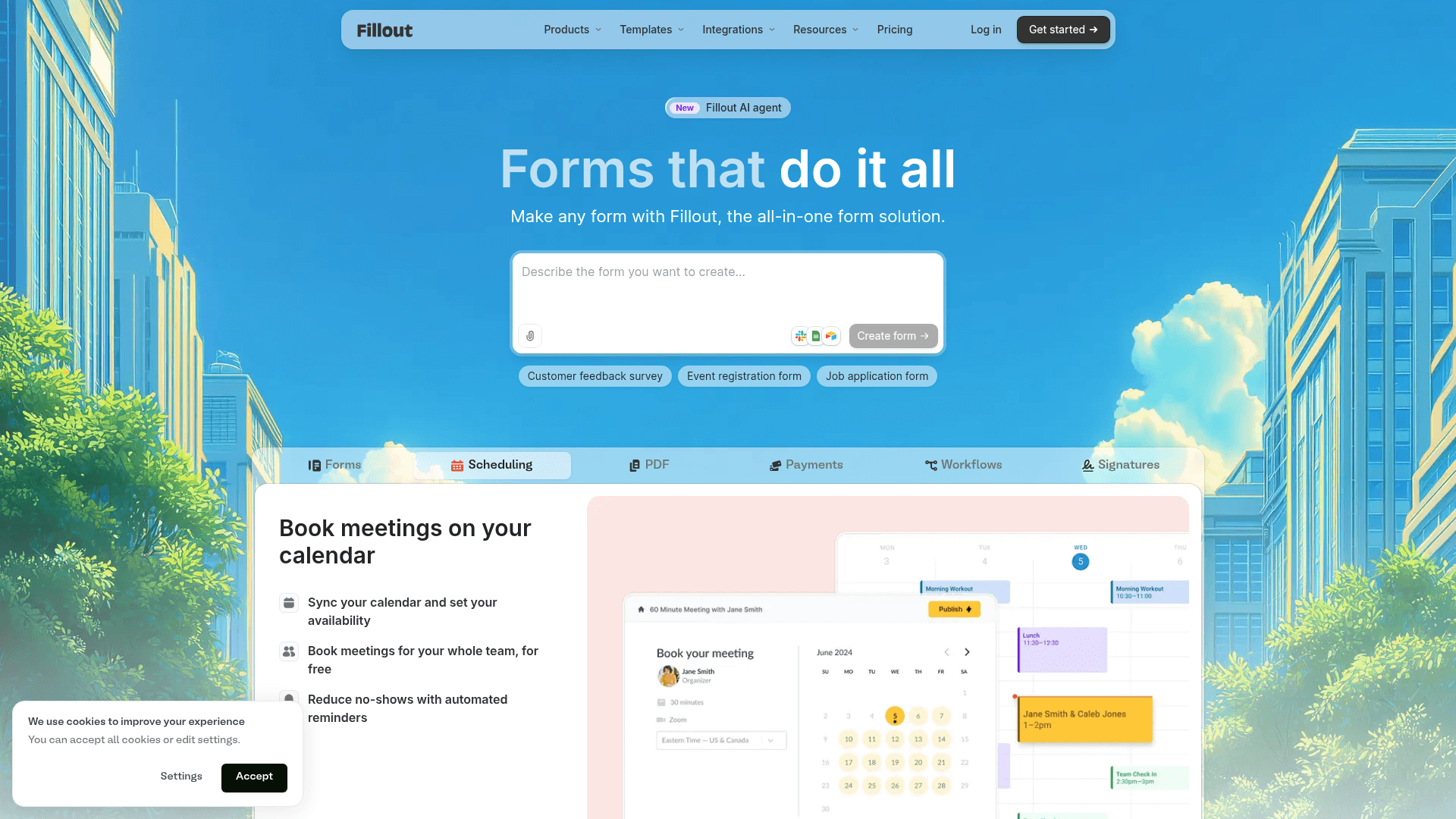
Fillout treats Airtable and Notion as the source of truth rather than integrations to tick off. Forms write back into your tables, editing existing records and matching on a key.
The block editor moves quickly: drag a field in, click it, edit it, move on. Multi-step forms with a progress bar are the default rather than a setting you hunt for.
Its free plan allows 1,000 responses a month with unlimited seats, which is unusually generous for a tool at this price.
| Strengths | Weaknesses |
|---|---|
| Two-way sync with Airtable and Notion | Most useful only with Airtable or Notion |
| 1,000 responses a month on the free plan | Fillout branding on the free plan |
| Unlimited seats on every tier | No HIPAA option |
| Multi-step forms with a progress bar by default | 30 G2 reviews, a small sample |
| Plan | What you get |
|---|---|
| Free | $0. 1,000 responses/mo, unlimited seats |
| Starter | $19/mo ($15/mo billed yearly, $180/year) |
| Pro | $49/mo ($40/mo billed yearly, $480/year) |
| Business | $89/mo ($75/mo billed yearly, $900/year) |
Best for: ops and RevOps teams that live in Airtable or Notion.
The catch: take away Airtable and Notion and the main argument for Fillout goes with them.
G2 rating: 4.6/5, from 30 reviews. A small base, consistent with a newer product.
4. Gravity Forms, best for WordPress
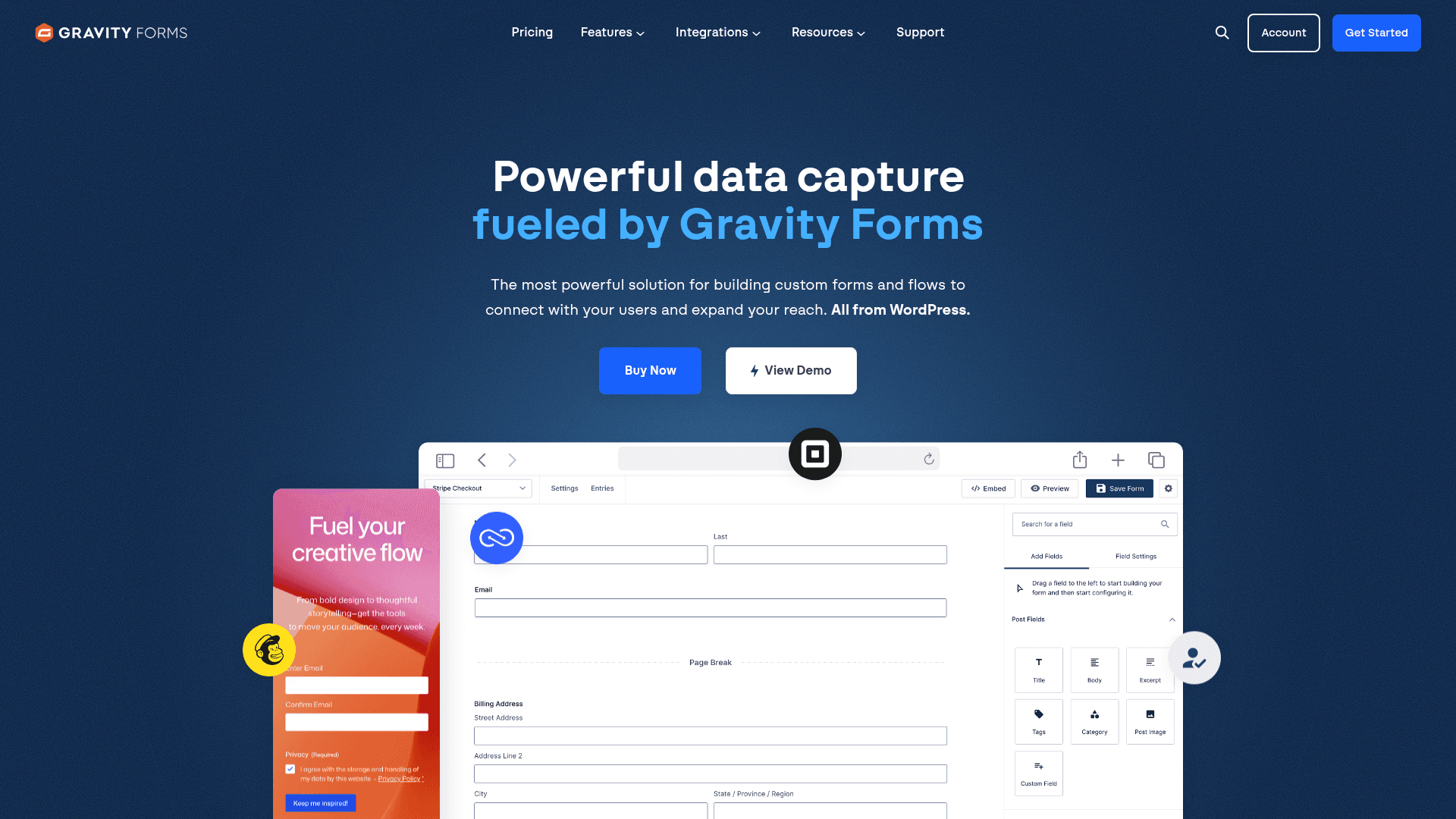
Gravity Forms is the WordPress standard, and once self-hosted it does not meter anything: the entries live in your own database.
Its conditional logic goes deeper than any other WordPress plugin, which covers forms where each answer changes what comes next.
Licensing is annual: $59 for Basic on one site, $159 for Pro, and $259 for Elite covering unlimited sites with every add-on.
| Strengths | Weaknesses |
|---|---|
| No metering once self-hosted | WordPress only |
| Deepest conditional logic on WordPress | No free plan, annual licence required |
| 30+ first-party add-ons | You own hosting, backups and patching |
| Elite covers unlimited sites for $259/year | Editor looks dated next to the modern tools |
| Plan | What you get |
|---|---|
| Basic | $59/year. 1 site |
| Pro | $159/year. 3 sites, most add-ons |
| Elite | $259/year. Unlimited sites, all add-ons |
Best for: WordPress sites that want form data in their own database.
The catch: there is no free plan and no monthly option, so evaluating it means buying a year up front.
G2 rating: 4.7/5, from 248 reviews built over years of WordPress use.
5. Typeform, best for conversational surveys

Typeform shows one question at a time, and on longer forms that lifts completion in a way a standard field layout does not.
The editing experience is the most polished here, and logic jumps let you skip whole branches based on an earlier answer.
It is also the most expensive per response. Free covers 10 a month, Basic is $39 with 100, Plus $79 with 1,000, and Business $129 with 10,000.
| Strengths | Weaknesses |
|---|---|
| Best-executed conversational format | Free plan covers only 10 responses a month |
| Highest completion on longer forms | Highest cost per response in this list |
| AI drafts a full form from a prompt | Response caps on every tier |
| Strong drop-off analytics | Advertised prices are the annual rates |
| Plan | What you get |
|---|---|
| Free | $0. 10 responses/mo |
| Basic | $39/mo ($28/mo billed yearly). 100 responses/mo |
| Plus | $79/mo ($56/mo billed yearly). 1,000 responses/mo |
| Business | $129/mo ($91/mo billed yearly). 10,000 responses/mo |
Best for: qualitative surveys where a completed response is worth real money.
The catch: at 1,000 responses a month you are on Plus at $79, where Formester charges nothing for the same volume.
G2 rating: 4.5/5, from 1,017 reviews. A large base, with cost the common complaint.
6. Google Forms, best free option
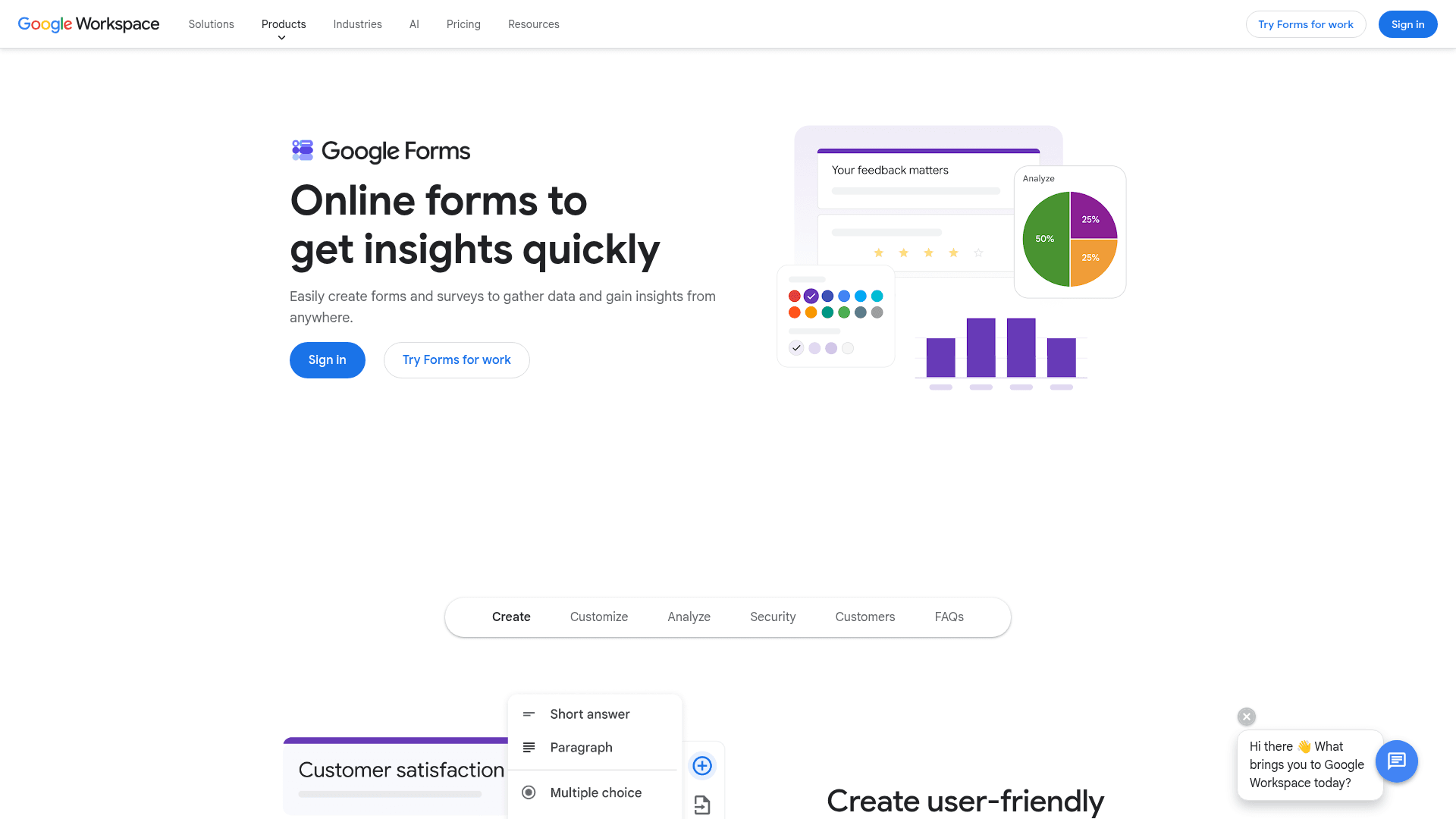
Google Forms is the internet's default when the requirement is free, unlimited and working in five minutes. There is no response limit worth planning around.
Answers sync into Sheets automatically, several people can edit the same form at once, and quiz scoring is built in.
There is no paid Forms tier. It arrives with Google Workspace, where Business Starter is $7 per user a month on an annual basis.
| Strengths | Weaknesses |
|---|---|
| Free with any Google account | Very limited design control |
| No practical response cap | Skip-to-section logic only |
| Answers sync straight into Sheets | No native payment collection |
| Real-time collaborative editing | Google branding stays on every form |
| Plan | What you get |
|---|---|
| Free | $0 with any Google account. Effectively unlimited responses |
| Workspace Business Starter | $7/user/mo, annual basis |
| Workspace Business Standard | $14/user/mo, annual basis |
| Workspace Business Plus | $22/user/mo, annual basis |
Best for: internal forms where function matters more than appearance.
The catch: every Google Form looks like a Google Form, and there is no way to change that, which rules it out for customer-facing pages.
G2 rating: Google Forms has no standalone G2 profile. The 4.6/5 from 48,175 reviews quoted elsewhere covers Google Workspace as a whole.
7. Microsoft Forms, best for Microsoft 365 tenants
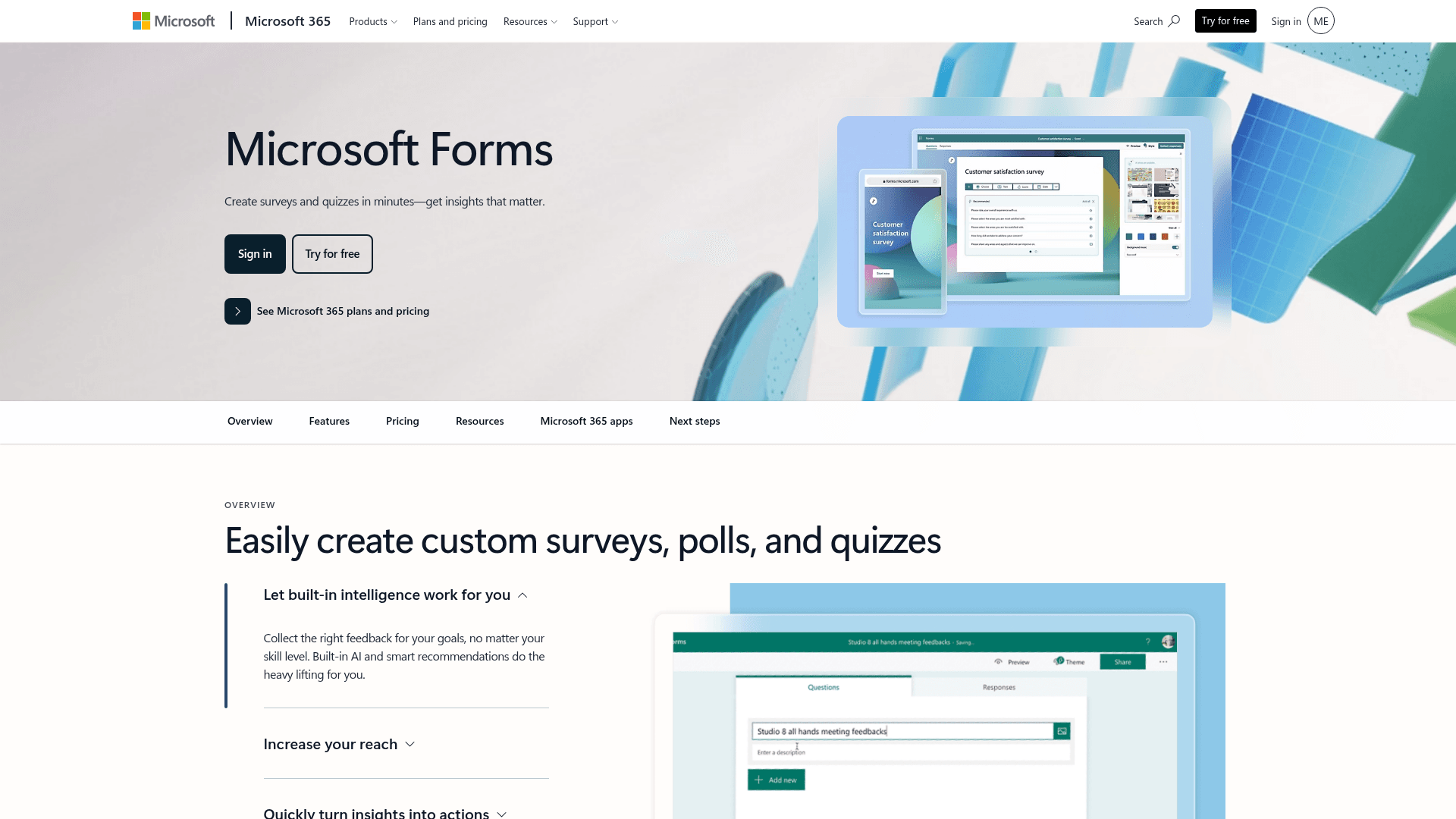
Microsoft Forms is included with any Microsoft 365 subscription, where it is already provisioned and needs no purchase order.
Results land in Excel and polls run directly inside Teams meetings, which covers most internal collection without adding a vendor.
The free personal tier caps at 200 responses per form. Inside a Microsoft 365 tenant those limits lift considerably.
| Strengths | Weaknesses |
|---|---|
| No extra cost inside Microsoft 365 | Free accounts cap at 200 responses per form |
| Results flow into Excel | Very limited design control |
| Polls run natively inside Teams | Basic branching only |
| Inherits tenant security | Little value outside Microsoft |
| Plan | What you get |
|---|---|
| Free | $0 with a personal Microsoft account. 200 responses per form |
| M365 Business Basic | $7/user/mo, annual basis |
| M365 Business Standard with Copilot | $23.50/user/mo, annual basis |
| M365 Business Premium with Copilot | $32/user/mo, annual basis |
Best for: internal forms in organisations already on Microsoft 365.
The catch: 200 responses per form on a free account is reached quickly by anything public, and the fix is a Microsoft 365 subscription rather than a form upgrade.
G2 rating: 4.4/5, from 476 reviews, which fits its internal-tool scope.
8. Zoho Forms, best cheapest paid tier
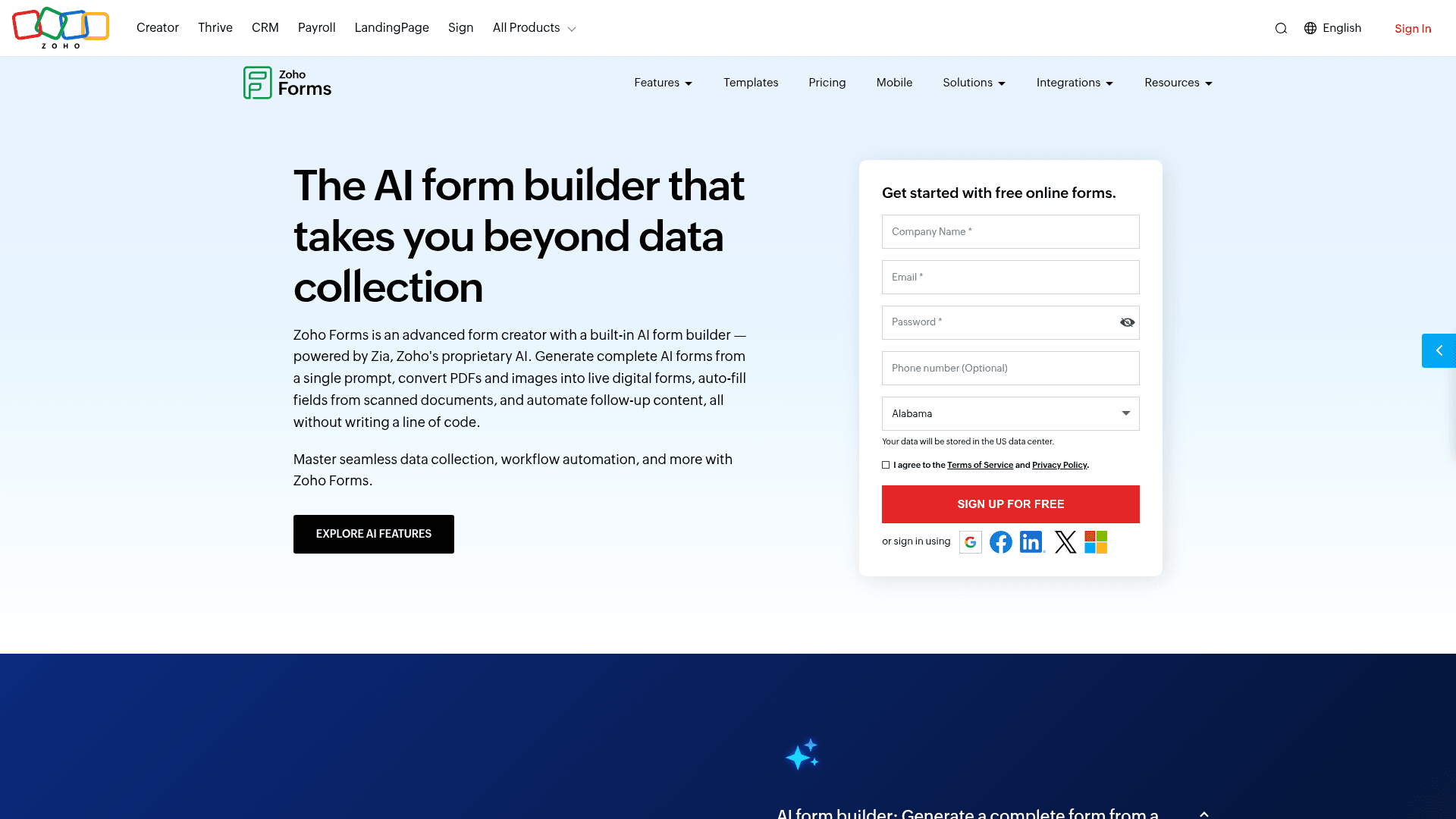
Zoho Forms has the lowest paid entry point here at $10 a month billed annually, which matters if forms are an occasional need rather than a core process.
Submissions route into Zoho CRM without a connector, and the mobile apps collect responses offline, which few tools at this price offer.
Its free plan allows 500 submissions a month but limits you to three forms.
| Strengths | Weaknesses |
|---|---|
| Cheapest paid tier at $10/mo billed annually | Free plan covers only 3 forms |
| Routes into Zoho CRM natively | Little value outside the Zoho suite |
| Offline mobile apps included | Interface feels dated |
| HIPAA on Premium at $90/mo billed annually | Prices are the annual-billed rates |
| Plan | What you get |
|---|---|
| Free | $0. 3 forms, 500 submissions/mo |
| Basic | $10/mo billed annually. 10,000 submissions/mo |
| Standard | $25/mo billed annually. 25 forms |
| Professional | $50/mo billed annually. Unlimited forms |
| Premium | $90/mo billed annually. HIPAA compliance |
Best for: Zoho users who want cheap forms feeding their CRM.
The catch: three forms is restrictive, and the tool only really makes sense if the rest of your stack is Zoho.
G2 rating: 4.4/5, from 129 reviews, at the lower end of this list.
9. forms.app, best AI-first editor
forms.app pairs a modern editor with AI generation, so you can describe the form you want and then edit rather than build from nothing.
Its free plan takes an unusual shape: responses are unlimited but you are capped at 5 forms and 10 MB of storage.
forms.app prices regionally. The US view lists Basic at $19, Pro at $29 and Premium at $59 a month, while the EU view lists 16, 24 and 49 EUR billed annually.
| Strengths | Weaknesses |
|---|---|
| AI generation from a prompt | Free plan caps at 5 forms and 10 MB storage |
| Unlimited responses on the free plan | Pricing varies by region and currency |
| Multi-step forms with a progress bar | SSO sits on the higher tiers |
| 5,000+ templates | Younger ecosystem than Jotform or Formester |
| Conditional logic included free |
| Plan | What you get |
|---|---|
| Free | Up to 5 forms, unlimited responses, 10 MB storage |
| Basic | Listed at $19/mo in the US view and 16 EUR/mo billed annually in the EU view |
| Pro | Listed at $29/mo in the US view and 24 EUR/mo billed annually in the EU view |
| Premium | Listed at $59/mo in the US view and 49 EUR/mo billed annually in the EU view |
Best for: sites running a small number of high-traffic forms.
The catch: prices differ by region and currency, so confirm the rate shown on your own regional pricing page before you budget.
G2 rating: 4.5/5, from 498 reviews. A solid base for a younger product.
Modern drag & drop editor. Unlimited responses. Free
Fast interactions, live preview and AI form generation from a prompt, a PDF or a question list. No response caps, on any plan.
Free forever plan • No credit card • Setup in 2 minutes
How to pick the right drag and drop form builder
Start with volume. If it is unpredictable, only Formester and Google Forms remove the ceiling entirely, and Gravity Forms does the same once you host it yourself.
If volume is predictable, the editor becomes the decision. Formester, Fillout and forms.app feel current; Jotform trades polish for depth; Typeform wins when the form's presentation is the point.
Then check where the data has to land. Airtable or Notion points to Fillout, Zoho CRM to Zoho Forms, a WordPress database to Gravity Forms, and a Google Sheet to Google Forms.


