How we verified this: every figure on this page comes from the vendor's own pricing page or its public G2 profile. You can check every source here.
Which questionnaire software should you choose?
A questionnaire is usually longer than a form and more structured than a survey. That length is what breaks tools: people abandon halfway. The logic gets tangled, and the response cap turns up sooner than planned.
The eight tools below all handle question types and branching. Where they differ is what happens as the questionnaire grows: how many responses you can take and how the logic is built, plus what the whole thing costs once your team needs seats.
The 60-second TL;DR
- Best all-around: Formester, unlimited responses on the free plan
- Best for research rigour: SurveyMonkey, from $30/user/mo
- Best for completion rates: Typeform, from $39/mo
- Best for question depth: Jotform, 20,000+ templates, from $39/mo
- Best free option: Google Forms, free with any Google account
- Best for Microsoft 365 teams: Microsoft Forms, bundled with the suite
- Best for Airtable and Notion teams: Fillout, from $19/mo
- Best for Zoho users: Zoho Forms, from $10/mo billed annually
How the eight questionnaire tools compare at a glance
Here is the whole comparison in one place: what each free plan covers, where paid pricing starts on monthly billing, and what each tool is built for. Scan it, then read the review that matches your situation.
| Tool | Free plan | Paid from (monthly) | Built for | G2 rating |
|---|---|---|---|---|
| Formester | Unlimited forms and responses | $13/mo | Long questionnaires without caps | 4.7/5 (14 reviews) |
| SurveyMonkey | Limited free tier | $30/user/mo | Formal research | 4.4/5 (23,901 reviews) |
| Typeform | 10 responses/mo | $39/mo | Completion on long forms | 4.5/5 (1,017 reviews) |
| Jotform | 5 forms, 100 submissions/mo | $39/mo | Question type depth | 4.7/5 (5,426 reviews) |
| Google Forms | Free with a Google account | Bundled with Workspace | Simple internal questionnaires | No standalone profile |
| Microsoft Forms | 200 responses/form | Bundled with M365 | Microsoft organisations | 4.4/5 (476 reviews) |
| Fillout | 1,000 responses/mo | $19/mo | Airtable and Notion workflows | 4.6/5 (30 reviews) |
| Zoho Forms | 3 forms, 500 submissions/mo | $10/mo | Zoho ecosystem | 4.4/5 (129 reviews) |
How we picked and ranked these eight tools
Everything here comes from the vendors' own pricing pages and plan limits, read in full. For questionnaires the response cap and the logic depth decide more than the editor does.
The ranking weighs what each free plan allows and what a full team pays, plus how well the tool holds up as questions multiply. Several vendors advertise annual rates, so the monthly figures here run higher than the ones on their pricing pages.
1. Formester, best all-around
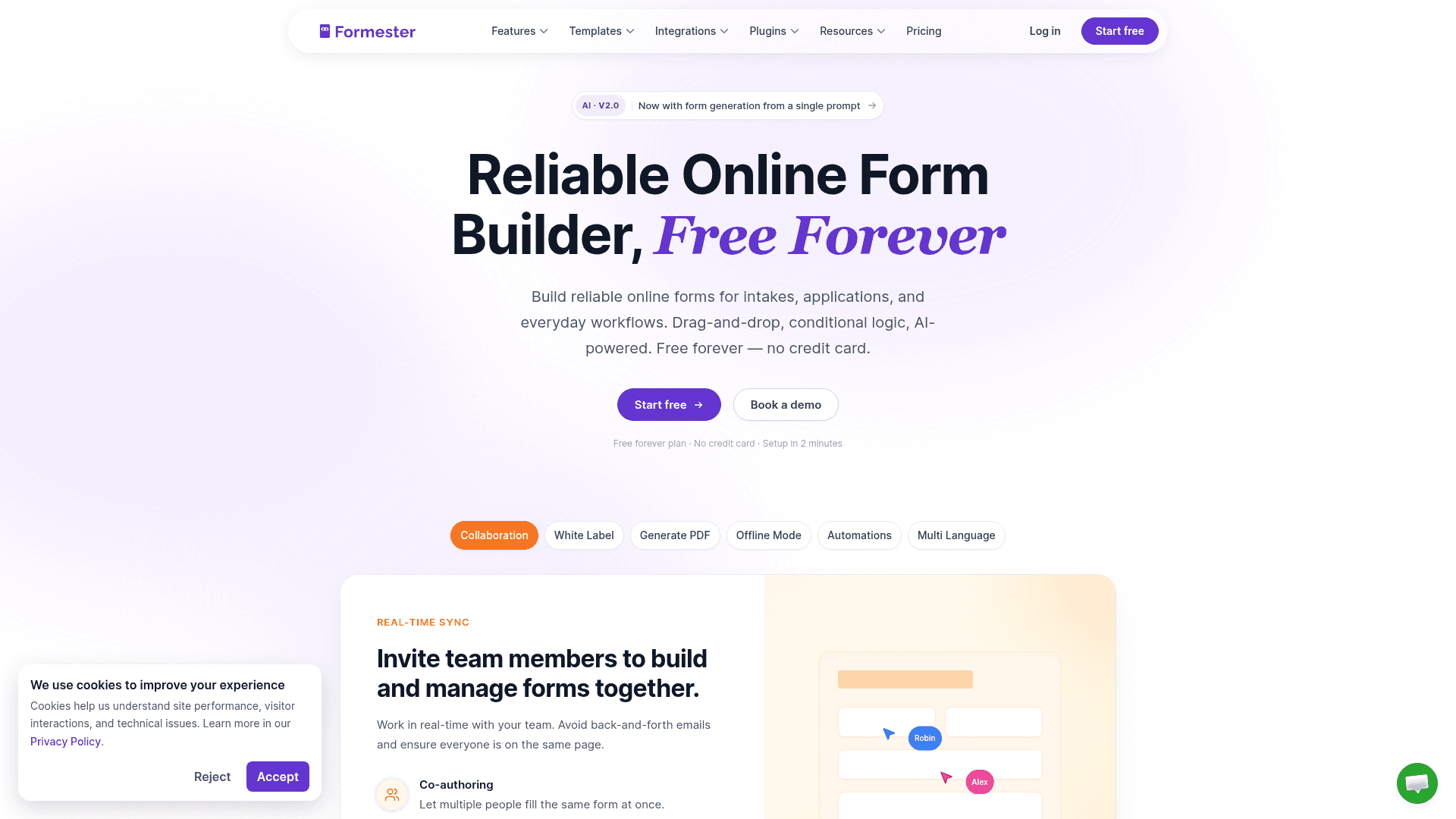
Formester never counts responses, which matters more for questionnaires than for short forms. A study that runs longer than planned does not turn into an upgrade prompt.
Question types cover the usual range, conditional logic arrives on the Personal plan, and quiz auto-scoring is included, which suits assessments and knowledge checks.
Pricing stays flat as volume grows. Personal is $13 a month, Business is $49 with 25 seats and a custom domain, and neither adds a response allowance because there is not one.
| Strengths | Weaknesses |
|---|---|
| Unlimited responses on every plan including free | Conditional logic starts on the paid Personal plan |
| Quiz auto-scoring included | 720 templates against Jotform's 20,000 |
| Drop-off analytics show where people abandon | 14 G2 reviews, a small sample |
| Offline capture for field questionnaires | No HIPAA on any tier |
| AI generation from a prompt or a PDF |
| Plan | What you get |
|---|---|
| Free | $0. Unlimited forms and responses, auto-scoring, drop-off analytics |
| Personal | $13/mo ($12/mo billed yearly). Adds conditional logic |
| Business | $49/mo ($45/mo billed yearly). Adds custom domain and 25 seats |
Best for: long questionnaires where the response count is unpredictable.
The catch: branching logic needs the Personal plan, so the free tier suits linear questionnaires better than adaptive ones.
G2 rating: 4.7/5, from 14 reviews. High score, small sample; read it as an early signal.
2. SurveyMonkey, best for research rigour
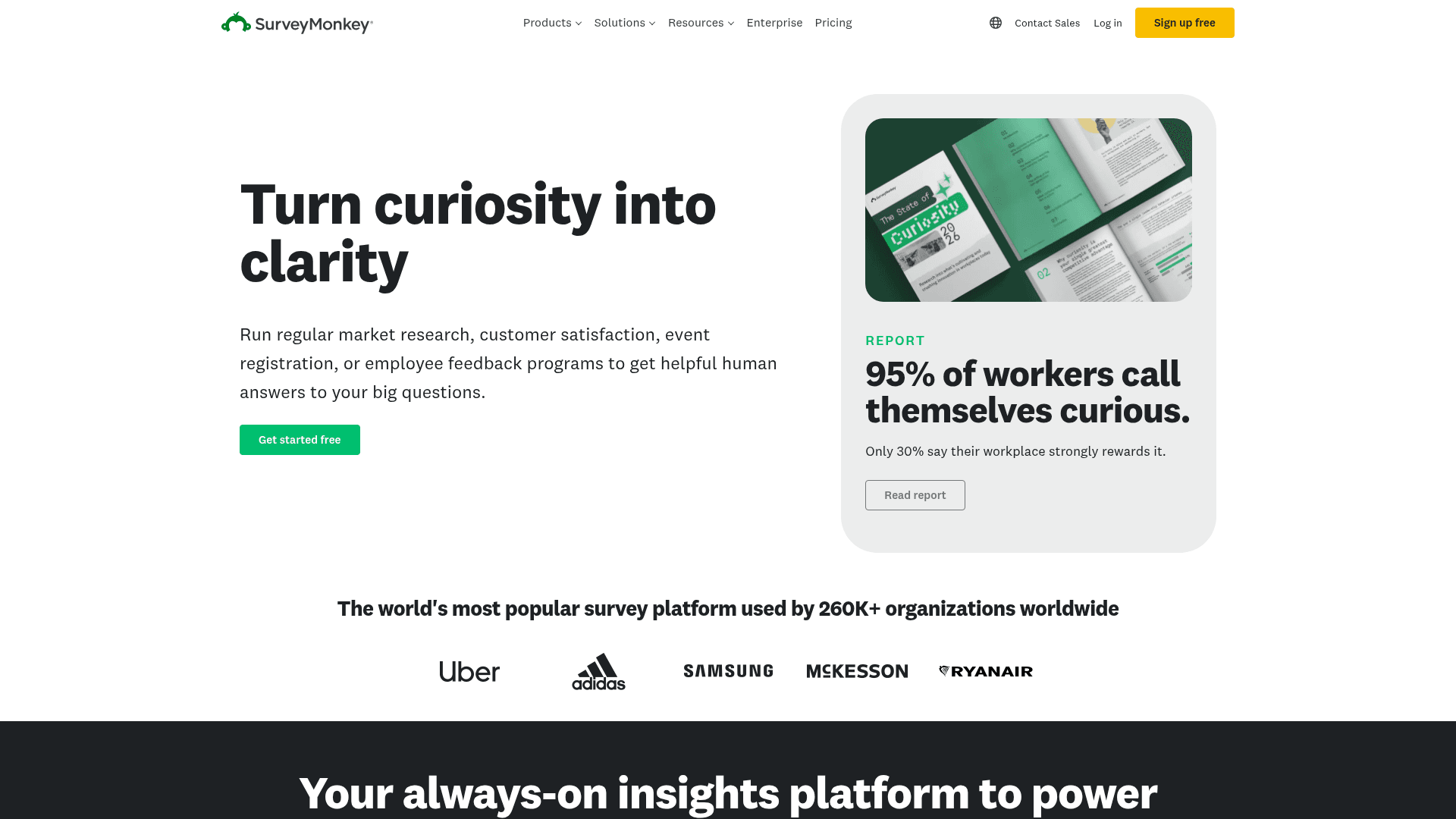
SurveyMonkey is built for people whose questionnaires need to stand up to scrutiny. Its templates are reviewed by methodologists for question bias, and its benchmarking compares your results against industry data.
For academic work, employee engagement studies, and market research, that structure is the product. Nothing else here brings the same statistical apparatus.
Published pricing now covers team plans only: Team Advantage at $30 per user a month and Team Premier at $92, both with a three-seat minimum. Responses over your limit cost $0.15 each.
| Strengths | Weaknesses |
|---|---|
| Methodologist-reviewed question bank | Three-seat minimum makes the real entry price $90/mo |
| Benchmarking against industry data | $0.15 per response over the limit |
| Advanced statistical analysis | Individual plans are no longer published |
| Recognised by academic and corporate reviewers | Interface is dated in places |
| Plan | What you get |
|---|---|
| Free | Limited free tier with capped questions and responses |
| Team Advantage | $30/user/mo, three-seat minimum |
| Team Premier | $92/user/mo, three-seat minimum |
| Enterprise | Custom pricing |
Best for: formal research where methodology has to be defensible.
The catch: the three-seat minimum means the cheapest team plan is $90 a month, not $30.
G2 rating: 4.4/5, from 23,901 reviews. A very large base; the score reflects familiarity more than enthusiasm.
3. Typeform, best for completion rates
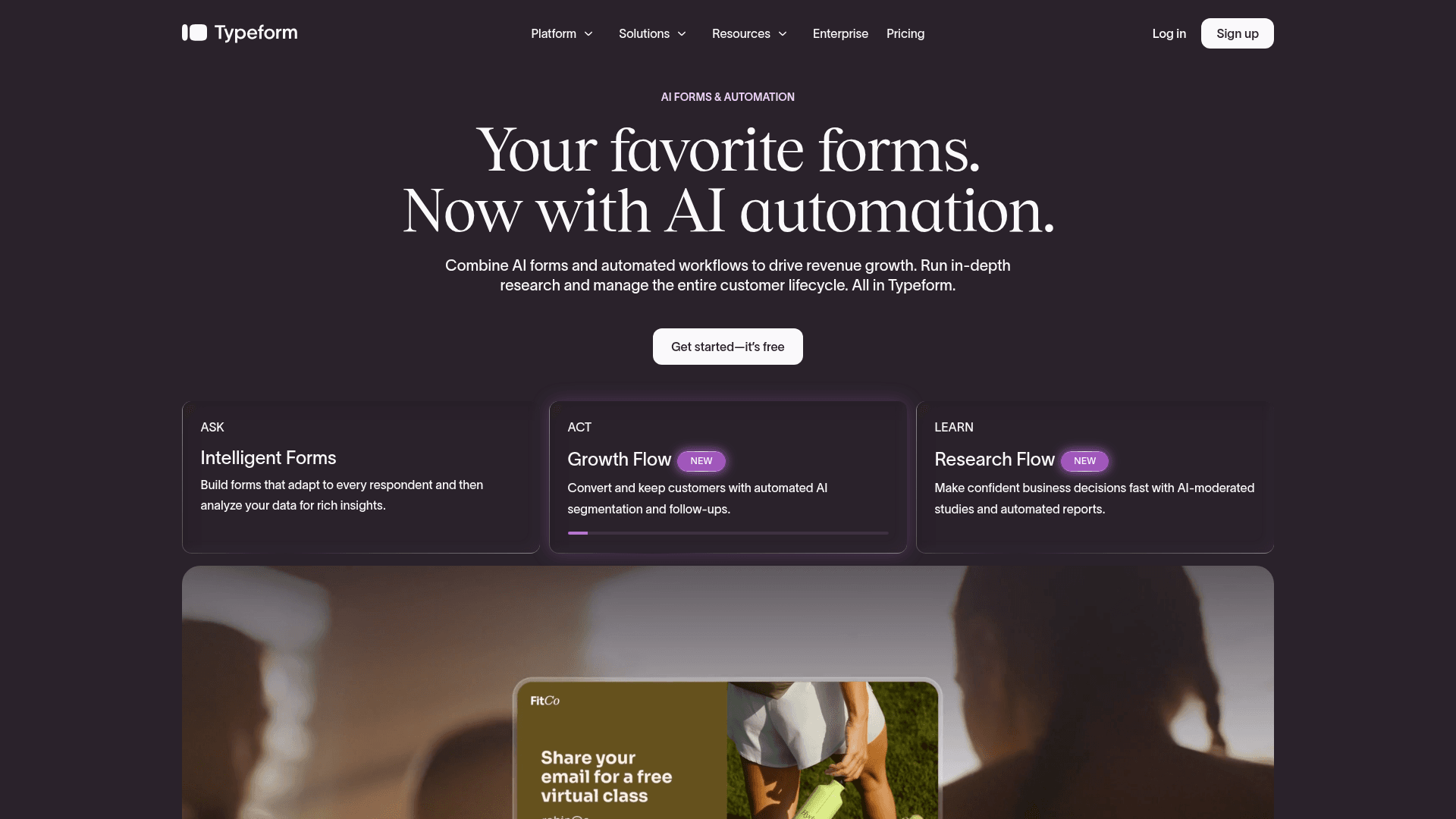
Typeform shows one question at a time, which is exactly the format long questionnaires need. People who would abandon a page of thirty fields will often finish the same thirty questions delivered one by one.
The trade is cost per response. Free covers 10 responses a month, Basic $39 covers 100, Plus $79 covers 1,000, and Business $129 covers 10,000.
For a questionnaire sent to a few hundred people whose answers genuinely matter, that maths works. For a public questionnaire at scale, it does not.
| Strengths | Weaknesses |
|---|---|
| Highest completion rates on long questionnaires | Free plan covers only 10 responses a month |
| Logic jumps between questions are simple to build | Highest cost per response in this list |
| Strong drop-off analytics | Advertised prices are the annual rates |
| AI drafts a full questionnaire from a prompt | Response caps apply on every tier |
| Plan | What you get |
|---|---|
| Free | $0. 10 responses/mo |
| Basic | $39/mo ($28/mo billed yearly). 100 responses/mo |
| Plus | $79/mo ($56/mo billed yearly). 1,000 responses/mo, 3 seats |
| Business | $129/mo ($91/mo billed yearly). 10,000 responses/mo, 5 seats |
Best for: qualitative questionnaires where each completed response carries real value.
The catch: price rises with volume faster than any other tool here, so model your expected response count before you commit.
G2 rating: 4.5/5, from 1,017 reviews. A large base, with cost the most common complaint.
4. Jotform, best for question depth
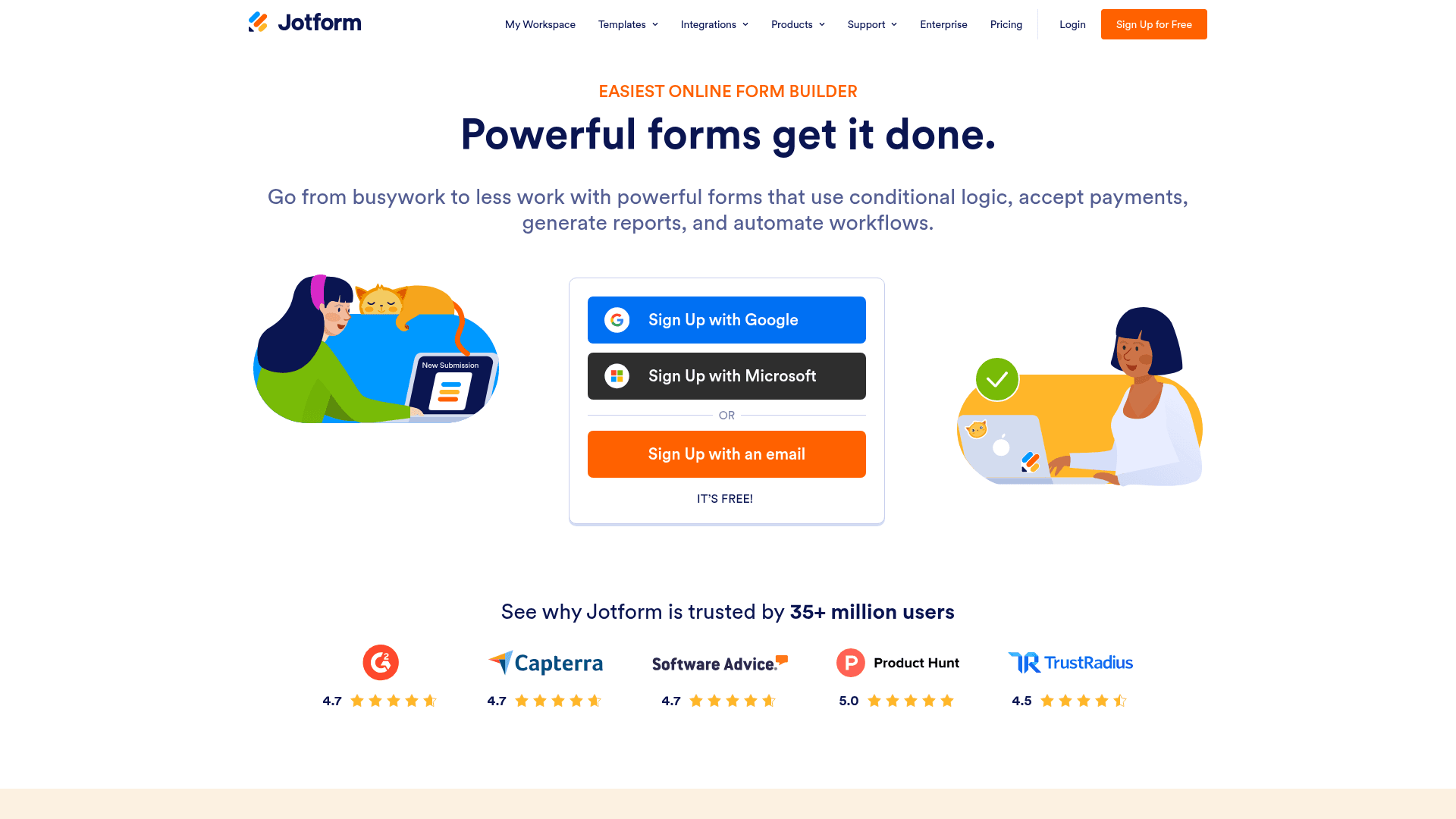
Jotform has the widest field inventory in this comparison, which matters when a questionnaire needs matrix questions, calculations, file uploads and signatures in the same flow.
The 20,000+ template library also means most standard questionnaires already exist in some form, from patient intake to employee onboarding.
Monthly billing runs $39 for Bronze, $49 for Silver, and $129 for Gold, above the advertised annual rates of $34, $39, and $99.
| Strengths | Weaknesses |
|---|---|
| 20,000+ templates covering standard questionnaires | Submissions metered on every tier |
| Widest range of question and field types | Free plan covers 100 submissions a month |
| Conditional logic and calculations on paid tiers | Dense interface takes time to learn |
| HIPAA features from the Gold plan | Advertised prices are the annual rates |
| Plan | What you get |
|---|---|
| Starter (free) | $0. 5 forms, 100 submissions/mo |
| Bronze | $39/mo ($34/mo billed yearly). 1,000 submissions/mo |
| Silver | $49/mo ($39/mo billed yearly). 2,500 submissions/mo |
| Gold | $129/mo ($99/mo billed yearly). 10,000 submissions/mo, HIPAA features |
Best for: questionnaires that need unusual question types or a ready-made template.
The catch: the response meter runs on every plan, so a successful questionnaire pushes you up the tiers.
G2 rating: 4.7/5, from 5,426 reviews, the largest base of any dedicated form tool here.
5. Google Forms, best free option
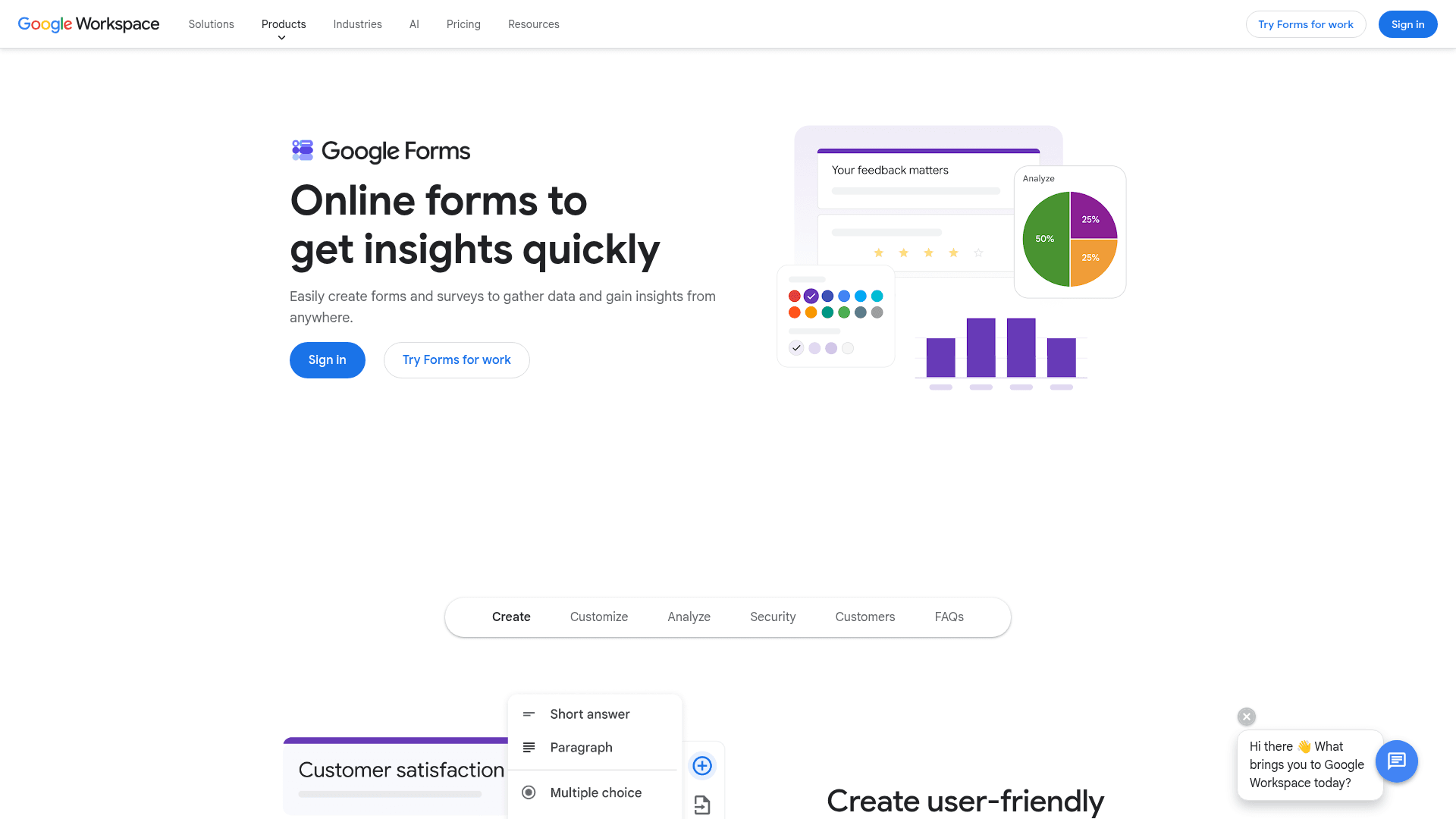
Google Forms handles a straightforward questionnaire well enough, and it is free with any Google account, with no response cap worth planning around.
Answers flow into Sheets, which is where most analysis happens anyway. For an internal questionnaire that ends in a pivot table, this is often the whole job.
The limits show up as questionnaires get more sophisticated. Logic is skip-to-section only, so adaptive paths that depend on several earlier answers are not possible.
| Strengths | Weaknesses |
|---|---|
| Free with any Google account | Logic is skip-to-section only |
| No practical response cap | Very limited design control |
| Answers sync straight into Sheets | No native payment collection |
| Multiple people can edit at once | Google branding stays on the form |
| Plan | What you get |
|---|---|
| Free | $0 with any Google account. Effectively unlimited responses |
| Workspace Business Starter | $7/user/mo, annual basis |
| Workspace Business Standard | $14/user/mo, annual basis |
| Workspace Business Plus | $22/user/mo, annual basis |
Best for: internal questionnaires inside a Google Workspace team.
The catch: adaptive questionnaires are out of reach. Skip-to-section cannot branch on combinations of earlier answers.
G2 rating: Google Forms has no standalone G2 profile. The 4.6/5 from 48,175 reviews quoted elsewhere covers Google Workspace as a whole.
6. Microsoft Forms, best for Microsoft 365 teams
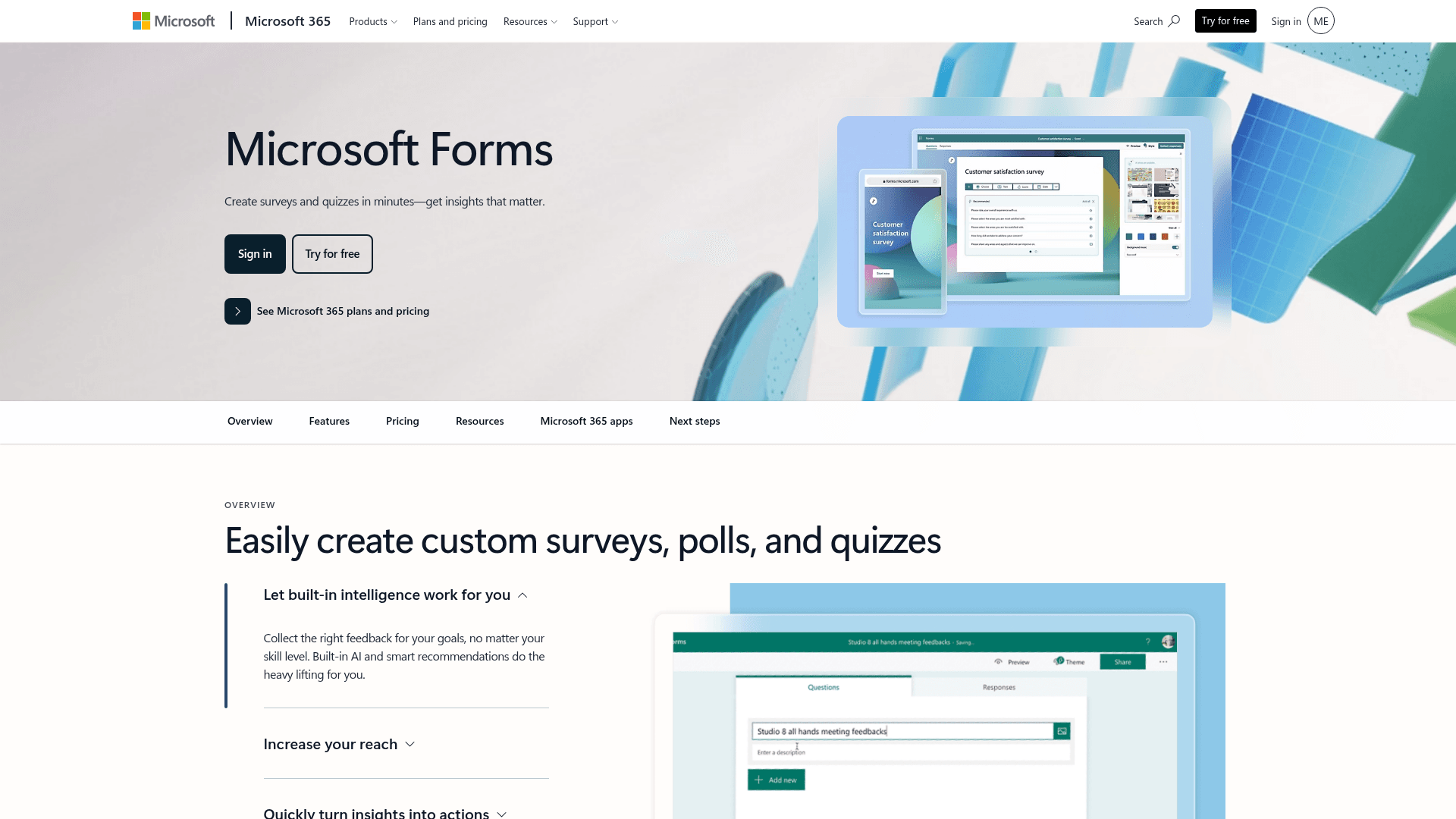
Microsoft Forms covers the same ground as Google Forms for organisations on Microsoft 365, with results landing in Excel and the questionnaire available inside Teams.
Its real advantage is compliance inheritance. A questionnaire built in a configured tenant sits inside the security posture your IT team already signed off, which shortens approval for anything touching employee or patient data.
There is nothing extra to buy. Business Basic is $7 per user a month on annual billing, and Business Standard now bundles Copilot at $23.50.
| Strengths | Weaknesses |
|---|---|
| No extra cost inside Microsoft 365 | Free accounts cap at 200 responses per form |
| Inherits the tenant's compliance posture | Branching is basic |
| Results land in Excel | Very limited design control |
| Runs inside Teams for internal questionnaires | Little value outside a Microsoft organisation |
| Plan | What you get |
|---|---|
| Free | $0 with a personal Microsoft account. 200 responses per form |
| M365 Business Basic | $7/user/mo, annual basis |
| M365 Business Standard with Copilot | $23.50/user/mo, annual basis |
| M365 Business Premium with Copilot | $32/user/mo, annual basis |
Best for: internal questionnaires in organisations already on Microsoft 365.
The catch: the 200-response cap on free accounts arrives quickly, and outside a tenant the tool has little to offer.
G2 rating: 4.4/5, from 476 reviews, at the lower end here, which matches its internal focus.
7. Fillout, best for Airtable and Notion teams
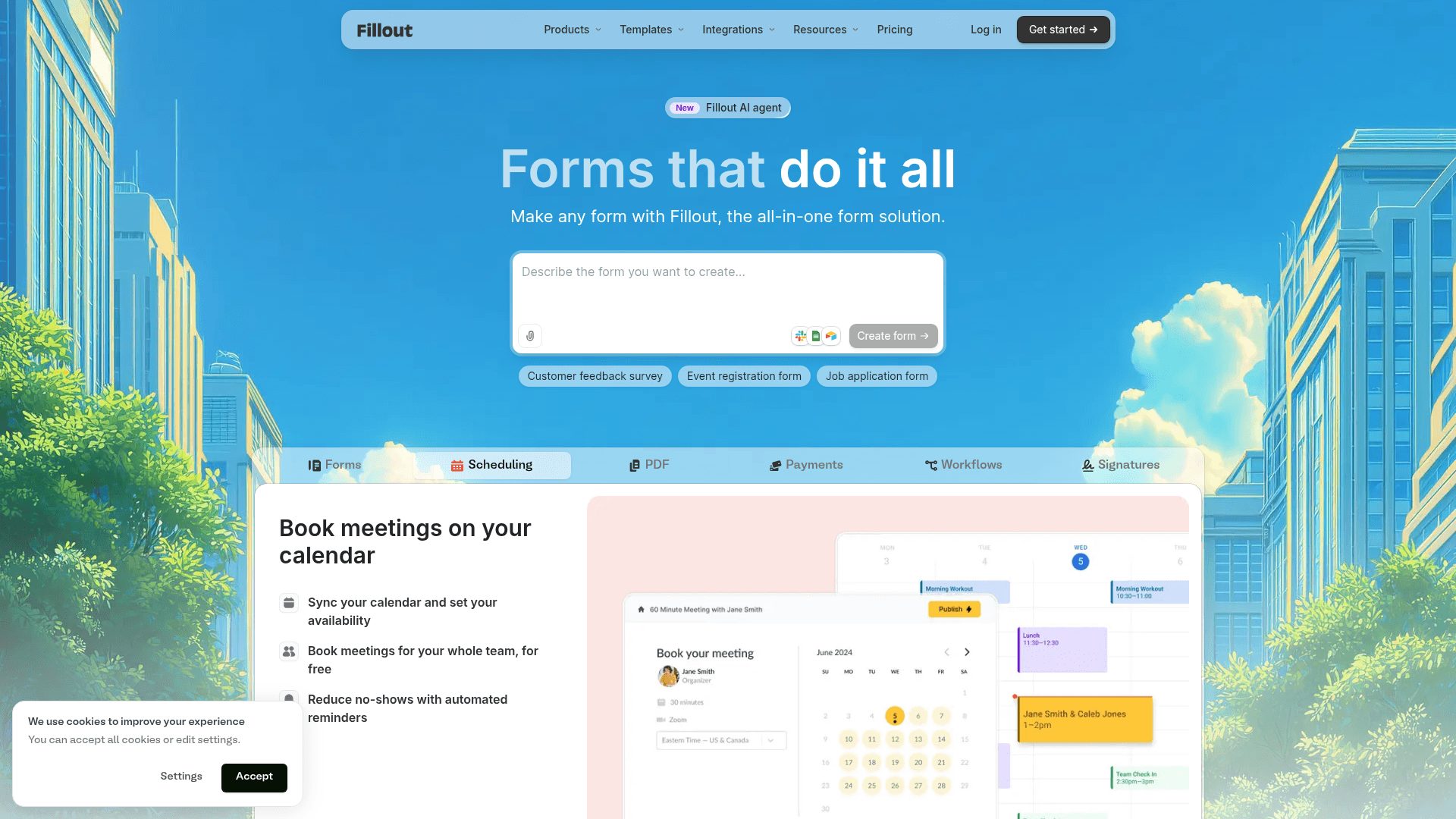
Fillout suits questionnaires whose answers need to live in a database rather than a spreadsheet. It writes into Airtable and Notion records and updates existing rows, which turns a questionnaire into a data-entry workflow.
Multi-step forms with progress bars are the default, which is the right shape for anything long, and the free plan covers 1,000 responses a month with unlimited seats.
Monthly pricing runs $19 for Starter, $49 for Pro, and $89 for Business, or $15, $40, and $75 when billed yearly.
| Strengths | Weaknesses |
|---|---|
| Writes back into Airtable and Notion records | The main advantage only applies to Airtable and Notion users |
| 1,000 responses a month free | Advertised prices are the annual rates |
| Multi-step questionnaires by default | 30 G2 reviews, a small sample |
| Unlimited seats on every plan | Analytics are lighter than Typeform's |
| Plan | What you get |
|---|---|
| Free | $0. 1,000 responses/mo, unlimited seats |
| Starter | $19/mo ($15/mo billed yearly, $180/year) |
| Pro | $49/mo ($40/mo billed yearly, $480/year) |
| Business | $89/mo ($75/mo billed yearly, $900/year) |
Best for: teams whose questionnaire answers belong in Airtable or Notion.
The catch: outside those two databases the write-back is irrelevant, and several tools here do questionnaires just as well.
G2 rating: 4.6/5, from 30 reviews. A small base, consistent with a newer product.
8. Zoho Forms, best for Zoho users
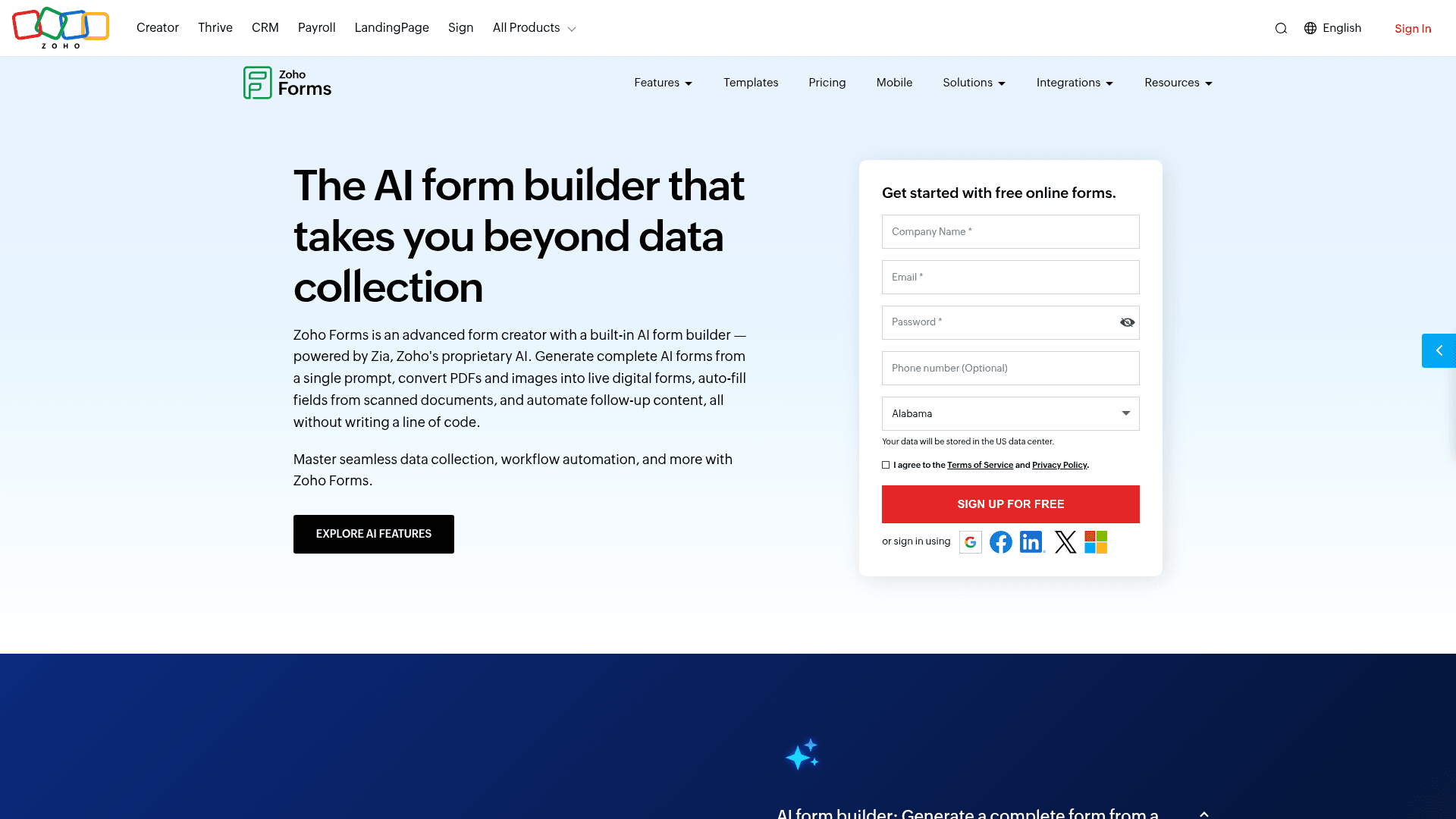
Zoho Forms makes sense when the questionnaire feeds a Zoho system. Responses become CRM records in one click, and the rest of the suite picks them up without extra plumbing.
For questionnaires collected in the field, the native iOS and Android apps work offline and sync later, which few tools here offer.
Pricing is the lowest in this list: Basic $10 a month, Standard $25, Professional $50, and Premium $90, each per month billed annually, above a free plan of 3 forms and 500 submissions.
| Strengths | Weaknesses |
|---|---|
| One-click sync into Zoho CRM | Little reason to use it outside Zoho |
| Native offline apps for iOS and Android | Interface feels dated |
| Cheapest paid entry point here | Free plan covers 3 forms |
| Approval workflows on paid tiers | Prices are the annual-billed rates |
| Plan | What you get |
|---|---|
| Free | $0. 3 forms, 500 submissions/mo |
| Basic | $10/mo billed annually. 10,000 submissions/mo |
| Standard | $25/mo billed annually. 25 forms, approval workflows |
| Professional | $50/mo billed annually. Unlimited forms, payment integrations |
| Premium | $90/mo billed annually. HIPAA compliance, Salesforce integration |
Best for: teams already inside the Zoho suite.
The catch: every strength depends on the surrounding Zoho products. On its own it is an unremarkable builder with a dated interface.
G2 rating: 4.4/5, from 129 reviews, at the lower end of this list.
Run questionnaires without response caps
Unlimited responses and drop-off analysis, with all field types on the free plan. No cap on questions or forms.
Free forever plan • No credit card • Setup in 2 minutes
How to pick the right questionnaire software
Two questions settle most of this. First, how many responses do you expect, and how confident are you in that number? Unpredictable volume points to Formester, which never meters. Predictable low volume opens up the free tiers of Google Forms and Microsoft Forms.
Second, how much does methodology matter? If your results will be scrutinised by researchers or a board, SurveyMonkey's reviewed templates and benchmarking earn their price. If completion rate is the priority instead, Typeform is the specialist.
Everything else follows your existing stack: Airtable or Notion points to Fillout, Zoho to Zoho Forms, while a Microsoft or Google tenant points to the form tool you already own.