Quick answer
To set up RSVP by text or email, build a simple RSVP form (name, attending yes/no, dietary preferences, plus-ones), copy the form's short link, paste it into your text-message or email invitation, and respondents click and submit in seconds. The 4 steps below cover the form build, link-shortening, SMS and email invitation copy, and how to send automated reminders to non-responders.
Build a one-click RSVP form, share the link in a text or email, and track responses without chasing guests.
To set up RSVP by text or email, build a simple RSVP form (name, attending yes/no, dietary preferences, plus-ones), copy the form's short link, paste it into your text-message or email invitation, and respondents click and submit in seconds. The 4 steps below cover the form build, link-shortening, SMS and email invitation copy, and how to send automated reminders to non-responders.
The 4-step setup
Build a simple RSVP form, share the link via SMS or email, and track responses in a dashboard.
-
Build a simple RSVP form
Create an RSVP form with these fields: guest name, attending yes/no, number of plus-ones, dietary preferences, song requests (for weddings), and special notes. Keep it under 6 questions.
-
Copy a short, shareable link
After publishing, copy the form's public link. Most form builders generate a short URL. If yours doesn't, run the URL through a shortener like bit.ly.
-
Send the link via text or email
For text: use a bulk SMS tool (Twilio, EZ Texting) or your contacts app to send to multiple guests. For email: include the link in your invitation email with a clear 'RSVP here' button.
-
Track responses and send reminders
Watch responses come in on the form's dashboard. Set up an autoresponder for non-responders after 7 days, or use a mail-merge tool to send a follow-up to anyone who hasn't replied.

Planning an event is exciting, but tracking RSVPs can be a hassle. You send invitations, wait for responses, and follow up with guests who forget to reply. Manually managing this process takes time and effort.
Instead of sending messages one by one, use Formester to create an RSVP form. It’s quick, organized, and saves you time.
Why Use an RSVP Form?
An RSVP form keeps all responses in one place. You don’t have to track texts or emails manually.
It helps avoid miscommunication. Guests can confirm or decline with just one click.
Formester also sends automatic reminders, so no one forgets to reply.
If you're wondering how many people can RSVP to your Evite event, that depends on the platform. With Formester, you can collect unlimited RSVPs without restrictions.
How to Create an RSVP Form in Formester
Log in to Formester (or sign up if you’re new).
Use the AI Form Builder to generate an RSVP form instantly with a simple prompt such as "Create an RSVP Form For A Wedding"
Add event details like date, location, and plus-one options.
Customize the form with extra questions like dietary needs or special requests.
Set up automatic confirmation emails to inform guests that their response was received.
Publish the form and get a shareable link to send out.
Here is a sample RSVP form template to help you get started:
How to RSVP via Text Using Formester
If you’re unsure how to RSVP via text, it's easy with Formester.
Copy the form link from Formester.
Send a short message like: “Hey [Name], please RSVP for [Event Name] here: [Form Link]. Hope to see you there!”
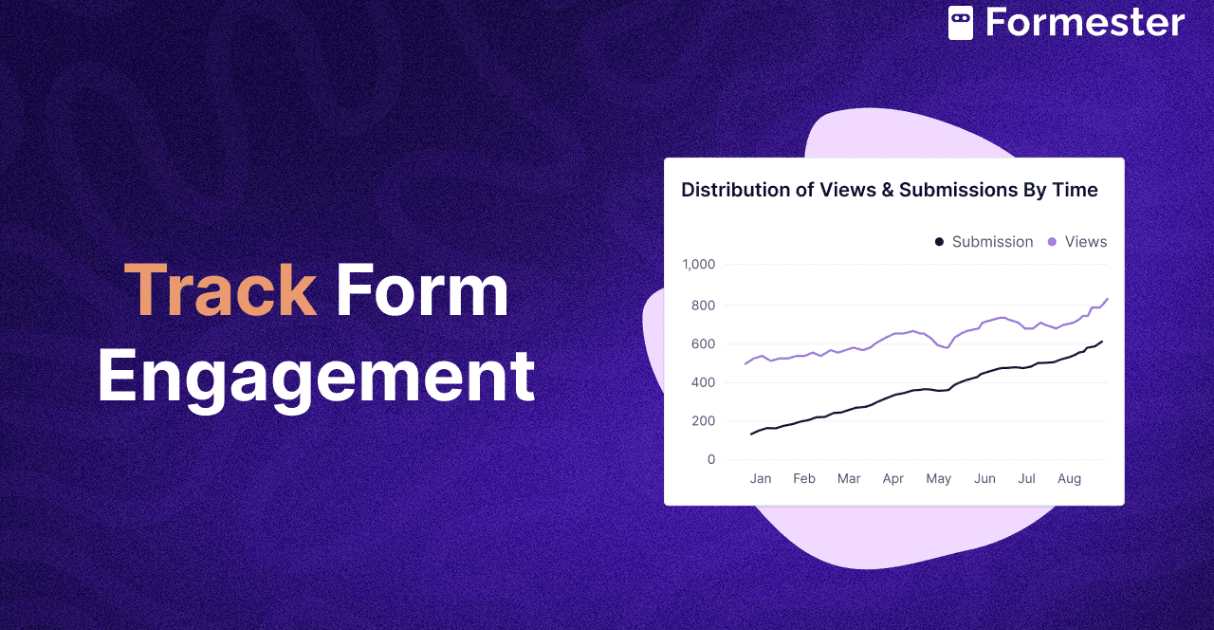
Then track responses in real time using Formester’s form analytics dashboard.
How to RSVP via Email Using Formester
If you need to know how to RSVP via email, it’s just as simple. If you don't have all the guest emails yet, an email finder tool can help locate them quickly.
Write a short and clear email.
Use a subject like “RSVP for [Event Name] – Confirm Your Attendance”.
Here’s a simple message you can send: “We’re excited to invite you to [Event Name]! Please RSVP by [Date] using this link: [Form Link]. Let us know if you have any questions!”
Best Practices for RSVPs
- Send your RSVP request early so guests have time to respond.
- Follow up with reminders.
- Keep your form simple and quick to fill out.
Conclusion:
Managing RSVPs doesn’t have to be stressful. Instead of tracking responses manually, use Formester to simplify the process. With a customized RSVP form, guests can confirm their attendance in seconds, whether via text or email.
Formester helps you stay organized. It sends automatic reminders and gives real-time updates. This way, you can focus on planning a great event. Try Formester for free today and take the hassle out of event planning!
Related on Formester
Browse RSVP templates and the wedding RSVP form to skip the build entirely.
Wedding RSVP form
Continue the workflow on Formester.
Open FormesterRSVP form templates
Continue the workflow on Formester.
Open FormesterEvent RSVP form
Continue the workflow on Formester.
Open FormesterSecret Santa questionnaire (event template)
Continue the workflow on Formester.
Open