No caps on forms or responses
Formstack Forms allows 25 forms and 1,000 submissions per form. Every Formester plan, including Free, has unlimited forms and responses.
Compare Formester plansFormstack has no free plan. Its Forms plan starts at $83/mo for one user, and documents plus approvals need Suite at $250/mo (Formstack pricing as of October 2026). Formester is free for unlimited forms and responses, and Business ($45/mo, 25 team members) adds auto-filled PDFs.
Unlimited forms and responses on every plan · PDF documents on Business, from $45/mo
















Formstack sells two self-serve plans, and only Suite includes documents and approval routing.
| Plan detail | Formstack Forms | Formstack Suite | Formester Free | Formester Business |
|---|---|---|---|---|
| Price per month, billed yearly (monthly) | $83 ($99) | $250 ($299) | $0 | $45 ($49) |
| Users who can build forms | 1 | 3 | 1 | 25 team members |
| Forms | 25 | 100 | Unlimited | Unlimited |
| Submissions | 1,000 per form | 5,000 per form | Unlimited | Unlimited |
| File storage | 2 GB | 10 GB | 100 MB | 50 GB |
| Approval routing | Not included | Included | Workflows, 100 runs/mo | Workflows, 10,000 runs/mo |
| Documents from submissions | Not included | 250 deliveries/mo | Not included | PDF Editor, no monthly cap |
| Free plan or trial | 14-day trial | No free trial | Free forever | Upgrade from Free |
Moving from Formstack Suite to Formester Business saves $2,460 a year at list price ($3,000 vs $540, billed yearly). Formstack prices are from formstack.com/pricing as of 15 October 2026. Formester prices are from Formester pricing.
Where Formstack’s plan limits differ most from Formester’s.
Formstack Forms allows 25 forms and 1,000 submissions per form. Every Formester plan, including Free, has unlimited forms and responses.
Compare Formester plansBusiness includes 25 team members, against 1 builder on Formstack Forms and 3 on Suite. Teammates can edit the same form at the same time.
Real-time collaborationFormstack puts document generation in Suite at $250/mo. In Formester it is part of Business at $45/mo, built into each form.
See how documents workWorkflows send a submission to approvers by email and take a different path for each answer. Free includes 100 workflow runs a month.
Explore workflowsFormstack Documents (formerly WebMerge) comes with the $250/mo Suite plan and 250 document deliveries a month. In Formester, every form has its own PDF Editor, so you build the form and the document it fills in one place. It is part of the Business plan, $45/mo billed yearly.
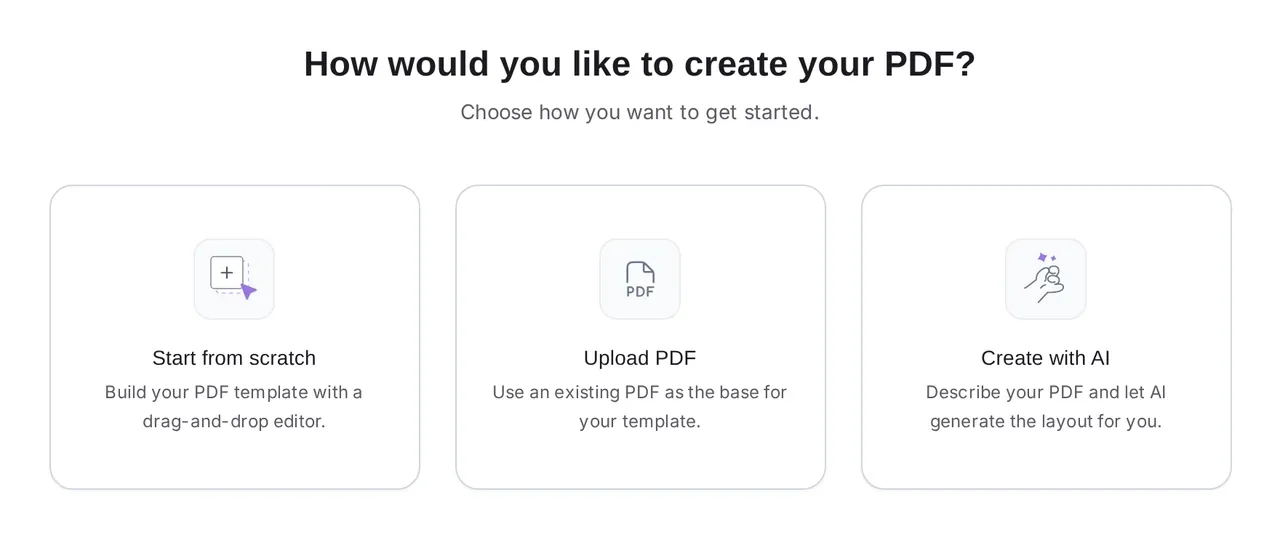
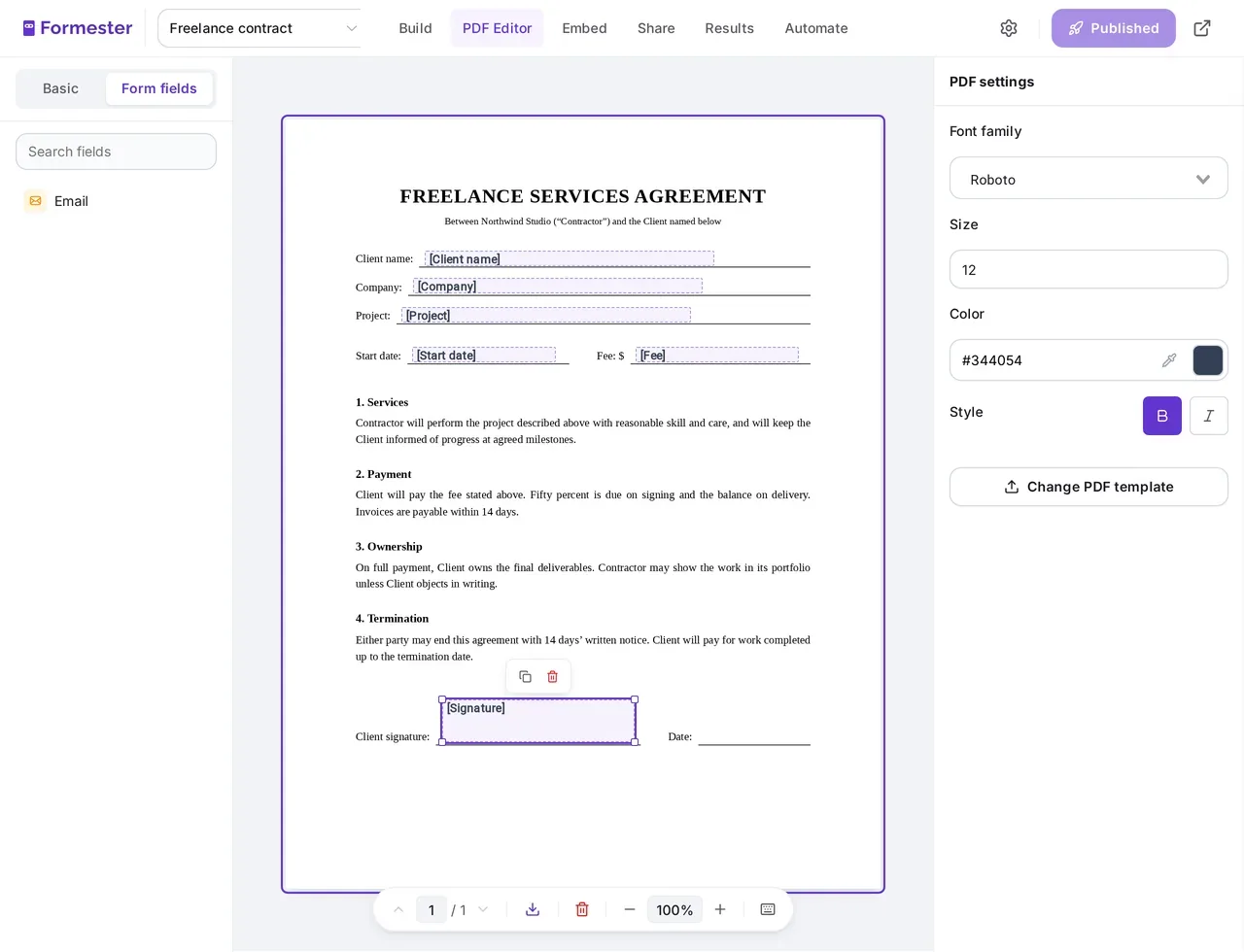
Open the PDF Editor on your form and pick how to begin. Upload the contract or letterhead you already use as the base, or describe the document and AI lays out a first draft linked to your fields.
Auto-generate documents from form submissions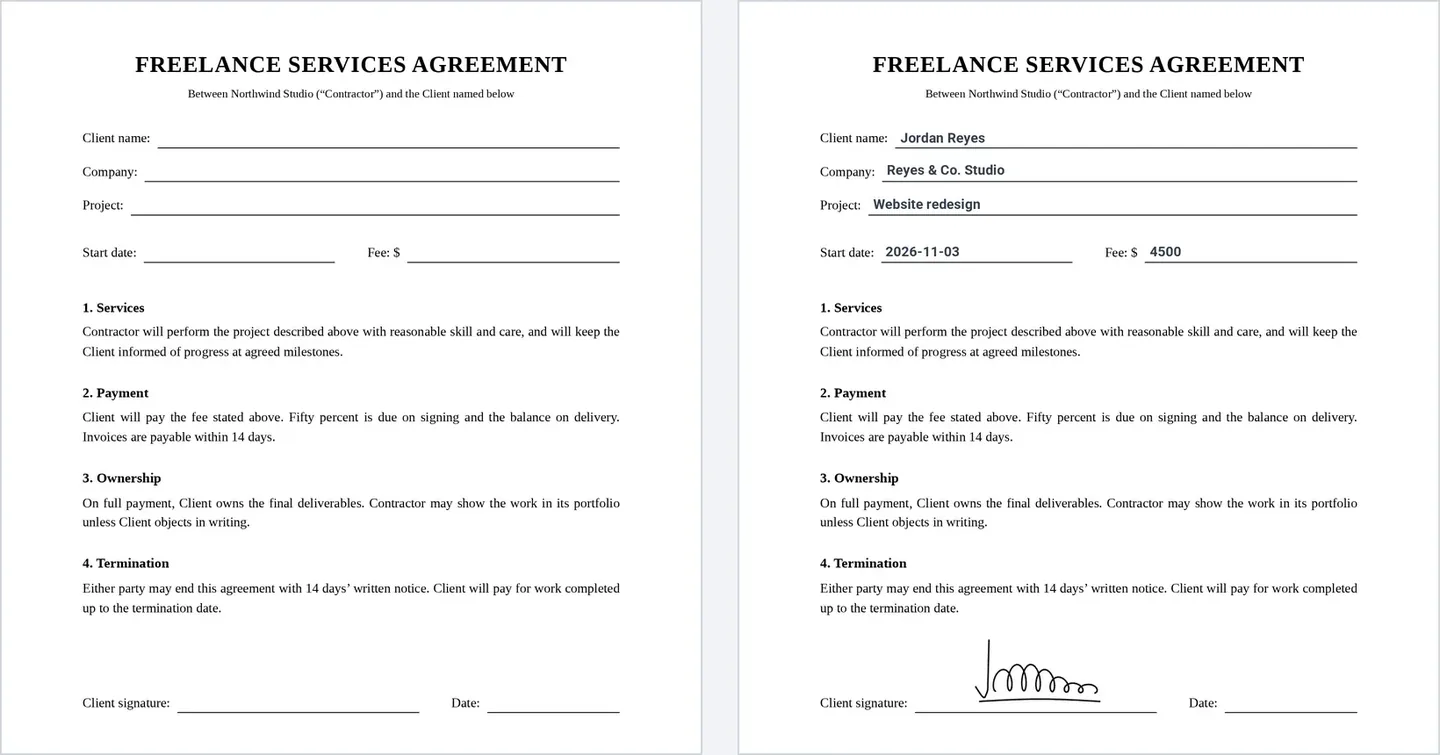
Drop form fields onto the page where each answer belongs. Repeater and matrix fields print as tables, and a signature drawn on the form appears in its signature box.
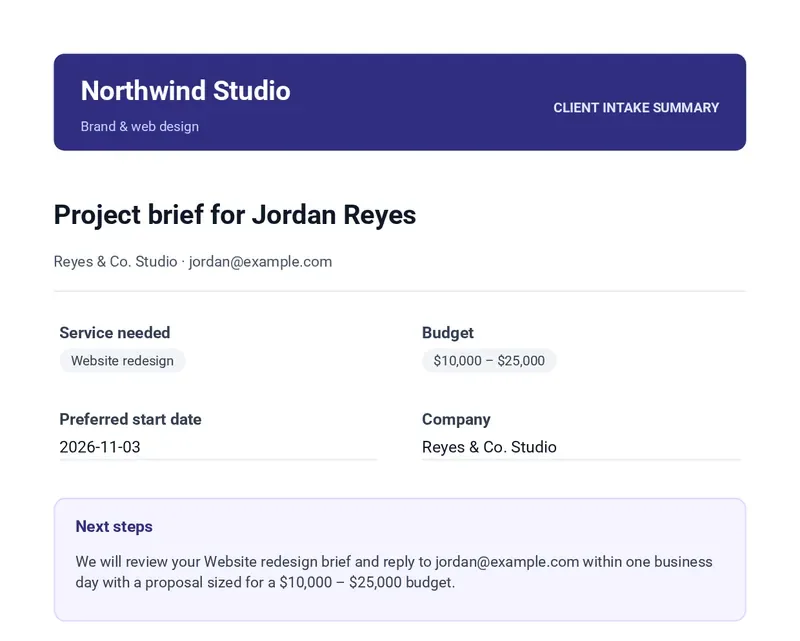
Choose Connected PDF wherever Formester sends a submission. It is attached to your notification or the respondent’s autoresponder, offered on the thank-you page, saved to Google Drive, or sent as a link in a webhook or workflow step. You can also download many at once from Results.
Turn any form into a PDFWhat it takes to fill a PDF from every form submission on each platform. Formstack figures from its pricing page as of 15 October 2026.
| Formester | Formstack Documents | |
|---|---|---|
| Plan you need | Business, $45/mo billed yearly, 25 team members | Suite, $250/mo billed yearly, 3 builder users |
| Where the template lives | A PDF Editor tab on each form | Formstack Documents, a separate product in Suite |
| Documents per month | No monthly cap | 250 deliveries on Suite |
The form features teams use every day, with the Formester plan that includes each one.
Show, hide or skip questions based on earlier answers.
Conditional logicTake payments with Stripe or PayPal inside the form.
Online paymentsRespondents draw their signature on any device.
Electronic signaturesRespondents save a long form and finish it later.
Save and continueSee what people typed before they left the form.
Partial submissionsOffer one form in several languages.
Multi-language formsCollect answers without a connection and sync them later.
Offline formsFill in known answers from the link, so people type less.
Pre-fill fieldsDescribe a form and get a working draft to edit.
AI form generatorYou don’t rebuild your forms by hand. Formester reads them from Formstack and recreates the questions, pages and logic.
In Formester, create a new form, choose Import Form, then pick Import from Formstack.
Paste the Formstack form link and a Formstack personal access token, then click Generate Form. The token is used for the import only and is not stored.
Questions, page breaks and conditional logic come across, including signature, rating, matrix and file upload fields. Add a PDF template or a workflow, then share the new link.

"PDF and emailing options are solid and easy to use. Support is second to none!"
"Their support is top notch. They reply quickly for any query and also help in technical queries and troubleshooting."
"Having one place to create different types of forms and collect responses makes this part of my work easier."
Still comparing? These guides cover Formstack and its competitors.
Both tools side by side, with Formester as a third option.
Read the comparisonFormstack alternatives compared on price and features.
See the listHow Formester compares with Cognito Forms.
CompareHow Formester compares with Jotform.
CompareFind answers to common questions below, or reach out to our team for more help.
Import a form from Formstack, check it, and share the new link. Add PDF documents when you need them.
PDF documents on Business, from $45/mo billed yearly