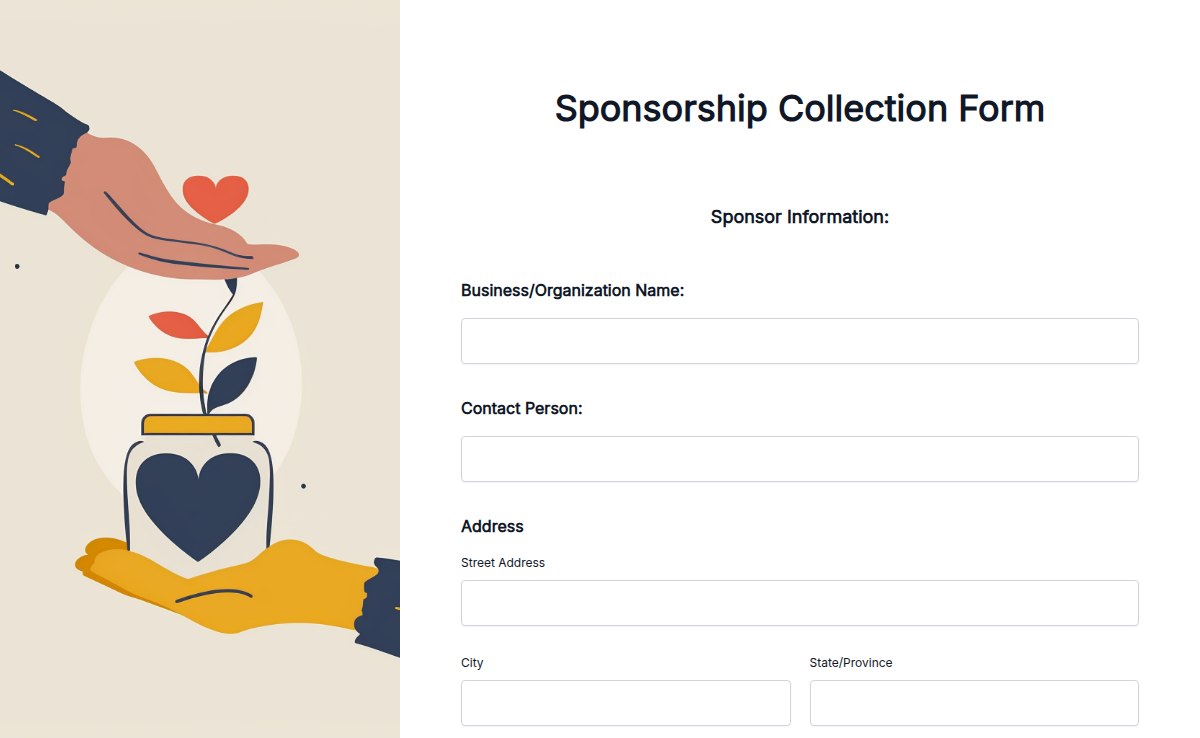
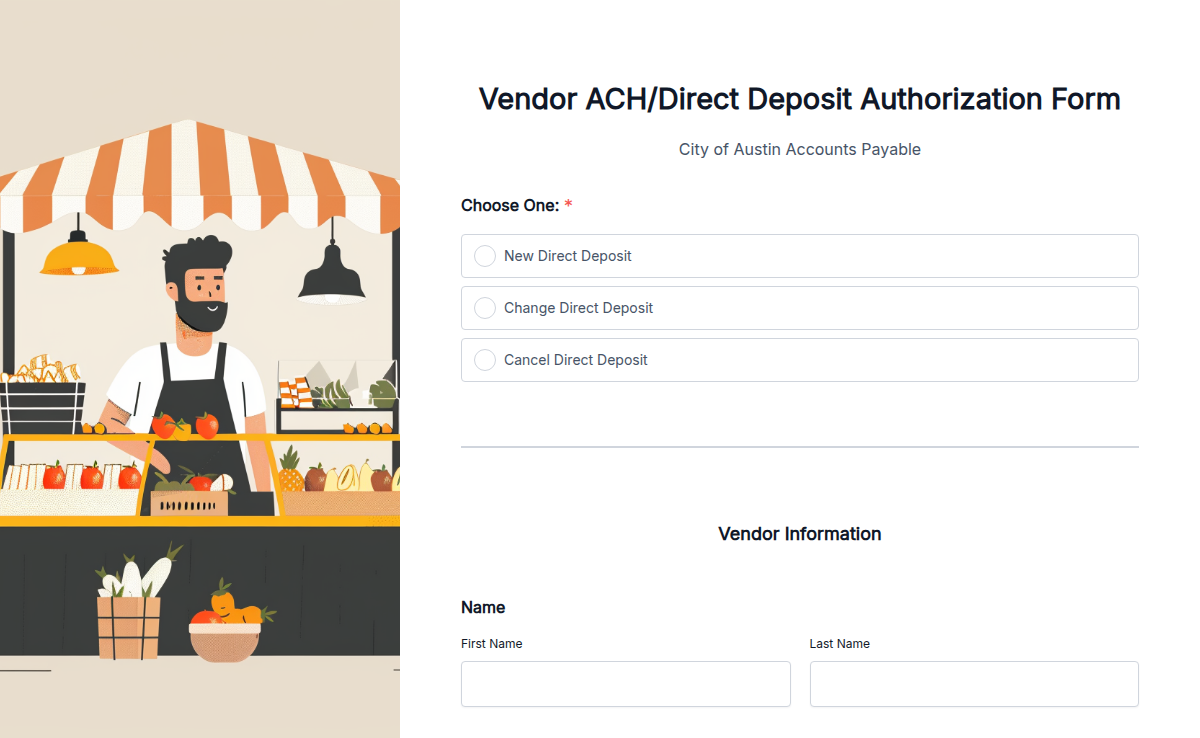
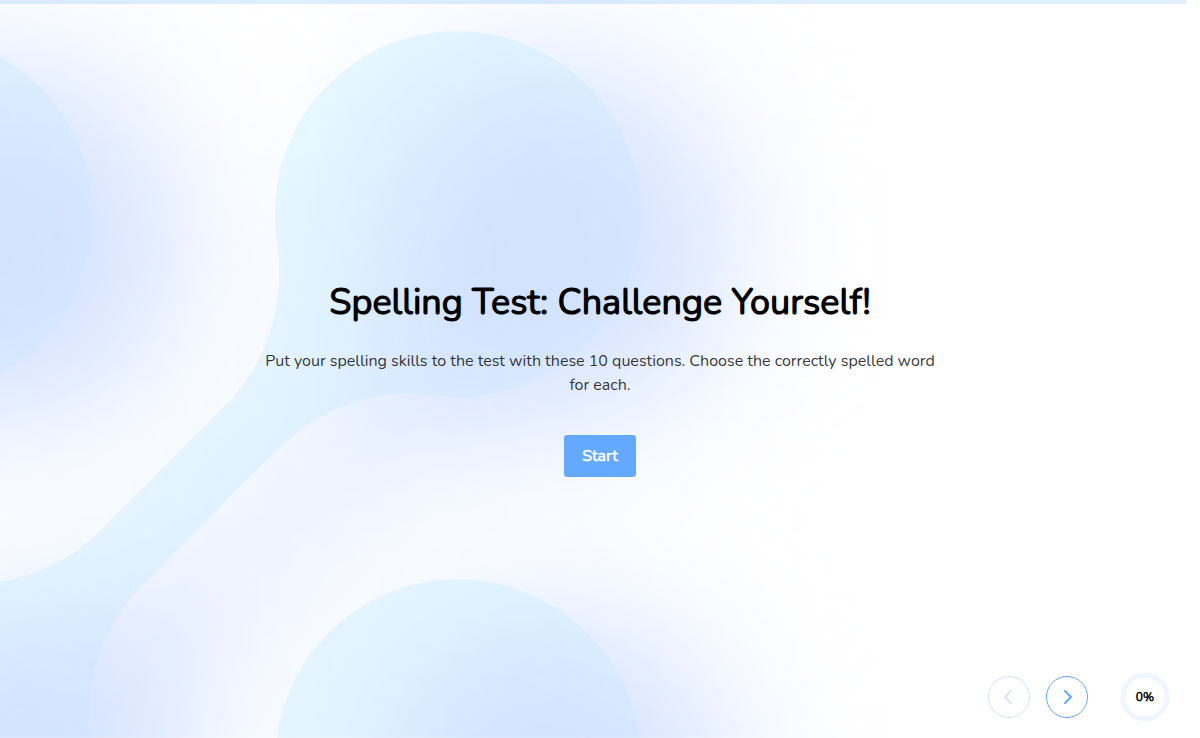
TRY IT NOW. NO SIGN-UP REQUIRED.

Free Online Questionnaire Maker Built for Actionable Insights

Generate a complete questionnaire or survey from one prompt or a PDF in seconds. Add skip logic, branding, and rating scales. Share by link, QR, or email. Track responses, completion rates, and drop-off in real time. Researchers, HR teams, and marketers ship in seconds, not minutes.


Peabody
Aramark
L'Oreal
Toptal
Grab
SFU
World of Hyatt
Iolani School
Austin Independent School District
Virgin

Trusted by 56,000+ businesses worldwide

5/55 stars
4.4/54.5 stars
5/55 stars
4.7/54.5 stars

How to Create a Free Online Questionnaire in Four Steps?

Use a template, an AI prompt, or a blank canvas to start. From there it is four steps: build, refine, ship, and learn. Most teams launch their first questionnaire in under seconds.

STEP 1

Start from a template, a prompt, or a PDF

Use one of the free, pre-built templates or let the AI questionnaire maker create one based on your prompt. This feature saves you the effort of crafting each question from scratch, giving you a solid starting point.
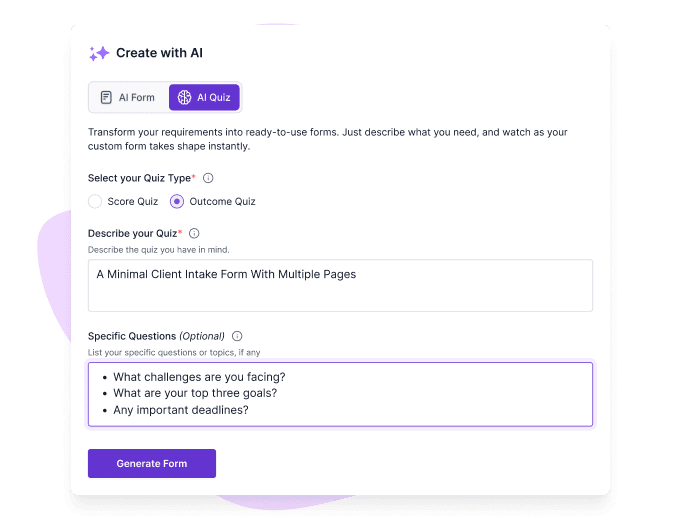
Navigate to “Create with AI” Tab

STEP 2

Refine: question types, branching, and brand

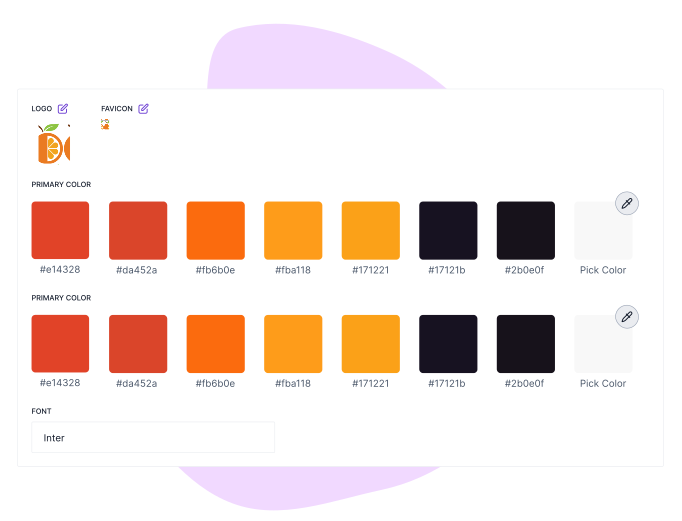
Use the drag-and-drop interface to easily add or remove questions. You can include advanced fields like ratings or scales and customize your questionnaire with your own branding to make it truly yours.
Describe your Form

STEP 3

Pilot, set the rules, and lock it down

Improve your questionnaire with smart features like question branching, form limiter, and auto-save.

These will help you guide respondents more smoothly and ensure you gather the data you need in an efficient and engaging way.
Add Your Questions (Optional)

STEP 4

Publish, share, and watch responses land

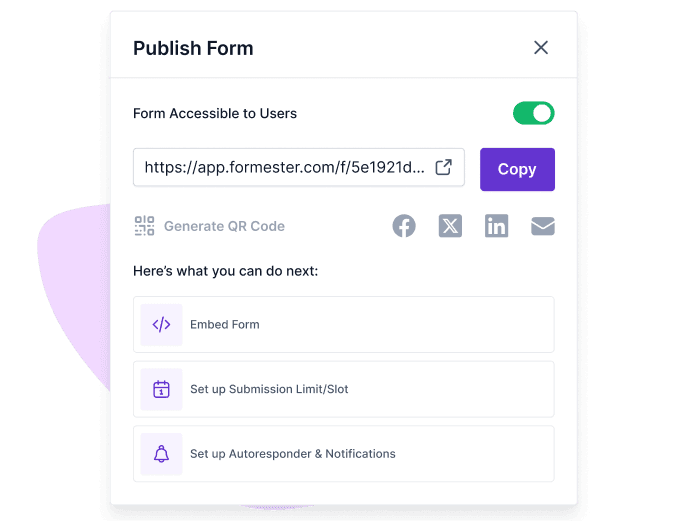
Share your questionnaire through multiple channels. Publish it on social media, send it via email, or generate a QR code for easy sharing.

You can also embed the questionnaire on your website or collaborate with team members using multi-user access.
Customize Your Form
At a glance

Inputs, question types, sharing, and analytics

A scannable reference for the most-asked capability questions. Direct from the help center, verified before each rewrite ships.

AI generator inputs Three confirmed sources

Plain text prompt, paste-list of questions, or PDF upload up to 100 MB on the free plan. DOCX, PPT, image, and URL inputs are not supported today.

Text prompt Paste-list PDF upload
Question types Field types vs AI auto-generated

Single choice, multiple choice, dropdown, picture choice, matrix, rating, Likert scale, short answer, paragraph, file upload, signature. AI auto-generates: single, multiple, dropdown, true/false. Other types you add manually.

Likert Multiple choice Open-ended Rating Matrix File upload
Sharing channels Web, mobile, in-person

Direct link, email, QR code (JPEG, SVG, PNG), inline embed, popup, sidebar, side tab, popover, fullscreen takeover. Native share to WordPress, Webflow, Wix, Shopify, and Canva. Custom subdomain on business plans.

Link QR Embed Popup WordPress Webflow Shopify
Analytics and exports Real-time dashboard

Completion rate, drop-off rate by page, time spent, per-question summaries, partial-submission dashboard. CSV export, per-submission PDF, API access on Business plans, GA4 and GTM connection, MCP server for AI agents.

Completion rate Drop-off Time on page CSV / PDF GA4
Instrument quality

Research-grade questionnaires, vetted before respondents see them.

Leading questions, double-barrelled items, absolute phrasing, and prescriptive scales get flagged before the questionnaire goes live. The generator borrows from established questionnaire design (CSAT, NPS, eNPS, pulse) and warns you when an AI-drafted item drifts from those patterns.

Every draft lands in the editor with bias warnings inline. Rewrite the item, change the scale, reorder for response-order effects. Validity is the kind of detail that's hard to retrofit; the editor surfaces it while it's still cheap to fix.

Pick the right tool

Questionnaire vs survey vs form. Pick the right tool for the job.

The three terms get used interchangeably. They are not the same thing. The choice changes how you design questions, how you analyze data, and which Formester template you should start from.

Questionnaire Survey Form
What it is The instrument. A structured set of questions. The whole research process: design, sample, distribute, analyze. A data-capture interface for one-off transactions.
Used for Measuring attitudes, opinions, behaviors. Research-grade work. Generalizing findings to a population. Statistical analysis. Booking, signing up, applying, paying, contacting.
Sample size Often small and purposive. Large enough for inference (typically 100+). One respondent per submission.
Question types Likert, rating, ranking, open-ended, multiple choice. Same as questionnaire, plus screeners and quotas. Short answer, dropdown, file upload. Logic optional.
Time to complete 5 to 12 minutes. Same range as the questionnaire it uses. Under 2 minutes is the goal.
Start here Questionnaire templates AI Survey Generator AI Form Generator

A medical history form is a questionnaire. A clinical study using it across 400 patients is a survey. A doctor's appointment booking page is a form. Same input field types, three different jobs.

Benchmarks

What completion rate should you expect?

Knowing the benchmark for your industry tells you whether to push the questionnaire harder or accept the data and ship the analysis.

Use case Typical completion rate What lifts it
Customer feedback (web, email) 20% to 30% Short forms, mobile-first design, branded look
Employee engagement / pulse 30% to 50% Manager endorsement, on-the-clock time, anonymity
Healthcare patient intake 30% to 40% Pre-filling known answers, plain language
B2B SaaS demo or trial form 30% to 38% Logic that hides irrelevant fields
E-commerce post-purchase 28% to 35% Send within 48 hours of purchase
Real estate property inquiry 25% to 35% Mobile-first, three questions or fewer
SMS or WhatsApp questionnaire 40% to 50% Single-question prompts, tap-to-answer

Benchmarks aggregated from third-party industry reports (2026). Cite the original source if you publish results externally.

A questionnaire under 12 questions, optimized for mobile, with skip logic that hides irrelevant fields, generally clears the upper end of the band. Above 30 questions and the rate drops sharply. Industry research shows completion rates above 80% for surveys under 10 minutes vs about 20% for long surveys.

Use Our AI Questionnaire Maker that Built For Actual Research

Create, customize, and share professional questionnaires and surveys in seconds. It helps you collect better responses, automate workflows, partial-submission recovery, drop-off analytics, and analyze results without any coding.

rocket icon

Templates that fit real research

Pick from market-research questionnaires, employee engagement, customer satisfaction, NPS, Likert-scale assessments, course evaluations, and event feedback. Every template ships with question logic and scoring already wired up. You change the words; the structure stays the same.

star icon

AI Generated Questions that takes a PDF, a list, or a prompt

Paste a research brief and get a full questionnaire back. Upload a PDF (study protocol, training deck, course outline) and the AI builds questions grounded in the source. Or paste your existing question list and let the AI structure it, score it, and apply skip logic.

workflow icon

Custom Branding

Add your logo, colors, fonts, and a custom domain. Match the questionnaire to a campaign or a study.

data flow icon

Smart Logic and Personalization

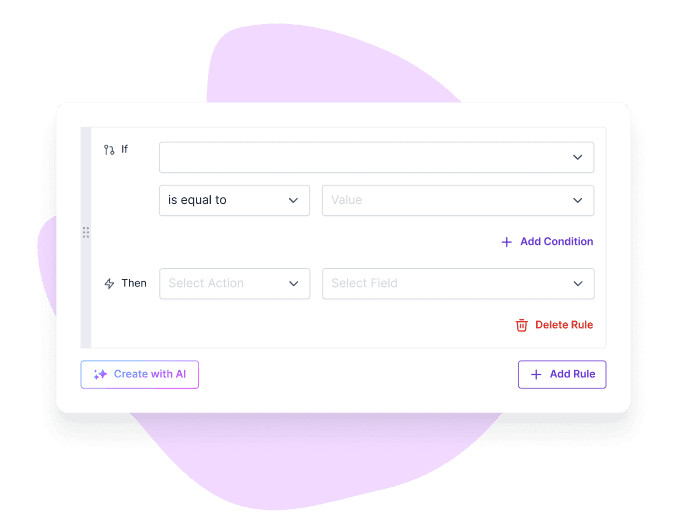
Show, hide, or branch questions based on previous answers. Skip whole sections for respondents they don't apply to. Pipe earlier answers into later questions for context. Set up branching in plain English ("if role is contractor, hide salary section") and Formester converts it.

rocket icon

1,000+ integrations, plus webhooks and an MCP server

Native connections to HubSpot, Google Sheets, Slack, Stripe, PayPal, Calendly, GA4, n8n, Pabbly Connect, Mailgun, SendGrid, and Outlook. Add Zapier for the long tail. For developers, Formester ships a public REST API and an MCP server, so Claude or ChatGPT can read responses directly.

analytics icon

Real-Time Reports and Insights

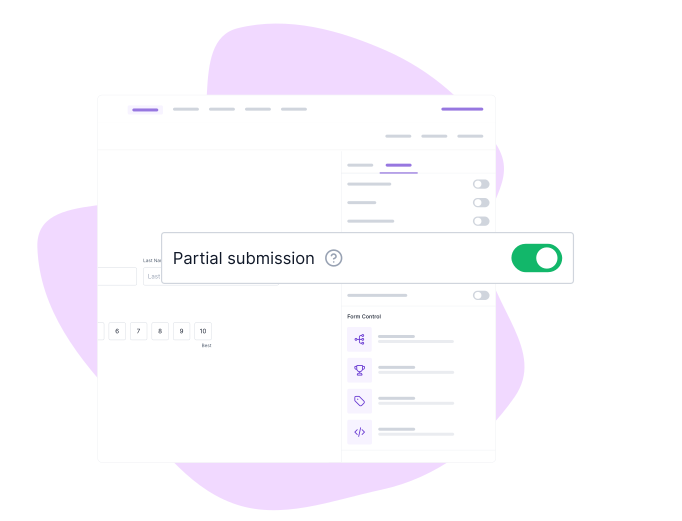
Watch responses land in real time. The dashboard shows completion rate, drop-off rate by page, average time spent, and a per-question breakdown for choice and rating fields. Partial Submissions captures answers from respondents who never reached the submit button, so you don't lose insight to incomplete sessions.

Powerful Features that researchers, marketers and ops teams actually use

Six powerful features that make the difference between data you act on and data you toss out.

Question Branching

Show or hide whole sections based on previous answers. A researcher sees the researcher block; an employee sees the employee block; nobody sees what doesn't apply to them. Branching cuts apparent length, which lifts completion rate.

formester's conditional logic ui

Partial Submission Recovery

Capture answers from respondents who close the tab on question 12. The dashboard surfaces partial responses next to full ones, so you can see where people drop off and what they answered before they left. Many basic form tools throw partial data away; Formester does not.
formester's partial submissions ui

Email Autoresponder with Conditional Triggers

Send a follow-up the moment a respondent submits a response. Branch the email by their answer (different copy for "promoter" vs "detractor", different attachment for "interested" vs "evaluating"). Use it to thank, route, schedule, or kick off the next step.
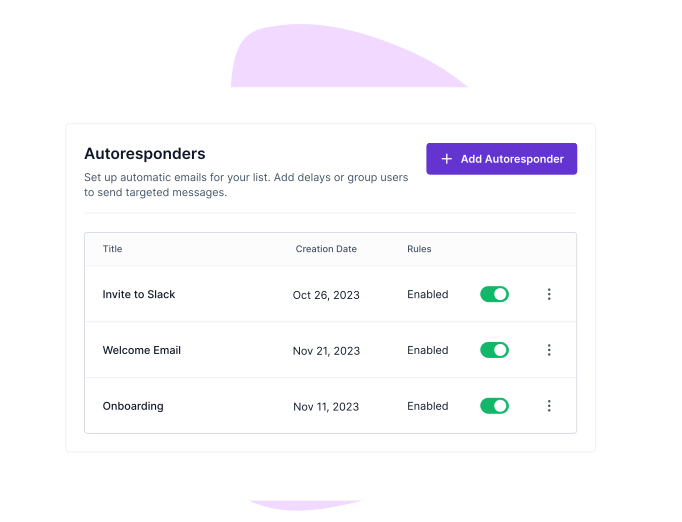
formester's email autoresponder ui

Scoring and Weighted Ranking

Assign points per answer, weight some questions heavier than others, and apply pass thresholds. Useful for lead scoring, NPS calculations, employee assessments, and academic evaluations. Show the score on the thank-you page or keep it admin-only.
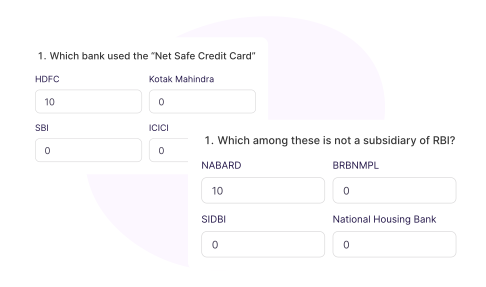
formester's scoring ui

Form Limiter

Cap the questionnaire at a number of responses, an open window, or a per-respondent rule (one submission per email or per IP). Useful for sample-size targets, time-bounded studies, and exclusive-access campaigns.
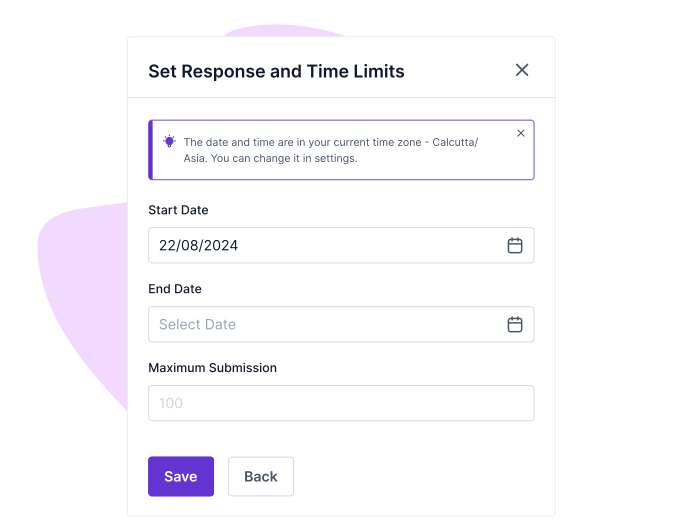
formester's form limiter ui

QR Code Generation

Make your questionnaire more accessible by generating a unique QR code. This feature allows respondents to access your questionnaire quickly by simply scanning the code with their mobile device.
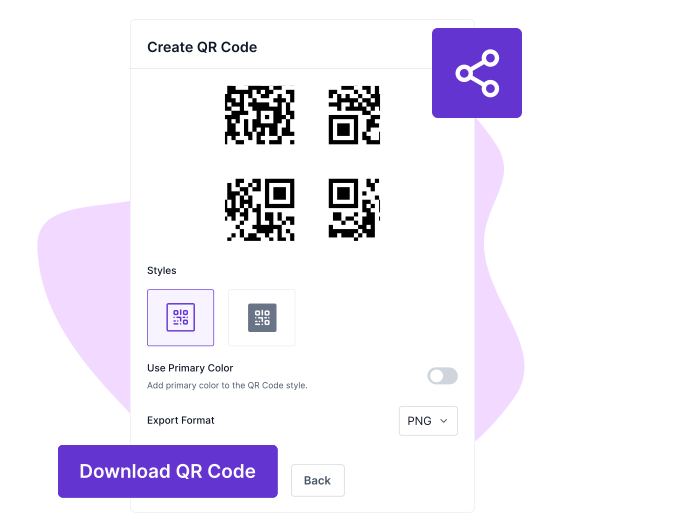
formester's qr code generator ui
Question types

Question types, and when to use each

Pick the question type that matches the data you actually need. Wrong type, wrong analysis.

Likert scale

Use when measuring intensity of an attitude or opinion. Five-point or seven-point. Keep wording balanced. Don't ask "how strongly do you agree" if you also want neutrals.

Multiple choice

Use for demographic data, factual answers, or pre-defined categories. Easy to analyze, fast to answer. Limit to 5 to 7 options on mobile. Add "Other" only if you'll read open-ended replies.

Open-ended

Use when exploring something you don't know yet, or capturing the language respondents use in their own words. Costs completion rate. Keep to three or fewer per questionnaire.

Ranking

Use when you need a hierarchy of preferences across more than three options. Avoid on mobile (drag-and-drop is finicky). Use forced-choice pairs if respondents are on phones.

Methodology

Built on questionnaire methodology research, not just feature parity

Most form tools sell features. We design the questionnaire builder around the rules that actually move completion rate. Ten to fifteen questions per questionnaire. Under ten minutes to complete. Three or fewer open-ended questions. Mobile-first layouts. Skip logic that hides irrelevant fields instead of asking everyone everything. Pilot-testing before launch.

The product enforces what we can. The dashboard surfaces drop-off pages so you can see where the design fails. The AI generator caps default question counts. Partial Submissions captures the data even when the design loses someone halfway through. The rest is on you, and we will tell you what we know.

Who builds with Formester

Who builds questionnaires with Formester

Six teams that ship questionnaires regularly. Each tile links to a template you can clone in seconds.

Market researchers

Brand awareness questionnaires, product concept tests, segmentation studies. Skip logic for screener questions, calculated fields for rolling NPS, pilot-testing before fielding to a panel.

Market research template

HR and people teams

Engagement pulses, onboarding check-ins, exit interviews, training feedback. Anonymous submissions, scheduled distribution, completion-rate dashboards by team.

Engagement template

Customer success

NPS, CSAT, post-support follow-ups, churn-risk diagnostics. Conditional autoresponder for promoters vs detractors, integration with HubSpot, partial-submission recovery.

CSAT template

Marketing and lead generation

Lead-qualification questionnaires, gated-content scoring, content preference surveys. Calculated fields for lead score, branching for persona routing, native HubSpot push.

Lead-gen templates

Event and operations teams

Pre-event registrations, in-event polling, post-event satisfaction. QR-code distribution, partial submission recovery for offline mode, multi-language for global events.

Event feedback template

Academic and student researchers

Coursework questionnaires, dissertation fieldwork, classroom feedback, university-wide pulse studies. Anonymous submissions, AI-assisted question drafting, CSV export for SPSS or R.

Assessment templates
For builders

Your questionnaire data, ready for the AI you already use

Every response is queryable through Formester's REST API or its MCP server. Your AI agents can pull data the moment it lands. No scrape, no proxy.

Plug in any AI agent

MCP server for Claude, ChatGPT, and any MCP-compatible model

Claude ChatGPT Custom agents

Connect Claude or ChatGPT directly to Formester. Ask "which respondents flagged a delivery issue this week," "which question has the highest drop-off," or "summarize this week's NPS comments and group by theme." The agent reads the answer set in real time. No CSV export, no copy-paste, no glue code.

MCP server guide
REST API v2

Or build directly on the REST API

Self-service token Org-level scope Business plan and up

Generate an org-level token from app.formester.com/api in two clicks. Push responses into a warehouse, trigger a downstream job, or build a custom dashboard. Webhooks fire on submission created, updated, or deleted. v1 is still around for legacy form-level integrations, but new builds should start on v2.

API documentation

Questionnaire Templates with the Structure already Built

Forty-plus questionnaire templates across research, HR, customer feedback, and academic use. Every one ships with question logic, scoring, and a sensible default field order. You change the words; the structure works.

Privacy and data ownership

Your questionnaire data is yours. We don't train on it.

The brief you write to describe the questionnaire, the AI-generated items, and the responses participants submit are all Customer Data. Per Section 4.4 of our Data Processing Addendum, Formester does not use Customer Data to train AI models, run advertising, run analytics, or feed marketing. The Google Gemini integration that drafts the items inherits the same boundary.

Your account is encrypted at rest, responses move over TLS, and payment data carries an additional AES-256 layer through Stripe. We are GDPR, UK GDPR, and CCPA compliant. We are not SOC 2, ISO 27001, or HIPAA certified yet, and we say so on the security page rather than implying otherwise.

Testimonials

What customers say after they shipped Questionnaires

"Formester is really easy to use and an exceptional alternative for Typeform. We use it for call for papers, lead registrations, feedback and surveys a…"

Jilson
Organiser

"Formester is simple enough for non-developers and sophisticated enough for developers. I'd say being able to choose between simplicity and complexity …"

Costanza Casullo
Volunteer

"Formester AI form builder has lots of customisation options. It's very easy to generate online forms. Forms generated are also very user friendly it s…"

Deepika K
Business Development Executive

"Tried like 4 quiz tools for our lead gen funnel before this and honestly this is the only one I didn't end up hating. AI did most of the work and the …"

Alex
Customer Success Manager

"Very intuitive and the surveys look genuinely professional out of the box. Most importantly, I requested a custom rating scale and they shipped it wit…"

Chris
Operations Lead

"I'm migrating my forms from Paperform, where I've been a user for over 4 years. Loving the software so far! I've already replaced Paperform form embed…"

Dr. Michele Ross
Founder

Build a Questionnaire that Respondents Actually Finish

Free plan: 10 questionnaires, 100 responses per month, AI generator, all field types, drop-off analytics. No credit card required to start

FAQ

FAQs

Find answers to common questions below, or reach out to our team for more help.