bevdkbdf.formester.com/f/2fda2835-bf93-40b6-a026-85a4eccaa6e8

Admission Form Template

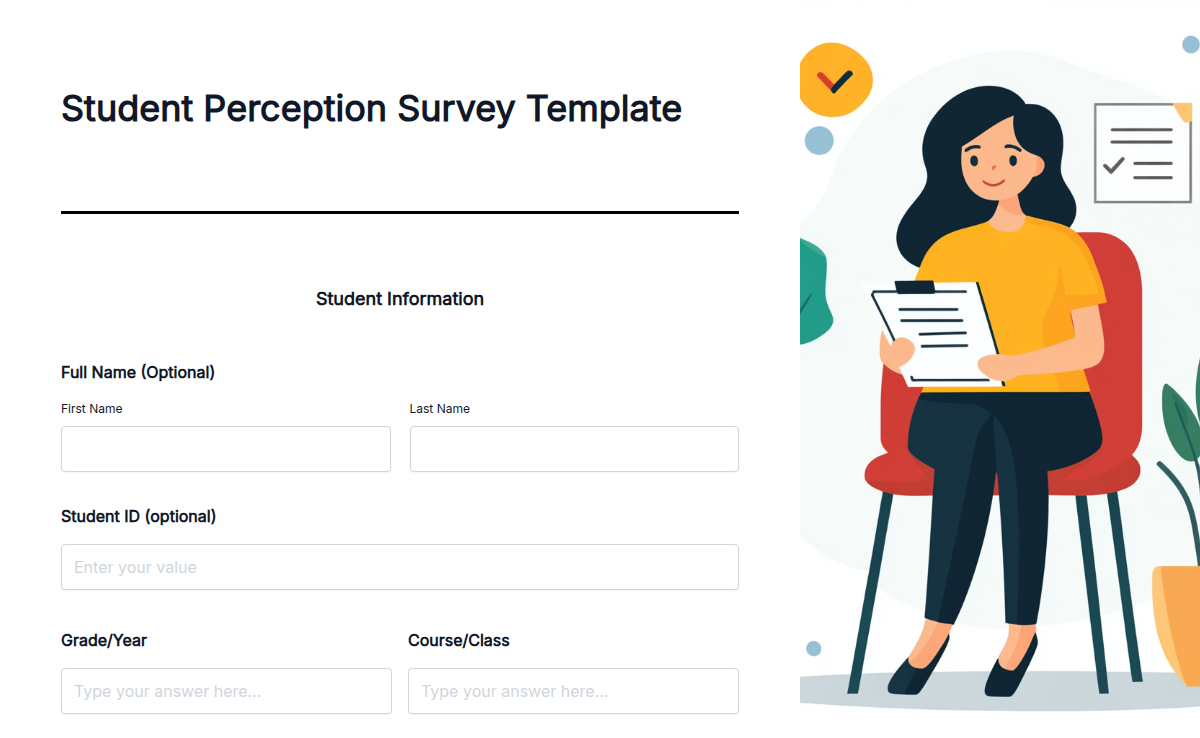
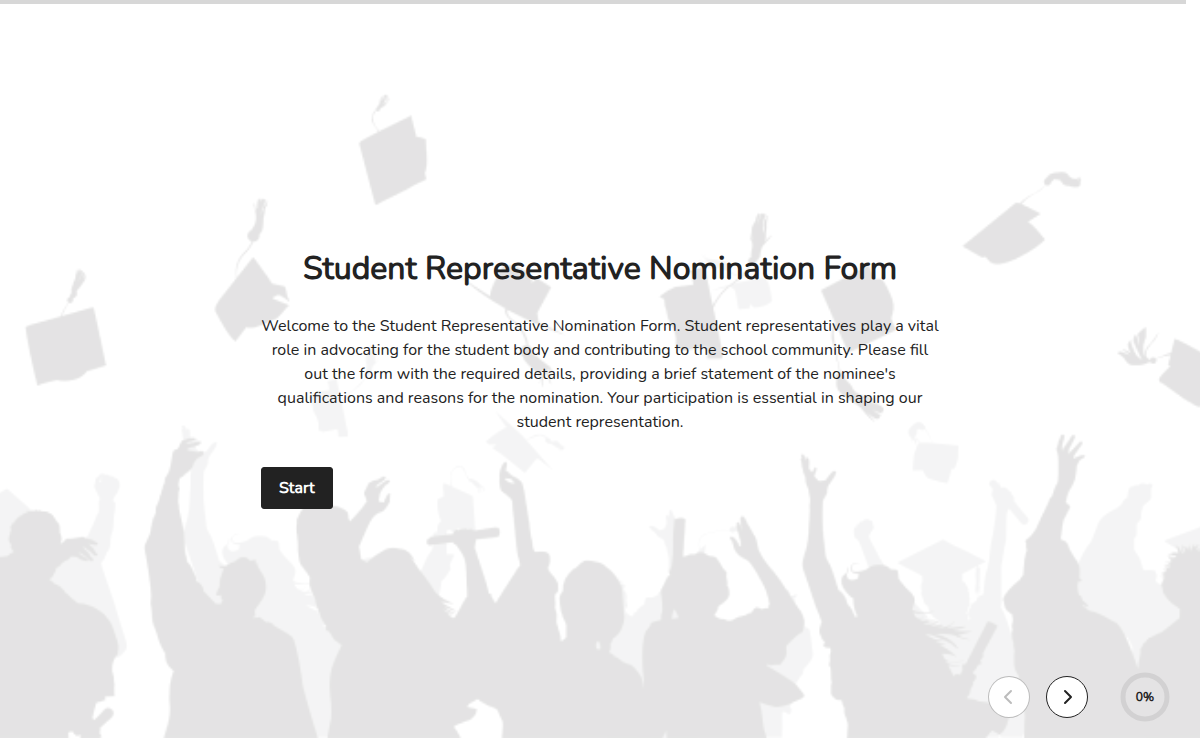
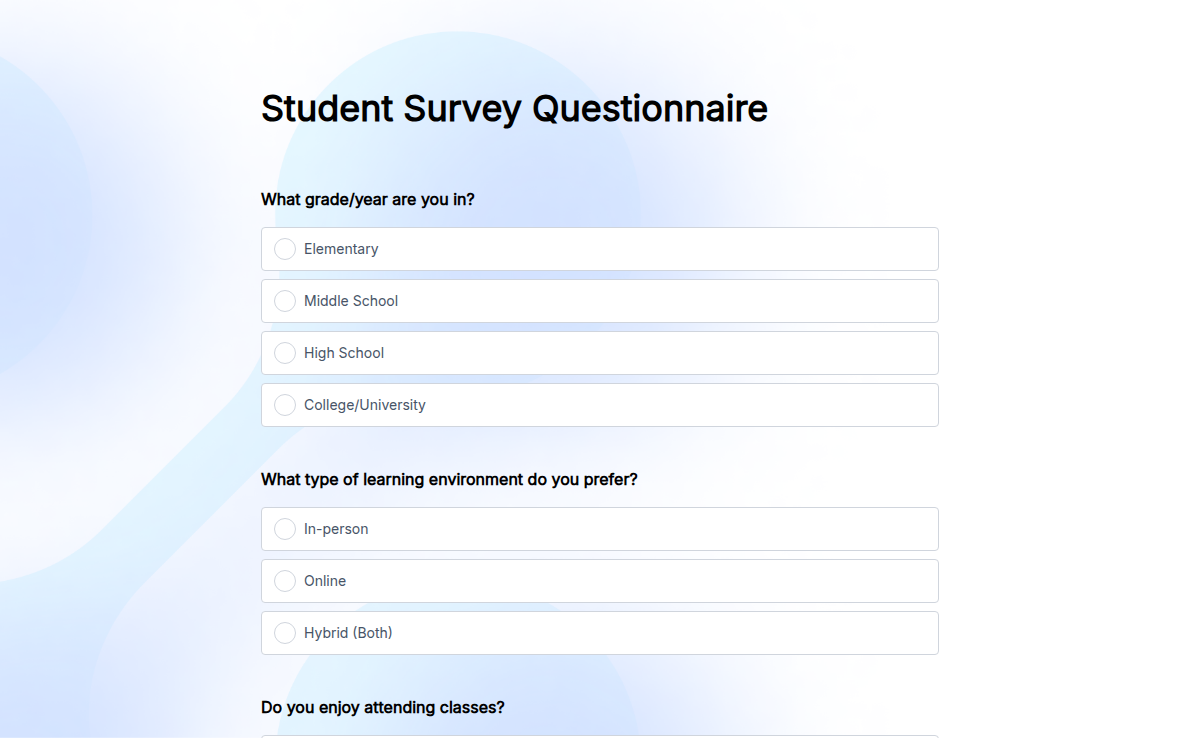
This admission form template gives schools, colleges, universities, training institutes, and daycare programs a single place to receive applications. Every field a registrar actually needs is already wired in: applicant name, date of birth, parent or guardian contact, prior school details, program applied for, supporting documents, and a signed declaration. Browse other free form templates if you need a registration, consent, or enrollment variant.

Educational Services Forms

About this template

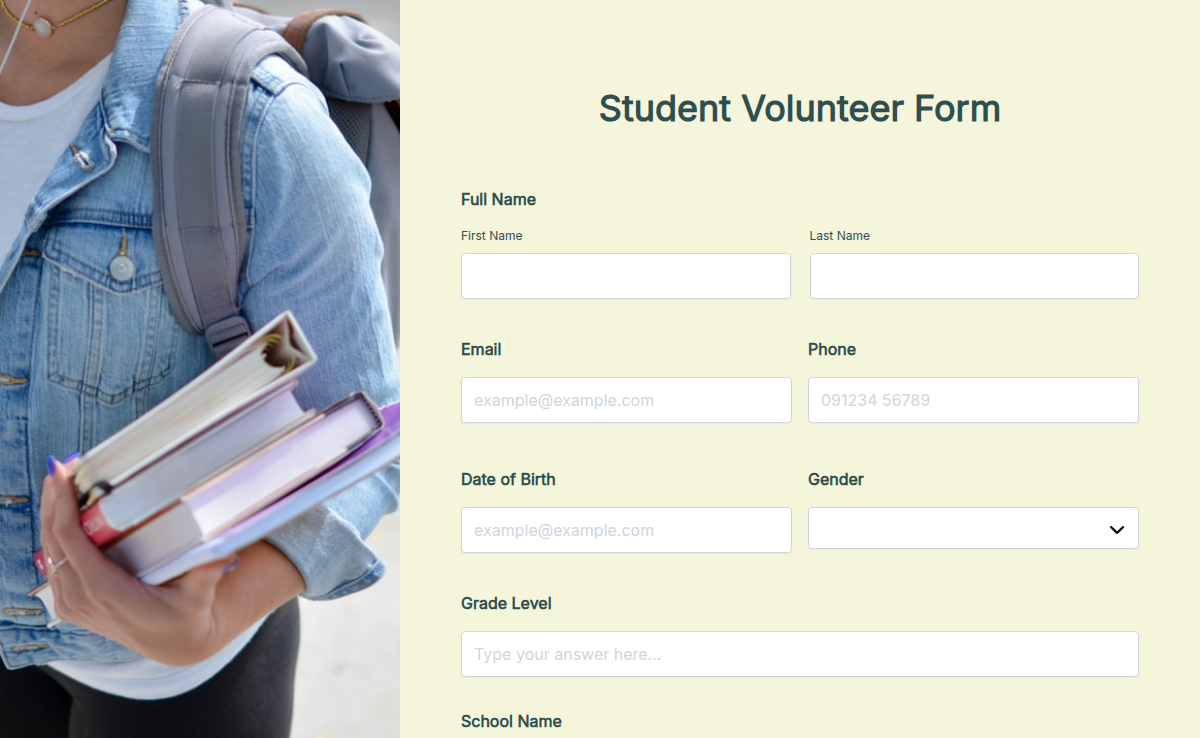
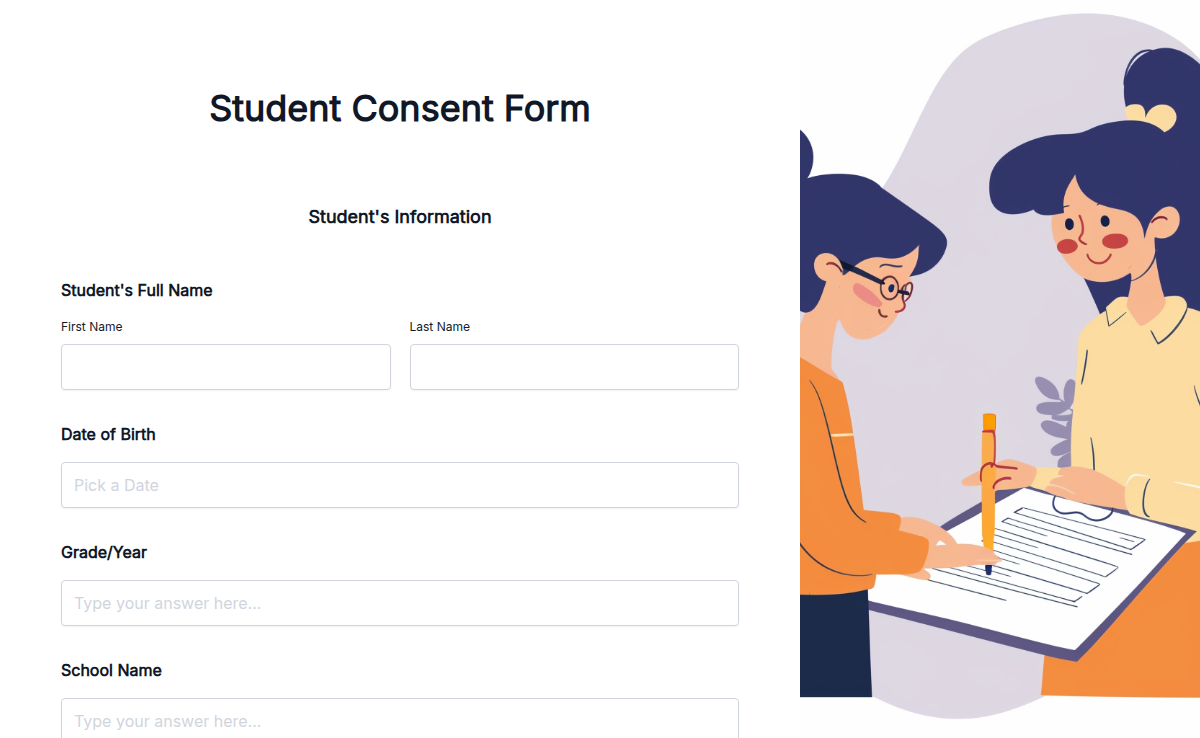
The Admission Form Template by Formester simplifies the admission process for schools, colleges, and training institutes. It’s pre-designed with all the necessary fields to collect student details like name, contact information, course preferences, and more. With its easy-to-use format, you can save time and focus on enrolling students seamlessly. You can explore this and other Free Form Templates to streamline your processes.

Open it in the drag-and-drop form builder, add a field, drop one, change the order, or rename the section labels. Drop in your logo and colors so it matches the rest of your admissions site. Add an electronic signature field when the declaration needs a parent or guardian sign-off.

Use it for new student enrollment, course registration, workshop onboarding, or training-institute intake. Turn on conditional logic to surface the right questions per program, so a postgraduate applicant does not see the K-12 sections and a daycare parent does not see the college transcript upload.The benefits of this form are clear: it saves time, reduces paperwork, and improves accuracy in data collection. Institutions can also enhance the process further with Autoresponder Emails, ensuring applicants receive instant confirmation of their submission.

Getting started is quick and easy. Visit Formester’s Form Builder to customize and deploy your admission form. You can embed it on your website or share it via a link. Simplify your admission process today with this ready-to-use template!
How to customize

From clone to live admissions link in seven steps. Most teams finish in under fifteen minutes.

Click Use Template and open the form in the builder

Clones the form into your Formester account with every field, page break, and validation rule preserved.

Rename the form, drop in your institution's logo, and set your brand colors

Match the admissions site so applicants recognize they are still on your domain even when the form is shared as a standalone link.

Add or remove fields

Common edits: extra document slots, more program options, an essay field for higher ed.

Turn on conditional logic

Use conditional logic to show program-specific questions only when an applicant picks that program, so K-12 parents do not see the college transcript upload and vice versa.

Add a payment field if you collect application fees

Connect Stripe or PayPal through the payment field. Vary the amount per program with the same conditional-logic rules from step four.

Set up email notifications and autoresponders

Admissions team gets a ping on every new submission, applicant gets a confirmation email with a reference number for follow-up.

Share the link, embed the form, or send it through your admissions email

Live in three places at once: a standalone admissions URL, an embed on your site, and an outbound email link to enquiry leads.

When to use this template

Use this admission form template anywhere a person needs to apply, enroll, or register with an institution.

Schools (K-12)

New admissions, transfer admissions, and kindergarten intake for primary and secondary schools.

Colleges and universities

Undergraduate, postgraduate, diploma, and certificate applications with program-specific document slots.

Training institutes

Short courses, certifications, vocational programs, and coaching classes with batch selection.

Daycare and preschool

Enrollment for infants, toddlers, and pre-K, with parent and guardian contact captured upfront.

Test prep and tuition centers

Batch registration and weekend program signups with optional fee collection at submission.

Fields included

Every field is editable. Drop a field you do not need, drag in one you do, or rename labels to match your institution's wording.

  • Applicant full name Short text

    Legal name as it should appear on records and admission letters.

  • Date of birth Date

    Confirms age eligibility for the program applied for.

  • Gender Dropdown

    Optional, used for institutional reporting requirements.

  • Applicant email and phone Email / Phone

    Primary contact channels for application updates and admission outcomes.

  • Permanent and current address Address

    Required for residency verification and dispatch of physical documents.

  • Parent or guardian name, relationship, contact number, email Group

    Secondary point of contact, mandatory for K-12 and minor applicants.

  • Prior school or institution name, board, year of completion, grade or percentage Group

    Academic history used for shortlisting and merit-based decisions.

  • Program applied for Multi-select

    Single form covers multiple programs; pair with conditional logic to show the right downstream questions.

  • Preferred start date or batch Date

    Lets admissions plan batch sizes and seat allocation ahead of intake.

  • Document uploads: transcripts, ID proof, photograph, transfer certificate, recommendation letters File upload

    Set accepted file types and size limits per field so applicants do not upload the wrong format.

  • Declaration with electronic signature E-signature

    Captures applicant or guardian sign-off on accuracy and acceptance of terms.

  • Application fee payment Payment

    Optional Stripe or PayPal collection; vary the amount per program via conditional logic.

Questions we get a lot

What schools, colleges, training institutes, and daycare programs ask before they swap their PDF or Google Form for this template.

What is an admission form template?
An admission form template is a pre-built form used by schools, colleges, universities, and training institutes to accept student applications. It captures applicant identity, parent or guardian contact, prior academic records, the program applied for, supporting documents, and a signed declaration in one submission.
How do I use this for a school admission form?
For K-12, keep the parent or guardian section, the prior school field, and the document upload for transfer certificates and report cards. Hide the program-applied-for field if your school only runs a single track. Share the live form link on your admissions page, or embed it directly.
What should a college admission form include?
For college and university admissions, include applicant details, prior school and grades, program or major applied for, document uploads (transcripts, ID proof, recommendation letters), an extracurricular section, and a declaration. Use conditional logic to show the right document slots per program.
Can applicants upload supporting documents?
Yes. Add as many file upload fields as you need for transcripts, ID proof, photographs, recommendation letters, or transfer certificates. Set accepted file types and size limits per field so applicants do not upload the wrong format.
Can I collect application fees through this form?
Yes. Add a payment field to accept application fees through Stripe or PayPal. Set the fee per program, or use conditional logic to charge different amounts for K-12, college, and training-institute applicants on the same form.
Can one form handle multiple programs?
Yes. Add a multi-select or dropdown field for the program applied for, then use conditional logic to show only the questions and document uploads relevant to the selected program. One form, every program, no extra setup.