bevdkbdf.formester.com/f/Db56xrROK

COVID-19 Liability Waiver and Consent Form

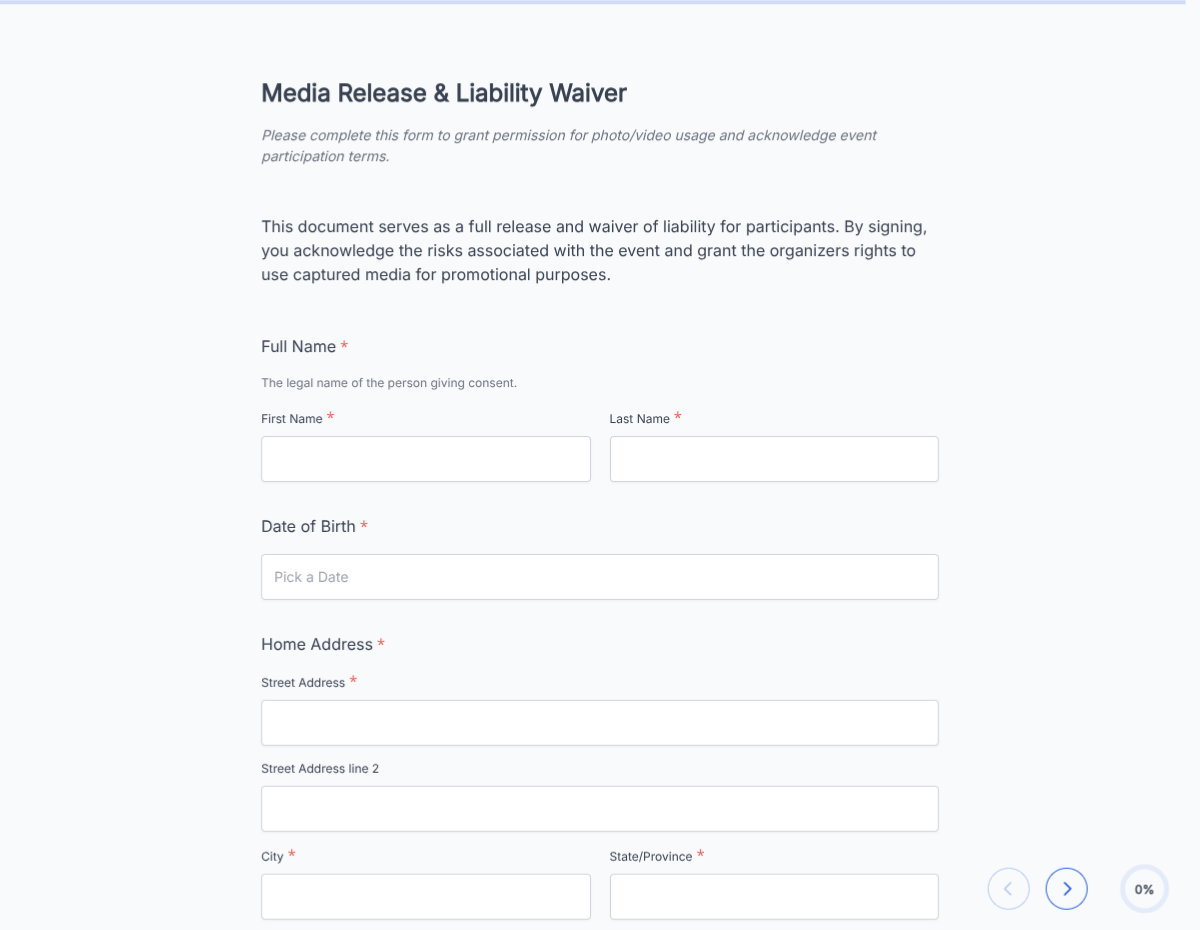
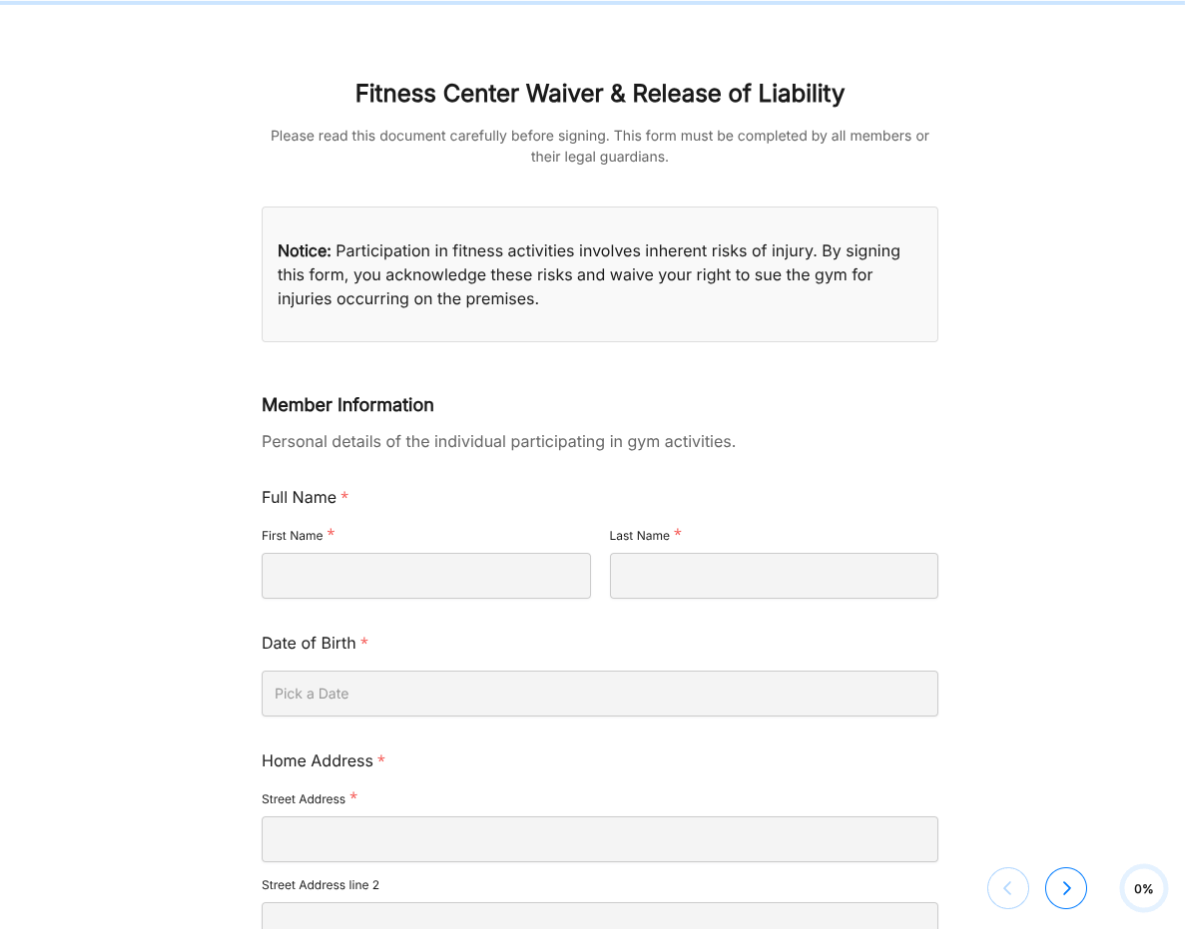
A COVID liability waiver covering acknowledgement of risk, symptom screening, vaccination disclosure, and signed release of liability. Exported as a signed PDF.

Operations

About this template

This COVID liability waiver template runs on Formester's drag-and-drop form builder, sized for venues, events, gyms, clinics, and any business needing a documented acknowledgement of COVID-related risk. Capture the participant's acknowledgement, screening answers, and signature in one flow.

Replace the paper clipboard at the door. Participants fill on a phone or tablet, sign with e-signature, and the PDF goes to your records. Every submission is encrypted in transit and at rest.

Use conditional logic to surface a longer screening block when the participant flags symptoms, reveal the vaccination disclosure when relevant to your jurisdiction, or skip the parent-guardian block for adults.

Auto-send the signed waiver to the participant via Autoresponder Email, route every submission to your venue's log via webhooks or Google Sheets sync, and bring everything together in one searchable record.
How to customize this covid liability waiver

Six steps to a venue-ready COVID waiver. Most venues finish in under 15 minutes.

Brand the header

Replace the placeholder organization name, logo, address, and contact details with your brand. Set primary colors so the form matches the page it lives on.

Edit the screening questions

Add or remove screening items: symptoms checklist, recent exposure, recent travel, vaccination status. Match your venue's policy or your insurer's requirements.

Update legal language

Swap the placeholder waiver wording for your jurisdiction's enforceable language. State law varies; have your insurer or counsel review before launch.

Branch on participant age

Use conditional logic to surface the parent-guardian signature block when the participant's date of birth indicates under 18. Adult-only events skip this block.

Wire delivery

Push every submission to your CRM or e-vault through a webhook, or use Zapier for fan-out to email, Slack, and notifications. Turn on Autoresponder Email if the signer should receive a copy.

Publish and share

Embed the form on your site, share the direct link by email, or generate a QR code for in-person signing. Every submission lands in the dashboard with a clean PDF for the file.

When to use this covid liability waiver

Six venue and event situations this template handles.

Indoor music venue

Send the waiver in the pre-event email so attendees arrive with consent already signed. Skip the check-in queue.

Conference or trade show

Distribute one link to every registrant; venue gets one signed PDF per attendee plus a roll-up dashboard.

Gym or fitness studio

Member signs once per visit (or once at sign-up). The waiver covers the gym from liability while public-health rules vary.

School or daycare reopening

Parents sign the waiver before drop-off resumes. Conditional logic surfaces the parent-signature block for under-18 students.

In-person training or workshop

Captures consent before participants enter the room. The PDF is filed alongside the training agreement.

Private event or wedding

Host adds the waiver link in the RSVP. Every guest who confirms attendance signs once.

Fields included in this template

Every field venue managers and insurers typically expect. Drop the ones your specific event does not need.

  • Participant name Short text

    Full legal name for the venue's log.

  • Date of birth Date picker

    Drives the parent-guardian-signature block when under 18.

  • Event or visit date Date picker

    Captures the specific date the waiver applies to.

  • Contact details Email + Phone

    For contact-tracing follow-up if your jurisdiction requires it.

  • Current symptoms Multi-select

    Fever, cough, loss of taste or smell, etc. Triggers a flag when any are checked.

  • Recent exposure Yes/No + date

    Has the participant been in close contact with a confirmed case in the last 10 days?

  • Vaccination status Dropdown, optional

    Fully vaccinated, partially, unvaccinated, declined to answer. Add only if your jurisdiction permits collecting this.

  • Recent travel Yes/No + countries

    International travel history if relevant to your venue's policy.

  • Acknowledgement of risk Checkbox

    Participant confirms they understand the risks of attending.

  • Release of liability Checkbox

    Participant releases the venue from COVID-related liability claims.

  • Parent or guardian signature E-signature, conditional

    Surfaced when the participant is under 18.

  • Participant signature E-signature

    Captures consent in legally-defensible form.

Questions we get a lot

Operator and signer questions about security, integrations, jurisdiction, and configuration.

Is the submission data secure?
Yes. Every submission is encrypted in transit and at rest. Add a custom subdomain on paid plans so the form lives on your own URL through the entire flow.
Can I capture a signature on the waiver?
Yes. The template includes an e-signature field, and the signed PDF is generated automatically on submission. Both parties can countersign if your workflow needs it.
Can I auto-send a copy to the signer?
Yes. Turn on Autoresponder Email to send the completed PDF to the signer the moment they submit. No manual follow-up required.
Can I route every submission to my system of record?
Yes. Push each submission via a webhook for real-time delivery, or use Zapier to fan out to your CRM, e-vault, and ops stack. Google Sheets sync works if you just need a log.
Does this work for events with hundreds of attendees?
Yes. Send the form link in your pre-event email or surface a QR code at check-in. Every attendee gets a separate signed PDF on file, and your dashboard logs the full attendee list with timestamps.
Can I include health screening questions?
Yes. The template includes a configurable screening block (current symptoms, recent exposure, etc.). Use conditional logic to flag the venue when any screening answer indicates risk so you can follow your own policy.