Open the template
Click "Use Template" to load the form into your Formester workspace. Every field, every conditional rule, every payment placeholder lands ready to edit.
The Gym Registration Form is a convenient online tool that allows individuals to sign up for gym memberships. By filling out this form, users can provide their personal information, contact details, and fitness goals, allowing the gym to process their membership request. This form streamlines the registration process, making it easier for individuals to join the gym and for the gym to manage member data.
A gym registration form is the form gyms, studios, and trainers use to enroll new members. It captures contact details, emergency contact, health declaration, membership plan, a signed liability waiver, and the first payment.
Use this Formester template as-is, or open it in the Form Builder and adapt it to your business. Add Online Payments to charge for monthly memberships, annual plans, class packs, and drop-ins. Add Electronic Signature so members read and sign the liability waiver on the same form.
Switch on Conditional Logic to show only the questions that apply: drop-in pricing for casual visitors, recurring billing for members, additional class preferences for studio bookings. New sign-ups trigger an autoresponder confirmation with gym access details, schedule, and house rules. Embed the form on your website or share a QR code at the front desk for walk-in sign-ups.
From "Use Template" click to a live, branded gym registration form most operators finish in under 15 minutes.
Click "Use Template" to load the form into your Formester workspace. Every field, every conditional rule, every payment placeholder lands ready to edit.
Add your gym's membership tiers, pricing, and class types. Drop in your logo and brand colors. The form picks them up everywhere: header, buttons, the confirmation email.
Connect Stripe, PayPal, or Razorpay for one-time and recurring charges. Add the Electronic Signature field for the liability waiver so members read and sign on the same form.
Send a direct link, embed the form on your gym website, or share a QR code for front-desk and walk-in sign-ups. Need a different template? Generate one with the AI Form Generator .
Six common sign-up scenarios this gym registration form handles out of the box. Works for solo trainers, multi-location gyms, and franchise studios that need a waiver, health declaration, and payment before a member's first session.
Sign up new members with full contact details, emergency contact, and a signed liability waiver. Charge the first month and set recurring billing in the same step so the front desk never has to chase a card again.
Capture the member's preferred class style, drop-in vs unlimited plan, and any injury notes the instructor should know before they step on the reformer or the spin bike.
On-ramp registration with movement-experience level, current injuries, and the WOD waiver signed on the same form. Drop the new member straight into the right class track from day one.
Class-pack or unlimited membership, experience level (never tried, casual, intermediate, advanced), and a short health declaration covering back, knee, and pregnancy-related considerations.
Intake details, goals, training history, and session-pack payment in one flow. The signed waiver and the first payment land before the first session, not after the consult.
Membership tier, skill rank or belt level, parent or guardian sign-off for under-18 members, and recurring billing for monthly dues. One form covers seniors, juniors, and competitive squads.
Every field the template ships with, grouped the way most gyms want to read them. Drop any you do not need; the rest work on the free tier.
Member details Short text + email + phone + date + address
Full name, email, phone number, date of birth, and address. The basics every membership record needs, captured once, validated as the member types.
Emergency contact Short text + phone
Emergency contact name, relationship, and phone. Non-negotiable for any gym carrying liability. Sits with the submission so it is one click away from the duty manager if something happens on the floor.
Health declaration Multi-select + long text + yes/no
Existing medical conditions, current medications, injuries or physical limitations, and a "cleared for exercise" yes/no with details. Conditional logic keeps the follow-ups hidden unless the member flags something, so the form stays short for everyone else.
Membership plan Dropdown + multi-select + date
Plan type (monthly, annual, drop-in, class pack), add-ons (personal training, locker, towel service), and the preferred start date. The total updates live as the member picks options.
Liability waiver Read + e-signature + date
The member reads the waiver, signs electronically on the same form, and the date stamps automatically. Signed PDF is stored with the submission and exported with member data, so the record is defensible if a claim ever arises.
Payment Stripe / PayPal / Razorpay + recurring
Plan price calculated live from the plan + add-ons. Pick Stripe, PayPal, or Razorpay. Recurring billing for monthly and annual plans; one-time charges for drop-ins and class packs, all on the same form.
Every field is editable. Add, remove, or reorder anything in the drag and drop builder.
Operator questions about waivers, recurring payments, health declarations, age limits, and what the template costs to run.
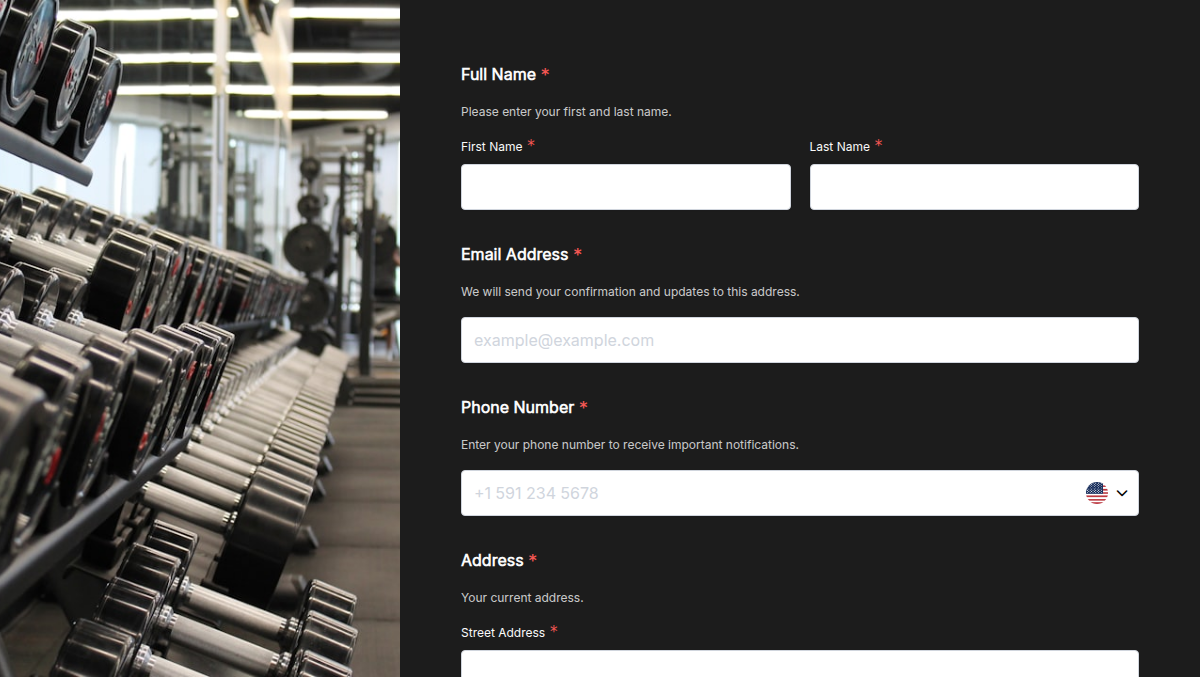
Looking to grow your gym membership? Our Gym Sign-Up Form makes it effortless! Whether you run a fitness center, yoga studio, or personal training program, this form helps you collect member details, fitness goals, and payment preferences in minutes. Conditional logic ensures members see the right plan options based on their interests. E-signature collection secures agreements, while trusted form certification boosts credibility. Plus, higher submission limits let you register unlimited members without hassle!
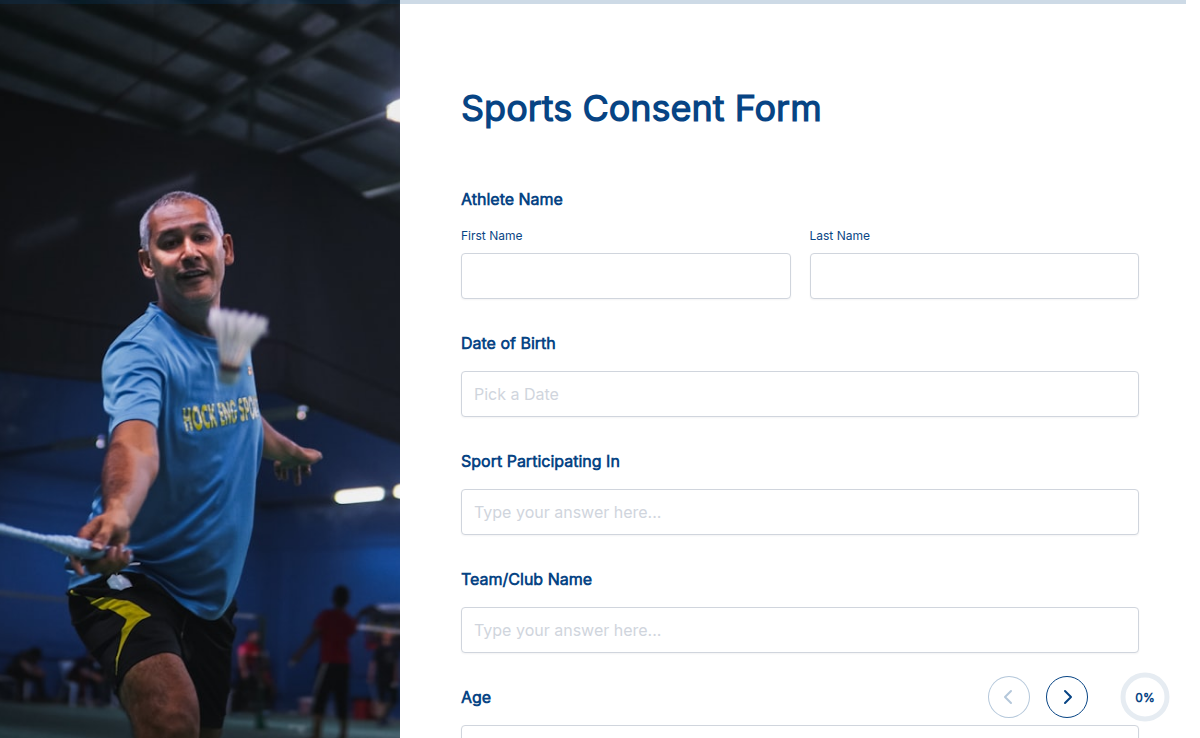
Ensure safety and compliance with the Sports Consent Form. Whether you’re organizing a school sports event, a community league, or a professional tournament, this form helps collect parental or participant consent for injury liability, medical treatment, and event participation. With Formester’s Form Builder, you can customize the form to suit different sports and age groups. Use electronic signatures to collect legally binding approvals, add conditional logic to show relevant fields based on participant age, and store all submissions securely. This form can be embedded on your website, shared via email, or accessed with a QR code for easy mobile sign-ups. No paperwork, no hassle—just a quick and secure way to collect consent for any sports activity. Get started with Formester today!
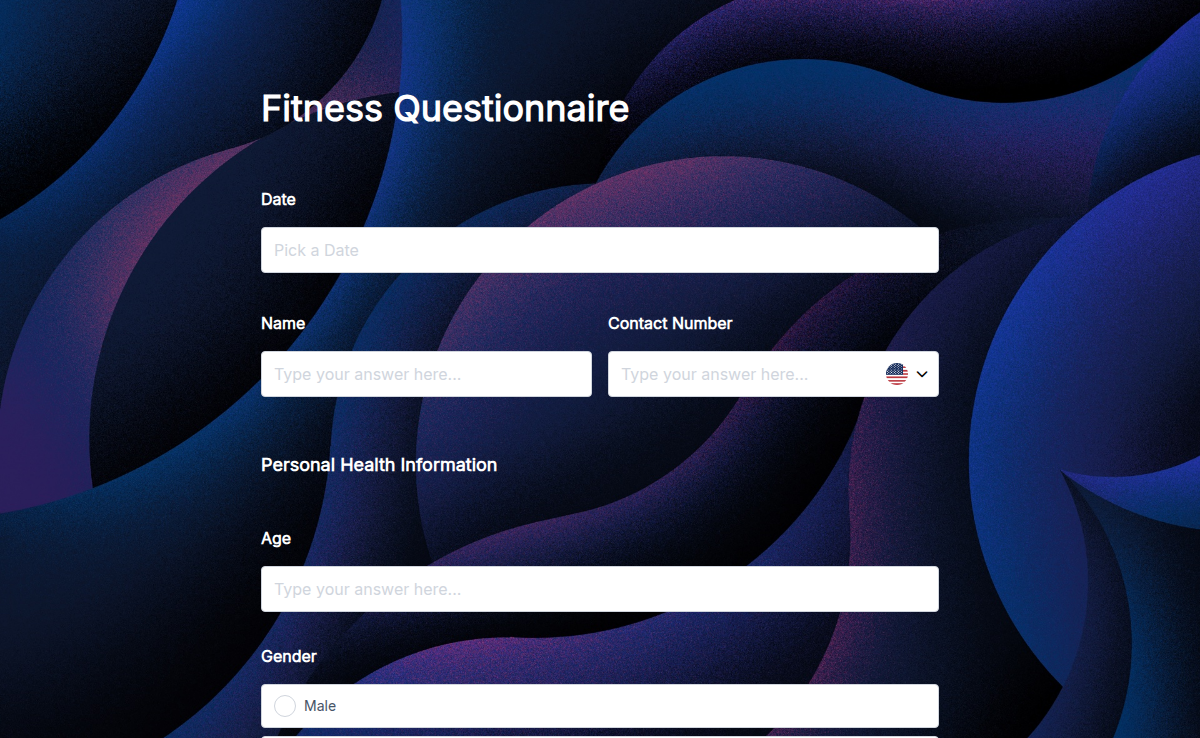
The Fitness Questionnaire helps you gather essential information about your employees’ or clients’ health and fitness goals, lifestyle habits, and medical history. This data is valuable for creating personalized fitness plans, wellness programs, or gym memberships. With Formester’s Form Builder, you can easily customize the form to ask about exercise routines, dietary habits, health conditions, and fitness goals. The intuitive drag-and-drop feature makes it simple to create the perfect fitness questionnaire. Use conditional logic to personalize questions. For example, if a client indicates they have a health condition, additional questions about their medical history can automatically appear. You can also embed the form on your website or share it via email. Once completed, the responses can be exported into PDF reports for easy analysis, and e-signatures can be added for authenticity. Start using Free Form Templates to create your fitness questionnaires today!