bevdkbdf.formester.com/f/b5c5b57b-b13d-433c-b45c-85448994588d

Property Enquiry Form

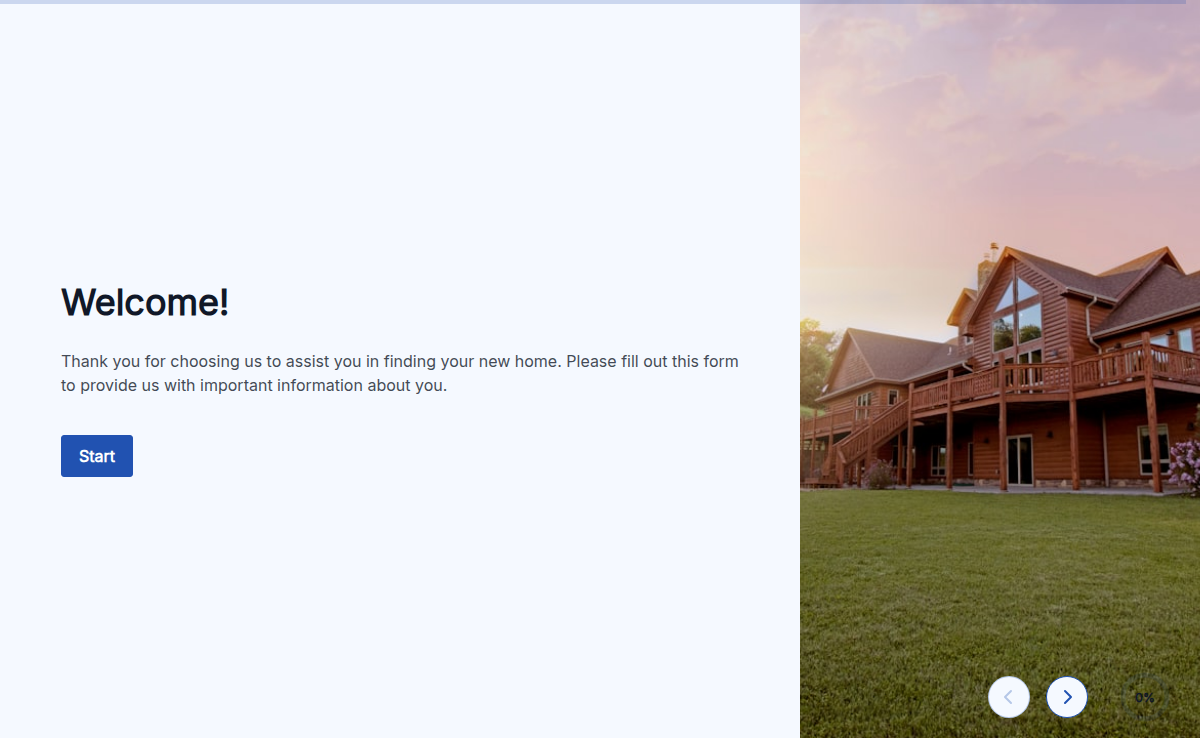
This template is built for real estate teams that lose deals when enquiries arrive without the details an agent needs to follow up. It captures contact, location preference, budget range, property type, and move-in window in one short form, then routes the lead to the assigned agent by inbox or webhook. Works for sales, rentals, commercial, and short-let. Also handles the US "property inquiry form" use case with the same field set.

Application Forms

About this template

Formester’s Property Enquiry Form Template makes it easy for potential buyers or tenants to inquire about available properties. Whether you’re in real estate, property management, or an agent, this template helps you collect the right information to respond quickly and efficiently to inquiries.

Customizing your form is simple with Formester’s form builder. You can add fields for name, contact information, property preferences, budget, and desired move-in dates. The drag-and-drop interface allows you to customize the form quickly without needing any technical skills.

To further personalize the form, you can use conditional logic to show or hide fields based on user responses. For example, if a potential tenant specifies their preferred property type, you can display relevant questions specific to that type.

Formester also offers an appointment scheduler feature, so you can schedule property viewings directly from the form. This helps streamline your process and ensures that you never miss a booking.

For added convenience, the form comes with email verification and spam protection features, ensuring you only receive genuine inquiries. You can also include an electronic signature field if you need clients to sign any agreements or documents during the enquiry process.

Once your form is live, use form analytics to track submissions, helping you understand what type of properties are most in demand and adjust your offerings accordingly.

Start using Formester’s Free Form Templates today to create your Property Enquiry Form and enhance the way you connect with potential clients!
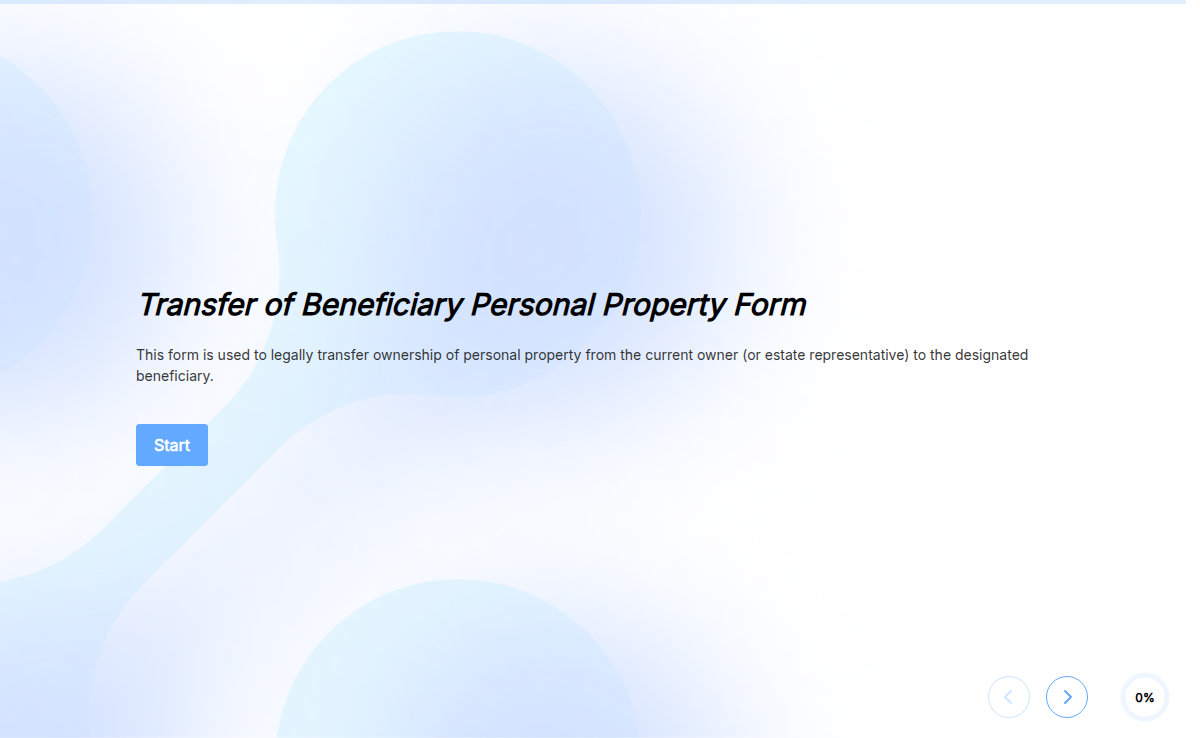
How to customize this template in 5 steps

The template is a starting point. Here is the exact path from clone to live form, including the swaps most real estate teams make on day one.

Click Use Template

The form opens in the Formester form builder with every field pre-loaded and ready to edit.

Edit fields by drag and drop

Add property photos, a map field, or a finance pre-qualification step. Reorder, rename, or remove anything you do not need.

Turn on conditional logic

Use conditional logic so buyers see purchase questions and renters see lease questions, never both.

Add the appointment scheduler

Drop the appointment scheduler at the end of the form so qualified enquiries book a viewing without a second email.

Verify and connect

Turn on email verification and spam protection, then connect submissions to your CRM with a webhook or one of the native integrations.

Prefer to start from a brief instead of a field list? Generate a custom version with the AI form generator.

When to use a property enquiry form

Five scenarios where this template drops in without modification. If your setup is close but not exact, the Customize section below shows the swaps.

On a property listing page

Let visitors ask about a specific unit without leaving the page, so the lead lands with the listing reference already attached.

As the primary form on an agency homepage

Sits above the agent directory as the main lead-capture path for buyers, renters, and tenants browsing your brand.

Embedded in a new-listings broadcast

Drop the form into a Mailchimp or Klaviyo email so warm subscribers reply with intent the same day a property goes live.

QR-linked on signs and brochures

Point yard signs, flyers, and open-house handouts to the form so foot traffic converts into a structured enquiry, not a missed call.

For rental shortlist qualification

Capture budget, move-in date, and pet status up front, so the agent only schedules viewings with renters who actually fit.

Fields included in this template

Every field the form ships with, what it asks, and why it earns its place. Add, remove, reorder, or rename without writing code.

  • Full name Short text

    Required. The name the agent uses on the call back and inside the CRM record.

  • Email Email with verification

    Required. Verified at submit so listings, viewing slots, and offer documents reach a real inbox.

  • Phone number Phone

    Required. Most property leads close by phone, so the agent has a direct line before the prospect cools.

  • Property of interest Short text or dropdown

    Required. Pre-fill with the listing reference when embedded on a property page, or leave open for general enquiries.

  • Property type Single choice

    Required. Apartment, House, Townhouse, Commercial, or Land. Drives routing rules and matching listings.

  • Budget range Single choice or number

    Required. Qualifies the lead before the call, so the agent only sends listings the buyer or renter can actually afford.

  • Preferred location Short text

    Required. Neighbourhood, suburb, or postcode the prospect wants to live or invest in.

  • Move-in or purchase timeframe Date or single choice

    Required. Separates this-week renters from six-month buyers, so the agent prioritises the pipeline correctly.

  • Buy or rent Single choice

    Required. Splits the enquiry into the right pipeline and unlocks the buy-only or rent-only follow-up questions.

  • Additional comments Long text

    Optional. Catch-all for context the structured fields miss, like pet status, parking needs, or finance status.

Frequently asked questions

The questions estate agents, property managers, and listing sites ask before they swap the contact form on a live property page.

What is a property enquiry form?
A property enquiry form is a short web form that collects a prospect's contact details, budget, location preference, and timing so an agent or property manager can respond with matching listings. It replaces back-and-forth email and missed phone calls with a single structured submission.
Which fields should I include in a property enquiry form?
Keep it short. Name, email, phone, property of interest, buy or rent, budget range, location, and timeframe cover 90 percent of follow-up needs. Add a comments box for context. Anything else, gather on the call.
Can I add property photos or a map to the form?
Yes. Add a file upload field for photos buyers want priced, or an embedded map field so renters can drop a pin on their preferred area.
How do I route enquiries to the right agent?
Use conditional logic to read the property type or location, then send the submission to the assigned agent's inbox, Slack channel, or CRM record through a webhook. Round-robin and territory rules are both supported.
Can I embed the form on Wix, Squarespace, or WordPress?
Yes. Copy the embed snippet from the share menu and paste it into any site builder. The form inherits your site's container width and stays responsive on mobile.
Is this template GDPR compliant?
The template ships with a consent checkbox and a privacy notice link. Formester is GDPR ready and offers a Data Processing Agreement on paid plans for teams handling EU resident data.