bevdkbdf.formester.com/f/cdPdxhbON

Professional Receipt & Billing Form

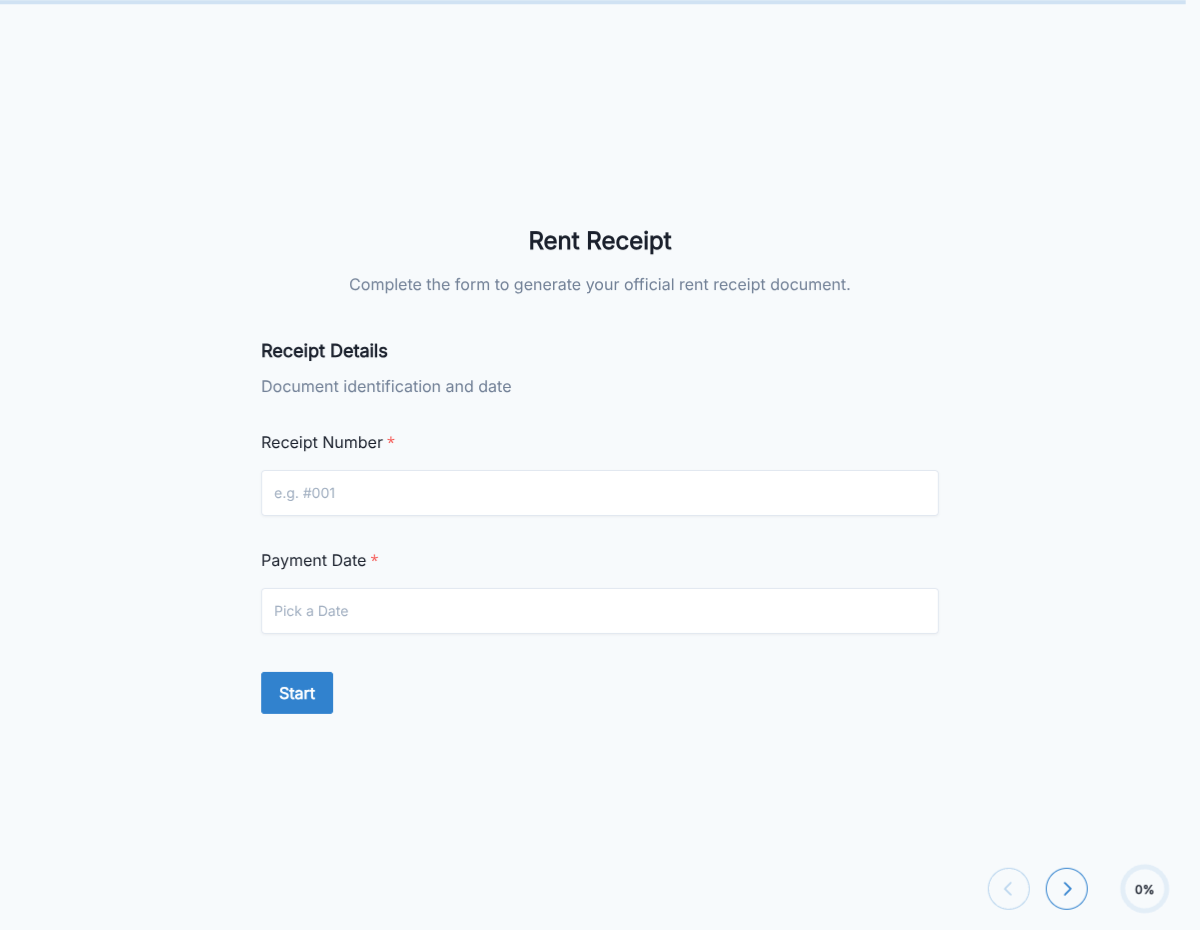
A receipt form that captures business and customer details, line items, taxes, and signature, with auto-calculated totals, exported as a PDF.

Receipts

About this template

This receipt form runs on Formester's drag-and-drop form builder, so you can adapt the line items, tax structure, and receipt layout to your business without writing code. Captures every detail a clean receipt needs: business info, customer, transaction date, itemized lines, subtotal, tax, total, payment method, and authorized signature.

Staff fills the form on phone or tablet at the point of sale, the customer signs with e-signature, and the PDF lands in your dashboard the same moment. Send the customer a copy with Autoresponder Email so they have the receipt before they leave.

Use conditional logic to surface tip lines for hospitality, reveal a donation acknowledgment block for nonprofits, or add deposit-versus-final-payment fields for service businesses. Sync each receipt to your accounting system through Zapier so bookkeeping stays current.

Running a specialized receipt workflow (donation, refund, deposit, refund acknowledgment)? Generate a tailored variant with the AI form generator in minutes.
How to use this receipt form

Seven steps to a working receipt workflow. Most small businesses finish in under 15 minutes.

Open the template

Click Use Template. Line-item fields, tax logic, and signature flow load into the Formester builder.

Brand the form

Drop in your business logo, address, phone, and tax ID. The PDF reads as an official receipt from your business.

Configure line items

Edit the line-item structure for what you sell: products, services, sessions, or units. Description, quantity, unit price each become a row.

Set up taxes

Configure sales tax rate (or VAT) by region. The form calculates tax on the subtotal automatically.

Apply conditional logic

Use conditional logic to surface tip lines for hospitality, donation acknowledgment for nonprofits, deposit fields for service businesses, or refund-acknowledgment for returns.

Run auto-calculations

Subtotal sums line items; tax calculates from the rate; total combines both. Tip and discount fields adjust automatically.

Sync to accounting

Push each receipt to QuickBooks, Xero, or your accounting system via Zapier so bookkeeping captures every transaction.

When to use this receipt form

Six receipt scenarios this template handles out of the box.

Retail sales receipt

Cashier rings up a sale on phone or tablet. Line items entered, customer signs for the transaction, PDF emails to the customer the same moment they leave.

Professional service receipt

Hairdresser, mechanic, or therapist documents a service after the appointment. Service line items, deposit applied, tip line revealed for hospitality.

Donation receipt for nonprofits

Conditional logic reveals donation acknowledgment block with tax-deduction language and 501(c)(3) confirmation. PDF emails to the donor for their tax records.

Service deposit receipt

Contractor or service business documents a deposit on a future job. Form shows deposit amount, applies it to the contract total, leaves remaining balance owed.

Hotel and hospitality receipt

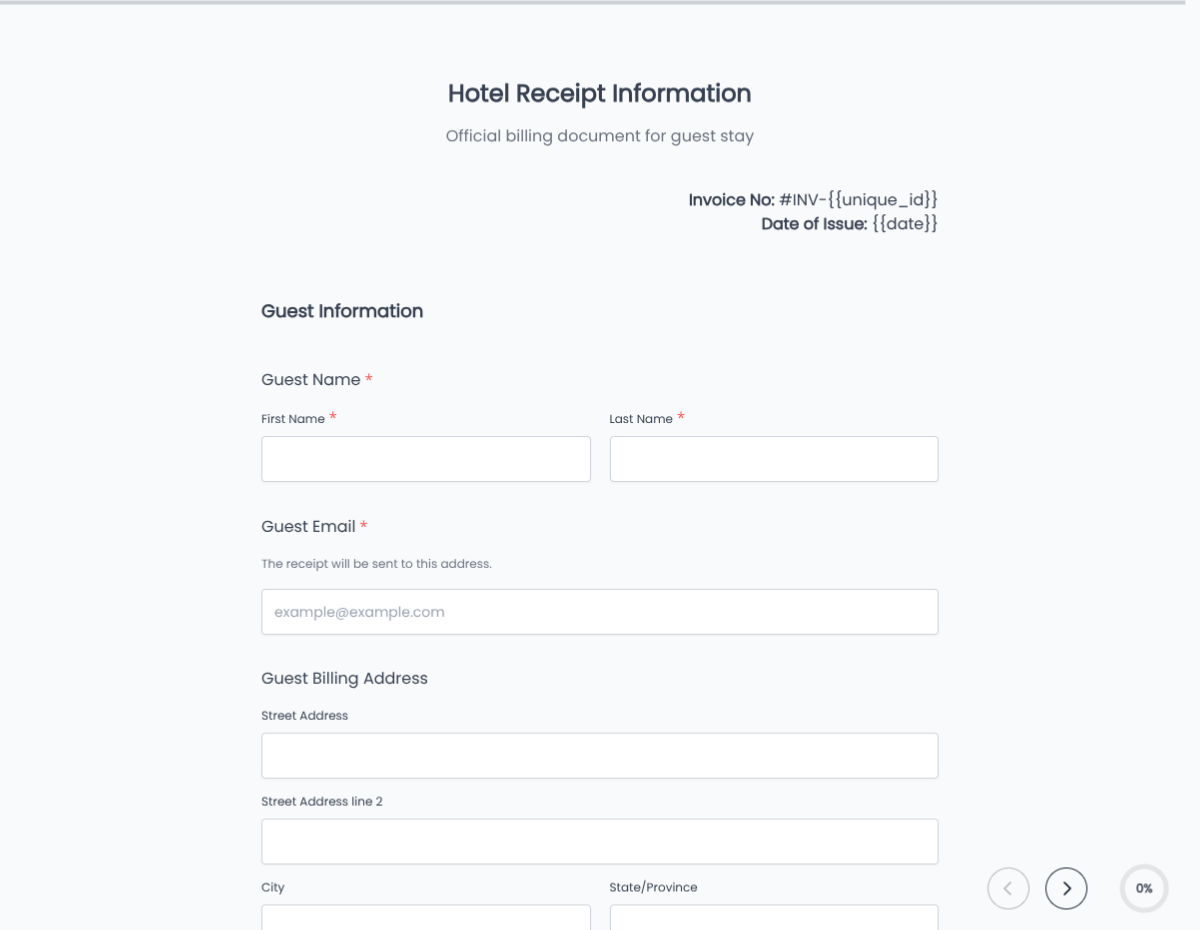
Front desk documents a room charge, ancillary services, and tax. Tip line and gratuity reveal via conditional logic. Same template, multiple revenue streams.

Refund acknowledgment receipt

Customer service rep documents a refund issued. Form captures original transaction, refund amount, reason, and signed acknowledgment from the customer.

Fields included in this template

Every detail a defensible receipt needs. Drop the ones not applicable; the rest work on the free tier.

  • Receipt number Auto-generated

    Sequential ID for every receipt.

  • Transaction date Date picker

    When the transaction occurred.

  • Business info Pre-filled block

    Name, address, phone, tax ID. Loads from your form settings.

  • Customer name Short text

    Person or company paying.

  • Customer contact Email + phone

    For receipt delivery and follow-up.

  • Line items Repeatable rows

    Description, quantity, unit price for each line.

  • Subtotal Auto-calculated

    Sum of line items.

  • Discount Currency or percent

    Pre-tax discount; optional.

  • Sales tax Auto-calculated

    Tax on subtotal after discount, per configured rate.

  • Tip Currency or percent, conditional

    Reveals for hospitality and service businesses.

  • Total Auto-calculated

    Subtotal minus discount plus tax plus tip.

  • Payment method Dropdown

    Cash, card, check, transfer, gift certificate, account credit.

  • Authorized signature E-signature + date

    Customer signature for the transaction.

Questions we get a lot

Small-business and customer questions about taxes, email delivery, and accounting sync.

Can I generate receipts on a phone or tablet at the point of sale?
Yes. The form renders on phone and tablet. Staff fills the receipt at the counter; the customer signs and gets the PDF before leaving.
Can the customer get the PDF automatically?
Yes. Turn on Autoresponder Email so the customer receives the PDF receipt the moment the form submits.
Can I sync receipts to my accounting software?
Yes. Push receipts to QuickBooks, Xero, FreshBooks, or any accounting platform via Zapier or webhooks.
Can I configure tax for my region?
Yes. Set the tax rate per region (US sales tax, VAT, GST) and the form applies it to the subtotal automatically. Multi-region setups can use conditional logic to switch rates based on customer location.
Can I add tip lines for service businesses?
Yes. Conditional logic reveals tip and gratuity lines for hospitality, salon, restaurant, and service categories.
Where are receipts stored?
Every submission saves to your dashboard with a PDF copy. Filter by date, customer, or amount, and export the archive as CSV for accounting or tax season.