How we verified this: every figure on this page comes from the vendor's own pricing page or its public G2 profile. You can check every source here.
Which client intake form software should you choose?
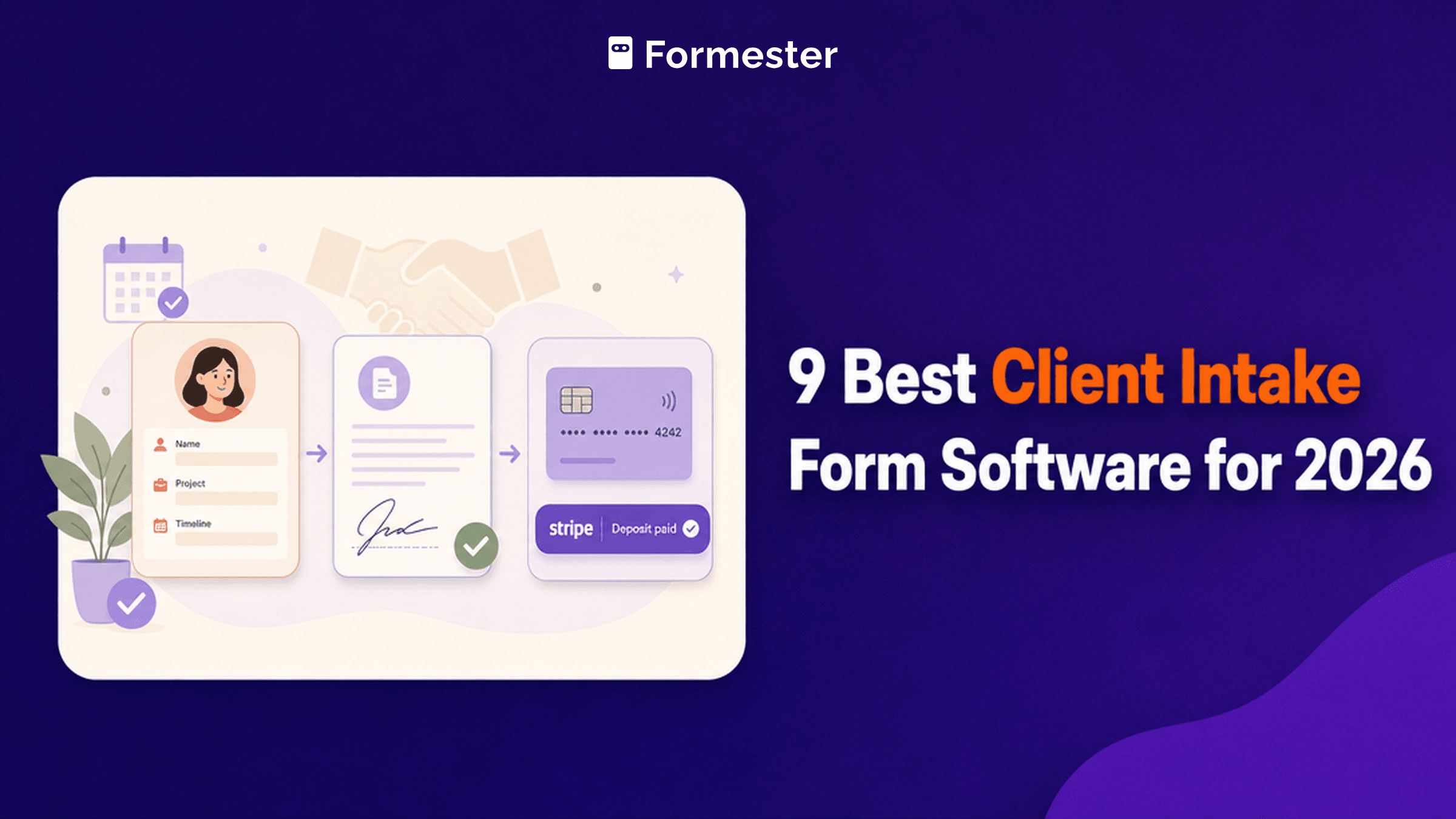
Client intake is where two different products get compared as if they were the same thing. One is a form builder that happens to collect client details. The other is a whole client management system with intake as its front door.
The second kind costs three to five times more and replaces several tools. The first kind sends data wherever you already work. Deciding which you actually need removes most of this shortlist before you compare a single feature.
The 60-second TL;DR
- Best all-around intake form: Formester, unlimited responses free
- Best for feature depth: Jotform, from $39/mo
- Best for Airtable and Notion teams: Fillout, from $19/mo
- Best for client-facing polish: Typeform, from $39/mo
- Best for complex intake logic: Cognito Forms, from $24/mo
- Best for WordPress sites: Gravity Forms, from $59/year
- Best all-in-one for service businesses: HoneyBook, from $29/mo billed yearly
- Best for detailed client workflows: Dubsado, from $35/mo
- Best for branded intake pages: Paperform, from $29/mo
How the nine intake tools compare at a glance
The table below covers what each free plan includes, where paid pricing starts on monthly billing, and whether the tool is a form builder or a full client system. Start here, then read whichever review matches your situation.
| Tool | Free plan | Paid from (monthly) | Type | G2 rating |
|---|---|---|---|---|
| Formester | Unlimited forms and responses | $13/mo | Form builder | 4.7/5 (14 reviews) |
| Jotform | 5 forms, 100 submissions/mo | $39/mo | Form builder | 4.7/5 (5,426 reviews) |
| Fillout | 1,000 responses/mo | $19/mo | Form builder | 4.6/5 (30 reviews) |
| Typeform | 10 responses/mo | $39/mo | Form builder | 4.5/5 (1,017 reviews) |
| Cognito Forms | 100 entries/mo | $24/mo | Form builder | 4.6/5 (133 reviews) |
| Gravity Forms | No free plan | $59/year | WordPress plugin | 4.7/5 (248 reviews) |
| HoneyBook | 7-day trial | $29/mo billed yearly | Client management system | 4.5/5 (249 reviews) |
| Dubsado | Trial limited by projects | $35/mo | Client management system | 4.3/5 (76 reviews) |
| Paperform | Trial only | $29/mo | Form builder | 4.8/5 (86 reviews) |
How we picked and ranked these nine tools
Everything here comes from the vendors' own pricing pages and plan limits, read in full. For intake the entry limit and the seat terms decide more than the field types do.
The ranking weighs what each free tier allows and what a small practice pays once it is running. Several vendors advertise annual rates, so the monthly figures below run higher than the ones on their pricing pages.
1. Formester, best all-around intake form
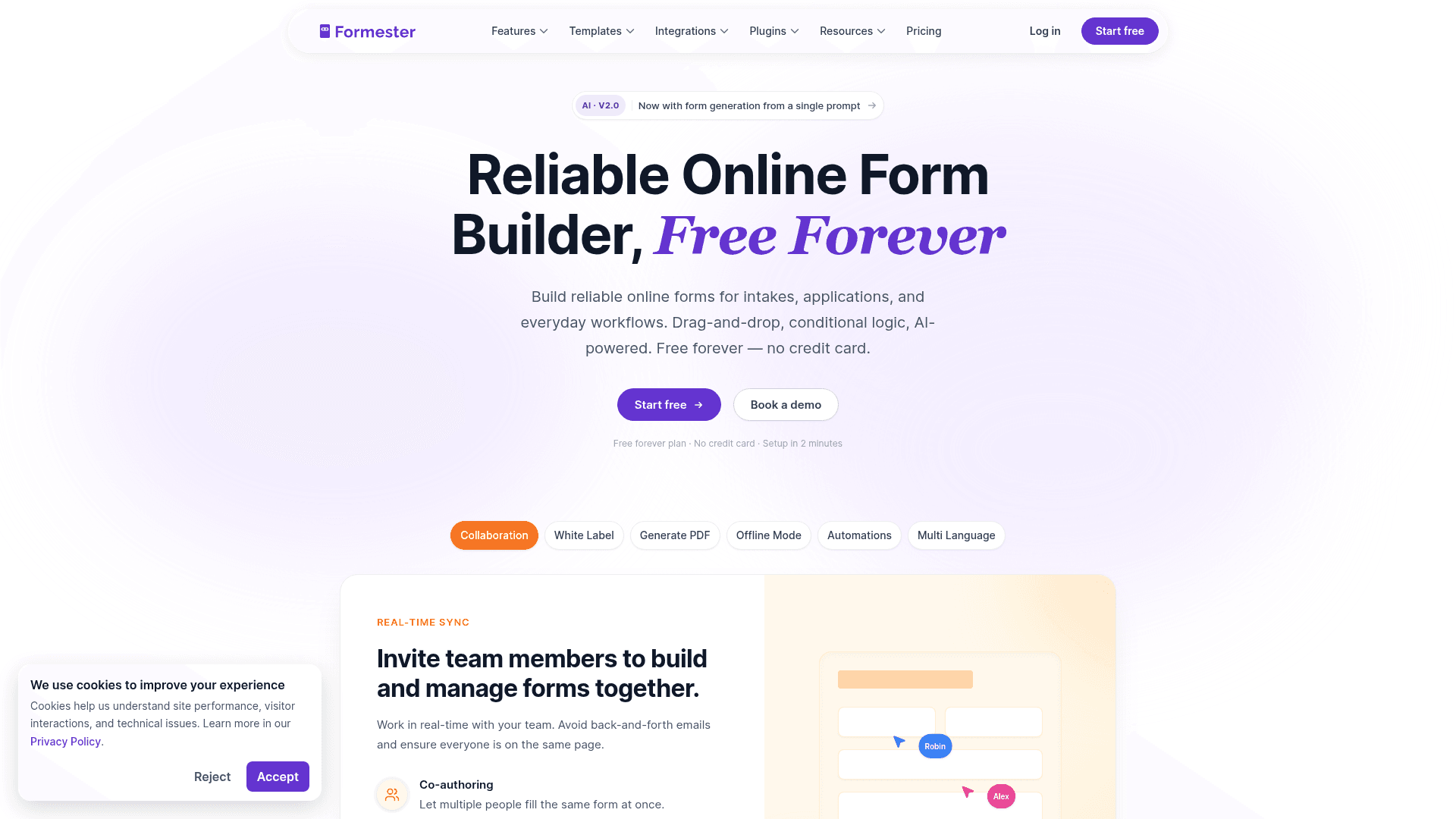
Formester covers the form half of intake without metering anything. Unlimited forms and unlimited responses come with the free plan, which suits a practice whose client flow is uneven.
E-signatures and payment collection are both included from free, so a single intake form can gather details, take a deposit and capture a signed agreement without another tool.
Conditional logic arrives on Personal at $13 a month, and Business at $49 adds a custom domain with 25 seats for firms with several people handling intake.
| Strengths | Weaknesses |
|---|---|
| Unlimited forms and responses on the free plan | No built-in CRM or project management |
| E-signature and payments on the free plan | No invoicing or contract workflow |
| Conditional logic from $13 a month | 14 G2 reviews, a small sample |
| Offline capture for in-person intake | No HIPAA on any tier |
| AI generates an intake form from a PDF |
| Plan | What you get |
|---|---|
| Free | $0. Unlimited forms and responses, e-signature, payments |
| Personal | $13/mo ($12/mo billed yearly). Adds conditional logic |
| Business | $49/mo ($45/mo billed yearly). Adds custom domain and 25 seats |
Best for: practices that want intake forms feeding tools they already use.
The catch: it collects the intake and stops there. If you want the enquiry to become a project, an invoice and a contract in one system, HoneyBook or Dubsado does that and this does not.
G2 rating: 4.7/5, from 14 reviews. High score, small sample; read it as an early signal.
2. Jotform, best for feature depth
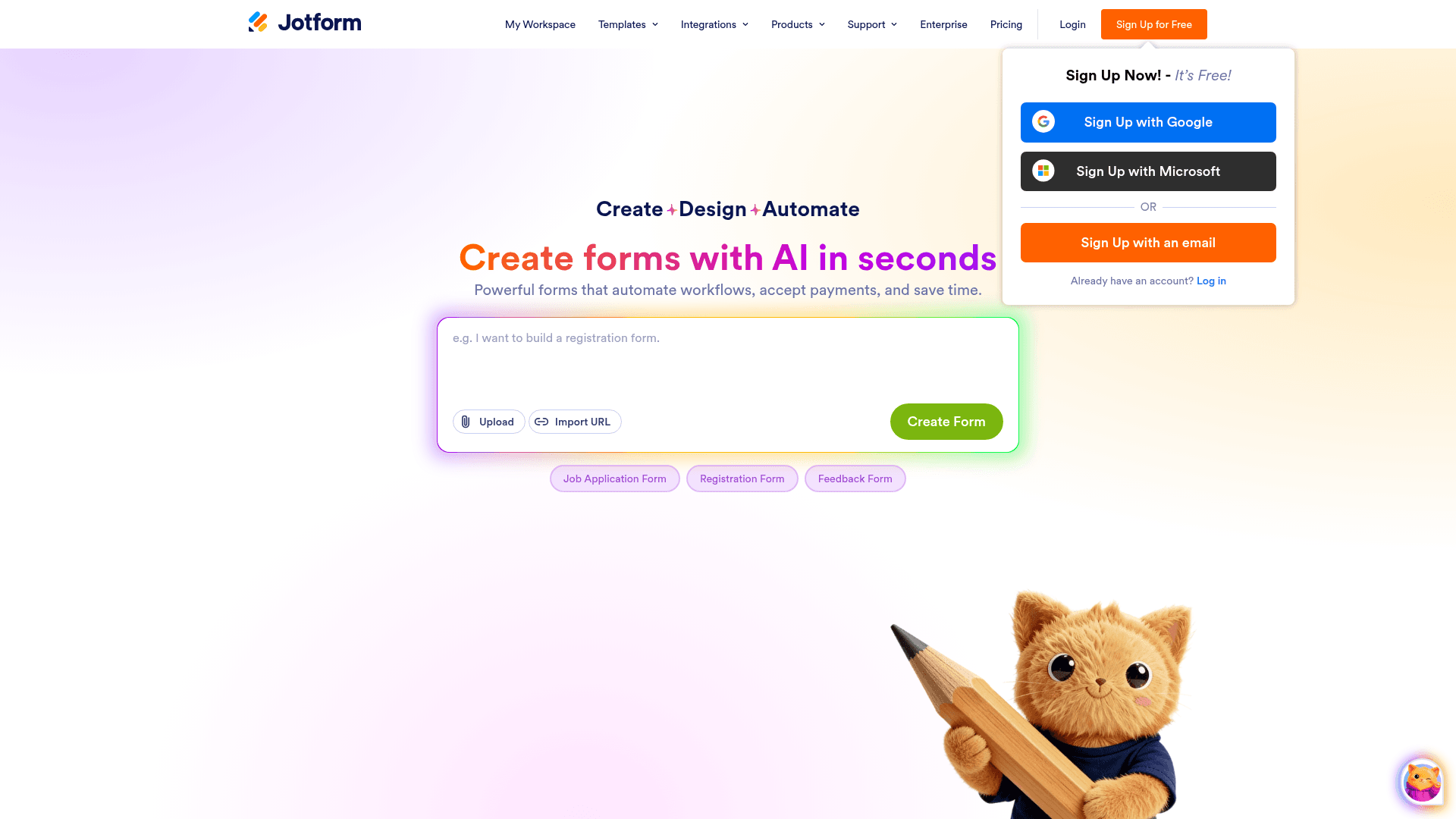
Jotform has an intake template for almost every profession, which shortens setup considerably when your intake asks unusual questions.
For regulated practices it also has the cheapest self-serve route to HIPAA here, available from the Gold plan, which matters for therapy, medical and legal intake.
Monthly billing runs $39 for Bronze, $49 for Silver, and $129 for Gold, above the advertised annual rates of $34, $39, and $99.
| Strengths | Weaknesses |
|---|---|
| 20,000+ templates including profession-specific intake | Submissions metered on every tier |
| HIPAA features from the Gold plan | Free plan covers 100 submissions a month |
| 40+ payment gateways for deposits | Dense interface takes time to learn |
| Approval workflows for multi-stage intake | Advertised prices are the annual rates |
| Mobile app collects intake offline |
| Plan | What you get |
|---|---|
| Starter (free) | $0. 5 forms, 100 submissions/mo |
| Bronze | $39/mo ($34/mo billed yearly). 1,000 submissions/mo |
| Silver | $49/mo ($39/mo billed yearly). 2,500 submissions/mo |
| Gold | $129/mo ($99/mo billed yearly). 10,000 submissions/mo, HIPAA features |
Best for: practices needing profession-specific templates or affordable HIPAA.
The catch: reaching HIPAA means the Gold plan at $129 a month, which is a large step up from Bronze.
G2 rating: 4.7/5, from 5,426 reviews, the largest base of any tool in this list.
3. Fillout, best for Airtable and Notion teams
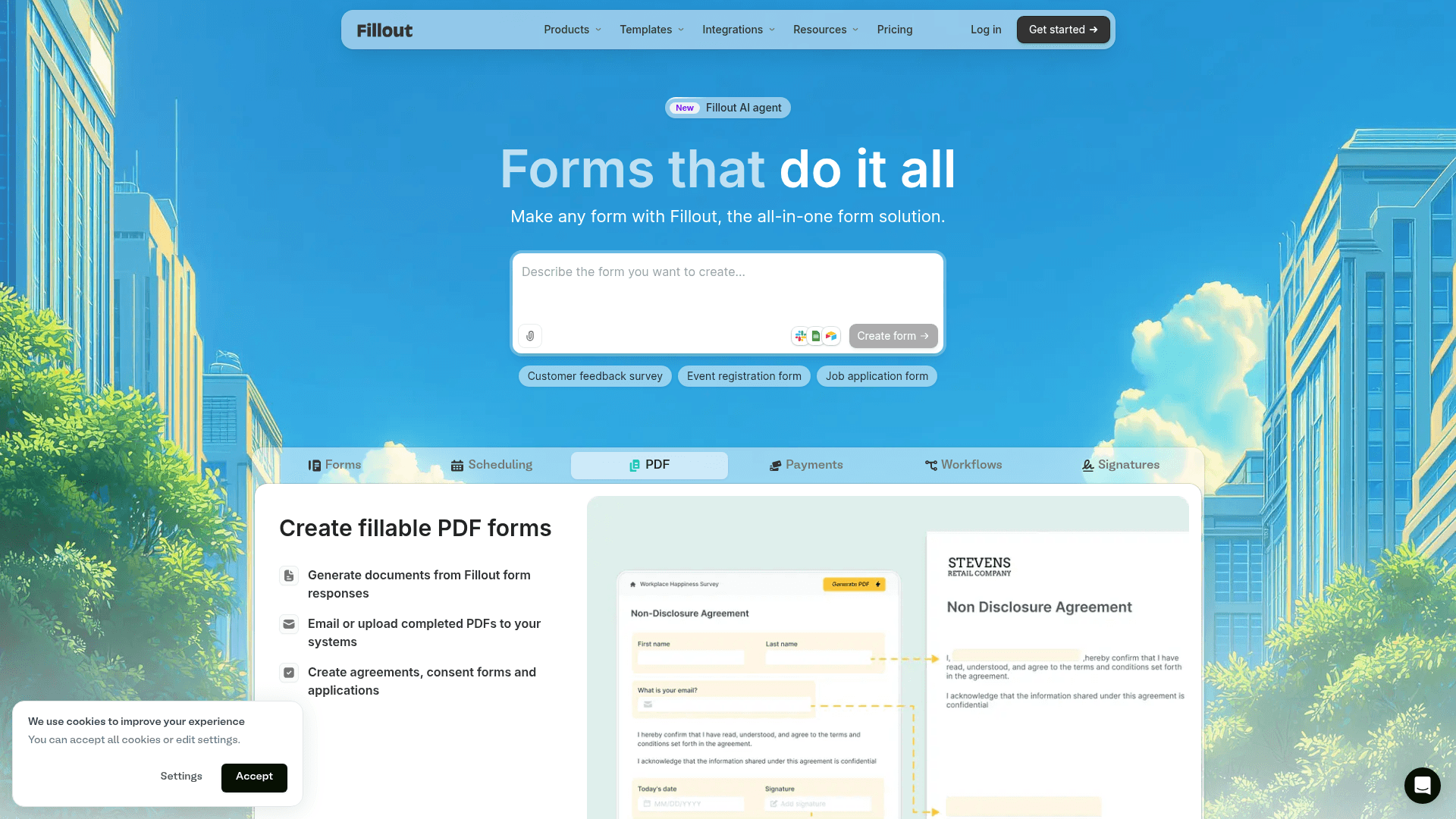
Fillout suits agencies and studios whose client records already live in Airtable or Notion. Intake answers write directly into those databases and update existing records rather than creating duplicates.
That matters for repeat clients. A returning customer's intake can update their existing row instead of adding a second one, which is fiddly to arrange in most other tools.
The free plan covers 1,000 responses a month with unlimited seats. Paid plans run $19 for Starter, $49 for Pro, and $89 for Business on monthly billing.
| Strengths | Weaknesses |
|---|---|
| Writes intake straight into Airtable and Notion | Only worth it if you use Airtable or Notion |
| Updates existing client records on match | Advertised prices are the annual rates |
| 1,000 responses a month on the free plan | No invoicing or contract features |
| Unlimited seats on every tier | 30 G2 reviews, a small sample |
| Multi-step intake by default |
| Plan | What you get |
|---|---|
| Free | $0. 1,000 responses/mo, unlimited seats |
| Starter | $19/mo ($15/mo billed yearly, $180/year) |
| Pro | $49/mo ($40/mo billed yearly, $480/year) |
| Business | $89/mo ($75/mo billed yearly, $900/year) |
Best for: agencies whose client database is Airtable or Notion.
The catch: outside those two databases the write-back is irrelevant, and several tools here handle intake just as well.
G2 rating: 4.6/5, from 30 reviews. A small base, consistent with a newer product.
4. Typeform, best for client-facing polish
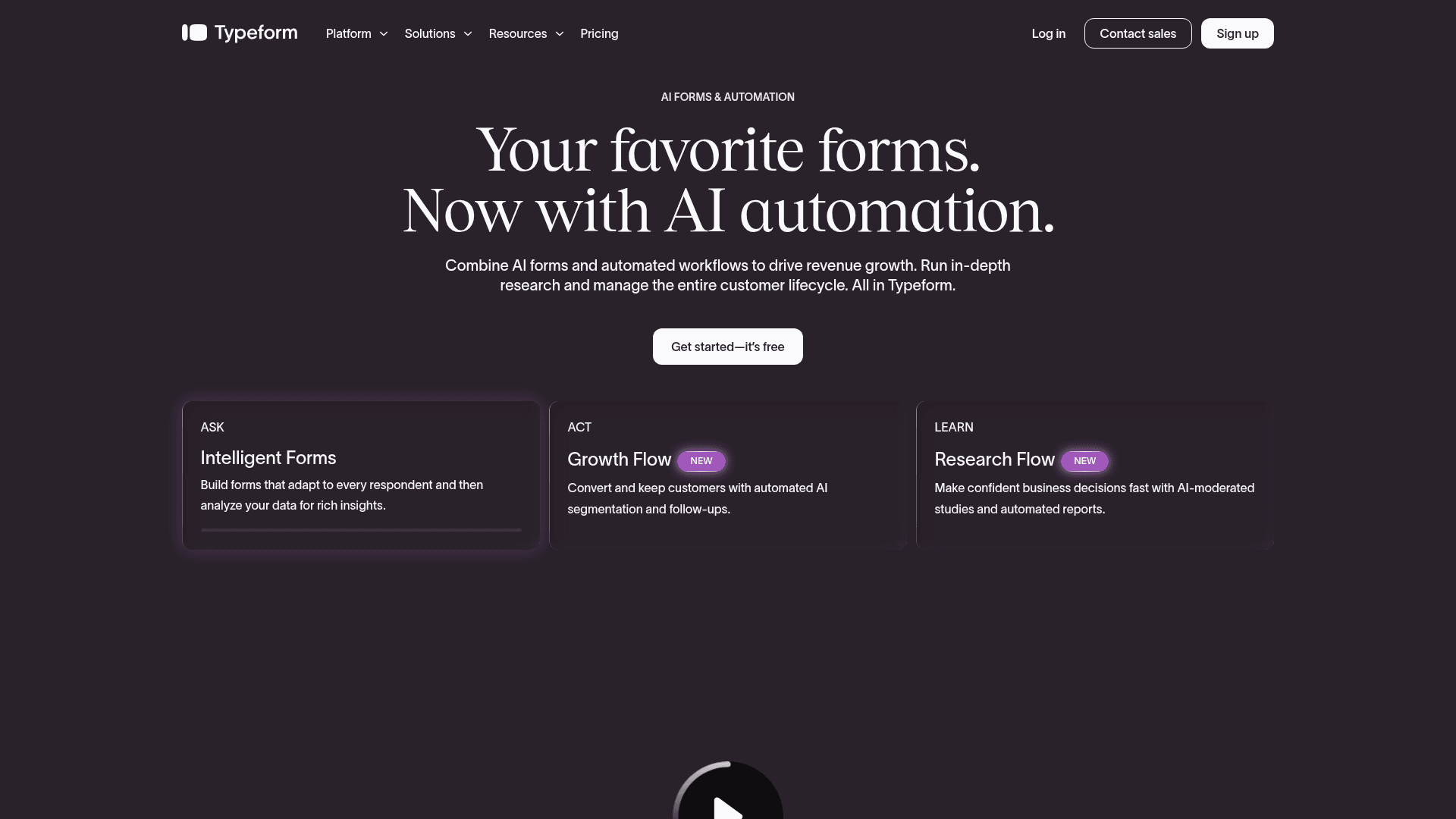
Typeform makes intake feel like a conversation rather than paperwork, which matters when the form is a prospective client's first impression of your practice.
One question at a time raises completion on longer intake, where a wall of fields would lose people before they reach the questions you actually need answered.
It is the most expensive way to collect volume here. Free covers 10 responses a month, Basic is $39 with 100, Plus $79 with 1,000, and Business $129 with 10,000.
| Strengths | Weaknesses |
|---|---|
| Best first impression of any tool here | Free plan covers only 10 responses a month |
| Higher completion on long intake forms | Highest cost per response in this list |
| Logic jumps handle branching cleanly | No invoicing or client management |
| Drop-off analytics show where people leave | Advertised prices are the annual rates |
| Plan | What you get |
|---|---|
| Free | $0. 10 responses/mo |
| Basic | $39/mo ($28/mo billed yearly). 100 responses/mo |
| Plus | $79/mo ($56/mo billed yearly). 1,000 responses/mo, 3 seats |
| Business | $129/mo ($91/mo billed yearly). 10,000 responses/mo, 5 seats |
Best for: practices where the intake form is part of the sales impression.
The catch: ten free responses a month makes the free plan a demo, and a busy intake pipeline gets expensive quickly.
G2 rating: 4.5/5, from 1,017 reviews. A large base, with cost the most common complaint.
5. Cognito Forms, best for complex intake logic
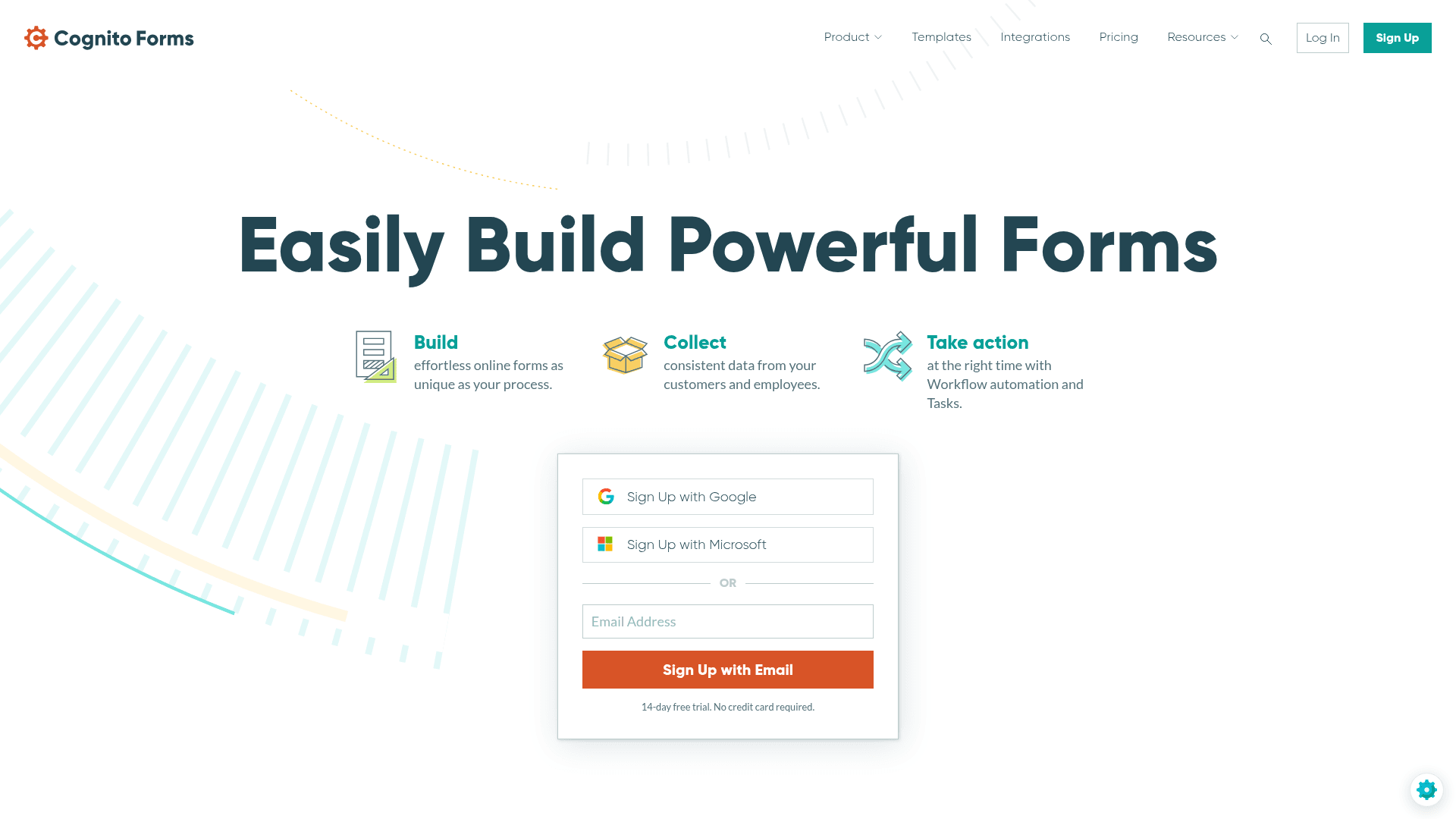
Cognito Forms handles the intake forms that defeat simpler builders: calculations, repeating sections for multiple family members or matters, and conditional pages that change based on earlier answers.
Conditional logic is available on the free plan, which is unusual and makes it genuinely testable before you pay.
Entries are metered on every tier, though. Free allows 100 a month, Pro at $24 allows 2,000, Team at $49 allows 10,000, and unlimited entries arrive only on Enterprise at $174.
| Strengths | Weaknesses |
|---|---|
| Repeating sections handle multi-party intake | Entries metered on every tier |
| Calculations built into the form | Unlimited entries only on the $174 Enterprise plan |
| Conditional logic on the free plan | Interface is functional rather than polished |
| Native payment collection | Advertised prices are the annual rates |
| Strong document generation from entries |
| Plan | What you get |
|---|---|
| Individual (free) | $0. 100 entries/mo |
| Pro | $24/mo ($19/mo billed yearly). 2,000 entries/mo, 2 users |
| Team | $49/mo ($39/mo billed yearly). 10,000 entries/mo, 5 users |
| Enterprise | $174/mo ($129/mo billed yearly). Unlimited entries, HIPAA available |
Best for: intake that involves calculations or repeating sections.
The catch: unlimited entries sit behind the $174 Enterprise tier, so a high-volume practice pays considerably more than the headline suggests.
G2 rating: 4.6/5, from 133 reviews. A reasonable base with a consistently good score.
6. Gravity Forms, best for WordPress sites
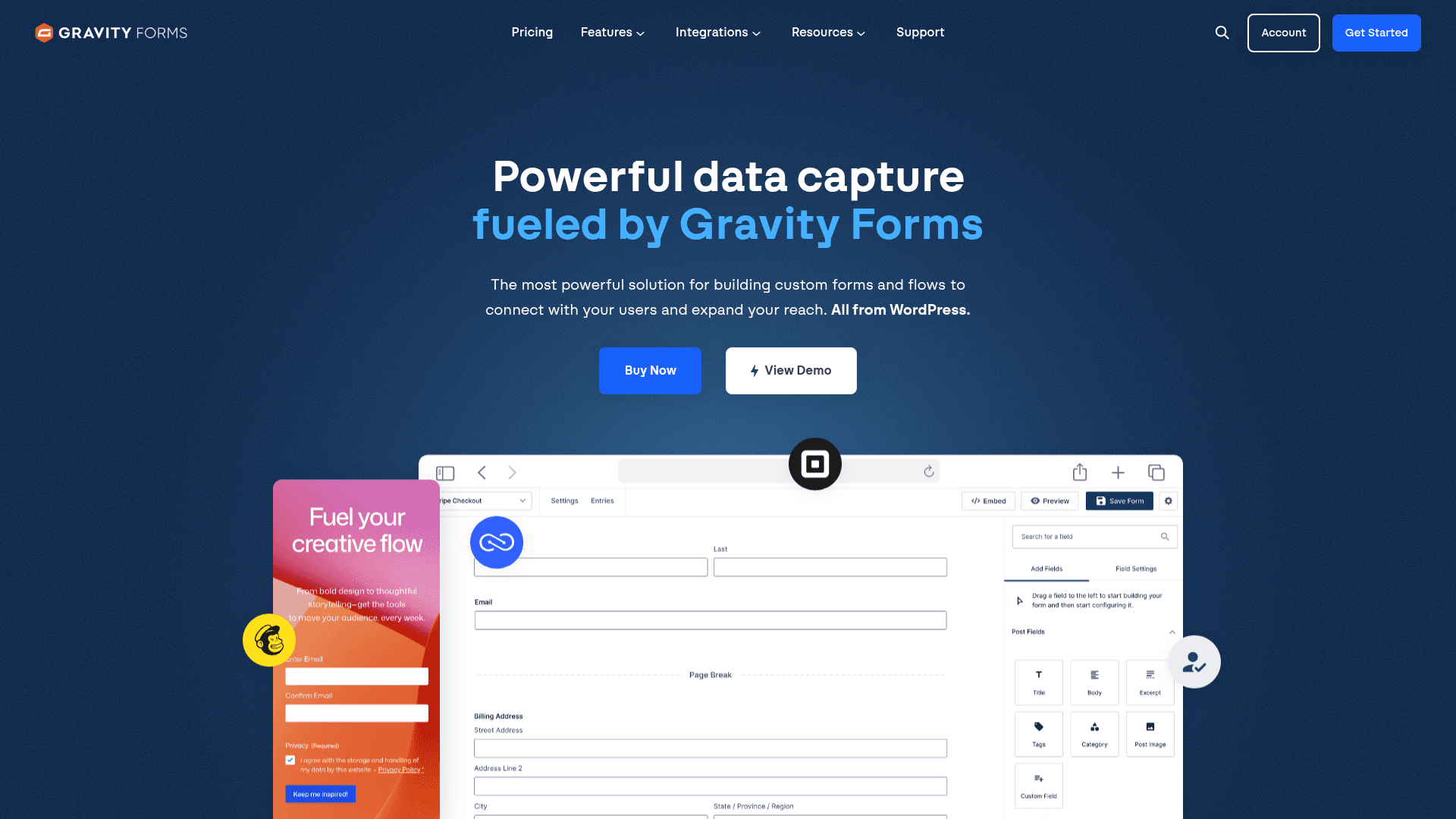
If your practice website runs on WordPress, Gravity Forms keeps intake on your own domain and in your own database rather than a third-party service.
Its conditional logic is the deepest of any WordPress form plugin, and add-ons connect intake to Stripe, Mailchimp and Salesforce without custom work.
Licensing is annual with no free plan: Basic at $59 a year for one site, Pro at $159 for three, and Elite at $259 for unlimited sites with all add-ons.
| Strengths | Weaknesses |
|---|---|
| Intake data stays in your own WordPress database | WordPress only |
| Deepest conditional logic among WordPress plugins | No free plan; annual licence required |
| 30+ first-party add-ons | Editor looks dated |
| Elite covers unlimited sites for $259 a year | The most useful add-ons need Elite |
| Plan | What you get |
|---|---|
| Basic | $59/year. 1 site |
| Pro | $159/year. 3 sites, most add-ons |
| Elite | $259/year. Unlimited sites, all add-ons |
Best for: practices with a WordPress site that want intake on their own infrastructure.
The catch: there is no monthly option and no free tier, so evaluating it properly means buying a year.
G2 rating: 4.7/5, from 248 reviews built over years of WordPress use.
7. HoneyBook, best all-in-one for service businesses
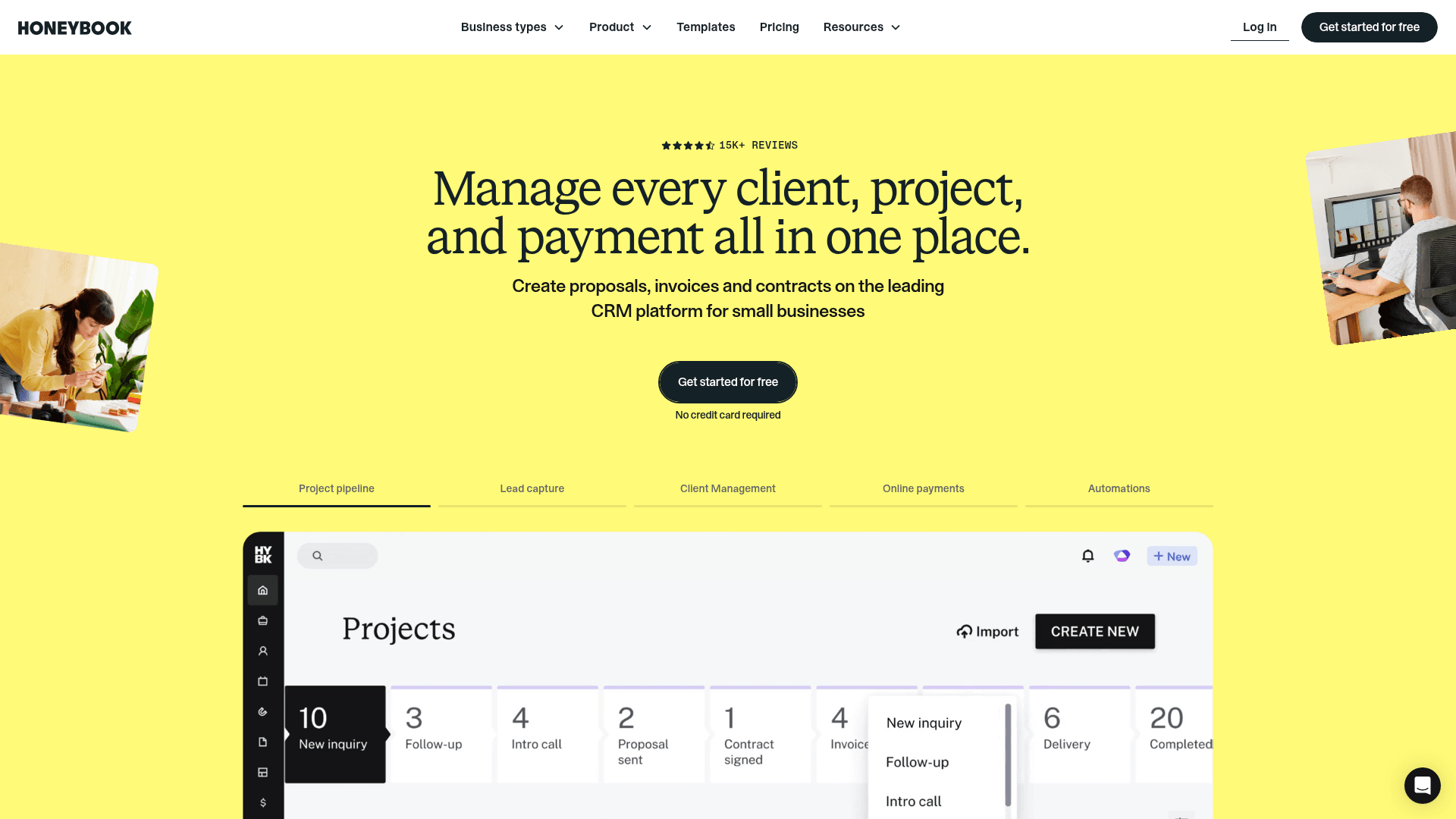
HoneyBook is not a form builder. It is a client management system for service businesses where intake is the first step of a pipeline that continues into proposals, contracts, invoices and payments.
For photographers, planners, designers and consultants, that consolidation is the point. One subscription replaces a form tool, a proposal tool, an e-signature tool and an invoicing tool.
Essentials is $59 a month and Premium $129, against advertised annual rates of $49 and $109. Starter shows only its annual rate of $29 a month.
| Strengths | Weaknesses |
|---|---|
| Intake, proposals, contracts and invoicing in one system | Costs far more than a form builder |
| Automated workflows triggered by an enquiry | Only a 7-day trial rather than a free plan |
| Payment processing built in | Advertised prices are the annual rates |
| Strong template library for service businesses | Overkill if you only need a form |
| Plan | What you get |
|---|---|
| Free | No free plan; a 7-day trial is offered |
| Starter | $29/mo billed yearly. No separate monthly rate is shown on the pricing page |
| Essentials | $59/mo ($49/mo billed yearly) |
| Premium | $129/mo ($109/mo billed yearly) |
Best for: service businesses that want intake and everything after it in one place.
The catch: you are buying a whole business system. If your intake feeds tools you already like, you would be paying for a great deal you will not use.
G2 rating: 4.5/5, from 249 reviews. A solid base for a product of this scope.
8. Dubsado, best for detailed client workflows
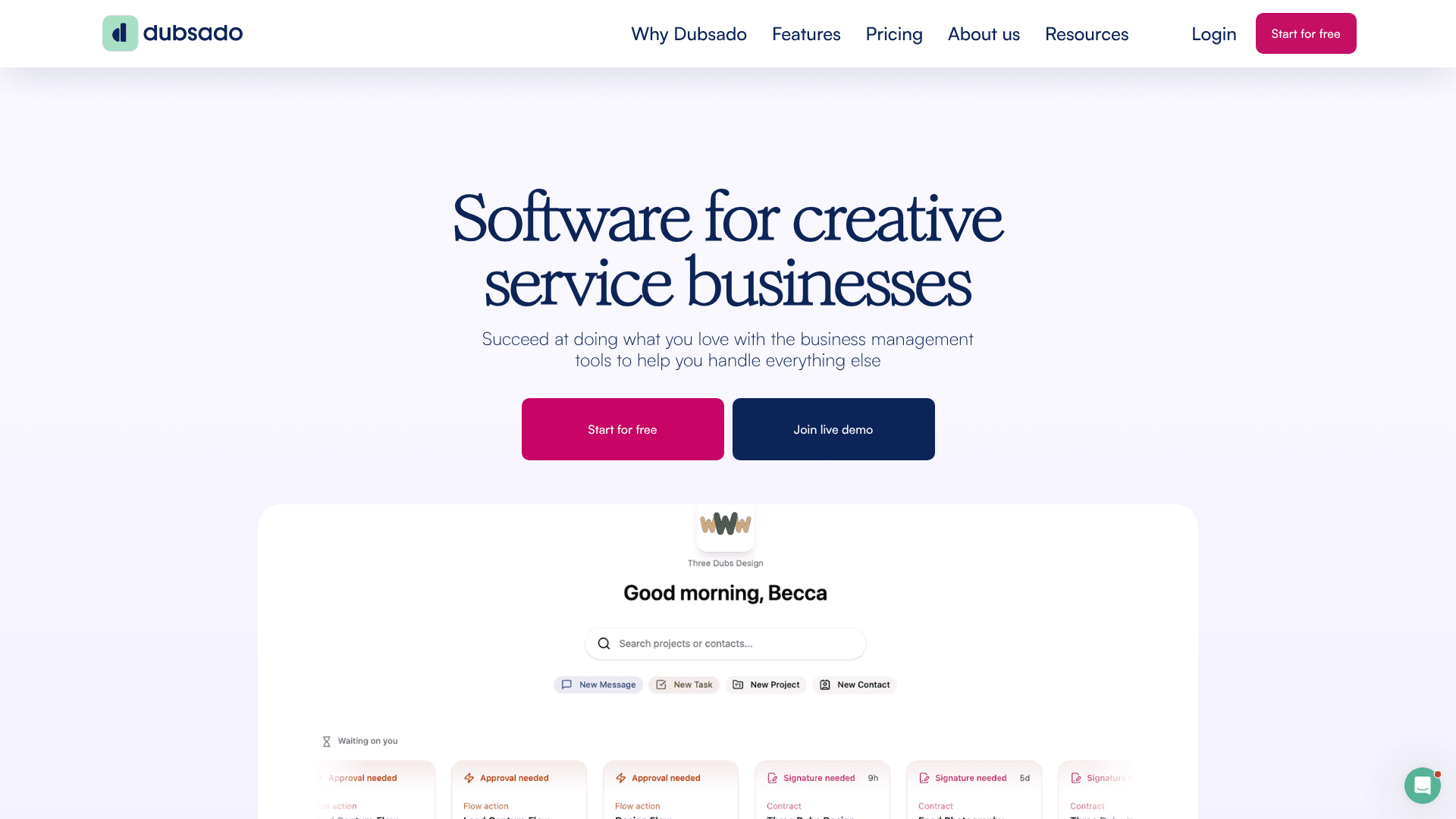
Dubsado covers the same ground as HoneyBook with more configuration and a steeper learning curve. Its workflows branch further, and its forms and canned emails are more customisable.
That flexibility suits practices with an unusual process, and frustrates anyone hoping to be running by the end of the afternoon.
Pricing is $35 a month for Starter and $55 for Premier, or $335 and $525 a year, which works out at two months free. Extra users cost from $25 a month depending on team size.
| Strengths | Weaknesses |
|---|---|
| Deeper workflow automation than HoneyBook | Steeper learning curve than any tool here |
| Highly customisable forms and templates | Extra users cost from $25 a month |
| Trial is limited by project count rather than days | Interface feels dense |
| Scheduler and invoicing included on Premier | 76 G2 reviews, a modest base |
| Plan | What you get |
|---|---|
| Trial | Free until you reach the project limit, with no time cap |
| Starter | $35/mo ($335/year) |
| Premier | $55/mo ($525/year). Adds scheduler and multiple users |
| Additional users | From $25/mo depending on team size |
Best for: established practices with a specific process they want the software to follow.
The catch: setup takes real time. Budget days rather than hours before your intake workflow is live.
G2 rating: 4.3/5, from 76 reviews, the lowest score here, which tracks the setup difficulty.
9. Paperform, best for branded intake pages
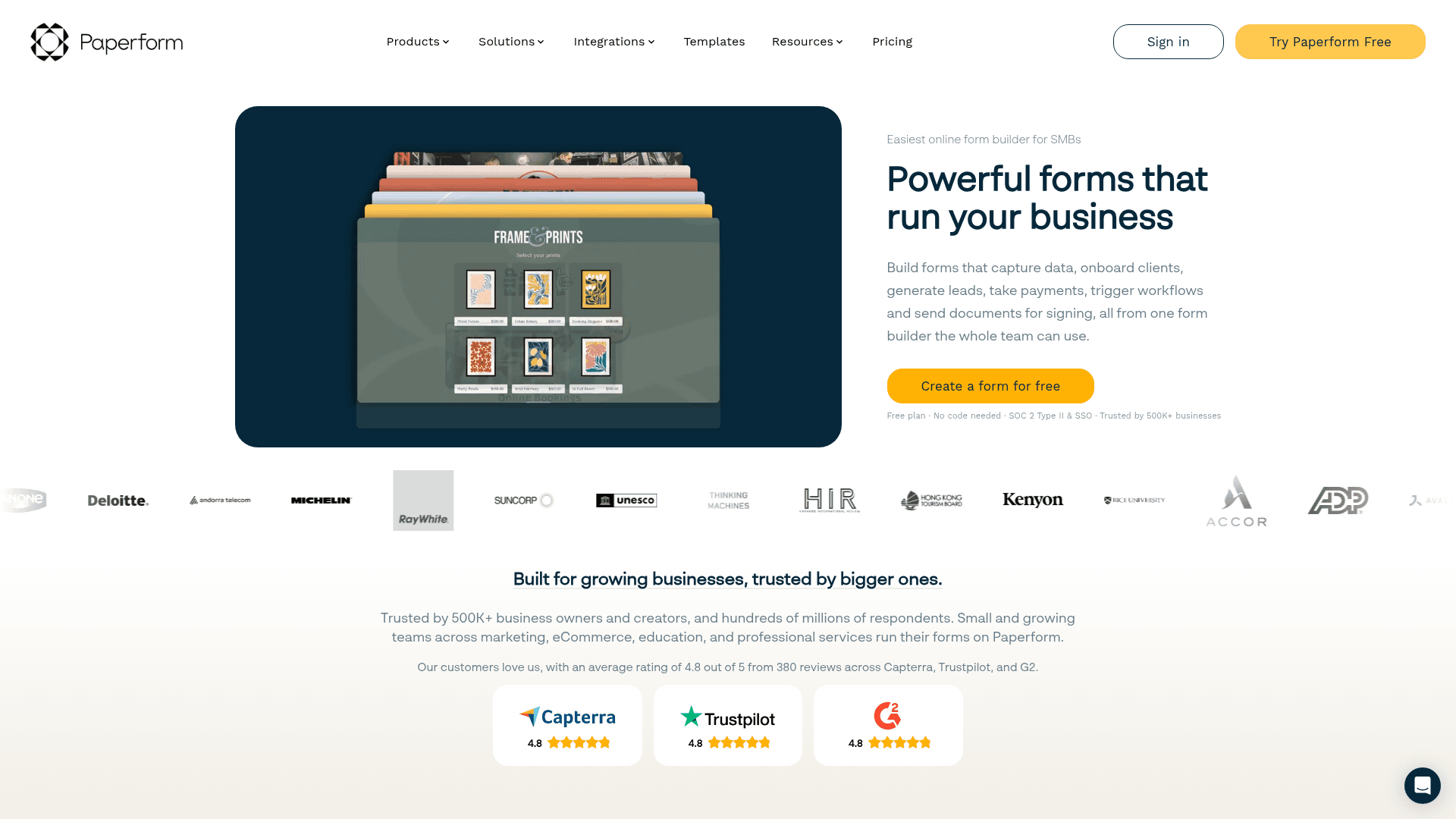
Paperform builds intake that looks like a landing page rather than a form. You write a page and drop questions into the text, which suits practices whose intake doubles as a pitch.
Payments, scheduling and conditional logic are all included, so a single Paperform can qualify a client, book the call and take a deposit.
Monthly pricing runs $29 for Essentials, $59 for Pro, and $129 for Business, above the advertised annual rates of $24, $49, and $99.
| Strengths | Weaknesses |
|---|---|
| Intake pages that look designed rather than templated | No permanent free plan |
| Payments and scheduling built in | Submission limits apply on every tier |
| Conditional logic on all paid tiers | Advertised prices are the annual rates |
| Highest G2 score in this list at 4.8/5 | No client management beyond the form |
| Plan | What you get |
|---|---|
| Free | No free plan; a 14-day trial is offered |
| Essentials | $29/mo ($24/mo billed yearly) |
| Pro | $59/mo ($49/mo billed yearly). Adds custom domain |
| Business | $129/mo ($99/mo billed yearly). Adds SSO and higher limits |
Best for: practices whose intake form is also a sales page.
The catch: there is no free plan, so the only way to test it properly is a 14-day trial.
G2 rating: 4.8/5, from 86 reviews, the highest score in this comparison.
How to pick the right client intake software
Decide first whether you are buying a form or a system. If your enquiries already flow into a CRM, a calendar and an invoicing tool you like, adding HoneyBook or Dubsado means paying twice for the same jobs.
If you want one place for everything after the enquiry, those two are the only real candidates here, and the choice between them is setup effort against configurability.
Staying with a form builder, the tie-breakers are simple. Unpredictable intake volume points to Formester, complex conditional intake to Cognito Forms, a WordPress site to Gravity Forms, and a client-facing first impression to Typeform or Paperform.