How we verified this: every figure on this page comes from the vendor's own pricing page or its public G2 profile. You can check every source here.
Which conversational form builder should you choose?
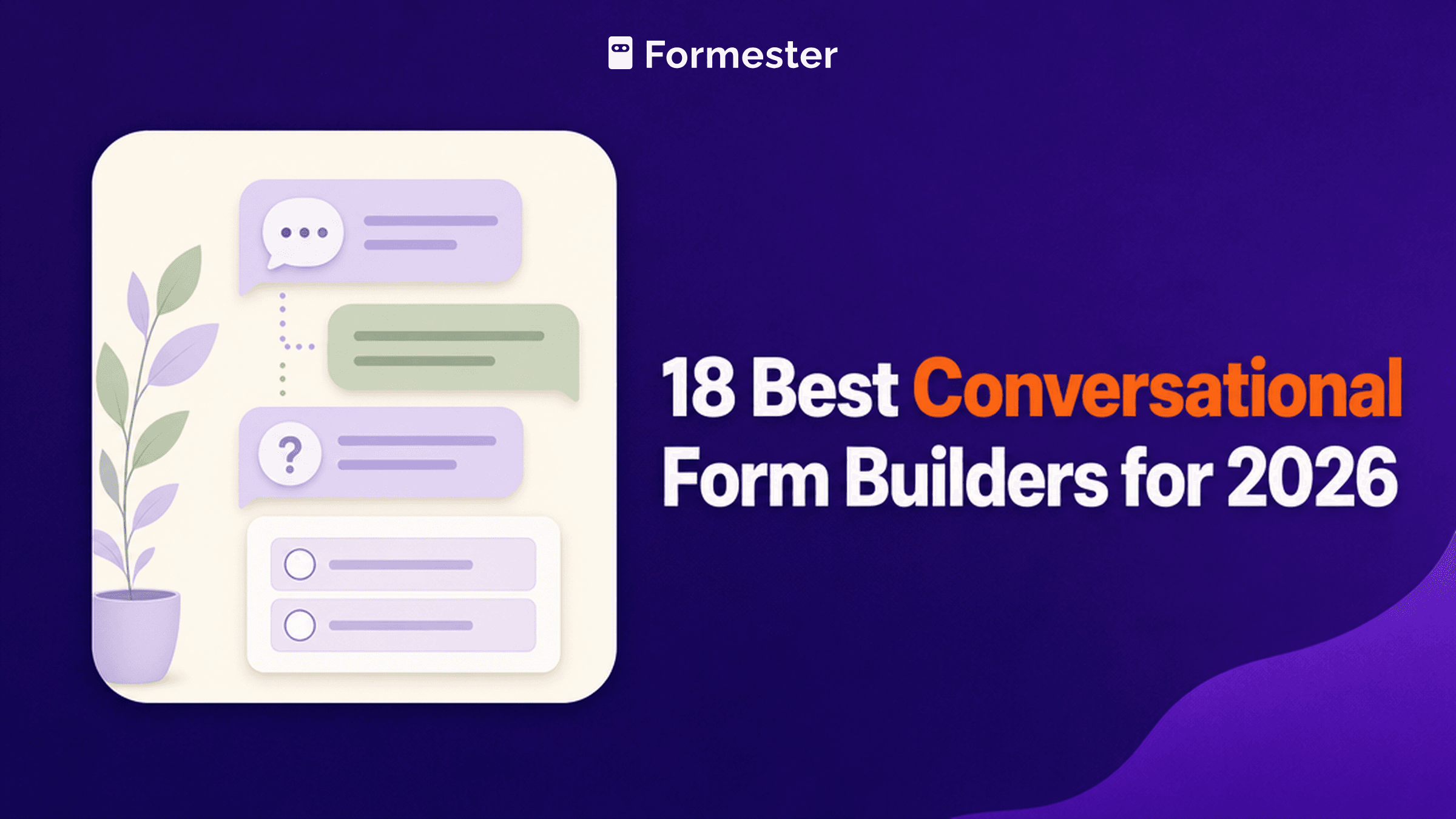
Conversational forms cover two quite different things. One is the one-question-at-a-time format Typeform popularised, where a form feels like a series of prompts. The other is an actual chatbot that holds a conversation and branches on what people say.
The first raises completion on ordinary forms. The second qualifies leads and answers questions, and it is priced per chat rather than per response. Deciding which you need settles most of this list before you compare features.
The 60-second TL;DR
- Best card-style forms without caps: Formester, unlimited responses free
- Best conversational experience: Typeform, from $39/mo
- Best true chatbot builder: Landbot, from $45/mo
- Best conversational landing pages: Paperform, from $29/mo
- Best for interactive content: Involve.me, from $49/mo
- Best free unlimited option: Tally, unlimited forms and submissions
- Best for template depth: Jotform, from $39/mo
- Best for database-backed flows: Fillout, from $19/mo
How the 18 conversational tools compare at a glance
The table separates the true chatbots from the one-question-at-a-time form tools, and shows where paid pricing starts on monthly billing. Read it first, then go to whichever review matches the kind of conversation you need.
| Tool | Conversational style | Paid from (monthly) | Free plan | G2 rating |
|---|---|---|---|---|
| Formester | Card-style, one question at a time | $13/mo | Unlimited forms and responses | 4.7/5 (14 reviews) |
| Typeform | One question at a time | $39/mo | 10 responses/mo | 4.5/5 (1,017 reviews) |
| Landbot | True chatbot with branching | $45/mo | Sandbox, 100 chats/mo | 4.7/5 (334 reviews) |
| Paperform | Conversational landing pages | $29/mo | Trial only | 4.8/5 (86 reviews) |
| Involve.me | Interactive multi-step content | $49/mo | Free tier | 4.7/5 (104 reviews) |
| Tally | Multi-step forms | $29/mo | Unlimited submissions | 4.5/5 (305 reviews) |
| Jotform | Card layout available | $39/mo | 5 forms, 100 submissions/mo | 4.7/5 (5,426 reviews) |
| Fillout | Multi-step with progress bar | $19/mo | 1,000 responses/mo | 4.6/5 (30 reviews) |
| WPForms | Conversational Forms addon | $199/year at renewal | Lite plugin | 4.7/5 (971 reviews) |
| Gravity Forms | Multi-page with logic | $59/year | No free plan | 4.7/5 (248 reviews) |
| forms.app | Multi-step with progress bar | See review | 5 forms, unlimited responses | 4.5/5 (498 reviews) |
| Cognito Forms | Multi-page with logic | $24/mo | 100 entries/mo | 4.6/5 (133 reviews) |
| Wufoo | Multi-page forms | $22/mo | 5 forms, 100 entries/mo | 4.2/5 (296 reviews) |
| Zoho Forms | Multi-page with rules | $10/mo | 3 forms, 500 submissions/mo | 4.4/5 (129 reviews) |
| HubSpot Forms | Chatbot via HubSpot chat | $20/seat/mo | Unlimited submissions | 4.4/5 (12,747 reviews) |
| Formstack | Multi-page with logic | $99/mo | No free plan | 4.3/5 (471 reviews) |
| Microsoft Forms | Section-based | Bundled with M365 | 200 responses/form | 4.4/5 (476 reviews) |
| Google Forms | Section-based | Bundled with Workspace | No practical cap | No standalone profile |
How we picked and ranked these 18 tools
Everything here comes from the vendors' own pricing pages and plan limits, read in full. The first question was whether a tool genuinely holds a conversation or simply presents questions one at a time, since those are different products at very different prices.
After that the ranking weighs what each free plan allows and what the conversational capability costs. Several vendors advertise annual rates, and two price in euros, so the figures below note the basis wherever it differs.
1. Formester, best card-style forms without caps
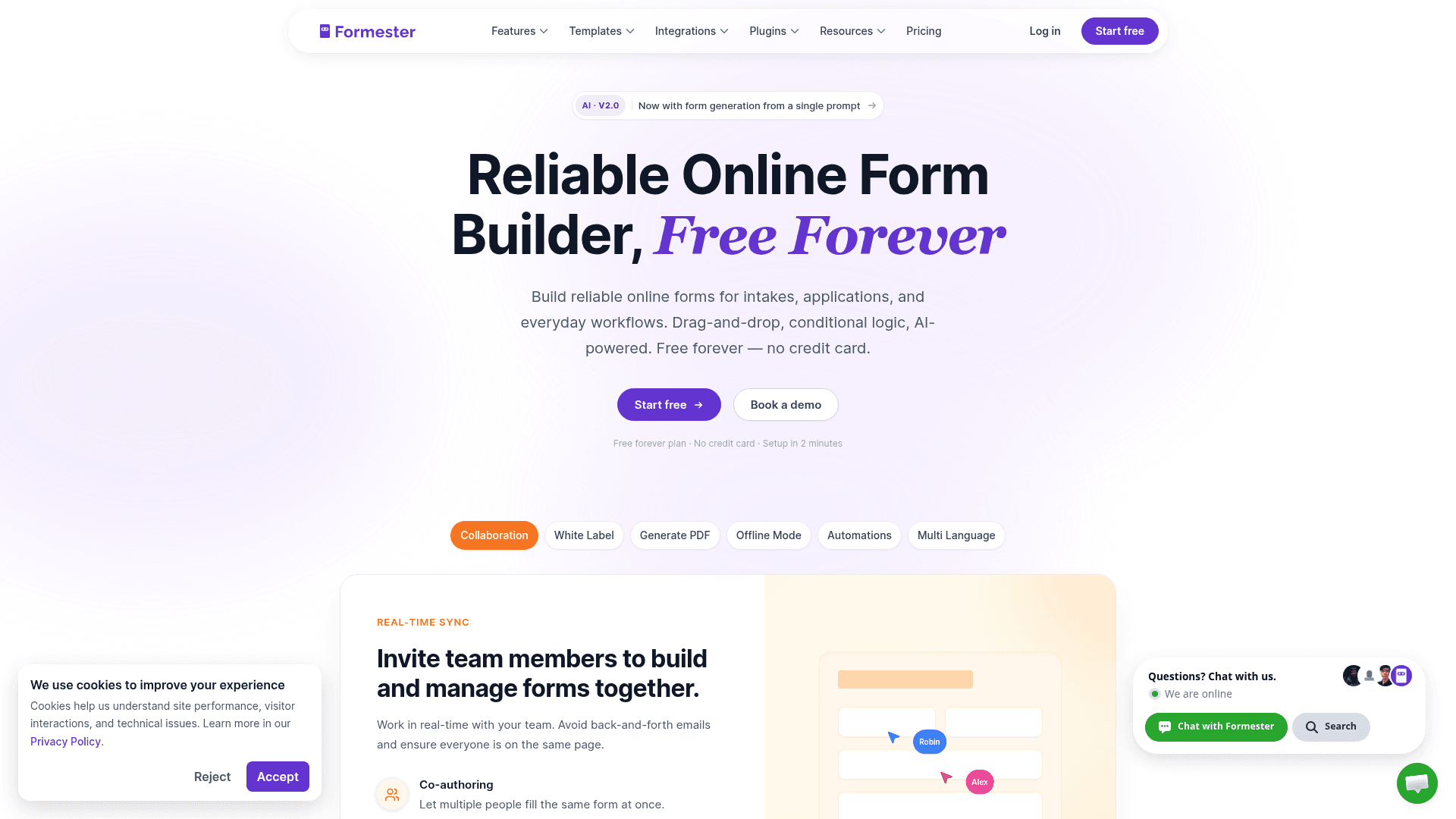
Formester's card-style forms present one question at a time, which is the format most people mean by conversational, and they do it without metering responses on any plan.
That combination is unusual. Typeform charges by response for the same experience, so a conversational form that performs well costs more there and costs nothing extra here.
AI generation, quiz auto-scoring and payments are all on the free plan, with conditional logic arriving on Personal at $13 a month.
| Strengths | Weaknesses |
|---|---|
| One-question-at-a-time layout on the free plan | Not a true chatbot; it cannot hold a dialogue |
| No response cap on any tier | Conditional logic starts on the paid plan |
| AI generation from a prompt or a PDF | Fewer transitions and animations than Typeform |
| Payments and e-signature included free | 14 G2 reviews, a small sample |
| Drop-off analytics show where people leave |
| Plan | What you get |
|---|---|
| Free | $0. Unlimited forms and responses, card-style layout, payments |
| Personal | $13/mo ($12/mo billed yearly). Adds conditional logic |
| Business | $49/mo ($45/mo billed yearly). Adds custom domain and 25 seats |
Best for: conversational-style forms where response volume is unpredictable.
The catch: it presents questions one at a time but does not converse. For a bot that answers questions back, you need Landbot.
G2 rating: 4.7/5, from 14 reviews. High score, small sample; read it as an early signal.
2. Typeform, best conversational experience
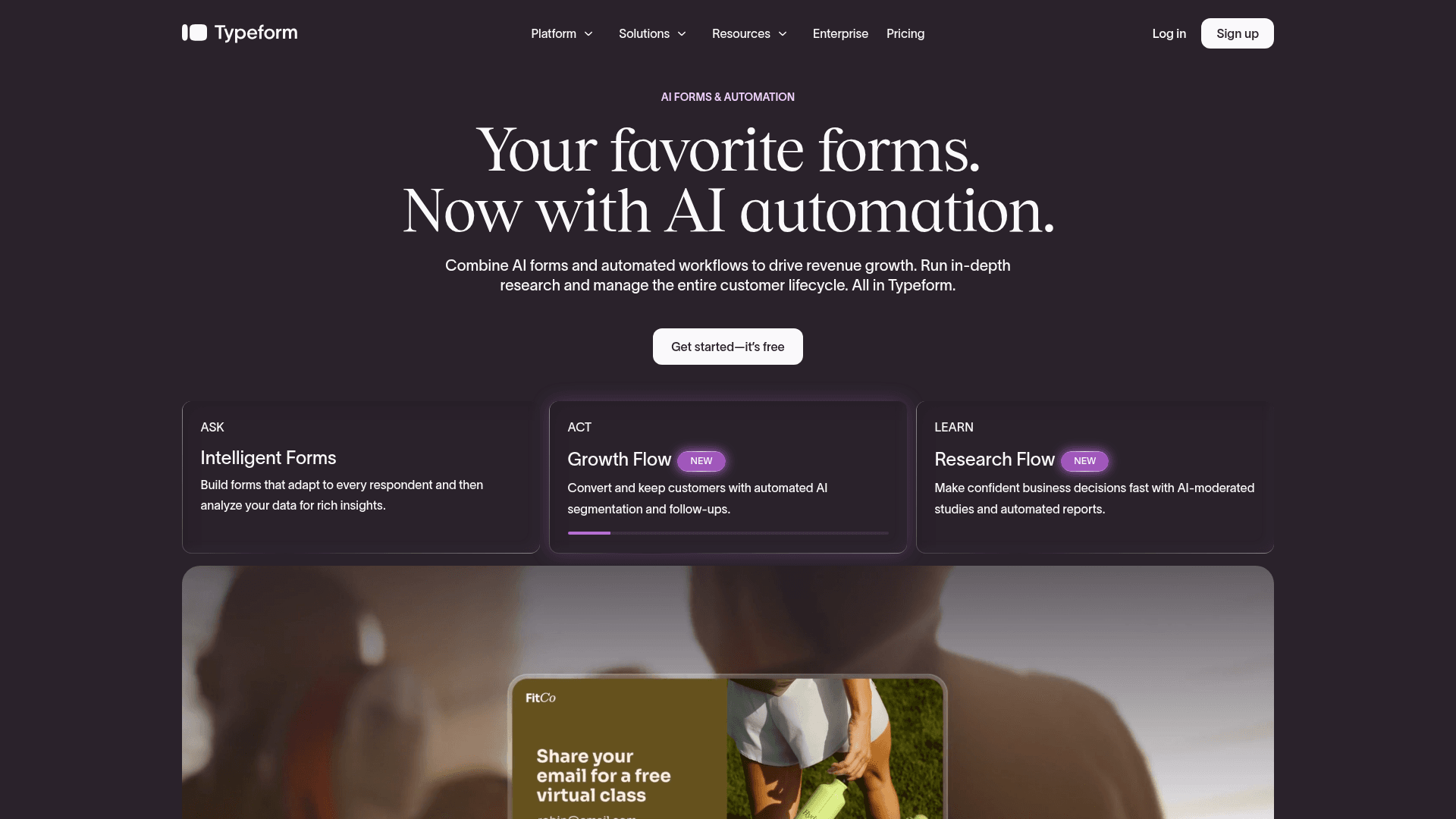
Typeform defined this category, and it still executes the format better than anyone. The transitions, the pacing and the way each question fills the screen all contribute to why people finish.
For qualitative surveys and long forms, that completion difference is measurable and often justifies the price on its own.
It also has the highest cost per response here. Free covers 10 responses a month, Basic is $39 with 100, Plus $79 with 1,000, and Business $129 with 10,000.
| Strengths | Weaknesses |
|---|---|
| Best execution of the conversational format | Free plan covers only 10 responses a month |
| Highest completion rates on longer forms | Highest cost per response in this list |
| Logic jumps handle branching cleanly | Not a chatbot; it cannot answer questions |
| AI drafts a full form from a prompt | Advertised prices are the annual rates |
| Strong drop-off analytics |
| Plan | What you get |
|---|---|
| Free | $0. 10 responses/mo |
| Basic | $39/mo ($28/mo billed yearly). 100 responses/mo |
| Plus | $79/mo ($56/mo billed yearly). 1,000 responses/mo, 3 seats |
| Business | $129/mo ($91/mo billed yearly). 10,000 responses/mo, 5 seats |
Best for: brands where the form experience reflects on the company.
The catch: volume gets expensive fast. At 1,000 responses a month you are on Plus at $79, where Formester charges nothing.
G2 rating: 4.5/5, from 1,017 reviews. A large base, with cost the common complaint.
3. Landbot, best true chatbot builder
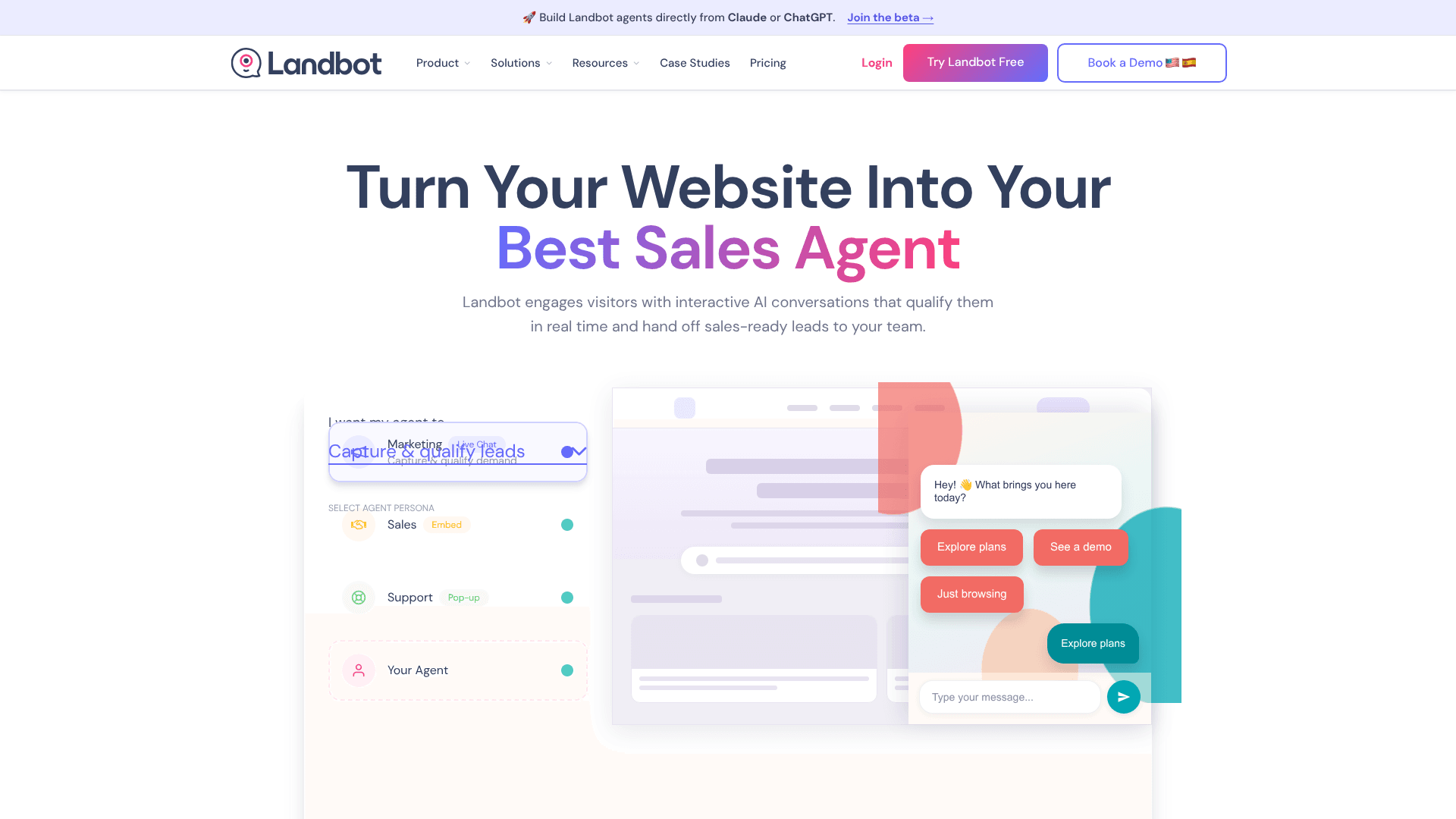
Landbot is the only tool here that builds an actual conversation. Its bots respond to what people type, branch on the answer, hand over to a human agent, and run on WhatsApp as well as your website.
For lead qualification and support triage that difference matters. A Landbot conversation can answer a question mid-flow, which no form in this list can do.
Pricing is per chat and shown in dollars or euros depending on region. The US view lists Starter at $45, Pro at $110, and Business from $450 a month, each with its own chat allowance.
| Strengths | Weaknesses |
|---|---|
| Genuine two-way conversation with branching | Every plan caps included chats, and extras bill per conversation |
| Runs on WhatsApp and the web | Extra AI chats billed at $0.10 each |
| Human agent takeover built in | Pricing shown in euros or dollars depending on region |
| Native language processing for free-text answers | Considerably more complex to build than a form |
| Free Sandbox plan for building |
| Plan | What you get |
|---|---|
| Sandbox | Free forever. 100 chats/mo, 1 seat |
| Starter | $45/mo (€40). 500 chats, 100 AI chats, 2 seats |
| Pro | $110/mo (€100). 2,500 chats, 300 AI chats, 3 seats |
| WhatsApp Pro | $220/mo (€200). The WhatsApp tab on the same card |
| Business | From $450/mo (€400). 5 seats, chat volume agreed with sales |
Best for: lead qualification and support triage that needs real dialogue.
The catch: per-chat pricing means a successful bot costs more each month, and the WhatsApp tiers add per-message costs from Meta on top.
G2 rating: 4.7/5, from 334 reviews. A solid base for a chatbot specialist.
4. Paperform, best conversational landing pages
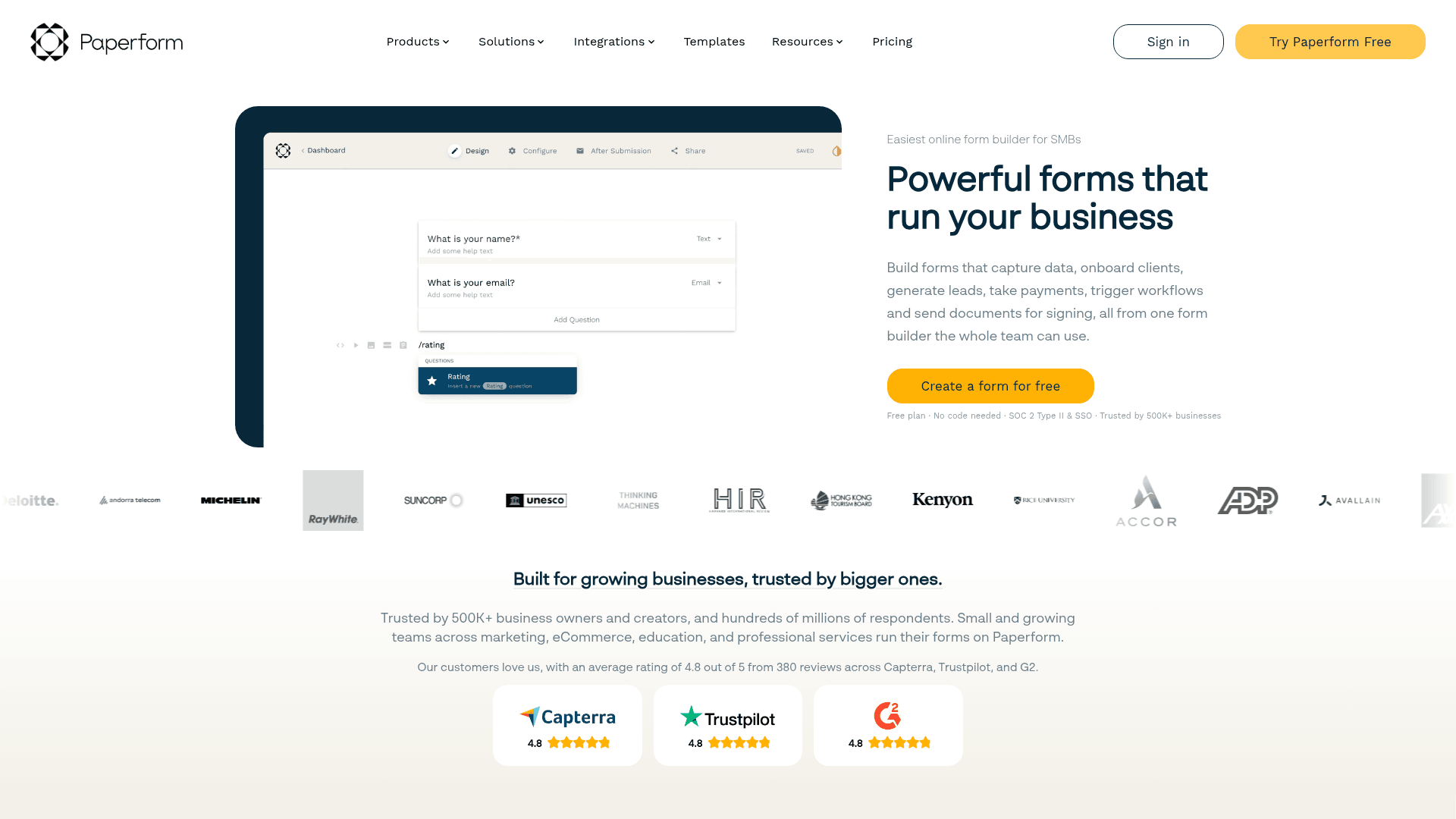
Paperform writes forms as pages, so the questions sit inside your copy rather than in a separate box. The result reads like a conversation on the page rather than a questionnaire.
Payments, scheduling and logic are all included on paid tiers, so one page can qualify someone, book them in and take payment.
Monthly pricing runs $29 for Essentials, $59 for Pro, and $129 for Business, above the advertised annual rates of $24, $49, and $99.
| Strengths | Weaknesses |
|---|---|
| Questions embedded in page copy | No permanent free plan |
| Payments and scheduling built in | Not one question at a time by default |
| Highest G2 score here at 4.8/5 | Submission limits on every tier |
| Custom domain from the Pro plan | Advertised prices are the annual rates |
| Plan | What you get |
|---|---|
| Free | No free plan; a 14-day trial is offered |
| Essentials | $29/mo ($24/mo billed yearly) |
| Pro | $59/mo ($49/mo billed yearly). Adds custom domain |
| Business | $129/mo ($99/mo billed yearly). Adds SSO |
Best for: landing pages where the form and the pitch are the same thing.
The catch: its default layout shows the whole page at once, so getting a true one-question-at-a-time flow takes configuration.
G2 rating: 4.8/5, from 86 reviews, the highest score in this comparison.
5. Involve.me, best for interactive content
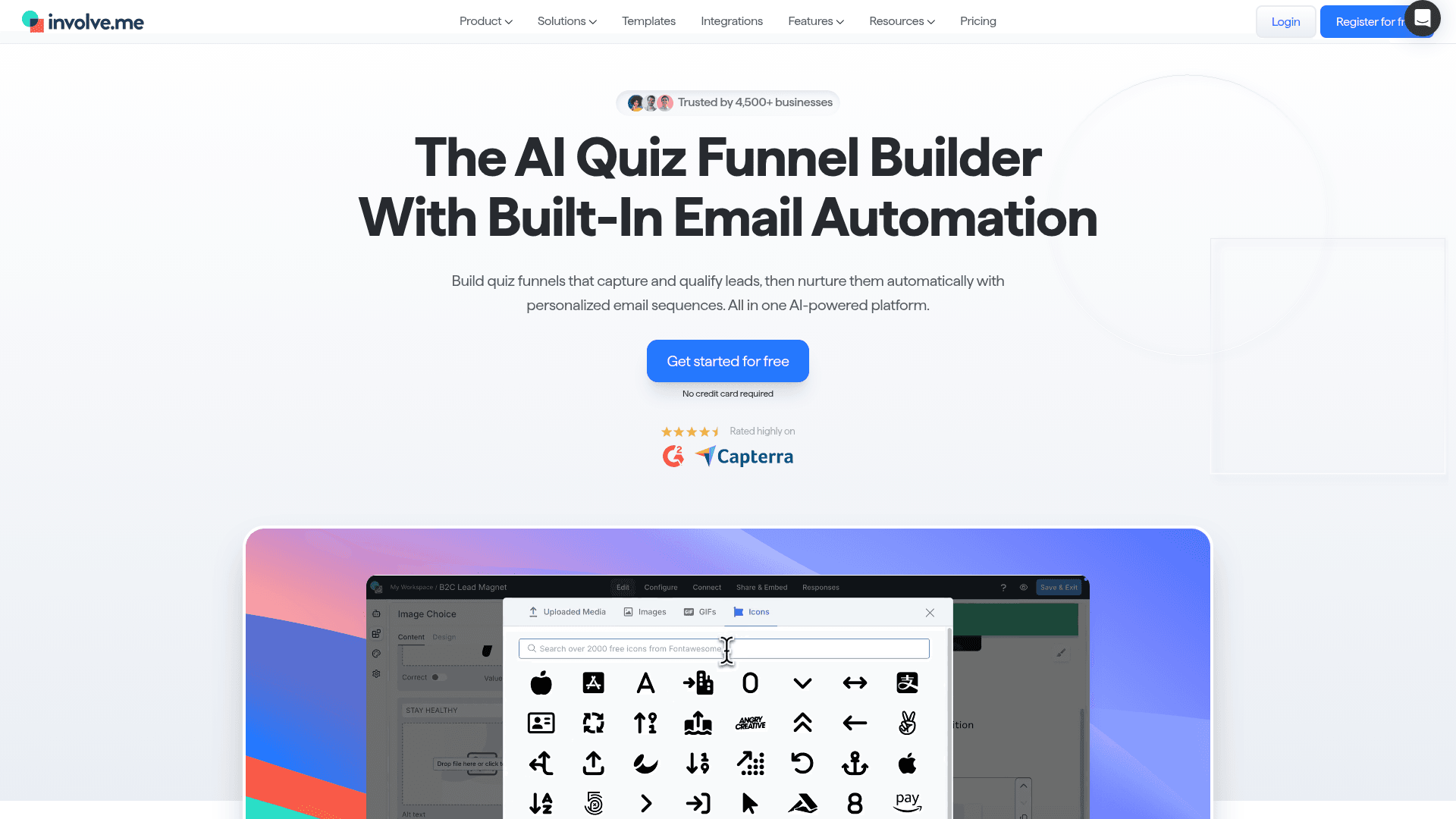
Involve.me builds multi-step interactive content: quizzes, calculators and product finders that reveal a personalised result at the end.
The step-by-step structure gives a conversational feel, and the outcome pages are more capable than anything a plain form offers.
Monthly pricing runs $49 for Start, $99 for Grow, and $199 for Scale, with Enterprise from $499. Annual billing brings the first three to $29, $69, and $139.
| Strengths | Weaknesses |
|---|---|
| Multi-step flows with personalised outcomes | Branching is shallower than dedicated quiz tools |
| Calculators and product finders in the same editor | Advertised prices are the annual rates |
| SOC 2 Type II audited | Extra seats cost $10 per user a month |
| White-label from the Grow plan | Free plan limits submissions tightly |
| Plan | What you get |
|---|---|
| Free | $0. Limited submissions and visits, Involve.me branding |
| Start | $49/mo ($29/mo billed yearly) |
| Grow | $99/mo ($69/mo billed yearly). Adds white-label |
| Scale | $199/mo ($139/mo billed yearly) |
| Enterprise | From $499/mo |
Best for: interactive content that ends in a personalised recommendation.
The catch: it steps through questions but does not converse, and its branching runs out before a dedicated quiz-funnel tool would.
G2 rating: 4.7/5, from 104 reviews. A good score on a reasonable base.
6. Tally, best free unlimited option
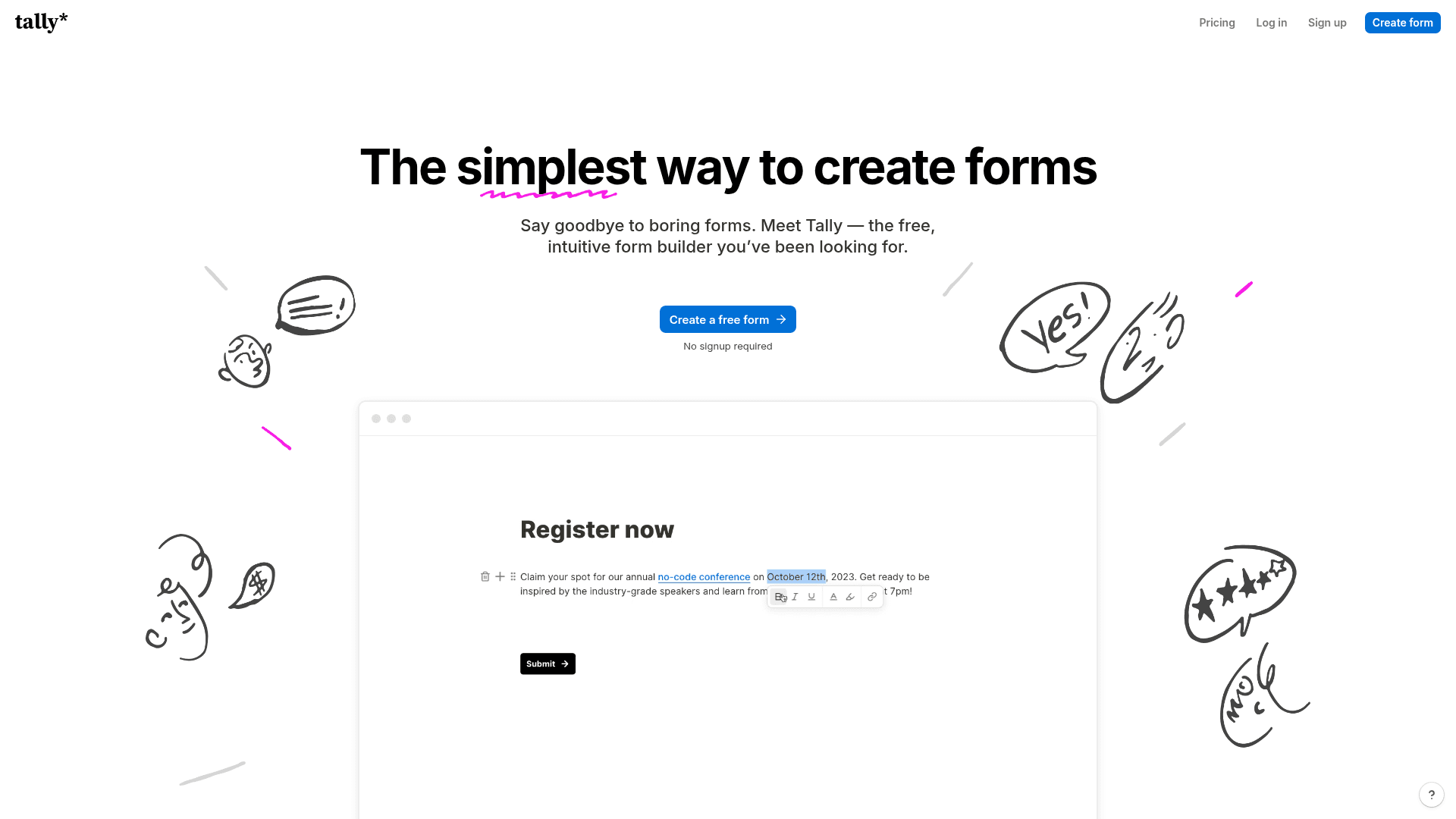
Tally supports multi-step forms with conditional logic on its free plan, and places no cap on forms or submissions, which no other conversational-style tool here matches.
The editor works like a text document, so building a multi-step flow is quicker than arranging fields on a canvas.
Paid plans start at $29 a month on monthly billing, or $24 billed yearly, largely for removing branding.
| Strengths | Weaknesses |
|---|---|
| Unlimited forms and submissions free | Tally branding on the free plan |
| Conditional logic on the free plan | Transitions are plainer than Typeform's |
| Multi-step flows supported free | Analytics are basic |
| Document-style editor is quick | Advertised prices are the annual rates |
| Plan | What you get |
|---|---|
| Free | $0. Unlimited forms and submissions, logic, multi-step |
| Pro | $29/mo ($24/mo billed yearly). Removes branding |
| Business | $89/mo ($74/mo billed yearly). Adds data retention controls |
Best for: multi-step forms at any volume without paying.
The catch: the experience is functional rather than polished, so it will not match Typeform where presentation is the point.
G2 rating: 4.5/5, from 305 reviews. A solid base for a relatively young product.
7. Jotform, best for template depth
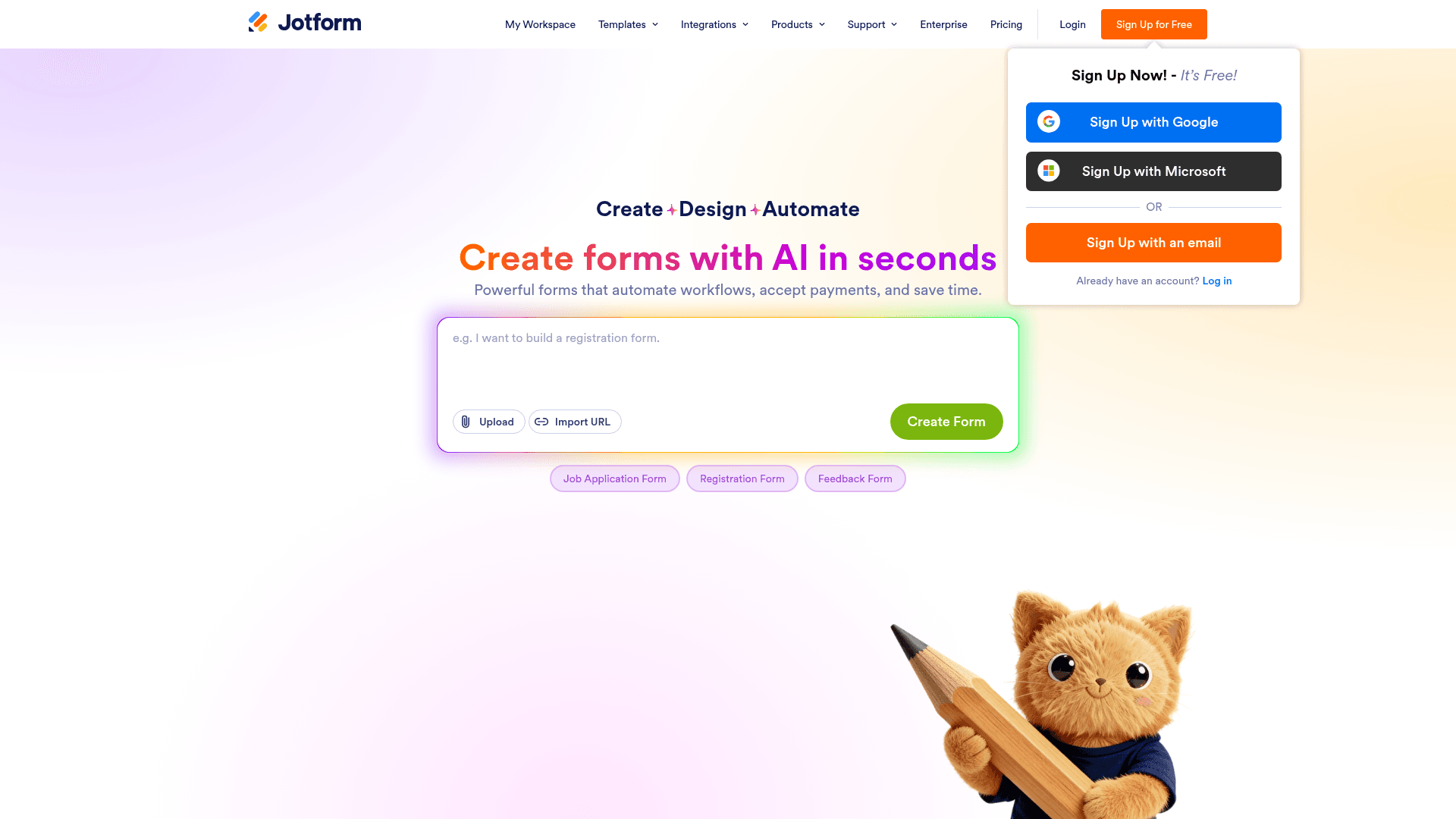
Jotform offers a card layout that shows one question at a time, which brings the conversational format to the largest template library in this comparison.
For teams that need an unusual field type inside a conversational flow, calculations, signatures, or payments, Jotform covers more ground than the specialists.
Monthly billing runs $39 for Bronze, $49 for Silver, and $129 for Gold, above the advertised annual rates of $34, $39, and $99.
| Strengths | Weaknesses |
|---|---|
| 20,000+ templates with a card layout option | Card layout is less polished than Typeform's |
| Widest range of field types | Submissions metered on every tier |
| 40+ payment gateways | Dense interface takes time to learn |
| HIPAA features from the Gold plan | Advertised prices are the annual rates |
| Plan | What you get |
|---|---|
| Starter (free) | $0. 5 forms, 100 submissions/mo |
| Bronze | $39/mo ($34/mo billed yearly). 1,000 submissions/mo |
| Silver | $49/mo ($39/mo billed yearly). 2,500 submissions/mo |
| Gold | $129/mo ($99/mo billed yearly). 10,000 submissions/mo |
Best for: conversational forms that need unusual fields or a ready template.
The catch: the card layout works but feels like a setting rather than the product, which shows next to Typeform.
G2 rating: 4.7/5, from 5,426 reviews, the largest base of any tool here.
8. Fillout, best for database-backed flows
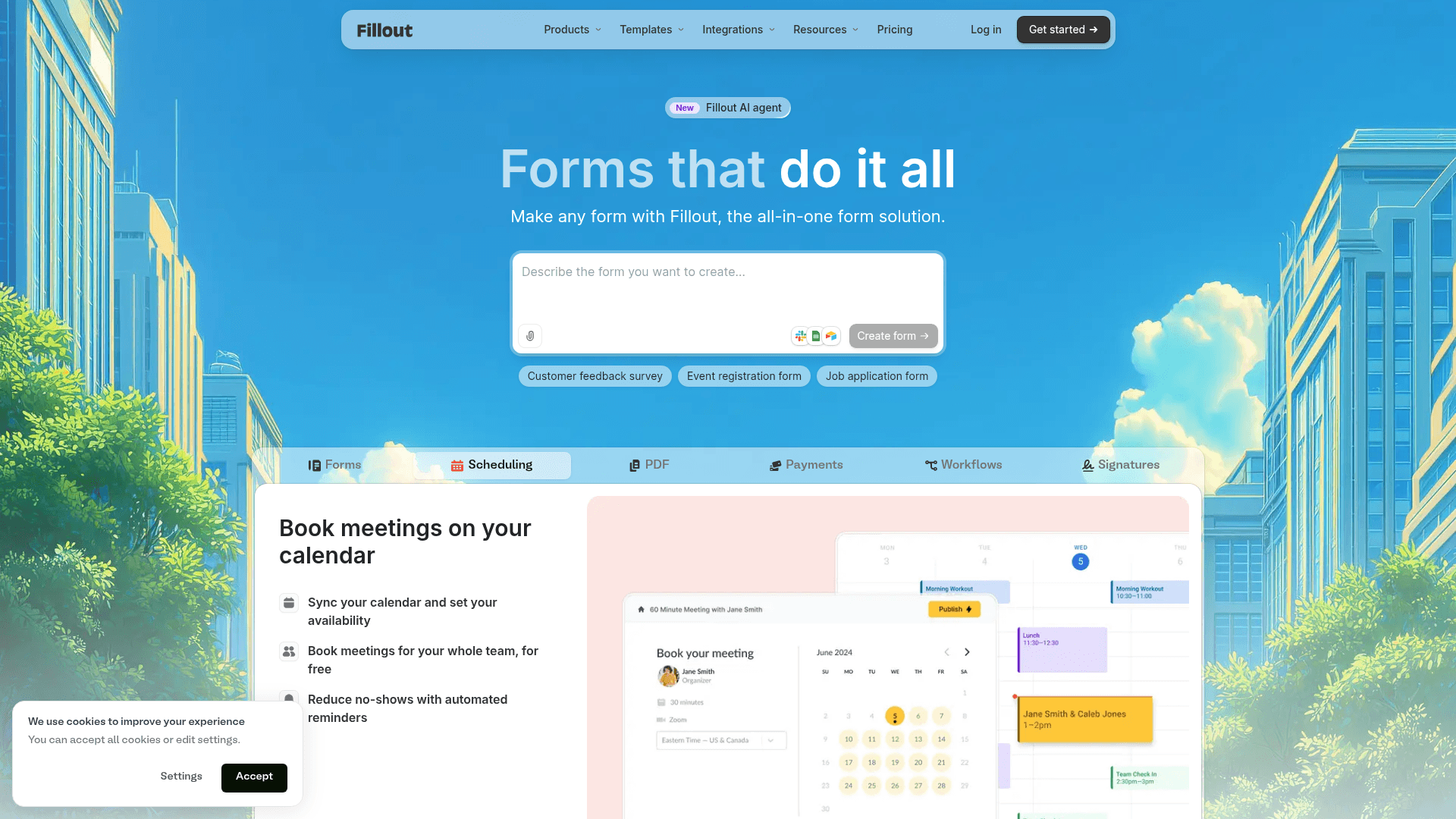
Fillout ships multi-step forms with a progress bar as the default rather than an option, which suits longer conversational flows without extra configuration.
Its distinguishing feature is what happens to the answers: they write into Airtable and Notion records and update existing rows, so a conversation updates your database directly.
The free plan covers 1,000 responses a month with unlimited seats. Paid plans start at $19 a month on monthly billing.
| Strengths | Weaknesses |
|---|---|
| Multi-step with progress bar by default | Most useful only with Airtable or Notion |
| Writes into Airtable and Notion records | Not a chatbot |
| 1,000 responses a month free | Advertised prices are the annual rates |
| Unlimited seats on every plan | 30 G2 reviews, a small sample |
| AI drafts a multi-step form from a prompt |
| Plan | What you get |
|---|---|
| Free | $0. 1,000 responses/mo, unlimited seats |
| Starter | $19/mo ($15/mo billed yearly) |
| Pro | $49/mo ($40/mo billed yearly) |
| Business | $89/mo ($75/mo billed yearly) |
Best for: conversational flows whose answers belong in Airtable or Notion.
The catch: outside those two databases the main advantage disappears, and several tools here handle multi-step forms just as well.
G2 rating: 4.6/5, from 30 reviews. A small base, consistent with a newer product.
9. WPForms, best conversational forms on WordPress
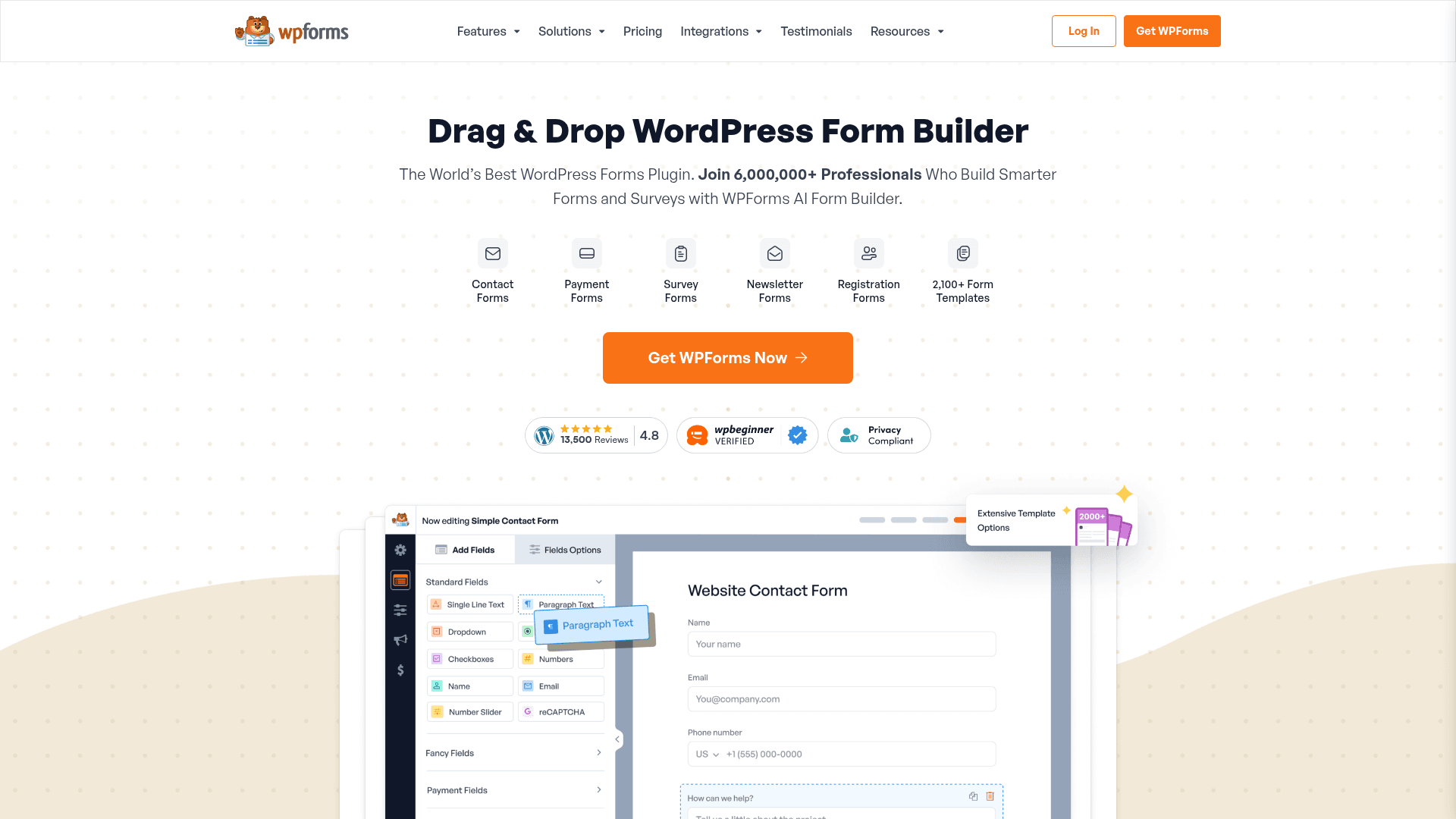
WPForms sells a Conversational Forms addon that turns a standard form into a full-page, one-question-at-a-time experience hosted on your own WordPress site.
For WordPress users that keeps the conversational format on your own domain and in your own database rather than a third-party service.
The addon requires the Pro licence, which is $399 a year at renewal, with a lower first-year promotional rate.
| Strengths | Weaknesses |
|---|---|
| Conversational format on your own WordPress site | Conversational Forms needs the Pro licence |
| Data stays in your own database | WordPress only |
| One annual licence covers unlimited submissions | Annual licensing with no monthly option |
| Large WordPress user base | Renewal prices are higher than first-year rates |
| Plan | What you get |
|---|---|
| Lite | Free WordPress plugin. No conversational forms |
| Basic | $99/year at renewal. 1 site |
| Plus | $199/year at renewal |
| Pro | $399/year at renewal. Includes Conversational Forms |
| Elite | $599/year at renewal |
Best for: WordPress sites that want conversational forms self-hosted.
The catch: the addon sits on the Pro licence, so the conversational format costs $399 a year rather than the $99 entry price.
G2 rating: 4.7/5, from 971 reviews. A large base among WordPress users.
10. Gravity Forms, best multi-page logic on WordPress
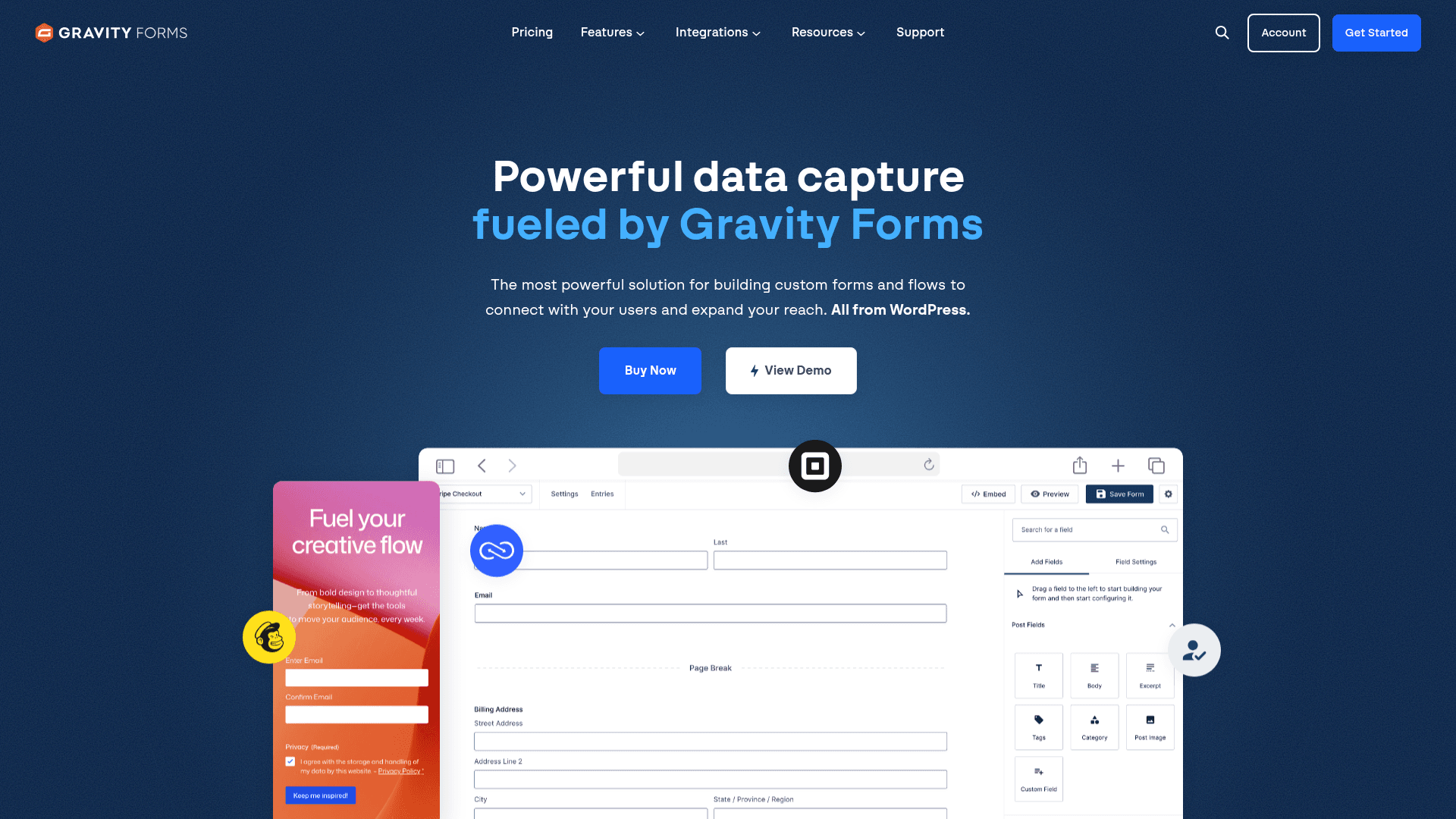
Gravity Forms handles multi-page forms with the deepest conditional logic of any WordPress plugin, which produces a guided experience even without a dedicated conversational mode.
Pages appear one at a time with a progress indicator, and logic can skip whole sections based on earlier answers.
Licensing is annual: Basic at $59 a year, Pro at $159, and Elite at $259 for unlimited sites with all add-ons.
| Strengths | Weaknesses |
|---|---|
| Deepest conditional logic among WordPress plugins | No dedicated conversational mode |
| Multi-page forms with progress indicators | WordPress only |
| 30+ first-party add-ons | No free plan; annual licence required |
| Elite covers unlimited sites for $259 a year | Editor looks dated |
| Plan | What you get |
|---|---|
| Basic | $59/year. 1 site |
| Pro | $159/year. 3 sites, most add-ons |
| Elite | $259/year. Unlimited sites, all add-ons |
Best for: WordPress sites needing guided multi-page forms with real logic.
The catch: there is no one-question-at-a-time mode, so the guided feel comes from pagination rather than a conversational interface.
G2 rating: 4.7/5, from 248 reviews built over years of WordPress use.
11. forms.app, best multi-step with a modern editor
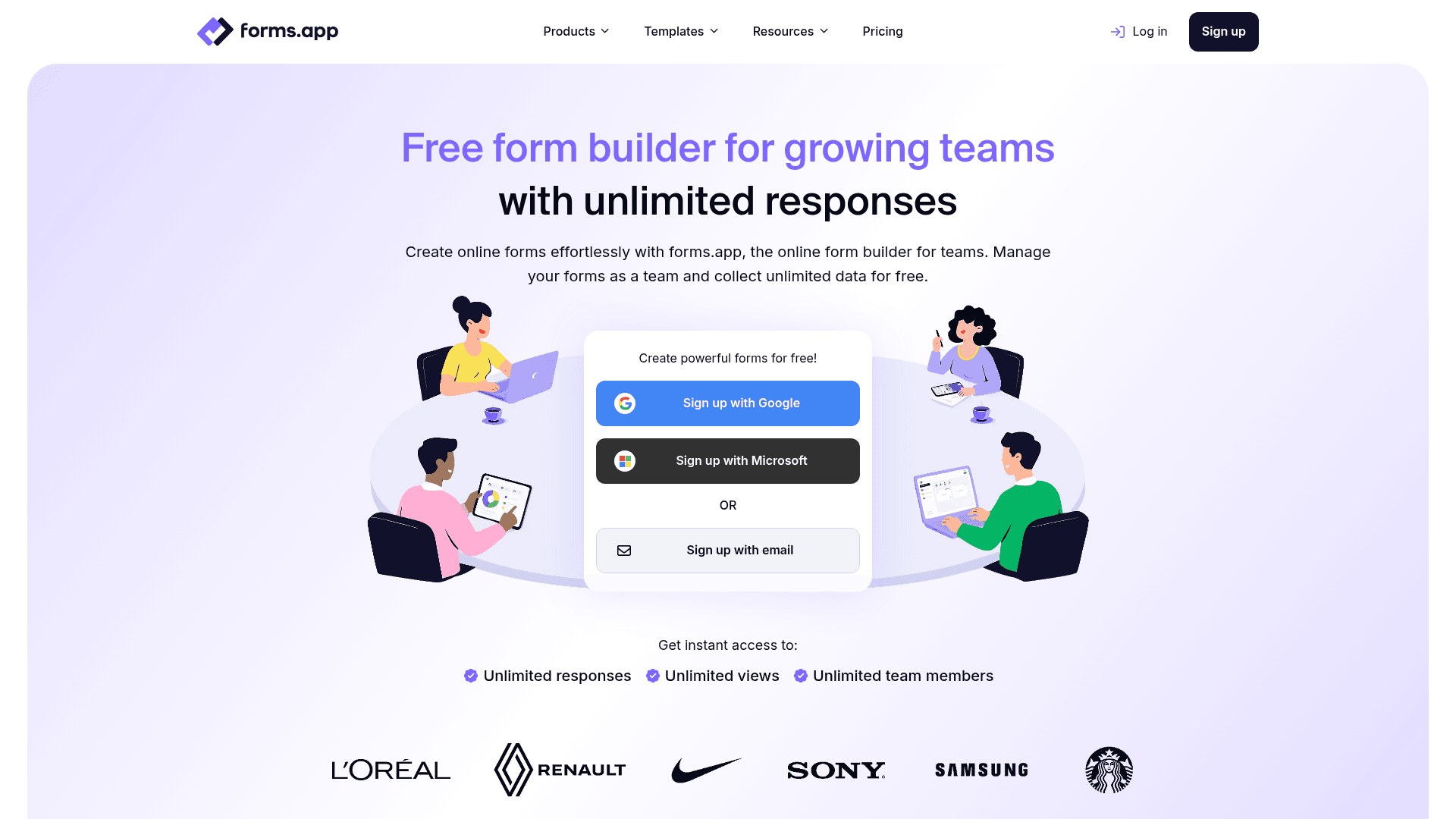
forms.app supports multi-step forms with a progress bar and pairs them with a modern editor and AI generation, which makes building a guided flow quick.
Its free plan is unusual: unlimited responses capped at 5 forms, which suits a site running one busy conversational form.
forms.app prices regionally. The US view lists Basic at $19, Pro at $29, and Premium at $59 a month, while the EU view lists 16, 24, and 49 EUR billed annually.
| Strengths | Weaknesses |
|---|---|
| Unlimited responses on the free plan | Free plan caps at 5 forms |
| Multi-step forms with a progress bar | Pricing varies by region and currency |
| Conditional logic and AI generation free | Not one question at a time by default |
| 5,000+ templates | Younger product with a shorter track record |
| Plan | What you get |
|---|---|
| Free | Up to 5 forms, unlimited responses, 10 MB storage |
| Basic | Listed at $19/mo in the US view and 16 EUR/mo billed annually in the EU view |
| Pro | Listed at $29/mo in the US view and 24 EUR/mo billed annually in the EU view |
| Premium | Listed at $59/mo in the US view and 49 EUR/mo billed annually in the EU view |
Best for: guided multi-step forms on a site with high response volume.
The catch: prices differ by region and currency, so confirm the rate shown on your own regional pricing page before budgeting.
G2 rating: 4.5/5, from 498 reviews. A solid base for a younger product.
12. Cognito Forms, best logic in a guided form
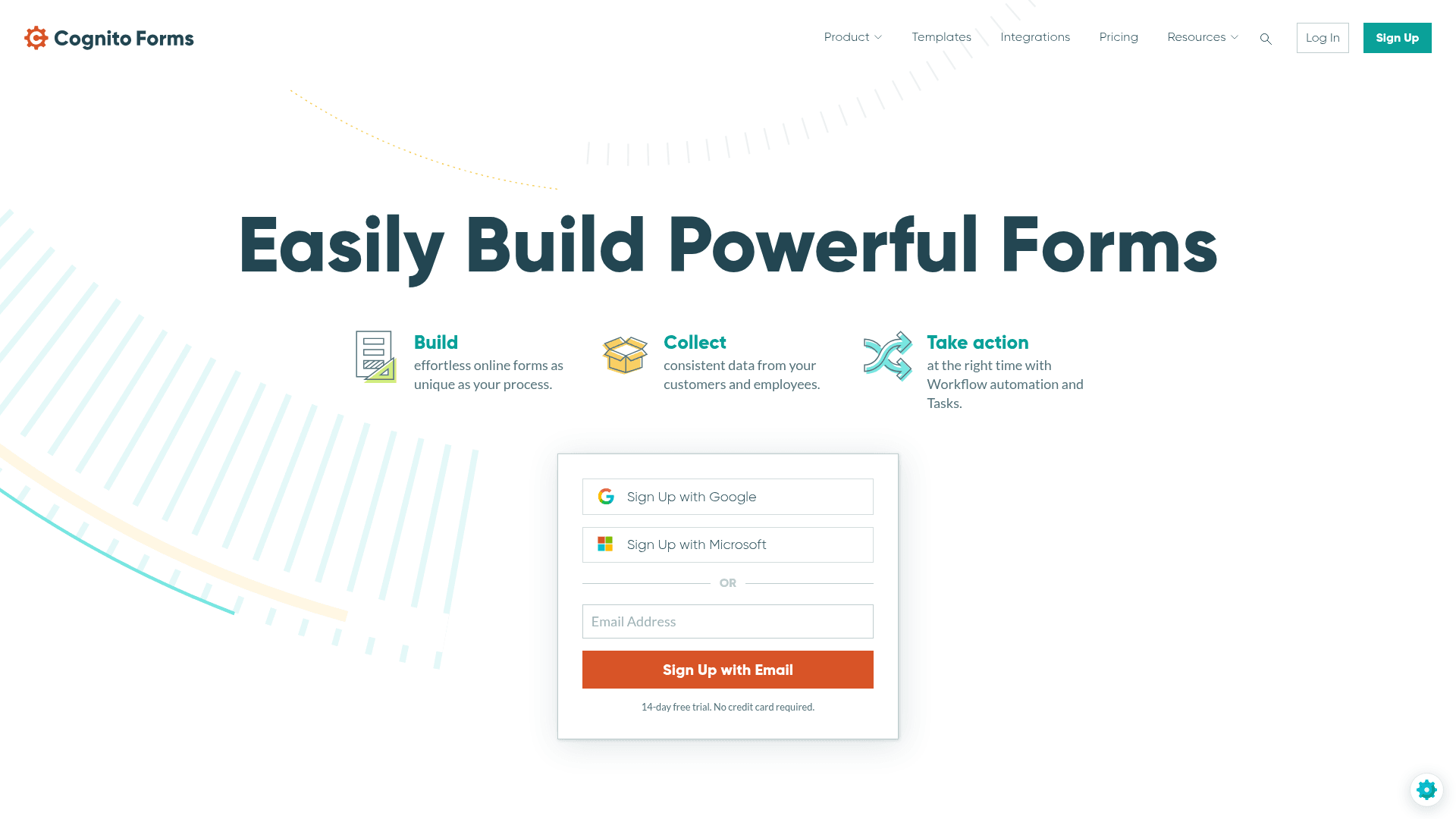
Cognito Forms builds guided multi-page forms where each page can change based on earlier answers, including calculations and repeating sections.
Conditional logic is available on the free plan, which makes it the cheapest way to test a genuinely adaptive flow.
Entries are metered on every tier: 100 a month free, 2,000 on Pro at $24, and 10,000 on Team at $49.
| Strengths | Weaknesses |
|---|---|
| Conditional logic on the free plan | Entries metered on every tier |
| Repeating sections and calculations | No conversational presentation layer |
| Native payment collection | Interface is functional rather than polished |
| Document generation from entries | Advertised prices are the annual rates |
| Plan | What you get |
|---|---|
| Individual (free) | $0. 100 entries/mo, conditional logic |
| Pro | $24/mo ($19/mo billed yearly). 2,000 entries/mo |
| Team | $49/mo ($39/mo billed yearly). 10,000 entries/mo |
| Enterprise | $174/mo ($129/mo billed yearly). Unlimited entries |
Best for: adaptive forms where logic matters more than presentation.
The catch: the logic is excellent and the presentation is plain, so it feels guided rather than conversational.
G2 rating: 4.6/5, from 133 reviews. A reasonable base with a consistently good score.
13. Wufoo, simplest multi-page forms
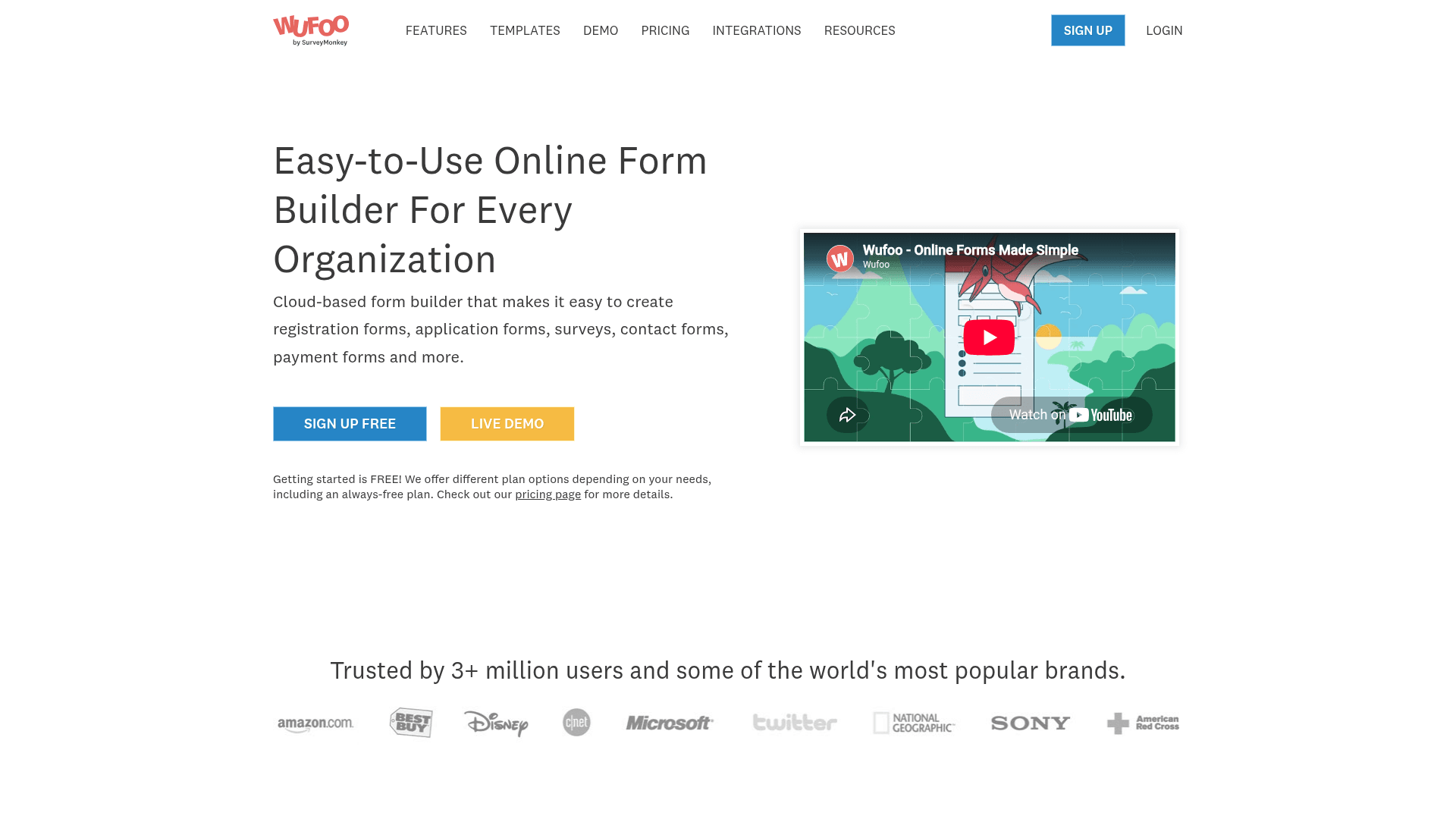
Wufoo supports multi-page forms with basic rules, which produces a stepped experience without any conversational styling.
It is the simplest tool here to learn, and for a straightforward stepped form that simplicity is worth something.
Monthly pricing starts at $22, or $16.25 billed yearly, and every plan charges $0.05 for each entry past its limit.
| Strengths | Weaknesses |
|---|---|
| Very simple to learn | No conversational presentation at all |
| Multi-page forms with rules | $0.05 charged per entry over the limit |
| Clear plan ladder | Dated interface and limited design control |
| Long track record | Advertised prices are the annual rates |
| Plan | What you get |
|---|---|
| Free | $0. 5 forms, 100 entries/mo |
| Starter | $22/mo ($16.25/mo billed yearly). 1,000 entries/mo |
| Professional | $45/mo ($33.25/mo billed yearly). 5,000 entries/mo |
| Advanced | $113/mo ($83.25/mo billed yearly). 25,000 entries/mo |
Best for: simple stepped forms where presentation does not matter.
The catch: nothing about it is conversational. It paginates, and that is the extent of the guided experience.
G2 rating: 4.2/5, from 296 reviews, the lowest score here, which tracks its age.
14. Zoho Forms, best guided forms in the Zoho suite
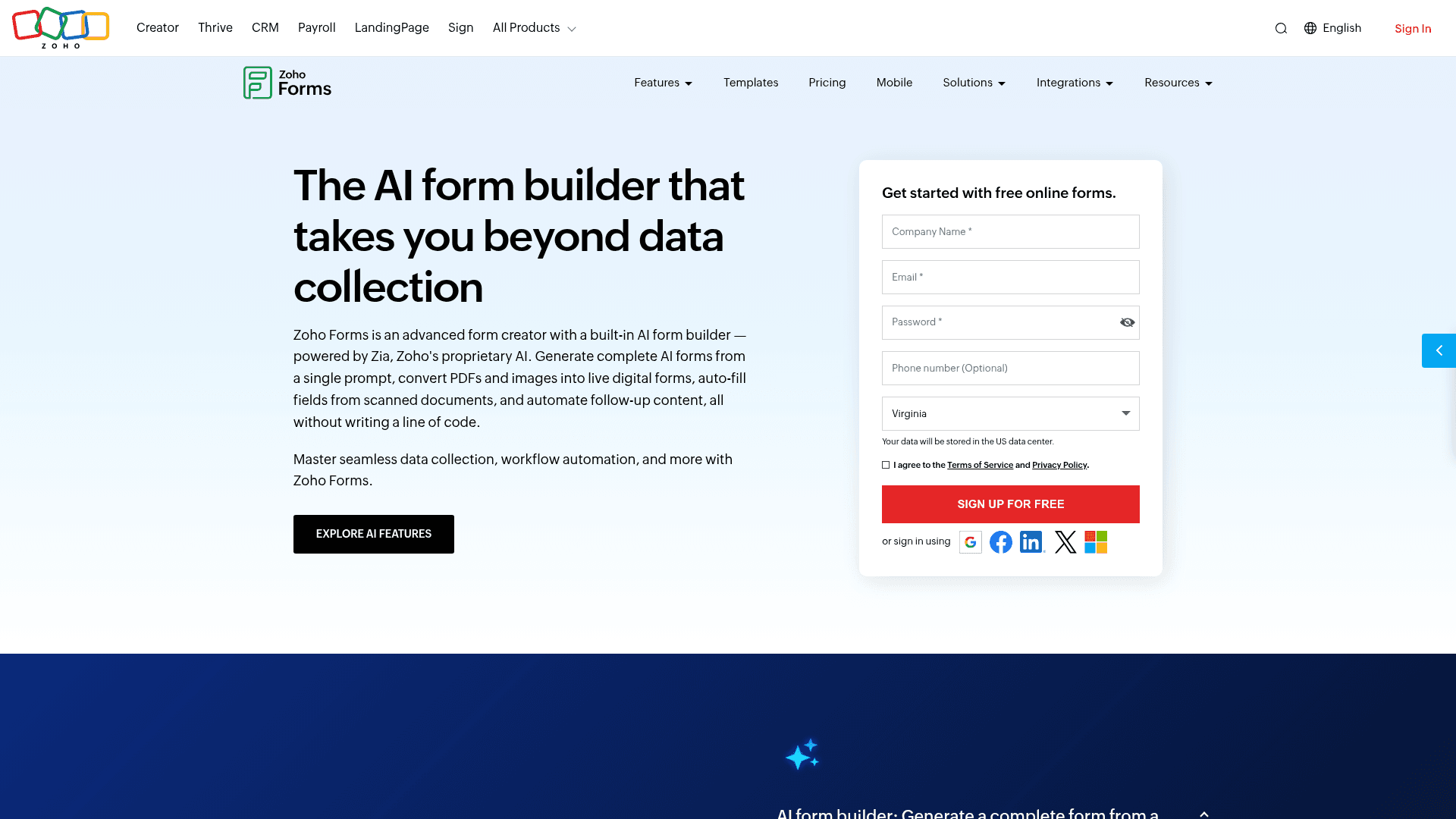
Zoho Forms supports multi-page forms with rules, and routes the results into Zoho CRM, which is the reason teams inside that suite choose it.
The guided experience is functional rather than designed, and the mobile apps collect responses offline.
Pricing is the lowest here: Basic at $10 a month billed annually, rising to Premium at $90.
| Strengths | Weaknesses |
|---|---|
| Cheapest paid entry point at $10/mo | No conversational presentation |
| Routes into Zoho CRM natively | Little value outside the Zoho suite |
| Offline mobile apps included | Interface feels dated |
| Approval workflows on paid tiers | Prices are the annual-billed rates |
| Plan | What you get |
|---|---|
| Free | $0. 3 forms, 500 submissions/mo |
| Basic | $10/mo billed annually |
| Standard | $25/mo billed annually |
| Professional | $50/mo billed annually |
| Premium | $90/mo billed annually |
Best for: Zoho users who need guided forms feeding their CRM.
The catch: it steps through pages without any conversational styling, so it competes on integration rather than experience.
G2 rating: 4.4/5, from 129 reviews, at the lower end of this list.
15. HubSpot Forms, best chatbot tied to a CRM
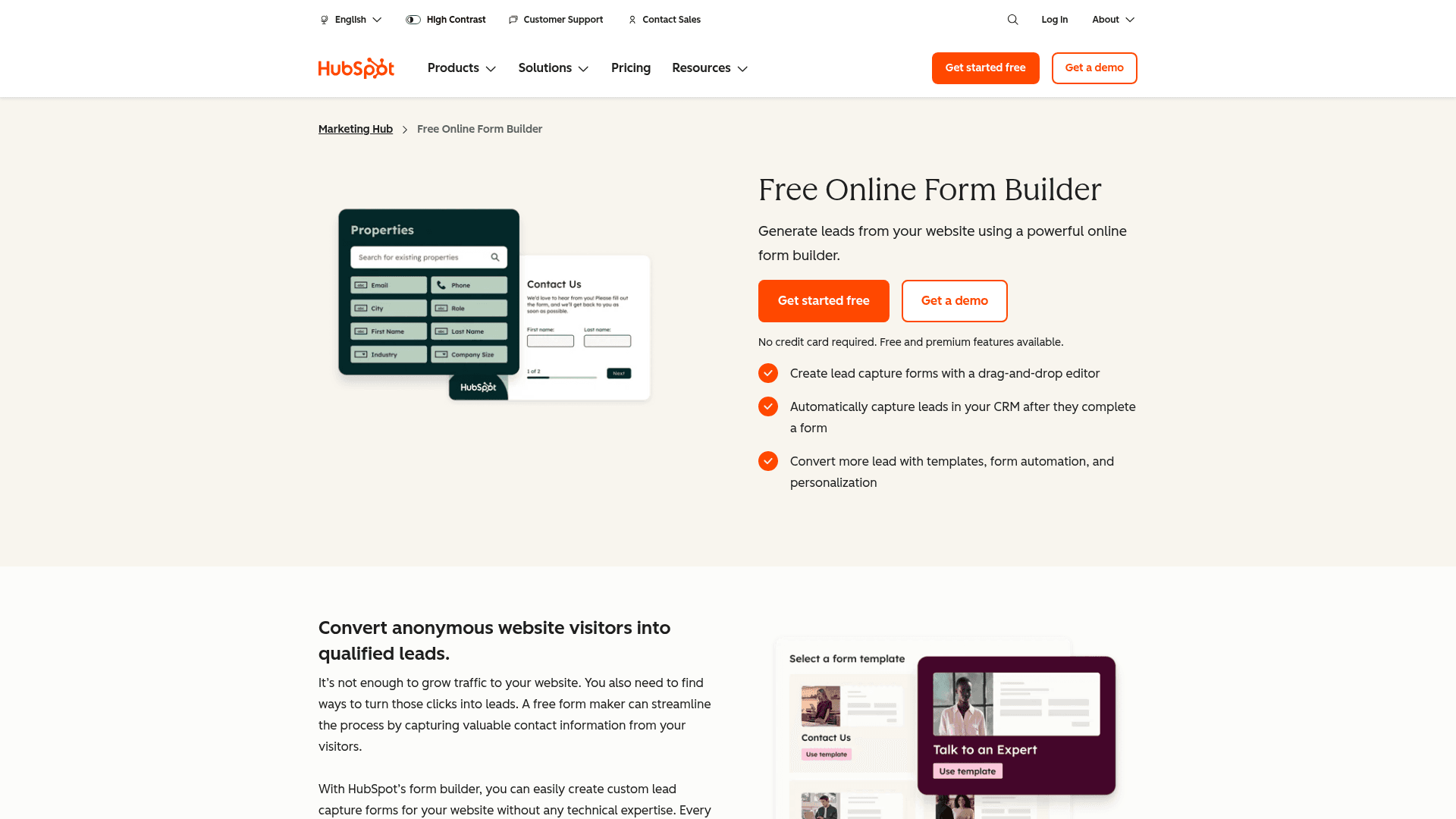
HubSpot's forms are static, but its chatflows tool adds a website chatbot that qualifies visitors and creates CRM contacts from the conversation.
For marketing teams the value is the connection rather than the conversation. Every chat becomes a contact record with the conversation attached.
Forms and basic chat come with the free CRM. Marketing Hub Starter is $20 per seat a month, with Professional at $800 and Enterprise at $3,600.
| Strengths | Weaknesses |
|---|---|
| Chatbot and forms both feed the CRM free | Chatbot logic is simpler than Landbot's |
| Unlimited form submissions on the free tier | HubSpot branding on free tiers |
| Conversation history attached to each contact | Paid tiers jump steeply to $800/mo |
| Free CRM and email marketing included | Professional and Enterprise carry onboarding fees |
| Plan | What you get |
|---|---|
| Free Tools | $0. Unlimited submissions and basic chat with HubSpot branding |
| Marketing Hub Starter | $20/seat/mo |
| Marketing Hub Professional | $800/mo, plus a one-time onboarding fee |
| Marketing Hub Enterprise | $3,600/mo, plus a one-time onboarding fee |
Best for: marketing teams that want conversations feeding a CRM.
The catch: the chatbot handles qualification but not the branching depth Landbot offers, and the step from Starter to Professional is $780 a month.
G2 rating: 4.4/5, from 12,747 reviews across HubSpot Marketing Hub.
16. Formstack, best guided forms for regulated data
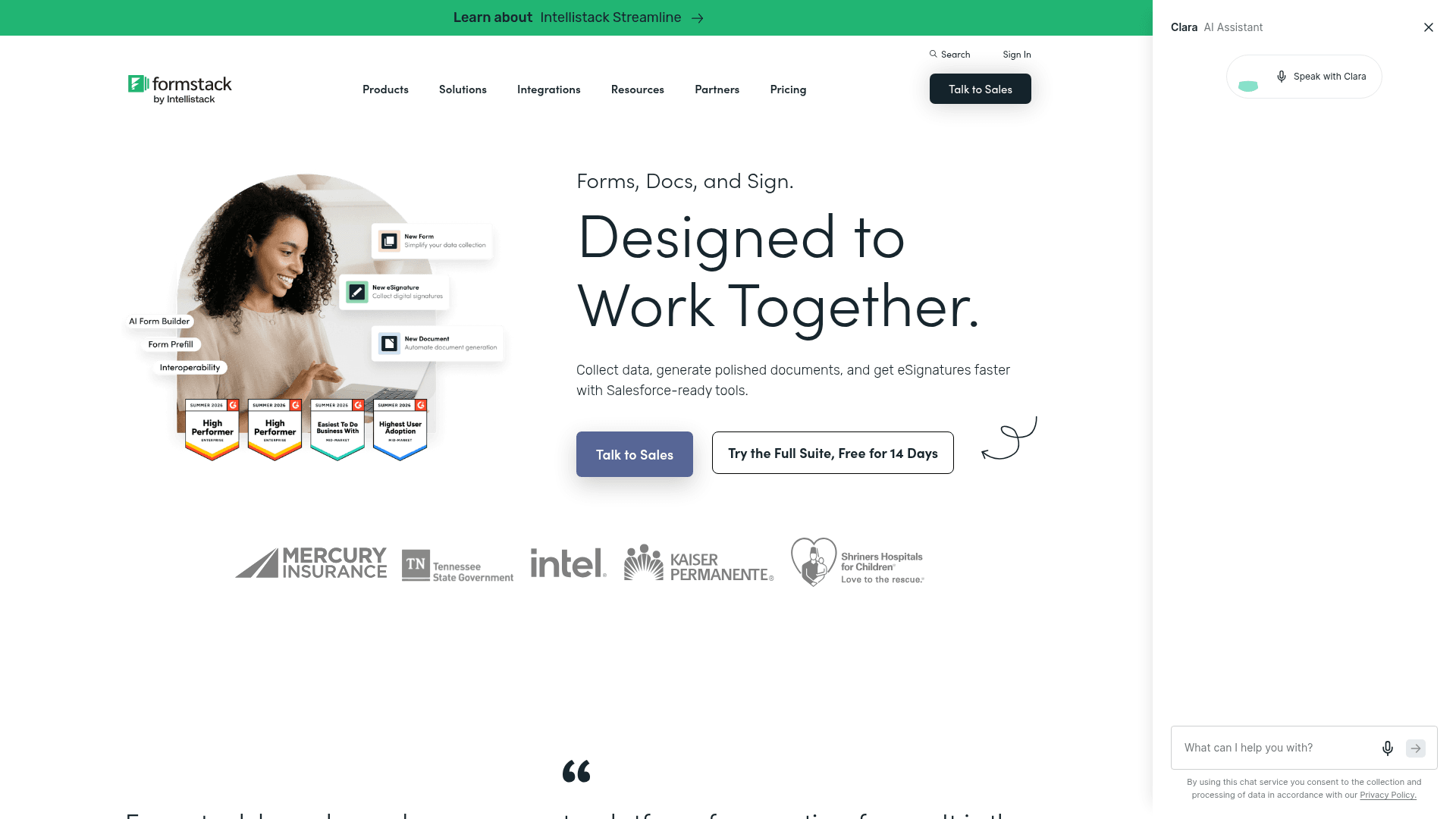
Formstack builds multi-page forms with conditional logic for organisations where the data is regulated, so the guided experience comes with HIPAA support and audit trails.
It is not conversational in presentation, and it is not trying to be. The stepped format exists to make long compliant forms manageable.
Forms starts at $99 a month on monthly billing, and the Suite at $299, above the advertised annual rates of $83 and $250.
| Strengths | Weaknesses |
|---|---|
| HIPAA support with a BAA | No conversational presentation |
| Multi-page forms with deep logic | Most expensive entry point here |
| Documents and signature in the Suite | Advertised prices are the annual rates |
| Granular permissions and audit trails | Interface feels dated in places |
| Plan | What you get |
|---|---|
| Free | No free plan; a trial is offered |
| Forms | $99/mo ($83/mo billed yearly) |
| Suite (Forms, Documents, Sign) | $299/mo ($250/mo billed yearly) |
| Enterprise | Custom pricing |
Best for: regulated organisations that need long forms to feel manageable.
The catch: at $99 a month it is a compliance purchase. Nobody buys Formstack for the conversational experience.
G2 rating: 4.3/5, from 471 reviews. A large base, with cost the usual complaint.
17. Microsoft Forms, simplest sectioned forms
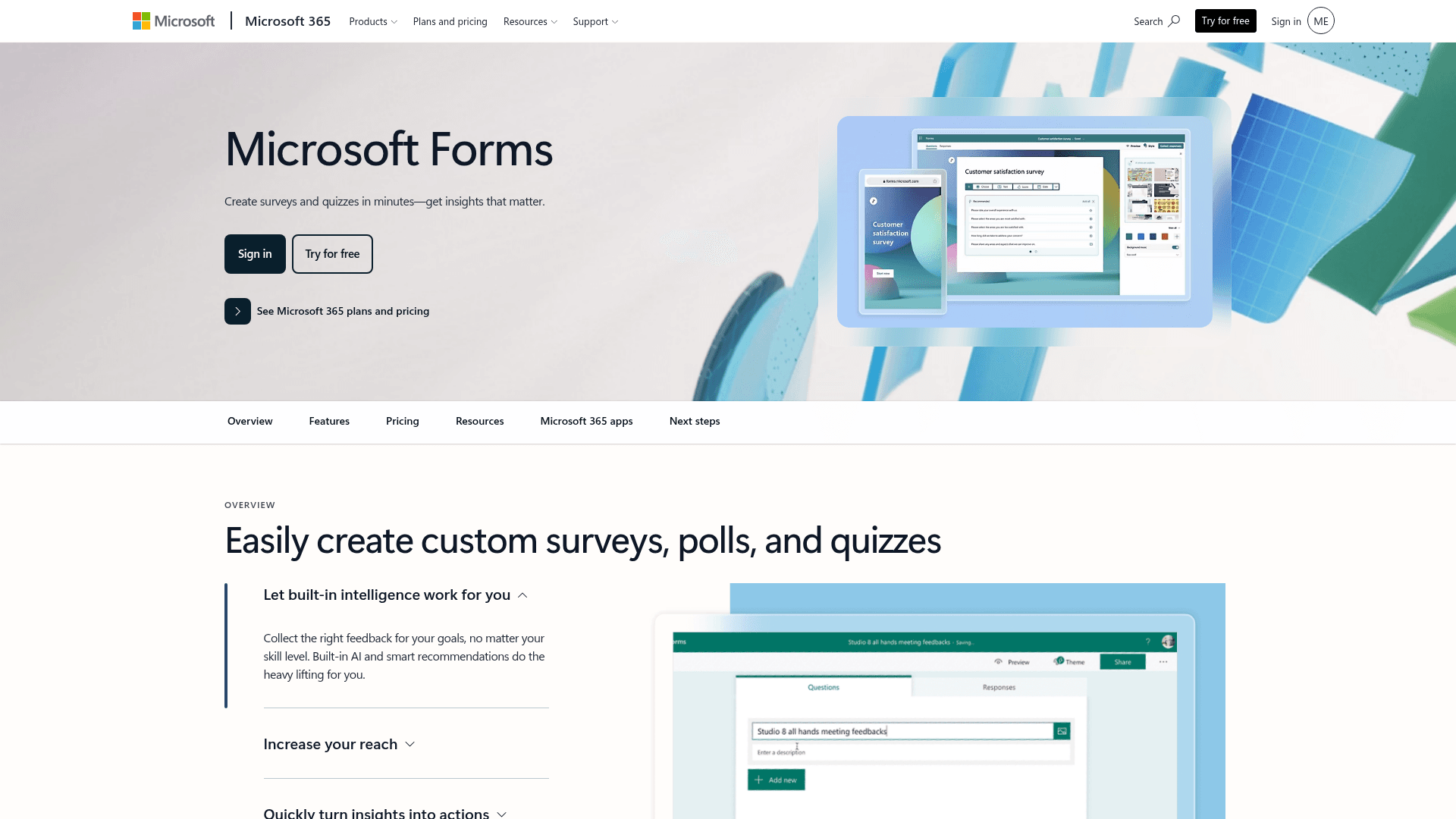
Microsoft Forms splits longer forms into sections with basic branching, which produces a stepped experience at no extra cost inside Microsoft 365.
For internal surveys that is usually enough, and results land in Excel with the tenant's security applied automatically.
Business Basic is $7 per user a month on annual billing, and Business Standard now bundles Copilot at $23.50.
| Strengths | Weaknesses |
|---|---|
| No extra cost inside Microsoft 365 | Section-based rather than conversational |
| Sections give a stepped experience | Free accounts cap at 200 responses per form |
| Results land in Excel | Very limited design control |
| Inherits tenant security | No value outside Microsoft |
| Plan | What you get |
|---|---|
| Free | $0 with a personal Microsoft account. 200 responses per form |
| M365 Business Basic | $7/user/mo, annual basis |
| M365 Business Standard with Copilot | $23.50/user/mo, annual basis |
| M365 Business Premium with Copilot | $32/user/mo, annual basis |
Best for: internal stepped forms inside Microsoft 365.
The catch: sections are not a conversational format. It breaks a form into parts and stops there.
G2 rating: 4.4/5, from 476 reviews, which fits its internal-tool scope.
18. Google Forms, simplest free sectioned forms
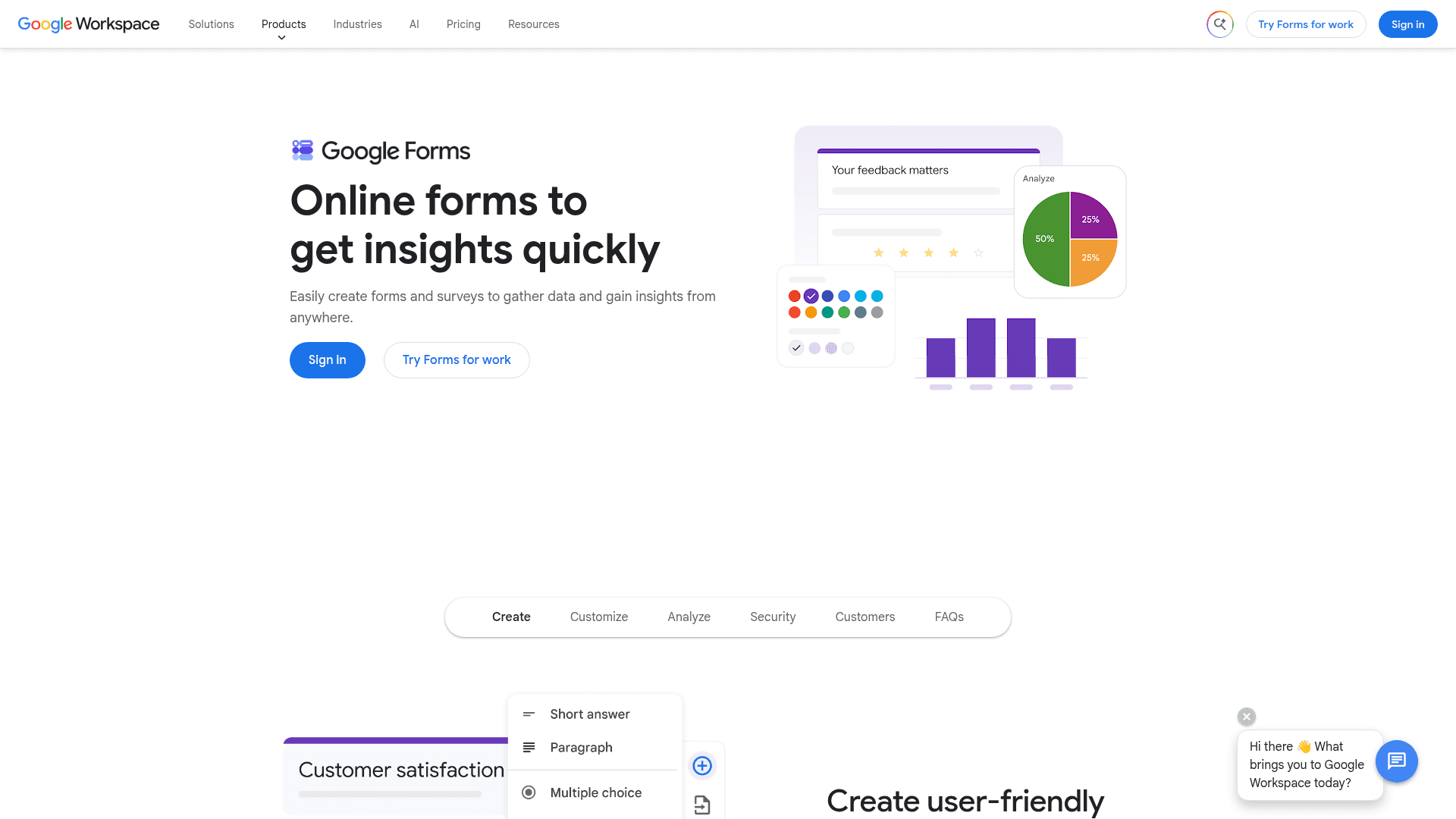
Google Forms offers sections with go-to-section logic, which lets a form skip ahead based on an answer and produces a basic guided flow.
It is free with any Google account, and results land in Sheets, which covers a great deal of internal use without any budget.
There is no paid Forms tier. It arrives with Google Workspace, where Business Starter is $7 per user a month on an annual basis.
| Strengths | Weaknesses |
|---|---|
| Free with any Google account | Sections only, with no conversational styling |
| Go-to-section logic skips ahead | Very limited design control |
| No practical response cap | Logic cannot combine several earlier answers |
| Results sync into Sheets | Google branding stays on the form |
| Plan | What you get |
|---|---|
| Free | $0 with any Google account. Effectively unlimited responses |
| Workspace Business Starter | $7/user/mo, annual basis |
| Workspace Business Standard | $14/user/mo, annual basis |
| Workspace Business Plus | $22/user/mo, annual basis |
Best for: free internal forms that need to skip irrelevant sections.
The catch: go-to-section logic cannot branch on combinations of answers, so genuinely adaptive flows are out of reach.
G2 rating: Google Forms has no standalone G2 profile. The 4.6/5 from 48,175 reviews quoted elsewhere covers Google Workspace as a whole.
Build a Typeform-style flow without the Typeform price
Formester's card-style forms give you the same one-question-at-a-time experience on Free. Unlimited responses, AI generation, payments, all included.
Try Formester freeFree forever · No credit card · 56,000+ teams
How to pick the right conversational form builder
Decide first whether you need a conversation or a format. If visitors will ask questions and expect answers, only Landbot genuinely does that, and HubSpot's chatflows cover a simpler version tied to its CRM.
If you want the one-question-at-a-time format, the decision is about volume and polish. Typeform executes it best and charges by response. Formester offers the same format with no cap. Tally does it free with plainer styling.
Everything else in this list paginates rather than converses, which is fine when the goal is making a long form feel manageable rather than making it feel like a chat.