How we verified this: every figure on this page comes from the vendor's own pricing page or its public G2 profile. You can check every source here.
Which quiz funnel software should you choose?
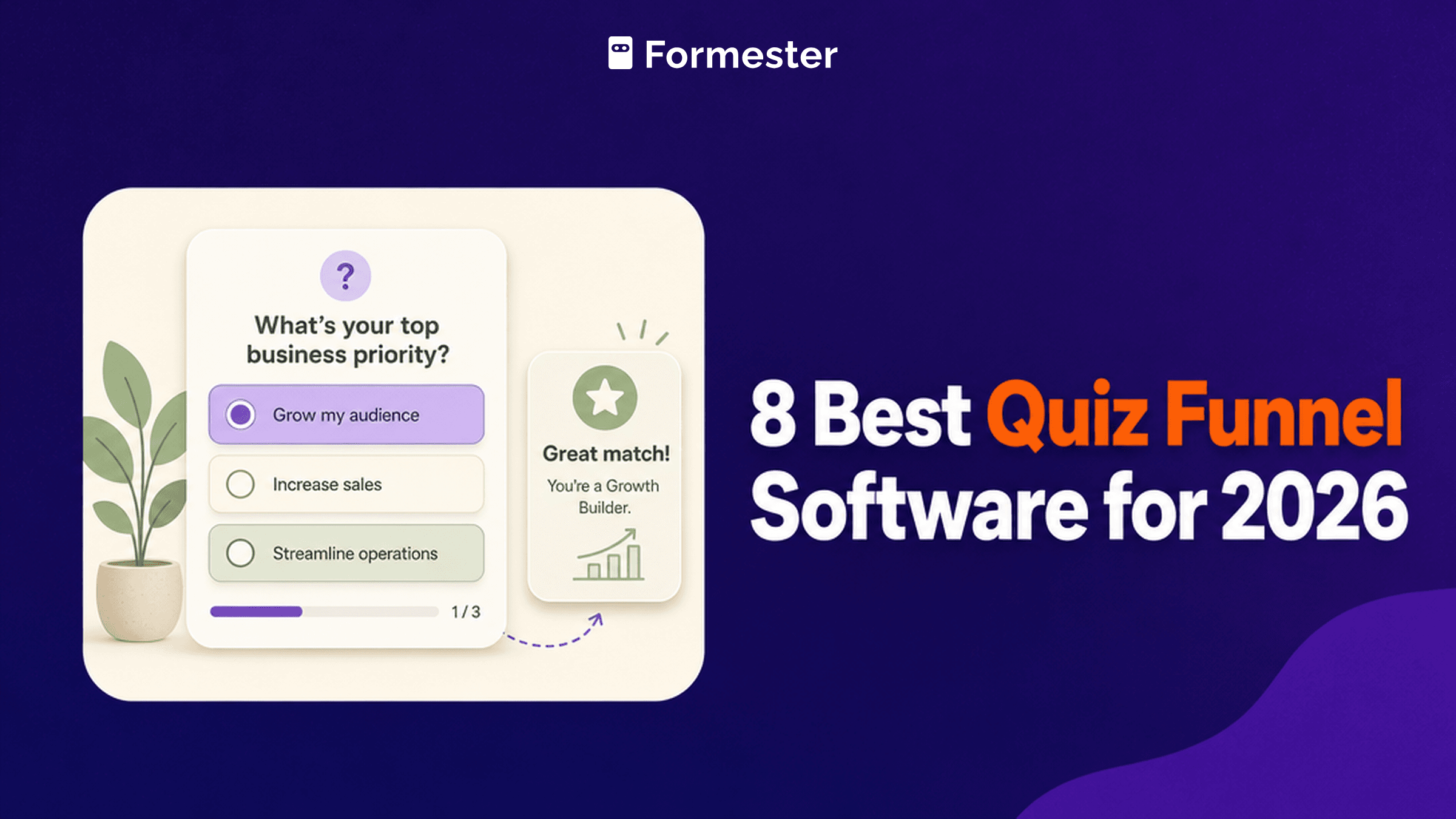
A quiz funnel is a lead magnet with a scoring engine behind it. Someone answers a few questions, gets a result that feels personal, and hands over an email address to see it. Done well, it converts better than an ebook download.
The tools below all build that flow. Where they separate is what happens after it works: how many leads you can capture before the price moves, how deep the scoring logic goes, and whether the results page can carry your brand.
The 60-second TL;DR
- Best all-around with no lead caps: Formester, unlimited responses free
- Best for marketing quiz funnels: Interact, from $39/mo
- Best for interactive content breadth: Involve.me, from $49/mo
- Best for scorecard assessments: ScoreApp, from $39/mo
- Best for lead-gen quizzes: LeadQuizzes, from $49/mo
- Best for polished quiz UX: Typeform, from $39/mo
- Best for template depth: Jotform, from $39/mo
- Best free option: Google Forms, free with any Google account
How the eight quiz funnel tools compare at a glance
Here is the comparison in one table: what each free plan allows, where paid pricing starts on monthly billing, and what each tool is built for. Use it to shortlist, then read the matching review.
| Tool | Free plan | Paid from (monthly) | Built for | G2 rating |
|---|---|---|---|---|
| Formester | Unlimited forms and responses | $13/mo | Quizzes without lead caps | 4.7/5 (14 reviews) |
| Interact | Free tier available | $39/mo | Marketing quiz funnels | 4.5/5 (65 reviews) |
| Involve.me | Free tier available | $49/mo | Interactive content of all kinds | 4.7/5 (104 reviews) |
| ScoreApp | Free tier available | $39/mo | Scorecard assessments | 4.7/5 (48 reviews) |
| LeadQuizzes | Trial only | $49/mo | Lead-gen quizzes | 4.2/5 (9 reviews) |
| Typeform | 10 responses/mo | $39/mo | Polished quiz experiences | 4.5/5 (1,017 reviews) |
| Jotform | 5 forms, 100 submissions/mo | $39/mo | Template depth | 4.7/5 (5,426 reviews) |
| Google Forms | Free with a Google account | Bundled with Workspace | Simple scored quizzes | No standalone profile |
How we picked and ranked these eight tools
Everything here comes from the vendors' own pricing pages and plan limits, read in full. For quiz funnels the lead cap matters most, because the plan that works during testing is rarely the plan that survives a campaign.
The ranking weighs what each free tier allows and what the tool costs once leads arrive, plus how much of the funnel you can control. Most of these vendors advertise annual rates, so the monthly figures below run higher than the ones on their pricing pages.
1. Formester, best all-around with no lead caps
Formester never counts responses, which is an unusual position in a category that mostly prices by leads captured.
Quiz auto-scoring is included on the free plan, along with drop-off analytics that show which question loses people. Conditional logic, which is what branches a quiz toward different outcomes, arrives on the Personal plan at $13 a month.
For a campaign whose response volume you cannot predict, that flat pricing changes the risk. A quiz that performs well does not create a billing problem.
| Strengths | Weaknesses |
|---|---|
| No response or lead cap on any plan | Conditional logic starts on the paid Personal plan |
| Quiz auto-scoring on the free plan | No purpose-built outcome-page designer |
| Drop-off analytics show where people abandon | Fewer marketing integrations than the specialists |
| Payments on the free plan | 14 G2 reviews, a small sample |
| AI generates a quiz from a prompt |
| Plan | What you get |
|---|---|
| Free | $0. Unlimited forms and responses, auto-scoring, analytics |
| Personal | $13/mo ($12/mo billed yearly). Adds conditional logic |
| Business | $49/mo ($45/mo billed yearly). Adds custom domain and 25 seats |
Best for: quiz funnels where lead volume is unpredictable and caps would hurt.
The catch: the specialists below ship purpose-built outcome pages and marketing integrations that Formester leaves you to assemble.
G2 rating: 4.7/5, from 14 reviews. High score, small sample; read it as an early signal.
2. Interact, best for marketing quiz funnels
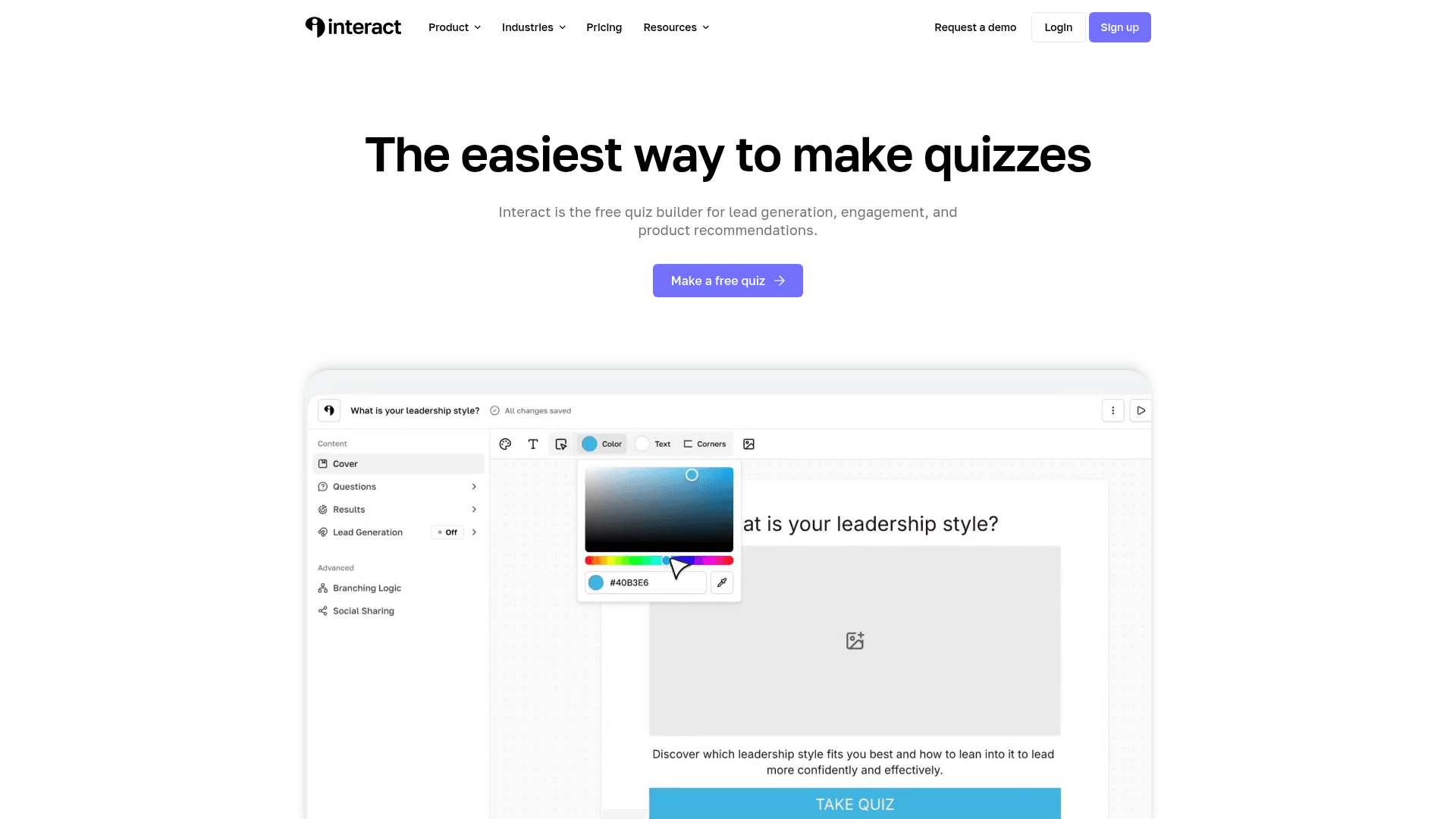
Interact is built for one job: quizzes that generate leads for marketing teams. Its templates are organised by industry and outcome, so a coach, a skincare brand or a SaaS company each start from something close to finished.
The result pages are the strong part. Branching to different outcomes and tailored recommendations are handled without extra work, and there is a native path into your email tool.
Monthly pricing runs $39 for Lite, $89 for Growth, and $209 for Pro, above the advertised annual rates of $27, $53, and $125.
| Strengths | Weaknesses |
|---|---|
| Templates organised by industry and outcome | Advertised prices are the annual rates |
| Purpose-built outcome pages with recommendations | Lead limits apply on lower tiers |
| Native integrations with major email platforms | Narrower than a general form builder |
| Free tier available for testing | 65 G2 reviews, a modest base |
| Plan | What you get |
|---|---|
| Free | $0. Limited quizzes and leads |
| Lite | $39/mo ($27/mo billed yearly) |
| Growth | $89/mo ($53/mo billed yearly) |
| Pro | $209/mo ($125/mo billed yearly) |
Best for: marketing teams running quizzes as a primary lead source.
The catch: monthly billing costs roughly 45 percent more than the advertised annual rate, so check the toggle before budgeting.
G2 rating: 4.5/5, from 65 reviews. A modest base, consistent with a focused product.
3. Involve.me, best for interactive content breadth
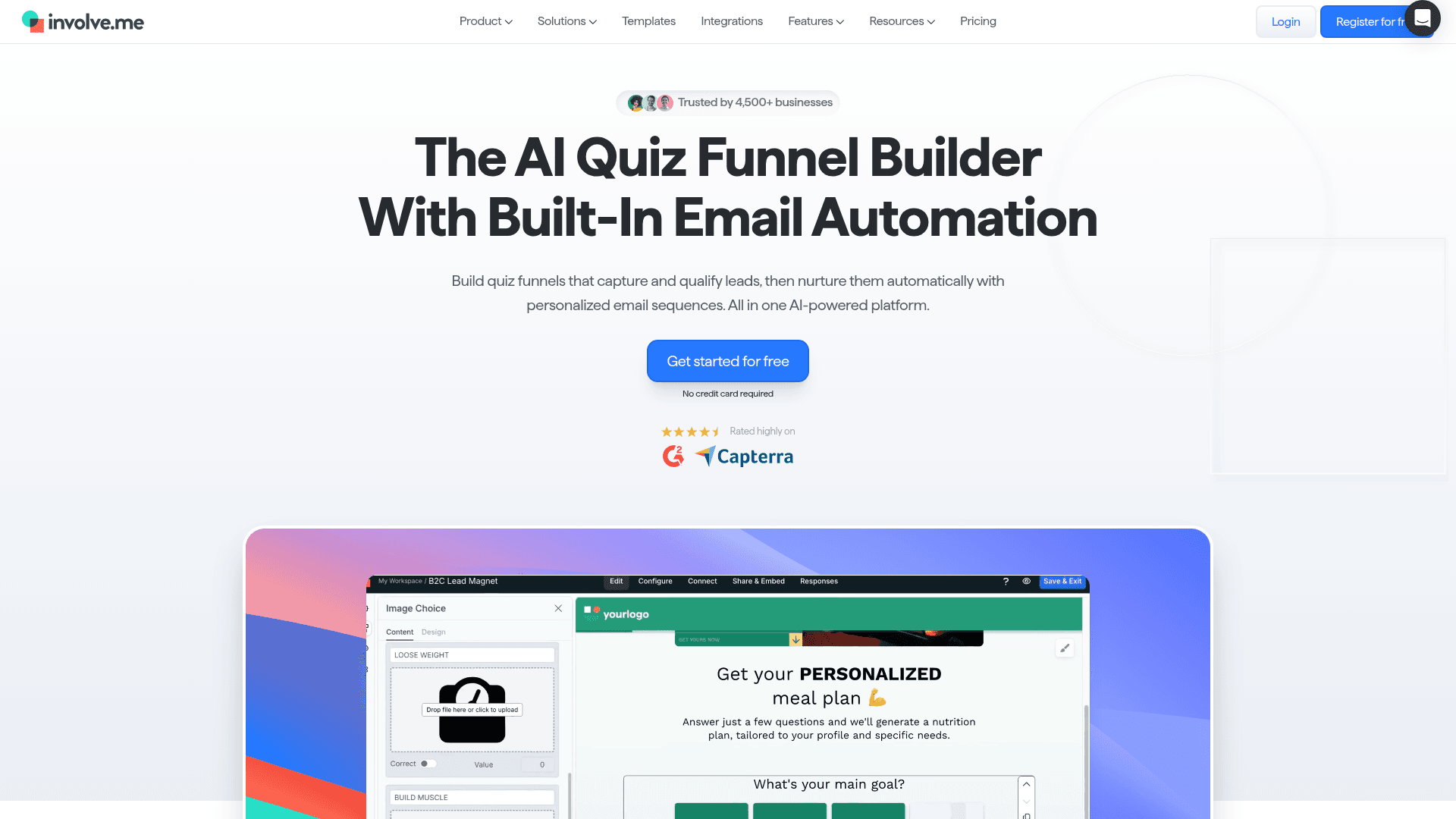
Involve.me covers more ground than a quiz builder. Calculators, personality tests, product finders and ROI tools all come from the same editor, which suits teams running several kinds of interactive content.
Breadth costs depth. Branching logic is shallower than a dedicated quiz-funnel tool, so complex scoring paths reach a ceiling sooner.
Monthly pricing runs $49 for Start, $99 for Grow, and $199 for Scale, with Enterprise from $499. Annual billing brings the first three down to $29, $69, and $139, and extra seats cost $10 a month each.
| Strengths | Weaknesses |
|---|---|
| One editor for quizzes, calculators and product finders | Branching is shallower than dedicated quiz tools |
| Solid template library across content types | Advertised prices are the annual rates |
| Zapier plus native connectors for most CRMs | Extra seats cost $10 per user a month |
| SOC 2 Type II audited | Free plan limits submissions tightly |
| Plan | What you get |
|---|---|
| Free | $0. Limited submissions and visits, Involve.me branding |
| Start | $49/mo ($29/mo billed yearly) |
| Grow | $99/mo ($69/mo billed yearly). Adds white-label |
| Scale | $199/mo ($139/mo billed yearly) |
| Enterprise | From $499/mo |
Best for: teams running quizzes alongside calculators and other interactive content.
The catch: if the quiz needs deep conditional scoring, the logic runs out before a dedicated tool would.
G2 rating: 4.7/5, from 104 reviews. A good score on a reasonable base.
4. ScoreApp, best for scorecard assessments
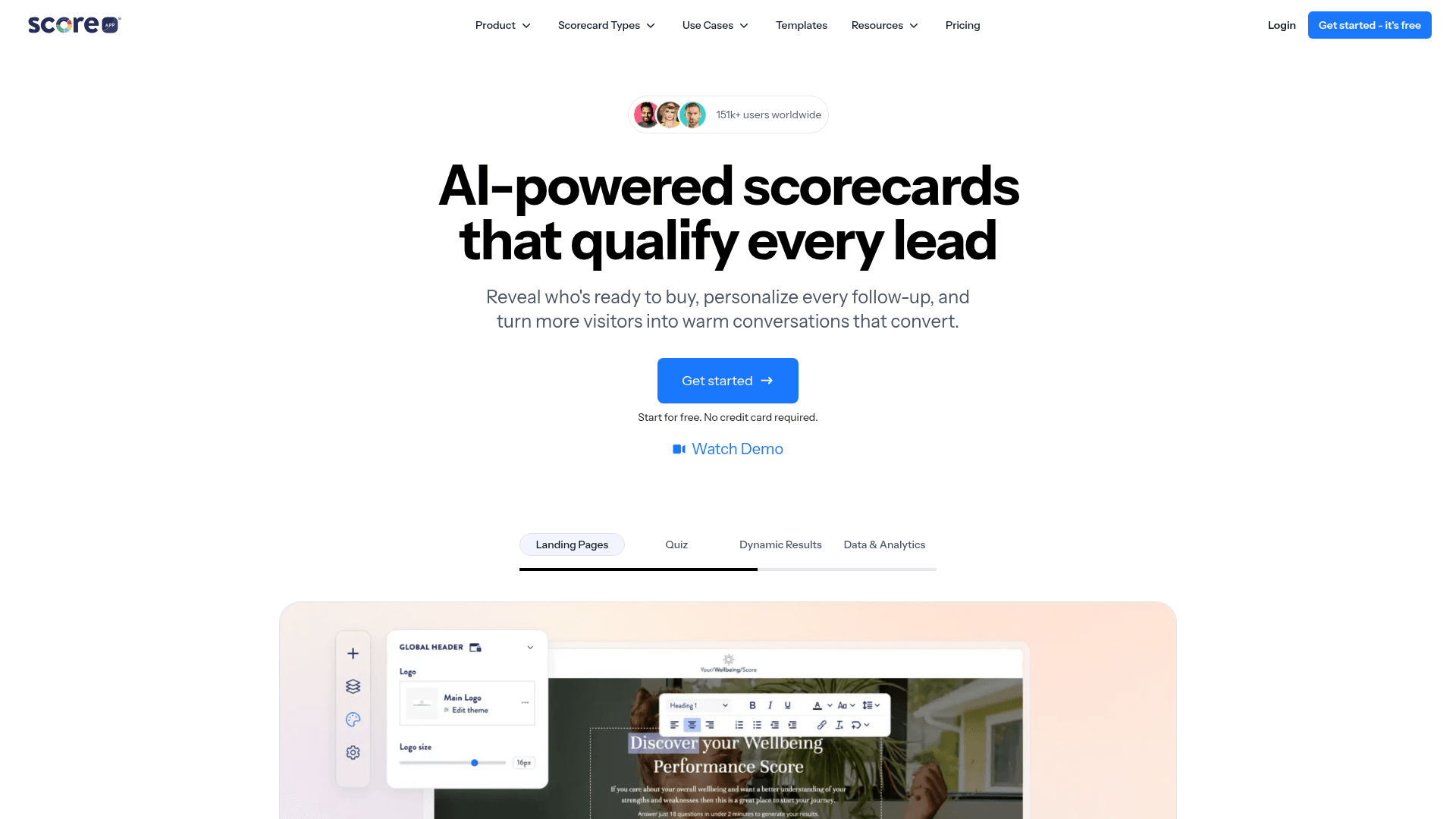
ScoreApp is built around the scorecard: a quiz that returns a score and a personalised report rather than a simple result category. Coaches, consultants and agencies use it to qualify leads before a sales call.
The reports are the product. A prospect gets a document that feels tailored, and you get the scoring data behind it, which makes follow-up conversations more specific.
Monthly pricing runs $39 for Starter, $99 for Pro, and $149 for Premium, above the advertised annual rates of $30, $75, and $112.
| Strengths | Weaknesses |
|---|---|
| Scorecard format with personalised reports | Narrow use case outside scorecards |
| Built for qualifying leads before a call | Advertised prices are the annual rates |
| Strong fit for coaches and consultants | Fewer general form features |
| Free tier available for testing | 48 G2 reviews, a small base |
| Plan | What you get |
|---|---|
| Free | $0. Limited scorecards and leads |
| Starter | $39/mo ($30/mo billed yearly) |
| Pro | $99/mo ($75/mo billed yearly) |
| Premium | $149/mo ($112/mo billed yearly) |
Best for: consultants and coaches who qualify leads with an assessment.
The catch: it does one format well. If you need a general quiz or a standard form, this is the wrong shape of tool.
G2 rating: 4.7/5, from 48 reviews. A strong score on a small base.
5. LeadQuizzes, best for lead-gen quizzes
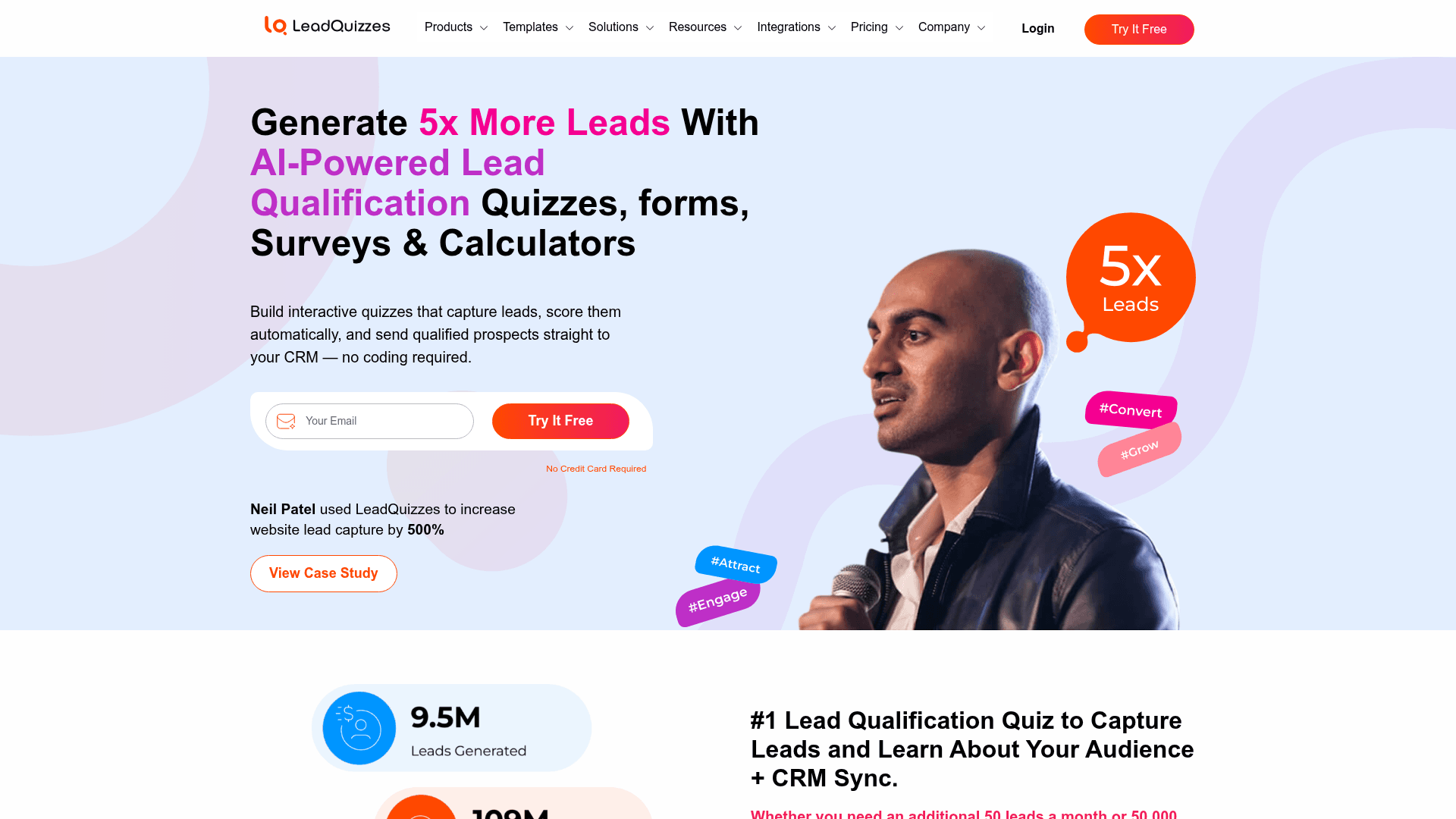
LeadQuizzes is the most straightforwardly transactional tool here. Build a quiz, gate the result behind an email field, push the lead into your marketing platform.
It measures itself in page views rather than responses, which suits campaigns driving paid traffic to a quiz landing page.
Monthly pricing runs $49 for Standard, $99 for Pro, and $249 for Premium, above the advertised annual rates of $37, $74, and $186. Promotional discounts were running when we checked.
| Strengths | Weaknesses |
|---|---|
| Simple lead-capture flow | No permanent free plan |
| Priced around page views rather than responses | Advertised prices are the annual rates |
| Integrations with major email and CRM platforms | 9 G2 reviews, far too few to judge by |
| 14-day trial on any plan | Fewer design controls than Interact or Typeform |
| Plan | What you get |
|---|---|
| Free | No permanent free plan; a 14-day trial is offered |
| Standard | $49/mo ($37/mo billed yearly). 50,000 page views |
| Pro | $99/mo ($74/mo billed yearly). 150,000 page views |
| Premium | $249/mo ($186/mo billed yearly). 500,000 page views |
Best for: paid-traffic campaigns where a quiz is the landing page.
The catch: with only 9 G2 reviews there is very little independent feedback to check before committing.
G2 rating: 4.2/5, from 9 reviews. Too small a sample to carry meaning; judge it on a trial.
6. Typeform, best for polished quiz UX

Typeform makes the best-looking quiz in this list. One question at a time, with smooth transitions and a respondent experience that raises completion on anything longer than a few questions.
Logic jumps handle branching well, and the outcome can be tailored, though the marketing plumbing around it is thinner than the specialists offer.
It is also priced for quality rather than volume. Free covers 10 responses a month, Basic is $39 with 100 responses, Plus $79 with 1,000, and Business $129 with 10,000.
| Strengths | Weaknesses |
|---|---|
| Best-looking quiz experience here | Free plan covers only 10 responses a month |
| High completion rates on longer quizzes | Highest cost per lead in this list |
| Logic jumps handle branching cleanly | Weaker marketing automation than the specialists |
| Strong drop-off analytics | Advertised prices are the annual rates |
| Plan | What you get |
|---|---|
| Free | $0. 10 responses/mo |
| Basic | $39/mo ($28/mo billed yearly). 100 responses/mo |
| Plus | $79/mo ($56/mo billed yearly). 1,000 responses/mo |
| Business | $129/mo ($91/mo billed yearly). 10,000 responses/mo |
Best for: brands where the quiz experience reflects on the company.
The catch: cost per lead is the highest here, so a quiz that succeeds at volume gets expensive fast.
G2 rating: 4.5/5, from 1,017 reviews. A large base, with cost the most common complaint.
7. Jotform, best for template depth
Jotform is a general form builder that handles quizzes well rather than a quiz specialist. Its scoring and calculation fields support most quiz logic, and the 20,000+ template library includes many quiz formats.
For teams that already run other forms on Jotform, adding a quiz avoids introducing another vendor, which is often the deciding factor.
Monthly billing runs $39 for Bronze, $49 for Silver, and $129 for Gold, above the advertised annual rates of $34, $39, and $99.
| Strengths | Weaknesses |
|---|---|
| 20,000+ templates including quiz formats | Not built specifically for quiz funnels |
| Calculation and scoring fields built in | Submissions metered on every tier |
| 40+ payment gateways for paid quizzes | Outcome pages need assembling manually |
| One vendor for quizzes and every other form | Advertised prices are the annual rates |
| Plan | What you get |
|---|---|
| Starter (free) | $0. 5 forms, 100 submissions/mo |
| Bronze | $39/mo ($34/mo billed yearly). 1,000 submissions/mo |
| Silver | $49/mo ($39/mo billed yearly). 2,500 submissions/mo |
| Gold | $129/mo ($99/mo billed yearly). 10,000 submissions/mo |
Best for: teams already using Jotform who want quizzes without adding a vendor.
The catch: the funnel around the quiz is manual work. The specialists ship outcome pages and lead routing that Jotform expects you to build.
G2 rating: 4.7/5, from 5,426 reviews, the largest base of any tool in this list.
8. Google Forms, best free option
Google Forms scores quizzes natively at no cost, and puts results in Sheets. For a knowledge check, a training assessment, or a simple internal quiz, that is often enough.
As a funnel it falls short. There is no outcome page worth the name and no branded result, and nothing reaches a marketing platform without extra tooling.
There is no quiz-specific paid plan. Forms comes with Google Workspace, where Business Starter is $7 per user a month on an annual basis, Standard is $14, and Plus is $22.
| Strengths | Weaknesses |
|---|---|
| Free with any Google account | No real outcome or results page |
| Native quiz scoring built in | No marketing automation integrations |
| Results flow into Sheets | Google branding stays on the quiz |
| No response cap worth planning around | Skip-to-section logic only |
| Plan | What you get |
|---|---|
| Free | $0 with any Google account. Effectively unlimited responses |
| Workspace Business Starter | $7/user/mo, annual basis |
| Workspace Business Standard | $14/user/mo, annual basis |
| Workspace Business Plus | $22/user/mo, annual basis |
Best for: internal quizzes and training assessments rather than lead generation.
The catch: it is a quiz tool, not a funnel. Everything after the score, the branded result and the lead handoff, is missing.
G2 rating: Google Forms has no standalone G2 profile. The 4.6/5 from 48,175 reviews quoted elsewhere covers Google Workspace as a whole.
Build a quiz funnel without per-response caps
Formester's free plan ships quiz auto-scoring, all field types, drop-off analysis and unlimited responses. Add conditional logic on Personal for full outcome branching.
Free forever plan • No credit card • Setup in 2 minutes
How to pick the right quiz funnel software
Start with what happens after someone finishes the quiz, because that is where these tools genuinely differ. If the result needs to be a branded page with tailored recommendations feeding your email platform, you want a specialist.
That means Interact for marketing quizzes, ScoreApp for assessments, or LeadQuizzes for paid-traffic campaigns.
If the quiz itself is the point and you will handle the follow-up elsewhere, a general tool is cheaper and more flexible. Formester never caps leads, Jotform brings template depth, and Typeform brings the best respondent experience.
Then check the volume you expect. Every specialist here meters leads or page views, so a campaign that performs moves you up a tier. Formester and Google Forms are the two that do not.