How we verified this: every figure on this page comes from the vendor's own pricing page or its public G2 profile. You can check every source here.
Which registration software should you choose?
Registration forms ask for more than a contact form does. They usually need to take a payment, stop accepting entries when a session fills, send a confirmation the attendee can show at the door, and in healthcare they need HIPAA behind all of it.
Almost every tool below handles the form. What separates them is which of those four things they handle without an add-on, and what that costs.
The 60-second TL;DR
- Best all-around: Formester, unlimited registrations with payments on the free plan
- Best for HIPAA registration: Jotform, HIPAA on Gold at $129/mo
- Best for capacity and pricing logic: Cognito Forms, from $24/mo
- Best modern editor: Fillout, 1,000 free responses and unlimited seats
- Best for event landing pages: Paperform, from $29/mo
- Best cheapest paid tier: Zoho Forms, $10/mo billed annually
- Best free unlimited option: Tally
- Best for WordPress event sites: Gravity Forms, from $59/year
Registration software at a glance
The table shows what each tool costs on monthly billing and whether payments and HIPAA are available, since those two decide most registration projects. Read it first, then jump to whichever review matches.
| Tool | Free plan | First paid plan (monthly) | Payments on free? | HIPAA | G2 rating |
|---|---|---|---|---|---|
| Formester | Unlimited forms and responses | $13/mo | Yes | No | 4.7/5 (14) |
| Jotform | 5 forms, 100 submissions/mo | $39/mo | Yes | Gold, $129/mo | 4.7/5 (5,426) |
| Cognito Forms | 100 entries/mo | $24/mo | Yes | Enterprise, $174/mo | 4.6/5 (133) |
| Fillout | 1,000 responses/mo | $19/mo | No | No | 4.6/5 (30) |
| forms.app | 5 forms, unlimited responses | See review | No | No | 4.5/5 (498) |
| Paperform | Trial only | $29/mo | No free plan | No | 4.8/5 (86) |
| Zoho Forms | 3 forms, 500 submissions/mo | $10/mo billed annually | No | Premium, $90/mo | 4.4/5 (129) |
| Wufoo | 5 forms, 100 entries/mo | $22/mo | No | No | 4.2/5 (296) |
| Typeform | 10 responses/mo | $39/mo | No | No | 4.5/5 (1,017) |
| Tally | Unlimited forms and submissions | $29/mo | No | No | 4.5/5 (305) |
| Gravity Forms | No free plan | $59/year | Add-on | Self-managed | 4.7/5 (248) |
| WPForms | Lite plugin | $99/year at renewal | Pro licence | Self-managed | 4.7/5 (971) |
| HubSpot Forms | Unlimited submissions | $20/seat/mo | No | No | 4.4/5 (12,747) |
| Formstack | No free plan | $99/mo | Yes | With a BAA | 4.3/5 (471) |
| Microsoft Forms | 200 responses per form | Bundled with M365 | No | Tenant-dependent | 4.4/5 (476) |
| Google Forms | No practical cap | Bundled with Workspace | No | No | No standalone profile |
How we picked these
Every figure here comes from the vendor's own pricing page and plan limits, read in full. The ranking weighs what a registration form actually needs: payment collection, capacity control, confirmations and, where relevant, HIPAA.
Tools that handle those without an add-on rank highest. Several vendors advertise annual rates, so the monthly figures below run higher than the ones on their pricing pages.
1. Formester, the best all-around registration software
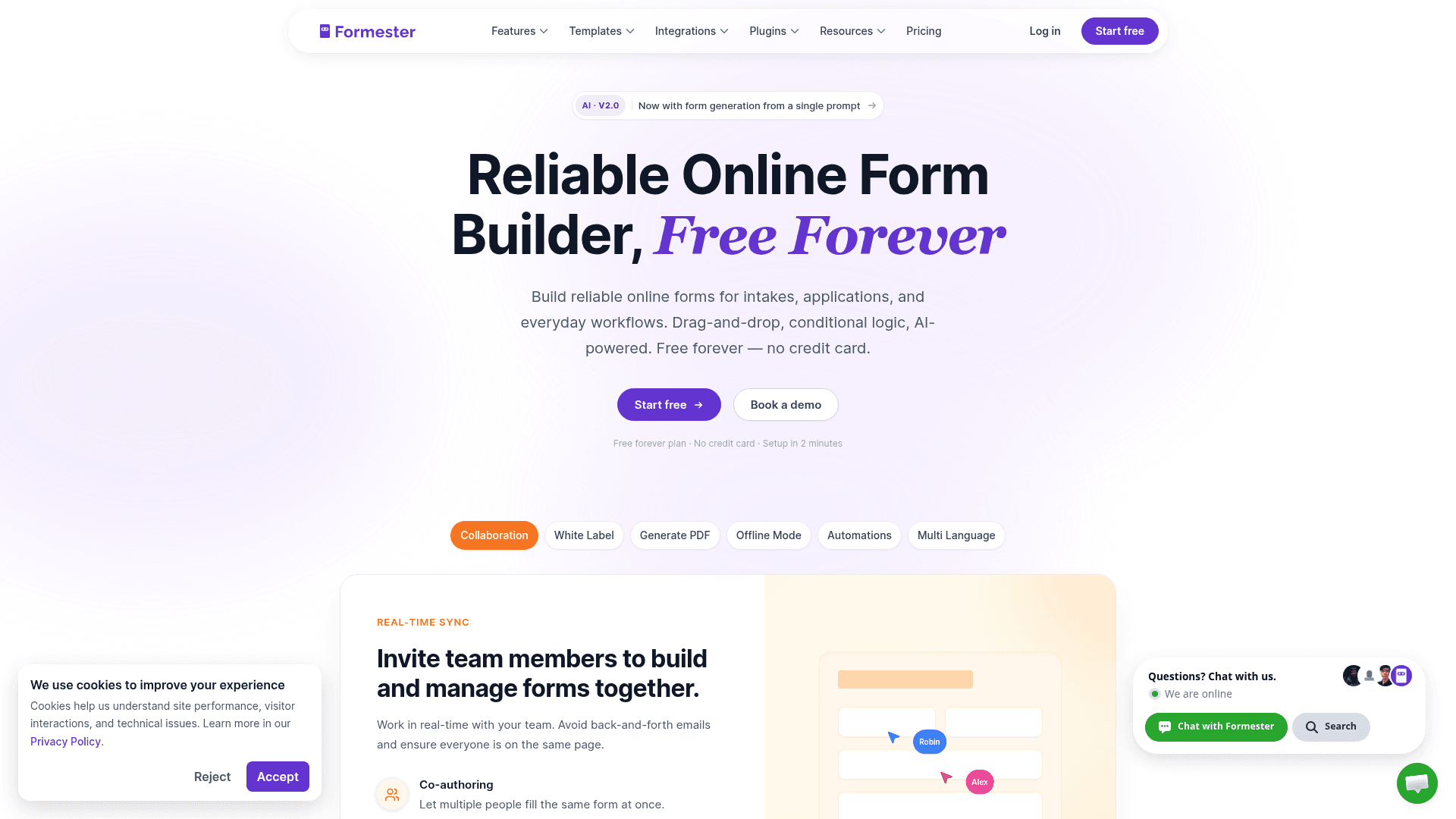
Registration volume is unpredictable, which is exactly the problem Formester's pricing avoids. No plan caps forms, responses or fields, so a sold-out event costs the same as a quiet one.
Payments work on the free plan through Stripe and PayPal, so you can take a workshop fee without upgrading. E-signatures and quiz auto-scoring are on the free tier too.
Offline capture matters for on-site registration where venue Wi-Fi fails. Entries are stored locally and sync when the connection returns.
| Strengths | Weaknesses |
|---|---|
| No cap on registrations at any tier | No HIPAA option at any tier |
| Payments on the free plan through Stripe and PayPal | Conditional logic starts on Personal at $13/mo |
| Offline capture for on-site registration | No native capacity or waitlist control |
| AI generation from a prompt or a PDF | 14 G2 reviews, a small sample |
| E-signatures included free |
| Plan | What you get |
|---|---|
| Free | $0. Unlimited forms, responses and fields, AI generation, payments |
| Personal | $13/mo ($12/mo billed yearly). Adds conditional logic |
| Business | $49/mo ($45/mo billed yearly). Adds custom domain and 25 seats |
Best for: events, workshops and courses where numbers are hard to predict.
The catch: there is no built-in attendee cap, so if you need registration to close automatically at 50 people, Cognito Forms handles that better.
G2 rating: 4.7/5, from 14 reviews. High score, small sample; read it as an early signal.
2. Jotform, the registration builder when HIPAA matters
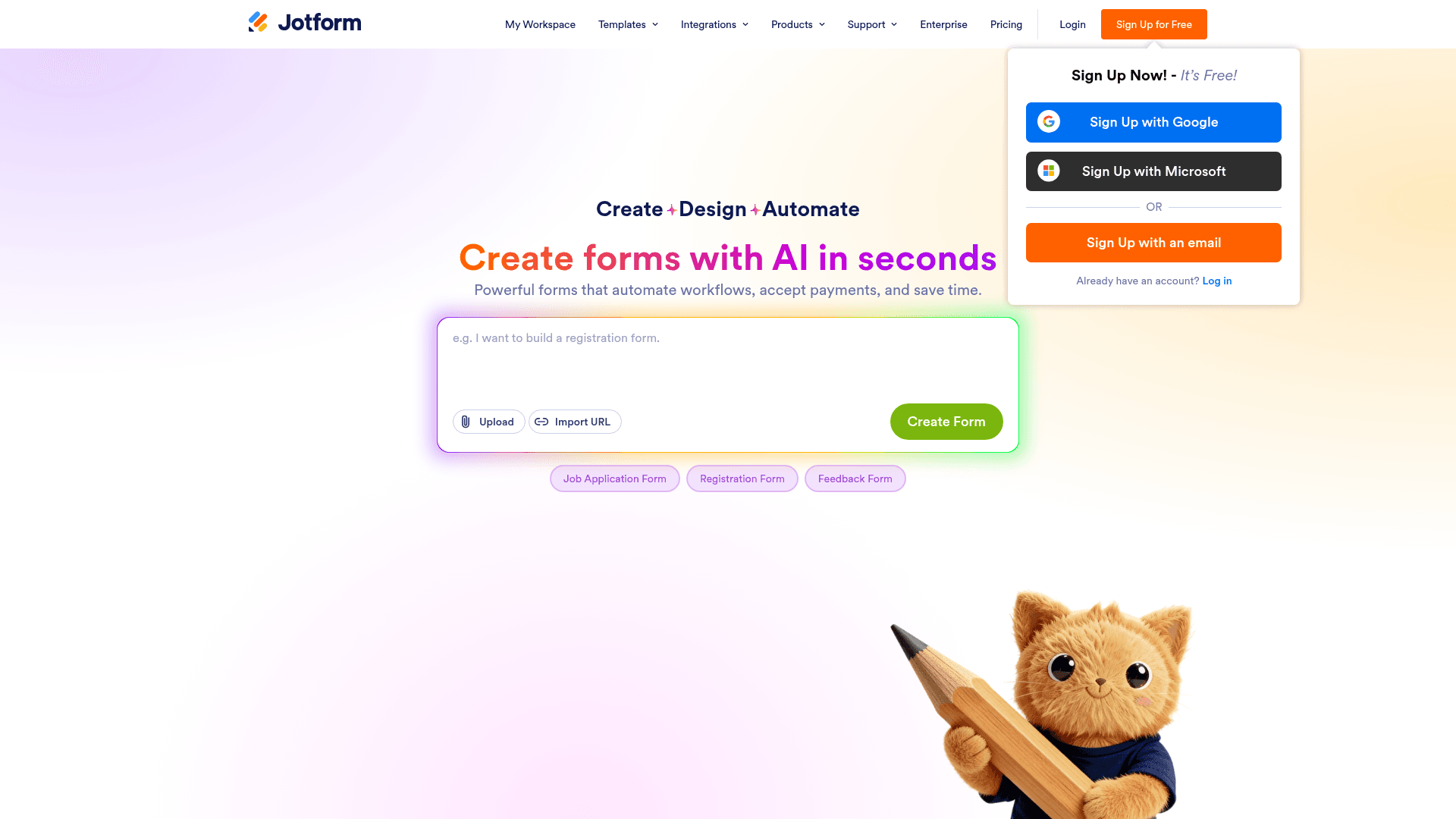
Jotform is the practical answer for patient registration and any intake covered by HIPAA, which arrives on Gold at $129 a month with a BAA.
It also has the deepest template library here at 20,000+ forms, including a large number of event and course registration layouts you can adapt rather than build.
Payments are its other strength: 40+ gateways, so whatever your organisation already uses is likely supported.
| Strengths | Weaknesses |
|---|---|
| HIPAA with a BAA on the Gold plan | Submissions metered on every tier |
| 20,000+ templates including registration layouts | HIPAA costs $129/mo, the top tier |
| 40+ payment gateways | Dense interface takes time to learn |
| All field types available on the free plan | Advertised prices are the annual rates |
| Plan | What you get |
|---|---|
| Starter (free) | $0. 5 forms, 100 submissions/mo |
| Bronze | $39/mo ($34/mo billed yearly). 1,000 submissions/mo |
| Silver | $49/mo ($39/mo billed yearly). 2,500 submissions/mo |
| Gold | $129/mo ($99/mo billed yearly). 10,000 submissions/mo, HIPAA |
Best for: patient registration and any signup that falls under HIPAA.
The catch: HIPAA sits on the $129 Gold plan, so a small clinic pays top-tier pricing for a compliance feature rather than for volume.
G2 rating: 4.7/5, from 5,426 reviews, the largest base of any tool here.
3. Cognito Forms, the registration builder with real capacity logic
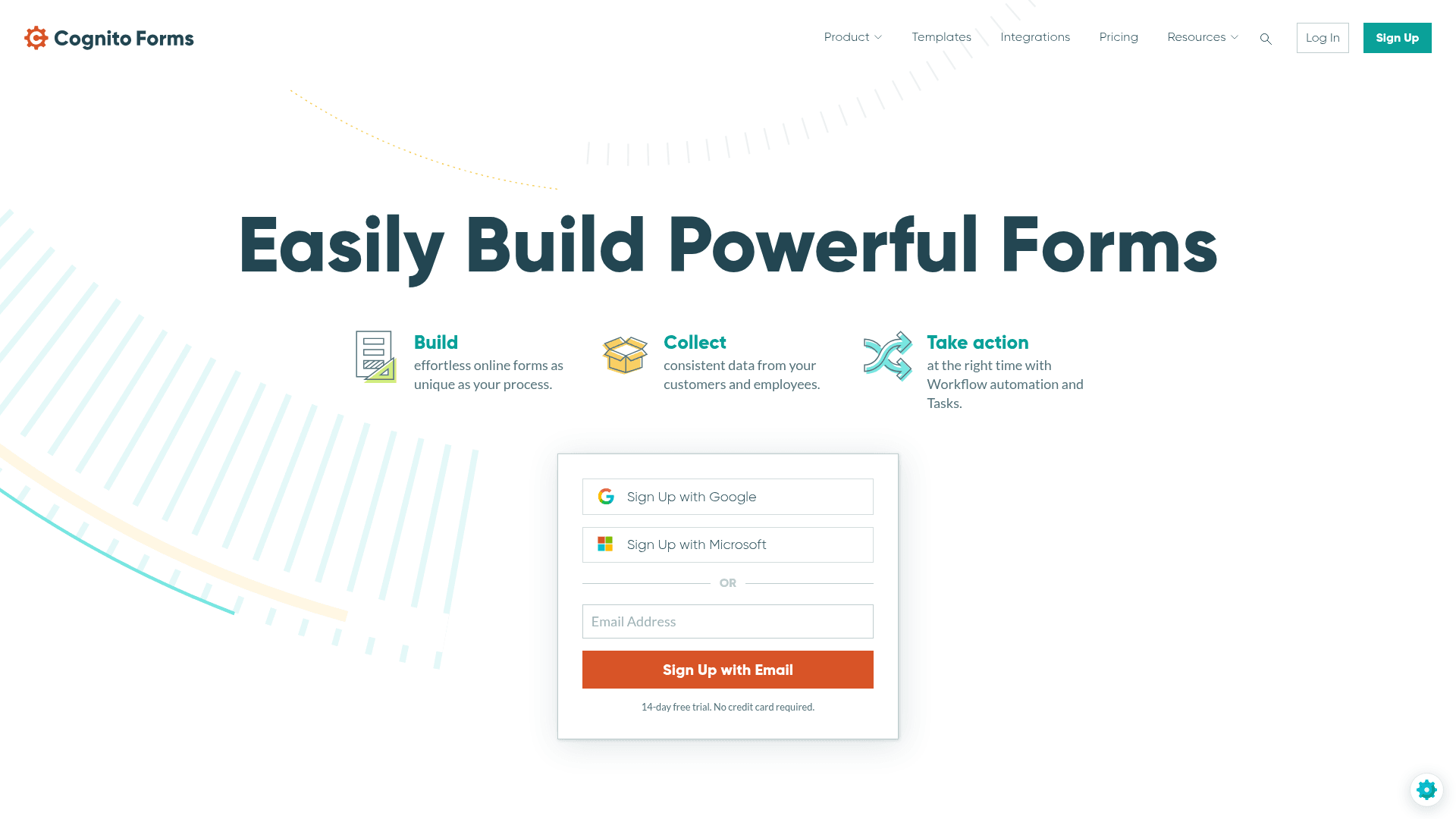
Cognito Forms is the only tool here that handles the capacity problem properly. Entry limits close a session automatically, and calculated fields price tiers without a separate spreadsheet.
That combination suits conference registration with early-bird pricing, workshops with per-session caps, and camps where sibling discounts change the total.
Payments are on the free plan, and the Workflow and Approvals feature on Team at $49 covers registrations that need someone to sign off.
| Strengths | Weaknesses |
|---|---|
| Entry limits close registration automatically | Free plan caps at 100 entries a month |
| Calculated fields handle tiered and early-bird pricing | Entries metered on every tier |
| Payments on the free plan | Interface is functional rather than polished |
| Repeating sections for multi-attendee signups | Advertised prices are the annual rates |
| HIPAA on Enterprise |
| Plan | What you get |
|---|---|
| Individual (free) | $0. 100 entries/mo, conditional logic, payments |
| Pro | $24/mo ($19/mo billed yearly). 2,000 entries/mo, 2 users |
| Team | $49/mo ($39/mo billed yearly). 10,000 entries/mo, 5 users |
| Enterprise | $174/mo ($129/mo billed yearly). Unlimited entries, HIPAA |
Best for: registration with capacity limits or tiered pricing.
The catch: 100 entries a month free is tight for anything public, so a popular event moves you to $24 quickly.
G2 rating: 4.6/5, from 133 reviews. A reasonable base with a consistently good score.
4. Fillout, the modern registration editor
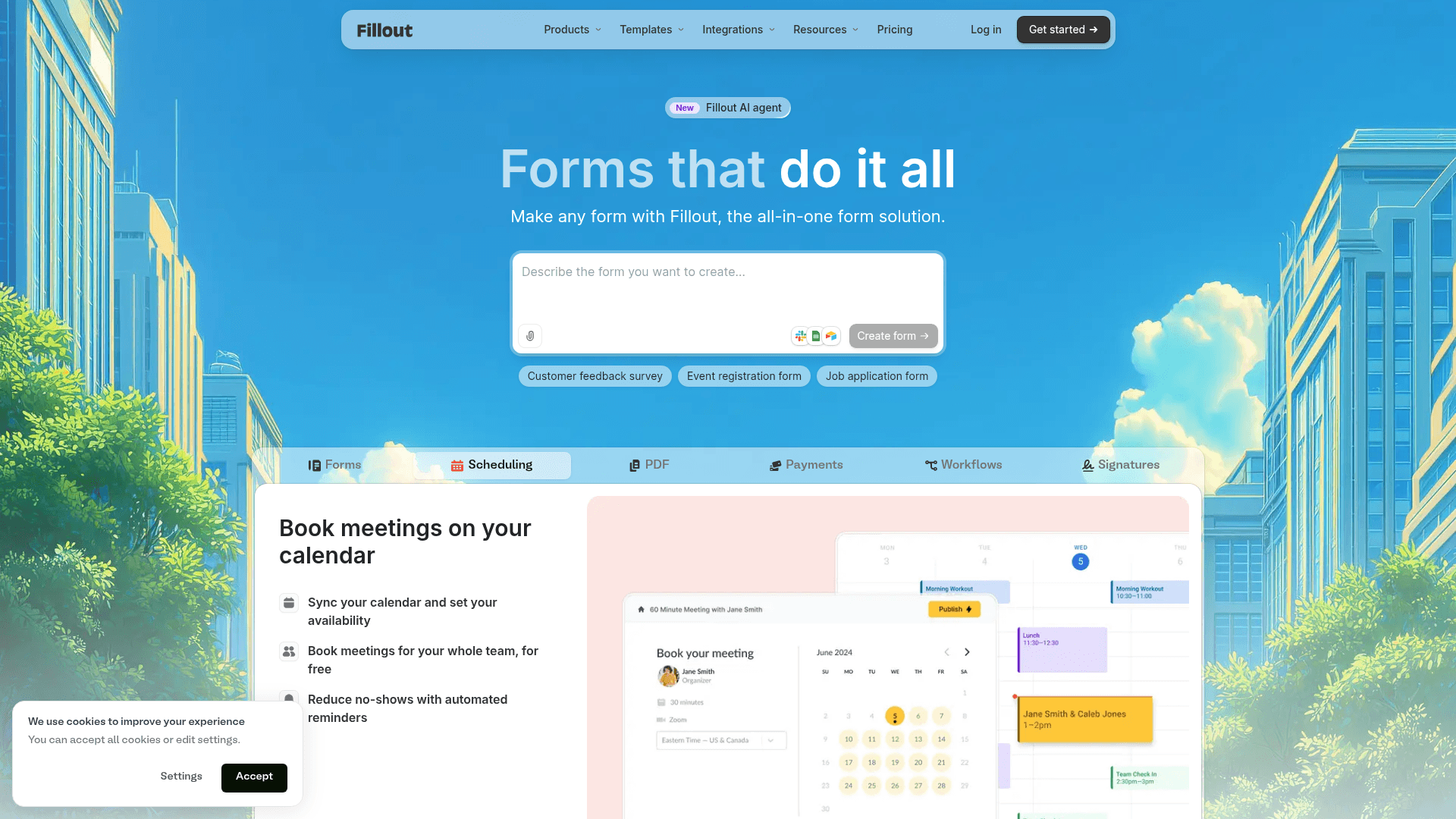
Fillout builds multi-step registration forms with a progress bar by default, which suits longer signups where asking everything at once causes drop-off.
Its free plan allows 1,000 responses a month with unlimited seats, generous enough that many small events never pay anything.
Registrations can write into Airtable or Notion records, so your attendee list updates in the place your team already works.
| Strengths | Weaknesses |
|---|---|
| 1,000 responses a month on the free plan | No payment collection on the free plan |
| Unlimited seats on every tier | Most useful only with Airtable or Notion |
| Multi-step forms with a progress bar by default | No HIPAA option |
| Writes into Airtable and Notion records | 30 G2 reviews, a small sample |
| Plan | What you get |
|---|---|
| Free | $0. 1,000 responses/mo, unlimited seats |
| Starter | $19/mo ($15/mo billed yearly, $180/year) |
| Pro | $49/mo ($40/mo billed yearly, $480/year) |
| Business | $89/mo ($75/mo billed yearly, $900/year) |
Best for: teams whose attendee list lives in Airtable or Notion.
The catch: payments are not on the free plan, so a paid event needs Starter at $19 a month before you can charge anyone.
G2 rating: 4.6/5, from 30 reviews. A small base, consistent with a newer product.
5. forms.app, the AI-first registration builder
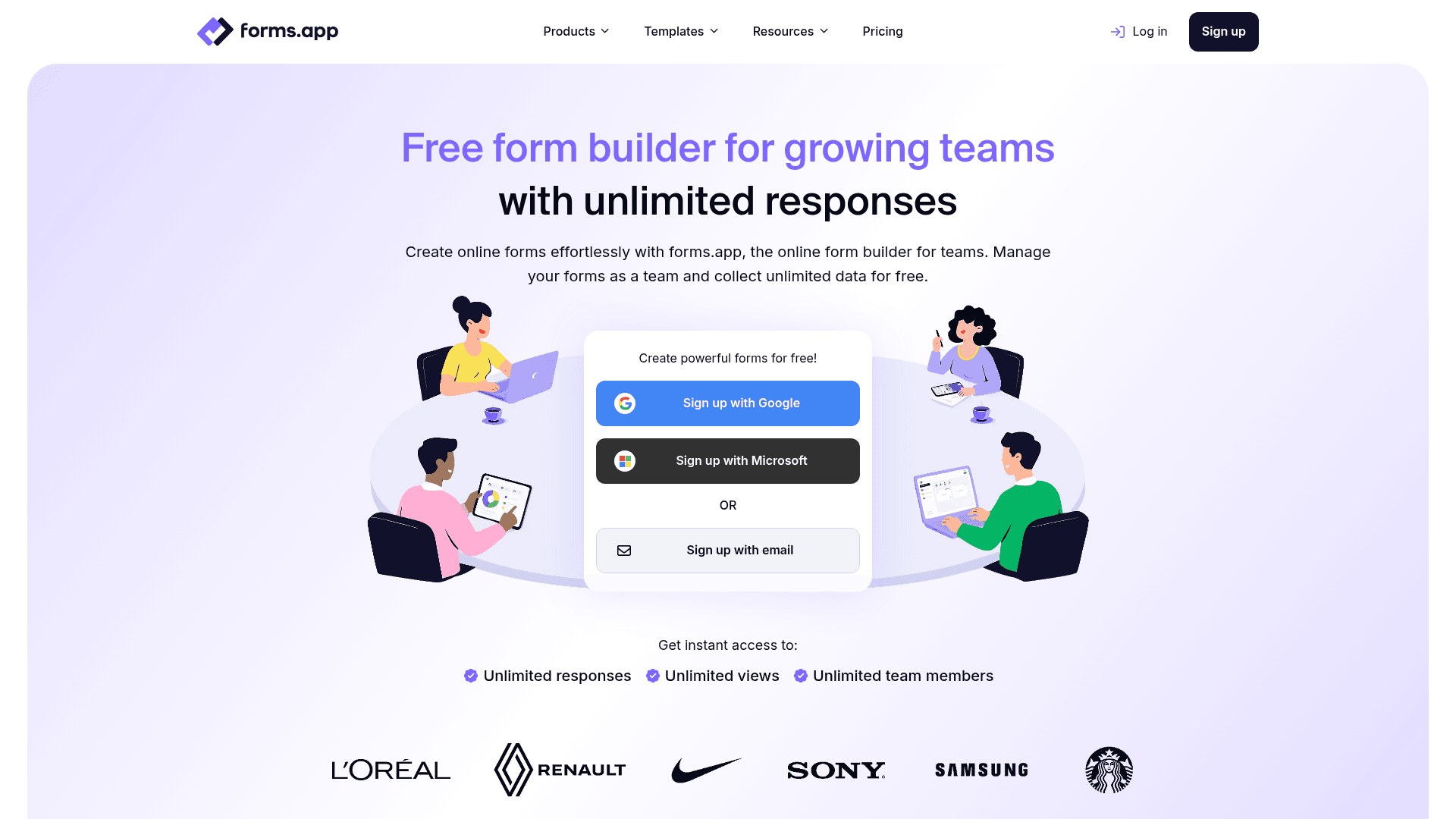
forms.app drafts a registration form from a description, which saves the assembly work when you run similar events repeatedly.
Its free plan allows unlimited responses across up to 5 forms, so a single busy registration form costs nothing however many people sign up.
forms.app prices regionally. The US view lists Basic at $19, Pro at $29 and Premium at $59 a month, while the EU view lists 16, 24 and 49 EUR billed annually.
| Strengths | Weaknesses |
|---|---|
| AI generation from a prompt | Free plan caps at 5 forms and 10 MB storage |
| Unlimited responses on the free plan | No payments on the free plan |
| Conditional logic and e-signatures included | Pricing varies by region and currency |
| 5,000+ templates | No HIPAA option |
| Plan | What you get |
|---|---|
| Free | Up to 5 forms, unlimited responses, 10 MB storage |
| Basic | Listed at $19/mo in the US view and 16 EUR/mo billed annually in the EU view |
| Pro | Listed at $29/mo in the US view and 24 EUR/mo billed annually in the EU view |
| Premium | Listed at $59/mo in the US view and 49 EUR/mo billed annually in the EU view |
Best for: organisations running one or two high-volume registration forms.
The catch: prices differ by region and currency, so confirm the rate on your own regional pricing page before you budget.
G2 rating: 4.5/5, from 498 reviews. A solid base for a younger product.
6. Paperform, the event page and registration form in one
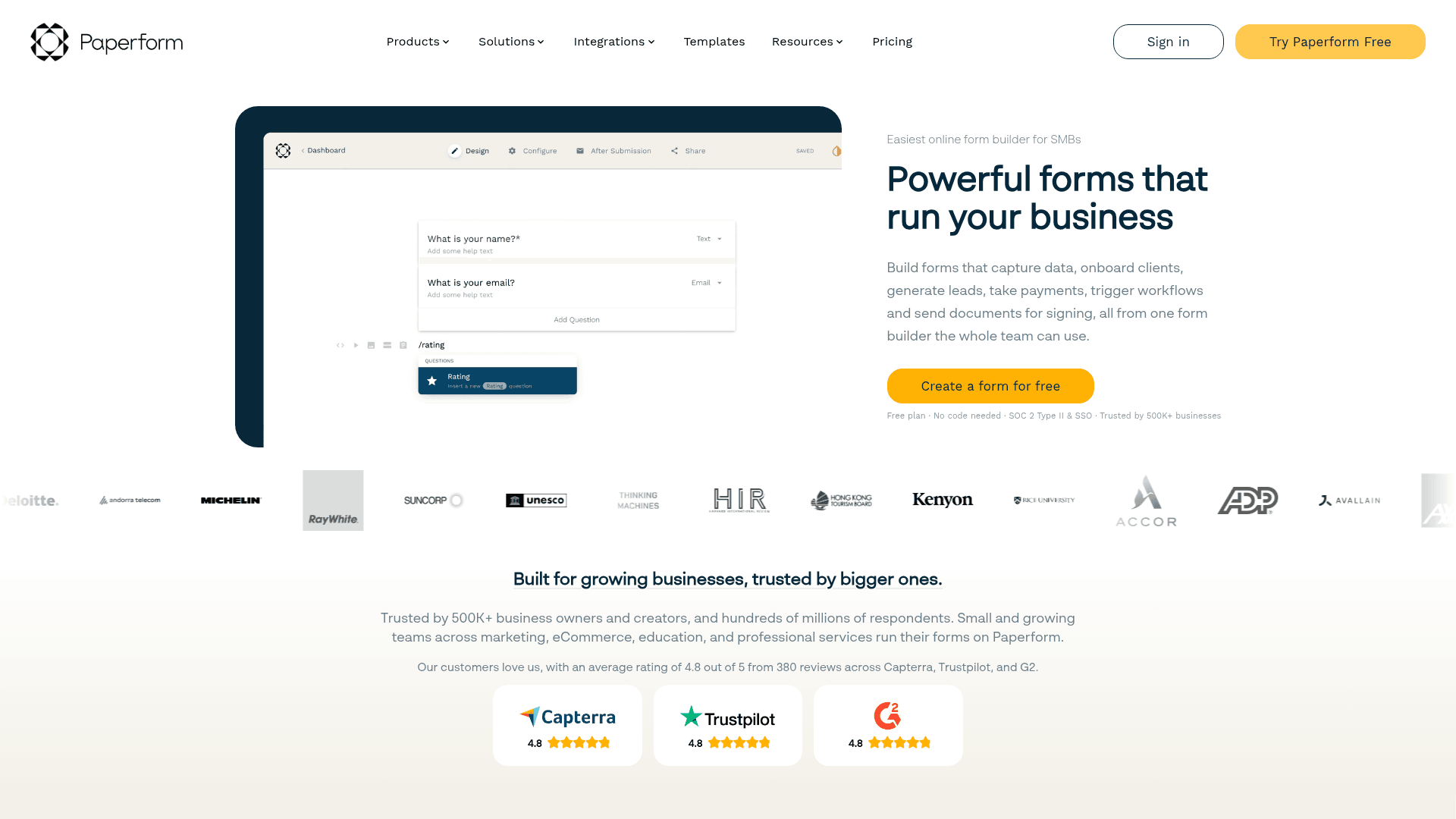
Paperform builds the event page and the registration form as the same object, so the speaker photos, the agenda and the signup all live on one URL.
Payments and scheduling are included on paid tiers, which means an attendee can read about the event, pick a session and pay without leaving the page.
Monthly pricing runs $29 for Essentials, $59 for Pro and $129 for Business, above the advertised annual rates of $24, $49 and $99.
| Strengths | Weaknesses |
|---|---|
| Event page and form are the same thing | No permanent free plan, only a trial |
| Payments and scheduling built in | Submission limits on every tier |
| Highest G2 score in this comparison | No capacity control for filling sessions |
| Custom domain from the Pro plan | Advertised prices are the annual rates |
| Plan | What you get |
|---|---|
| Free | No free plan; a 14-day trial is offered |
| Essentials | $29/mo ($24/mo billed yearly) |
| Pro | $59/mo ($49/mo billed yearly). Adds custom domain |
| Business | $129/mo ($99/mo billed yearly). Adds SSO |
Best for: events where the page and the registration form should be one thing.
The catch: there is no free plan at all, so a one-off event costs at least $29 unless you finish inside the 14-day trial.
G2 rating: 4.8/5, from 86 reviews, the highest score in this comparison.
7. Zoho Forms, the cheapest paid registration tool
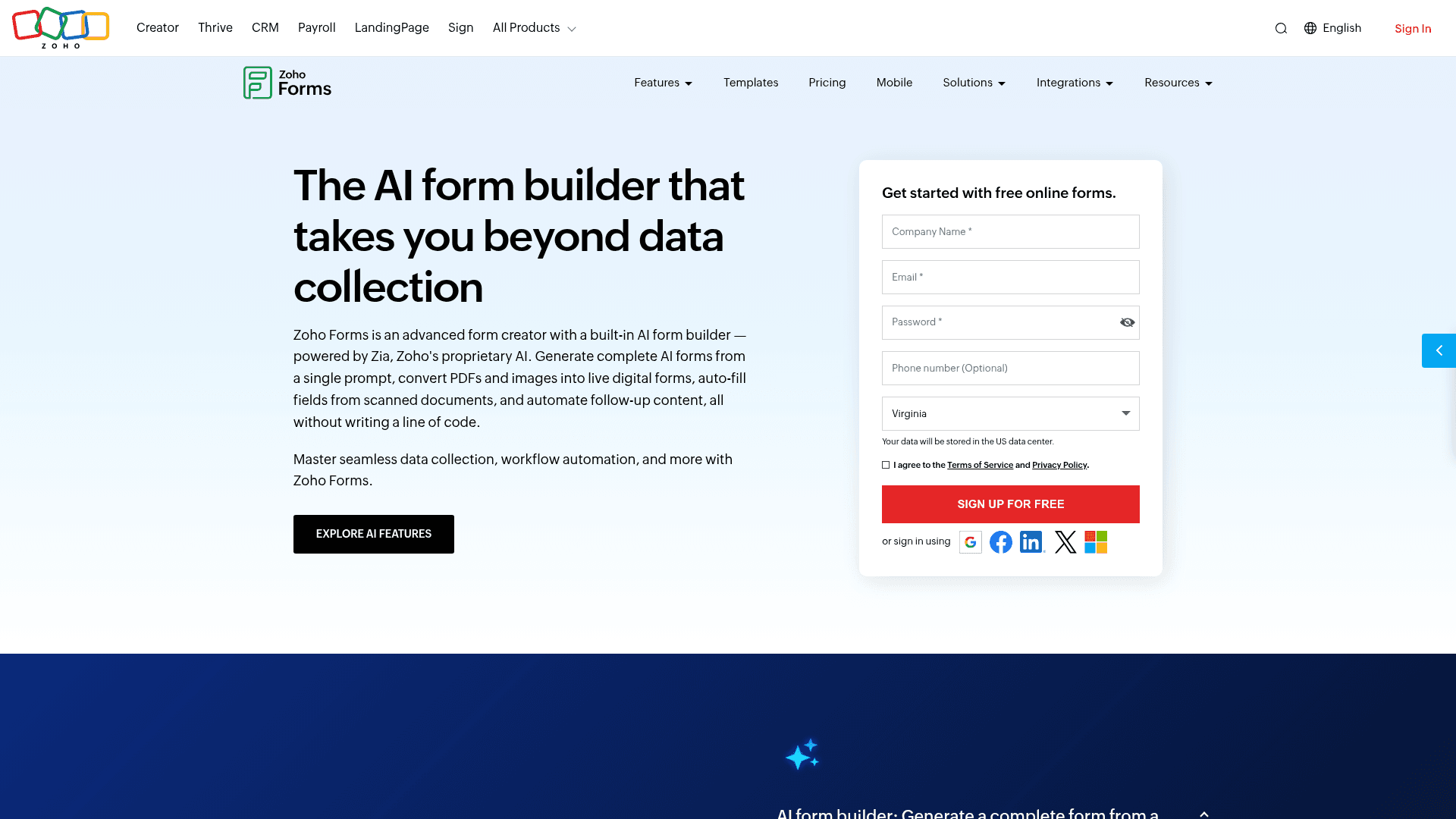
Zoho Forms has the lowest paid entry point in this comparison at $10 a month billed annually, which matters when registration is an occasional need rather than a core process.
Registrations route into Zoho CRM without a connector, and approval workflows on paid tiers cover signups that someone has to review before confirming.
HIPAA arrives on Premium at $90 a month billed annually, cheaper than Jotform's $129 and considerably cheaper than Cognito Forms Enterprise.
| Strengths | Weaknesses |
|---|---|
| Cheapest paid tier at $10/mo | Free plan covers only 3 forms |
| HIPAA on Premium at $90/mo | No payments on the free plan |
| Routes into Zoho CRM natively | Little value outside the Zoho suite |
| Offline mobile apps for on-site registration | Prices are the annual-billed rates |
| Approval workflows on paid tiers |
| Plan | What you get |
|---|---|
| Free | $0. 3 forms, 500 submissions/mo |
| Basic | $10/mo billed annually. 10,000 submissions/mo |
| Standard | $25/mo billed annually. 25 forms |
| Professional | $50/mo billed annually. Unlimited forms |
| Premium | $90/mo billed annually. HIPAA compliance |
Best for: Zoho shops, and anyone who wants HIPAA at the lowest price here.
The catch: outside the Zoho ecosystem the integrations thin out quickly, and the interface feels older than most tools on this list.
G2 rating: 4.4/5, from 129 reviews, at the lower end of this list.
8. Wufoo, the straightforward registration form
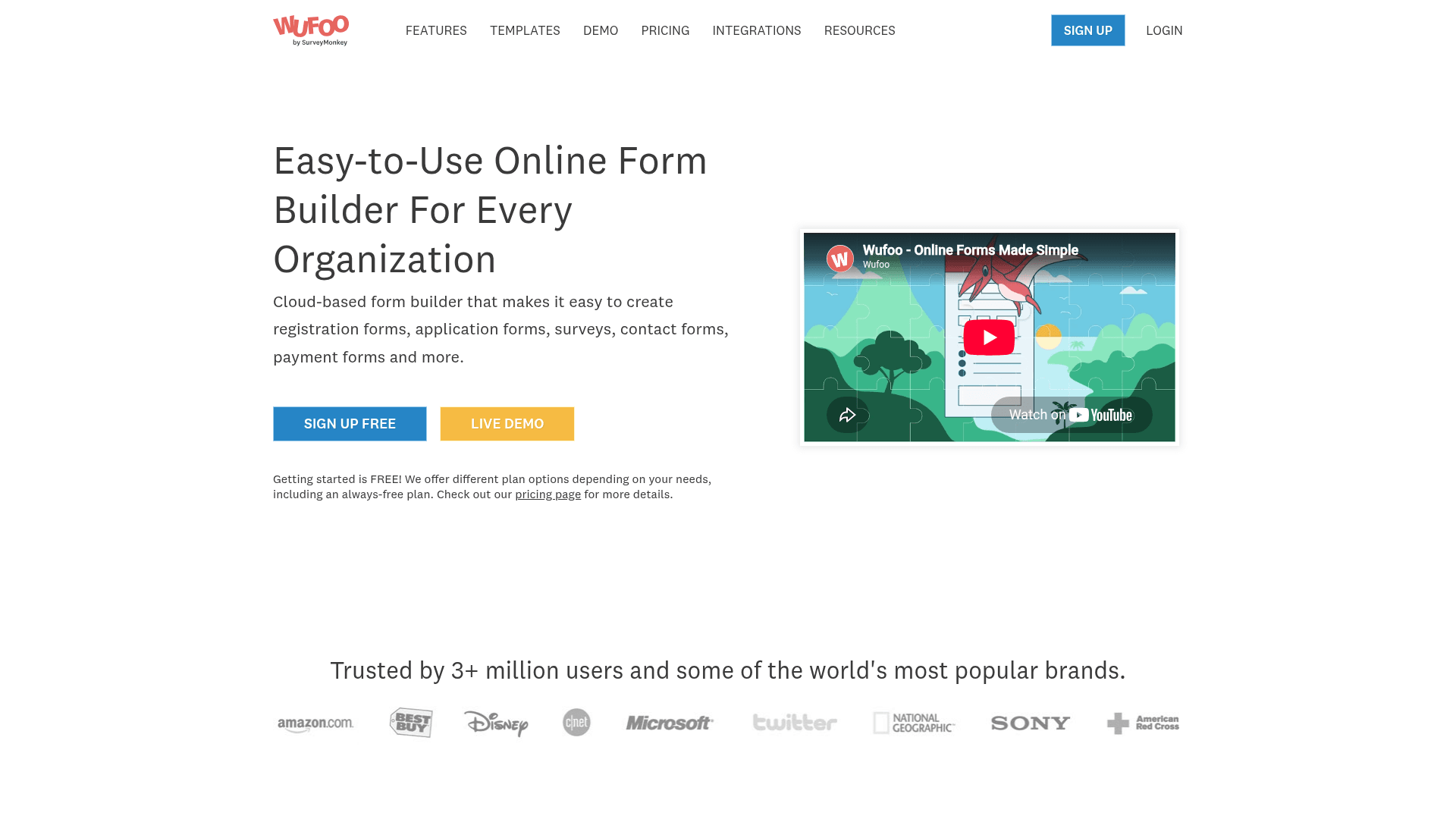
Wufoo is the simplest tool here to set up a registration form, and for a small recurring event that simplicity is worth something.
It handles the basics competently: fields, rules, notifications and reports, with a plan ladder that is easy to predict.
Paid plans start at $22 a month, and every plan charges $0.05 for each entry past its limit, which is worth knowing before a registration goes viral.
| Strengths | Weaknesses |
|---|---|
| Very simple to set up | Free plan caps at 100 entries a month |
| Clear plan ladder with predictable steps | $0.05 charged per entry over the limit |
| Long track record | Dated interface and limited design control |
| Reports and basic analytics included | No capacity control or HIPAA |
| Plan | What you get |
|---|---|
| Free | $0. 5 forms, 100 entries/mo |
| Starter | $22/mo ($16.25/mo billed yearly). 1,000 entries/mo |
| Professional | $45/mo ($33.25/mo billed yearly). 5,000 entries/mo |
| Advanced | $113/mo ($83.25/mo billed yearly). 25,000 entries/mo |
| Ultimate | $286/mo ($210.25/mo billed yearly). 200,000 entries/mo |
Best for: small recurring events that need something dependable.
The catch: the per-entry overage means a registration that outperforms expectations costs more, which is the opposite of what you want from a popular event.
G2 rating: 4.2/5, from 296 reviews, the lowest score here, which tracks its age.
9. Typeform, the registration form people finish

Typeform asks one question at a time, and for a longer registration that measurably reduces the number of people who give up halfway.
For conferences and courses where each completed registration is worth real money, that difference often justifies the price on its own.
It is also the most expensive per response here. Free covers 10 a month, Basic is $39 with 100, Plus $79 with 1,000, and Business $129 with 10,000.
| Strengths | Weaknesses |
|---|---|
| Highest completion rates on longer forms | Free plan covers only 10 responses a month |
| Logic jumps skip irrelevant sections cleanly | Highest cost per registration here |
| AI drafts a full form from a prompt | No native payment collection |
| Strong drop-off analytics | No capacity control |
| Plan | What you get |
|---|---|
| Free | $0. 10 responses/mo |
| Basic | $39/mo ($28/mo billed yearly). 100 responses/mo |
| Plus | $79/mo ($56/mo billed yearly). 1,000 responses/mo |
| Business | $129/mo ($91/mo billed yearly). 10,000 responses/mo |
Best for: high-value registrations where every drop-off costs money.
The catch: at 1,000 registrations you are on Plus at $79 a month, where several tools here would charge nothing at all.
G2 rating: 4.5/5, from 1,017 reviews. A large base, with cost the common complaint.
10. Tally, the free unlimited registration option
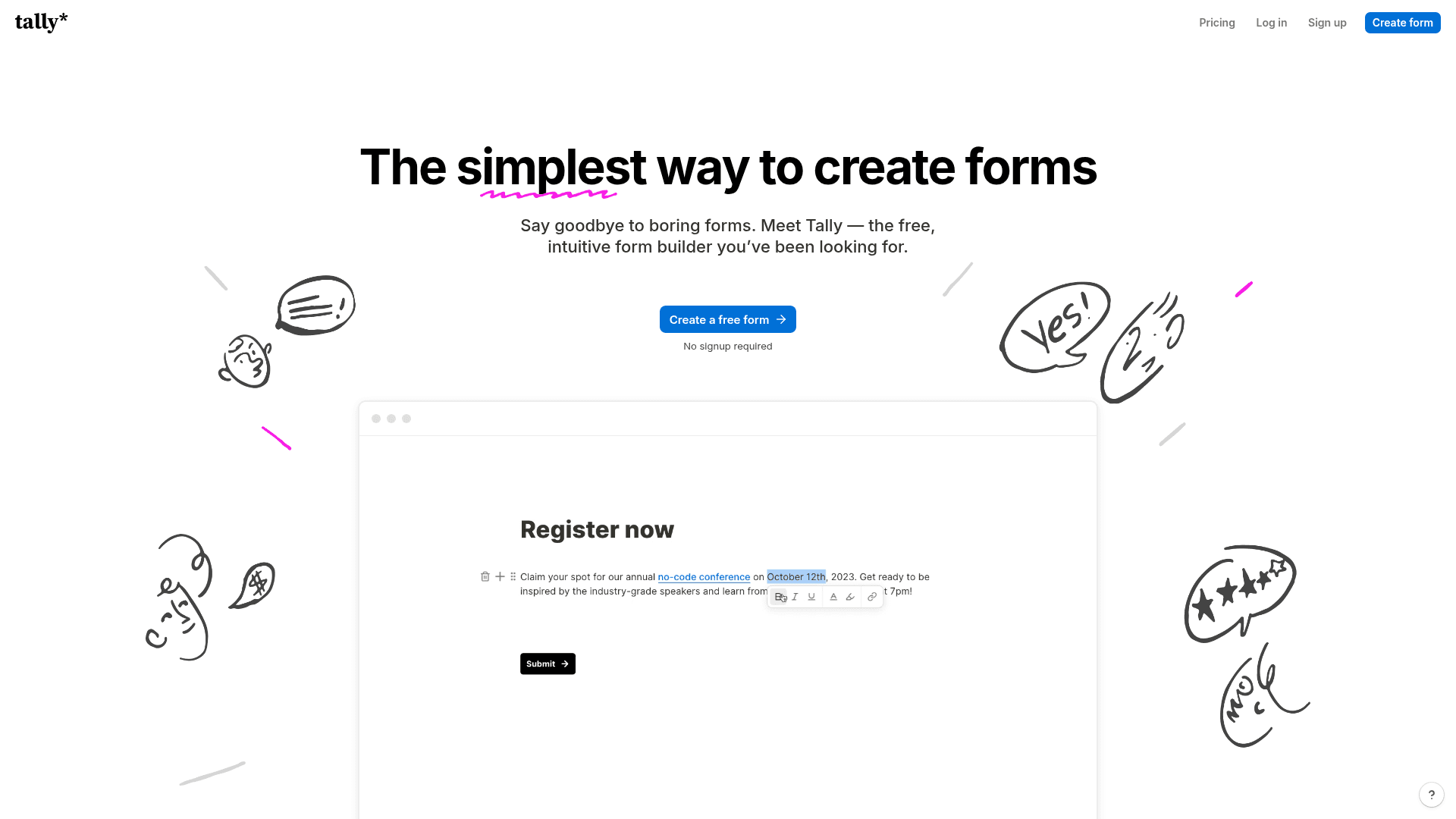
Tally places no cap on forms or submissions on its free plan, which removes the main worry with a public registration form.
Conditional logic and file uploads are included free, so an application-style registration works without paying anything.
Paid plans start at $29 a month, mainly to remove branding and add partial submissions, rather than to raise any limit.
| Strengths | Weaknesses |
|---|---|
| Unlimited registrations on the free plan | Tally branding on the free plan |
| Conditional logic included free | No native payment collection |
| Document-style editor is quick to use | Analytics are basic |
| No overage charges at any tier | No capacity control or HIPAA |
| Plan | What you get |
|---|---|
| Free | $0. Unlimited forms and submissions, logic, file uploads |
| Pro | $29/mo ($24/mo billed yearly). Removes branding, adds partial submissions |
| Business | $89/mo ($74/mo billed yearly). Adds data retention controls |
Best for: free registration where volume is unpredictable and no payment is involved.
The catch: there is no payment collection, so this only suits free events unless you send people elsewhere to pay.
G2 rating: 4.5/5, from 305 reviews. A solid base for a relatively young product.
11. Gravity Forms, the WordPress registration plugin
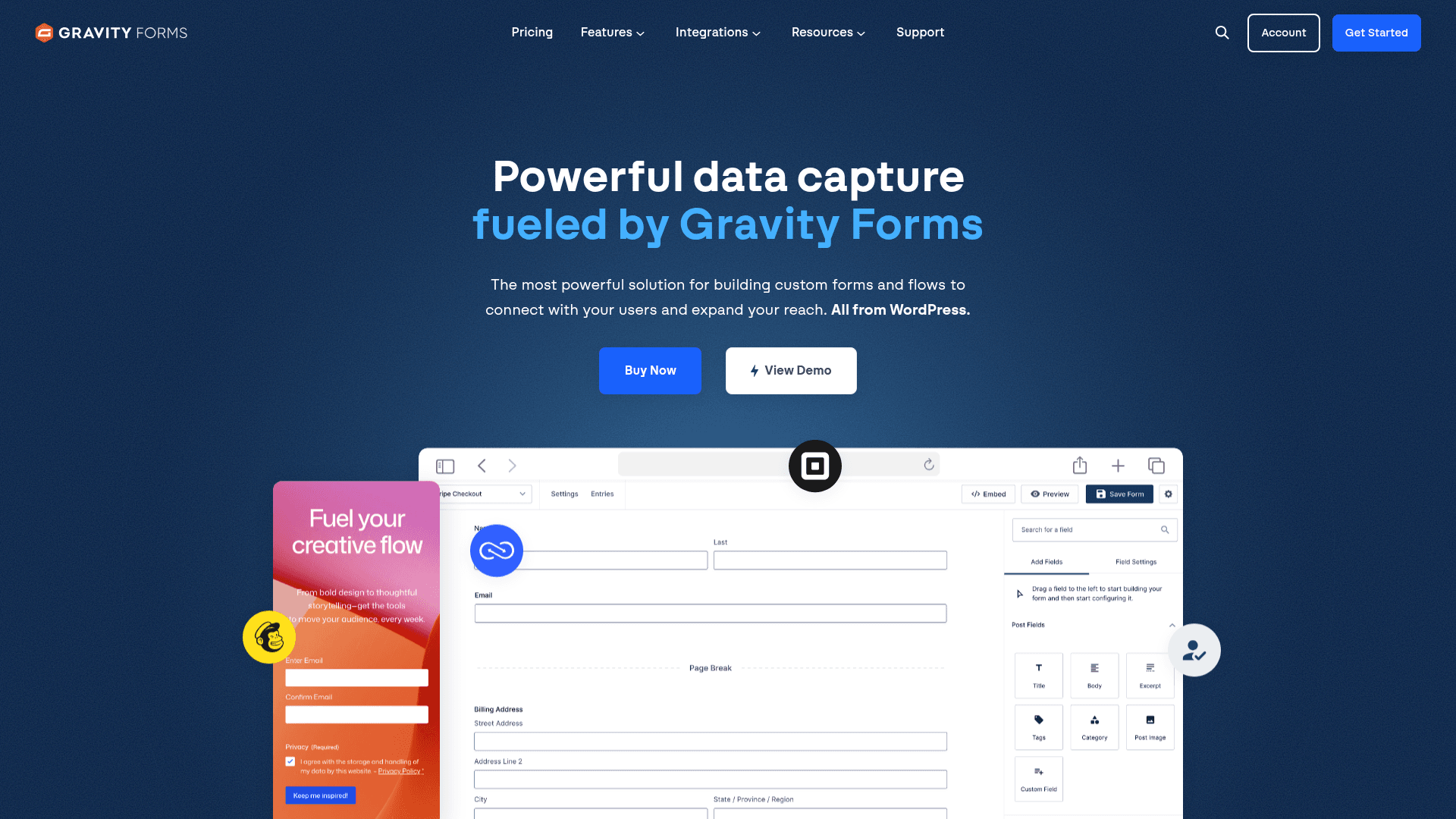
If your event site runs on WordPress, Gravity Forms keeps registration data in your own database rather than a vendor's, with nothing metered.
Its conditional logic is the deepest of any WordPress plugin, which covers multi-session conferences where each choice changes what comes next.
Payment add-ons cover Stripe, PayPal and several others, though they sit on the Pro licence at $159 a year rather than Basic.
| Strengths | Weaknesses |
|---|---|
| No registration metering once self-hosted | WordPress only |
| Deepest conditional logic on WordPress | Payment add-ons need the Pro licence at $159/year |
| Payment add-ons for Stripe and PayPal | No free plan, annual licence required |
| Elite covers unlimited sites for $259/year | You own hosting, backups and patching |
| Plan | What you get |
|---|---|
| Basic | $59/year. 1 site |
| Pro | $159/year. 3 sites, most add-ons |
| Elite | $259/year. Unlimited sites, all add-ons |
Best for: WordPress event sites that want registration data self-hosted.
The catch: payments are an add-on rather than a feature, so the real cost of a paid registration form is $159 a year, not $59.
G2 rating: 4.7/5, from 248 reviews built over years of WordPress use.
12. WPForms, the beginner-friendly WordPress option
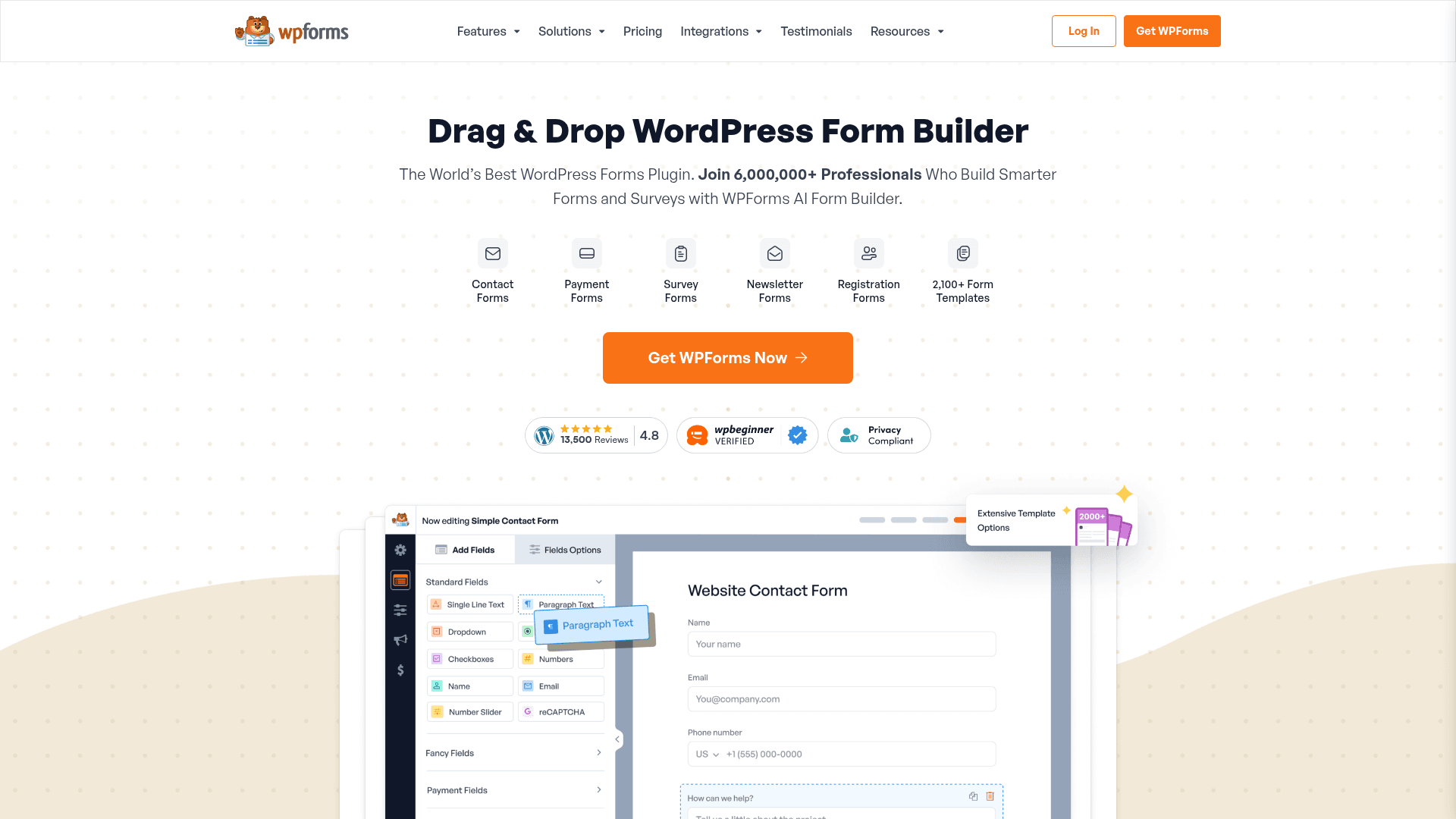
WPForms is the easier WordPress plugin to learn, with a drag-and-drop builder that most people can use without documentation.
It does not meter registrations, so a self-hosted event form can take any number of signups on a flat annual licence.
Payments require the Pro licence at $399 a year at renewal, which is the figure to plan around for any paid event.
| Strengths | Weaknesses |
|---|---|
| Easiest WordPress form builder to learn | WordPress only |
| No registration metering once self-hosted | Payments need the Pro licence at $399/year |
| 2,000+ templates | Renewal prices exceed first-year rates |
| One licence covers unlimited submissions | No monthly billing option |
| Plan | What you get |
|---|---|
| Lite | Free WordPress plugin |
| Basic | $99/year at renewal. 1 site |
| Plus | $199/year at renewal |
| Pro | $399/year at renewal. Adds payments and Conversational Forms |
| Elite | $599/year at renewal. Unlimited sites |
Best for: WordPress sites that want the simplest possible registration form.
The catch: a paid registration needs the $399 Pro licence, which makes it the most expensive WordPress route for taking money.
G2 rating: 4.7/5, from 971 reviews. A large base among WordPress users.
13. HubSpot Forms, registration that feeds a CRM
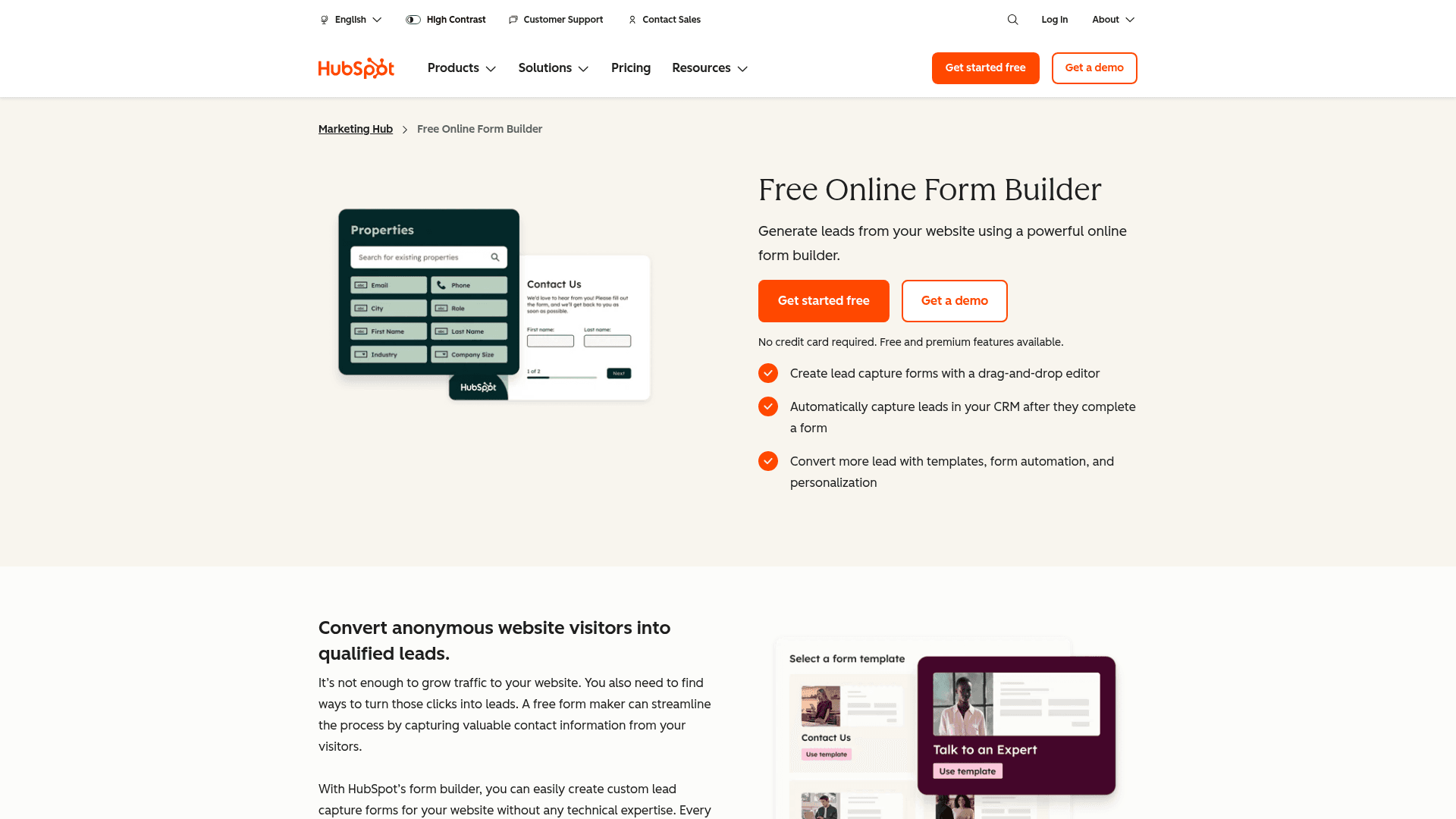
HubSpot's value for registration is what happens next. Every signup becomes a contact record, so follow-up emails and attendance tracking run from the same system.
Submissions are unlimited on the free tier with HubSpot branding, which suits a webinar or event series where volume varies.
Paid Marketing Hub plans start at $20 per seat a month, rising to $800 for Professional and $3,600 for Enterprise.
| Strengths | Weaknesses |
|---|---|
| Unlimited registrations on the free plan | Form builder is basic next to the specialists |
| Every signup becomes a CRM contact | No native payment collection |
| Free email marketing for follow-up | HubSpot branding on free forms |
| Strong list segmentation for attendee groups | Paid tiers jump steeply to $800/mo |
| Plan | What you get |
|---|---|
| Free Tools | $0. Unlimited submissions with HubSpot branding, free CRM |
| Marketing Hub Starter | $20/seat/mo |
| Marketing Hub Professional | $800/mo, plus a one-time onboarding fee |
| Marketing Hub Enterprise | $3,600/mo, plus a one-time onboarding fee |
Best for: webinar and event series where follow-up matters more than the form.
The catch: there is no payment collection, so a paid event needs a separate tool for the money.
G2 rating: 4.4/5, from 12,747 reviews across HubSpot Marketing Hub.
14. Formstack, the enterprise registration platform
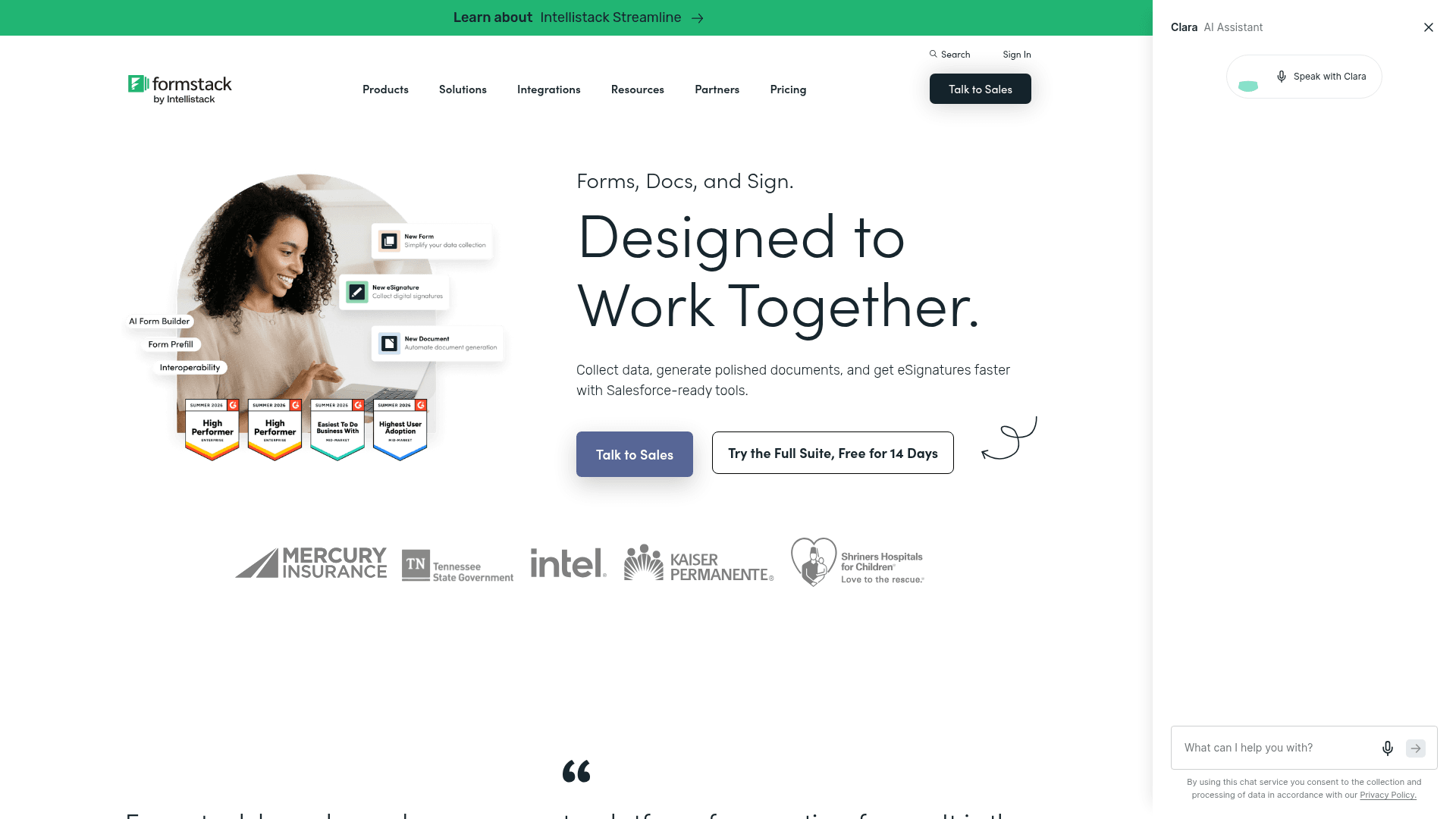
Formstack targets registration inside regulated organisations, where the requirement is a BAA, audit trails and granular permissions rather than a prettier form.
Its Salesforce integration maps registration fields to Salesforce records natively, which matters when attendees are also leads or patients.
It is the highest entry price here at $99 a month, and the Suite with Documents and Sign runs $299.
| Strengths | Weaknesses |
|---|---|
| HIPAA with a BAA and full audit trails | $99/mo entry point, the highest here |
| Native Salesforce field mapping | No free plan at all |
| Documents and e-signature in the Suite | Interface feels dated in places |
| Granular permissions for large teams | Advertised prices are the annual rates |
| Plan | What you get |
|---|---|
| Free | No free plan; a trial is offered |
| Forms | $99/mo ($83/mo billed yearly) |
| Suite (Forms, Documents, Sign) | $299/mo ($250/mo billed yearly) |
| Enterprise | Custom pricing |
Best for: regulated organisations where registration data is subject to audit.
The catch: at $99 a month this is a compliance purchase. For an ordinary event it costs several times what it needs to.
G2 rating: 4.3/5, from 471 reviews. A large base, with cost the recurring theme.
15. Microsoft Forms, internal registration inside Microsoft 365
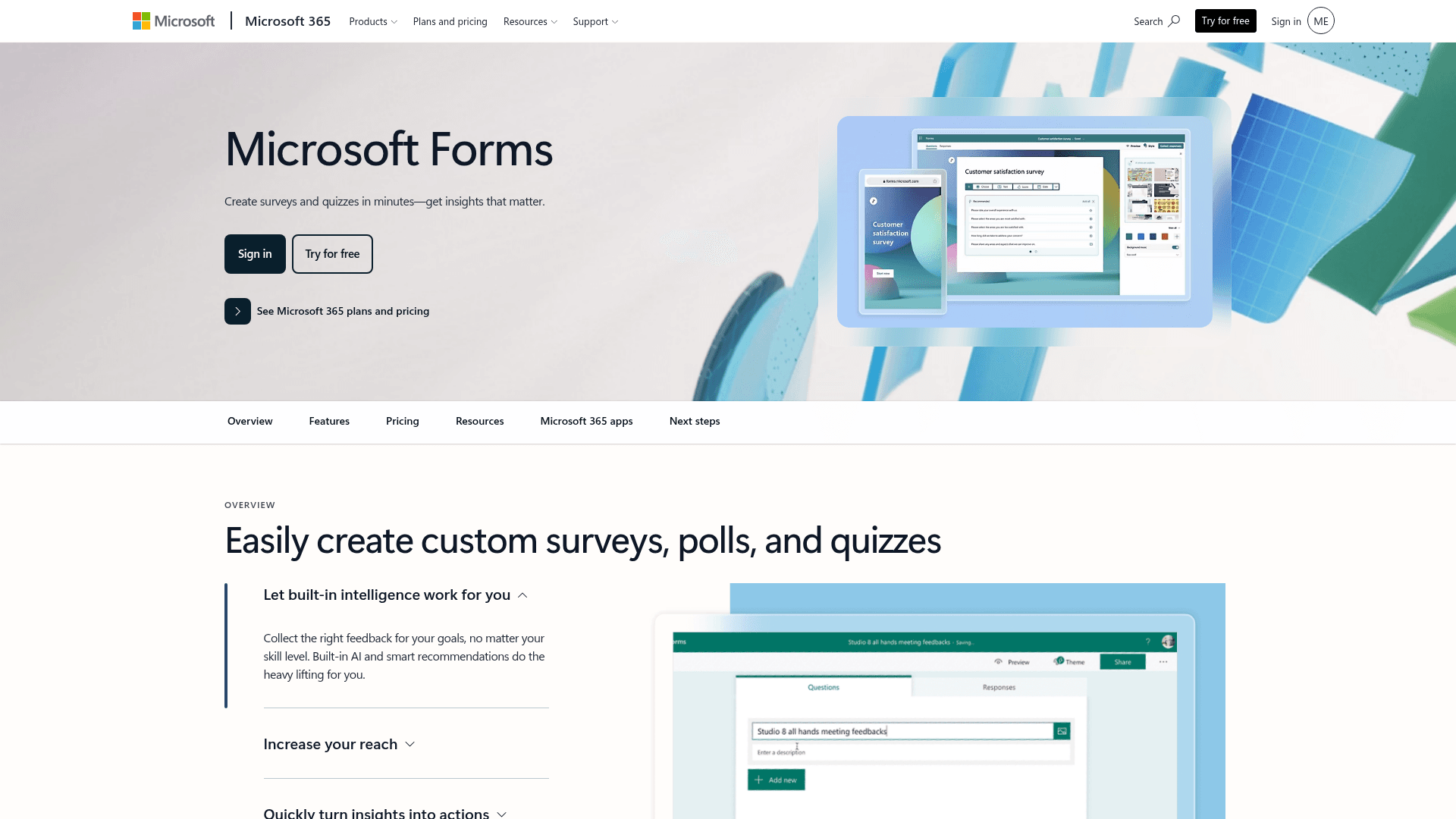
For internal registration such as training sessions or staff events, Microsoft Forms is already provisioned wherever Microsoft 365 is in use.
Responses land in Excel and the form can be posted straight into a Teams channel, which covers most internal signup without a purchase order.
A personal Microsoft account caps at 200 responses per form. Inside a tenant those limits lift considerably.
| Strengths | Weaknesses |
|---|---|
| No extra cost inside Microsoft 365 | Very limited design control |
| Results flow into Excel | No payment collection |
| Posts directly into Teams channels | Free accounts cap at 200 responses per form |
| Inherits tenant security | No capacity control |
| Plan | What you get |
|---|---|
| Free | $0 with a personal Microsoft account. 200 responses per form |
| M365 Business Basic | $7/user/mo, annual basis |
| M365 Business Standard with Copilot | $23.50/user/mo, annual basis |
| M365 Business Premium with Copilot | $32/user/mo, annual basis |
Best for: internal training and staff event registration.
The catch: no payments and almost no design control, so this suits internal signups rather than anything public or paid.
G2 rating: 4.4/5, from 476 reviews, which fits its internal-tool scope.
16. Google Forms, the free registration form
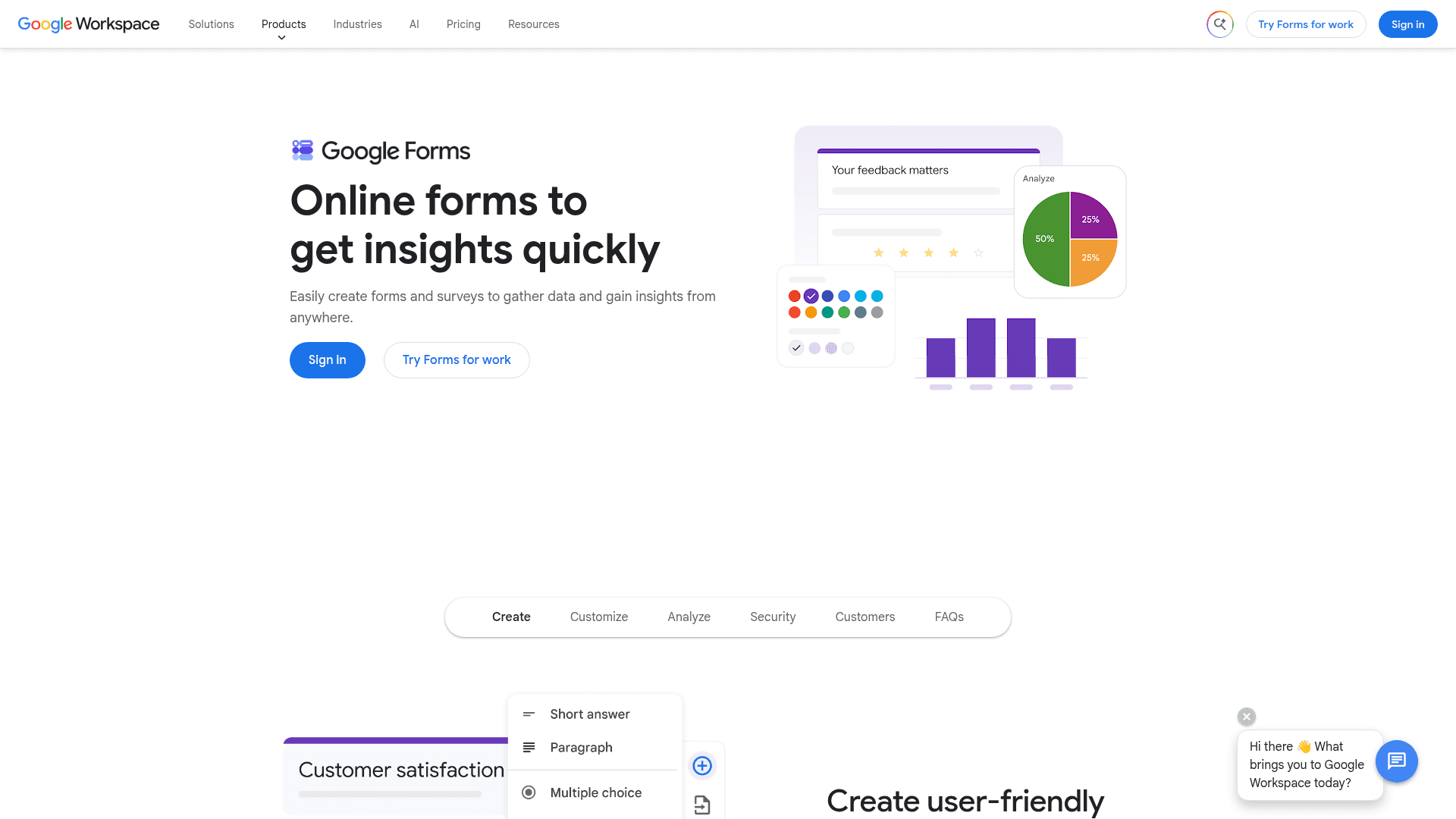
Google Forms is free with any Google account and has no response limit worth planning around, which makes it the default for free registration.
Responses populate a Sheet in real time, which doubles as the attendee list several people can work from at once.
There is no paid Forms tier. It arrives with Google Workspace, where Business Starter is $7 per user a month on an annual basis.
| Strengths | Weaknesses |
|---|---|
| Free with any Google account | No payment collection at all |
| No practical registration cap | Very limited design control |
| Responses become a live attendee spreadsheet | Skip-to-section logic only |
| Real-time collaborative editing | Google branding stays on every form |
| Plan | What you get |
|---|---|
| Free | $0 with any Google account. Effectively unlimited responses |
| Workspace Business Starter | $7/user/mo, annual basis |
| Workspace Business Standard | $14/user/mo, annual basis |
| Workspace Business Plus | $22/user/mo, annual basis |
Best for: free events where the attendee list matters more than the form.
The catch: there is no way to take money, so any paid registration needs a second tool alongside it.
G2 rating: Google Forms has no standalone G2 profile. The 4.6/5 from 48,175 reviews quoted elsewhere covers Google Workspace as a whole.
Start collecting registrations in five minutes
Formester ships unlimited registration forms, Stripe + PayPal payments, and offline mode on the free plan. No 100-entry cap, no upgrade nag on your first workshop.
Try Formester freeFree forever · No credit card · 56,000+ teams
Which registration software should you actually pick?
Start with money. If you need to take payment on a free plan, only Formester and Cognito Forms do that. Everything else asks you to upgrade first, and Google Forms and Tally cannot take payment at all.
Then check whether capacity matters. If registration must close automatically when a session fills, Cognito Forms handles it natively and most others do not.
HIPAA narrows things sharply: Zoho Forms at $90 billed annually, Jotform at $129, Cognito Forms at $174, or Formstack with a BAA from $99. If none of those constraints apply, the decision is mostly about volume and how predictable it is.
Frequently asked questions
What is the best registration software?
Can I collect registration fees for free?
Which registration software supports HIPAA?
How do I stop registrations when an event is full?
What does registration software cost?
Do I need dedicated event software instead?
Which registration tool works with WordPress?
Can registration forms send confirmation emails?
Verdict
Most registration projects fail on one of three things: an unexpected volume spike, a payment that needed to be collected on the form itself, or a session that kept accepting people after it was full.
Formester answers the first two, since nothing is metered and payments are on the free plan.
Cognito Forms answers the third and handles tiered pricing better than anything else here. If HIPAA is on the list, Zoho Forms is the cheapest route to it at $90 a month billed annually.