A consent form has to be readable, signable, and auditable. If a regulator, an IRB reviewer, or a client's legal team ever asks "who signed this and when," you need to produce a record in seconds, not scramble through email attachments.
That is the real job of a consent form: not the wording on the page, but the audit trail behind it.
This guide walks through the five decisions that separate a defensible consent form from a PDF you printed and forgot about. You will pick the type of consent you are collecting, write the body, capture an electronic signature with timestamp and IP, store the signed record, and send the signer their own copy.
You can build the whole thing in Formester in about 20 minutes, or use one of the six templates linked at the end.
Quick answer. A consent form has to be readable, signable, and auditable. State the activity and risks in plain language, explain how the data will be used, capture an electronic signature tied to the signer with timestamp and IP, and store the signed record so you can produce it in seconds. Build the form with Formester's online consent form generator in about 20 minutes, or start from one of the six templates below.
What every legally usable consent form has to do
Four boxes the form has to check, regardless of industry.
1. State the activity and the risks
Plain language. What is happening, what could go wrong, what the signer is agreeing to. If a regulator reads only the first paragraph, they should already understand the scope.
2. Explain how the data will be used
Who sees it, where it is stored, how long it is kept, and whether it leaves the country. Under GDPR this is not optional, and CCPA expects similar disclosures for California residents.
3. Capture a signature tied to the signer
A name field is not a signature. The record needs the signer's signature, their email, the timestamp of submission, and ideally their IP address so you can prove the signature came from them.
4. Be retrievable as an audit record
When you need to produce the signed form a year later, it should take one search, not one Slack thread. The signature, the form version, and the submission metadata all live together.
How to create a consent form in 5 steps
Five decisions that separate a defensible consent form from a PDF you printed and forgot about.
Step 1. Decide which type of consent you are collecting
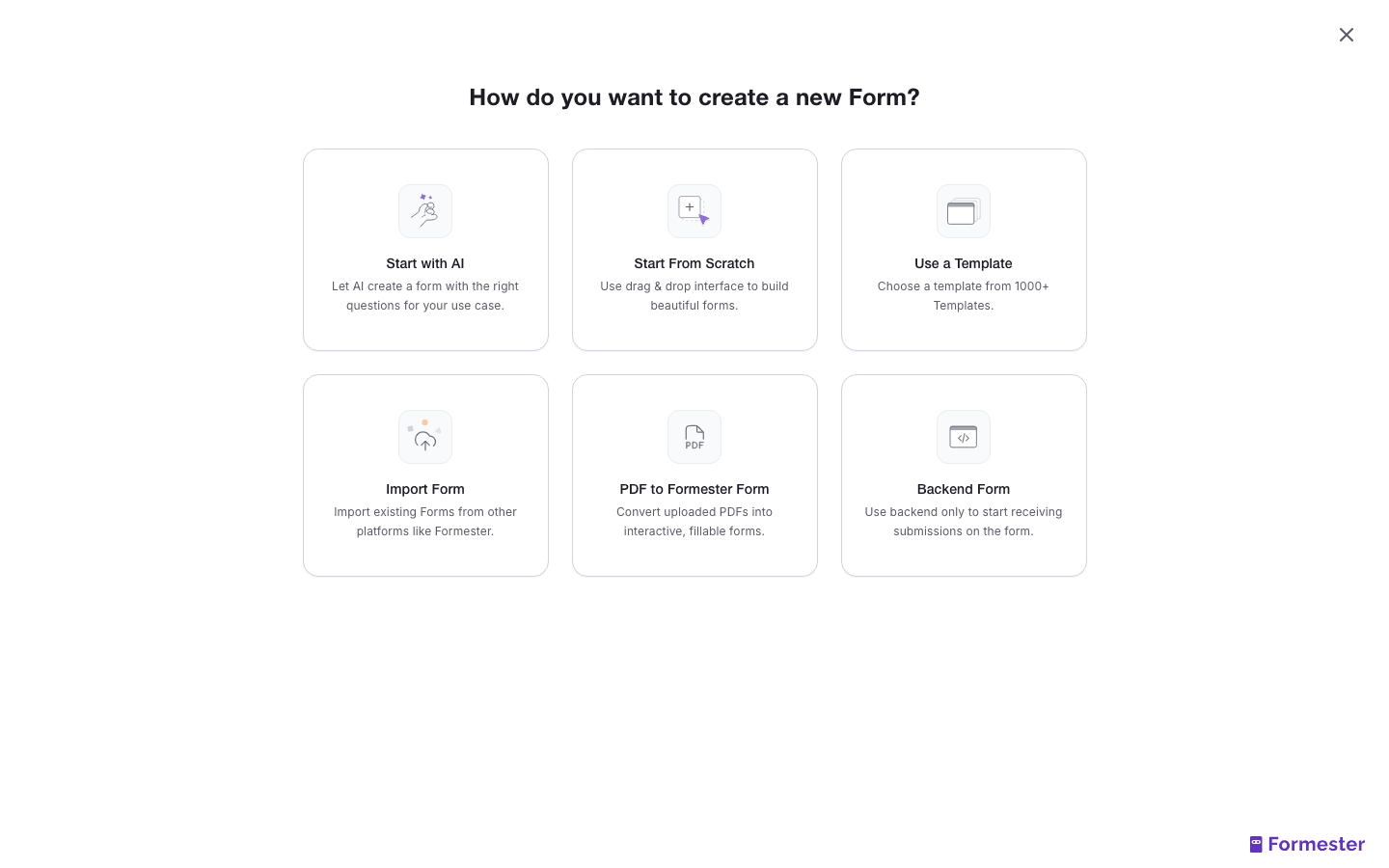
The fields you need change based on what you are asking the signer to agree to. Pick the closest match before you start building:
- Medical or research (informed consent). Clinical trials, telehealth visits, IRB-supervised studies. Needs procedure description, risks, benefits, alternatives, voluntary-participation clause, withdrawal clause, contact for questions. Often co-signed by a witness.
- Photo or video release. Event organisers, content teams, schools, marketing agencies. Needs scope (where the footage will appear), licence duration, exclusivity, compensation.
- Marketing communications (GDPR). Needs separate, unticked opt-in checkboxes per channel (email, SMS, calls), a link to your privacy policy, and a stated lawful basis. One mega-checkbox covering everything is not valid consent under GDPR.
- Minor consent (parental). School trips, youth sports, telehealth for minors, research with anyone under 18. Needs parent or guardian's signature, relationship to the minor, minor's name and date of birth, often a backup emergency contact.
- Employee handbook acknowledgement. New-hire onboarding and policy updates. Needs document version, signer's role, signature, date. HR teams typically retain these for the length of employment plus seven years.
Step 2. Write the consent body
Note. This is not legal advice. Use the templates below as a starting point, then have qualified counsel in your jurisdiction review the final wording before you ship the form.
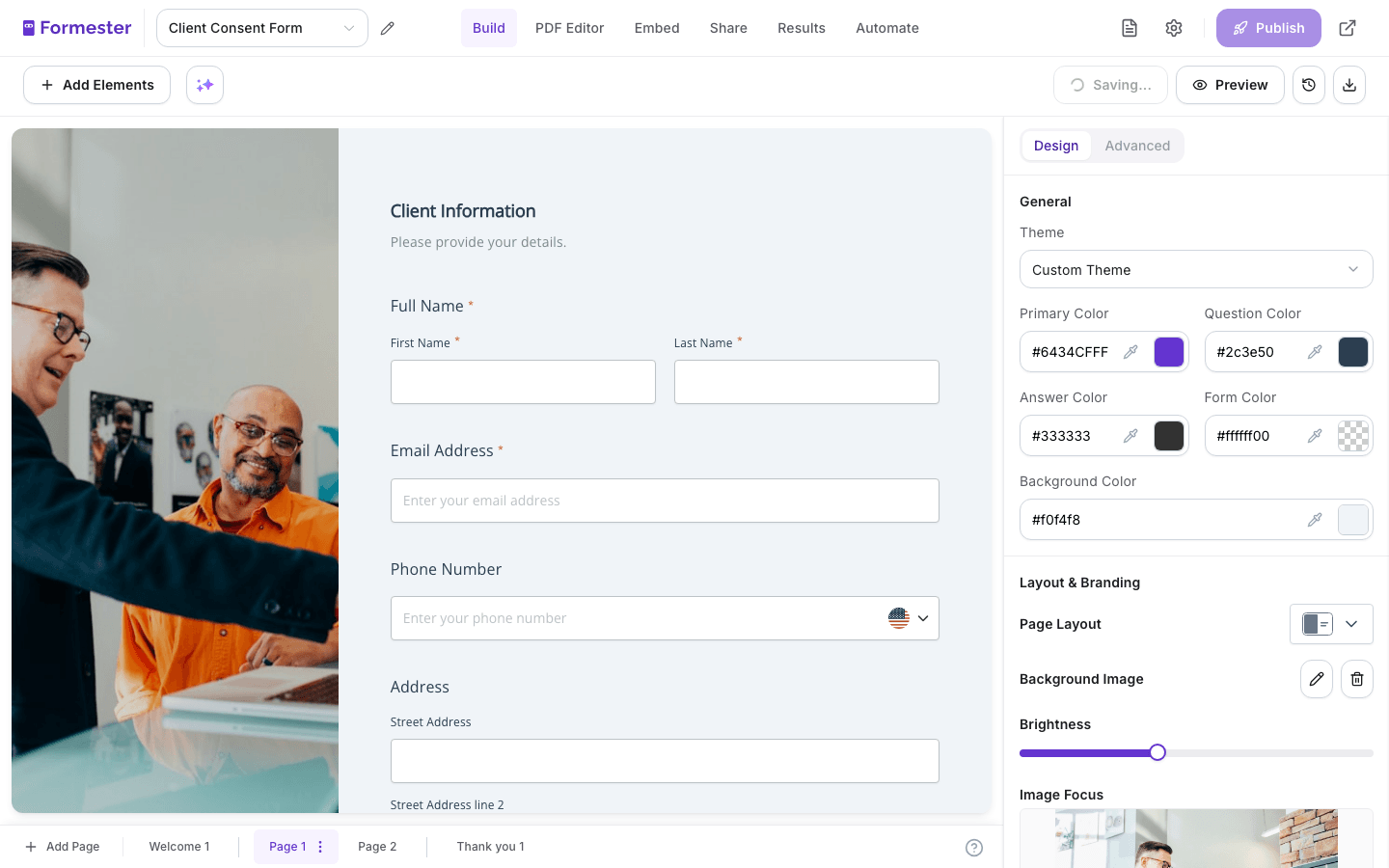
Informed consent (medical or research): I voluntarily agree to participate in [study or procedure name]. I have read the description above and understand the risks, benefits, and alternatives. I understand I can withdraw my consent at any time without penalty. I confirm I have had the opportunity to ask questions and have received satisfactory answers.
Photo and video release: I grant [organisation] the right to record, photograph, and use my image, likeness, and voice in [intended use: marketing, internal training, social media] for [duration]. I waive any right to review or approve the final use. This release applies in all media now known or later developed.
GDPR marketing consent: I would like to receive [product updates / event invitations / educational content] from [company] by email. I understand I can withdraw consent at any time by clicking unsubscribe in any message or by emailing [privacy email]. I have read the privacy policy. Keep each channel on its own checkbox. Do not pre-tick.
Parental consent for a minor: I am the parent or legal guardian of [minor's name, date of birth]. I give permission for my child to participate in [activity] on [date]. I confirm I have read the activity description, including any travel, supervision, and medical information.
Employee policy acknowledgement: I acknowledge I have received and read [policy name, version X.Y], dated [effective date]. I understand the policy and agree to comply with it. I understand violations may result in disciplinary action up to and including termination.
Step 3. Add the signature field
A drawn signature can stand on its own or come with an extra confirmation step:
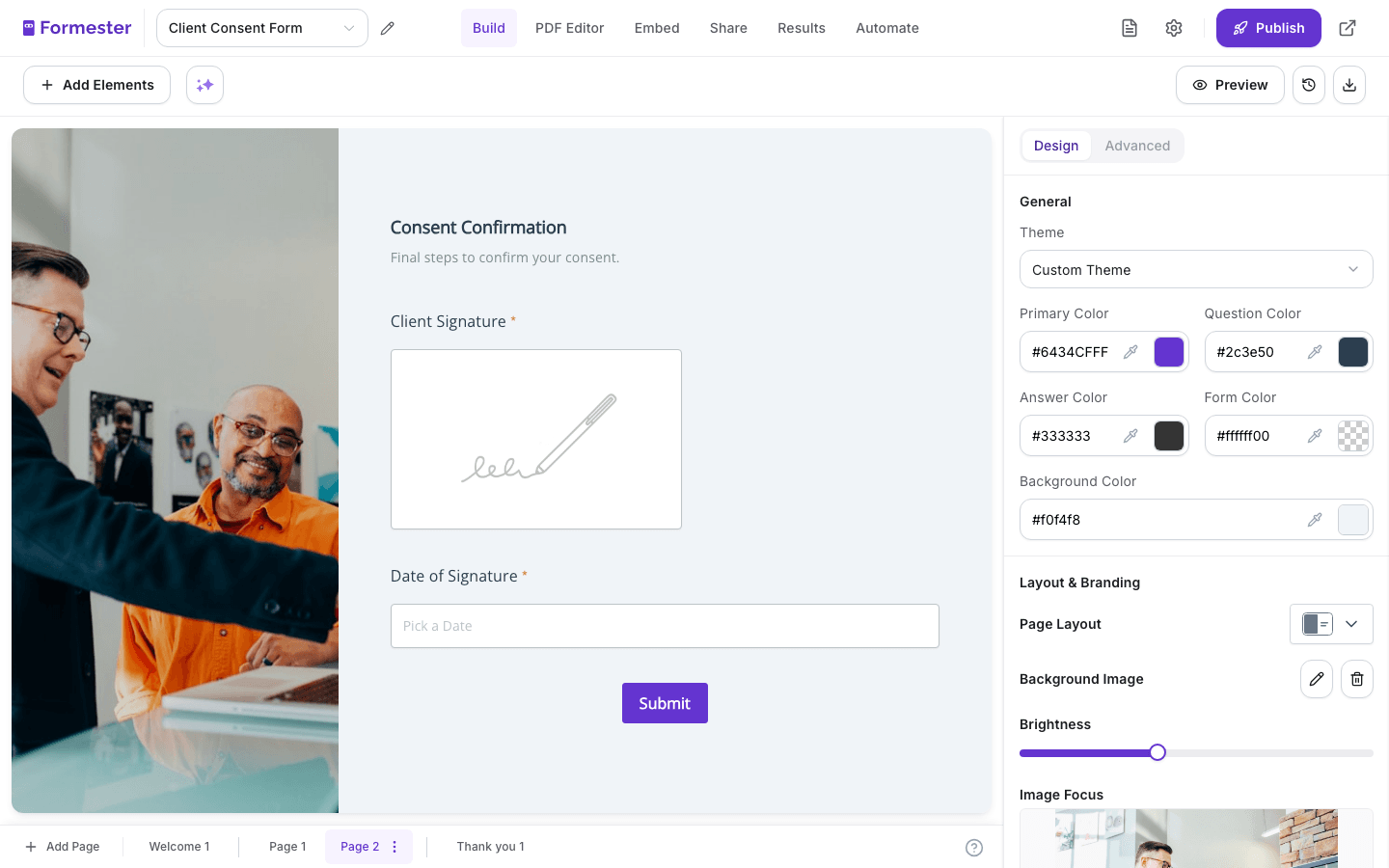
- Drawn signature. The signer draws their signature with a finger or stylus on a touchscreen, or with a mouse on desktop. Looks closer to a wet signature, useful when a client or regulator expects to see one. Standard for photo releases, contracts, and waivers.
- Drawn and confirmed. The signer draws their signature and ticks a separate checkbox confirming it is their electronic signature. Adds an explicit affirmation step, which strengthens the record if the signature is ever challenged.
Formester's electronic signature field captures a drawn signature and stores the signature image with the response. On the Business plan, it also appears in the PDF copy sent to the signer. Add the confirmation checkbox for high-stakes consent such as medical procedures, photo releases and contracts.
Step 4. Set up timestamp and secure storage
A signature without metadata is hard to defend. Configure the form to capture:
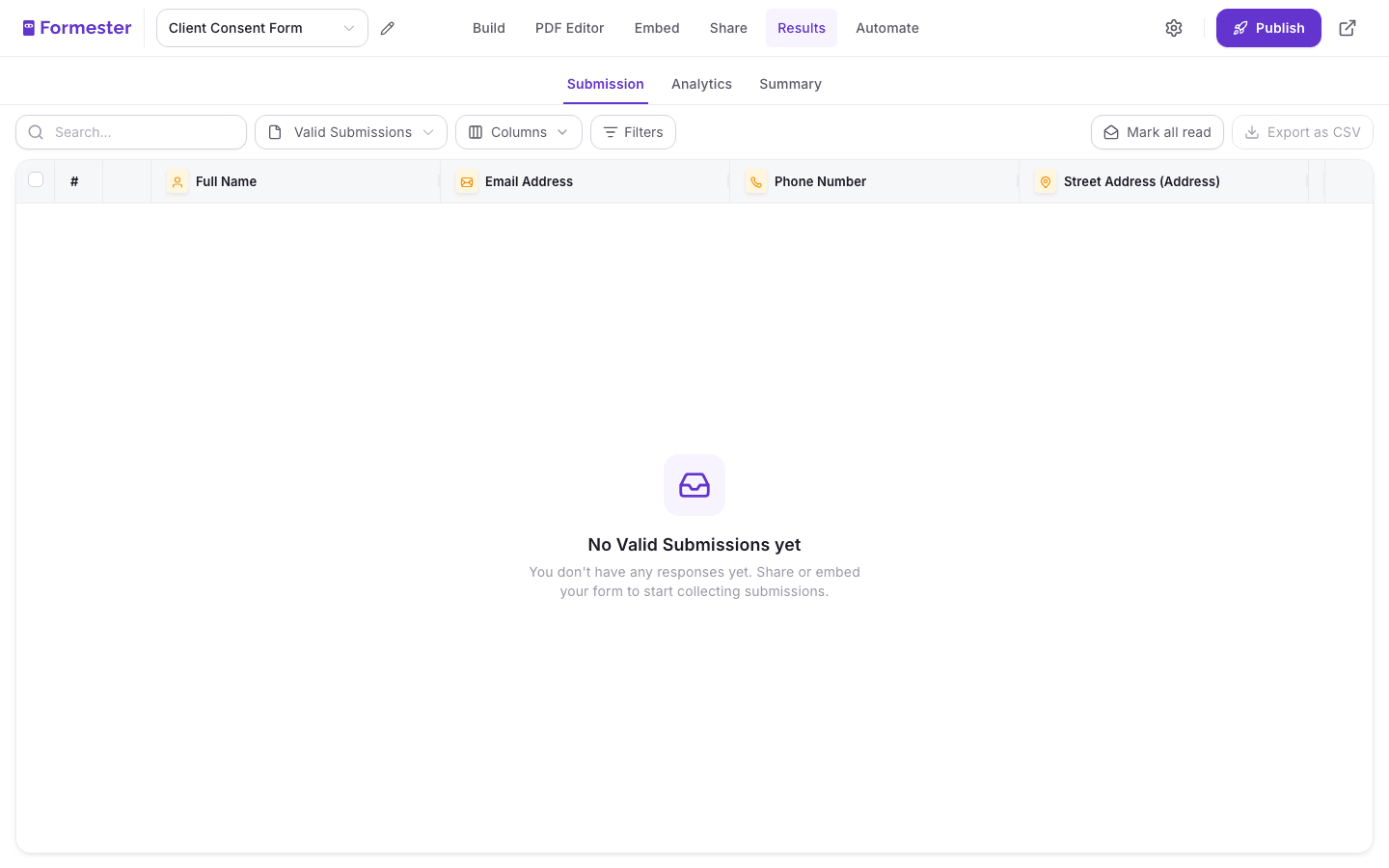
- Submission timestamp in UTC, stored with the response automatically.
- IP address of the signer, which establishes the device location and helps prove the named person signed.
- Form version. If you ever edit the consent body, every submission should be tied to the version of the form that was live when it was signed. Otherwise you cannot prove what the signer actually agreed to.
- Retention policy. Decide upfront how long signed consents are kept. Research consents often need to be retained for the life of the study plus a fixed window. Marketing consent under GDPR should be kept only as long as you continue to rely on it, then deleted.
Formester records the submission time, the signer's IP address and the form version with every response, as long as Anonymous submission stays off. Form data is encrypted in transit (TLS) and at rest, with encrypted backups retained for 90 days. Sub-processors and retention defaults are listed in the Formester DPA and security page.
Step 5. Send a PDF copy of the signed consent to the signer
The signer needs their own copy. It is good practice, often a legal requirement under GDPR Article 7, and it cuts down on "can you resend my consent form" support tickets.
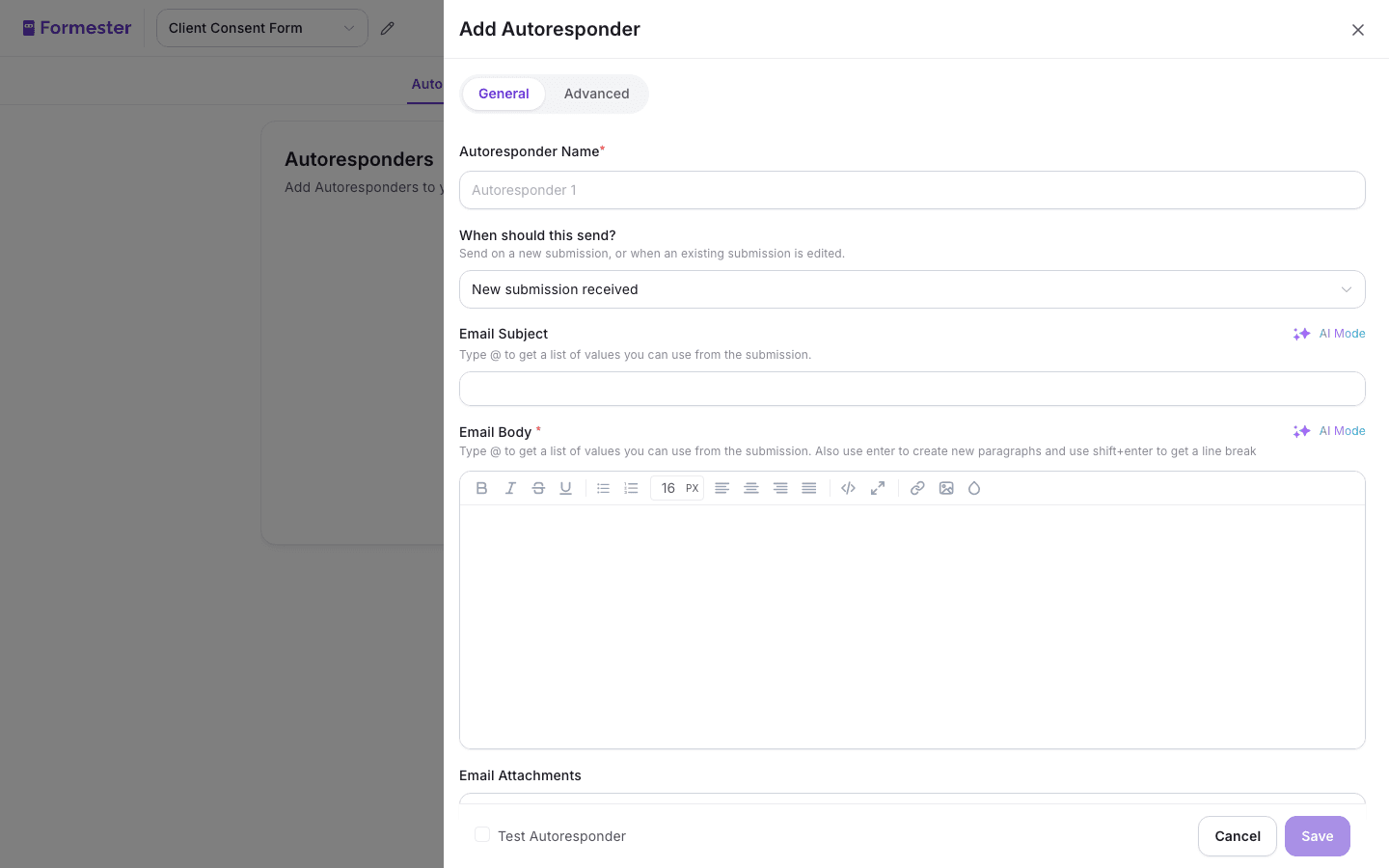
In Formester, add an autoresponder to the form and turn on Send submitter a copy of their submission. On the Business plan, the signer receives an email with the completed form, including their signature, attached as a PDF. Set the sender name to your organisation, the subject line to "Your signed [form name] copy," and include a one-line note pointing to the privacy email if they want to revoke consent later. On the same plan, internal teams can also download the PDF from the Submissions tab.
6 consent form templates ready to use
Six templates you can copy, edit, and ship in under 10 minutes. Each one starts from a working form, not a blank canvas.
| Template | What it covers | Best for |
|---|---|---|
| Medical research consent | Informed-consent body, risk-and-benefit fields, withdrawal clause, witness signature block. | IRB-supervised studies, telehealth intake, clinical trial screening. Browse research templates |
| Photo and video release | Scope, duration, media-channel fields, drawn signature block, parent signature for minors. | Event photographers, agencies, schools, content teams. Browse release templates |
| GDPR marketing consent | Separate unticked checkboxes per channel, lawful-basis dropdown, privacy-policy link, revocation instructions. | Newsletter opt-in, event marketing, EU-based signup flows. Browse marketing consent templates |
| Minor field trip consent | Parent or guardian details, medical and allergy fields, emergency contact, transport authorisation. | Schools, youth sports, camps, extracurricular programs. Browse school templates |
| Employee policy acknowledgement | Policy name, version, effective date, role, drawn signature with a confirmation checkbox, retention note for HR. | Handbook rollouts, code of conduct, IT acceptable use. Browse HR templates |
| Telehealth consent | Procedure description, technology disclosure, data-storage clause, withdrawal clause, drawn signature, witness option. | Remote medical consultations, mental health sessions. |
Capture signed consent on a form, without DocuSign in the loop. A drawn electronic signature, with the submission time and IP address recorded on every response. Included on every Formester plan, including Free.
Related reading
Features and pages that pair with a defensible consent form workflow.
- File upload field - collect ID documents, signed paper consents, or supporting files alongside the form record.
- Data Processing Agreement - sub-processors, retention defaults, GDPR roles, and the DPA you sign before processing personal data.
- HR form templates - policy acknowledgement, onboarding, and offboarding forms with signature blocks built in.