All Blogs
How to Create Online Section-Based Tests with Negative Markings
Create section based tests with timers and negative marking using Formester. Build fast, score smarter, and run clean, controlled assessments with ease.
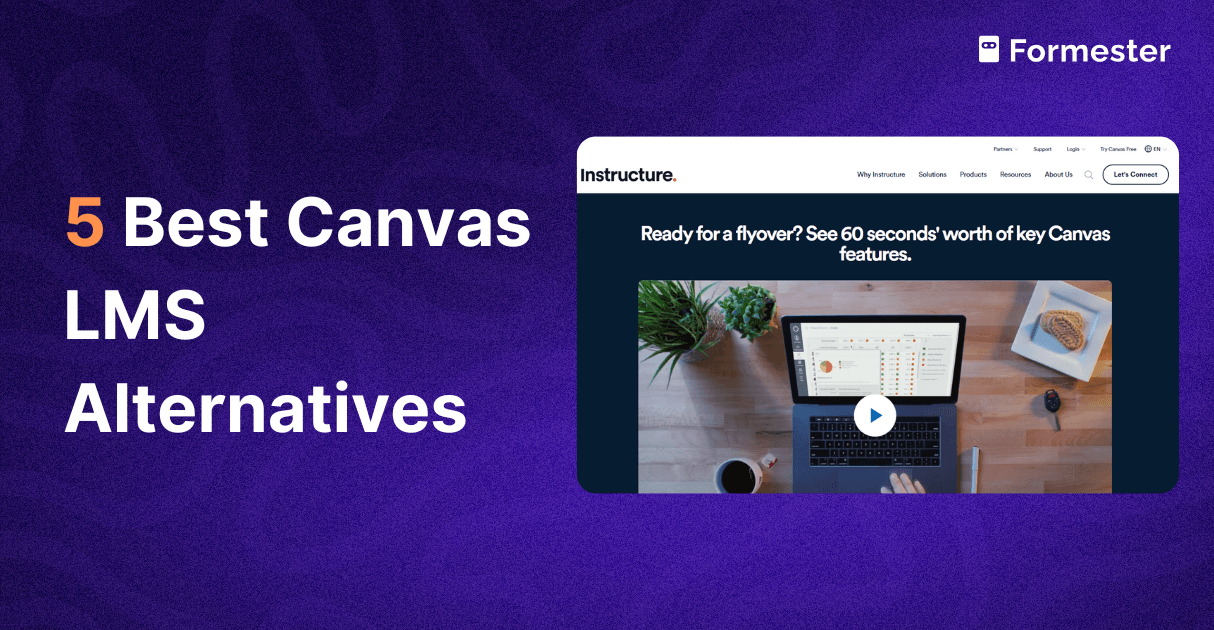
5 Best Canvas LMS Alternatives (That Actually Work)
Discover the best Canvas LMS alternatives for 2026. Compare features, ratings and pricing to choose the right platform for teaching or training.
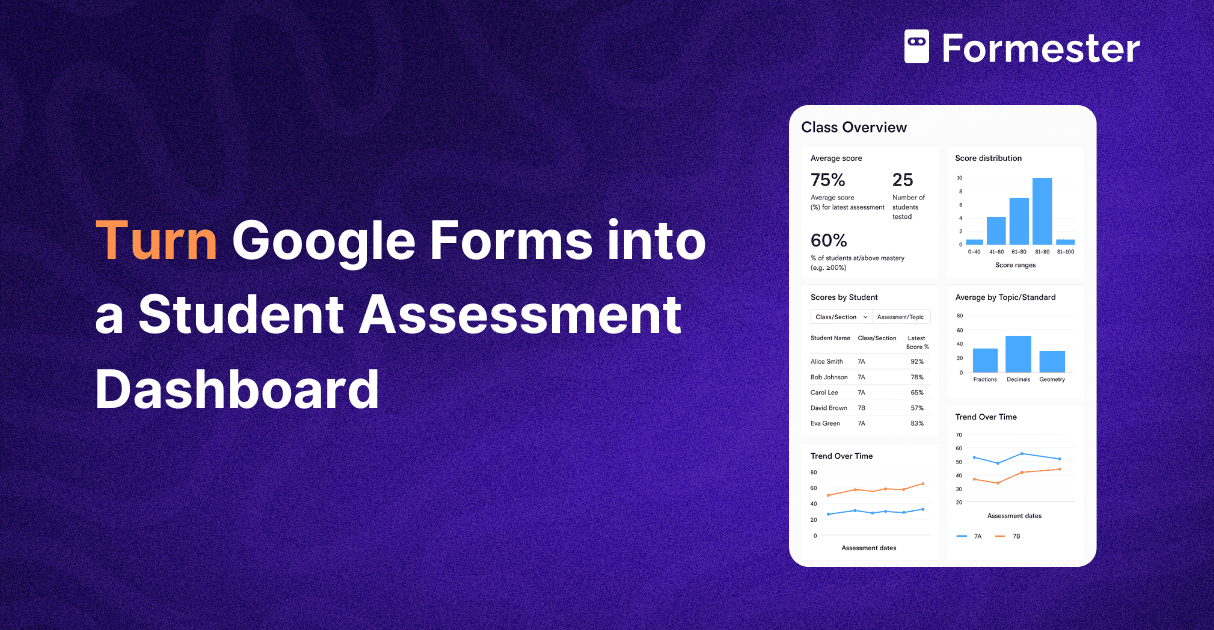
How to Turn Google Forms into a Student Assessment Dashboard
Turn Google Forms into a full student assessment dashboard. Track scores and progress in real time with easy setup and clean data.
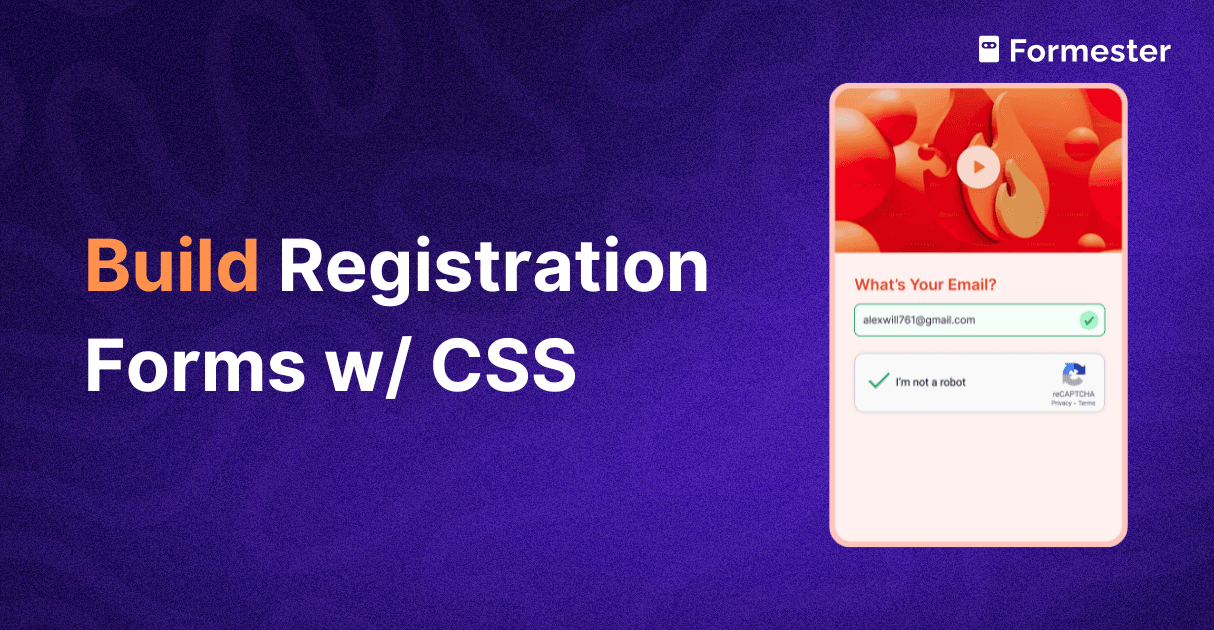
Build a Custom Registration Form with CSS
Discover how to build a custom registration form with CSS while Formester handles the HTML, backend, storage, and spam protection for you.
5 Must have AI tools form event planning
Discover the best AI tools for event management that simplify registration, boost engagement, automate workflows, and improve your full event experience.
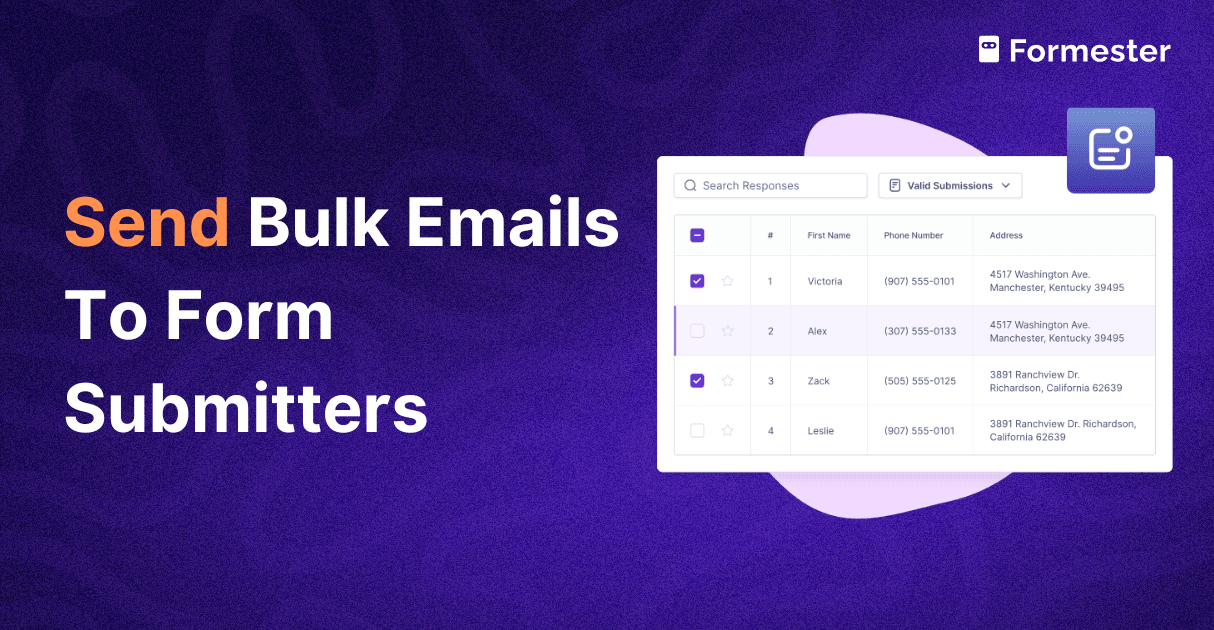
How to Send Bulk Emails to Your Form Submitters
Send personalized bulk emails to all your form submitters without exporting data or using extra tools. Reach the right people fast from one dashboard.
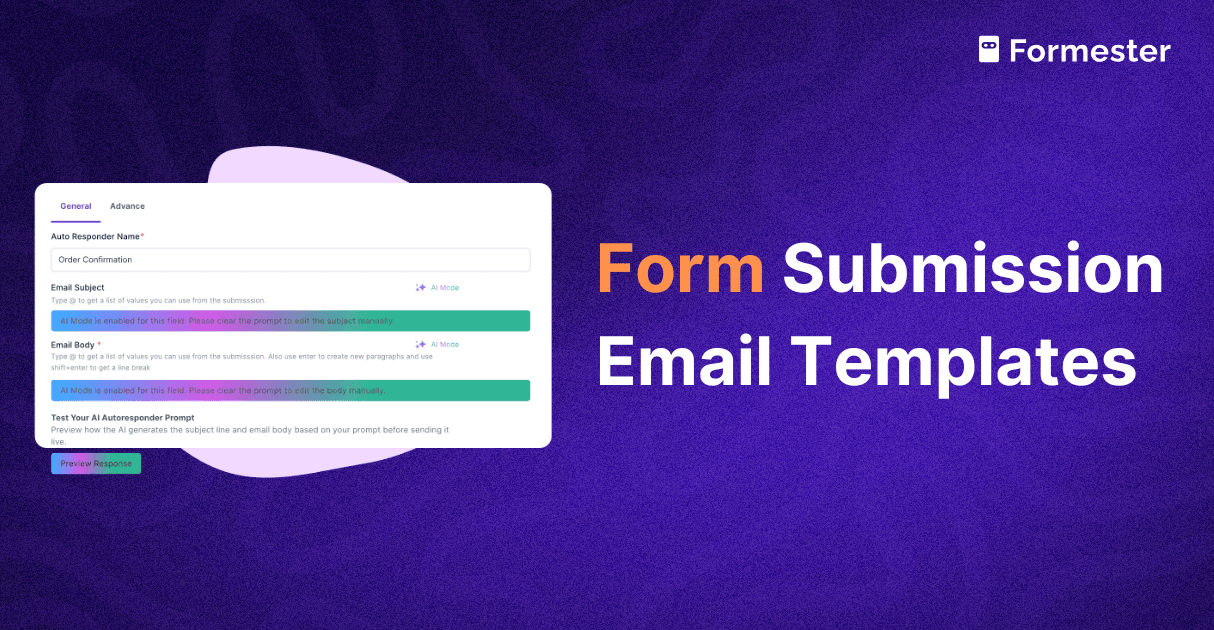
10 Best Form Submission Email Templates To Send
Get ten clear and ready to use form submission email templates that help you confirm actions, guide users, deliver value, and build trust from the first message.

10 Form Integrations Every Business Should Be Using
Discover the top 10 form integrations every business should use to automate workflows, boost productivity, and simplify data management.

10+ Event Marketing Ideas You Need to Try
Discover 10+ creative event marketing ideas for 2025 to boost engagement, attract loyal audiences, and make your brand stand out.