bevdkbdf.formester.com/f/6O3sLY1fZ

Discord Staff & Moderator Application

A Discord server staff application form for community managers hiring moderators, admins, and support staff. Captures prior mod experience, availability, and community values.

Applications

About this template

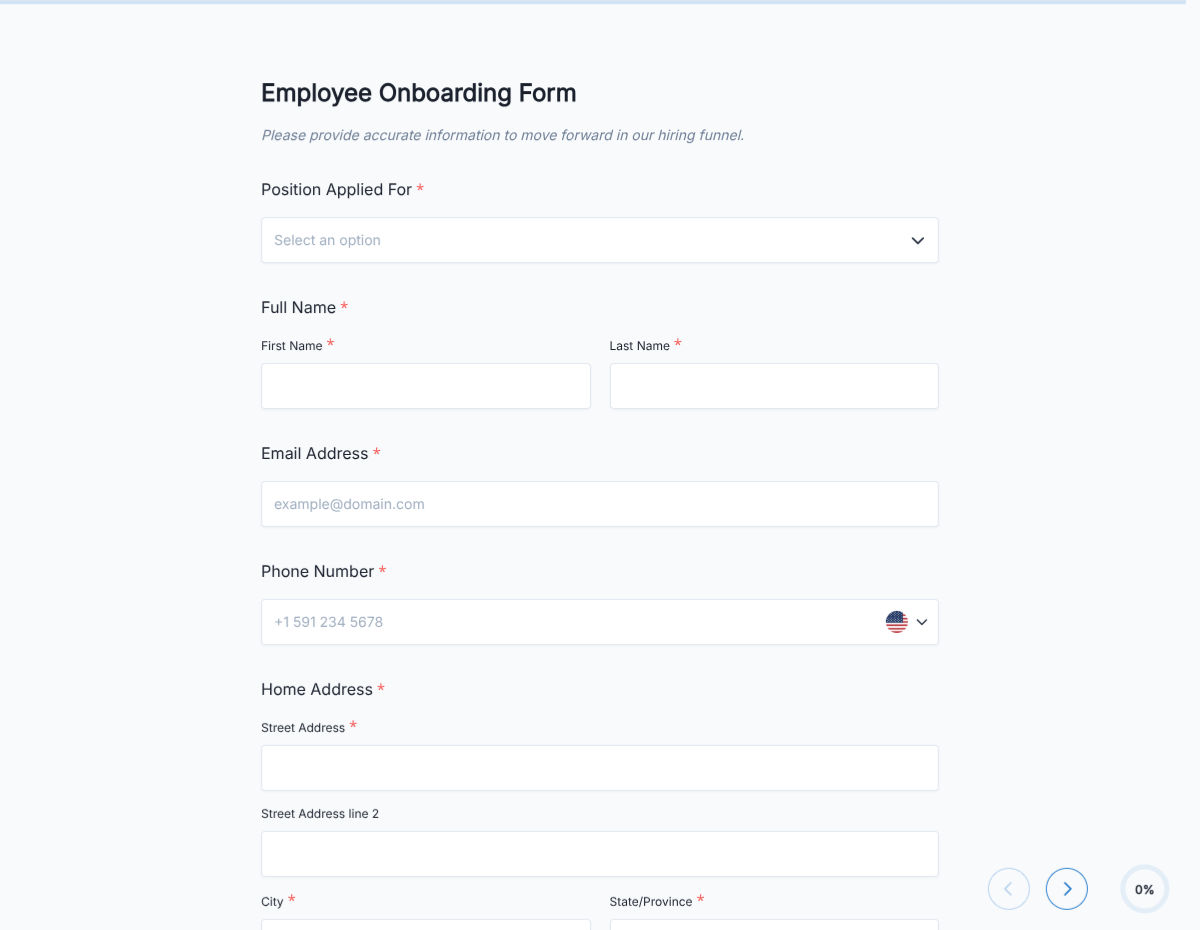
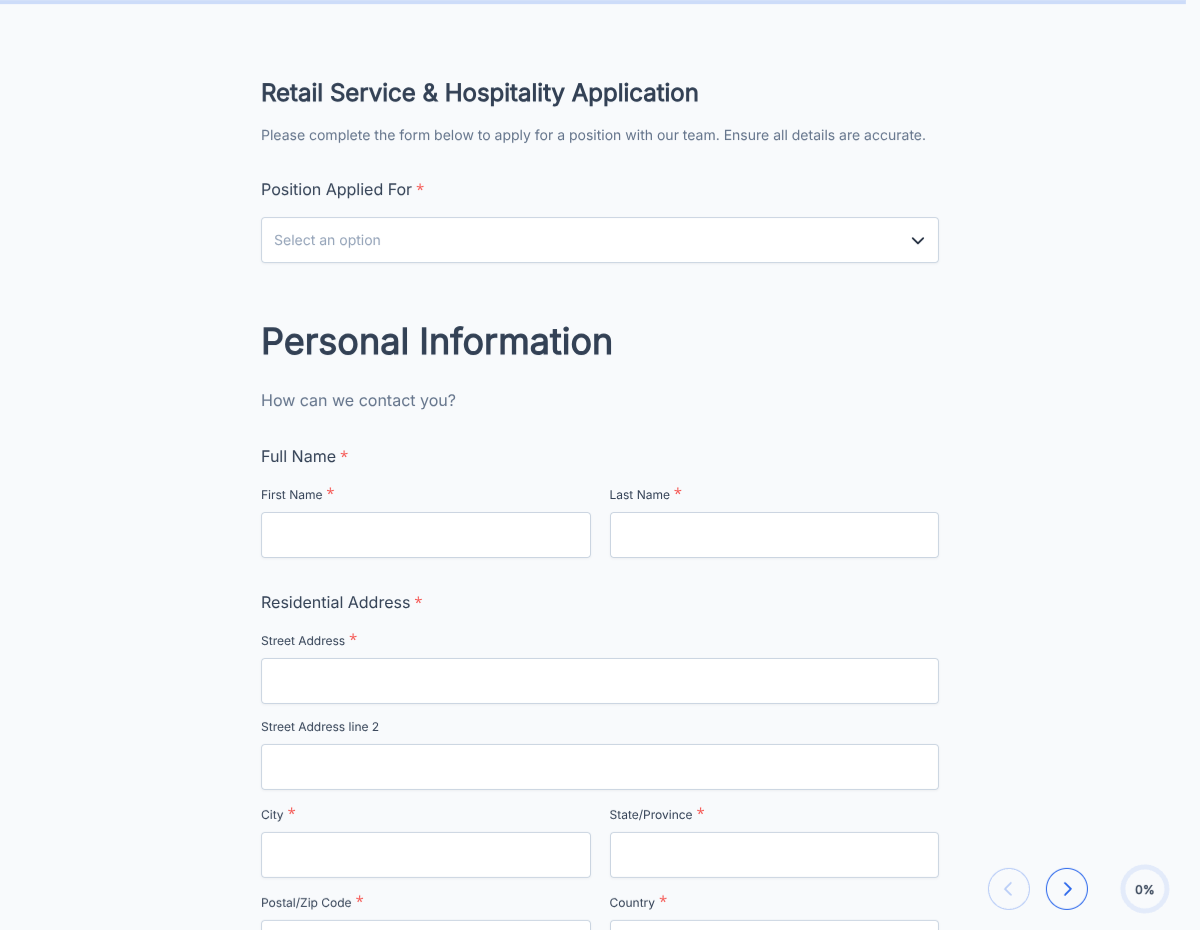
This Discord staff application form runs on Formester's drag-and-drop builder, sized for community managers running large Discord servers (gaming, creator, brand, community) hiring moderators, admins, and support staff.

The template captures prior moderation experience across platforms (Discord, Reddit, Twitch, forums), timezone availability, hours per week commitment, community-values alignment, and specific server familiarity.

Use conditional logic to surface role-specific screening: general mod gets basic screening, admin gets deeper (server structure, escalation handling, bot management), support gets ticket-handling scenarios.

Every submission auto-acknowledges the applicant with a Discord DM link and routes to the head mod or community manager via webhook to Discord admin channels.
How to customize this discord staff application form

Six steps to a server-ready staff hiring flow.

Open the template

Click Use Template. The full form, conditional rules, and any e-signature flow load in the Formester drag-and-drop builder ready to edit.

Brand the header

Replace the placeholder company name, logo, and job title. Set primary colors so the form matches your careers page or hiring portal.

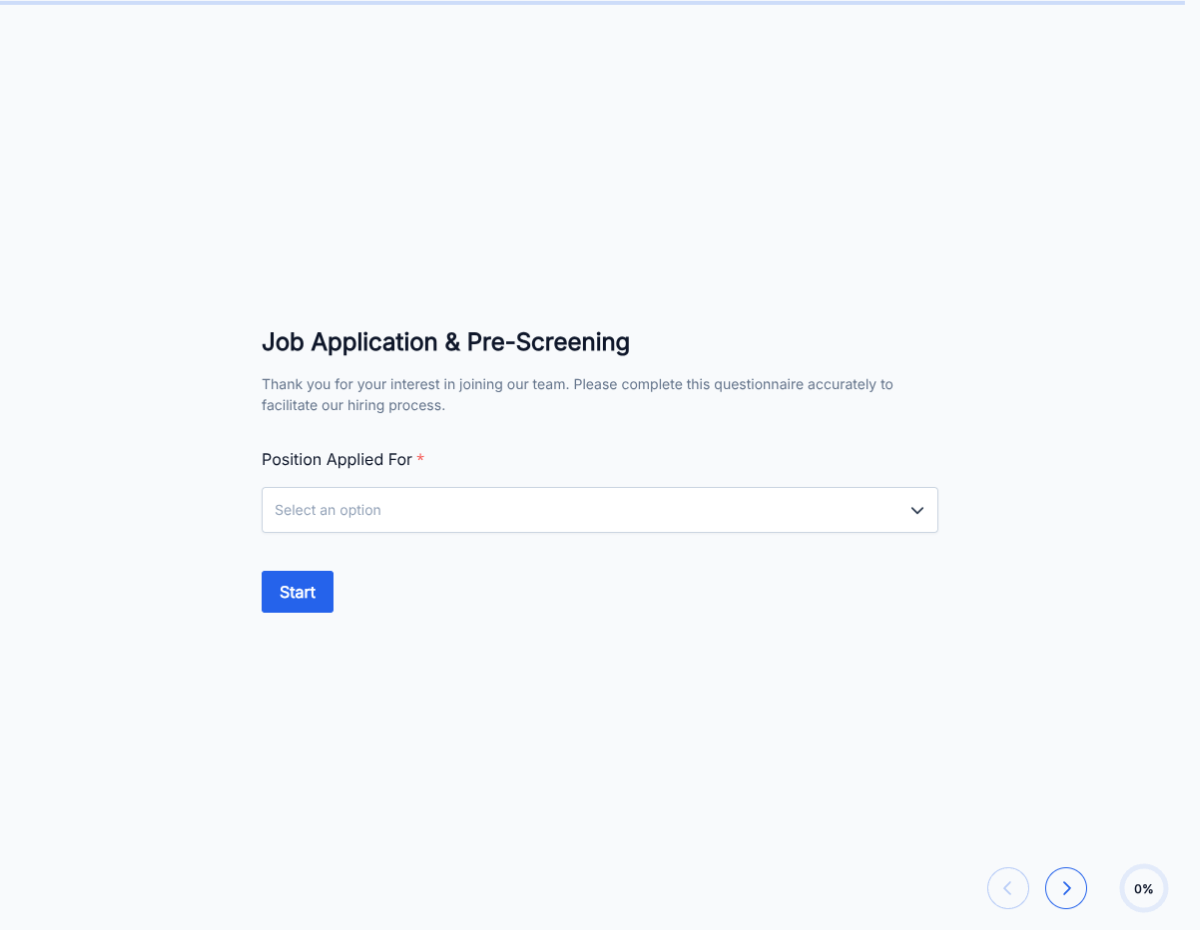
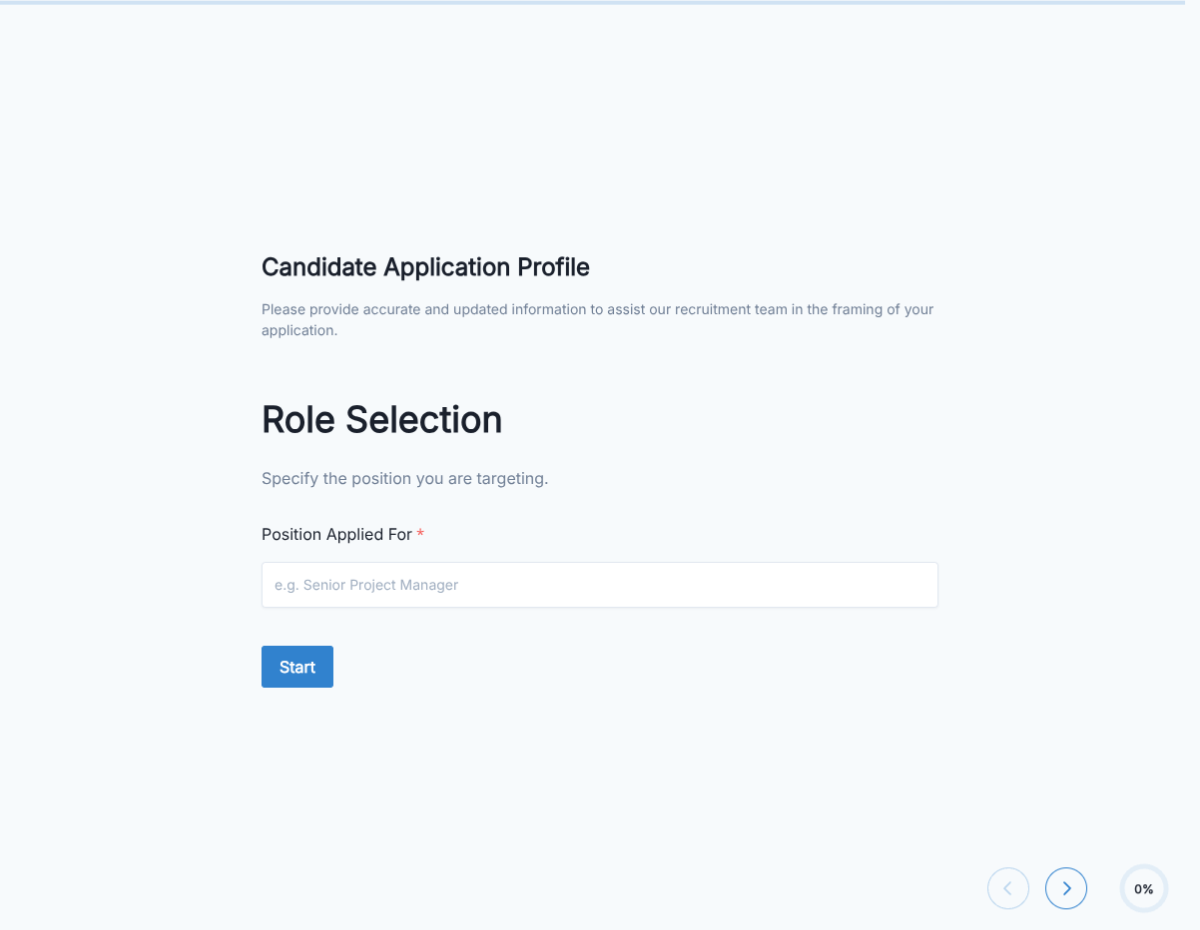
Configure role picker

Moderator / admin / support staff / event coordinator. Each triggers role-specific screening.

Add timezone + availability block

UTC offset dropdown + hours per week commitment + specific-shift preferences (US morning, EU evening, APAC late night).

Include scenario-based screening

Short-answer prompts on how the applicant would handle common mod scenarios: rule-breaking, escalating conflict, spam, harassment.

Wire delivery

Push each submission to your ATS or HRIS via a webhook, or use Zapier to fan out to Slack notifications and calendar invites. Turn on Autoresponder Email so the applicant gets acknowledged.

Publish and share

Embed on your careers page, share the direct URL on job boards, or drop a QR code on in-store hiring posters. Every submission lands in the dashboard with a clean PDF for the hiring file.

When to use this discord staff application form

Six Discord staff hiring scenarios this template handles.

Growing gaming community

Recruiting mods across 3-5 timezones for 24/7 coverage. Focuses on prior mod experience in gaming servers.

Creator / streamer community

Focus on brand-safety and chat moderation during live streams. TikTok / Twitch background a plus.

Brand / product community

Support-first mod team. Ticket-triage experience matters. Product knowledge a plus.

Investment / finance community

Strict spam / scam moderation. Prior finance-community mod experience valued.

Event / conference community

Short-term high-intensity mod team for live event. Availability during event window.

Youth-oriented / school community

Safeguarding focus. Age verification for mod applicants (18+). Youth-community mod experience required.

Fields included in this template

Standard Discord staff application fields.

  • Discord username + tag Short text

    Handle for adding as staff.

  • Real name (optional) Short text

    For internal team roster.

  • Age Number

    18+ verification for many roles.

  • Timezone Dropdown

    UTC offset for shift coverage.

  • Hours per week Number

    Weekly commitment level.

  • Role applying for Dropdown

    Mod / admin / support / event coordinator.

  • Prior mod experience Long text

    Servers, platforms, size, duration.

  • Server familiarity Radio

    Been in the server 1+ month / member less than 1 month / new.

  • Scenario response Long text

    How would you handle escalating conflict / spam wave / harassment claim?

  • Community values acknowledgement E-signature

    Read and agree to mod code of conduct.

  • References or vouches Long text

    Other server admins who can vouch for prior mod work.

  • Contact preference Radio

    Discord DM / email / other.

Questions we get a lot

Operator and signer questions about security, integrations, jurisdiction, and configuration.

Are submissions secure?
Yes. Every submission is encrypted in transit and at rest. Add a custom subdomain on paid plans so the form lives on your own URL through the entire flow.
Can I collect a resume or supporting files from the staff applicant?
Yes. The template ships a file upload field with configurable size and file-type limits. PDF, DOC, DOCX, and PNG/JPG all supported.
Can I auto-acknowledge the staff applicant after they submit?
Yes. Turn on Autoresponder Email so the applicant gets an acknowledgement the moment they submit. Attach the completed application as a PDF if your workflow needs it.
Can I route each submission to my ATS or CRM?
Yes. Push each submission via a webhook for real-time delivery, or use Zapier to fan out to your ATS, HRIS, and Slack. Google Sheets sync works if you just need a hiring log.
Can I disqualify applicants automatically?
Yes. Use conditional logic to route applicants based on any answer, or set fields as pass/fail to show a thanks page immediately when a hard requirement is not met.
How do I filter by timezone for 24/7 mod coverage?
Add a timezone field with UTC offset. Route applicants to different mod-team channels based on their timezone to ensure round-the-clock coverage.
Should Discord staff sign anything?
Community-values acknowledgement is recommended. Use e-signature to confirm the applicant has read the mod code of conduct and community guidelines.