bevdkbdf.formester.com/f/bj24mU342

DS-3053: Statement of Consent for Issuance of a U.S. Passport to a Minor

A DS-3053 Statement of Consent template mirrored for online intake: capture the non-applying parent's notarized consent for a minor's US passport and export the signed PDF.

Releases & Waivers

About this template

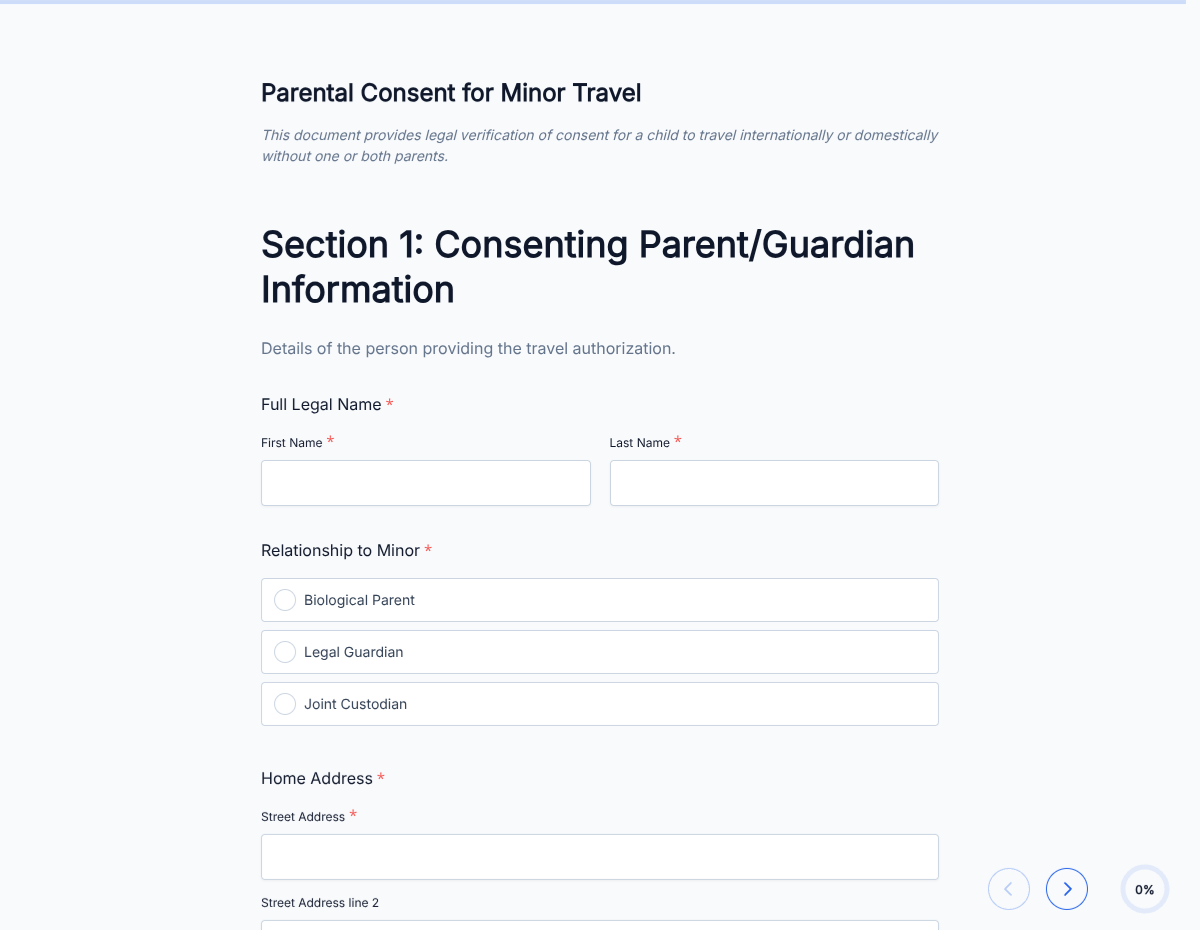
This DS-3053 form template runs on Formester's drag-and-drop form builder, structured around the US Department of State's requirements for a minor's passport. The non-applying parent provides written, notarized consent before US Passport Services will issue a passport to anyone under 16.

Skip the paper trail. The non-applying parent fills the consent details online, signs with e-signature, and you get a clean PDF ready for the passport agency. Every submission is encrypted in transit and at rest, so SSNs, passport numbers, and personal details stay secure.

Important: the official DS-3053 form must be physically notarized for the State Department. This template is for internal record-keeping, family coordination, and pre-fill before the in-person notary visit. Use the State Department's official PDF for the final notarized submission.

Use conditional logic to surface special-circumstance fields for sole-custody, deceased-parent, or guardian-by-court-order situations. Send the consenting parent an automatic acknowledgment with Autoresponder Email, and route the completed PDF to the family file via Google Sheets sync or Zapier.
How to customize this ds-3053 form (statement of consent for minor passport)

Seven steps to a working DS-3053 intake template that streamlines the family side of a minor passport application.

Brand the header

Replace the placeholder organization name, logo, address, and contact details with your brand. Set primary colors so the form matches the page it lives on.

Confirm the field set

The template mirrors the official DS-3053: applying parent, minor's details, non-applying parent's details, and a notarization block. Add or remove fields to match your records workflow.

Add the official-form disclaimer

Keep the disclaimer that reads 'This template is for record-keeping only. The official DS-3053 must be physically notarized before submission to US Passport Services.' Adjust the wording for your audience.

Branch by custody status

Use conditional logic to surface different fields based on the answer to the custody question: joint, sole, deceased other parent, or court-appointed guardian.

Wire delivery

Push every submission to your CRM or e-vault through a webhook, or use Zapier for fan-out to email, Slack, and notifications. Turn on Autoresponder Email if the signer should receive a copy.

Publish and share

Embed the form on your site, share the direct link by email, or generate a QR code for in-person signing. Every submission lands in the dashboard with a clean PDF for the file.

When to use this ds-3053 form (statement of consent for minor passport)

Six family and legal situations where this template streamlines the minor-passport workflow.

Both parents available

Joint custody. The non-applying parent fills the consent details online before the notary appointment so the in-person visit is fast.

Sole-custody parent

Surface the sole-custody affidavit block. Upload the court order or relevant evidence the State Department needs.

Deceased other parent

Different document required (death certificate). The form surfaces the right block based on the custody answer.

Court-appointed guardian

Captures the guardianship-order details and the guardian's signature in place of the second parent's.

Family-law attorney coordination

Attorney sends the form to the parent who needs to provide consent. The completed PDF goes into the case file before the notary appointment.

School-trip-driven passport application

Parents collect the DS-3053 information while the school plans the international trip, then walk into the notary with everything ready.

Fields included in this template

Mirrors the official DS-3053 field set. Use as a pre-fill record before the notary visit; the official paper form must still be physically notarized.

  • Minor's full legal name Short text

    Match the birth certificate exactly.

  • Minor's date and place of birth Date + short text

    For passport-application matching.

  • Minor's Social Security Number Short text + masking

    Required by the official DS-3053. Masked entry; encrypted at rest.

  • Applying parent: full name Short text

    Parent applying for the minor's passport on the minor's behalf.

  • Non-applying parent: full name Short text

    Parent providing the statement of consent.

  • Non-applying parent: DOB and SSN Date + short text + masking

    Identity confirmation. SSN entry is masked and encrypted.

  • Non-applying parent: ID type + number Dropdown + short text

    Driver's license, passport, or state ID used for notarization.

  • Custody status Radio

    Joint, sole, deceased other parent, or court-appointed guardian. Drives which evidence block appears.

  • Sole-custody evidence File upload, conditional

    Court order, death certificate, or guardianship order. Surfaced only when relevant.

  • Notary block Notary fields + signature

    Captures notary details for the in-person notarization visit.

  • Consent acknowledgement Checkbox

    Affirms the non-applying parent has read and agreed to the consent statement.

  • E-signature E-signature

    Online signature for record-keeping. The official DS-3053 still needs in-person notarization.

Questions we get a lot

Operator and signer questions about security, integrations, jurisdiction, and configuration.

Is the submission data secure?
Yes. Every submission is encrypted in transit and at rest. Add a custom subdomain on paid plans so the form lives on your own URL through the entire flow.
Can I capture a signature on the consent form?
Yes. The template includes an e-signature field, and the signed PDF is generated automatically on submission. Both parties can countersign if your workflow needs it.
Can I auto-send a copy to the signer?
Yes. Turn on Autoresponder Email to send the completed PDF to the signer the moment they submit. No manual follow-up required.
Can I route every submission to my system of record?
Yes. Push each submission via a webhook for real-time delivery, or use Zapier to fan out to your CRM, e-vault, and ops stack. Google Sheets sync works if you just need a log.
Is this the official US Department of State DS-3053?
No. This is an online intake template that captures the same information the official DS-3053 collects. The official DS-3053 must be physically notarized and submitted to US Passport Services. Use this template for family coordination and pre-fill before the notary visit.
What if I have sole custody?
Use conditional logic to surface the sole-custody affidavit block. Upload the court order, death certificate, or other evidence the State Department requires (DS-5525 or equivalent). The template flags which document applies based on the answer.