bevdkbdf.formester.com/f/WNZgKoEPU

Esthetician Treatment Consent & Waiver

An esthetician consent form covering skin history, contraindications, treatment plan, aftercare acknowledgement, and signed consent. Exported as a signed PDF for the client file.

Releases & Waivers

About this template

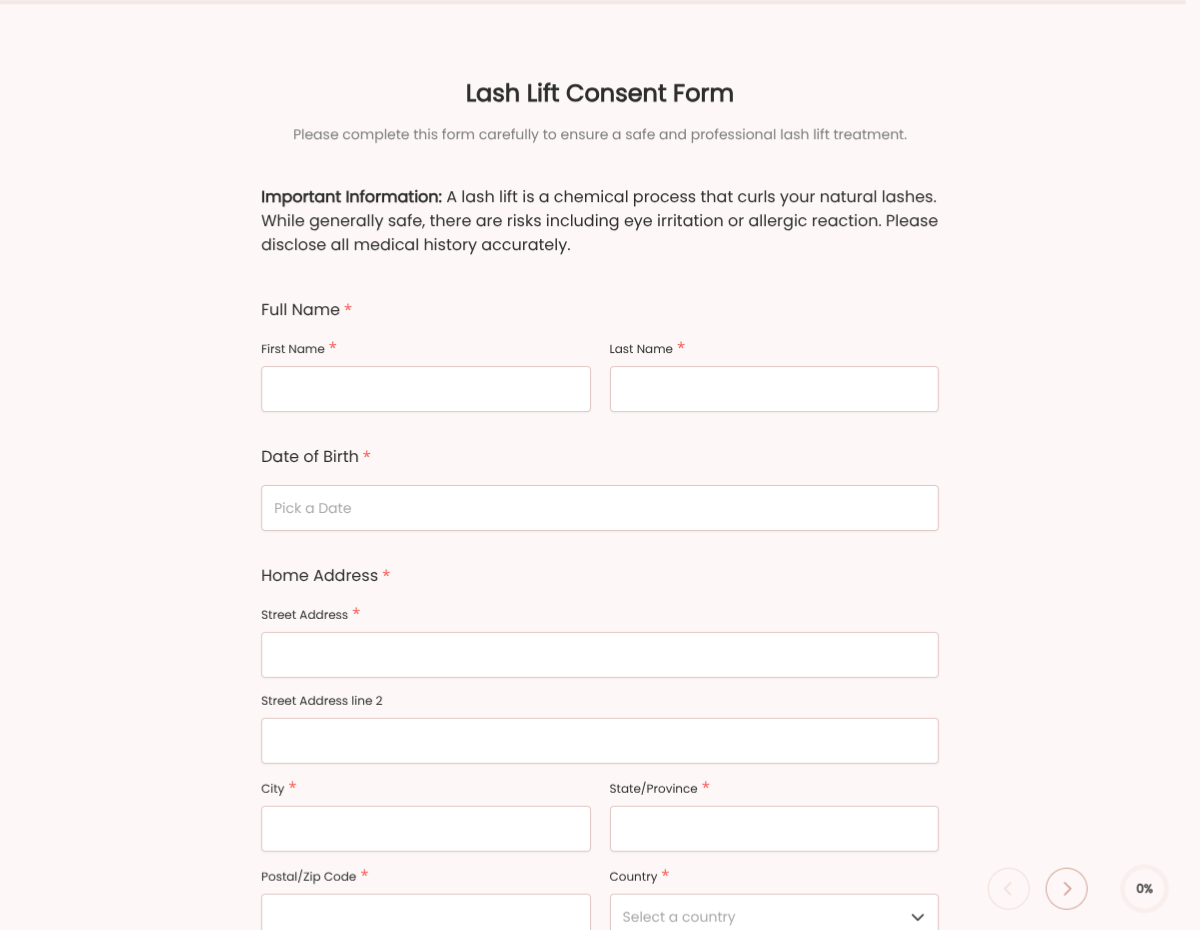
This esthetician consent form template runs on Formester's drag-and-drop form builder, sized for solo estheticians, day spas, and skincare clinics. Capture the client's skin history, contraindications, treatment plan, and signed consent in one flow before the service begins.

Replace the paper intake. Clients fill the form on a tablet at check-in, sign with e-signature, and the PDF lands in the client file. Encrypted in transit and at rest.

Use conditional logic to surface contraindication-specific blocks (recent Accutane, active retinoid use, recent chemical peel, pregnancy), reveal a patch-test acknowledgement when the service requires it, or scope the consent per service type.

Auto-send the signed consent back to the client via Autoresponder Email, route every form to your booking system via webhooks, and keep a clean client history across visits.
How to customize this esthetician consent form

Six steps to a studio-ready esthetician intake.

Brand the header

Replace the placeholder organization name, logo, address, and contact details with your brand. Set primary colors so the form matches the page it lives on.

Edit the skin history block

Add or remove skin-history items: Fitzpatrick scale, recent Accutane (and how long ago), current retinoid use, pregnancy, autoimmune conditions, allergies.

Configure service-specific blocks

Add the services you offer (chemical peel, microneedling, dermaplane, lash lift, etc.). Each service surfaces its own contraindication checklist and aftercare instructions.

Update aftercare language

Swap the aftercare instructions for your studio's specific guidelines (sun exposure, skincare products to avoid, follow-up window). Add a checkbox so the client confirms they read it.

Wire delivery

Push every submission to your CRM or e-vault through a webhook, or use Zapier for fan-out to email, Slack, and notifications. Turn on Autoresponder Email if the signer should receive a copy.

Publish and share

Embed the form on your site, share the direct link by email, or generate a QR code for in-person signing. Every submission lands in the dashboard with a clean PDF for the file.

When to use this esthetician consent form

Six studio scenarios this template handles.

New-client first appointment

Full intake at check-in: skin history, contraindications, treatment plan, signed consent.

Chemical peel consultation

Service-specific contraindication block surfaces (recent Accutane, active retinoid). Captures the peel level, expected downtime, and aftercare acknowledgement.

Microneedling session

Specific contraindications (recent fillers, antibiotics, blood thinners). Captures the consent unique to needle-based procedures.

Recurring client follow-up

Returning client. The shorter form captures any changes to medications, recent procedures elsewhere, and the consent for today's service.

Under-18 minor client

Parent-or-guardian signature block surfaces. Captures both the minor's assent and the parent's signed consent.

Pop-up event or expo

Studio runs a pop-up. QR-code launches the form; consent collected before any service.

Fields included in this template

Standard esthetician intake. Adjust per service.

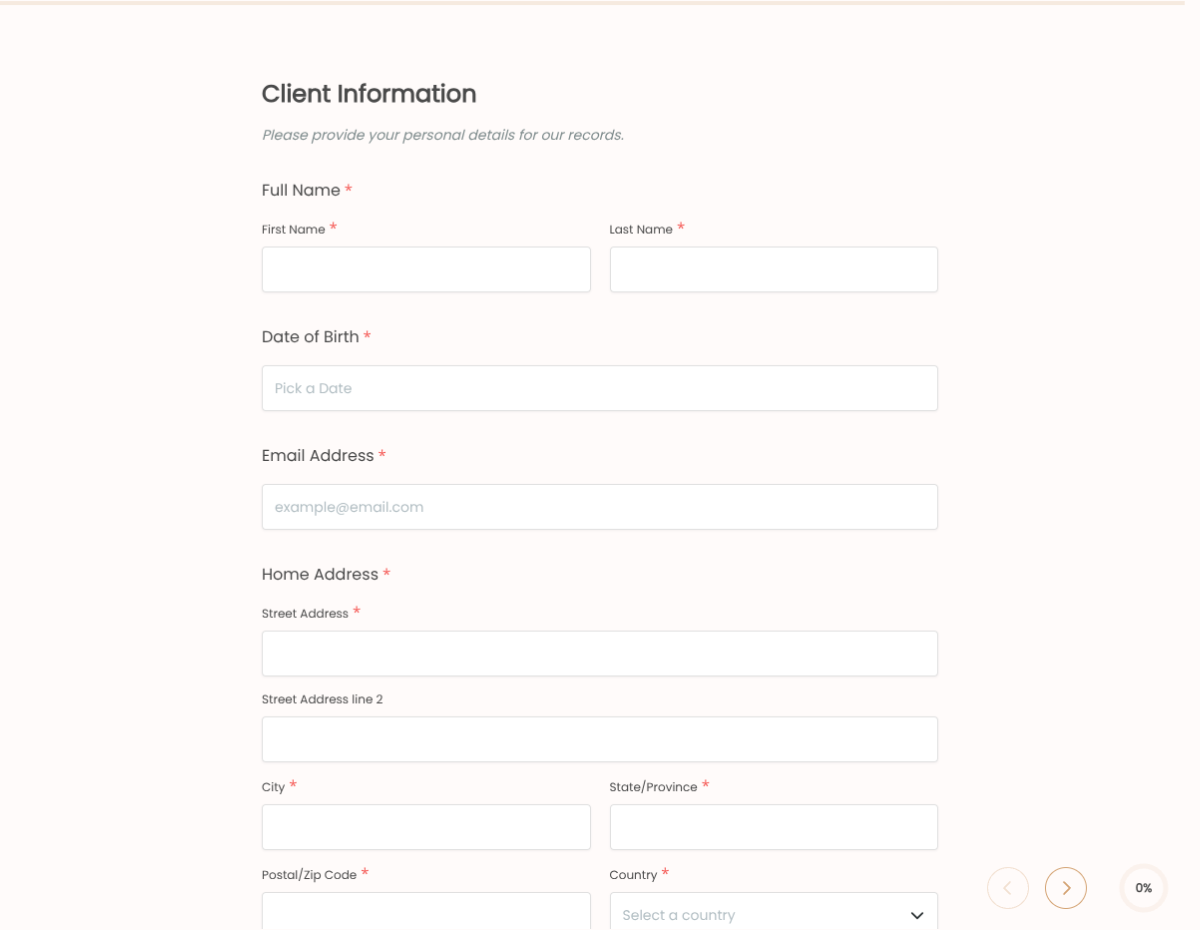
  • Client name Short text

    Full legal name for the client file.

  • Date of birth Date picker

    Drives minor-consent block when under 18.

  • Contact details Email + Phone

    Confirmation and aftercare follow-up.

  • Fitzpatrick skin type Dropdown

    Type I through VI. Drives sun-exposure and peel-strength flags.

  • Skin concerns Multi-select

    Acne, hyperpigmentation, fine lines, sensitivity, redness, dryness.

  • Current skincare regimen Long text

    Active ingredients in current use (retinoids, AHAs, BHAs, vitamin C).

  • Medications Long text

    Including Accutane, antibiotics, blood thinners, hormonal medications.

  • Medical conditions Multi-select

    Autoimmune, recent surgery, pregnancy, active cold sores, history of cold-sore outbreaks.

  • Service today Dropdown

    Drives the service-specific contraindication block.

  • Treatment plan Long text

    Practitioner notes on today's treatment plan and follow-up frequency.

  • Aftercare acknowledgement Checkbox

    Client confirms they have read and understood the aftercare guidelines.

  • Client signature E-signature

    Captures the consent in legally-defensible form.

Questions we get a lot

Operator and signer questions about security, integrations, jurisdiction, and configuration.

Is the submission data secure?
Yes. Every submission is encrypted in transit and at rest. Add a custom subdomain on paid plans so the form lives on your own URL through the entire flow.
Can I capture a signature on the consent form?
Yes. The template includes an e-signature field, and the signed PDF is generated automatically on submission. Both parties can countersign if your workflow needs it.
Can I auto-send a copy to the signer?
Yes. Turn on Autoresponder Email to send the completed PDF to the signer the moment they submit. No manual follow-up required.
Can I route every submission to my system of record?
Yes. Push each submission via a webhook for real-time delivery, or use Zapier to fan out to your CRM, e-vault, and ops stack. Google Sheets sync works if you just need a log.
Can I have separate forms per service?
You can run multiple forms (one per service) or use one master form with conditional logic to surface service-specific blocks (chemical peel, microneedling, lash, etc.). Most studios start with one master and clone for high-volume services.
Can I track contraindications across visits?
Yes. Push every submission to your CRM or client-management tool via webhook so the next visit picks up where the previous form left off. Pair with the email field to lookup prior history.