bevdkbdf.formester.com/f/hKhqOXWOT

Fitness Consent and Liability Waiver Form

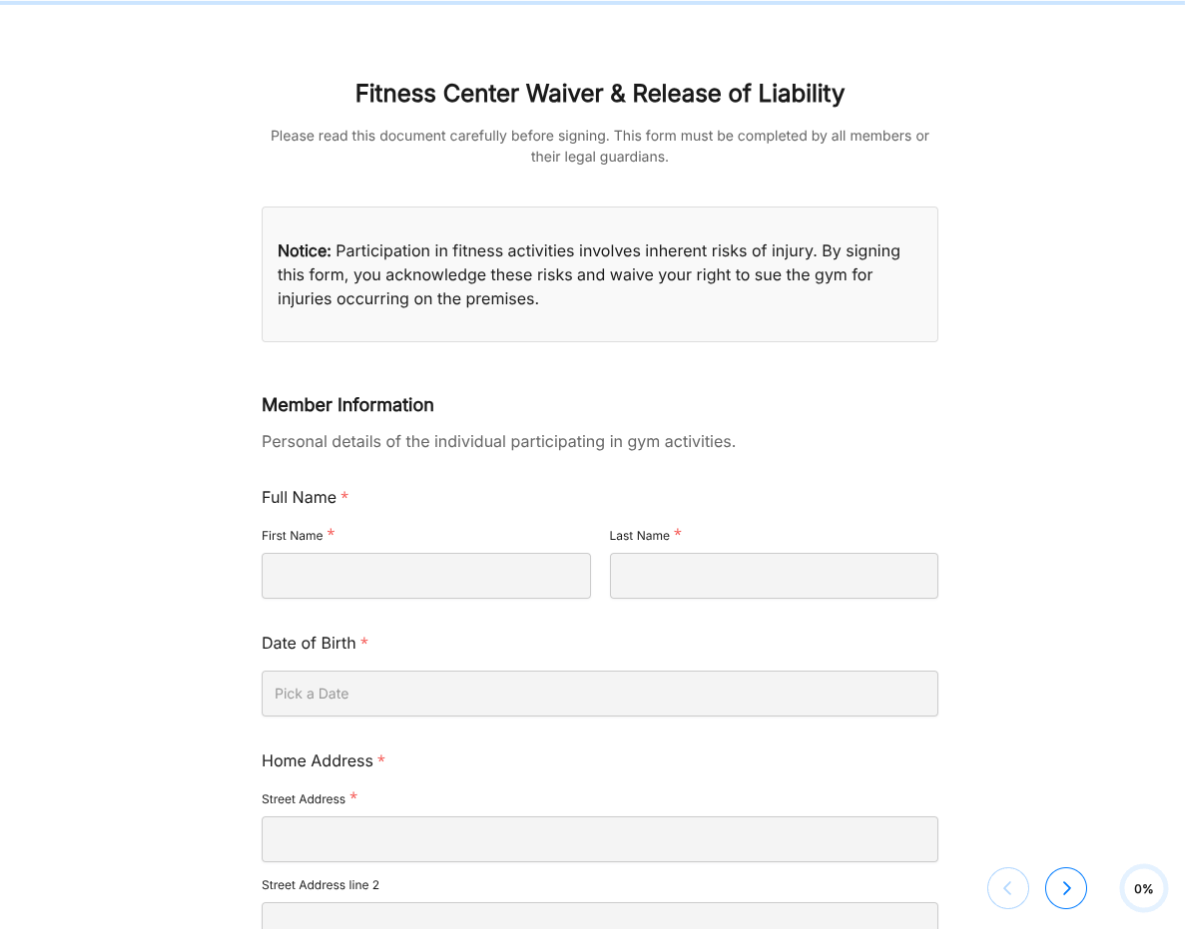
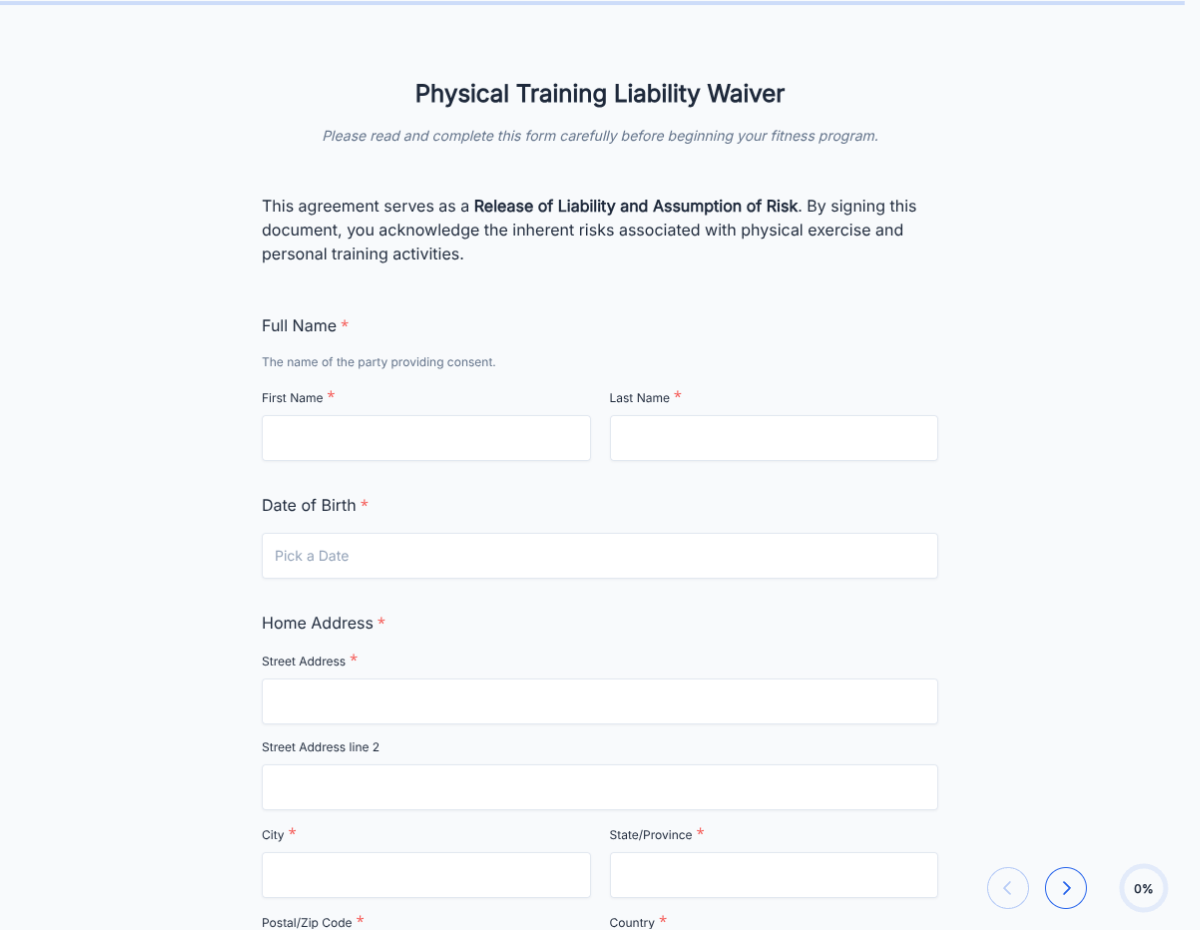
A general fitness liability waiver covering health screening, acknowledgement of risk, emergency contact, and signed release. Exported as a signed PDF for the studio or gym file.

Operations

About this template

This fitness waiver form template runs on Formester's drag-and-drop form builder, sized for boutique fitness studios, group-class operators, and any workout provider needing a documented liability release.

Replace the paper clipboard at the front desk. New members fill the form before their first session, sign with e-signature, and the PDF lands in the member file. Encrypted in transit and at rest.

Use conditional logic to surface injury-specific blocks (back, knee, shoulder), reveal the cardio-screening block for high-intensity classes, or surface the prenatal block when applicable.

Auto-send the signed waiver to the member via Autoresponder Email, push every submission to your gym management software via webhooks or Zapier, and skip the data re-entry.
How to customize this fitness waiver form

Six steps to a studio-ready fitness waiver.

Brand the header

Replace the placeholder organization name, logo, address, and contact details with your brand. Set primary colors so the form matches the page it lives on.

Configure the health screening

Add or remove screening items (heart condition, recent surgery, chronic pain, pregnancy, asthma, high blood pressure). Each surfaces a notes field for context.

Add session-type disclaimers

Add your class menu (HIIT, strength, cycling, mobility, one-on-one). Each session type surfaces its specific disclaimer at submission.

Capture experience level

Capture the member's fitness experience (beginner, intermediate, advanced, returning from injury). Instructor sees the level on the class roster.

Wire delivery

Push every submission to your CRM or e-vault through a webhook, or use Zapier for fan-out to email, Slack, and notifications. Turn on Autoresponder Email if the signer should receive a copy.

Publish and share

Embed the form on your site, share the direct link by email, or generate a QR code for in-person signing. Every submission lands in the dashboard with a clean PDF for the file.

When to use this fitness waiver form

Six fitness scenarios this template handles.

New-member first session

Pre-session intake. Captures health screening, emergency contact, and signed release before the first workout.

HIIT or high-intensity class

Cardio screening block surfaces. Captures heart-rate and high-intensity-specific acknowledgement.

Cycling studio

Saddle-setup, hydration, and indoor-cycling-specific disclaimer.

Strength training

Lifting-specific intake. Form-knowledge and prior-injury screening surface.

Prenatal class

Pregnancy block surfaces (trimester, OB clearance, modifications).

Trial drop-in

Shorter form for one-off drop-in. Captures the essentials before the first class.

Fields included in this template

Standard fitness-studio waiver fields. Adjust per session type.

  • Member name Short text

    Full legal name for the studio file.

  • Date of birth Date picker

    Drives the parent-or-guardian-signature block when under 18.

  • Contact details Email + Phone

    Confirmation, class reminders, emergency follow-up.

  • Experience level Dropdown

    Beginner, intermediate, advanced, returning from injury.

  • Session type Dropdown

    Drives the session-specific disclaimer.

  • Health screening Multi-select

    Heart condition, high BP, chronic pain, asthma, pregnancy, recent surgery.

  • Injuries Multi-select + notes

    Current and prior injuries. Notes capture limitations.

  • Doctor clearance Yes/No + upload

    Required when health screening flags a condition. Upload doctor's note if requested.

  • Emergency contact Name + Phone

    Reachable during class hours.

  • Photo release Checkbox, optional

    Toggle for studio social-media photos.

  • Acknowledgement of risk Checkbox

    Member confirms they understand the physical risks of fitness training.

  • Member signature E-signature

    Captures the waiver in legally-defensible form.

Questions we get a lot

Operator and signer questions about security, integrations, jurisdiction, and configuration.

Is the submission data secure?
Yes. Every submission is encrypted in transit and at rest. Add a custom subdomain on paid plans so the form lives on your own URL through the entire flow.
Can I capture a signature on the waiver?
Yes. The template includes an e-signature field, and the signed PDF is generated automatically on submission. Both parties can countersign if your workflow needs it.
Can I auto-send a copy to the signer?
Yes. Turn on Autoresponder Email to send the completed PDF to the signer the moment they submit. No manual follow-up required.
Can I route every submission to my system of record?
Yes. Push each submission via a webhook for real-time delivery, or use Zapier to fan out to your CRM, e-vault, and ops stack. Google Sheets sync works if you just need a log.
Does this cover group classes and one-on-one training?
Yes. Add a session-type dropdown (group class, one-on-one, small group) and use conditional logic to surface the relevant disclaimers for each. One master waiver covers your whole schedule.
Can I integrate with my gym management tool?
Yes. Push every submission to your gym software (Mindbody, Mariana Tek, etc.) via webhook or Zapier. Member profile populates automatically with the waiver date on file.