Free Laptop Request Form Template
A laptop request form lets IT teams, HR managers, and school administrators collect device requests in one place. Use this template to capture the requester's name, role, justification, preferred specs, delivery date, and manager approval. Embed it on your intranet, share by link, or send through Slack. Responses flow to a single dashboard so procurement can act without chasing emails. Use this template for corporate IT onboarding, school 1:1 device programs, employee laptop refresh cycles, or remote-worker equipment kits. Pair it with autoresponder email confirmation, conditional approval routing, and CSV export to your asset tracker.
About this template
Managing laptop requests manually can be time-consuming and unorganized. The Laptop Request Form simplifies this process by allowing employees, students, or team members to request a laptop through a structured, digital form.
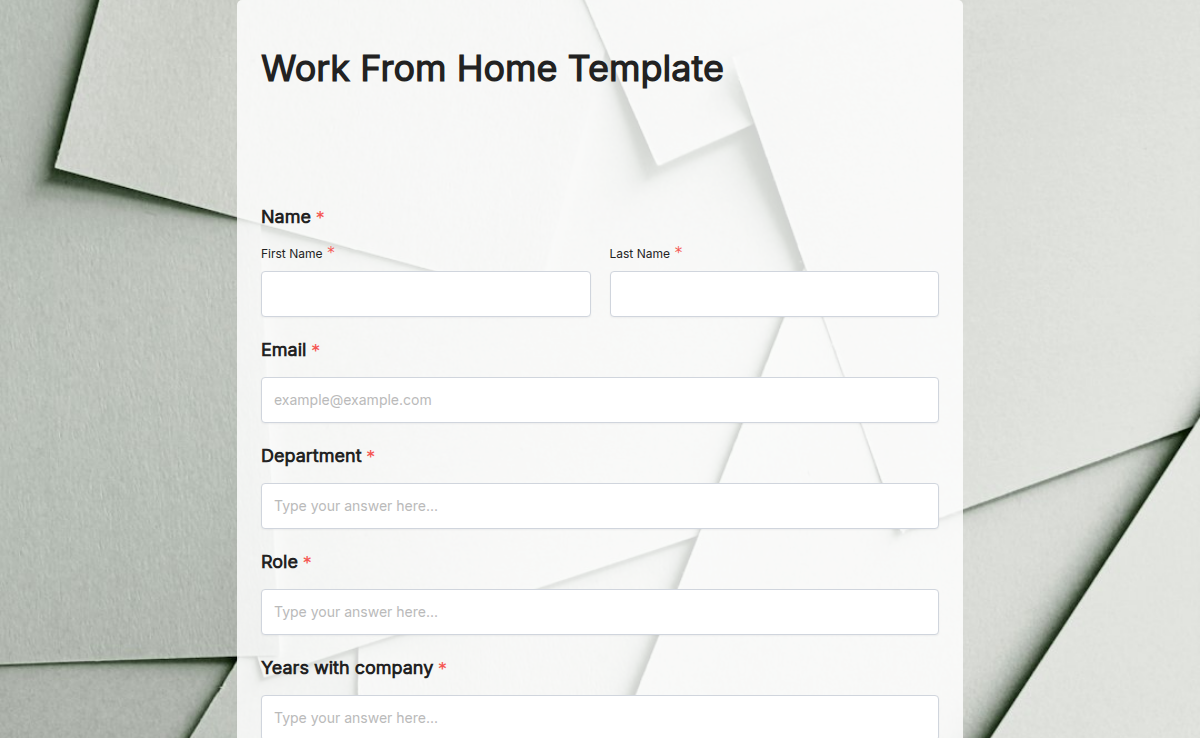
With Formester’s Form Builder, you can customize the form to fit your company’s requirements. Employees can enter details like their department, job role, and the reason for requesting a laptop. IT teams and managers can approve requests digitally, reducing paperwork and delays.
For organizations with different request types, conditional logic can be used to show or hide fields based on the user’s selection. If a person requests a high-end laptop, additional approval fields can appear automatically.
To ensure accountability, add electronic signatures so that employees acknowledge company policies before receiving their laptops. Once submitted, the form responses can be exported for IT tracking and compliance purposes.
With embed options, you can integrate this form into your internal systems or employee portal for easy access. The drag-and-drop form builder makes customization simple, even for those without technical knowledge.
By using a Laptop Request Form, organizations can improve efficiency, reduce miscommunication, and ensure laptops are allocated properly based on need and approval processes.