Open the template
Click Use Template. The full form, conditional rules, and any e-signature flow load in the Formester drag-and-drop builder ready to edit.
A lifeguard job application form for pools, beaches, and aquatic centers. Captures certification, CPR, water-rescue experience, and availability by shift and season.
This lifeguard application form runs on Formester's drag-and-drop builder, sized for pools, beaches, water parks, and aquatic centers running seasonal or year-round lifeguard hiring.
The template captures Red Cross / Ellis / YMCA certification, CPR / AED for the Professional Rescuer, water-rescue experience, and shift availability. Certifications are required and get uploaded via file upload.
Use conditional logic to surface facility-specific fields: shallow-water only vs deep-water, indoor pool vs outdoor beach, competitive-swim knowledge for swim-team environments.
Every submission auto-acknowledges the applicant, verifies certification expiration dates, and routes to the head lifeguard via webhook for shift scheduling.
Six steps to a facility-ready hiring flow.
Click Use Template. The full form, conditional rules, and any e-signature flow load in the Formester drag-and-drop builder ready to edit.
Replace the placeholder company name, logo, and job title. Set primary colors so the form matches your careers page or hiring portal.
Red Cross Lifeguarding, CPR / AED for the Professional Rescuer, First Aid. Upload each certification with expiration date.
Pool / beach / water park / camp waterfront. Each triggers relevant additional certifications (waterfront lifeguarding, surf rescue).
Weekday morning, afternoon, evening. Weekend. Summer season vs year-round. Peak hours (Saturday afternoon) get priority in scheduling.
Push each submission to your ATS or HRIS via a webhook, or use Zapier to fan out to Slack notifications and calendar invites. Turn on Autoresponder Email so the applicant gets acknowledged.
Embed on your careers page, share the direct URL on job boards, or drop a QR code on in-store hiring posters. Every submission lands in the dashboard with a clean PDF for the hiring file.
Six lifeguard hiring scenarios this template handles.
Seasonal hire. Red Cross lifeguarding + CPR / AED. Weekend + evening availability priority.
Surf rescue certification. Ocean-swimming experience. Strong endurance.
Guest-service focus. Multi-lingual bonus. Year-round year-round schedule.
Swim-lesson instruction experience. Rotating shifts across pool and program space.
Water-park-specific rescue training. Slide-attendant certification if applicable.
Waterfront module cert. Overnight camp shifts. Certified in first aid + wilderness response.
Standard lifeguard application fields.
Full name Short text
Legal name for the background check.
Contact Email + Phone
For scheduling.
Work authorization Radio
For W-2 employment. Nannies often paid on payroll.
CPR / First Aid certification Checkbox + upload
Current cert required. Upload the card.
Background check consent E-signature
Standard for anyone working with children or vulnerable adults.
Years of caregiving experience Number
With age groups (infants, toddlers, school-age, elderly).
Prior positions Long text
Recent caregiving roles with dates and references.
References Repeatable name + phone
Three references, ideally from families or agencies.
Certifications and training Multi-select
Infant CPR, medication administration, special-needs training, ECE degree.
Availability Multi-select
Weekdays, weekends, overnights, live-in, backup.
Transportation Radio
Own vehicle, valid driver's license, willingness to drive children.
Signature E-signature
Attests information is accurate.
Operator and signer questions about security, integrations, jurisdiction, and configuration.
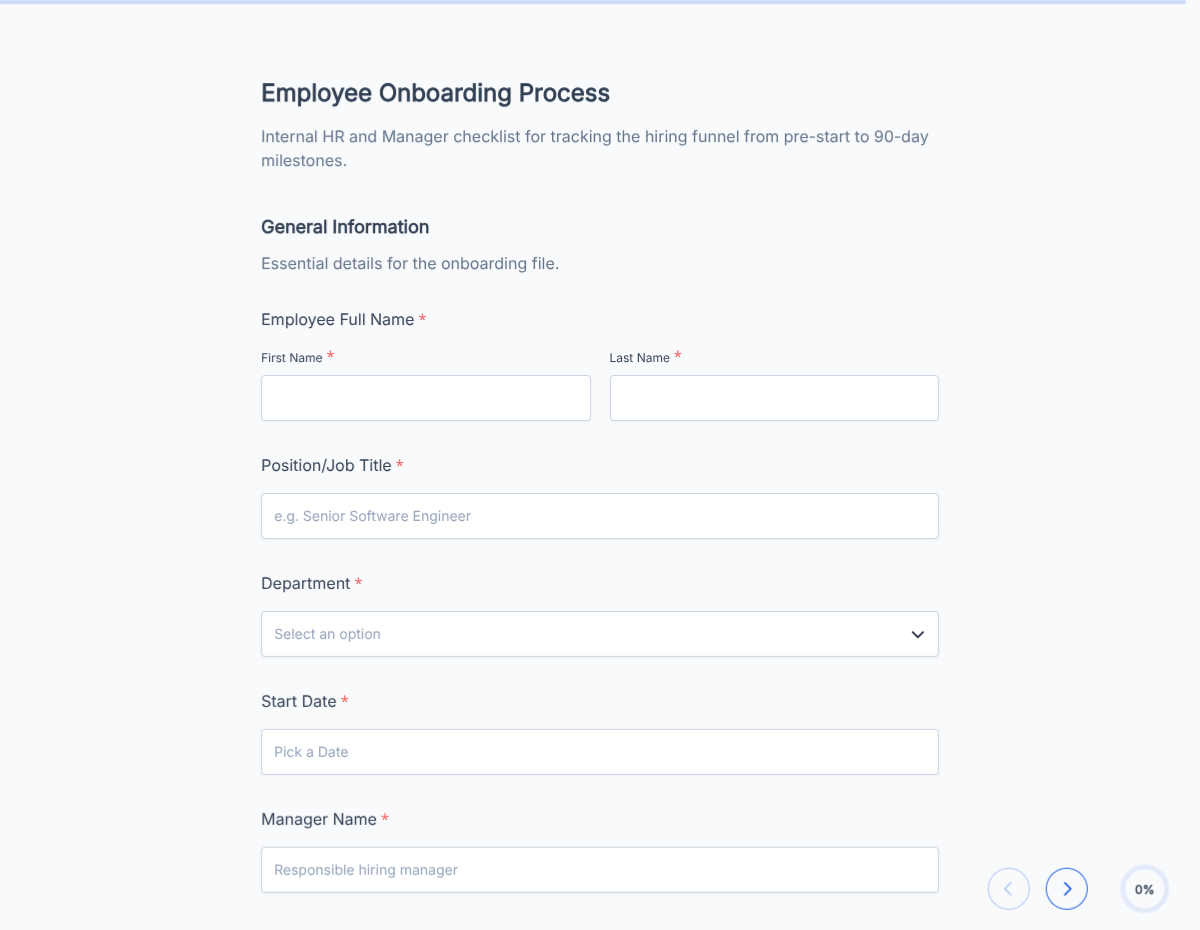
An employee onboarding checklist template covering paperwork, IT provisioning, benefits enrollment, and week-1 training. Exported as a signed completion PDF for the HR file.
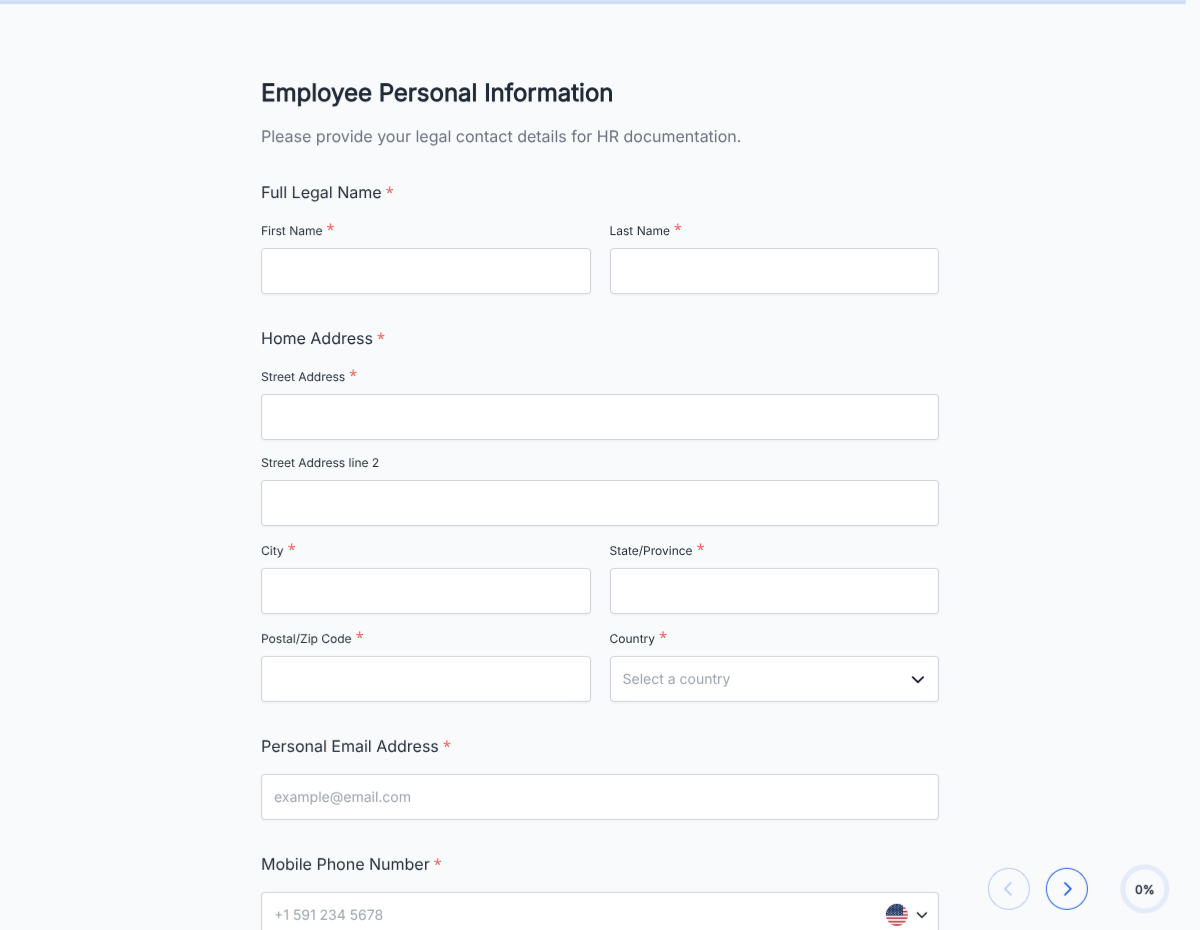
A new hire paperwork template covering I-9, W-4, direct deposit, emergency contact, and standard policy acknowledgements. Exported as a signed PDF packet for the HR file.
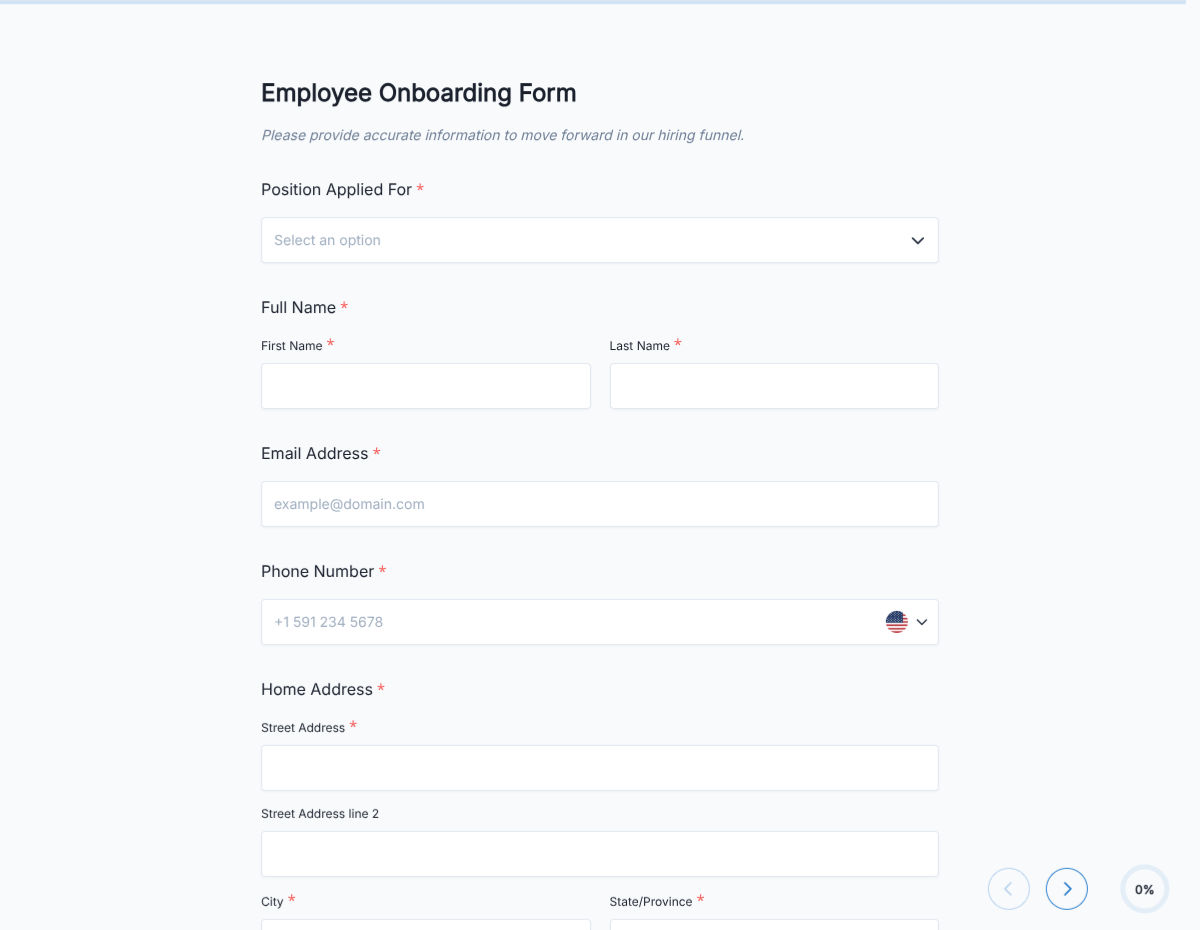
An employee onboarding template that consolidates paperwork, IT provisioning, benefits enrollment, and week-1 training milestones into a single signed PDF for the personnel file.
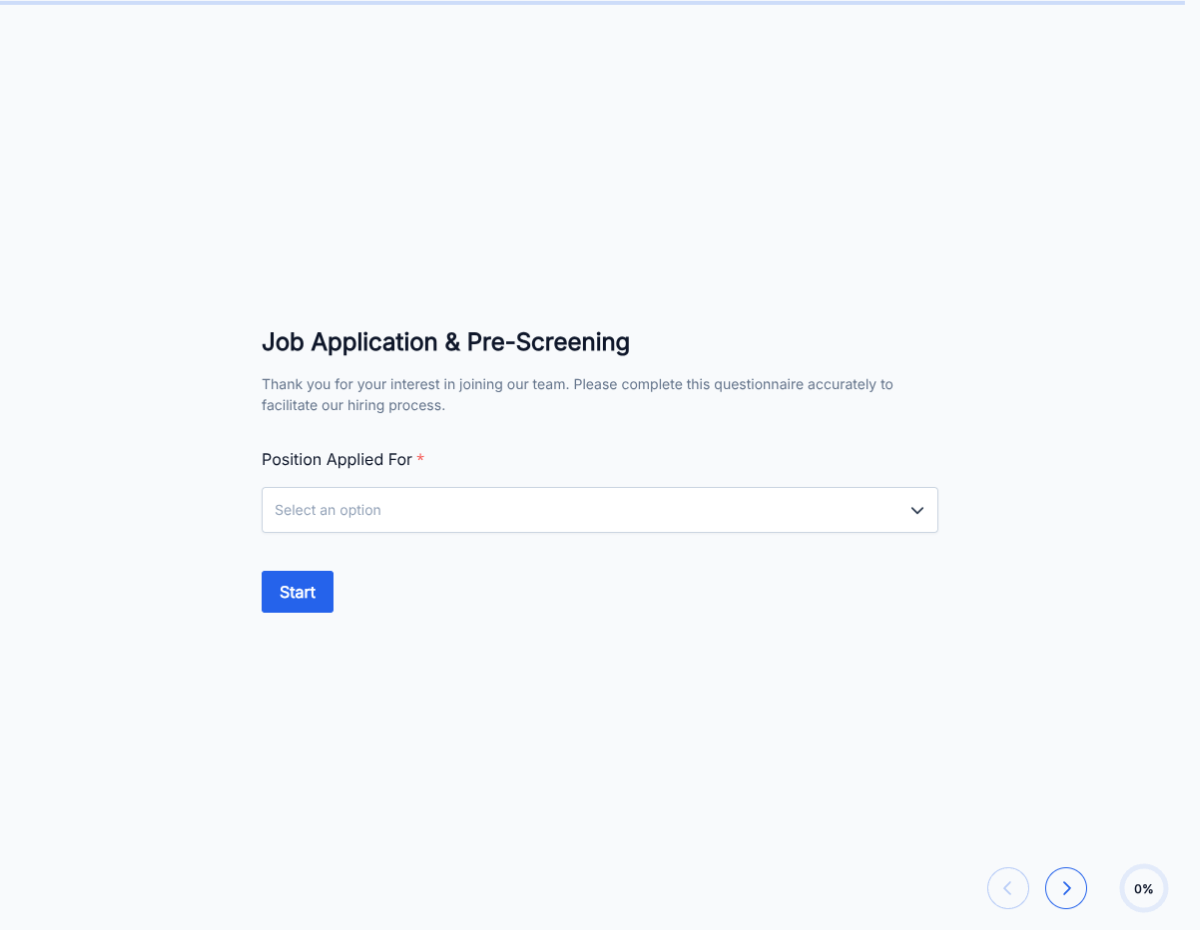
A pre-employment questionnaire covering role fit, work authorization, availability, salary expectations, and background-check consent. Screens candidates before you invest interview time.
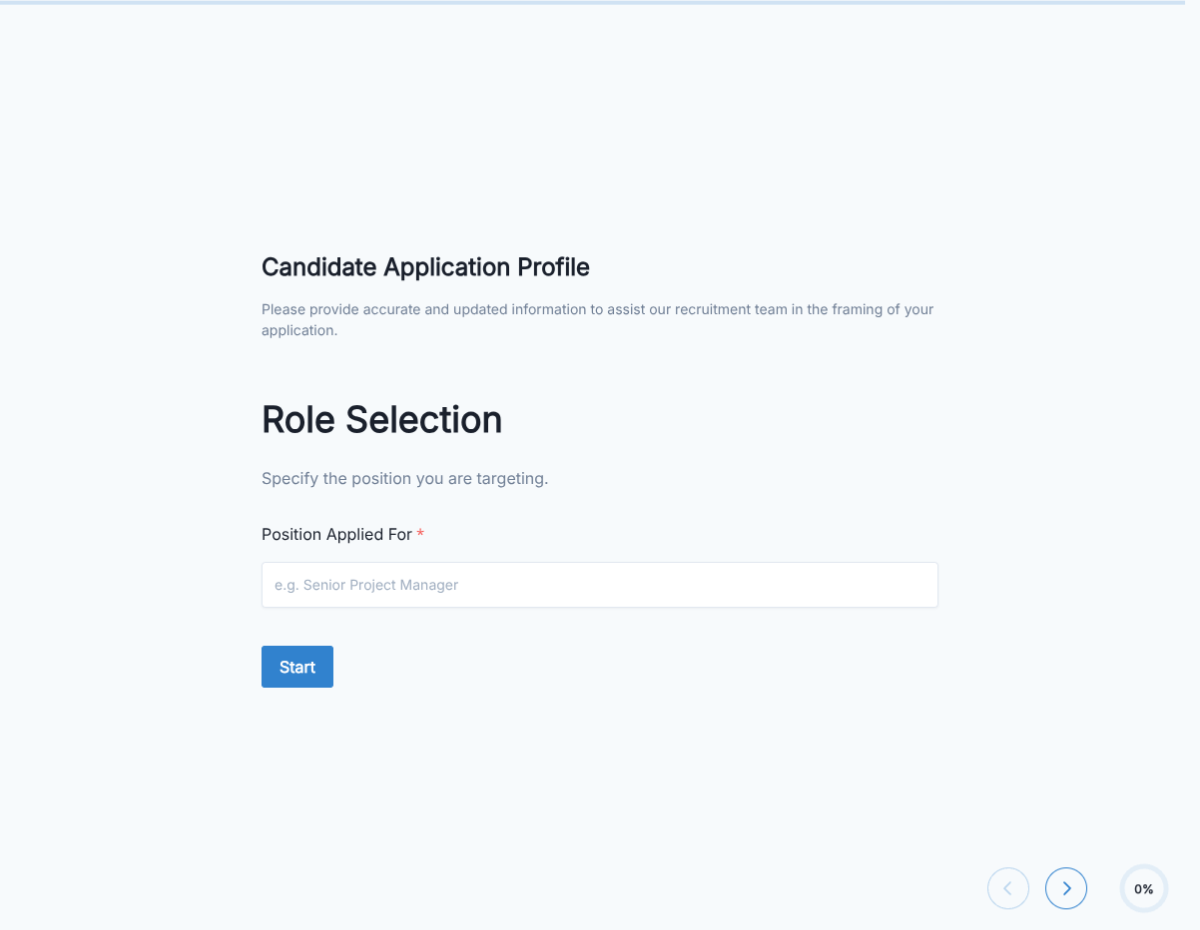
A candidate application form covering contact info, resume upload, role fit, availability, and background-check consent. Exported as a signed PDF for the hiring file.
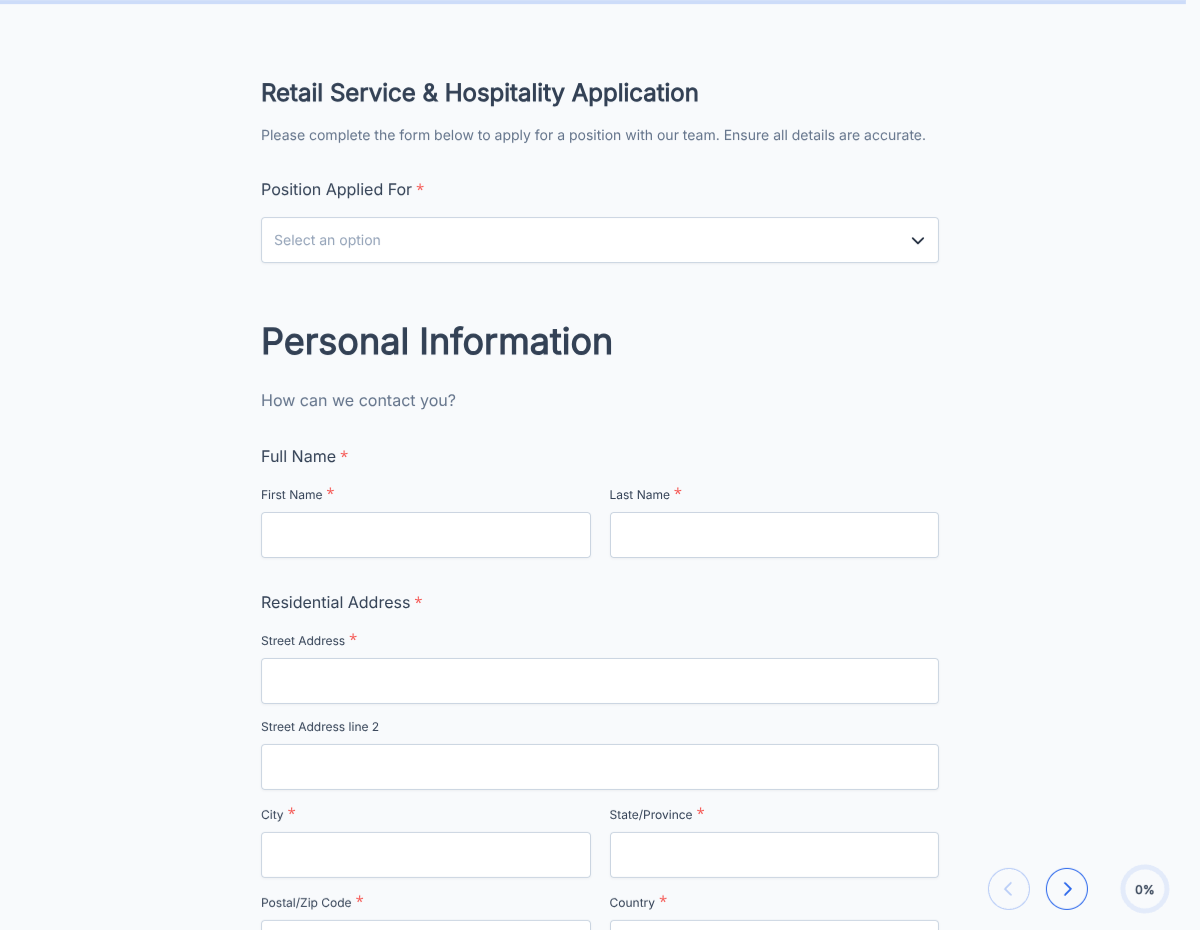
A retail job application form covering availability, POS experience, customer-service background, and standard consents. Exported as a signed PDF for the hiring file.
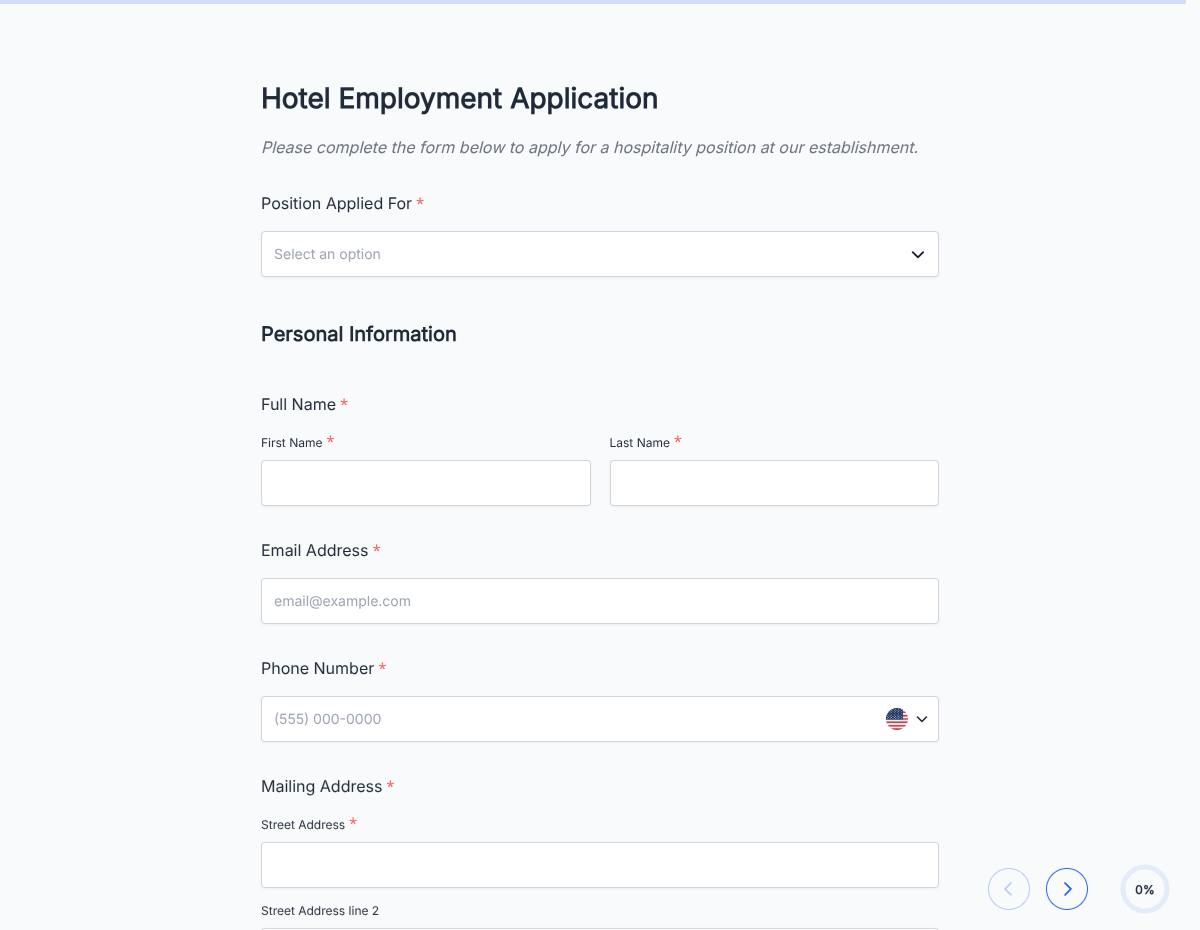
A hotel job application form covering front desk, housekeeping, F&B, and management-track roles. Captures availability, experience, and standard consents.