bevdkbdf.formester.com/f/7f22287e-1e90-40cf-87ad-f76e852b66a2

Online Doctor's Appointment Form

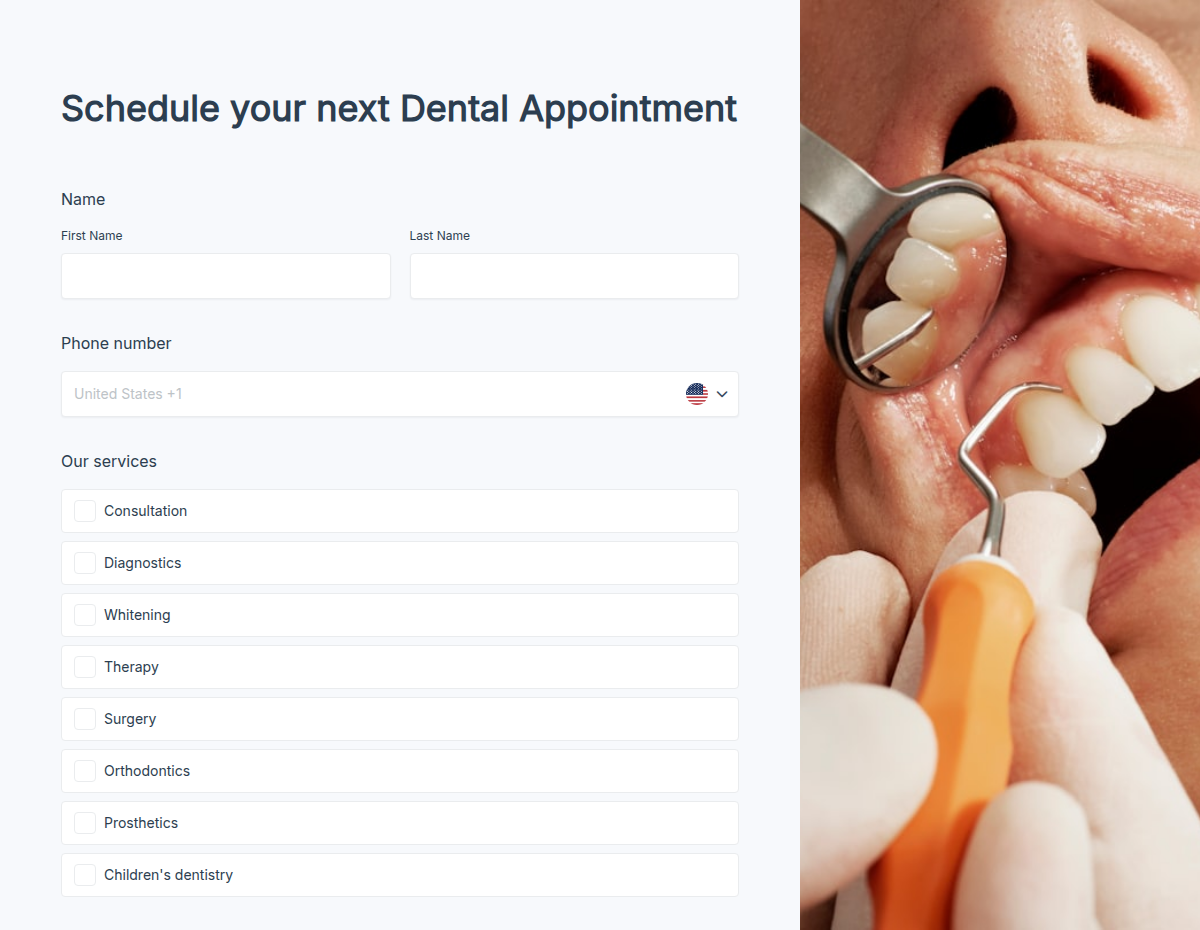
A ready-to-use doctor appointment form built for clinics, telehealth providers, hospitals, private practices, and dentists. Patients pick a doctor, choose a time slot, share their reason for visit, and submit insurance and symptom details in under two minutes. You receive booking notifications, send automatic confirmations and reminders, and route requests to the right doctor without back-and-forth email.

Healthcare Forms

About this template

Patient booking is one of the highest-friction touchpoints in healthcare. Phone tag, missed calls, and double-booked slots cost clinics hours every week. This doctor appointment form template collects everything you need at the point of request, so the next contact with the patient is a confirmation, not a follow-up.

Use the Formester form builder to drop in your specialties, doctors, and available slots in minutes. Add conditional logic so the form asks new patients for insurance and medical history, but skips those fields for follow-up visits. Plug in the appointment scheduler to let patients pick from live availability, and turn on autoresponder email to send confirmations and reminders without lifting a finger.

For practices handling sensitive data, Formester ships with TLS encryption in transit, encrypted storage at rest, and supports secure file upload for insurance cards, referrals, and lab results. Review our security page for full details, including GDPR posture and data handling.
How to customize this template in four steps

From "Use Template" click to a live, branded booking form most clinics finish in under 15 minutes.

Use the template

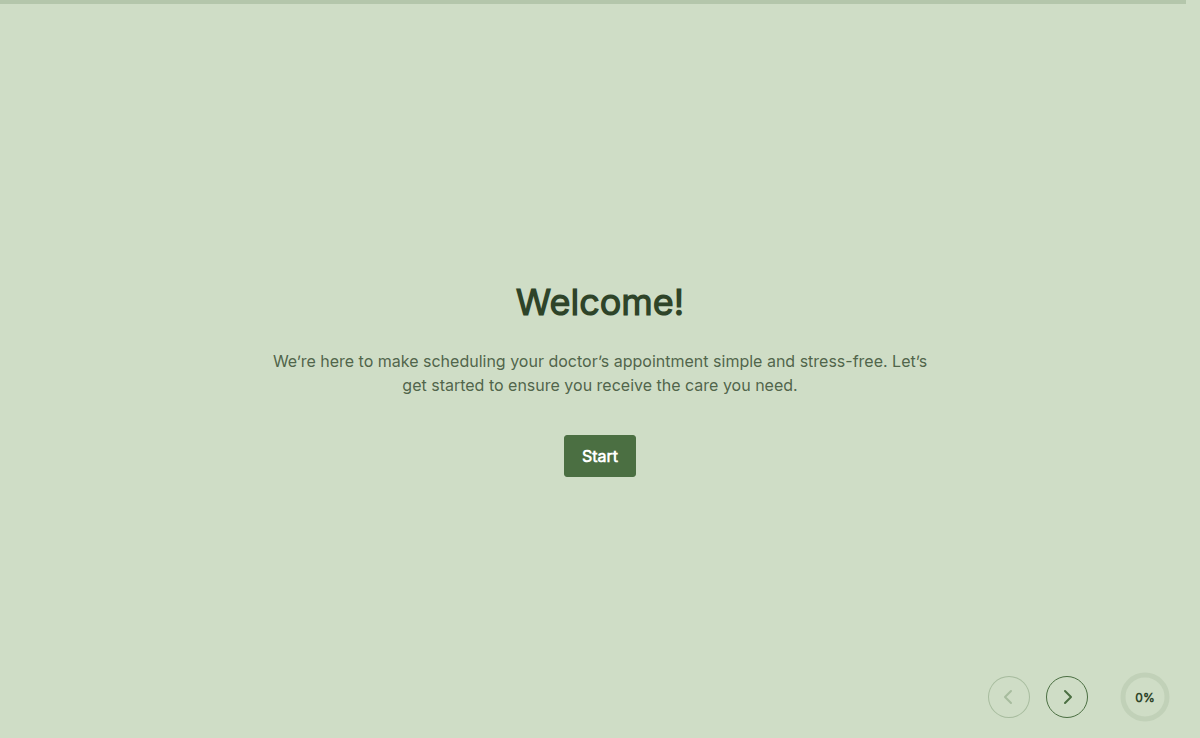
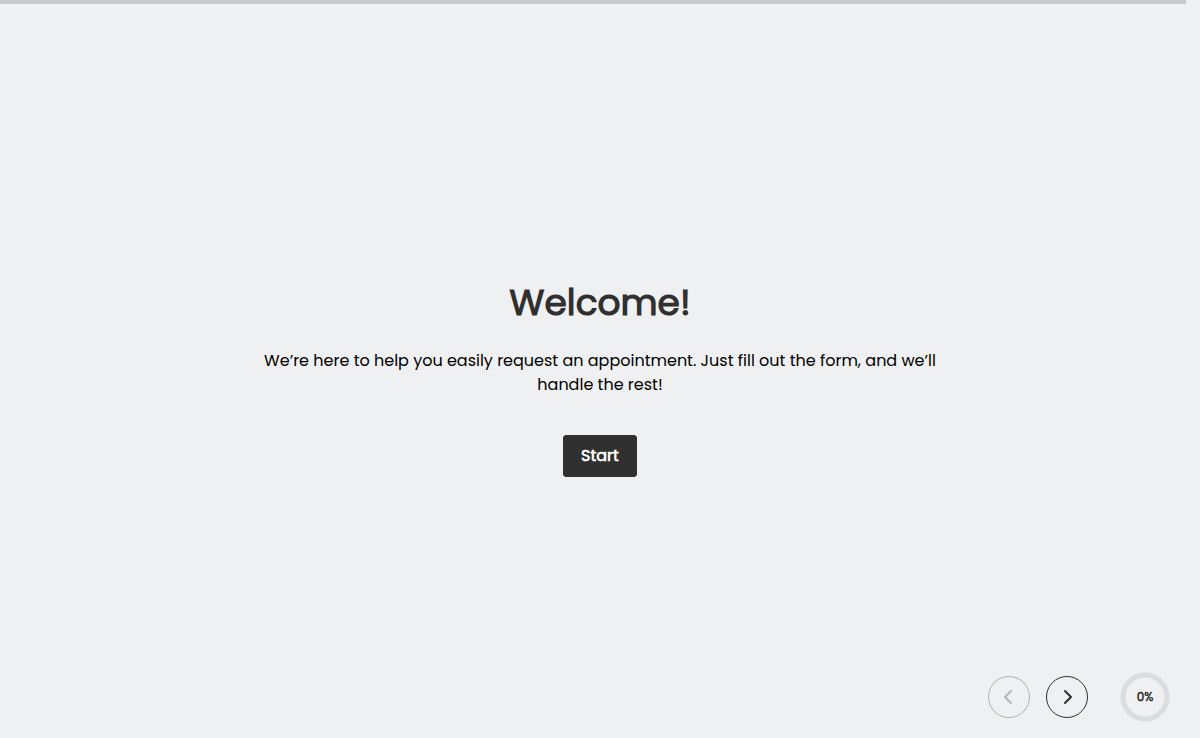
Click "Use Template" to load the form into your Formester dashboard. Every field, every conditional rule, and every confirmation email is already wired; you only edit what is specific to your practice.

Add your doctors and slots

Replace the sample doctor list with your own and connect availability through the appointment scheduler. Each doctor gets their own calendar, so the right slots show up next to the right name.

Brand it

Drop in your clinic logo, colors, and intro copy. The form inherits your brand without any code, so the booking page feels like a continuation of your website, not a third-party detour.

Embed or share

Embed on your website, share a direct link in your email signature, or post the QR code at reception. Walk-ins scan, book the next available slot, and skip the line.

Need branching logic for new vs. returning patients, or routing by specialty? Turn on conditional logic. Need a signed consent? Add an electronic signature field.

When to use this doctor appointment form

Five healthcare workflows this template handles out of the box. Swap a field or two and it fits everything from a solo GP to a multi-specialty clinic.

Multi-doctor clinics

Route new patient requests to the right specialist. The form captures preferred doctor or specialty, then sends the booking to the matching team inbox without front-desk triage.

Telehealth providers

Collect symptoms, severity, and consent before a video visit. The confirmation email carries the meeting link, so patients arrive ready instead of fumbling with a join code.

Hospitals and outpatient departments

Manage referral and follow-up bookings without the phone queue. Conditional logic asks new patients for insurance and medical history, and skips those fields for returning ones.

Private practices and solo doctors

Replace phone-only scheduling with a link in your email signature, on your website, and on Google Business Profile. Bookings show up in your calendar overnight instead of voicemail.

Dental clinics and specialists

Book cleanings, consultations, and procedure follow-ups. Capture the reason for visit and the last cleaning date so the chair time is right-sized before the patient walks in.

Fields included in this template

Every field included in the doctor appointment form, what it asks, and how it earns its place on the booking screen. Drop any you do not need; the rest work on the free tier.

  • Patient full name, date of birth, gender Short text + date + select

    Core identity fields. Date of birth drives age-based routing for pediatric vs. adult workflows; gender is optional and editable.

  • Phone number and email Phone + verified email

    Mobile for reminders and same-day changes, with email verification on the email field so confirmations and reminders actually land.

  • Preferred doctor or specialty Dropdown

    Patients pick the doctor by name, or pick the specialty (GP, dermatology, cardiology, dental, etc.) and the form routes the booking to the right team.

  • Preferred appointment date and time Scheduler

    Live availability per doctor via the appointment scheduler. Booked slots disappear in real time, which removes double-booking.

  • New patient or returning patient toggle Single select (conditional)

    Drives the rest of the form. New patients see insurance and medical history; returning patients skip straight to the reason for visit.

  • Reason for visit Short answer

    A one- or two-line summary so the doctor walks in already oriented. Replaces the "what is this about" call from the front desk.

  • Symptom severity Multiple choice

    Mild, moderate, or severe. Helps the clinic decide who needs to be seen today vs. next week, and which bookings should escalate to a same-day slot.

  • Current medications and allergies Long text

    Active prescriptions, dosages if known, and any drug or material allergies. Pre-filled by the patient once and updated on each visit.

  • Insurance provider and member ID Short text + short text

    Plan name, group, and member ID so eligibility checks can run before the visit, not at the front desk.

  • Insurance card upload File upload

    Front and back of the card via file upload, stored encrypted. Optional but useful for first-visit verification.

  • Consent to telehealth or in-person visit Checkbox + e-signature

    Patient acknowledges the visit modality (video or in-clinic) and signs the visit consent. The signed PDF is attached to the booking record.

  • Additional notes for the doctor Long text

    "This started three days ago after a long flight." "I have white-coat anxiety, please go slow." Anything that makes the first ninety seconds of the visit better.

Every field is editable. Hide what you do not need, add specialty-specific questions, and reorder with drag and drop.

Questions we get a lot

Clinic and practice questions about HIPAA posture, calendar sync, automatic reminders, telehealth setup, and patient uploads.

Is this doctor appointment form HIPAA compliant?
Formester ships with TLS encryption in transit and encrypted storage at rest, and supports access controls, audit logs, and data retention settings. For PHI workflows, review our security page and contact us before going live; a signed Business Associate Agreement is part of the rollout, not an afterthought.
Can patients pick a time slot directly inside the form?
Yes. Connect the appointment scheduler and patients see live availability per doctor. Booked slots disappear in real time, which removes double-booking.
Can I sync bookings to Google Calendar or Outlook?
Yes. Send new submissions to Google Calendar, Outlook, or your practice management system through Formester's integrations, including Zapier and webhooks. Each booking creates a calendar event with patient details attached.
Can the form send automatic reminders to reduce no-shows?
Yes. Turn on autoresponder email for instant confirmation and schedule reminder emails 24 hours and 1 hour before the appointment. Practices using reminders cut no-show rates meaningfully versus phone-only booking.
Can I use this template for telehealth or video consultations?
Yes. Add a consent field for video visits, collect symptom and severity details up front, and route the booking to your preferred video platform through integrations. The confirmation email can include the meeting link.
Can patients upload their insurance card or lab reports?
Yes. The template includes a file upload field with secure storage. Set allowed file types, file size limits, and decide whether uploads are required or optional.