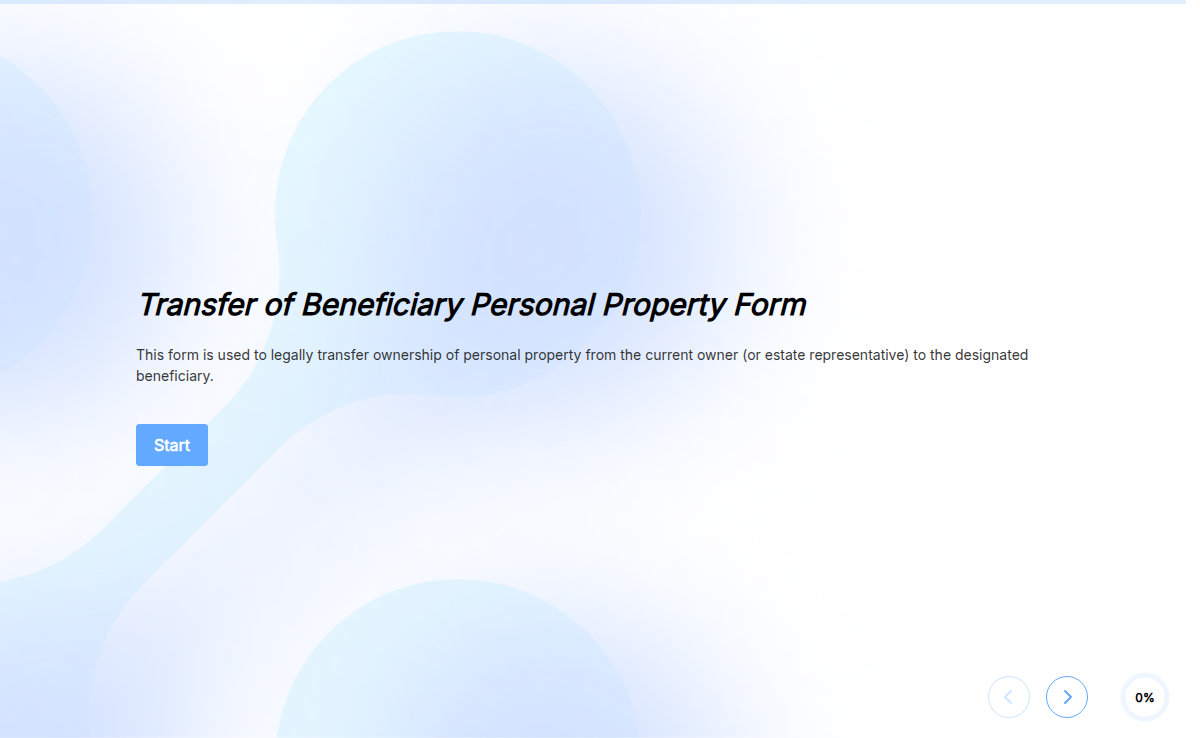
bevdkbdf.formester.com/f/2f0c6406-d4c4-413d-b5f8-7d1920b48508

Personal Information Form Template

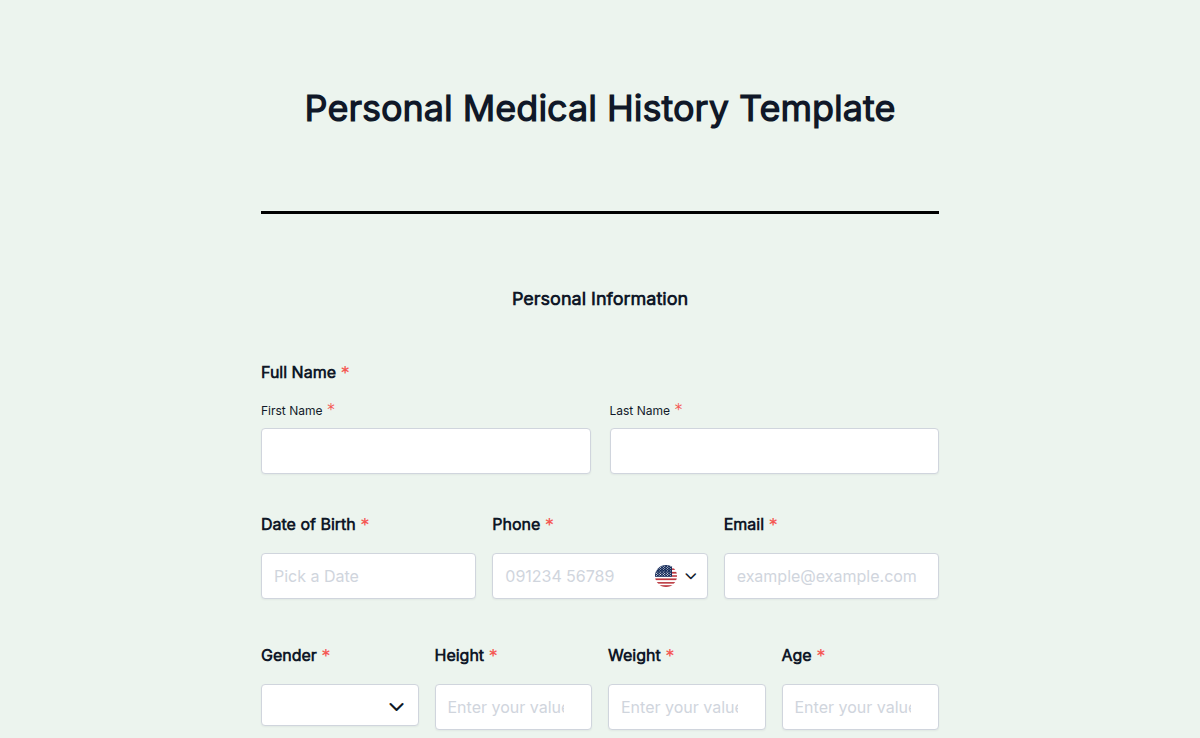
Collect personal details in one place with a free online personal information form template. HR teams use it for new-hire onboarding, schools use it for student registration, clinics use it for patient intake, and agencies use it for citizen and applicant data. The template captures the core eight fields (name, date of birth, address, phone, email, emergency contact, ID number, and signature) and lets you add, rename, or hide any field in a drag-and-drop editor. Every submission is encrypted in transit, stored on GDPR-aligned infrastructure, and exportable to CSV or PDF. Embed the form on your site, share it as a link, or send it by QR code. No coding, no PDF wrangling, no separate signature tool.

Recruitment Forms

About this template

The Personal Information Form template is built for any team that needs to collect verified personal data from a known group of people: HR collecting onboarding paperwork, a clinic intaking new patients, a school registering students, an agency capturing applicant details, or a membership body taking signups.

Open the template in the drag-and-drop form builder, keep the fields you need, hide the ones you do not, and rename anything to match your internal language (employee ID, patient MRN, student roll number). Add a logo, switch the colors to your brand, and the form is ready to share.

For sensitive collection, the template ships with spam protection, email verification, and an optional electronic signature field for legally binding consent. Long forms can use save and continue so respondents finish later without losing data, and multi-language translations cover audiences in over 180 languages.

When the form is ready, embed it on your site, send a direct link, or post a QR code. Submissions land in a dashboard you can filter, star,
How to customize this template

From "Use Template" click to a live, branded form most teams finish in under 15 minutes.

Edit the fields

Drag to reorder, double-click to rename, and remove anything you do not need. Add upload fields, dropdowns, or conditional fields from the side panel.

Match your brand

Upload a logo, set brand colors, switch fonts, and (on paid plans) point the form at your own custom domain.

Share or embed

Publish to get a shareable link, a QR code, and an embed snippet for your website. Send to Google Sheets, HubSpot, Slack, or any webhook to route submissions where your team already works.

When to use a personal information form

Five common collection scenarios this template handles out of the box. Swap a field or two and it fits HR onboarding, school admissions, healthcare intake, agency records, and membership signups.

HR onboarding

Collect a new hire's contact details, emergency contact, government ID, and signed consent before day one. Pipe submissions to HubSpot or Google Sheets so payroll and IT have what they need on time.

Schools and universities

Capture student name, guardian contact, date of birth, address, and medical notes during admissions or each new academic year.

Healthcare intake

Gather patient name, date of birth, insurance ID, primary contact, and emergency contact before the first appointment. Add an e-signature field for consent.

Government and agency forms

Use for citizen registration, license applications, and public service intakes where a clean record of personal details is required.

Memberships and clubs

Capture member name, address, phone, email, and emergency contact at signup, then auto-issue a member ID by email.

Client and applicant intake

Agencies, law firms, and consultancies capture applicant details, ID, and consent in one secure form before the first call. Submissions land filtered and exportable.

Fields included in the template

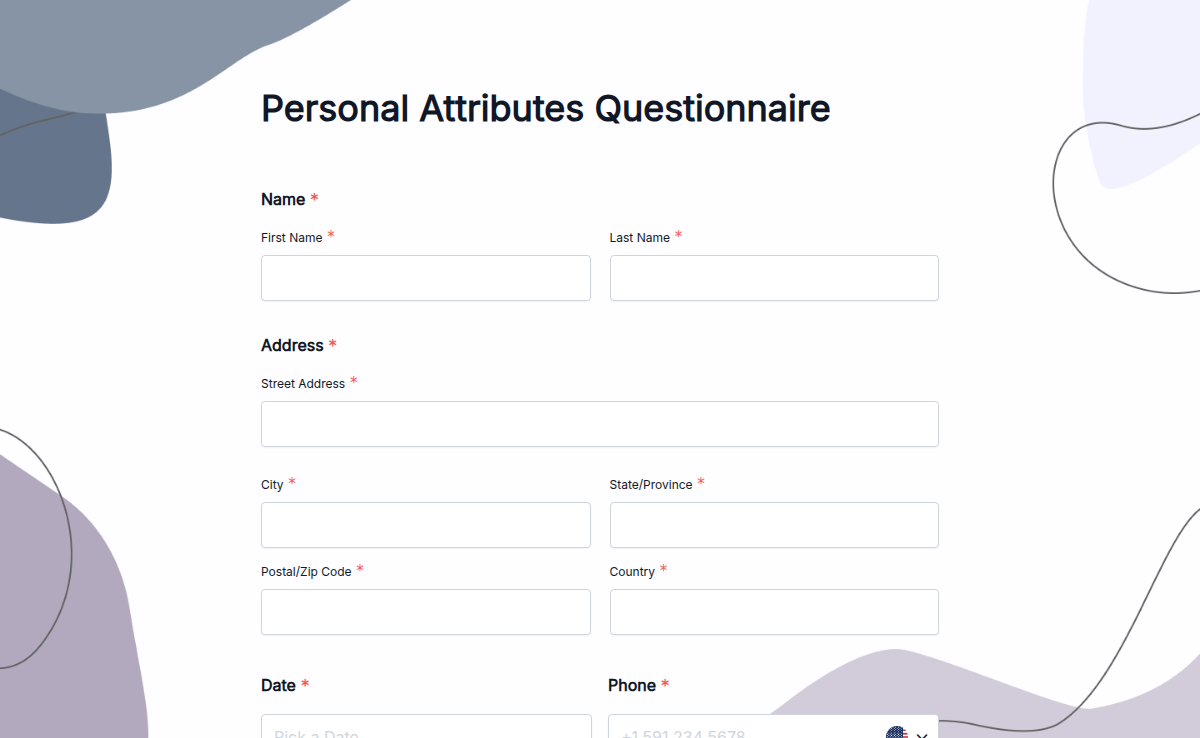
The default template ships with eight required-by-default fields. Add, remove, or rename any of them in the form builder.

  • Full name Short text

    First name, middle name, last name (configurable).

  • Date of birth Date picker

    Date picker with age auto-calculation option.

  • Residential address Long text

    Multi-line address with optional state and ZIP validation.

  • Phone number Phone

    Country-code aware, with format validation.

  • Email address Email

    With real-time email verification for typo catches.

  • Emergency contact Paired field

    Name and phone number in a paired field.

  • ID number Short text

    Free-text field for employee ID, student roll, patient MRN, or government ID.

  • Electronic signature E-signature

    Drawn or typed signature with timestamp and IP capture.

Personal information form FAQs

What the template covers, which fields ship by default, how the data is stored, and whether electronic signatures are legally binding.

What is a personal information form template?
A personal information form template is a pre-built online form that collects core personal details (name, date of birth, contact information, address, ID, and emergency contact) from one person at a time. Teams use it instead of building the form from scratch or relying on a Word or PDF version that has to be printed, signed, and re-typed into a system.
What fields does this personal information form template include?
The default template includes eight fields: full name, date of birth, residential address, phone number, email address, emergency contact name and number, government or organization ID number, and an electronic signature. You can add, remove, or rename any field in the form builder.
Is the data collected GDPR and CCPA compliant?
Yes. Formester is a GDPR, UK GDPR, and CCPA-aligned processor with a public Data Processing Agreement effective January 2026. Submissions travel over TLS, sit on encrypted infrastructure, and are never used to train AI models or for advertising. You stay the data controller and can delete any submission or the full account at any time.
How long does Formester retain the data I collect?
You decide. Submissions stay in your dashboard until you delete them. Formester retains operational server logs for 30 days and account analytics for 90 days. When you delete a submission or an account, the data is purged from backups within the standard 90-day backup window, after which recovery is not possible.
Are electronic signatures on this form legally valid?
In most jurisdictions, yes. The signature field captures a typed or drawn signature with a timestamp and IP address, which qualifies as an electronic signature under the US ESIGN Act, UK Electronic Communications Act, and EU eIDAS Regulation for routine HR, registration, and consent use cases. For specialized contracts (real estate, certain healthcare records), check the relevant regulation in your country.
Can I embed the form on my website or send it to a specific person?
Yes. Embed it inline, as a popup, side tab, sidebar, popover, or fullscreen overlay using a single snippet, or share it as a public link, email invite, or QR code. The form keeps your branding, your domain (on paid plans), and your colors regardless of the channel.