bevdkbdf.formester.com/f/2hqp9gdjw

Podcast Guest Media & Release Form

A podcast guest release form that captures the guest's identity, agreed distribution channels, and signed permission to publish the recording. Exported as a signed PDF.

Releases & Waivers

About this template

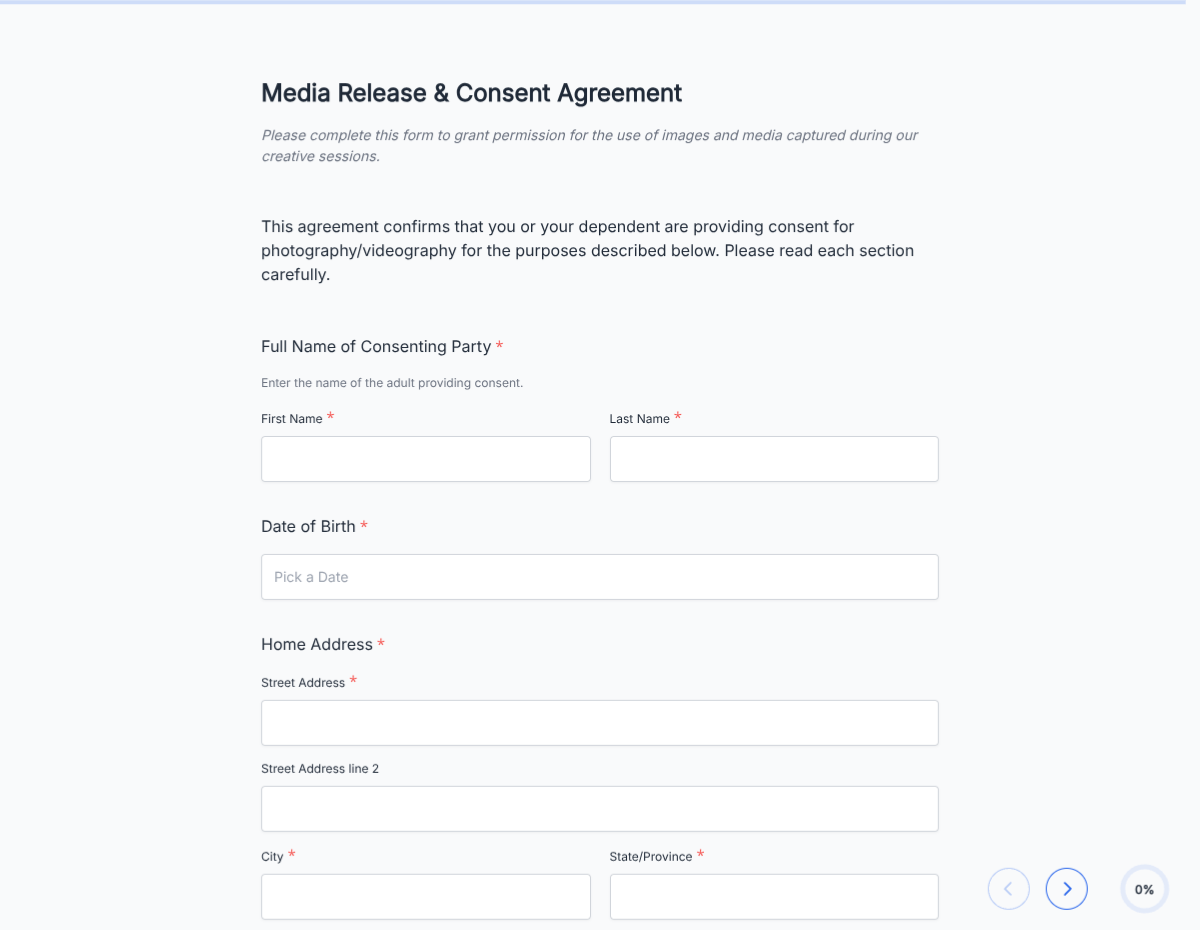
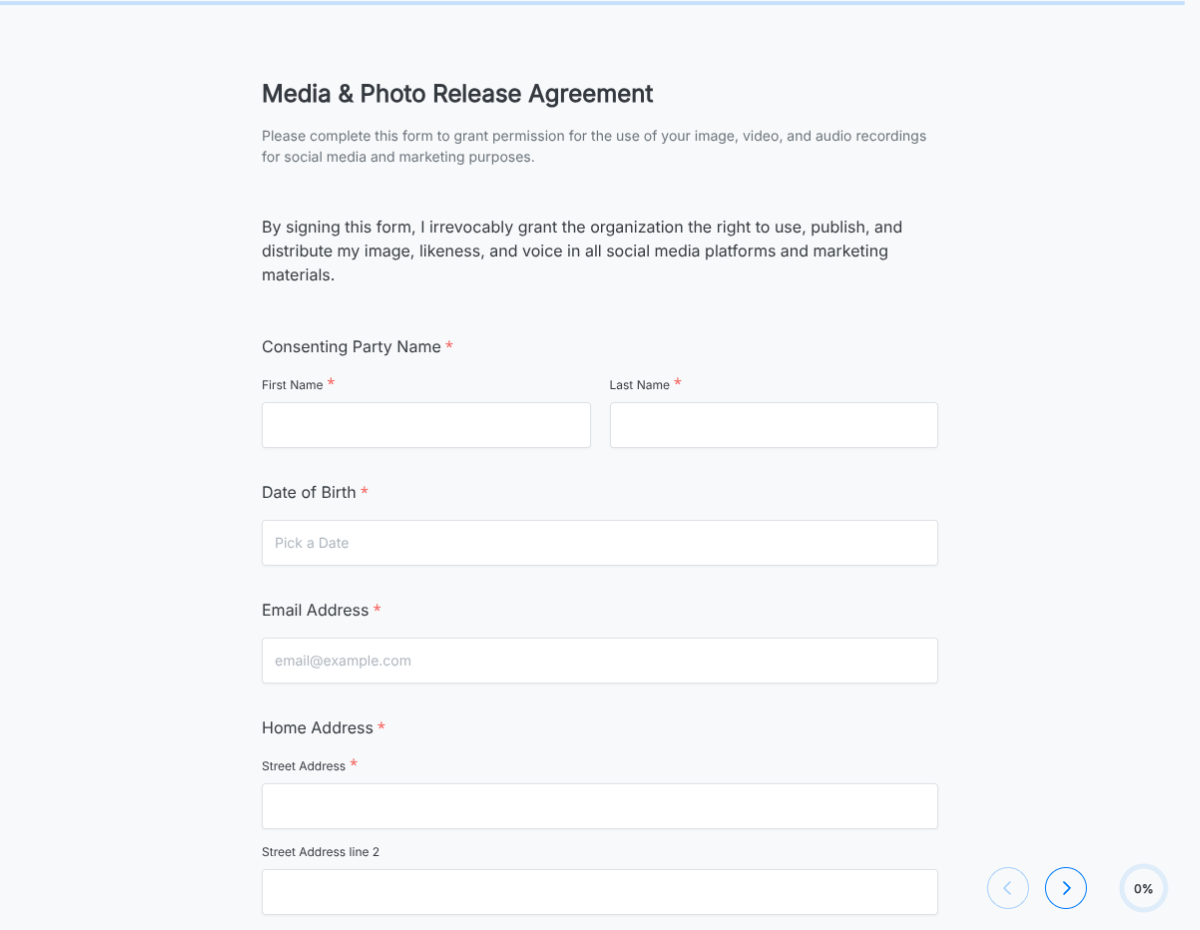
This podcast guest release form template runs on Formester's drag-and-drop form builder, sized for podcast hosts and production studios. Lock in the guest's permission for the recording, transcript, clips, and downstream distribution before the mics go on.

Skip the email chase. The guest fills the form once before the recording session, signs with e-signature, and a clean PDF goes into the episode folder. Encrypted in transit and at rest.

Use conditional logic to scope the release per episode or perpetually across the show, reveal a sponsorship-disclosure block when the guest is being compensated, and skip the affiliate-link disclosure when irrelevant.

Auto-send the booking confirmation and signed release back to the guest via Autoresponder Email, route the PDF to your episode-management tool via webhooks, and keep one searchable record of every guest release.
How to customize this podcast guest release form

Six steps to a host-ready guest release. Most podcasters finish in under 10 minutes.

Brand the header

Replace the placeholder organization name, logo, address, and contact details with your brand. Set primary colors so the form matches the page it lives on.

Set episode and show details

Edit show name, episode number/title (or leave blank for a multi-episode contributor), production company, and recording date.

Update release language

Swap the placeholder release wording for your production's preferred clauses (perpetual, indemnification, moral rights). Have legal review for shows with sponsorship complexity.

Surface sponsorship and disclosure

Use conditional logic to reveal sponsorship-disclosure and FTC #ad blocks when the guest is being compensated or repping a brand.

Wire delivery

Push every submission to your CRM or e-vault through a webhook, or use Zapier for fan-out to email, Slack, and notifications. Turn on Autoresponder Email if the signer should receive a copy.

Publish and share

Embed the form on your site, share the direct link by email, or generate a QR code for in-person signing. Every submission lands in the dashboard with a clean PDF for the file.

When to use this podcast guest release form

Six podcast scenarios this template handles.

Standard guest interview

Send the link with the booking email. Guest signs before the recording session; the PDF lands in the episode folder automatically.

Video podcast guest

Capture audio + video release in one form. Guest approves channels (audio-only, video on YouTube, clips on social).

Sponsored guest appearance

Conditional logic reveals the sponsorship-disclosure block when relevant. Captures the FTC #ad acknowledgement in the same release.

Multi-episode contributor

Frequent guest or co-host. The release scopes to the contributor's entire run on the show rather than a single episode.

Live event recording

Live podcast taped at a conference. Guest signs at check-in; the PDF carries the event name and date through.

Network or syndicated show

Release covers the original show plus any syndication partners. The PDF reflects every listed distribution partner.

Fields included in this template

Every field podcast producers typically collect.

  • Guest name Short text

    Full legal name (not the on-air name).

  • On-air name Short text, optional

    How the guest wants to be introduced if different from legal name.

  • Contact details Email + Phone

    Booking, recording-link, and final-PDF delivery.

  • Show name and episode Short text + auto-fill

    Show name and episode number/title for the release.

  • Recording date Date picker

    Date of the recording session.

  • Content formats Multi-select

    Audio, video, transcript, social clips, behind-the-scenes.

  • Channels approved Multi-select

    Spotify, Apple, YouTube, brand site, paid ads. Captures opt-outs (e.g., audio yes, video no).

  • Sponsorship Radio + conditional fields

    For sponsored guests, surfaces brand name and FTC #ad disclosure.

  • Compensation Currency, optional

    Rate or honorarium if applicable.

  • Bio and links Long text + URL

    How you should introduce the guest and which links to feature in show notes.

  • Affiliate disclosure Checkbox, conditional

    Surfaces when guest links contain affiliate codes.

  • Guest signature E-signature

    Captures the release in legally-defensible form.

Questions we get a lot

Operator and signer questions about security, integrations, jurisdiction, and configuration.

Is the submission data secure?
Yes. Every submission is encrypted in transit and at rest. Add a custom subdomain on paid plans so the form lives on your own URL through the entire flow.
Can I capture a signature on the release?
Yes. The template includes an e-signature field, and the signed PDF is generated automatically on submission. Both parties can countersign if your workflow needs it.
Can I auto-send a copy to the signer?
Yes. Turn on Autoresponder Email to send the completed PDF to the signer the moment they submit. No manual follow-up required.
Can I route every submission to my system of record?
Yes. Push each submission via a webhook for real-time delivery, or use Zapier to fan out to your CRM, e-vault, and ops stack. Google Sheets sync works if you just need a log.
Does the release cover clips, transcripts, and video?
Yes. The template includes a content-formats multi-select (audio, video, transcript, social clips). The signed PDF lists exactly which formats the guest approved.
Can the guest restrict distribution to specific platforms?
Yes. Use the channels multi-select to capture which platforms the guest opted into. The form respects guests who decline YouTube video while approving audio-only on Spotify and Apple Podcasts.