bevdkbdf.formester.com/f/b00ed963-fd47-4c67-a6f8-b77f559319eb

Printable Petition Template

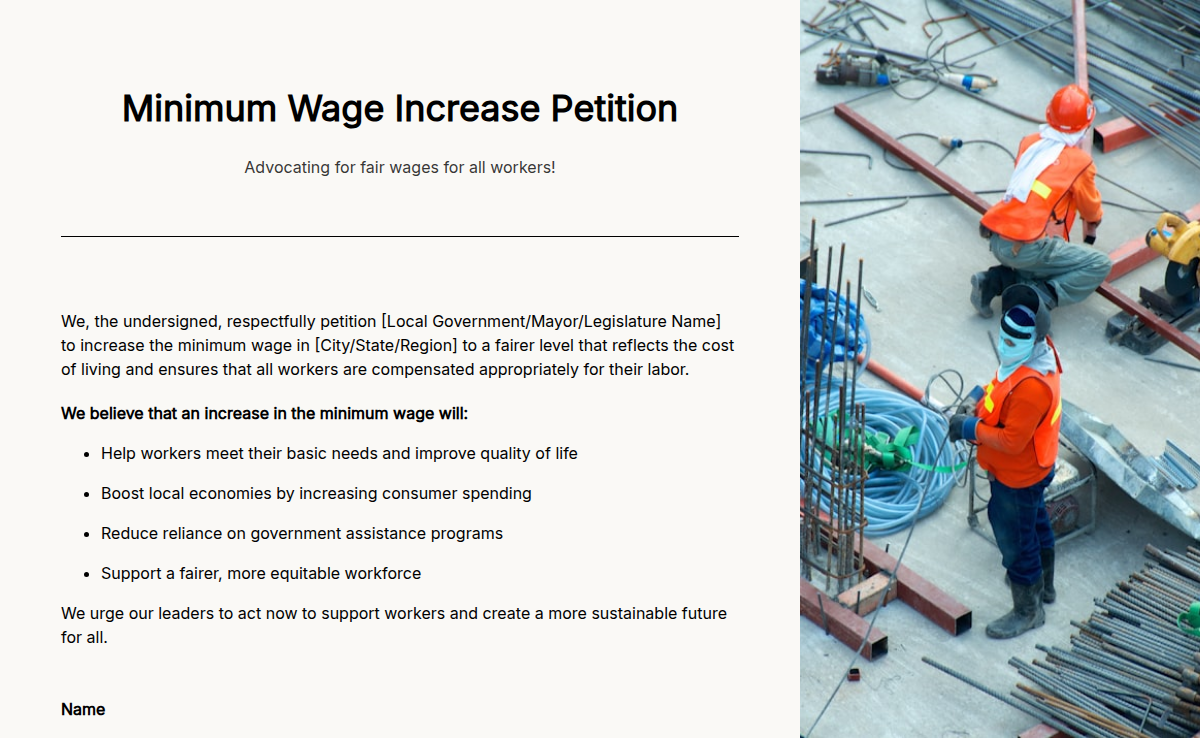
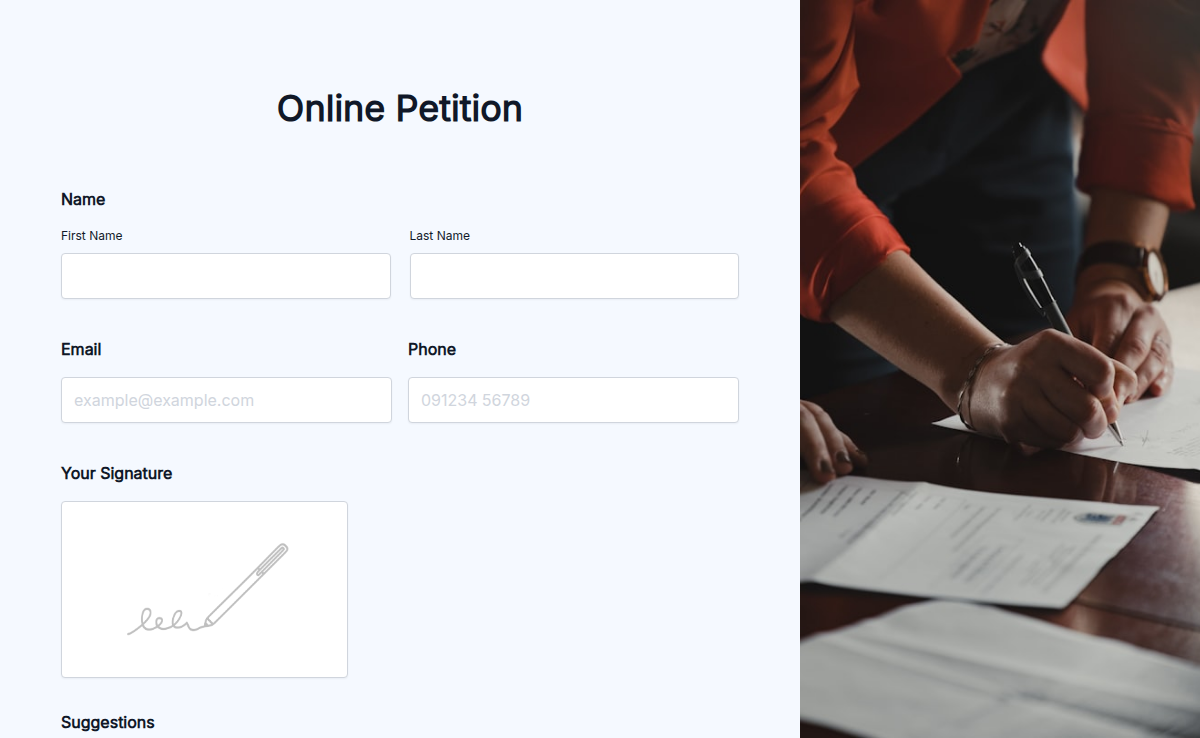
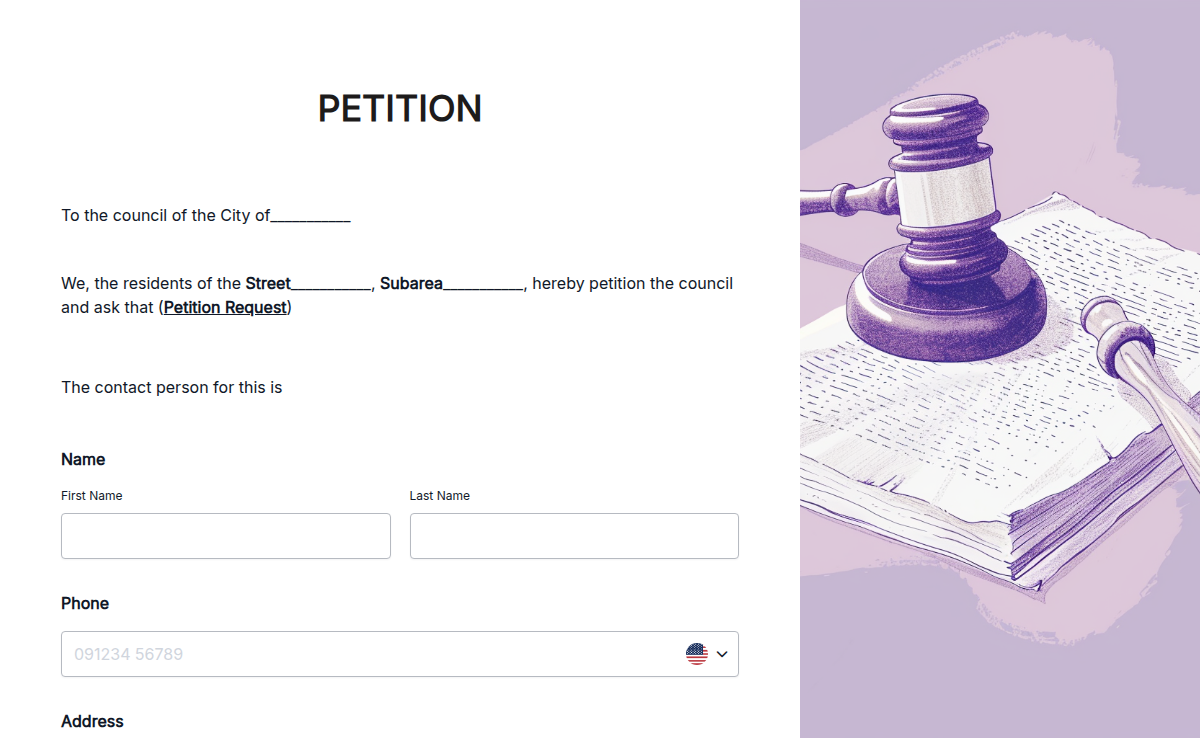
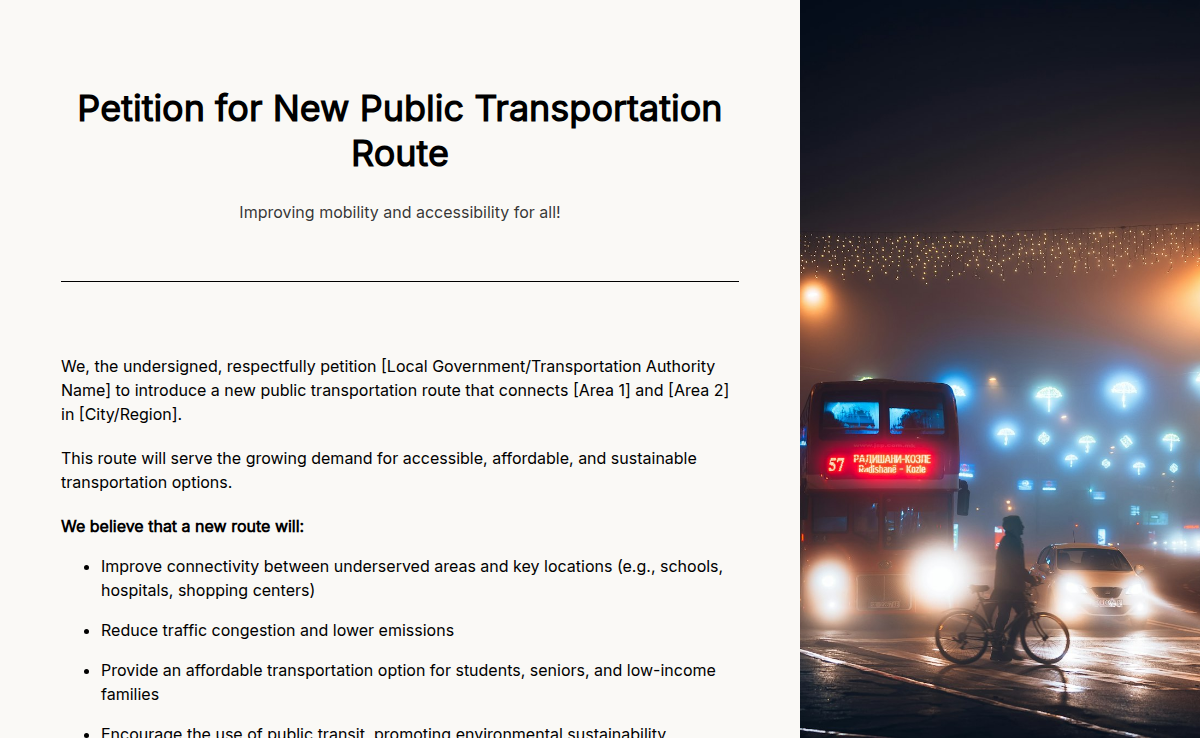
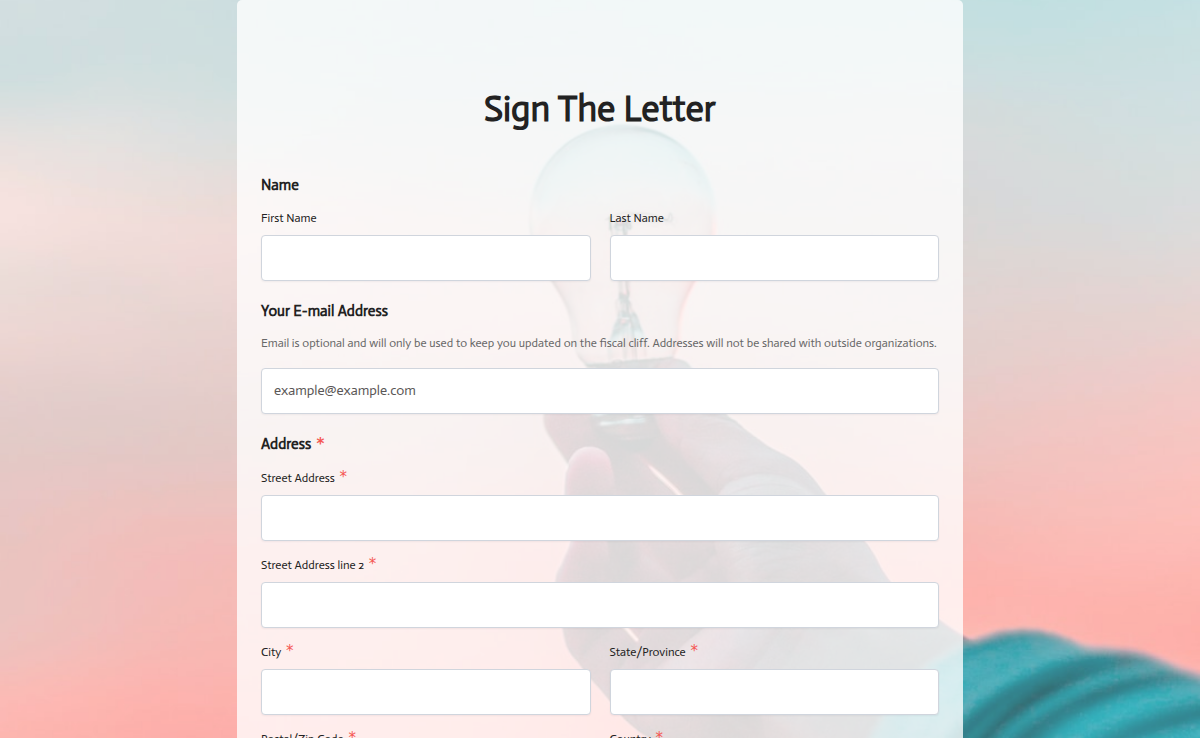
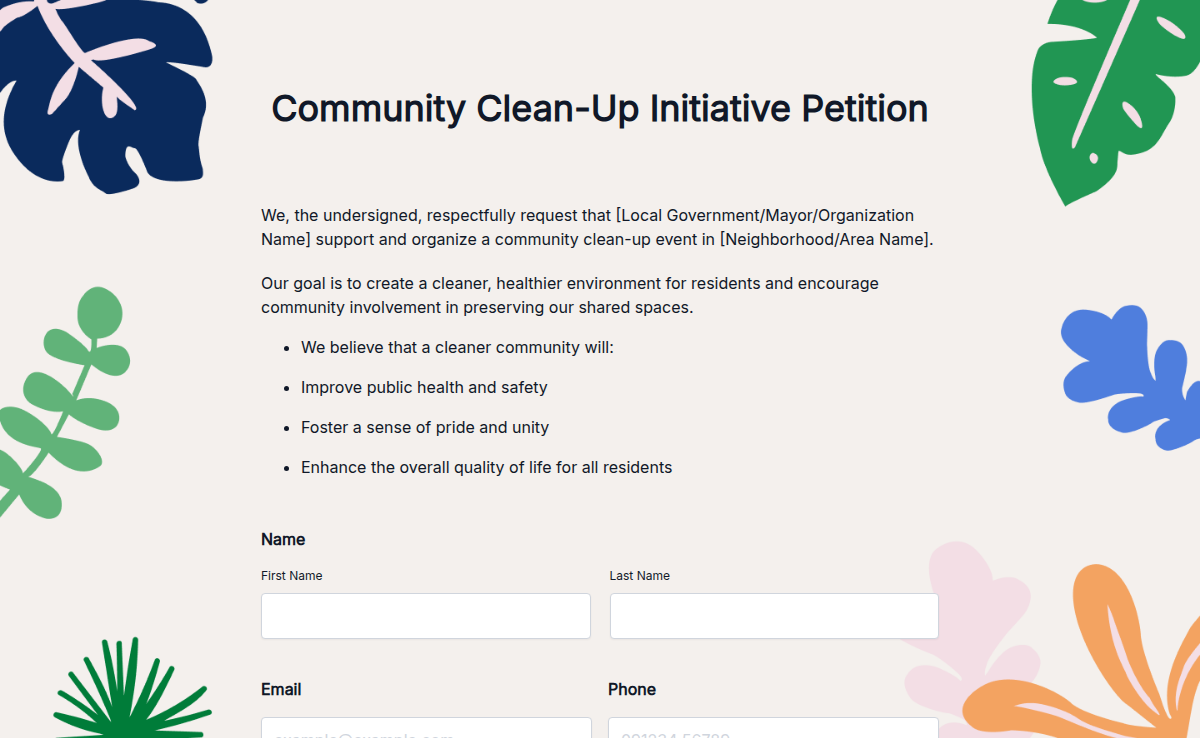
This Printable Petition Template helps you collect signatures offline for any cause. Perfect for community groups, schools, or individuals, it offers a clean, professional format for hand-signed petitions. Why is this important? It ensures accessibility for signers who prefer or require physical forms. The template includes fields for names, signatures, contact information, and comments. Features like downloadable formats and print-ready designs make it practical for all needs. Use Formester to design and print petitions that are easy to distribute and manage.

Petition Forms

About this template

A petition template is a structured form that captures signatures, names, addresses, and the supporting statement of a campaign in a format that's organized enough to hand to a decision-maker. The anatomy is consistent across causes: a campaign title at the top, a one-paragraph opening statement (what's wrong + what specifically must change), the target audience (the city council, the school board, the company HR head, the state legislator), a numbered signature grid with name + signature + date + address (and optional email), and a footer with the campaign organizer's contact info for verification.

The Formester template ships with these fields out of the box. Print the form to use at events and door-knocks, or run it online to capture distributed signatures with a shareable link. The data lives in one place either way, the verification audit trail is built-in, and the export goes to PDF when the campaign is ready to deliver.

Creating your petition with Formester’s form builder is simple and fast. You can customize the form to include fields for names, contact information, and specific reasons for signing. The drag-and-drop interface means you can adjust the layout to your needs without any technical skills.

Formester also offers conditional logic to personalize the petition process. You can ask different questions based on a signer’s location or interest, allowing for a more targeted approach. Plus, you can include an electronic signature field to make your petition legally binding.

Keep your petition secure with features like email verification and spam protection, ensuring you gather only valid signatures. You can also integrate online payments if you want to raise funds for your cause.

Once your petition is live, use form analytics to track progress and gain insights into how well it's performing. You can easily download or print the petition for offline distribution.

Get started with Formester’s Free Form Templates and start gathering support for your cause today!
Petition use cases

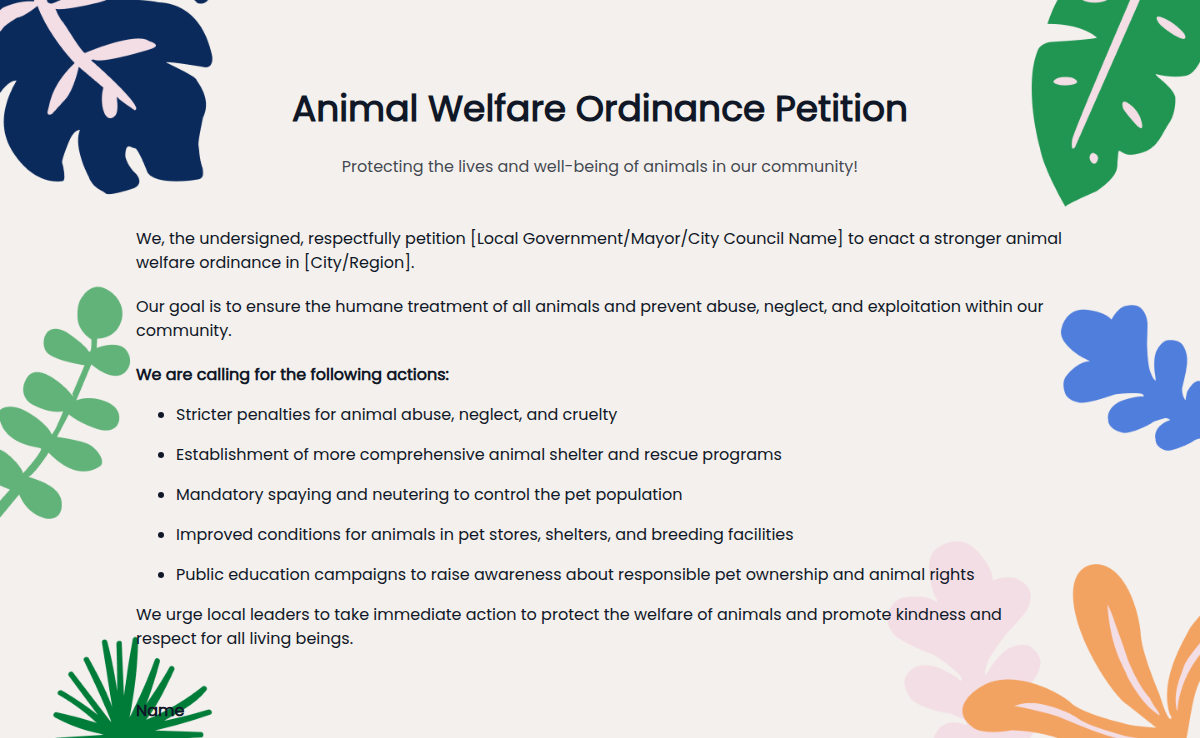
Seven advocacy formats this template handles. Run printed for door-knocks, online for distributed campaigns, both for the biggest impact.

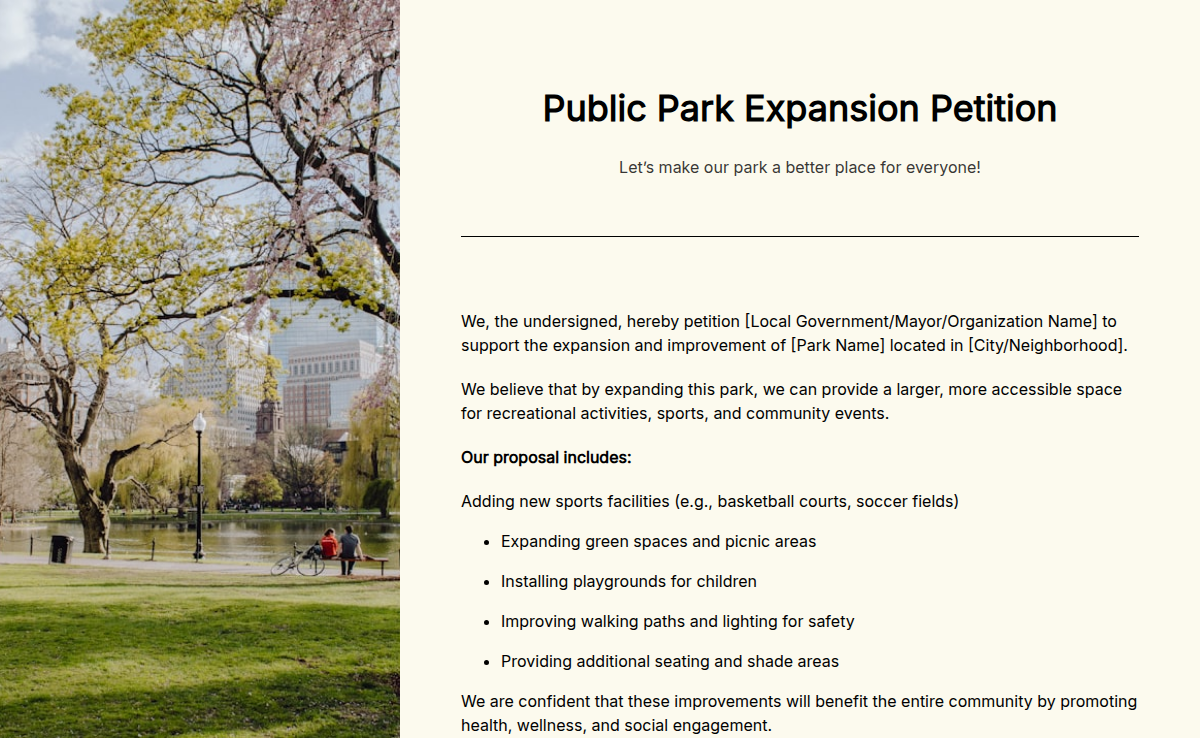
Community petition

Sidewalks, traffic-calmers, park improvements, neighborhood policy changes. Local, hand-collected signatures.

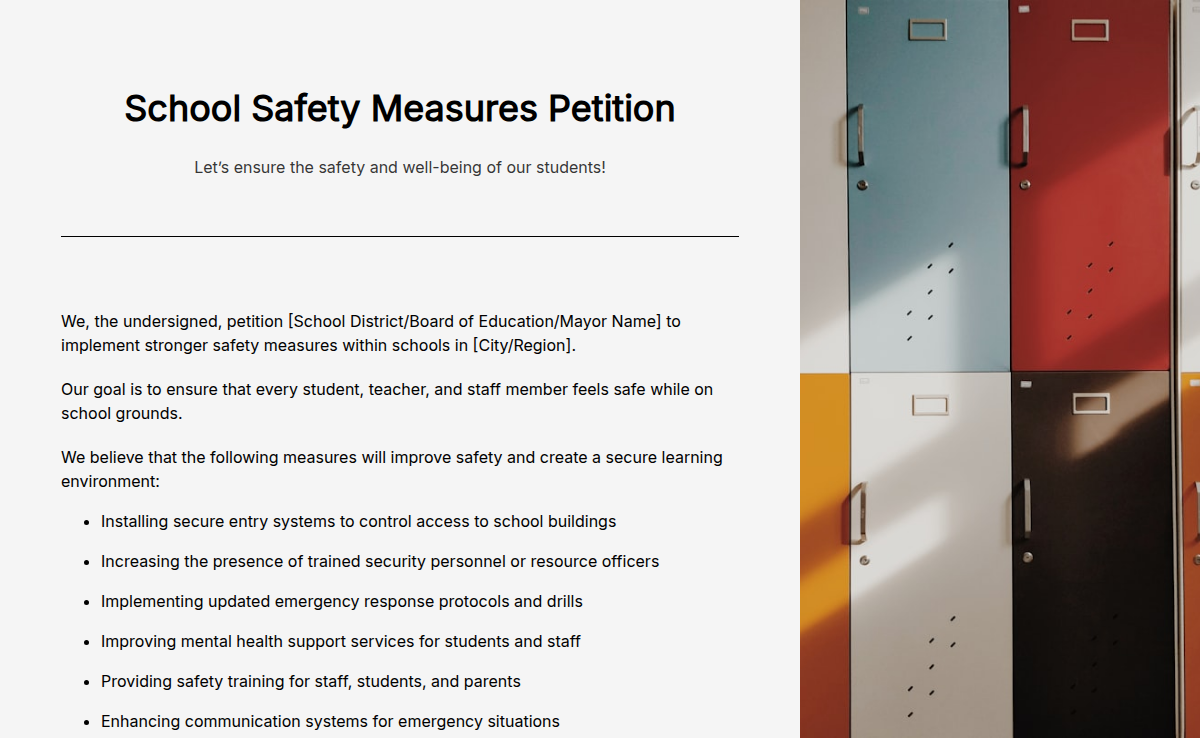
School petition

To the school board: curriculum, after-school programs, schedule changes, facility upgrades.

Workplace petition

To leadership: remote-work policy, pay parity, benefits, workplace safety. Slack + email distribution.

Government petition

To a city council, state legislator, or federal representative on a specific bill or policy.

Online activism

Distributed via social media, email lists, and chat platforms. National or international reach.

HOA petition

Community-board changes, amenity additions, or rule revisions. Email + door-to-door.

Customer petition

Asking a company to bring back a product, change a policy, or address a service issue.

Petition anatomy (what every petition needs)

Every field that distinguishes a petition that lands on the decision-maker's desk from one that doesn't.

  • Campaign title Short text

    Names the issue and the change being asked for, in 8-12 words. The first thing every signer reads.

  • Opening statement Long text

    One paragraph: what the problem is, who is affected, what specifically must change, and by when.

  • Target decision-maker Short text

    Named, with role. 'Principal Maria Reyes, Lincoln Elementary' lands on a desk; 'the school board' lands in a general inbox.

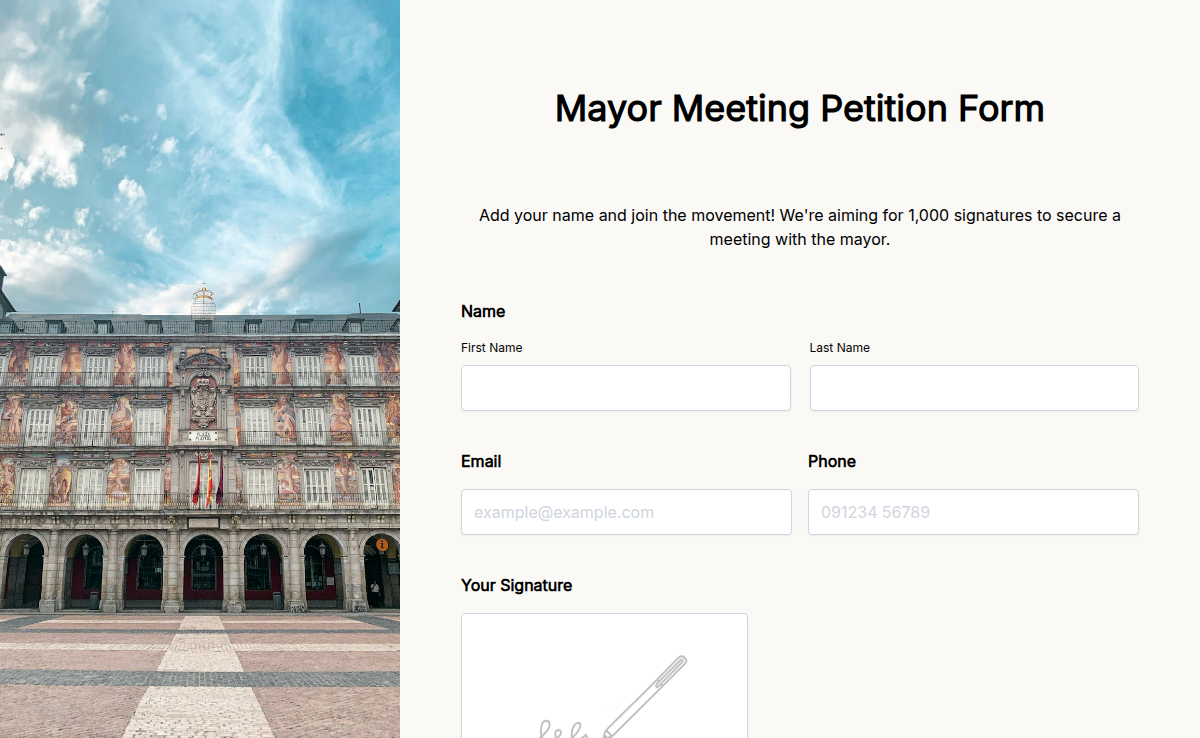
  • Signer name and signature Short text + Signature

    Each signer adds their name and electronic signature. One signature per submission.

  • Signer address Address

    Street, city, state, zip. Address-by-address verification is what proves the signer is a constituent of the decision-maker.

  • Signer date Date (auto-filled)

    Auto-stamped on submission. The date matters for petition deadlines and verification.

  • Optional email for follow-up Email

    Signers who want campaign updates leave their email. Standard opt-in best practice.

  • Signer count target Number (display only)

    Display the target near the top so signers can see momentum. Drives more signatures.

  • Organizer contact Short text + Email + Phone

    Footer with the campaign organizer's name, email, and phone for verification and response.

  • Date and version Date + Short text

    Multiple revisions of the petition stay distinguishable. v1.0 = launch; v1.1 = updated ask; v2.0 = re-launched.

Petition template FAQ

Common questions from campaign organizers, community advocates, and political volunteers.

How many signatures does a petition need to be successful?
Depends on the audience. A neighborhood petition can be effective with 100-500 signatures. A statewide petition typically needs 5,000-50,000. A national online petition usually needs 100,000+ to reach decision-makers.
Are online signatures legally valid?
Valid for advocacy and political petitions where there's no legal threshold. Not valid for official ballot petitions in most jurisdictions, which require hand-collected paper signatures verified by an election official.
Who can start a petition?
Anyone. No license, no qualification, no minimum age required for advocacy petitions. Specific bodies (city councils, school boards) may require the organizer to be a resident or affected party.
Can a single household sign a petition multiple times?
Each adult in the household can sign with their own name. Duplicate names from the same person usually get removed during verification.
How do I verify the signatures on a petition I receive?
Match each signature to its name, date, and address. If the address is in the decision-maker's jurisdiction, it counts as a constituent. The template captures address fields so verification is built into the export.
Can I share the petition link on social media?
Yes. Every online petition built with Formester gets a unique URL. Each visitor sees the same petition, signs once, and the signature is added to the master list.
How do I export the signature list when the petition is done?
From the Formester dashboard, export form responses as PDF (for the delivery copy) or CSV (for your records). PDF is what you hand to the decision-maker; CSV is what you keep for the campaign archive.
How do I deliver the signed petition?
Print the final PDF and hand-deliver to the decision-maker at a scheduled meeting, email a digital copy with a cover letter, or both. Hand-delivery is more effective for local petitions; digital is more practical for distributed campaigns.
What if my online petition signatures are challenged as inauthentic?
Run the signatures through the address-verification check. Any signature with a complete name + address pair is presumptively authentic for advocacy petitions.
Can I customize the petition for a specific cause?
Yes. The template ships with editable fields for the campaign title, opening statement, target decision-maker, and signer fields. Add or remove fields in the form builder; embed on a campaign website.