bevdkbdf.formester.com/f/U3F6j19rB

Tooth Gem Consent Form

A tooth gem consent form covering health screening, procedure details, aftercare acknowledgement, and signed consent. Exported as a signed PDF for the client file.

Releases & Waivers

About this template

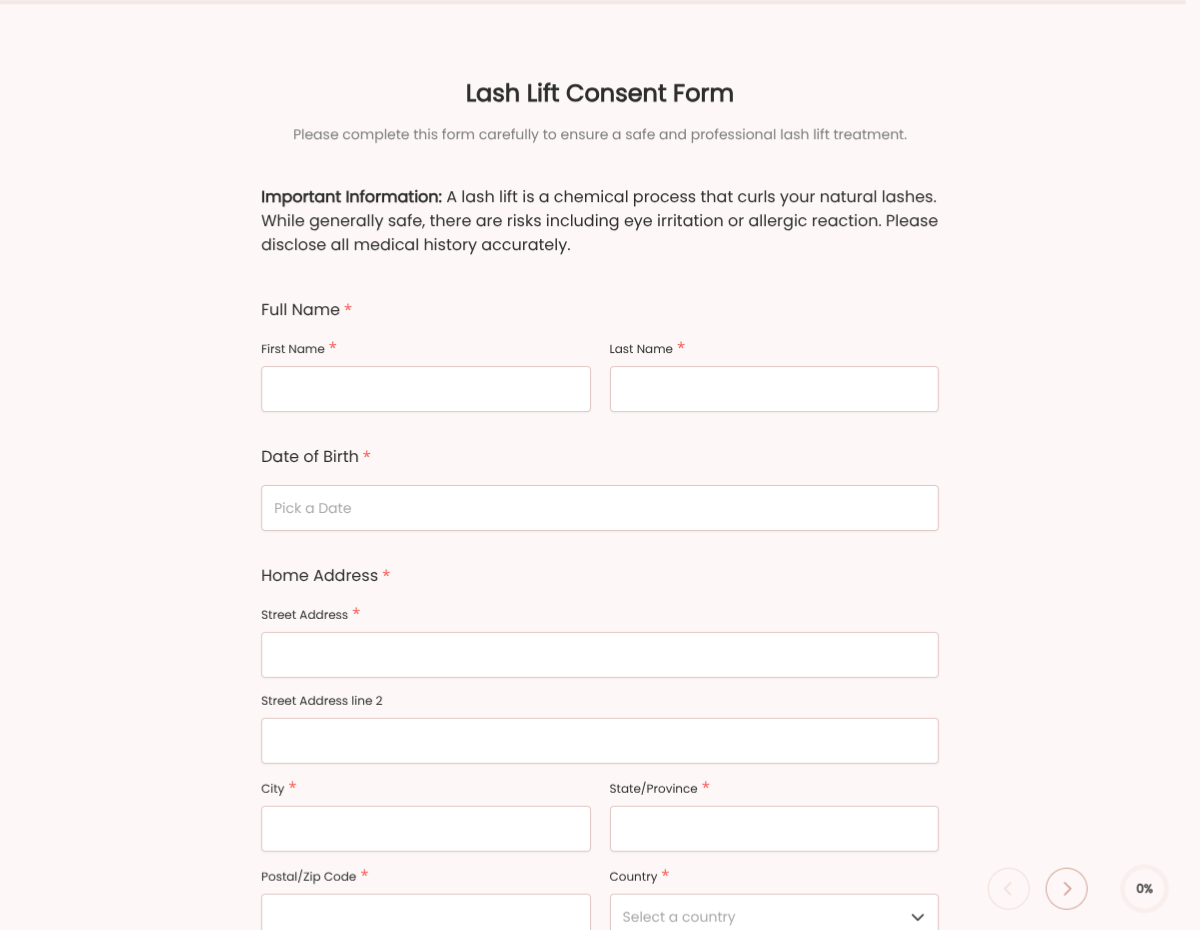
This tooth gem consent form template runs on Formester's drag-and-drop form builder, sized for cosmetic dental-gem studios. Capture the client's health screening, gem placement details, aftercare acknowledgement, and signed consent in one flow.

Skip the paper clipboard. Clients fill the form on a tablet at check-in, sign with e-signature, and the PDF lands in the client file. Every submission is encrypted in transit and at rest.

Use conditional logic to surface allergy disclosure when the client checks any medical condition, reveal a minor-consent block for under-18s, and skip the photography release for clients who opt out of social media.

Auto-send a copy of the signed PDF to the client via Autoresponder Email, push every consent to your booking system via webhooks, or sync to Google Sheets for a simple client log.
How to customize this tooth gem consent form

Six steps to a studio-ready tooth gem consent form. Most studios finish in under 15 minutes.

Brand the header

Replace the placeholder organization name, logo, address, and contact details with your brand. Set primary colors so the form matches the page it lives on.

Edit the health screening block

Add or remove the medical-condition checkboxes (allergies to dental cements, jewellery metals, recent oral surgery, blood-thinning medications, pregnancy).

Configure gem placement details

Edit the gem type dropdown (Swarovski, gold, opal, custom), surface placement coordinates (which tooth, position), and add a price block if you collect deposits via the form.

Update aftercare language

Swap the aftercare instructions for your studio's specific guidelines (avoid hard foods 24h, brushing instructions, replacement-window terms).

Wire delivery

Push every submission to your CRM or e-vault through a webhook, or use Zapier for fan-out to email, Slack, and notifications. Turn on Autoresponder Email if the signer should receive a copy.

Publish and share

Embed the form on your site, share the direct link by email, or generate a QR code for in-person signing. Every submission lands in the dashboard with a clean PDF for the file.

When to use this tooth gem consent form

Six common studio scenarios this template handles.

Walk-in tooth gem appointment

Client fills the form on a tablet at check-in. Health screening, gem placement details, and signed consent collected before the procedure starts.

Under-18 client (parental consent)

Conditional logic surfaces the parent-signature block automatically based on date of birth. The form is finalised only when both signatures are present.

Studio multi-location intake

One template, one URL per location via a hidden location field. Every consent routes to the right studio's CRM and client file.

Social-media-friendly clients

The photo release block surfaces when the client opts in. Studio gets a signed PDF for using the result on Instagram or TikTok.

Replacement / repair visit

Returning client. The shorter form skips the full health screening and captures just the replacement reason, gem details, and signed acknowledgement.

Event pop-up booth

Studio runs a pop-up at a salon, party, or expo. The QR-code-launched form captures consent from each client before placement.

Fields included in this template

Every field a cosmetic tooth gem studio typically needs. Drop the ones you do not collect.

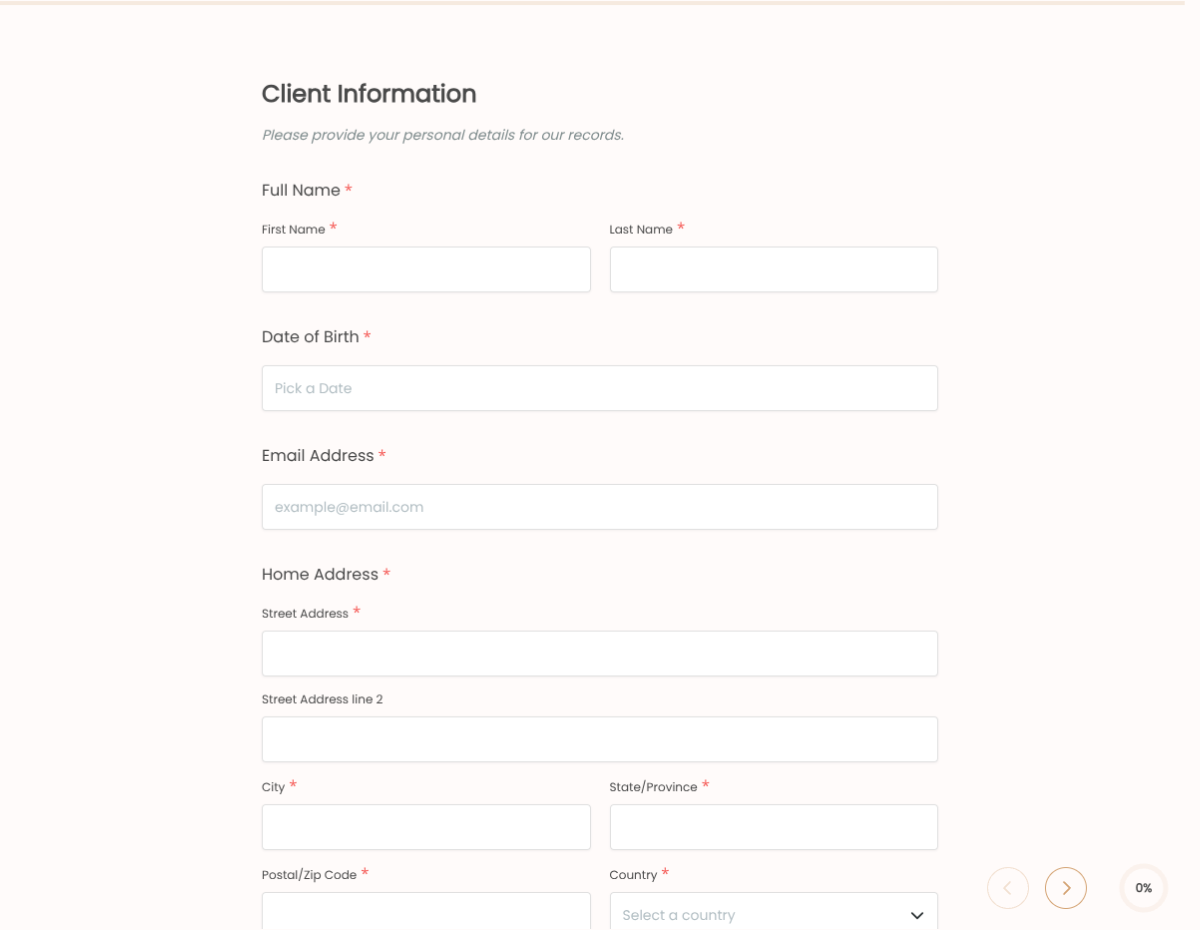
  • Client name Short text

    Full legal name for the client file.

  • Date of birth Date picker

    Drives the minor-consent block when under 18.

  • Phone and email Phone + Email

    Contact for the aftercare follow-up and replacement reminders.

  • Medical conditions Multi-select

    Allergies to dental cement, metal sensitivities, recent surgery, pregnancy, blood thinners.

  • Current medications Long text

    Open field for the client to list relevant medications.

  • Gem type Dropdown

    Swarovski, gold, opal, custom, etc.

  • Placement coordinates Dropdown + diagram

    Which tooth, which position. Use the included tooth diagram for precise placement.

  • Aftercare acknowledgement Checkbox

    Client confirms they have read the aftercare guidelines.

  • Photo / social media release Checkbox + conditional

    Surfaces the photo release block when ticked. Hidden when client opts out.

  • Parent or guardian signature E-signature, conditional

    Required when the client is under 18. Surfaced based on the date-of-birth field.

  • Client signature E-signature

    Required for every submission. Captures the consent in legally-defensible form.

  • Date of consent Auto-stamp

    Captured automatically when the form is submitted.

Questions we get a lot

Operator and signer questions about security, integrations, jurisdiction, and configuration.

Is the submission data secure?
Yes. Every submission is encrypted in transit and at rest. Add a custom subdomain on paid plans so the form lives on your own URL through the entire flow.
Can I capture a signature on the consent form?
Yes. The template includes an e-signature field, and the signed PDF is generated automatically on submission. Both parties can countersign if your workflow needs it.
Can I auto-send a copy to the signer?
Yes. Turn on Autoresponder Email to send the completed PDF to the signer the moment they submit. No manual follow-up required.
Can I route every submission to my system of record?
Yes. Push each submission via a webhook for real-time delivery, or use Zapier to fan out to your CRM, e-vault, and ops stack. Google Sheets sync works if you just need a log.
Does this work for under-18 clients?
Yes. Use conditional logic to surface the parental-consent block when the client's date of birth indicates they are under 18. The form then captures both the minor's assent and the parent's signature.
Can I include a photography release in the same form?
Yes. The template has a built-in social-media-use checkbox: when ticked, it reveals the photo release block. Clients who opt out skip that section entirely.