bevdkbdf.formester.com/f/a7kLoWZl7

Professional Towing Receipt

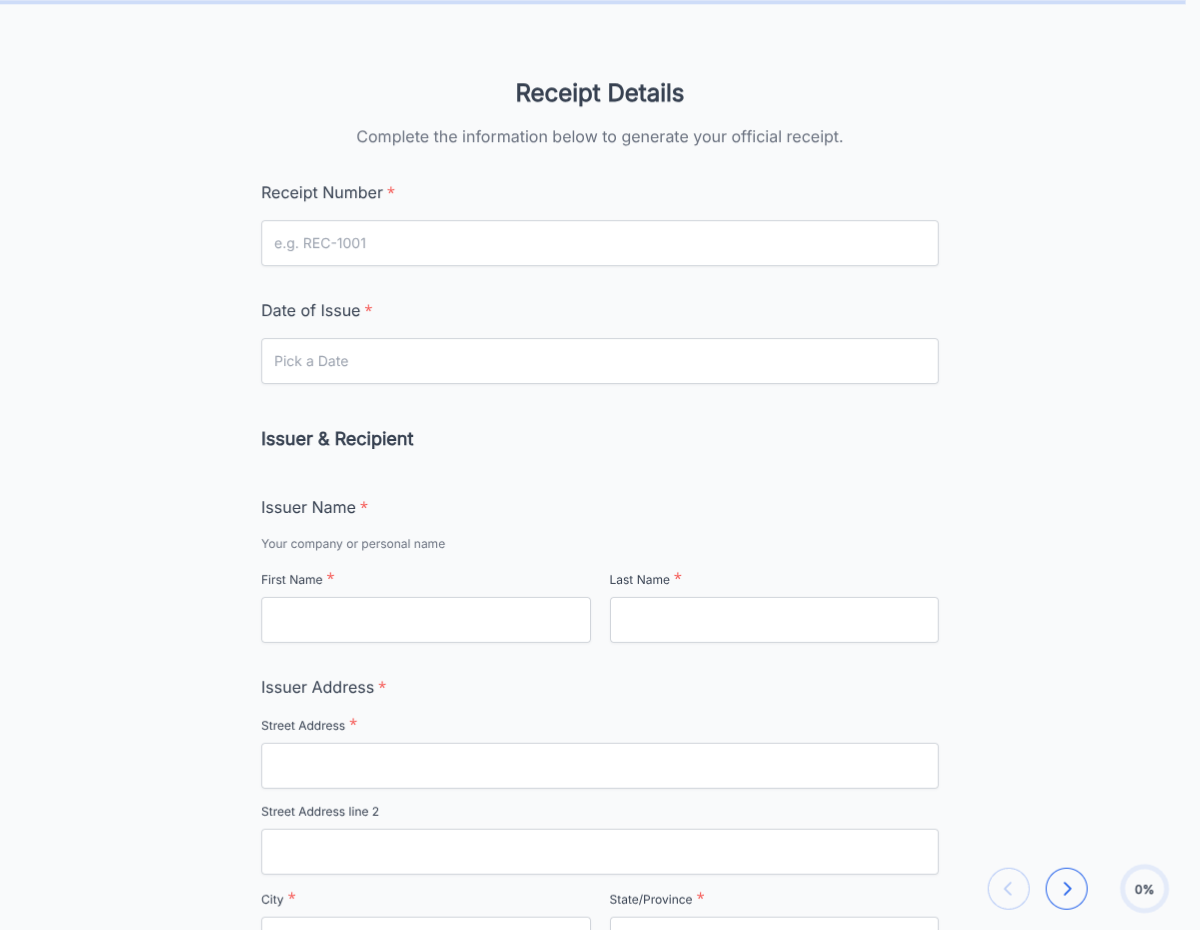
A towing receipt that captures customer details, vehicle info, pickup and drop locations, mileage, fees, and signature, exported as a PDF.

Receipts

About this template

This towing receipt runs on Formester's drag-and-drop form builder, so you can adapt the fee structure, mileage rate, and storage charges to your towing business without writing code. Captures every detail a defensible receipt needs: company info, customer, vehicle (year, make, model, VIN, plate), pickup and drop locations, mileage, fees, and customer signature.

Drivers fill the form on phone or tablet at the scene, the customer signs with e-signature before release, and the PDF lands in dispatch with a timestamp and GPS-tagged locations. No paper carbon to lose; no receipt forms left in the truck.

Use conditional logic to surface storage and daily-rate fees when the vehicle goes to the lot, reveal impound documentation for law-enforcement requests, or add insurance-billing fields for AAA and motor club work. Push each receipt to your dispatch system through webhook so the back office sees the job in real time.

Running a specialized towing workflow (heavy-duty, recovery, repossession, impound)? Generate a tailored variant with the AI form generator in minutes.
How to use this towing receipt

Seven steps to a working dispatch and receipt workflow. Most towing operators finish in under 15 minutes.

Open the template

Click Use Template. Vehicle fields, fee logic, and signature flow load into the Formester builder.

Brand the form

Drop in your towing company logo, DOT number, address, and 24-hour phone. The PDF reads as official documentation from your business.

Configure fee structure

Edit the fee lines: hookup fee, per-mile rate, storage daily rate, after-hours surcharge, fuel surcharge. Each fee has its own calculation.

Set up vehicle info

Year, make, model, VIN, license plate, color. Capture every detail required for insurance and law enforcement records.

Apply conditional logic

Use conditional logic to surface storage fees for lot drops, impound docs for law enforcement, or insurance billing for AAA and motor club jobs.

Enable mobile capture

Drivers fill the form on phone or tablet at the scene. GPS captures pickup and drop locations automatically; photos of the vehicle attach via file upload.

Route to dispatch

Push each receipt to your dispatch system via webhook or Zapier so the back office sees the job and bills the customer or insurance the same hour.

When to use this towing receipt

Six towing scenarios this template handles out of the box.

Roadside breakdown tow

Driver responds to a stranded motorist, hooks the vehicle, captures pickup location, drop location, mileage, and fees. Customer signs at drop; the PDF emails to the customer and the insurance company simultaneously.

AAA and motor club work

Conditional logic surfaces motor-club billing fields (membership number, authorization code) and routes the receipt to the club's claims system instead of the customer.

Impound lot drop with storage

Driver tows a vehicle to the lot. Conditional logic reveals storage daily rate, lot location, and law-enforcement contact for impound documentation.

Accident scene recovery

Heavy-duty tow following an accident. Form captures police report number, accident location, vehicle damage assessment, and insurance claim contact. Photos of the damage attach via file upload.

Private property tow

Property owner authorizes a tow of an illegally parked vehicle. Form captures the property owner authorization, posted-signage location, and the legally required pre-tow notification.

Repossession tow

Lender-authorized repossession. Form captures the loan account number, lender contact, and signed acknowledgment from law enforcement notification per state requirement.

Fields included in this template

Every detail a defensible towing receipt needs. Drop the ones not applicable; the rest work on the free tier.

  • Receipt number Auto-generated

    Sequential ID per receipt.

  • Date and time of tow Datetime

    When the tow occurred. GPS auto-fills on mobile.

  • Driver and truck Dropdowns

    Which driver and which truck handled the call.

  • Customer name Short text

    Person or company being billed.

  • Customer contact Email + phone

    For receipt delivery and billing follow-up.

  • Vehicle details Multi-field block

    Year, make, model, color, VIN, license plate, state.

  • Pickup location Full address + GPS

    Where the vehicle was hooked. GPS captures automatically on mobile.

  • Drop location Full address + GPS

    Where the vehicle was released.

  • Mileage Number

    Miles from pickup to drop.

  • Hookup fee Currency

    Base fee for the tow.

  • Mileage charge Auto-calculated

    Miles times per-mile rate.

  • Storage fee Conditional section

    Reveals for lot drops. Daily rate times days stored.

  • Additional fees Repeatable lines

    After-hours, fuel surcharge, equipment, recovery work.

  • Total Auto-calculated

    Sum of all fees.

  • Customer signature E-signature + date

    Customer acknowledgment of services and fees.

Questions we get a lot

Towing operator and customer questions about mobile capture, insurance billing, and dispatch integration.

Can drivers fill the receipt on a phone at the scene?
Yes. The form renders on phone and tablet. Drivers capture pickup location, drop location, mileage, and the customer signs at the scene; the PDF is in dispatch before the truck pulls away.
Does the form capture GPS locations automatically?
Yes. Pickup and drop locations capture GPS-tagged coordinates on mobile. Important for insurance billing and dispute resolution.
Can I bill AAA and motor clubs directly?
Yes. Conditional logic surfaces motor-club billing fields (membership number, authorization code) and routes the receipt to the club's claims system instead of the customer.
Can I capture vehicle photos as evidence?
Yes. File-upload fields capture photos of the vehicle before tow, during transit, and at drop. Important for accident recovery and insurance documentation.
Can I sync receipts to my dispatch and billing system?
Yes. Push each receipt to your dispatch software, AR system, or insurance billing platform via webhook or Zapier.
Where are receipts stored?
Every submission saves to your dashboard with a PDF copy. Filter by date, driver, customer, or vehicle, and export the archive for accounting, insurance, or compliance audit.