How we verified this: every figure on this page comes from the vendor's own pricing page or its public G2 profile. You can check every source here.
Which HTML form builder should you choose?
An HTML form builder solves an old problem: your site needs a form, and you'd rather not build and maintain the backend that catches the submissions. The tools that solve it fall into two camps.
Hosted builders (Formester, Jotform, Google Forms) give you a visual editor and an embed snippet. Form endpoints (Formspree, Basin, Getform, Netlify Forms) let you write the HTML yourself and point it at a URL that does the rest.
Which camp you belong to decides most of this comparison, so settle that first: do you want to write your own markup, or would you rather never see it?
The quick picks are below and the full reviews follow.
The 60-second TL;DR
- Best all-around for hosted forms + HTML embed: Formester, unlimited responses free, one-line embed
- Best pure form endpoint for developers: Formspree, POST to a URL, from $10/mo
- Best if you already host on Netlify: Netlify Forms, free and unlimited on current plans
- Best endpoint with team features: Basin, from $15/mo
- Best endpoint for file uploads: Getform, 100 free submissions/mo, paid from $15.83/mo billed yearly
- Best hosted builder for template depth: Jotform, 20,000+ templates, from $39/mo
- Best for WordPress-hosted forms: Gravity Forms, annual licenses from $59/year
- Best free workspace embed: Google Forms, iframe embed with any Google account
How the eight tools compare at a glance
Before the detailed reviews, here's the whole comparison in one table: what each free plan actually includes, what the paid entry point costs on monthly billing, and what each tool is built for.
If you only read one part of this page, read this, then jump to the review of whichever tool fits.
| Tool | Free plan | Paid from (billed monthly) | Built for | G2 rating |
|---|---|---|---|---|
| Formester | Unlimited forms and responses | $13/mo (Personal) | Hosted builder with one-line embed | 4.7/5 (14 reviews) |
| Formspree | 50 submissions/mo | $10/mo (200 submissions/mo) | Pure form endpoint | 3.0/5 (3 reviews) |
| Netlify Forms | Free and unlimited on current Netlify plans | $9/mo (Netlify Personal plan) | Sites hosted on Netlify | No standalone G2 profile |
| Basin | 1 form, 50 submissions/mo | $15/mo (Starter, 250 submissions) | Form endpoint with team features | Could not be verified on G2 |
| Getform | 100 submissions/mo | $15.83/mo, billed yearly only | Endpoint with file storage | 5.0/5 (3 reviews) |
| Jotform | 5 forms, 100 submissions/mo | $39/mo (Bronze) | Hosted builder, deepest template library | 4.7/5 (5,426 reviews) |
| Gravity Forms | No free plan | $59/year, annual licenses only | WordPress sites | 4.7/5 (248 reviews) |
| Google Forms | Free with a Google account | Bundled with Workspace, from $7/user/mo annual | Simple iframe embeds | No standalone profile (Workspace: 4.6/5, 48,175) |
How we picked and ranked these eight tools
Everything here is ranked from the vendors' own pricing pages and plan limits, read in full. That's where these tools differ far more than in their editors.
The weight went to what each free plan actually allows and what a paying team ends up spending. The fine print matters: Netlify recently made forms free and unlimited on its current plans, and Jotform's monthly prices run higher than the annual rates it advertises.
1. Formester, best all-around
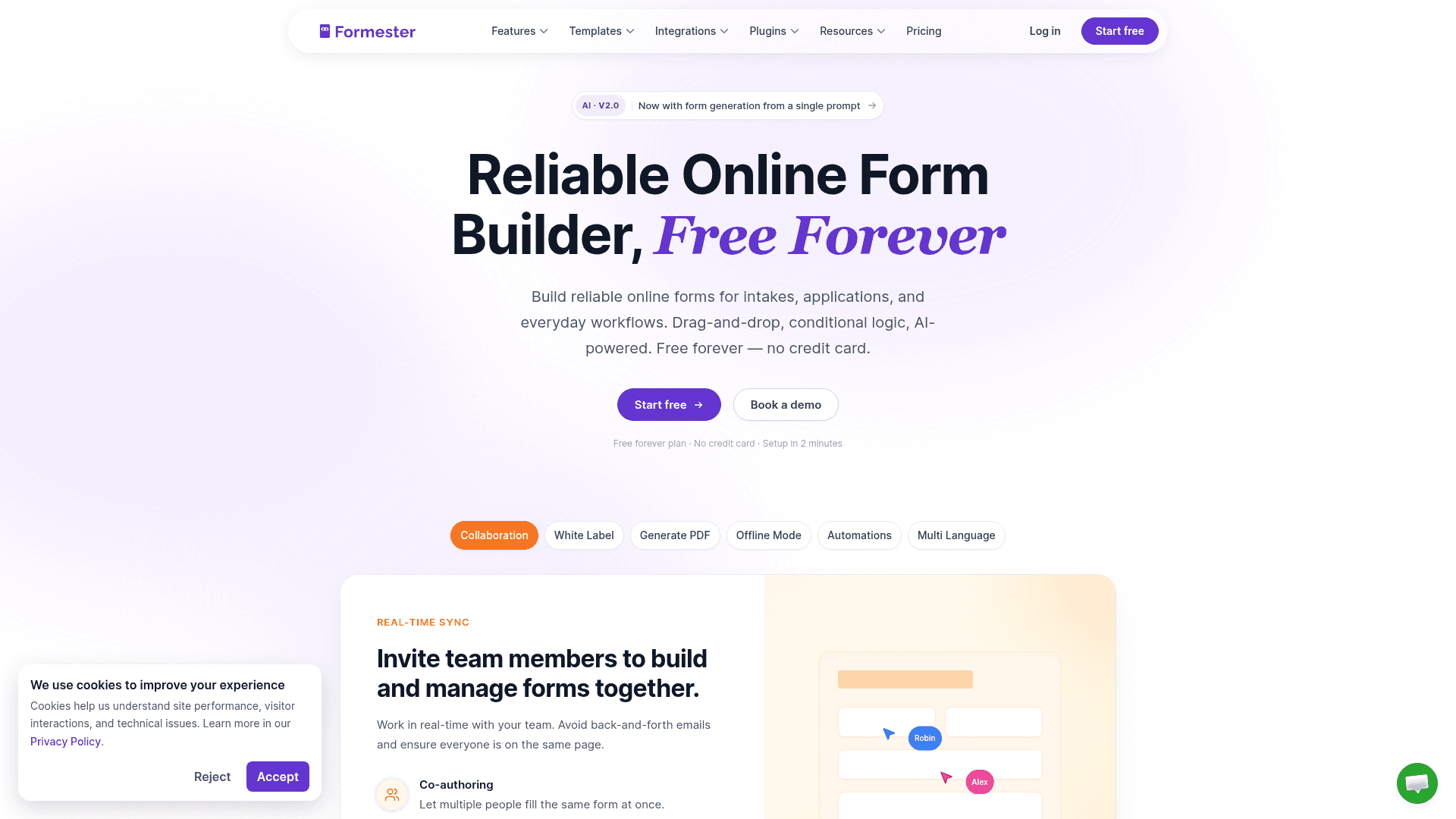
Formester is a hosted builder, so you design the form in a visual editor and drop one line of embed code into your HTML.
What makes it unusual in this list is the metering, or rather the lack of it: unlimited forms and unlimited responses on every plan, including the free one. Every endpoint below counts your submissions. Formester doesn't.
The editor is current and comfortable to live in. Changes preview live, the output is mobile-responsive by default, and the AI generator builds a form from a prompt, a PDF, or a pasted list of questions, all on the free plan.
The embed works the same on hand-coded HTML, Astro, Webflow, or WordPress.
Paid plans add features rather than volume. Personal at $13 a month brings conditional logic, and Business at $49 adds a custom domain and 25 team seats. On yearly billing those drop to $12 and $45.
| Strengths | Weaknesses |
|---|---|
| Unlimited forms and responses on the free plan | Not a pure endpoint; you embed rather than POST |
| One-line embed works on any HTML site | 14 G2 reviews, a small sample to judge by |
| REST API for writing custom markup around the form | No HIPAA on any tier |
| Honeypot with rate limiting on the free plan | |
| Payment collection on the free plan | |
| Modern editor with live preview |
| Plan | What you get |
|---|---|
| Free | $0. Unlimited forms, unlimited responses, all field types, AI generation |
| Personal | $13/mo ($12/mo billed yearly). Adds conditional logic |
| Business | $49/mo ($45/mo billed yearly). Adds custom domain and 25 team seats |
Best for: HTML sites that want a designed, hosted form without ever counting submissions.
The catch: you don't control the form's markup. If your team wants to hand-write the HTML and only needs somewhere to send it, a pure endpoint like Formspree fits that workflow better.
G2 rating: 4.7/5, from 14 reviews. High score, small sample; read it as an early signal rather than a settled verdict.
2. Formspree, best pure form endpoint for developers
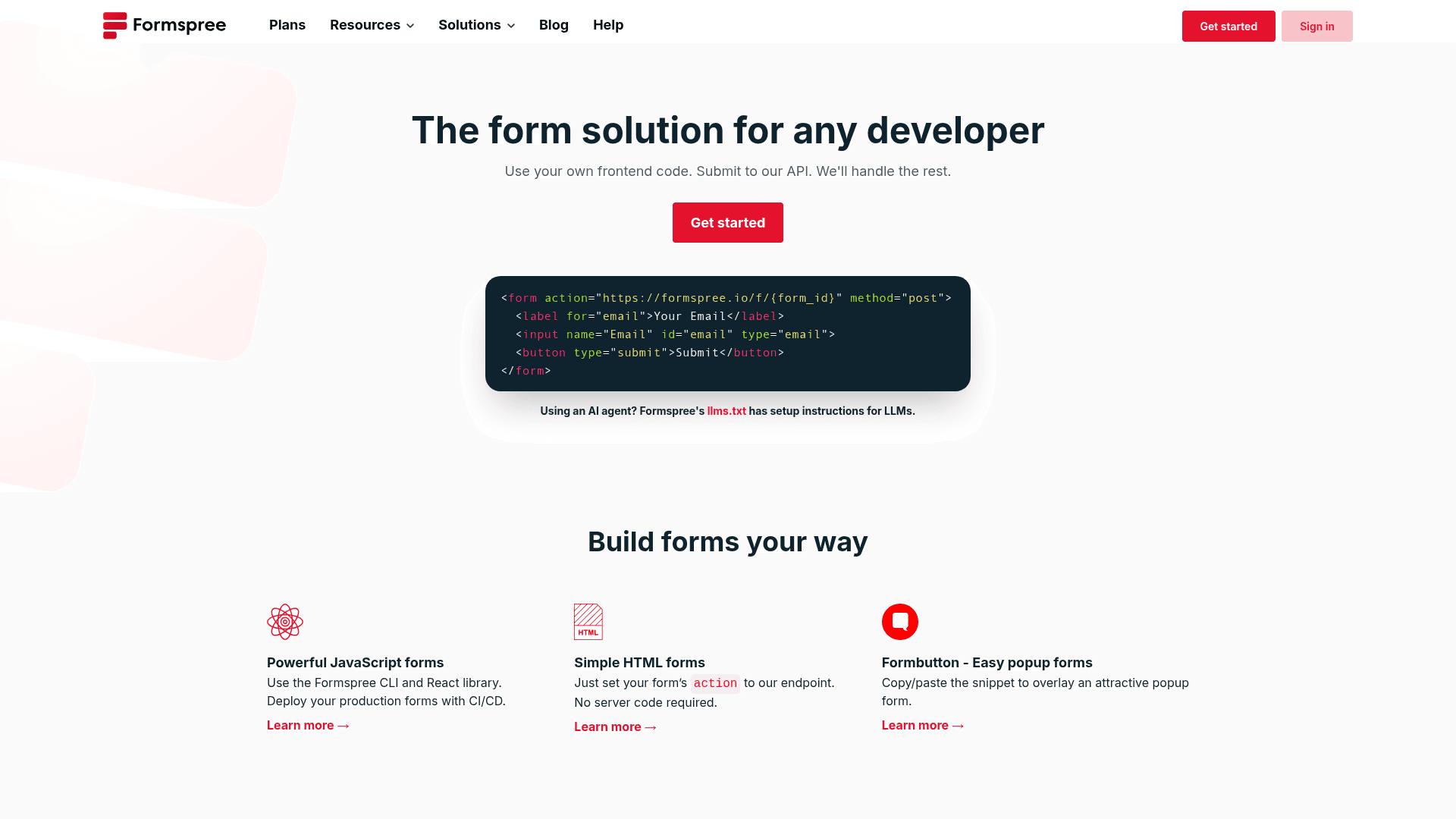
Formspree is the classic form endpoint: write your own HTML, set the form's action to your Formspree URL, and submissions arrive in your dashboard and inbox.
There's no builder to learn because there's no builder at all, which for many developers is exactly the appeal.
The workflow stays simple as you scale, and the plan steps are mostly about volume. The free tier covers 50 submissions a month, Personal at $10 covers 200, Professional at $20 covers 2,000 and adds a team member, and Business at $60 covers 20,000.
Spam protection pairs a honeypot with reCAPTCHA integration.
One billing note: these are the prices on Formspree's monthly toggle, and the yearly toggle showed the same rates when we checked, so we can't quote you a yearly discount.
| Strengths | Weaknesses |
|---|---|
| POST to a URL with no JavaScript needed | No hosted builder; you write the markup |
| reCAPTCHA integration built in | 50 submissions a month on the free tier |
| Zapier and webhook support | File uploads only on the upper tiers |
| Email autoresponder included | Minimal analytics |
| Custom redirect after submit |
| Plan | What you get |
|---|---|
| Free | $0. 50 submissions/mo |
| Personal | $10/mo. 200 submissions/mo |
| Professional | $20/mo. 2,000 submissions/mo, adds a team member |
| Business | $60/mo. 20,000 submissions/mo |
Best for: developers who want to write their own form markup and skip the backend entirely.
The catch: 50 free submissions a month is enough to build against, but one busy contact form on a public site can pass it. If the form matters, budget for Personal at $10 from the start.
G2 rating: 3.0/5, from just 3 reviews, a sample far too small to mean anything in either direction. Judge it on the product.
3. Netlify Forms, best for sites hosted on Netlify
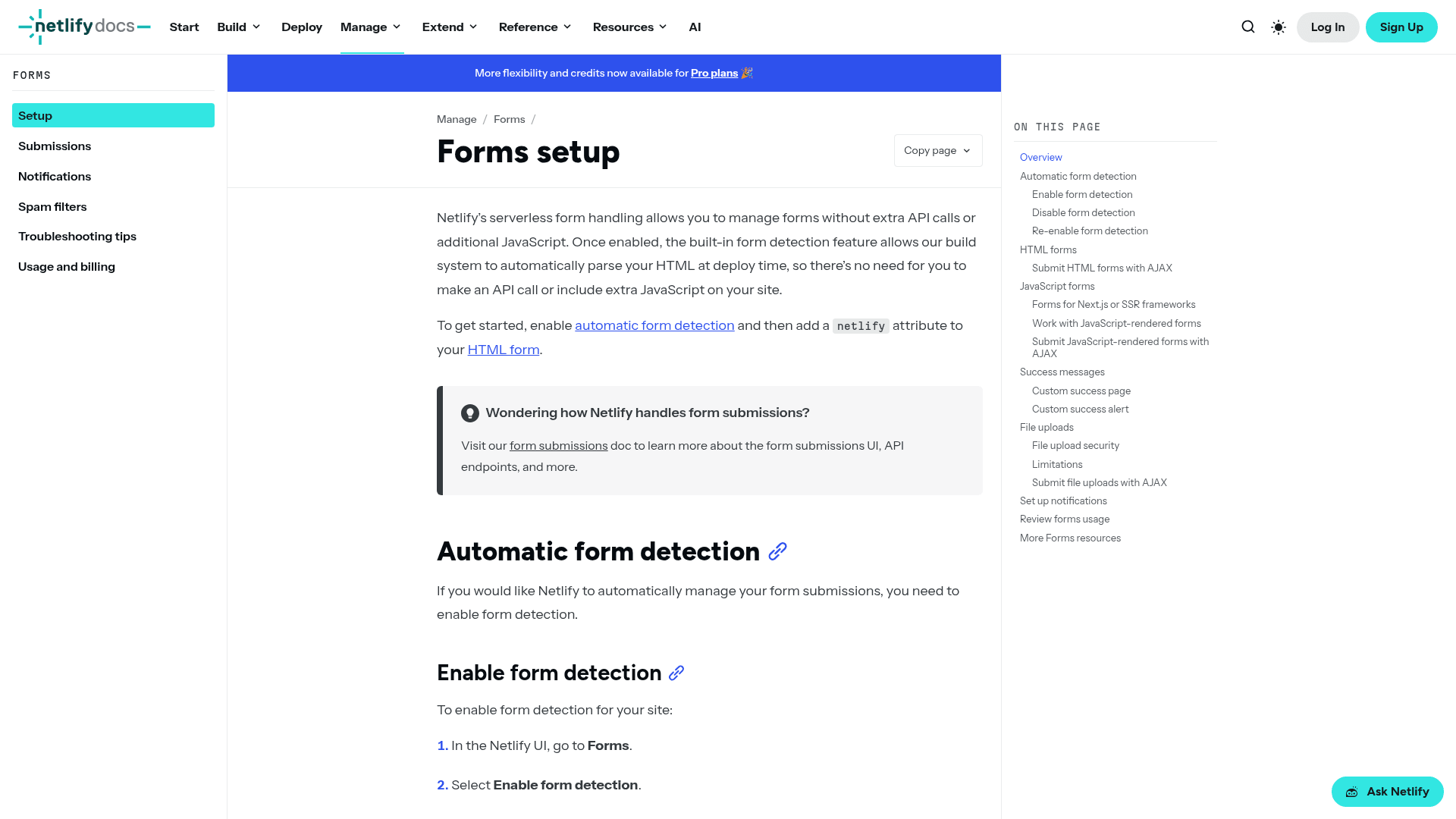
Netlify Forms is the zero-integration option when your site already deploys on Netlify: add a data-netlify attribute to your form tag and the platform detects and collects submissions at build time. No endpoint URL, no external service, no extra account.
The pricing recently changed in your favor, and most comparison pages haven't caught up. On Netlify's current credit-based plans, forms are free and unlimited, according to Netlify's own documentation.
The plans themselves run Free at $0, Personal at $9 a month, and Pro at $20 a month with unlimited members; the old per-level forms pricing now applies only to legacy accounts.
The limitation is the flip side of the convenience: it only exists inside Netlify. Move your hosting and the forms don't move with you.
| Strengths | Weaknesses |
|---|---|
| Zero configuration on Netlify sites | Only works on Netlify-hosted sites |
| Forms detected automatically at deploy time | Basic analytics |
| reCAPTCHA and honeypot included | Forms move only if your hosting stays put |
| Free and unlimited on current Netlify plans | No standalone G2 profile to check |
| File uploads included |
| Plan | What you get |
|---|---|
| Free | $0. Netlify's free plan; forms free and unlimited on current plans |
| Personal | $9/mo. Netlify Personal plan, single member |
| Pro | $20/mo. Unlimited team members |
Best for: sites already hosted on Netlify, where it's the path of least resistance and now costs nothing extra.
The catch: Netlify-only. The forms are a feature of the hosting rather than a portable service, so a hosting migration means a forms migration too.
G2 rating: Netlify Forms has no standalone G2 profile, so there's no rating to report; it's reviewed only as part of the Netlify platform.
4. Basin, best endpoint with team features
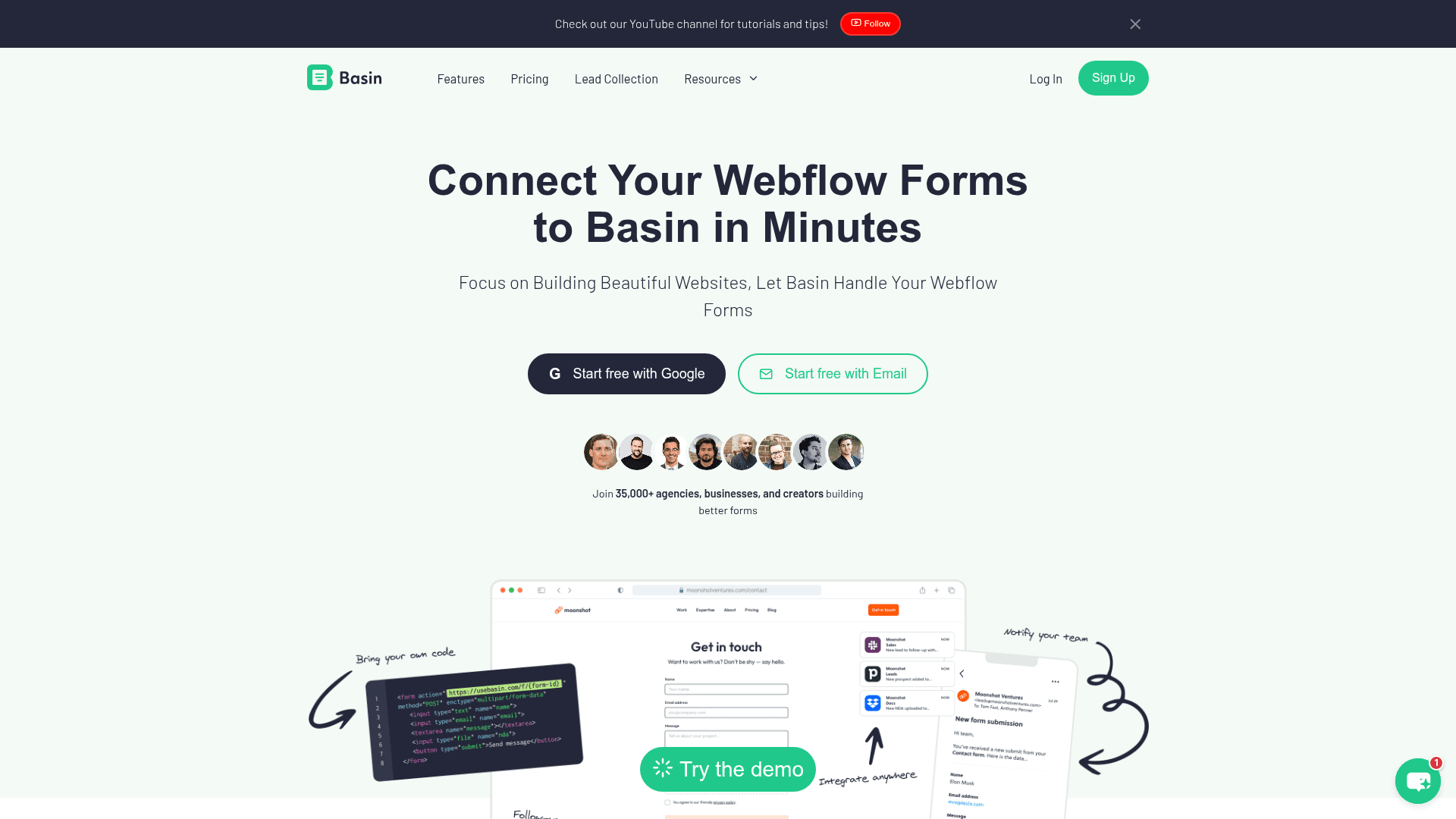
Basin sits between Formspree's minimalism and a full product: still a pure endpoint you POST to, but with team features and a brandable success page. Its spam filtering doesn't count blocked spam against your quota, a small courtesy that adds up on a busy form.
The free tier covers one form and 50 submissions a month. On monthly billing, Starter costs $15 (3 forms, 250 submissions), Growth $29 (unlimited forms, 1,000), Pro $49 (5,000), and Agency $130 (25,000).
Yearly billing drops those to $12.50, $24.17, $40.83, and $108.33, and a 25 percent yearly coupon was running when we checked.
One note on the advertised numbers: Basin's pricing page shows the yearly-billed rates first, so the prices you see there are not what month-to-month billing costs.
| Strengths | Weaknesses |
|---|---|
| 100 MB of file uploads on the free plan | Free plan covers 1 form and 50 submissions a month |
| Create an endpoint, copy the URL, done | Advertised prices are the yearly rates |
| Honeypot spam protection on the free plan | Minimal analytics |
| Blocked spam never counts against your quota | No SSO |
| Brandable success page | G2 profile could not be verified |
| Plan | What you get |
|---|---|
| Free | $0. 1 form, 50 submissions/mo |
| Starter | $15/mo ($12.50/mo billed yearly). 3 forms, 250 submissions/mo |
| Growth | $29/mo ($24.17/mo billed yearly). Unlimited forms, 1,000 submissions/mo |
| Pro | $49/mo ($40.83/mo billed yearly). 5,000 submissions/mo |
| Agency | $130/mo ($108.33/mo billed yearly). 25,000 submissions/mo |
Best for: small teams that want an endpoint with room to grow into branding and collaboration.
The catch: the free tier's single form makes it a trial in practice. A portfolio site with one contact form fits; a site with two forms is already on Starter at $15 a month.
G2 rating: we could not verify a G2 profile for Basin; the page would not load through either of the scrapers we used, so we claim no rating for it.
5. Getform, best for file uploads via endpoint
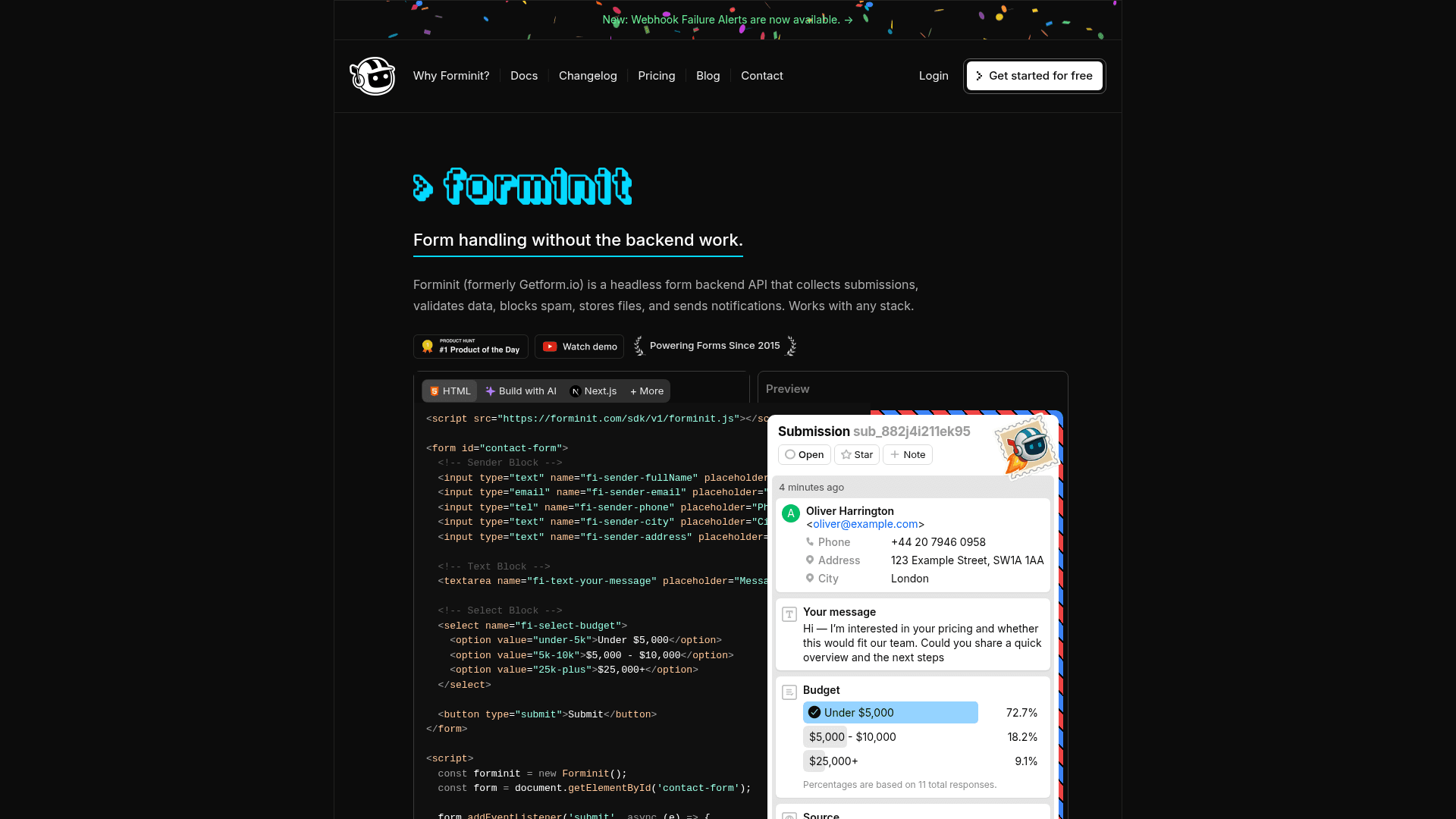
Getform is an endpoint with a storage bent: submissions can carry file uploads, and the paid tiers meter storage alongside submissions. That suits forms that collect documents, images, or job applications better than any other endpoint here.
The free tier covers 100 submissions a month, the most generous free allowance among the pure endpoints in this list.
Paid plans are published at yearly-billed rates only: Pro at $15.83 a month (5,000 submissions, 1 GB of storage), Business at $40.83, and Volume at $82.50 (50,000 submissions, 10 GB).
Two honesty notes. Getform does not display monthly-billed prices on its pricing page, so we can't tell you what month-to-month costs; assume the rates above involve an annual commitment.
And Business-tier submission limits aren't published either, so we won't guess at them.
| Strengths | Weaknesses |
|---|---|
| File storage built in, from 100 MB on the free plan | No hosted builder; you write the markup |
| 100 submissions a month free, the largest here among endpoints | Only yearly-billed prices are published |
| reCAPTCHA with honeypot spam protection | Business-tier submission limit is not published |
| Zapier and webhook support | SSO sits on the higher tiers |
| Plan | What you get |
|---|---|
| Free | $0. 100 submissions/mo |
| Pro | $15.83/mo, billed yearly. 5,000 submissions/mo, 1 GB file storage |
| Business | $40.83/mo, billed yearly. Submission limit not published |
| Volume | $82.50/mo, billed yearly. 50,000 submissions/mo, 10 GB file storage |
Best for: endpoint workflows where file uploads are the point.
The catch: only yearly-billed prices are published, so there's no visible month-to-month option to budget against. The site also shows early signs of a rebrand to "Forminit", worth knowing in case the name changes under you.
G2 rating: 5.0/5, from 3 reviews. Like Formspree's score at the other extreme, the sample is too small to carry weight.
6. Jotform, best for template depth + HTML embed flexibility
Jotform comes at HTML sites from the hosted side, like Formester, but with scale as the pitch: 20,000+ templates, an embed that works anywhere you can paste a snippet, and a custom-HTML question type for injecting your own markup inside a form.
The free plan covers 5 forms and 100 submissions a month. On monthly billing, Bronze costs $39 (1,000 submissions), Silver $49 (2,500), and Gold $129 (10,000, and the tier where HIPAA features become available).
The prices Jotform advertises are the annual-billing rates, which run lower: $34, $39, and $99.
The depth cuts both ways. Whatever form you need probably has a template, and whatever setting you need is probably three menus deep. Budget some onboarding time.
| Strengths | Weaknesses |
|---|---|
| 20,000+ pre-built templates | Not a pure endpoint; the form stays Jotform-hosted |
| Several embed modes: iframe, JavaScript, lightbox, popup | Free plan covers 100 submissions a month |
| Deep REST API | Dense interface that takes time to learn |
| 40+ payment gateways | Monthly billing costs more than the advertised rates |
| HIPAA features from the Gold plan |
| Plan | What you get |
|---|---|
| Starter (free) | $0. 5 forms, 100 submissions/mo, 100 MB storage |
| Bronze | $39/mo ($34/mo billed yearly). 25 forms, 1,000 submissions/mo |
| Silver | $49/mo ($39/mo billed yearly). 50 forms, 2,500 submissions/mo |
| Gold | $129/mo ($99/mo billed yearly). 100 forms, 10,000 submissions/mo, HIPAA features available |
Best for: teams that want a hosted form with the deepest template library, embedded in an HTML site.
The catch: the sticker prices are annual rates. If you plan to pay monthly, check the toggle before you budget, because Bronze is $39 a month, not $34.
G2 rating: 4.7/5, from 5,426 reviews, the largest base of any dedicated form tool in this list. A score that holds at that volume means more than the same score on a handful of reviews.
7. Gravity Forms, best for WordPress-hosted HTML forms
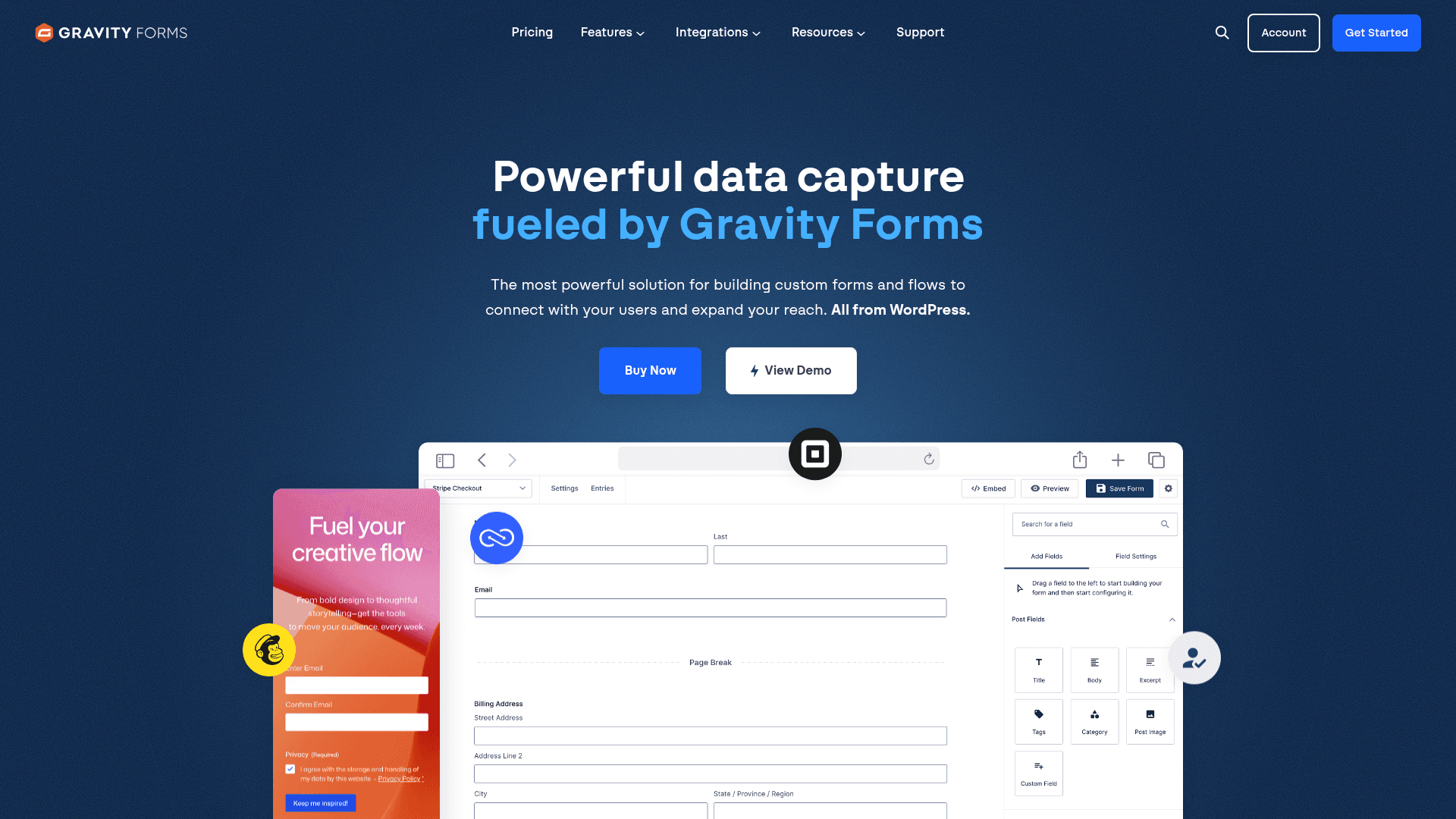
Gravity Forms is the WordPress answer.
It's a plugin rather than a service, so it only applies if your HTML pages are WordPress pages, and in that world it's the most capable option: conditional logic that goes deeper than anything else here, and 30+ first-party add-ons.
There is no free plan and no monthly billing; licenses are annual. Basic at $59 a year covers one site, Pro at $159 covers three, and Elite at $259 covers unlimited sites, which is where agencies land.
A seasonal discount was running when we checked; budget on the list prices.
The editor looks its age next to the newer SaaS tools, and none of this applies off WordPress: no cloud version exists.
| Strengths | Weaknesses |
|---|---|
| Deepest conditional logic among WordPress form plugins | WordPress only |
| 30+ first-party add-ons | No free plan; an annual licence is required |
| Elite covers unlimited sites for $259 a year | Editor looks dated next to the SaaS tools |
| Tight WordPress integration | The most useful add-ons need Elite |
| Plan | What you get |
|---|---|
| Basic | $59/year. 1 site |
| Pro | $159/year. 3 sites, most add-ons |
| Elite | $259/year. Unlimited sites, all add-ons |
Best for: WordPress sites, and agencies that run many of them.
The catch: annual licenses only, so there's no cheap month-to-month way to trial it in production, and no path off WordPress at all.
G2 rating: 4.7/5, from 248 reviews built up over years of WordPress use. A stable, credible base for a developer-leaning plugin.
8. Google Forms, best for Workspace teams with HTML embed
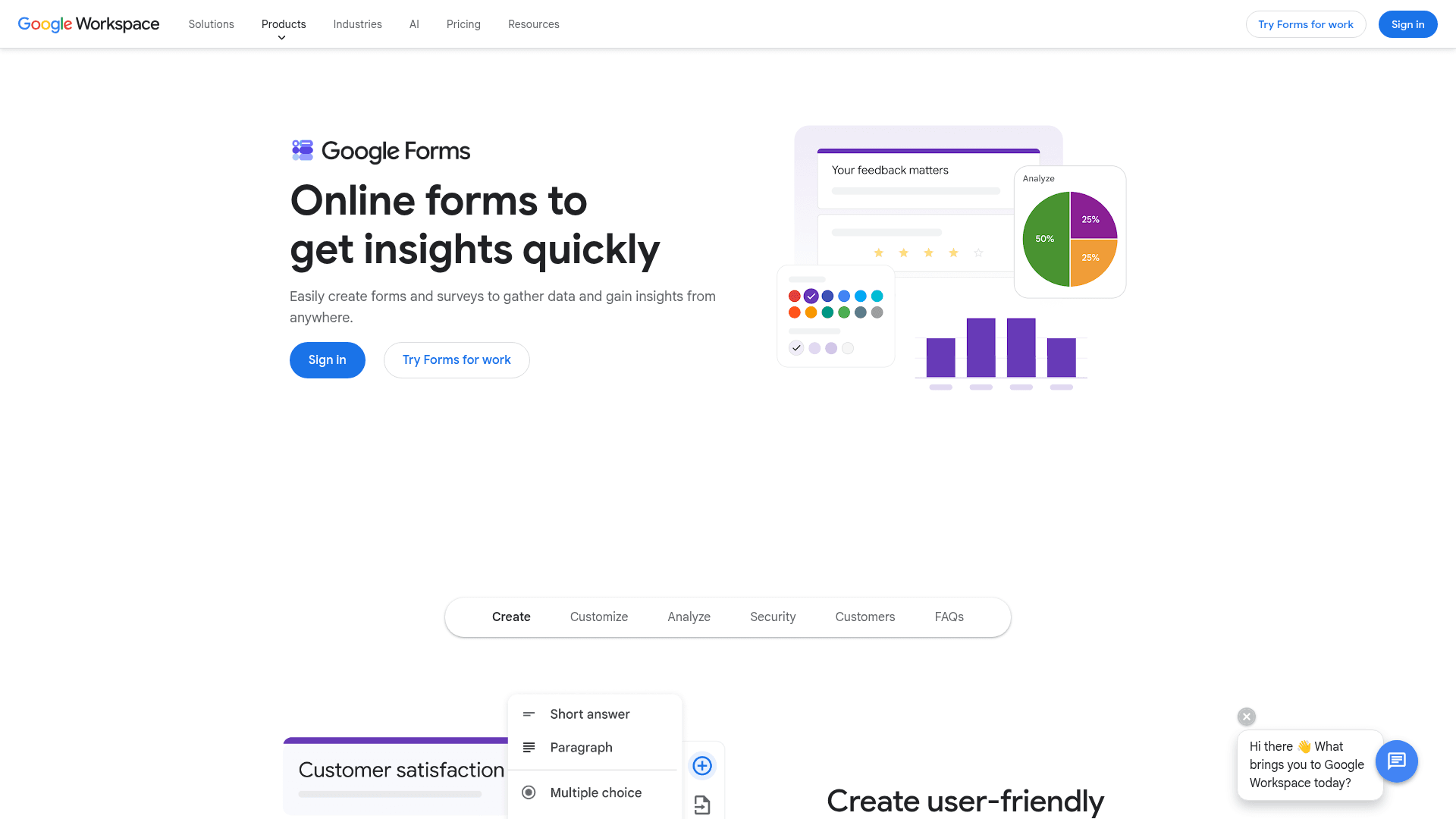
Google Forms embeds in an HTML page through an iframe, which makes it the least HTML-native tool here: you can't touch the markup, style the fields, or make it look like anything other than a Google Form.
What you get in exchange is free, effectively unlimited collection with any Google account, straight into Sheets.
That trade is often fine. For an internal survey, an event RSVP, or a quick poll on a personal site, the iframe drops in and works. For a branded, customer-facing form, the Google styling gives it away instantly.
There's no Forms-specific paid plan; it comes bundled with Google Workspace, where Business Starter runs $7 per user per month, Standard $14, and Plus $22 on an annual basis.
Google doesn't publish flexible monthly-billing rates on its pricing page, so we won't quote them. A 50-percent-off promotion for the first three months was running when we checked.
| Strengths | Weaknesses |
|---|---|
| Free with any Google account | Very limited design control |
| Answers sync to Google Sheets automatically | No native payments or webhooks |
| iframe embed drops onto any HTML page | Skip-to-section logic only |
| Real-time collaborative editing | Google branding stays on the embed |
| Plan | What you get |
|---|---|
| Free | $0 with any Google account. Effectively unlimited responses |
| Workspace Business Starter | $7/user/mo, annual basis. Bundles Forms with mail and 30 GB storage |
| Workspace Business Standard | $14/user/mo, annual basis |
| Workspace Business Plus | $22/user/mo, annual basis |
Best for: quick embeds where function matters and branding doesn't.
The catch: an iframe is all you get. The markup and styling stay locked, and the form always looks like Google.
G2 rating: Google Forms has no standalone G2 profile. The commonly cited 4.6/5 figure (48,175 reviews) belongs to the Google Workspace profile, which covers the whole suite, so treat it as suite-level sentiment rather than a Forms rating.
One line of embed code on any HTML site
Formester ships forms that embed on WordPress, Astro, Framer, Webflow, or hand-coded HTML. Free plan, unlimited responses, spam protection on.
Free forever plan • No credit card • Setup in 2 minutes
How to pick the right HTML form builder
The two-camp split does most of the deciding, so start there
If you want to write your own HTML and just need somewhere to send it, you're choosing between the endpoints, and the tie-breaker is what you need around the endpoint.
Formspree fits the cleanest developer workflow, Basin adds team features, Getform handles file uploads, and Netlify Forms costs nothing extra if your site already lives on Netlify.
If you'd rather design a form visually and embed it, you're choosing between the hosted builders: Formester for unmetered responses, Jotform for template depth, Google Forms for free and simple.
You want to write HTML yourself and POST to an endpoint → Formspree (developers, from $10/mo), Basin (teams, from $15/mo), Getform (file uploads), Netlify Forms (free if you're on Netlify).
You want a hosted form and a copy-paste embed → Formester (unlimited responses free), Jotform (20,000+ templates, from $39/mo), Google Forms (free, iframe only).
Your site is WordPress → Gravity Forms, annual license from $59/year.