Recover More Leads with This Simple Lead Conversion Strategy!

Did you know that nearly 70 to 80 percent of people who start filling a form never finish it?
That means most of your visitors show interest, start typing, and then leave without becoming a lead. If your form is your main way to capture leads, this is not a small problem. It is silent revenue loss happening every single day.
The good news is this. You do not need more traffic to fix this. You need better forms.
In this guide, you will learn a simple but powerful lead conversion strategy using Formester. By improving how your forms work, you can recover more leads, increase form completions, and get better quality prospects in minutes.
Why People Abandon Forms So Often?
Before fixing the problem, you need to understand why it happens. Most form drop offs happen for a few common reasons.
Long Forms Feel Like Hard Work: When users see too many fields, they feel overwhelmed. Each extra question increases mental effort. Slowly, patience drops and users quit before finishing. Even interested users leave when the form feels long.
Poor Mobile Experience Pushes Users Away: Most people fill forms on their phones. If buttons are small, layouts break, or scrolling feels endless, users get frustrated and leave quickly.
Confusing Validation Errors Kill Motivation: When users enter wrong data and see unclear or harsh error messages, they feel stuck. Instead of fixing the issue, many choose to exit the form.
Losing Progress Breaks Momentum: If a user closes a tab or switches devices and loses all progress, motivation drops instantly. Starting again feels painful, especially for longer forms.
Security Doubts Create Fear: When forms lack HTTPS, clear privacy messages, or ask for sensitive details without explanation, users fear spam or data misuse. Trust breaks and abandonment follows.
Now let us fix all of these issues step by step using Formester.
Step 1. Use Conversational Forms to Reduce Fear
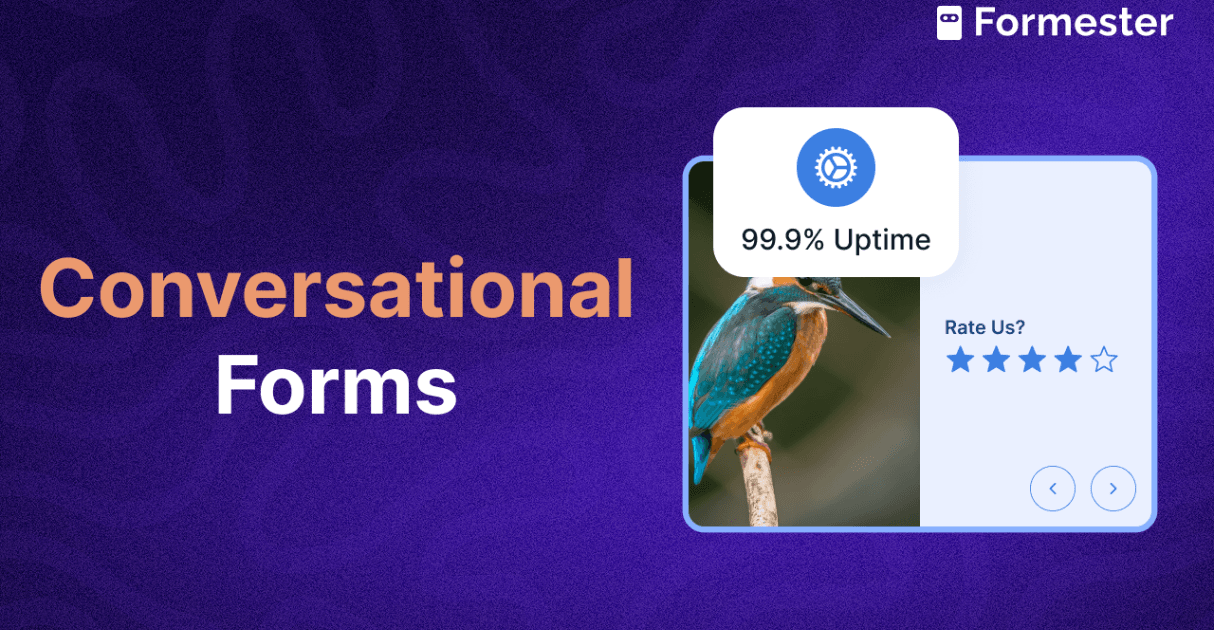
The fastest way to increase form completion is to show one question at a time. This makes the form feel short, simple, and friendly. Users focus on one answer instead of worrying about how long the form is. In Formester, you can enable one field per page by clicking the three dots on the page, selecting one field per page, and confirming. Once enabled, users see only one question on each screen. This feels more like a conversation and less like work.
Step 2. Use Conditional Logic to Remove Unnecessary Questions
Not every user needs to see every question. Conditional logic lets you show questions only when they matter. This keeps the form short while still collecting important details. In Formester, go to Advanced, open Rules, and click Add rule. Create simple if then conditions. For example, if a user selects business, then show company related questions. The form adjusts in real time and shows only relevant questions. This reduces friction and improves lead quality.
Step 3. Improve Lead Quality with Email Validation
Bad email addresses waste time and money. Email validation helps users enter correct and real emails by giving instant feedback. To enable this, select the email field, go to Advanced properties, and turn on email validation. Users are notified immediately if the email is invalid and can fix it before moving forward. This leads to cleaner data and better follow ups.
Step 4. Reduce Typing with Pre Filled Fields
The less users type, the more likely they finish the form. Pre filling fields is especially powerful for traffic coming from ads. It also helps you capture accurate campaign data. With Formester, publish your form and copy the form URL. Add a question mark, then write field label equals value. To prefill more fields, use the ampersand symbol and repeat the format.
When users open the form, selected fields are already filled. This makes the form feel faster and easier.
Step 5. Let Users Save and Continue Later
Distractions happen. Calls come in. Tabs close. Save and continue allows users to leave the form and return later without losing progress. In Formester, click the gear icon, open Save and continue, and toggle allow users to resume submission. Users can come back and continue exactly where they stopped. This alone can recover a large number of lost submissions.
Step 6. Increase Engagement with Custom Design and CSS
A form that looks boring feels boring to fill. Formester already gives deep design control. But if you want more engagement, you can add animations or hover effects using custom CSS. Go to the Design tab, scroll to Custom CSS, use selector mode to choose a field, and add your CSS. Small visual interactions keep users interested and reduce drop offs.
Step 7. Recover Lost Leads with Partial Submissions
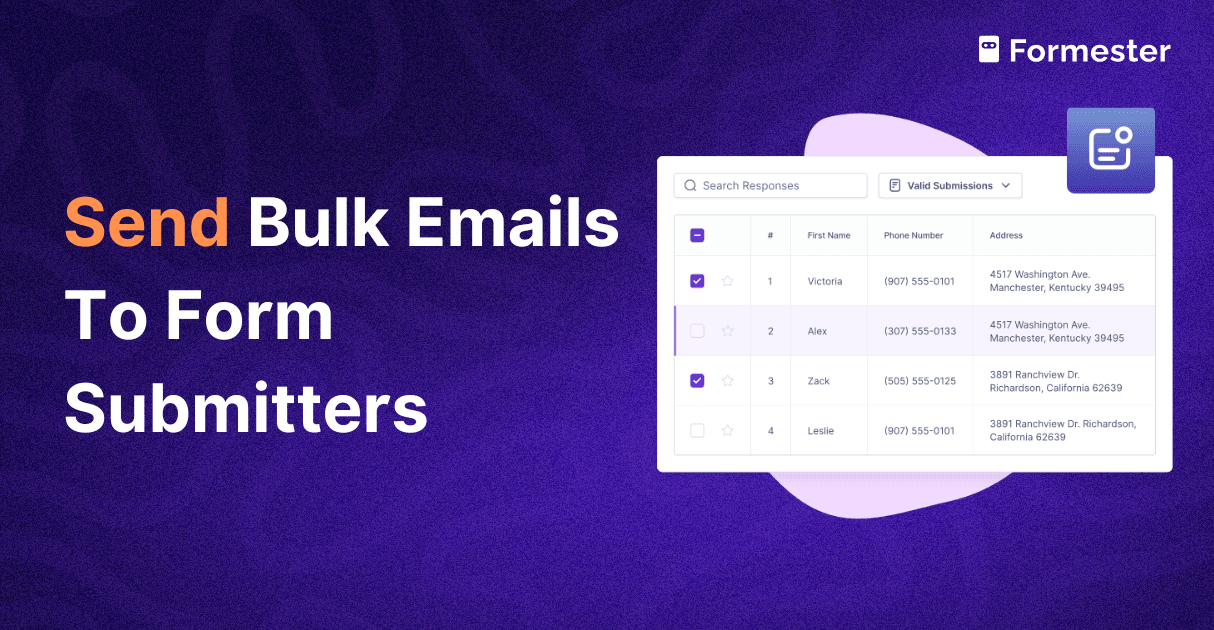
Even the best forms will still have drop offs. This is where lead recovery becomes powerful. Partial submissions allow you to capture data even if users do not submit the form. To enable this in Formester, go to Settings, open Save and continue, and toggle partial submission. Then go to the Results tab, filter partial submissions, add another filter where the email field is filled, select those entries, and send bulk follow up emails. These users already showed interest. A simple follow up can turn lost leads into conversions.
Step 8. Track Where Users Drop Off
You cannot improve what you do not measure. Formester shows drop off rates and the exact page where users leave. If you want deeper insights, you can connect GA4 and track individual events and engagement. This helps you spot weak points and optimize continuously.
Final Thoughts
Recovering more leads is not about asking more questions or driving more traffic. It is about removing friction.
By improving how your form looks, behaves, and follows up, you eliminate the biggest reasons users leave. Small changes in design and functionality can lead to massive gains in conversions while keeping lead quality high.
If your forms are costing you leads, it is time to fix them. Try Formester and see how simple form changes can unlock more revenue from the traffic you already have.