How we verified this: every figure on this page comes from the vendor's own pricing page or its public G2 profile. You can check every source here.
Which SurveySparrow alternative should you choose?
SurveySparrow prices by response, and that is what sends most people looking. The other common reason is needing something it does not do at all, such as forms with payments or in-product surveys fired at a user segment.
Those two reasons point at very different tools. Knowing which one applies to you removes most of this list before you compare a single feature.
The 60-second TL;DR
- Best all-around alternative: Formester, unlimited responses on the free plan
- Best for enterprise CX: SurveyMonkey, from $30/user/mo
- Best for completion rates: Typeform, from $39/mo
- Best for research at scale: Qualtrics, from $420/mo
- Best for forms and payments: Jotform, from $39/mo
- Best for research methodology: Alchemer, from $55/user/mo
- Best free option: Google Forms
- Best for in-product surveys: Refiner, from $99/mo
At a glance: 13 SurveySparrow alternatives compared
The table shows what each free tier allows and what the first paid plan costs on monthly billing, so you can see which tools remove the response ceiling and which just move it.
| Tool | Free plan | First paid plan (monthly) | Best suited to | G2 rating |
|---|---|---|---|---|
| Formester | Unlimited forms and responses | $13/mo | Forms and surveys without caps | 4.7/5 (14) |
| SurveyMonkey | 25 responses per survey | $30/user/mo, 3-seat minimum | Enterprise CX programmes | 4.4/5 (23,901) |
| Typeform | 10 responses/mo | $39/mo | Completion on long surveys | 4.5/5 (1,017) |
| Qualtrics | 3 surveys, 500 responses | $420/mo (Strategic Research) | Global research at scale | 4.4/5 (3,017) |
| Jotform | 5 forms, 100 submissions/mo | $39/mo | Surveys that take payment | 4.7/5 (5,426) |
| Alchemer | No free plan | $55/user/mo | Research methodology | 4.4/5 (956) |
| Formstack | No free plan | $99/mo | Regulated form workflows | 4.3/5 (471) |
| Google Forms | No practical cap | Bundled with Workspace | Free internal surveys | No standalone profile |
| Microsoft Forms | 200 responses per form | Bundled with M365 | Microsoft 365 teams | 4.4/5 (476) |
| Zoho Survey | Free tier available | $7.42/mo billed annually | Zoho ecosystem teams | 4.4/5 (1,040) |
| QuestionPro | Free Essentials tier | $99/user/mo billed annually | Mid-market market research | 4.5/5 (1,147) |
| Refiner | Trial only | $99/mo at 5,000 MAU | In-product SaaS surveys | 4.6/5 (25) |
| Sogolytics | Free Pro tier | Not published | Enterprise research | 4.6/5 (88) |
What sends teams looking past SurveySparrow
Every figure here comes from the vendor's own pricing page and plan limits, read in full. The question each tool had to answer was what it does that SurveySparrow does not, rather than whether it is a good product on its own.
Tools that remove the response ceiling rank highest, then those that add a capability SurveySparrow lacks. Several vendors advertise annual rates, so the monthly figures below run higher than the ones on their pricing pages.
1. Formester, best all-around SurveySparrow alternative
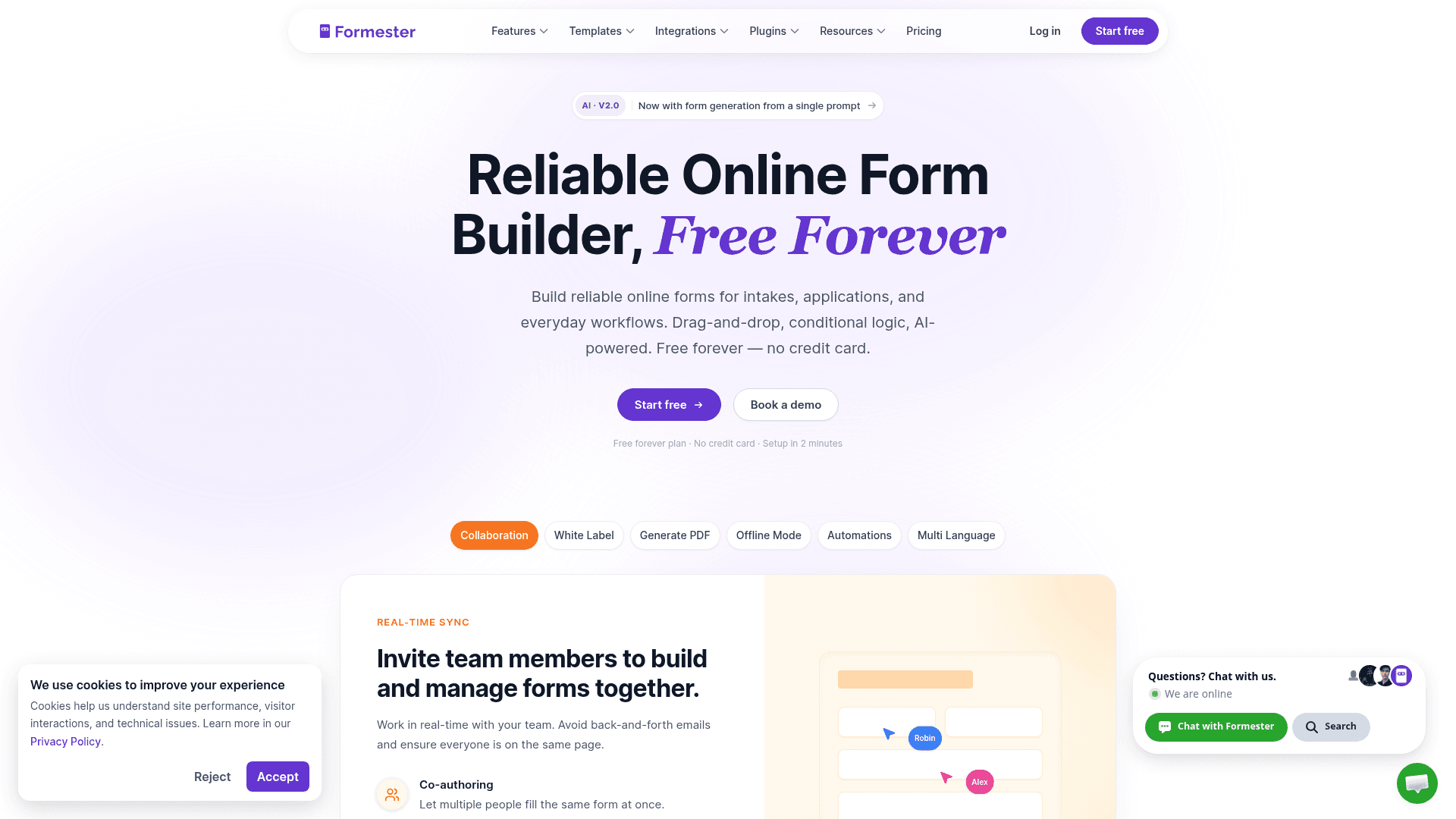
Formester removes the constraint that pushes most people off SurveySparrow. No plan caps forms, responses or fields, so a survey that gets shared widely costs the same as one that does not.
It also covers ground SurveySparrow does not: AI form generation from a prompt or a PDF, offline capture for field research, and Stripe and PayPal payments on the free plan.
Conditional logic sits on Personal at $13 a month, and Business at $49 adds a custom domain and 25 seats.
| Strengths | Weaknesses |
|---|---|
| No response cap on any plan | Not built for CX programmes or NPS tracking |
| AI generation from a prompt or a PDF | Conditional logic starts on Personal at $13/mo |
| Payments and e-signature on the free plan | No HIPAA, SOC 2 or ISO 27001 certification |
| Offline capture for field research | 14 G2 reviews, a small sample |
| Business covers 25 seats at $49/mo |
| Plan | What you get |
|---|---|
| Free | $0. Unlimited forms and responses, AI generation, payments |
| Personal | $13/mo ($12/mo billed yearly). Adds conditional logic |
| Business | $49/mo ($45/mo billed yearly). Adds custom domain and 25 seats |
| Enterprise | Custom pricing with SSO and dedicated support |
Best for: teams that want surveys and forms without a response ceiling.
The catch: this is a form builder that runs surveys, not a CX platform. Recurring NPS programmes and journey tracking are not what it is for.
G2 rating: 4.7/5, from 14 reviews. High score, small sample; read it as an early signal.
2. SurveyMonkey, best for enterprise CX and methodology templates
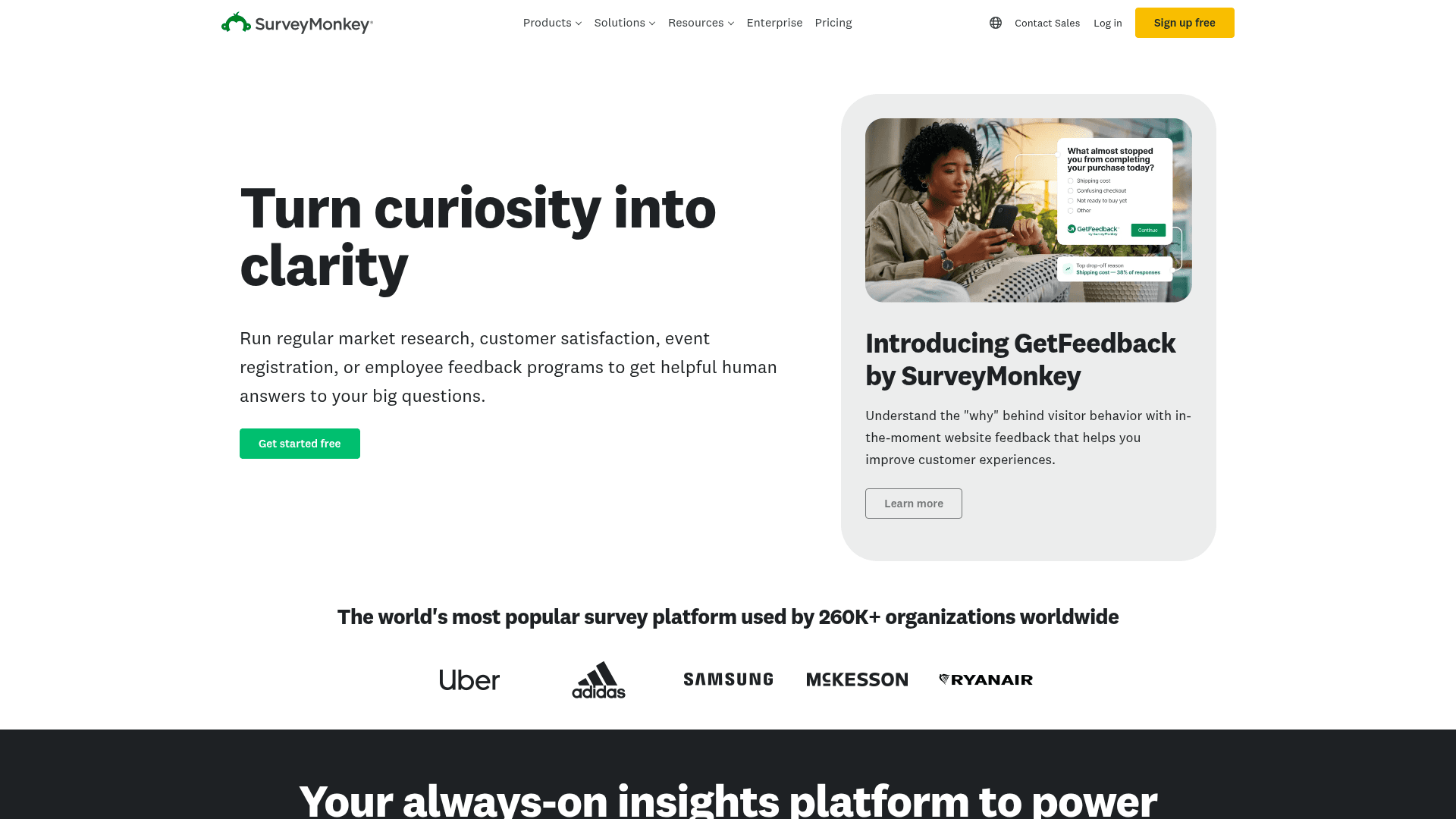
SurveyMonkey is the recognised name, and that matters more than it sounds: respondents open its surveys because they have seen the brand before.
Its methodology templates are written by researchers rather than marketers, and the analysis tools cover cross-tabulation, sentiment and weighting.
Pricing is per user with a three-seat minimum, so Team Advantage at $30 per user works out at $90 a month and Team Premier at $92 works out at $276.
| Strengths | Weaknesses |
|---|---|
| Strongest brand recognition with respondents | Three-seat minimum inflates the real entry price |
| Research-written methodology templates | Free plan shows only 25 responses per survey |
| Cross-tab, sentiment and weighting analysis | $0.15 charged per response over the allowance |
| Very large G2 review base | Advertised prices are the annual rates |
| Plan | What you get |
|---|---|
| Free | $0. 25 visible responses per survey, 10 questions, 1 user |
| Team Advantage | $30/user/mo, three-seat minimum, so $90/mo |
| Team Premier | $92/user/mo, three-seat minimum, so $276/mo |
| Enterprise | Custom with SSO, HIPAA BAA and dedicated support |
Best for: enterprise CX teams that need recognised methodology.
The catch: the three-seat minimum means the real starting price is $90 a month, not $30, which is easy to miss on the pricing page.
G2 rating: 4.4/5, from 23,901 reviews. A very large base reflecting long familiarity.
3. Typeform, best for conversational surveys with high completion
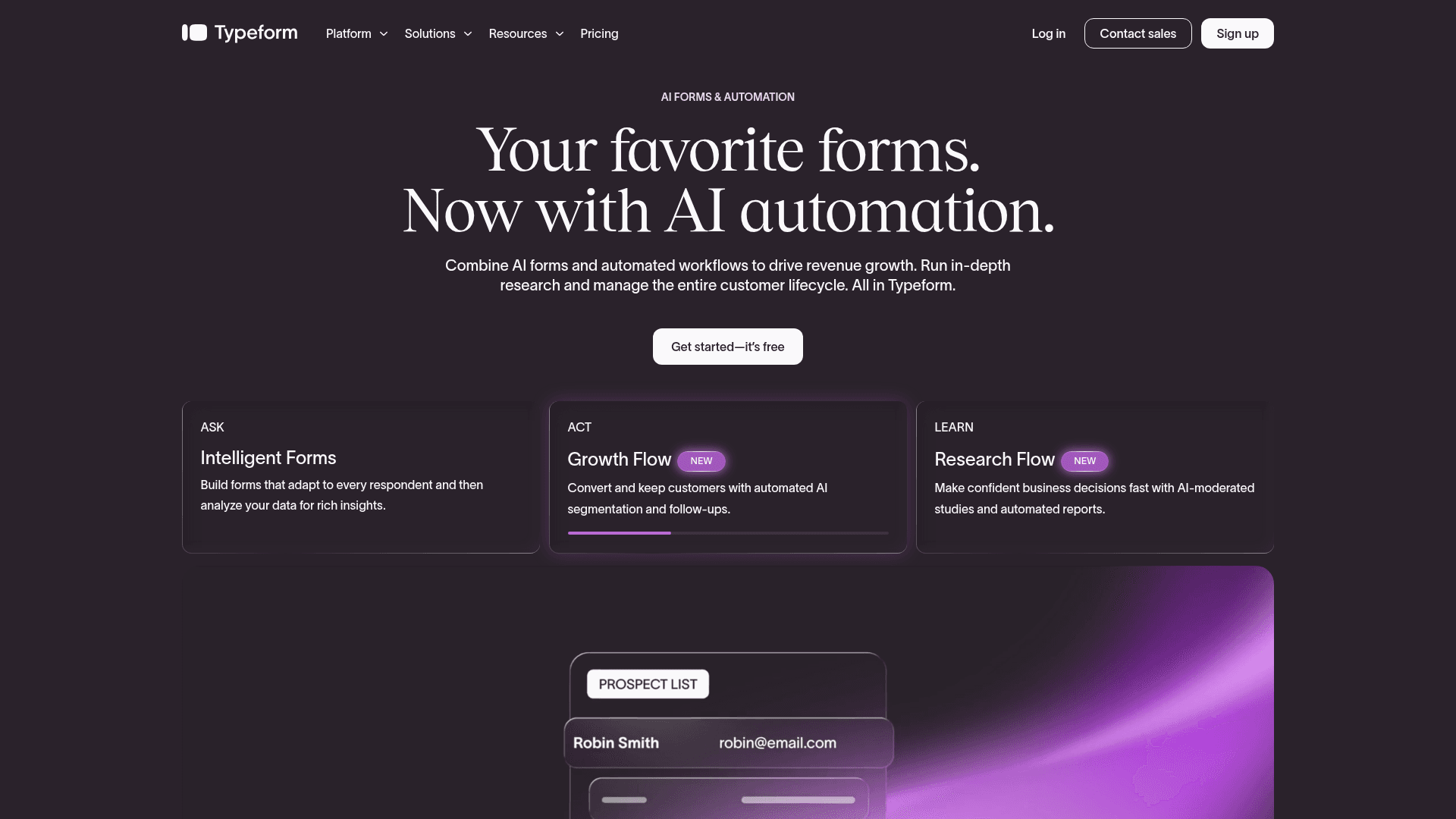
Typeform asks one question at a time, and on a long survey that measurably reduces the number of people who abandon halfway.
For qualitative research where each completed response carries real weight, that difference often justifies the price on its own.
It is the most expensive per response here. Free covers 10 a month, Basic is $39 with 100, Plus $79 with 1,000, and Business $129 with 10,000.
| Strengths | Weaknesses |
|---|---|
| Highest completion rates on long surveys | Free plan covers only 10 responses a month |
| Logic jumps skip irrelevant sections cleanly | Highest cost per response in this list |
| AI drafts a full survey from a prompt | Response caps on every tier |
| Strong drop-off analytics | Advertised prices are the annual rates |
| Plan | What you get |
|---|---|
| Free | $0. 10 responses/mo, 1 user |
| Basic | $39/mo ($28/mo billed yearly). 100 responses/mo |
| Plus | $79/mo ($56/mo billed yearly). 1,000 responses/mo, 3 seats |
| Business | $129/mo ($91/mo billed yearly). 10,000 responses/mo, 5 seats |
Best for: qualitative research where completion rate is the metric.
The catch: at 10,000 responses a month you are on Business at $129, so volume research gets expensive faster here than anywhere else.
G2 rating: 4.5/5, from 1,017 reviews. A large base, with cost the common complaint.
4. Qualtrics, best for global enterprise research at scale
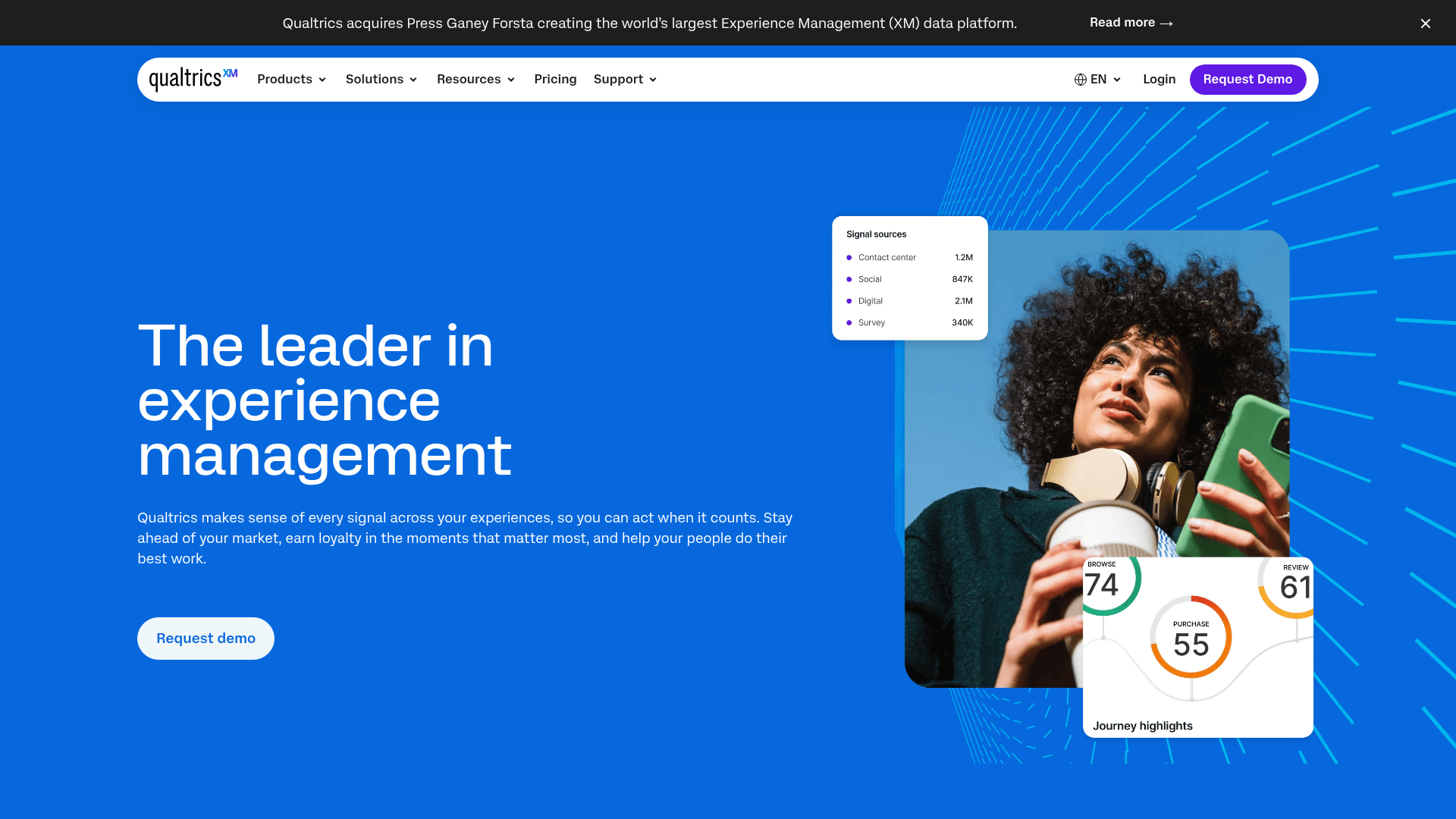
Qualtrics sits at the top of this category. It is what large organisations buy when survey research is a function rather than a task, with statistical tooling and panels behind it.
Its free account is more generous than most enterprise vendors bother with: 3 active surveys, 30 questions each, 500 responses and 8 question types.
Strategic Research is published at $420 a month, or $5,040 a year. Full CX, EX and Research suite contracts are quoted rather than listed.
| Strengths | Weaknesses |
|---|---|
| Deepest statistical and research tooling here | Suite contracts are quoted, not published |
| Free account with 500 responses | Free account limited to 8 question types |
| Strategic Research published at $420/mo | Considerable overhead for a simple survey |
| Panels, dashboards and 70+ survey languages | Implementation usually needs support |
| Plan | What you get |
|---|---|
| Qualtrics Surveys (free) | $0. 3 active surveys, 30 questions each, 500 responses, 8 question types |
| Strategic Research | $420/mo ($5,040/year). 23 question types, advanced logic |
| CX, EX and Research suites | Custom contract pricing |
| Enterprise | Full multi-suite contract with SSO, HIPAA and regional data centres |
Best for: organisations running research as an ongoing function.
The catch: beyond Strategic Research nothing is published, so a suite comparison means a sales conversation before you know the number.
G2 rating: 4.4/5, from 3,017 reviews. A large base for an enterprise platform.
5. Jotform, best for surveys that also collect payment
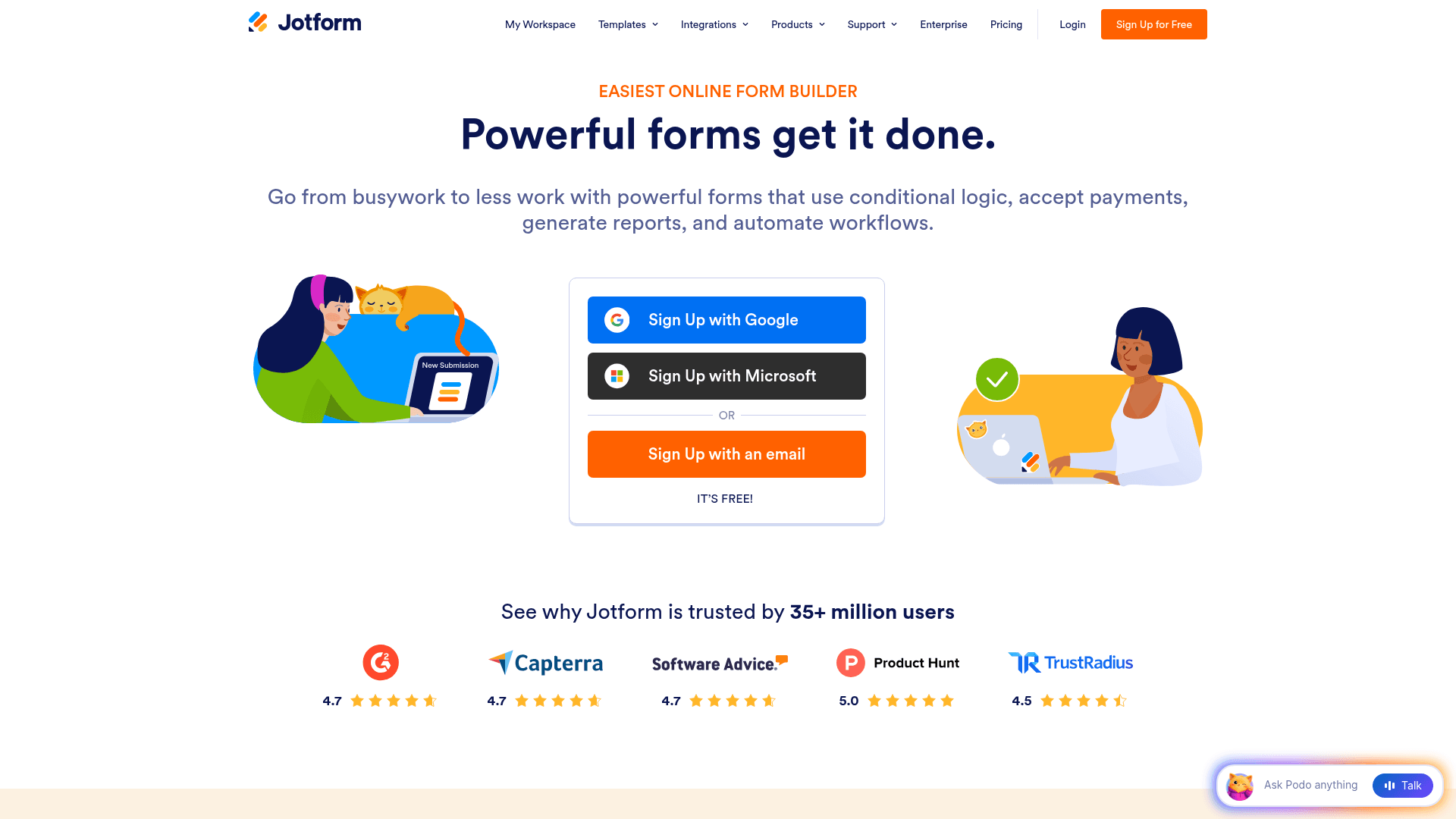
Jotform is the pick when a survey needs to do something SurveySparrow cannot, most often taking a payment or collecting a file alongside the answers.
It brings 20,000+ templates and 40+ payment gateways, and every field type is available on the free plan.
Submissions are metered on every tier: 100 a month free, 1,000 on Bronze at $39, and 10,000 on Gold at $129 where HIPAA features arrive.
| Strengths | Weaknesses |
|---|---|
| 20,000+ templates, the largest library here | Submissions metered on every tier |
| 40+ payment gateways | Free plan covers only 5 forms |
| HIPAA features on the Gold plan | Weaker survey analysis than the research tools |
| All field types available on the free plan | Advertised prices are the annual rates |
| Plan | What you get |
|---|---|
| Starter (free) | $0. 5 forms, 100 submissions/mo, 100 MB storage |
| Bronze | $39/mo ($34/mo billed yearly). 1,000 submissions/mo |
| Silver | $49/mo ($39/mo billed yearly). 2,500 submissions/mo |
| Gold | $129/mo ($99/mo billed yearly). 10,000 submissions/mo, HIPAA features |
Best for: surveys that need payments, uploads or unusual field types.
The catch: the analysis tools are thin next to SurveyMonkey or Alchemer, so this suits collection more than interpretation.
G2 rating: 4.7/5, from 5,426 reviews, the largest base of any tool here.
6. Alchemer, best for research methodology with a compliance stack
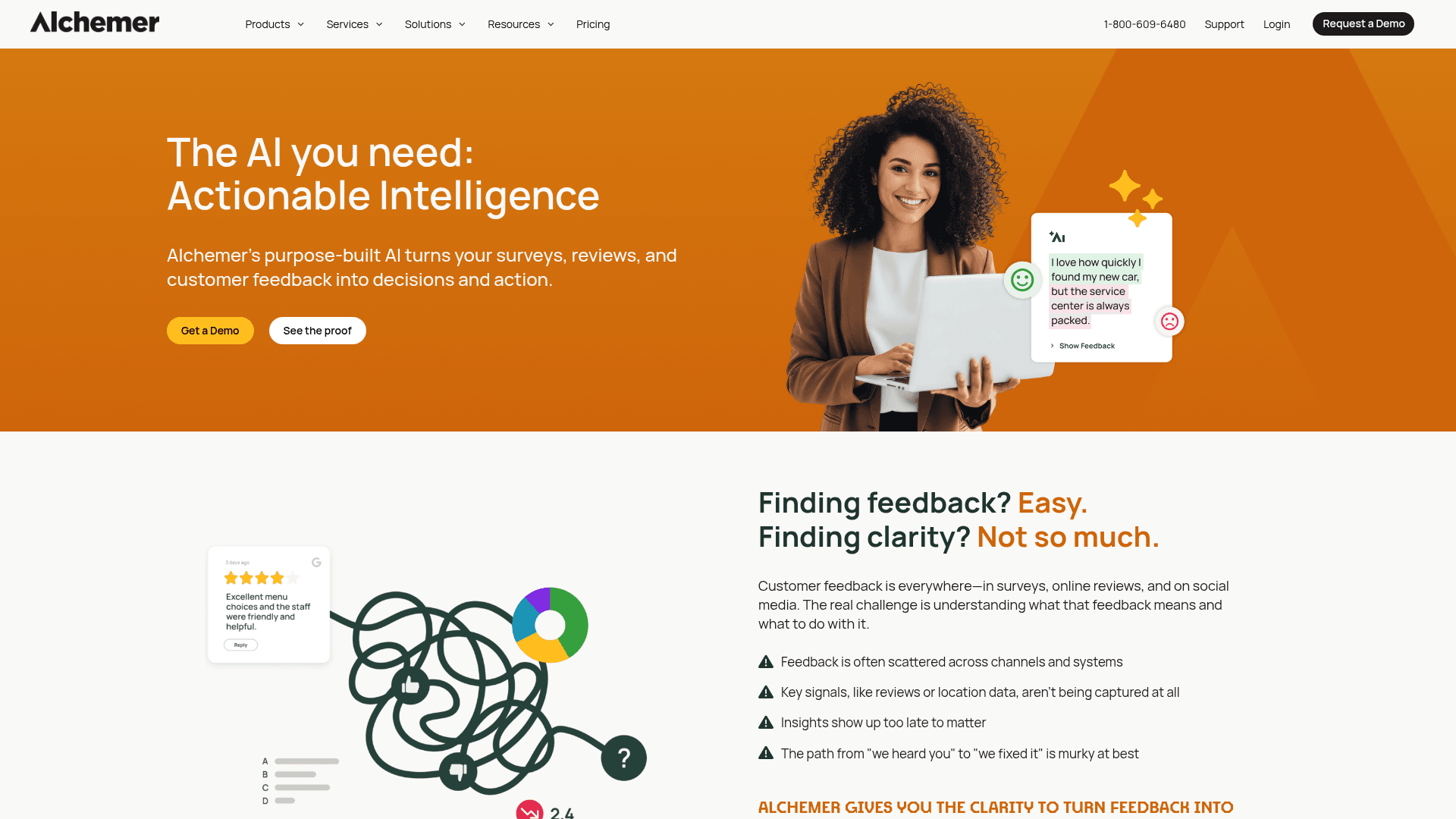
Alchemer targets research teams that need piping, quotas and longitudinal studies, with reporting that goes considerably further than a survey builder's.
It also carries the compliance stack larger buyers ask for, which is a common reason teams move off lighter tools.
Pricing is per user per month: Collaborator at $55, Professional at $165 and Full Access at $275, with the upper two capped at three users.
| Strengths | Weaknesses |
|---|---|
| Research-grade logic, piping and quotas | Per-user pricing gets expensive quickly |
| Cross-tabulation built into reporting | Professional and Full Access cap at 3 users |
| Longitudinal study support | No free plan, only a 7-day trial |
| Established in academic and market research | Overkill for ordinary feedback collection |
| Plan | What you get |
|---|---|
| Free | No free plan; a 7-day trial is offered |
| Collaborator | $55/user/mo ($315/user/year) |
| Professional | $165/user/mo, capped at 3 users |
| Full Access | $275/user/mo, capped at 3 users |
| Business Platform | Custom pricing |
Best for: research teams that outgrew what a survey builder reports on.
The catch: the three-user cap on the upper tiers is unusual and bites quickly, pushing larger teams into a custom contract.
G2 rating: 4.4/5, from 956 reviews. A large base, with cost the recurring theme.
7. Formstack, best for regulated document and form workflows
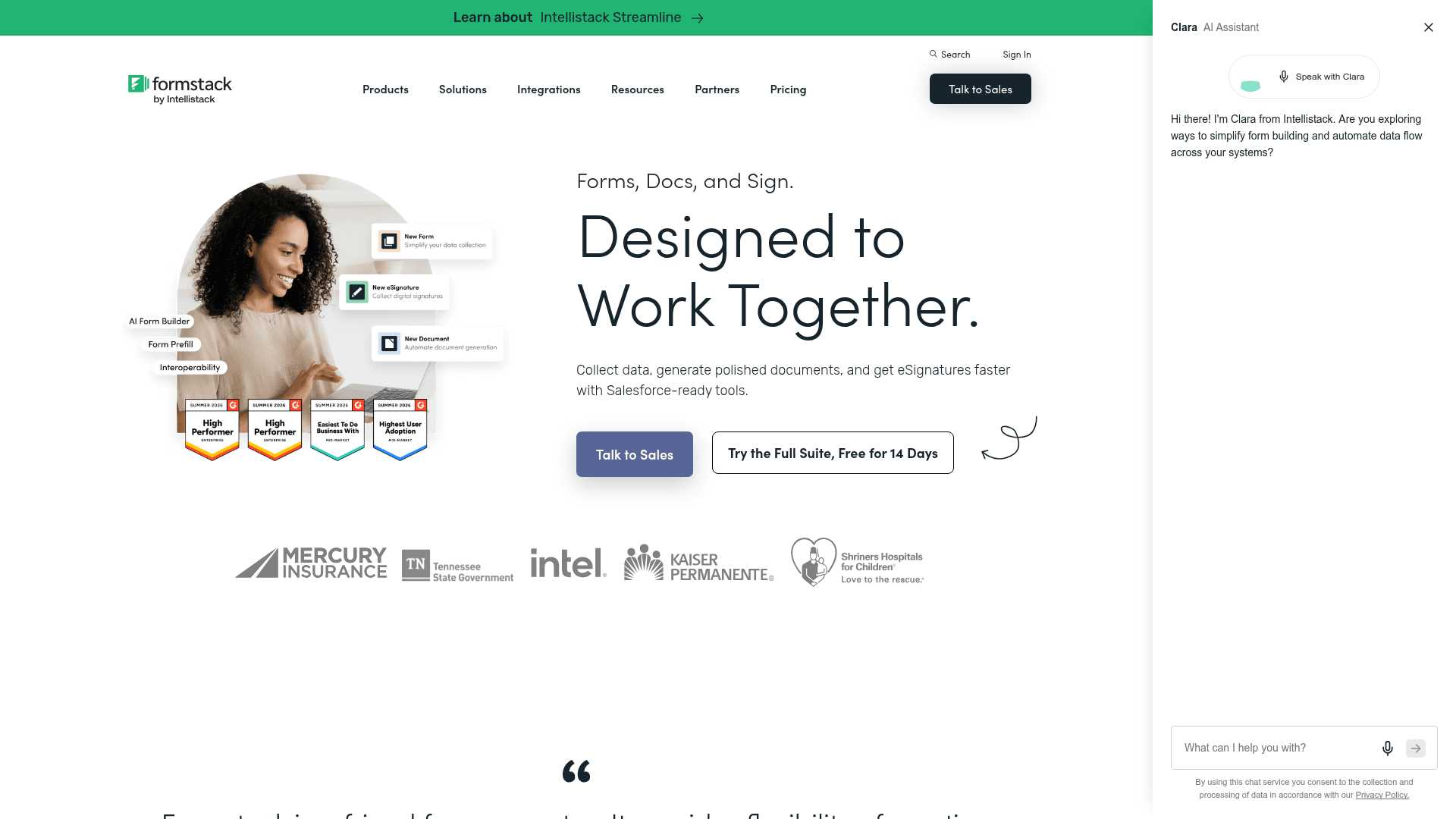
Formstack is not really a survey tool. It is what teams choose when the responses feed a document workflow subject to audit and permissions.
HIPAA comes with a BAA, and its Salesforce integration maps fields to Salesforce records natively rather than through a connector.
It is the highest entry price among the self-serve tools here at $99 a month, with the Suite adding Documents and Sign at $299.
| Strengths | Weaknesses |
|---|---|
| HIPAA with a BAA and full audit trails | $99/mo entry point, no free plan |
| Native Salesforce field mapping | Survey analysis is basic |
| Documents and e-signature in the Suite | Interface feels dated in places |
| Granular permissions for large teams | Advertised prices are the annual rates |
| Plan | What you get |
|---|---|
| Free | No free plan; a 14-day trial is offered |
| Forms | $99/mo ($83/mo billed yearly) |
| Suite (Forms, Documents, Sign) | $299/mo ($250/mo billed yearly) |
| Enterprise | Custom pricing with HIPAA scoping |
Best for: regulated teams whose responses feed a document process.
The catch: if you came for survey analysis you will be disappointed. This is a compliance and workflow purchase.
G2 rating: 4.3/5, from 471 reviews. A large base, with cost the recurring theme.
8. Google Forms, best free option for Google Workspace users
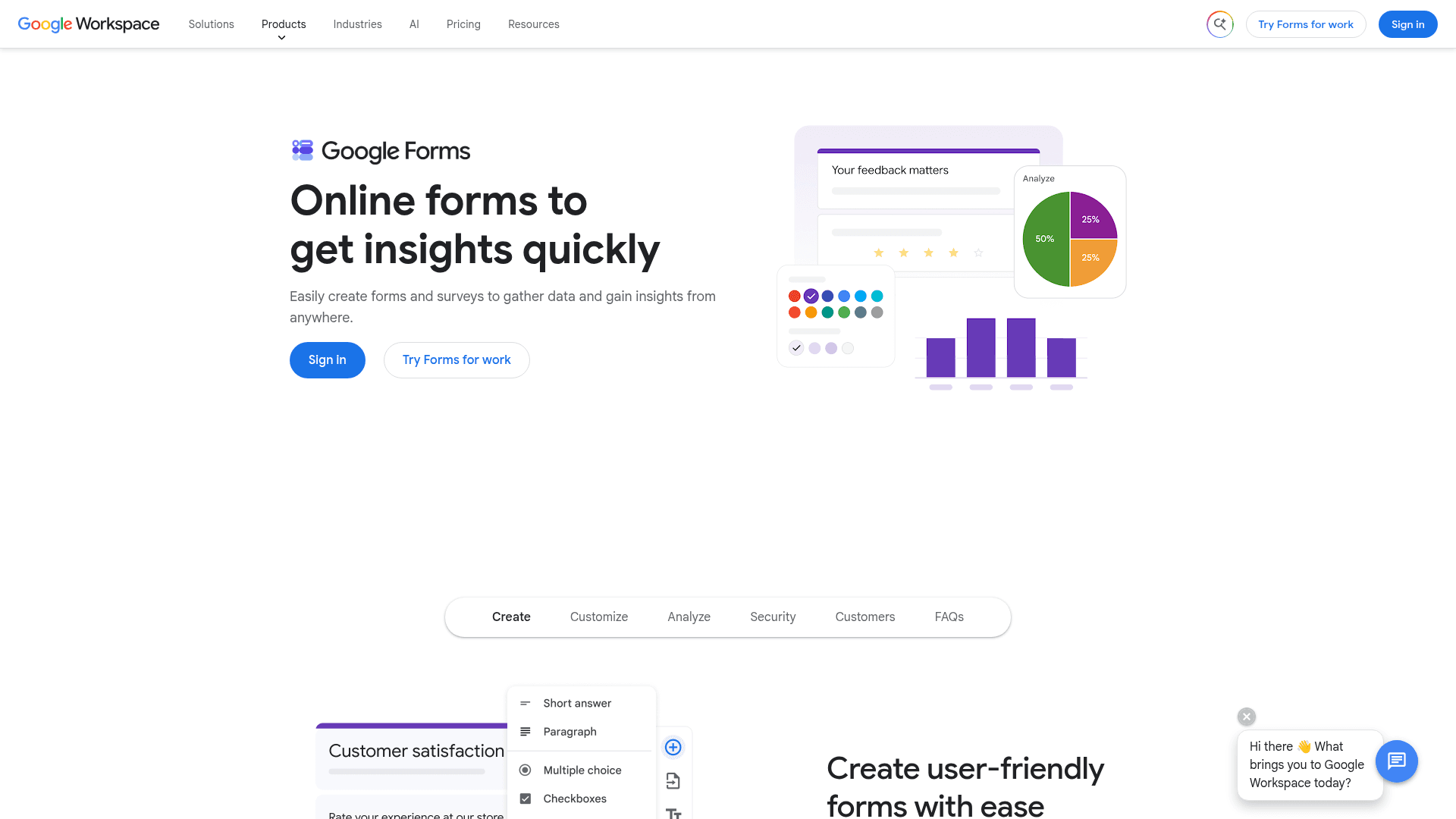
Google Forms removes the response cap for nothing. It is free with any Google account and has no limit worth planning around.
Responses populate a Sheet in real time, which several people can analyse at once, and quiz scoring is built in.
There is no paid Forms tier. It arrives with Google Workspace, where Business Starter is $7 per user a month on an annual basis.
| Strengths | Weaknesses |
|---|---|
| Free with any Google account | Very limited design control |
| No practical response cap | Skip-to-section logic only |
| Responses sync straight into Sheets | No survey analysis beyond basic charts |
| Real-time collaborative editing | Google branding stays on every survey |
| Plan | What you get |
|---|---|
| Free | $0 with any Google account. Effectively unlimited responses |
| Workspace Business Starter | $7/user/mo, annual basis |
| Workspace Business Standard | $14/user/mo, annual basis |
| Workspace Business Plus | $22/user/mo, annual basis |
Best for: internal surveys where cost matters more than presentation.
The catch: the analysis stops at bar charts, so anything requiring cross-tabulation means exporting to Sheets and doing it yourself.
G2 rating: Google Forms has no standalone G2 profile. The 4.6/5 from 48,175 reviews quoted elsewhere covers Google Workspace as a whole.
9. Microsoft Forms, best for Microsoft 365 teams
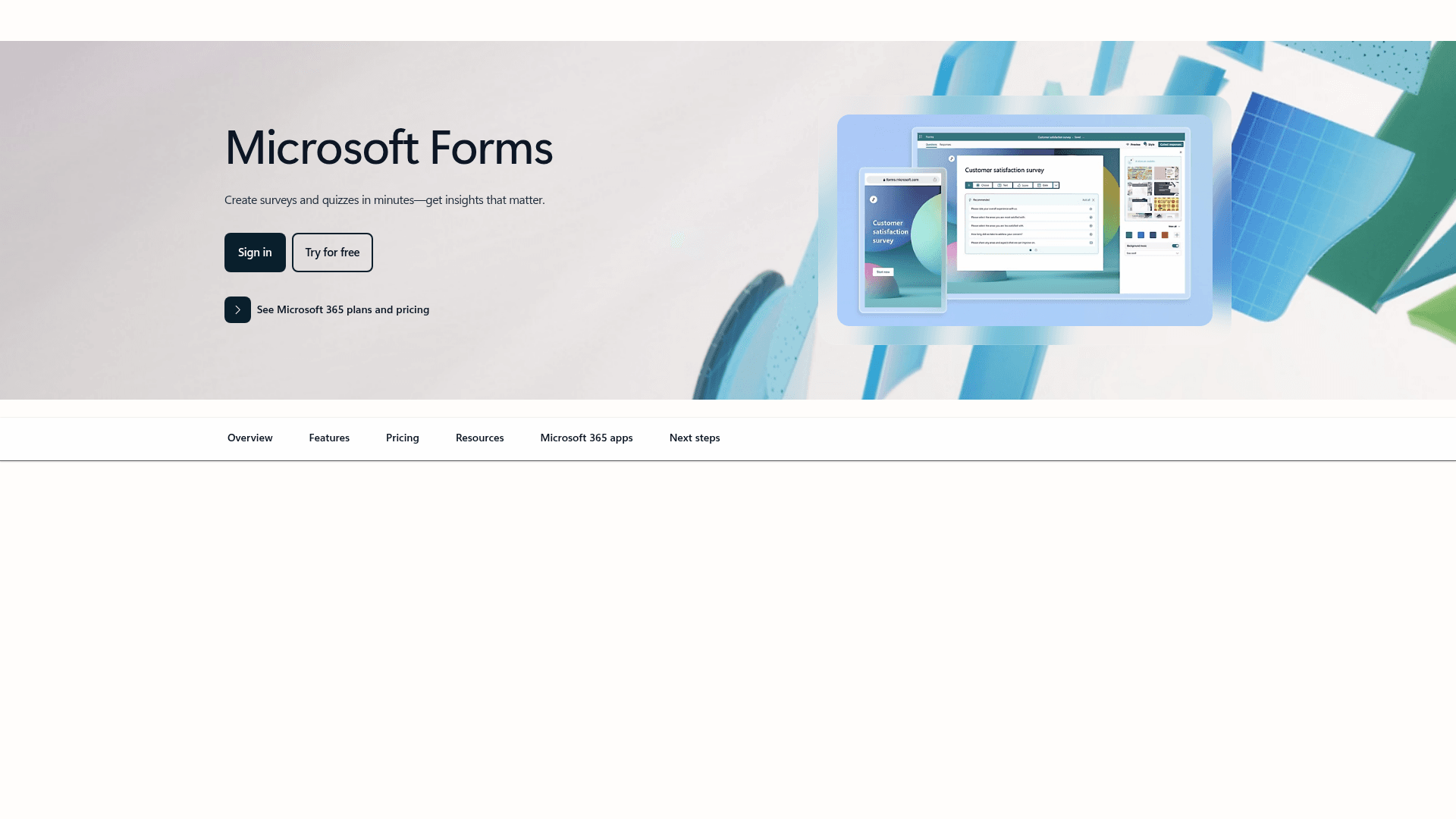
Microsoft Forms is included with any Microsoft 365 subscription, already provisioned and needing no purchase order.
Responses land in Excel and surveys can be posted straight into a Teams channel, which covers most internal feedback collection.
A personal Microsoft account caps at 200 responses per form. Inside a tenant those limits lift considerably.
| Strengths | Weaknesses |
|---|---|
| No extra cost inside Microsoft 365 | Free accounts cap at 200 responses per form |
| Responses flow into Excel | Very limited design control |
| Posts directly into Teams channels | Basic branching only |
| Inherits tenant security and compliance | No value outside Microsoft |
| Plan | What you get |
|---|---|
| Free | $0 with a personal Microsoft account. 200 responses per form |
| M365 Business Basic | $7/user/mo, annual basis |
| M365 Business Standard with Copilot | $23.50/user/mo, annual basis |
| M365 Business Premium with Copilot | $32/user/mo, annual basis |
Best for: internal feedback in organisations already on Microsoft 365.
The catch: it is an internal tool. Anything customer-facing will look like a Microsoft form, because it is one.
G2 rating: 4.4/5, from 476 reviews, which fits its internal-tool scope.
10. Zoho Survey, best for teams inside the Zoho ecosystem
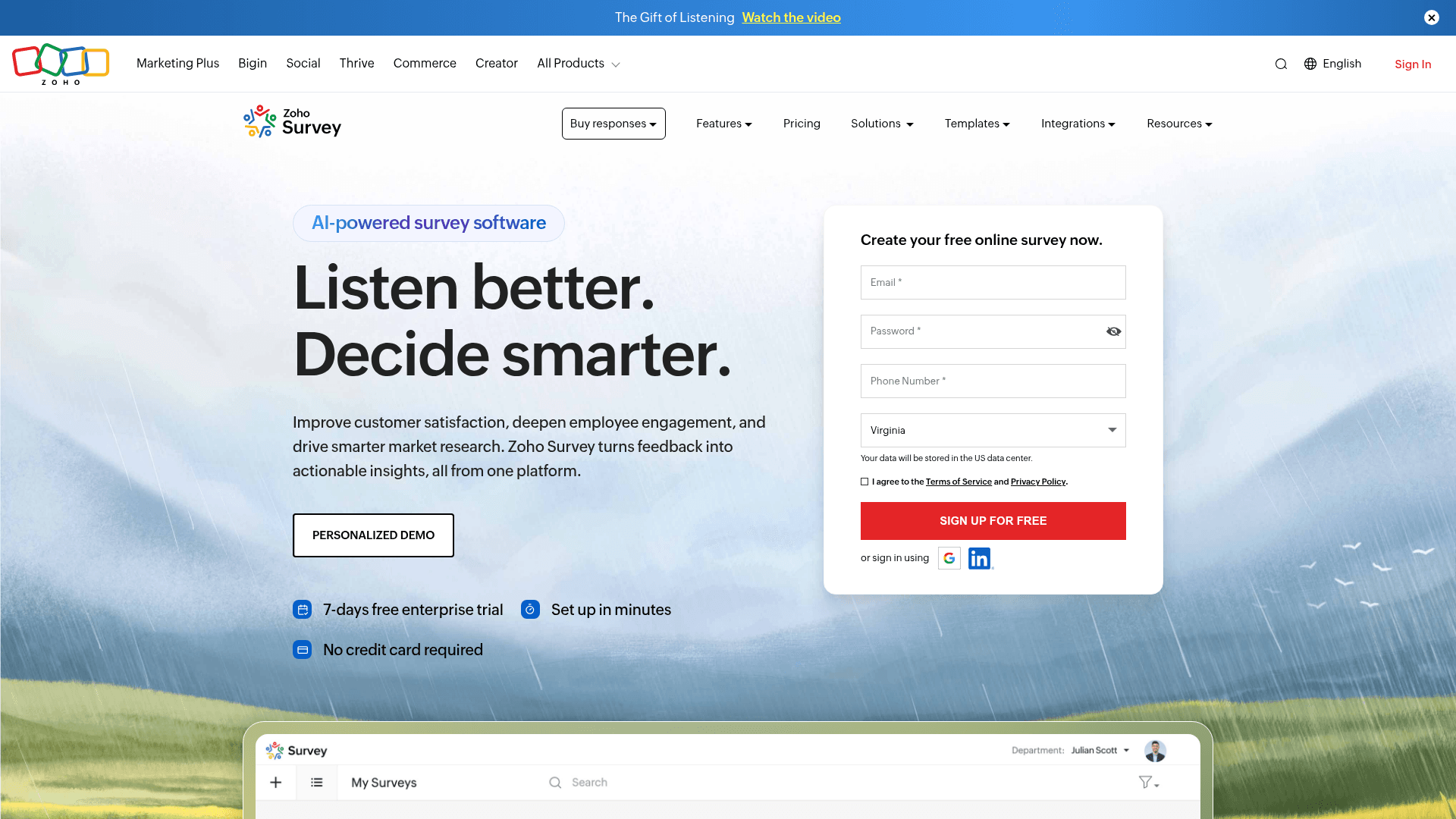
Zoho Survey is the cheapest paid option here by a wide margin, and it connects to Zoho CRM and Zoho One without a connector in between.
For a team already running Zoho, that removes both the integration work and most of the cost argument.
Basic is $7.42 a month billed annually, Pro is $35 and Enterprise is $75, all on annual billing.
| Strengths | Weaknesses |
|---|---|
| Cheapest paid tier here at $7.42/mo billed annually | Little value outside the Zoho suite |
| Connects natively to Zoho CRM and Zoho One | Interface feels dated |
| Free tier available for evaluation | Analysis is basic next to research tools |
| Large G2 review base for its size | Prices are the annual-billed rates |
| Plan | What you get |
|---|---|
| Free | $0. Free tier with basic features |
| Basic | $7.42/mo billed annually |
| Pro | $35/mo billed annually |
| Enterprise | $75/mo billed annually |
Best for: teams whose stack is already Zoho.
The catch: outside Zoho this is a budget survey tool with dated design, and the integration advantage disappears entirely.
G2 rating: 4.4/5, from 1,040 reviews. A solid base for a suite product.
11. QuestionPro, best for market research on a mid-market budget
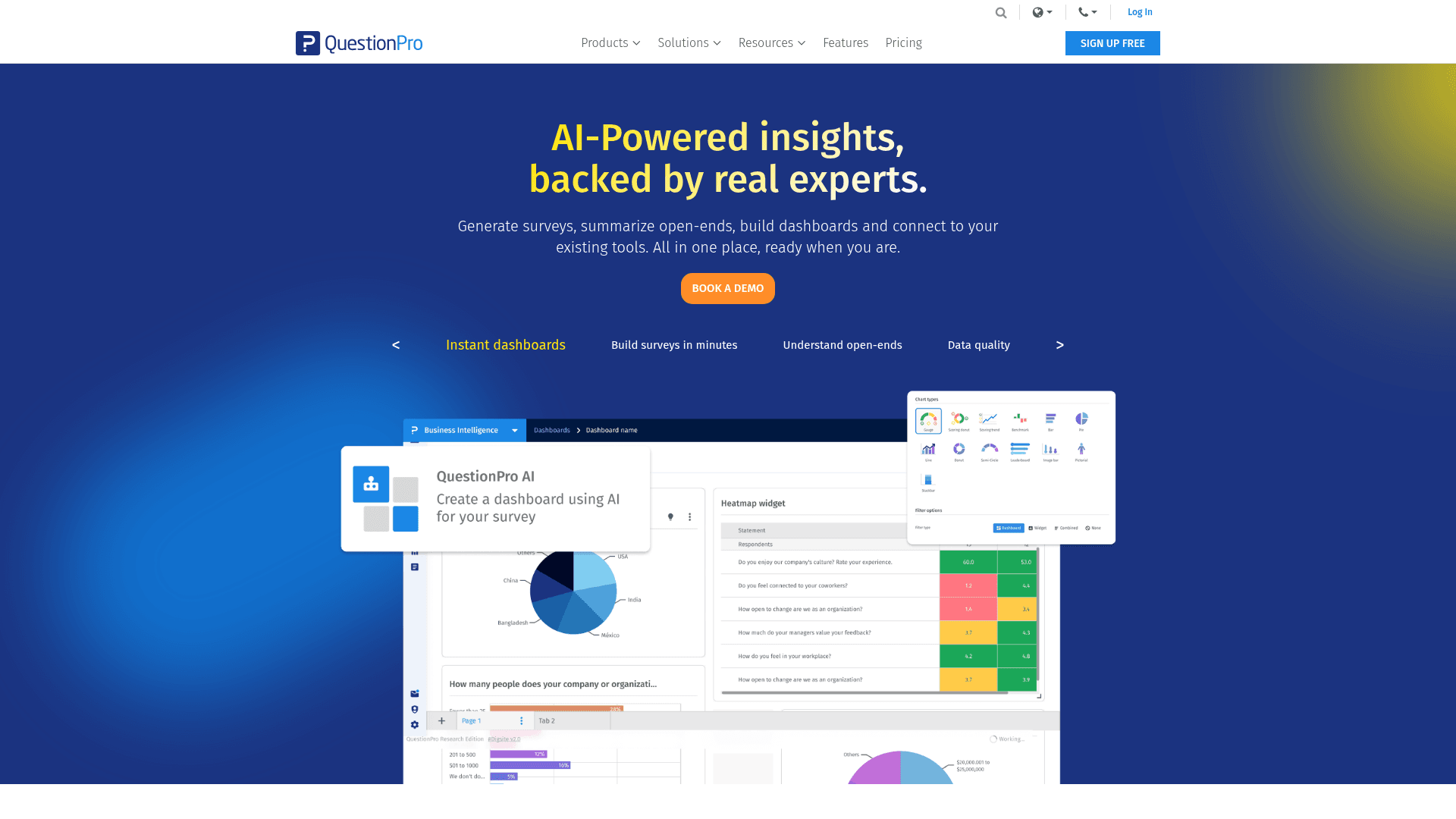
QuestionPro offers research features that usually sit in enterprise contracts, including conjoint analysis, MaxDiff and panel access, at published prices.
For a team that needs real research methodology without a Qualtrics contract, that combination is unusual.
Advanced is $99 per user a month billed annually, and Team Edition is $83 per user a month billed annually for five or more users.
| Strengths | Weaknesses |
|---|---|
| Conjoint, MaxDiff and panels at published prices | Priced per user, so small teams pay per seat |
| Free Essentials tier for evaluation | Research Suite pricing is not published |
| Team pricing drops per seat at 5+ users | Interface is dense |
| Large G2 review base | Prices are the annual-billed rates |
| Plan | What you get |
|---|---|
| Free | $0. Basic Essentials tier with limited features |
| Advanced | $99/user/mo billed annually. 25,000 responses per year |
| Team Edition | $83/user/mo billed annually, 5+ users. 100,000 responses per year |
| Research Suite | Custom pricing with conjoint, MaxDiff and panels |
Best for: mid-market research teams that need real methodology.
The catch: the research features that distinguish it sit in the unpublished Research Suite, so the headline price does not buy the headline capability.
G2 rating: 4.5/5, from 1,147 reviews. A large base for a research platform.
12. Refiner, best for in-product SaaS surveys
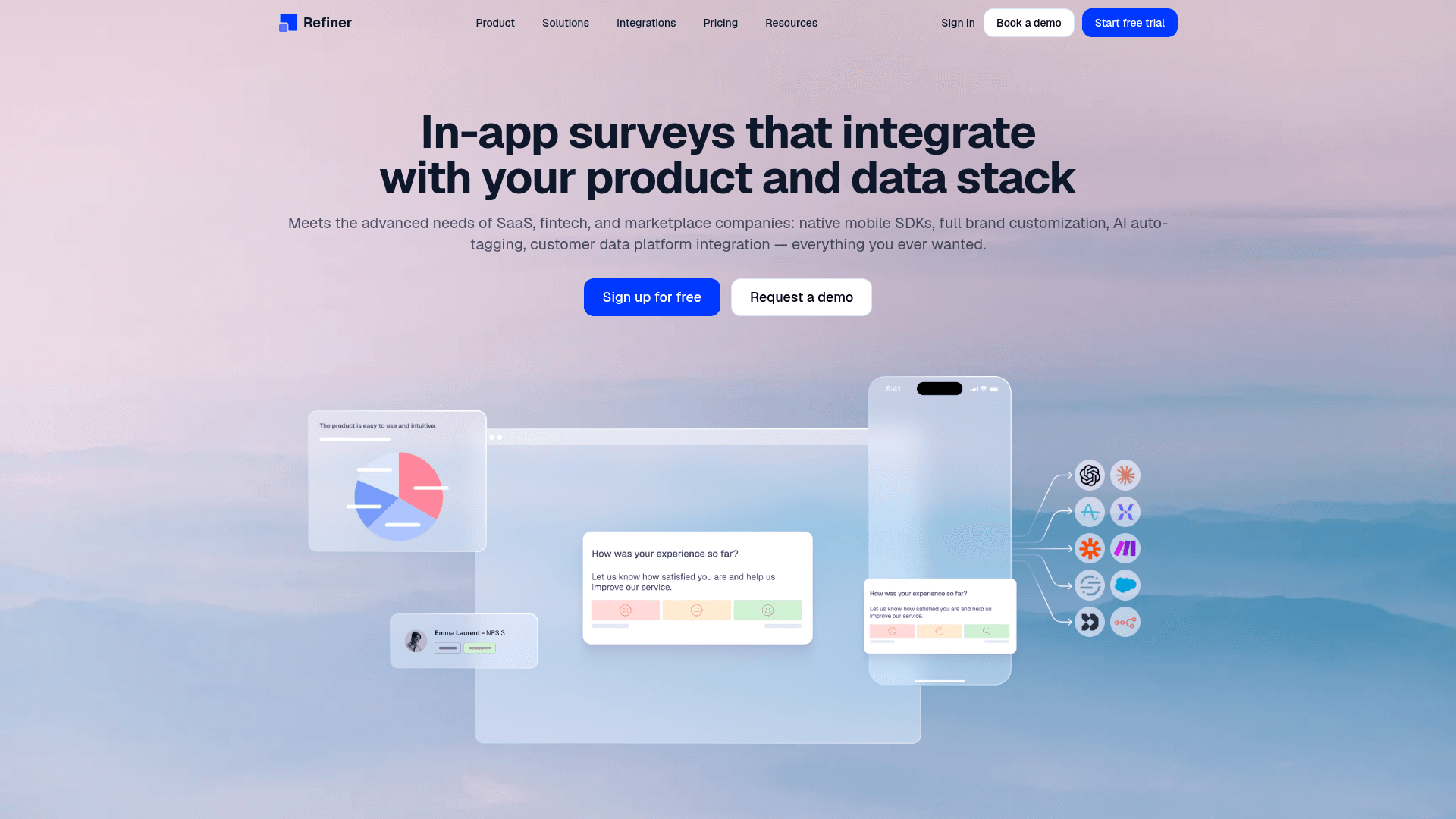
Refiner does something no other tool here does: it fires surveys inside your product, to a chosen user segment, at a chosen moment.
That makes it the right answer for NPS, product-market fit and feature feedback tied to what a user just did, rather than an email asking them to remember.
Pricing runs on monthly active users rather than responses. Essentials is $99 a month at 5,000 MAU, with higher tiers around $239.
| Strengths | Weaknesses |
|---|---|
| Fires surveys inside your product | No forever-free tier, only a 14-day trial |
| Targets by user segment and behaviour | Requires engineering to install |
| Priced on MAU rather than responses | Not usable for standalone email surveys |
| Unlimited responses on every plan | 25 G2 reviews, a small sample |
| Plan | What you get |
|---|---|
| Free | No free tier; a 14-day trial is offered |
| Essentials | $99/mo at 5,000 monthly active users |
| Higher MAU tiers | Around $239/mo |
| Enterprise | Custom pricing via a discovery call |
Best for: SaaS teams surveying users inside the product.
The catch: it needs a code install and only works in-product, so it complements a survey tool rather than replacing one.
G2 rating: 4.6/5, from 25 reviews. Too small a base to lean on heavily.
13. Sogolytics, best for enterprise research with a compliance stack
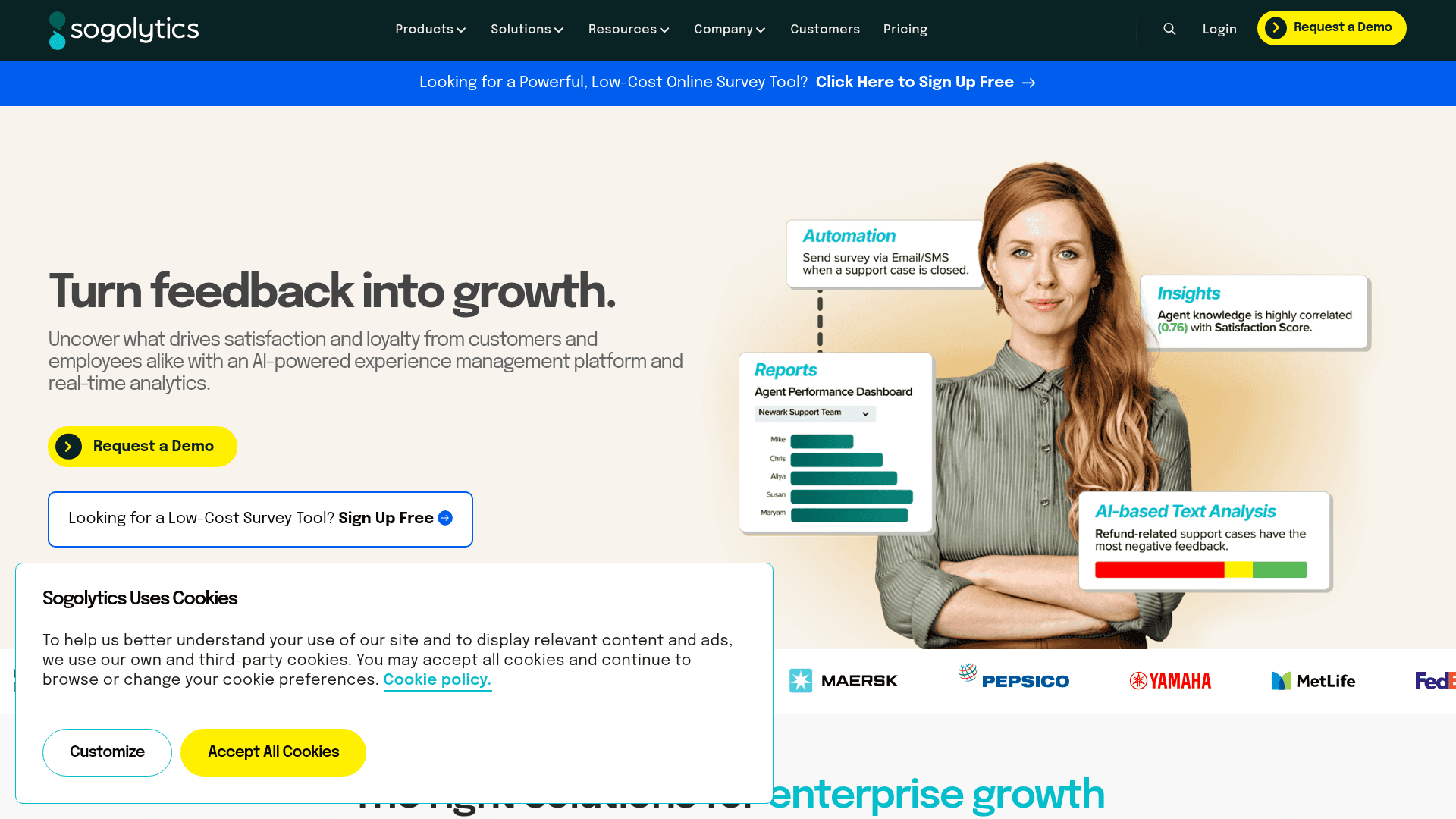
Sogolytics runs enterprise survey and CX programmes with the compliance credentials larger buyers ask for, alongside employee and customer experience modules.
Its free Pro tier is unusually usable for evaluation, which makes it easier to assess than most enterprise vendors.
Sogolytics does not publish prices. Its pricing page quotes based on response volume and admin user count, so no figures are listed here.
| Strengths | Weaknesses |
|---|---|
| Free Pro tier for genuine evaluation | No published pricing at any paid tier |
| CX and EX modules alongside surveys | Quoted on responses and admin users |
| Compliance credentials for enterprise buyers | Evaluation of cost requires a sales conversation |
| Strong G2 score for its category | Smaller review base than the major platforms |
| Plan | What you get |
|---|---|
| Free Pro | A free tier is offered for evaluation |
| Paid plans | Not published. Sogolytics quotes on response volume and admin user count |
| Enterprise | Custom pricing with CX and EX modules |
Best for: enterprise teams that need compliance and a real free trial.
The catch: you cannot compare its cost against anything on this page, because no paid prices are published.
G2 rating: 4.6/5, from 88 reviews. A reasonable base for its category.
Skip the response caps. Free forever, unlimited surveys
Formester's free plan ships unlimited forms and unlimited responses, with AI form generation, offline capture and native Stripe and PayPal payments. All the caps SurveySparrow puts on you disappear.
Free forever plan • No credit card • Setup in 2 minutes
How to pick the right SurveySparrow alternative
Start with why you are leaving. If it is the response cap, Formester and Google Forms remove it entirely, and Jotform and Typeform simply move it further out.
If you need something SurveySparrow does not do, the answer depends on which thing. Payments point to Jotform, in-product targeting to Refiner, and statistical research to Qualtrics, Alchemer or QuestionPro.
If the requirement is compliance, Formstack publishes prices and offers a BAA, while Sogolytics and Qualtrics quote instead. Budget for a sales conversation with the latter two.
Frequently asked questions
What is the best SurveySparrow alternative?
Why do teams leave SurveySparrow?
Is there a SurveySparrow alternative with unlimited responses?
Which SurveySparrow alternative is cheapest?
Which alternative is best for enterprise research?
Can I run surveys inside my product instead of by email?
Which SurveySparrow alternatives offer HIPAA compliance?
Do any alternatives charge per user rather than per response?
The final take
SurveySparrow is a capable product with a pricing model that punishes success. A survey that gets shared more widely than expected is a good outcome everywhere except on the invoice.
If that is the problem, Formester removes it completely and adds payments and offline capture on the free plan.
If the problem is capability rather than cost, the answer splits: Qualtrics and Alchemer for research depth, Jotform for surveys that transact, and Refiner for feedback captured inside the product itself.