10 Best Training Management Software

Training management software helps you run training programs. It supports employee onboarding and meets compliance needs. It also improves skill development in your training organization.
These top 10 picks come from user reviews on G2, Capterra, and TrustRadius. You get great usability, cloud access, AI features, easy course management, and strong scalability. This is perfect for teams that want a modern training management system.
Why Choose Training Management Software
For a training management solution that exceeds a basic learning management system. Many teams now want AI tools that personalize learning. They also expect mobile access for live online sessions. Reports should help you meet your goals.
Users say these platforms cut admin work by up to sixty percent. They do this through automation, sending emails, and connecting with HR tools like Rippling. If you use Formester, these systems connect easily with forms for quizzes, registration pages, and blended learning.
1. Absorb LMS
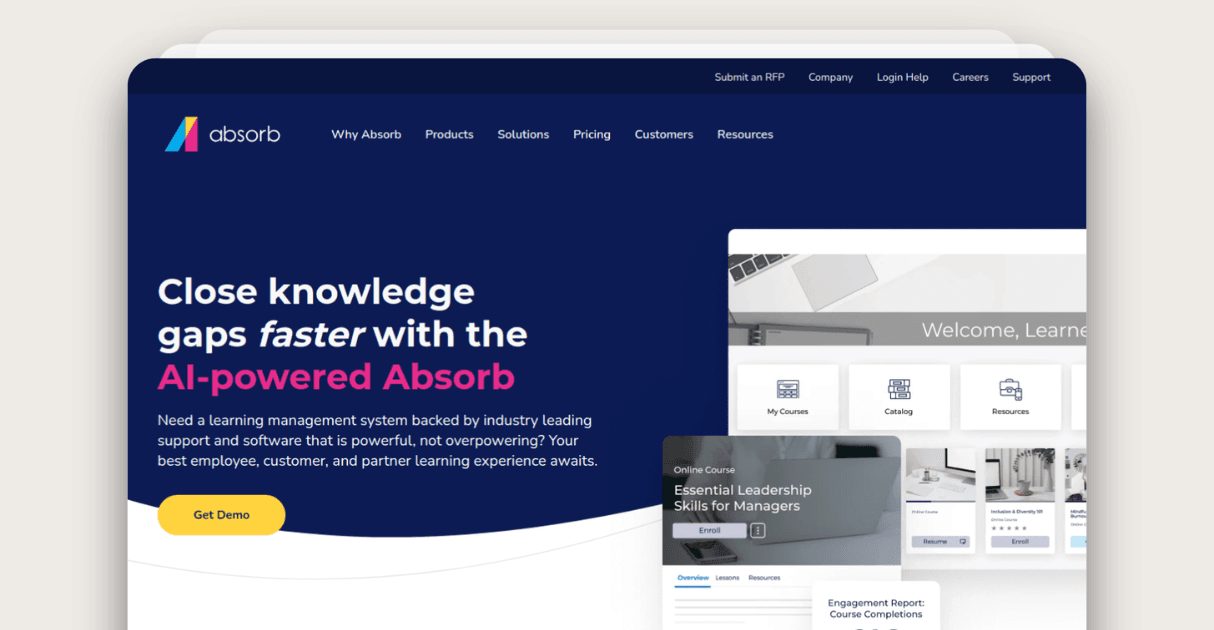 Absorb LMS supports enterprise training programs. You can run onboarding, compliance training, instructor led training, and performance tracking in one place. It works well for teams that need a cloud based platform with strong analytics. Its AI predicts skill gaps so your team stays ready for change.
Absorb offers AI personalization that recommends the next steps for each learner. Users like that it cuts admin work and speeds up delivery. Many report that it supports blended learning and offers a simple authoring tool for building courses.
Absorb Standout Features and Integrations
Beyond its learning management system, you get automated certification workflows, dashboards for ROI tracking, and support for videos, quizzes, gamification, and multimedia modules.
It works with Workday, BambooHR, ADP, Slack, Microsoft Teams, and open APIs. These tools connect easily with Formester for registration and assessments.
Pros
AI personalization
Strong analytics
Reliable support
Cons
Pricing grows for small teams
Custom reports need time
2. Docebo
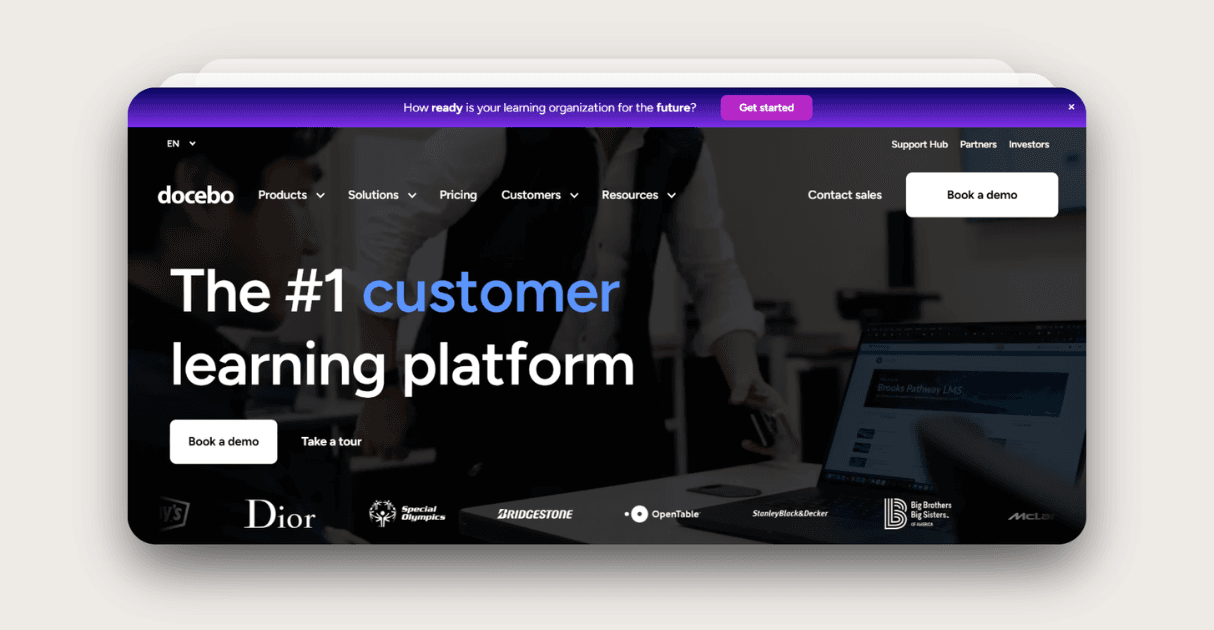
Docebo helps you scale learning programs across global teams. It fits companies that need a complete training management solution with AI support. It makes role based learning journeys simple to assign. Reviews praise its mobile access and smooth delivery across countries.
Docebo Standout Features and Integrations
You get social learning, gamification, offline access, and strong reporting with skill matrices and engagement maps. It connects with Salesforce, Zoom, ADP, SuccessFactors, Zapier, and APIs for forms and events.
Pros
Engaging content
Mobile and social focus
Global scale
Cons
High starting price
Takes time to master advanced tools
3. TalentLMS
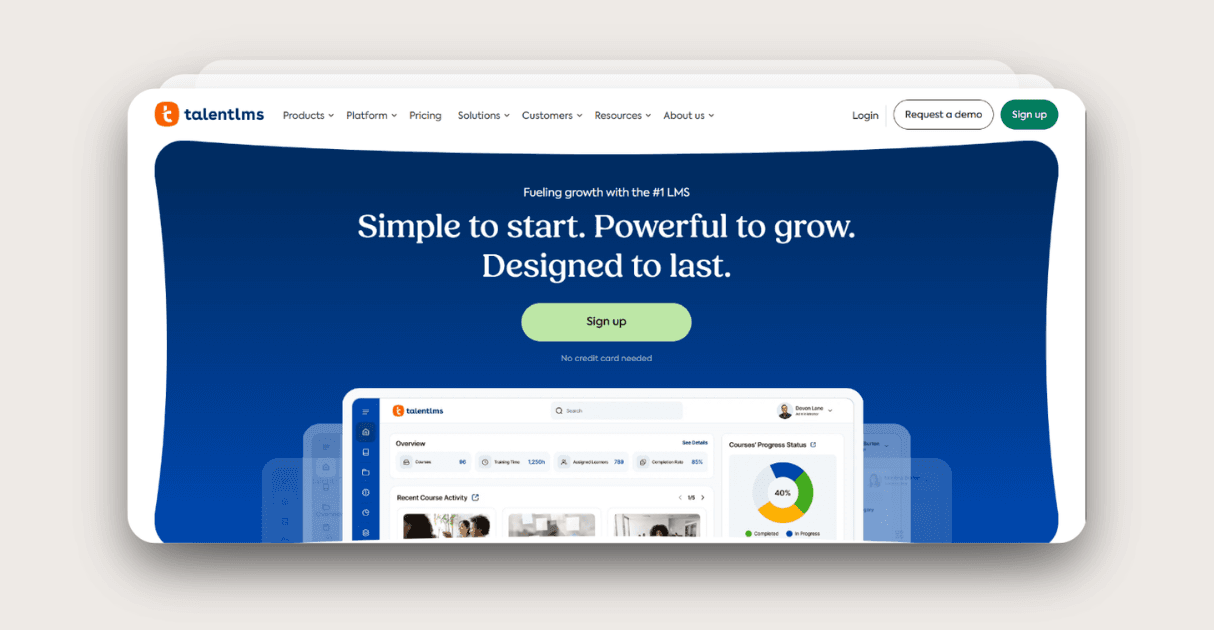
TalentLMS gives you simple course management that you can set up in hours. Users like that it helps small teams launch training programs without extra stress. Many say it boosts completion rates with light gamification and offers quick tools for building learning programs that fit busy schedules.
TalentLMS Standout Features and Integrations
Beyond its learning management system, you get SCORM support, custom branding, detailed progress tracking, and options for branching quizzes that shape each learner’s path. It also supports selling courses through eCommerce and offers mobile access for smooth blended learning.
It works with Google Workspace, Zapier, PayPal, HR platforms, and form embeds. These connections pair well with Formester for registration flows and course assessments.
Pros
Fast setup
Strong gamification
Affordable
Cons
Basic reporting
Fewer advanced AI features
4. 360Learning

360Learning helps teams co create training programs quickly. Users say the platform builds strong collaboration and speeds up onboarding. Many like that it supports blended learning and drives engagement through simple social tools.
360Learning Standout Features and Integrations
Beyond its learning management system, you get live sessions, multimedia uploads, feedback loops, and analytics that track how teams learn together. These features help you improve each course through real learner input.
It works with Slack, Microsoft Teams, HR systems, and APIs that connect smoothly with Formester for sign ups and feedback forms.
Pros
Strong social learning
Good event support
Easy scale
Cons
Not ideal for heavy compliance
Needs active moderation
5. iSpring Suite

iSpring Suite gives you an easy authoring tool for building interactive courses without coding. Users like that it produces high quality content at a low cost. Many say it helps them create videos, quizzes, and scenarios faster than other tools.
iSpring Suite Standout Features and Integrations
Beyond its authoring tool, you get video editors, quiz builders, SCORM exports, and mobile ready modules. These tools help you create rich learning programs that you can use across different platforms.
It works with major LMS systems, Zoom, and open APIs that connect well with Formester for assessments and submissions.
Pros
Great authoring tool
Rich media
Simple exports
Cons
Needs an LMS for delivery
Limited tracking
6. Litmos
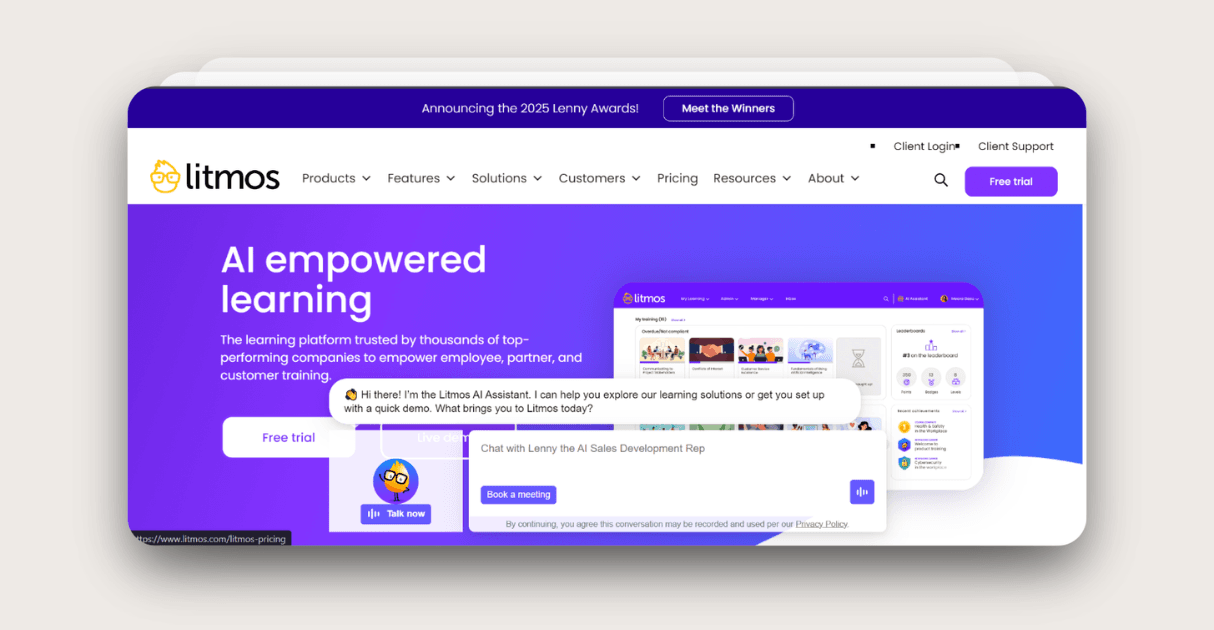
Litmos helps you run large scale training programs with ease. Users like its huge course library and strong mobile access. Many say it helps them roll out training faster in teams that need ready made content.
Litmos Standout Features and Integrations
Beyond its learning management system, you get gamification, assessments, offline learning, and a wide library of pre built courses. These tools let learners train at their own pace while keeping track of progress.
It works with HRIS tools, Salesforce, and open APIs that connect well with Formester for registration and tracking.
Pros
Large library
Strong mobile
Flexible integrations
Cons
Older interface
Unclear pricing
7. LearnUpon
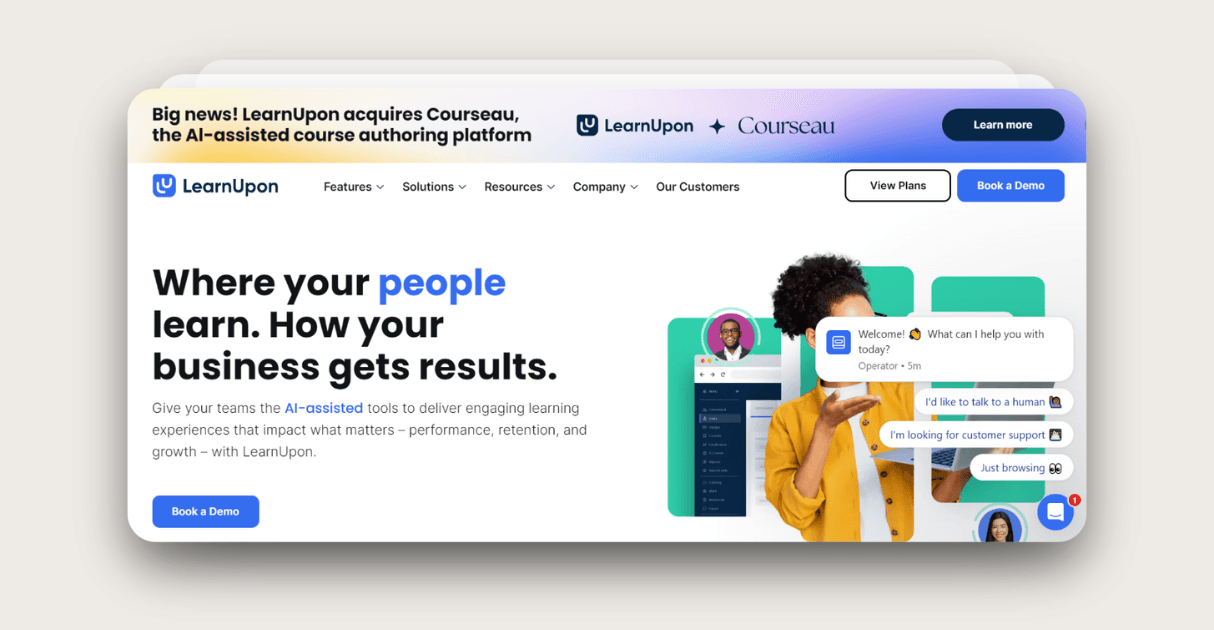
LearnUpon stands out for its automation. Users say it makes certifications, enrollments, and learner management simple. Many like that it handles multiple portals and supports eCommerce for paid training programs.
LearnUpon Standout Features and Integrations
Beyond its learning management system, you get auto enrollments, portals for different groups, and detailed reports that help you track performance. These tools reduce admin time and help you build clear learning journeys.
It works with popular HR systems and other APIs that connect smoothly with Formester for course sign ups and assessments.
Pros
Strong automation
eCommerce tools
Good portals
Cons
Limited UI control
Support varies
8. Cornerstone
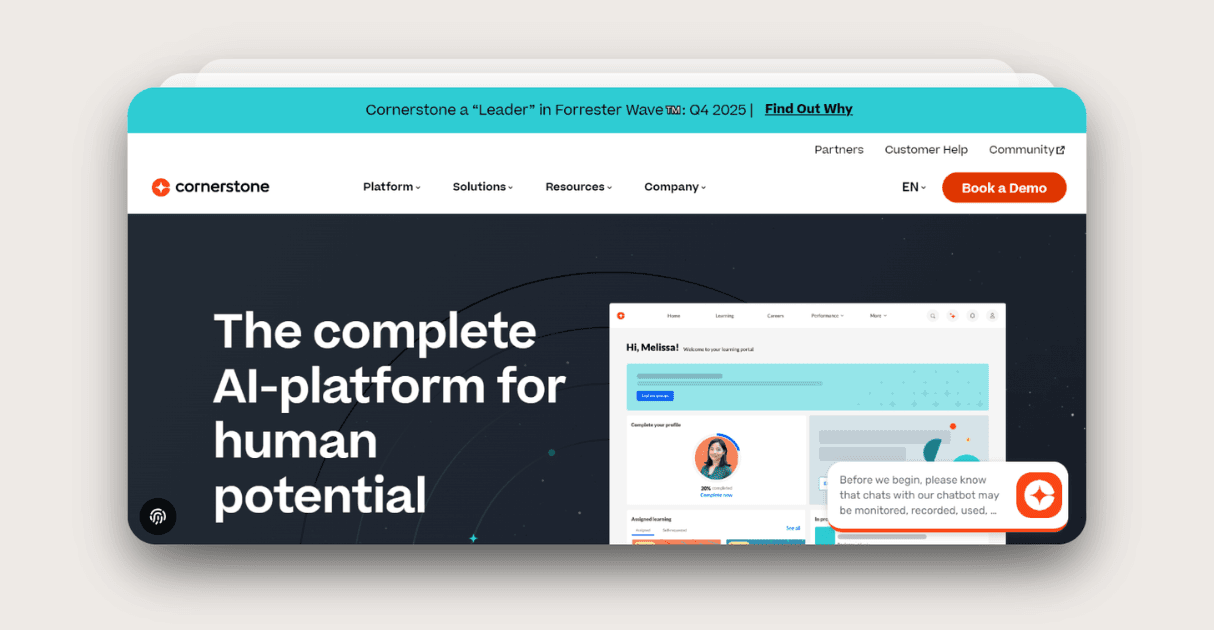
Cornerstone supports enterprises that need strict compliance and global training programs. Users like its deep reporting and strong skill roadmaps. Many say it handles complex setups with long term scalability.
Cornerstone Standout Features and Integrations
Beyond its learning management system, you get audits, AI insights, career planning tools, and global compliance tracking. These tools help large teams stay aligned with organizational objectives.
It works with all major HR platforms and connects well with Formester for registrations and training evaluations.
Pros
Deep reports
Compliance focus
Scalable
Cons
Complex setup
High cost
9. Rippling
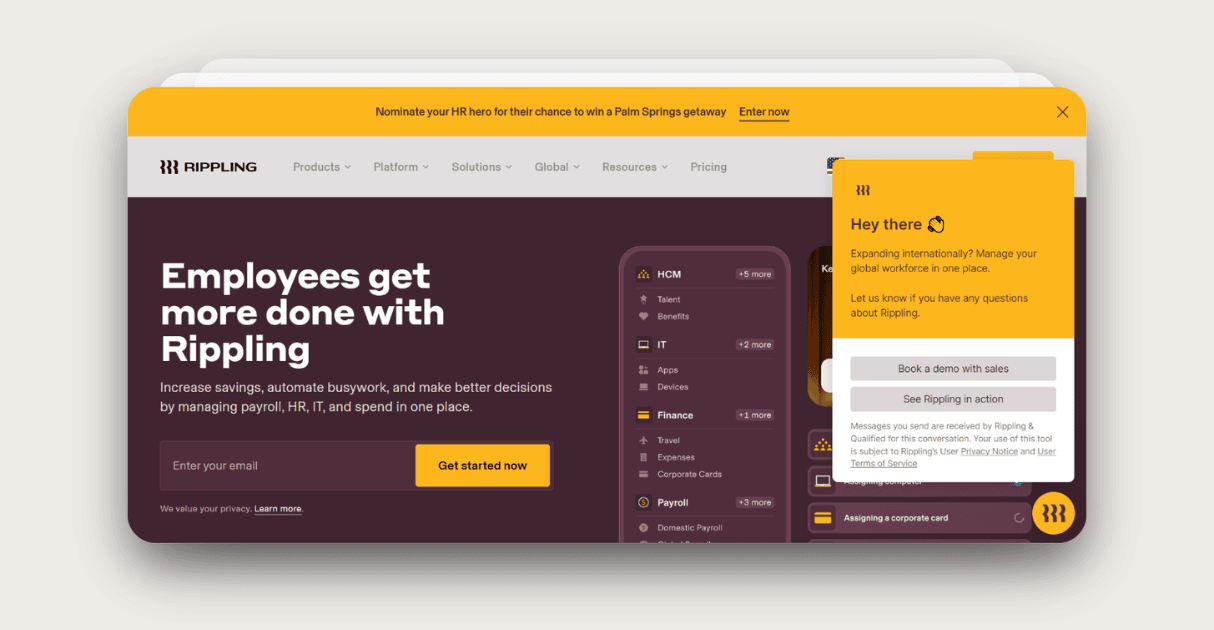
Rippling brings HR, payroll, and training into one system. Users say it helps them run training programs that connect smoothly with everyday HR workflows. Many like that it scales easily and reduces manual work.
Rippling Standout Features and Integrations
Beyond its training tools, you get unified dashboards, HR triggers, and automated workflows. These features help you assign training based on real time employee changes.
It works inside its own HR ecosystem and connects easily with Formester for forms that support onboarding and assessments.
Pros
Full HR integration
Scales well
Easy to use
Cons
Too large for training only
US heavy focus
10. eloomi
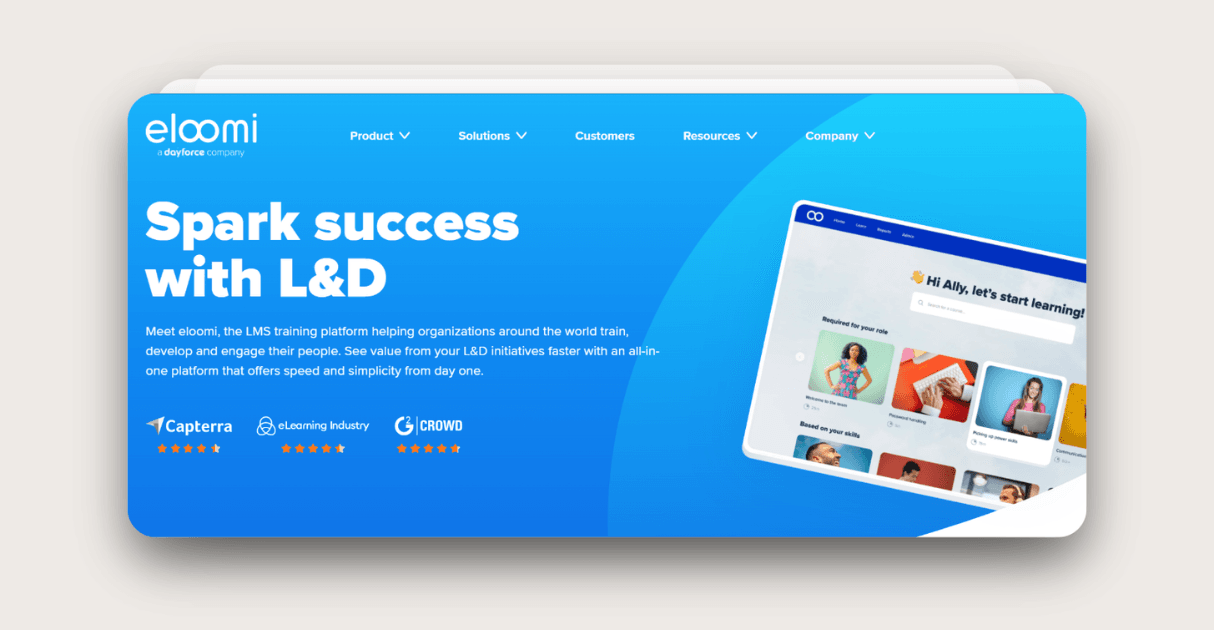
eloomi supports blended learning for teams that want strong insights and accountability. Users say it improves engagement across online and face to face sessions. Many like its simple tracking and clear learning journeys.
eloomi Standout Features and Integrations
Beyond its learning management system, you get learning journeys, feedback tools, and analytics that show how each learner progresses. These tools help you improve both digital and live online training programs.
It works with HR and LMS platforms and connects well with Formester for sign ups, feedback, and assessments.
Pros
Strong blended support
Insightful reports
Good accountability tools
Cons
Less known
Unclear pricing
Summary
Choosing the right training management software helps you deliver better learning programs, reduce admin work, and support real growth across your team. Each platform offers different strengths, but all aim to make training easier to build, run, and track.
When you pair these tools with Formester for registrations, quizzes, and assessments, you get a smoother workflow and a stronger learning experience for every learner.