Click Use Template
The form opens in the Formester builder pre-loaded with all five fields.
The Customer Visit Record Form Template from Formester is designed to help businesses efficiently track and document customer interactions and visit details. By using this template, you can keep all relevant information organized, ensuring you never miss important notes or follow-ups. Whether you’re tracking in-person meetings, service visits, or sales calls, this form simplifies the process and helps maintain clear, accurate records of each customer interaction. It’s the perfect tool for businesses looking to improve their customer relationship management and stay on top of every visit.
Field sales reps, merchandisers, and service techs lose hours every week to messy visit logs: WhatsApp photos in one place, store names in a spreadsheet, GPS pins in another. This template pulls all of it into one mobile form.
A rep opens it on the phone, picks the store from a dropdown or types the name, drops a selfie taken at the storefront, and taps the location button so the form captures live GPS. Manager gets the entry the moment Submit is hit, with the photo and pin stamped to the record.
Drop in extra fields the moment your workflow needs them: visit purpose, products discussed, next-action date, signed PO. Wire submissions to your CRM, Slack channel, or daily ops sheet using Formester's integrations, and route alerts to the right regional manager with conditional logic.
From "Use Template" click to a live, branded visit form your reps can fill from the parking lot.
The form opens in the Formester builder pre-loaded with all five fields.
Drag any field to a new position, change the label, mark it required, or delete what your team does not need.
Pull in dropdowns, signature, rating, date, or product-list fields from the left rail.
Route entries to Google Sheets, your CRM, Slack, or email using Formester integrations .
Apply your logo, colors, and font with the Branding Kit so the form looks like a part of your stack, not a third-party tool.
Send the form link, embed it in your rep app, or generate a QR code for sticker placement at branch offices.
Use this template when reps see customers in person and you need a clean record of every stop.
Reps covering 8 to 15 stores a day need a fast way to confirm each visit happened, with a photo and GPS pin so the manager does not need to ask "were you actually there?"
Brand reps checking shelf placement, planogram compliance, or stock levels at retail partners, with photos as proof.
Field techs logging arrival, work done, parts used, and customer signature.
CSMs or KAMs documenting QBRs, on-site reviews, and follow-up actions.
Brand managers visiting authorized partners and recording inventory, training delivered, and grievances.
Every field works in a phone browser. Reps tap selfie, tap location, tap submit. No app install, no training session, no learning curve.
The form ships with the five fields field reps need most. Each is fully editable in the drag-and-drop builder.
Store name Short text
Short text field for the client name or store being visited. Swap for a dropdown if your reps work a fixed account list.
Phone Phone
Phone-number input with country selector for the store contact.
Locality Short text
Short text for the area, neighborhood, or sales territory.
Selfie at the door File upload
File upload accepting JPG, PNG, and HEIC, so the rep proves they reached the location.
Live location GPS capture
GPS capture that timestamps the rep's coordinates at submission.
Add visit purpose, sales discussed, products demoed, next visit date, customer signature, or any custom field your team logs.
Field-rep, sales-manager, and ops-lead questions about mobile use, GPS capture, integrations, and data security.
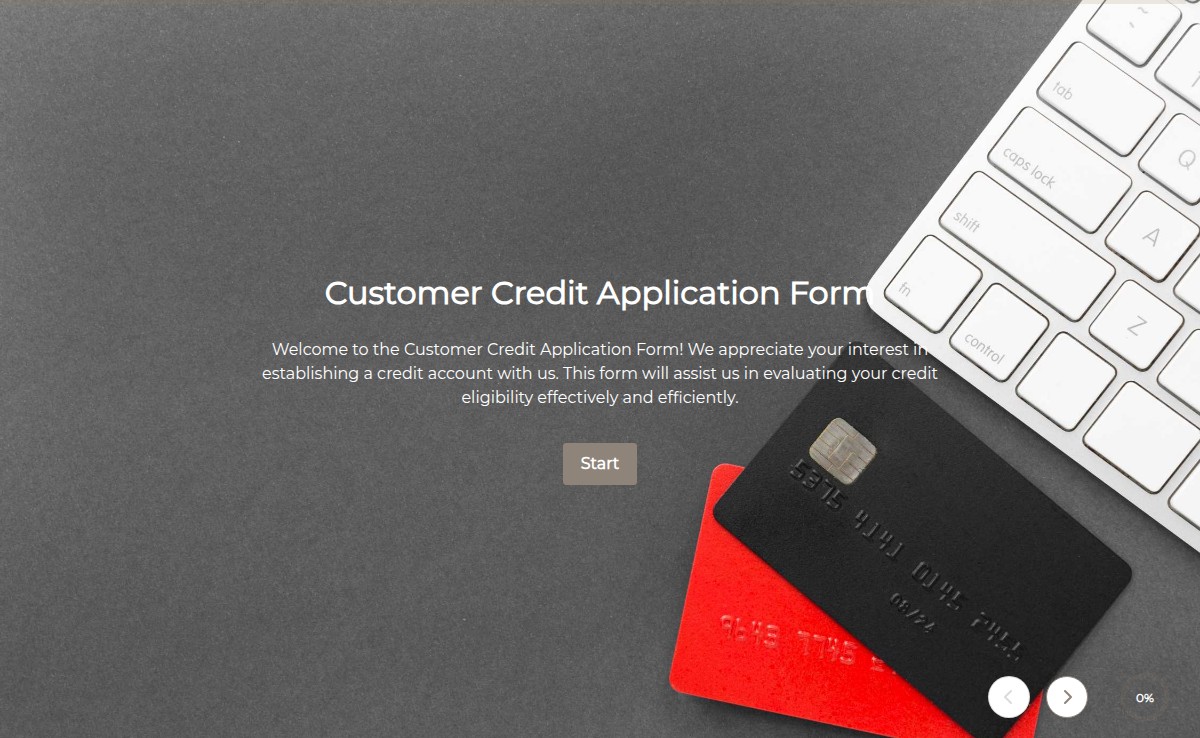
The Customer Credit Application Form is a structured document used by businesses to collect essential information from potential customers who are applying for credit accounts or payment terms. This form helps organizations evaluate the creditworthiness of applicants by gathering details about their financial history, business information, references, and more. By using this form, businesses can make informed decisions about extending credit to customers and managing risk effectively.
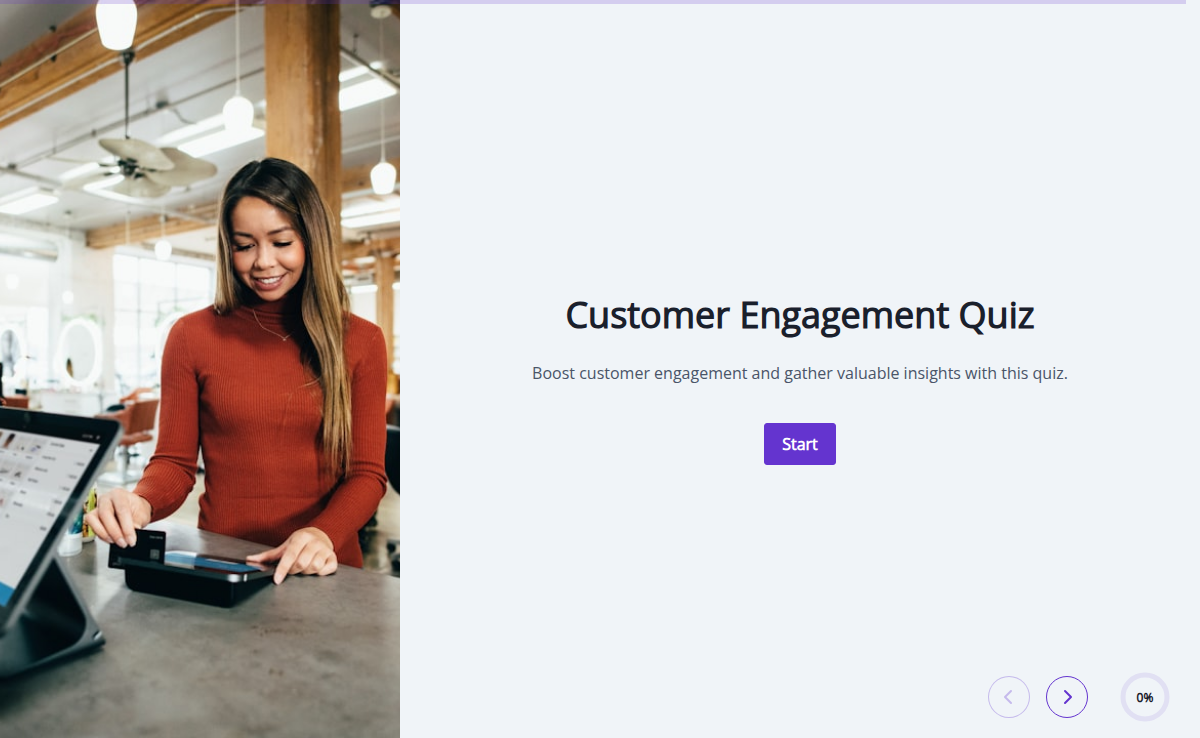
Want to know how engaged your users really are? This quiz helps you measure product understanding, usage habits, and overall customer satisfaction. Great for SaaS teams looking to improve retention and boost product adoption.
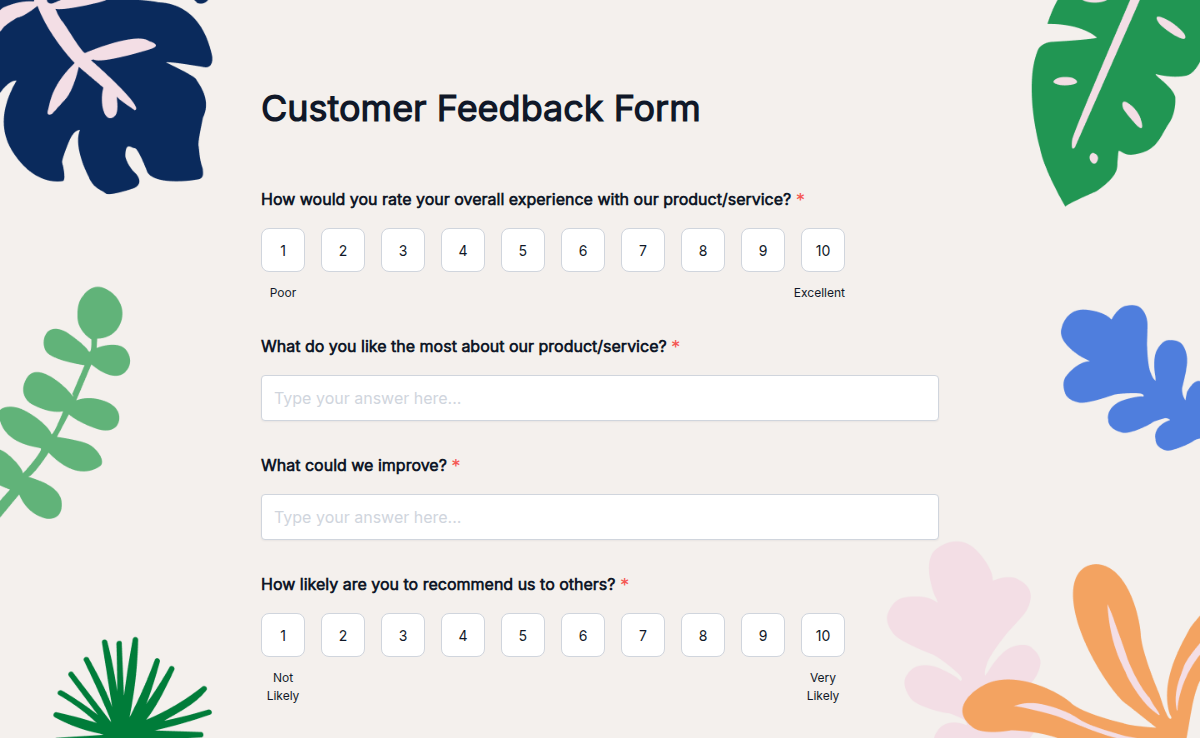
Understanding your customers' needs is the key to improving your business. Our Customer Feedback Form Template makes it easy to gather opinions, suggestions, and ratings in one place. Whether you're running a store, offering services, or managing an online business, this template helps you track customer satisfaction effortlessly. No coding is required! Customize the form using our Form Builder, add Conditional Logic to show relevant questions, and even collect E-Signatures if needed. With Trusted Form Certification, your customers will feel safe sharing their thoughts. Easily embed it on your website, share via link, and enjoy Higher Submission Limits to collect unlimited feedback. Make better business decisions with our Customer Feedback Form today!
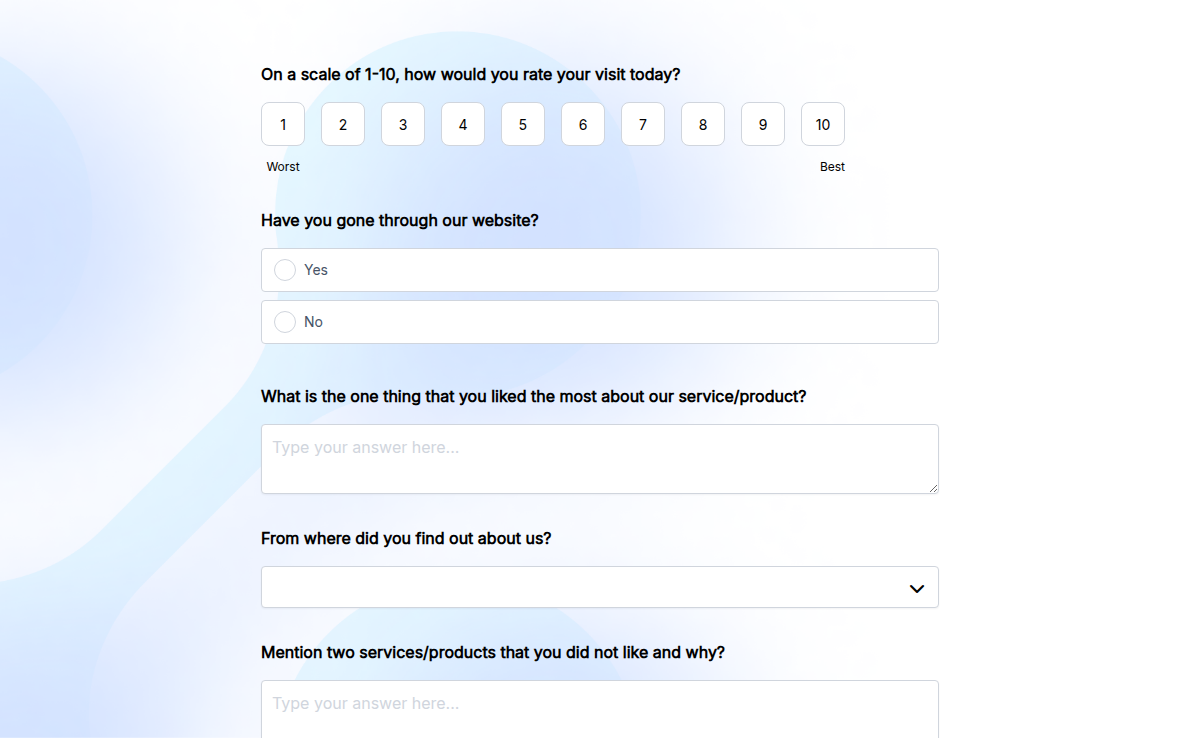
The Customer Satisfaction Survey template is designed to gather feedback from customers about their experiences with a company's products or services. It helps businesses identify areas for improvement and make data-driven decisions to enhance customer satisfaction and loyalty.
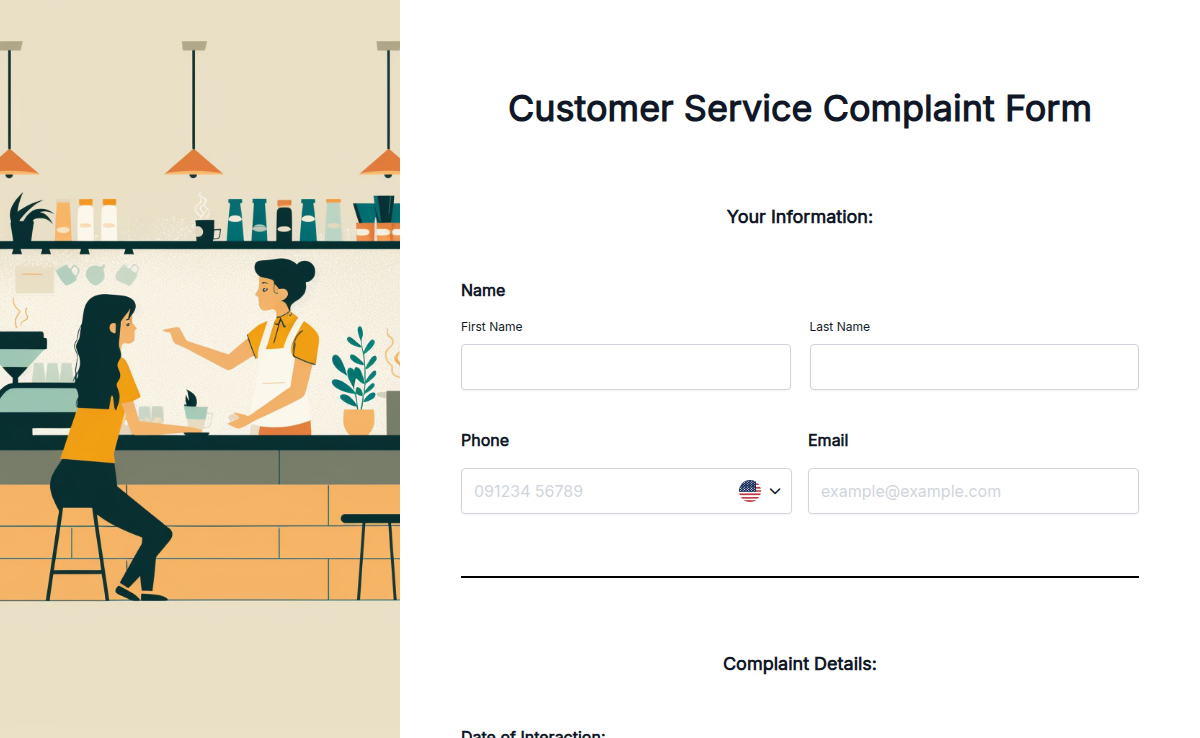
The Customer Service Complaint Form is designed to help you manage and resolve service-related complaints efficiently. Ideal for businesses and service providers, this free, online template is customizable to fit your needs. Use it to collect detailed feedback about customer service experiences and address issues promptly. With Formester’s easy-to-use platform, you can adjust the form to capture relevant details and improve your customer service quality effectively.
Understanding your customers' experience is key to building a strong brand. Our Brand Experience and Customer Engagement Form helps businesses gather valuable insights about how customers perceive their brand. Whether you're a startup, an established company, or a marketing agency, this form allows you to measure customer satisfaction, loyalty, and engagement effortlessly. With Formester’s Form Builder, you can customize the form to fit your brand. Use conditional logic to tailor follow-up questions based on responses. Easily collect feedback, analyze trends, and improve customer experience. The form is mobile-friendly and can be embedded on your website using embed forms. Set up autoresponder emails to thank customers for their feedback instantly. Get started with this Free Form Template and strengthen your brand with actionable insights!
The Customer Support Survey Form is used to gather feedback from customers regarding their experience with the support services provided by a business. It includes questions related to the quality of support received, responsiveness, professionalism, and overall satisfaction. This form helps businesses assess and improve their customer support processes, identify areas for improvement, and enhance customer satisfaction and loyalty.
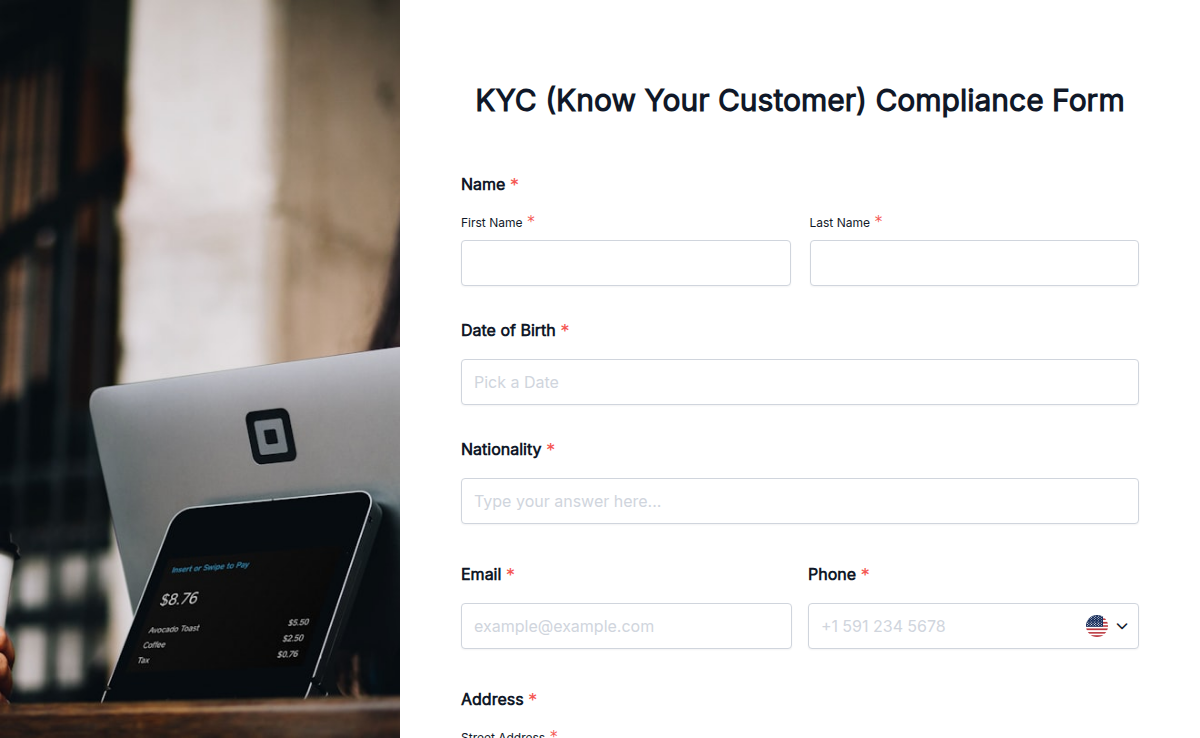
Keep your business KYC-compliant without the paperwork chaos. With Formester’s KYC Compliance Form Template, you can easily collect all the required details from your clients — identity proof, address proof, contact info, and more — all in one place. Use our Form Builder to fully customize the form to meet your industry’s needs. Add file upload for documents, electronic signature for approvals, and email verification for extra security. Want different fields for individuals and businesses? Use conditional logic to tailor the form based on who’s filling it out. You can even embed it on your website or send it via a secure link. Fast, secure, and fully digital — Formester helps you stay compliant and organized without lifting a pen.
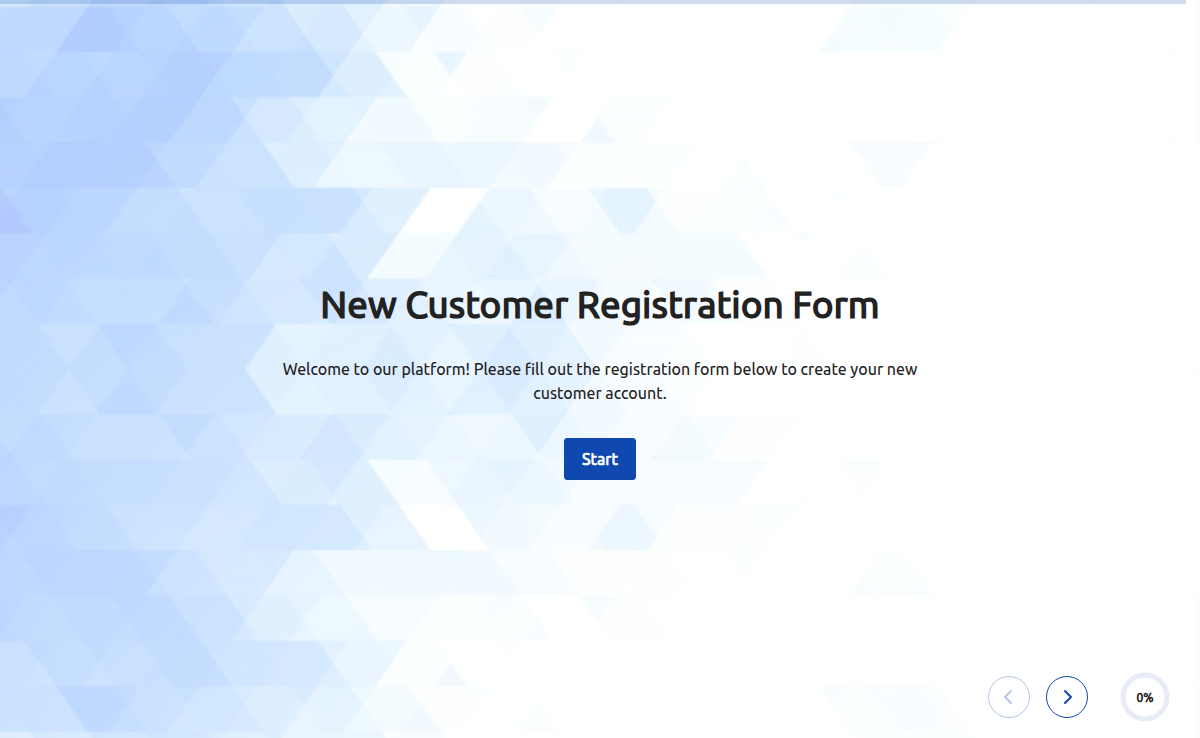
A new customer registration form is a digital or paper-based document that collects information from individuals who are interested in becoming new customers of a business or organization. It typically includes fields for personal details, contact information, preferences, and any additional information necessary for the registration process. This form allows businesses to capture important data about new customers, create customer accounts, and establish a relationship for future interactions and transactions.
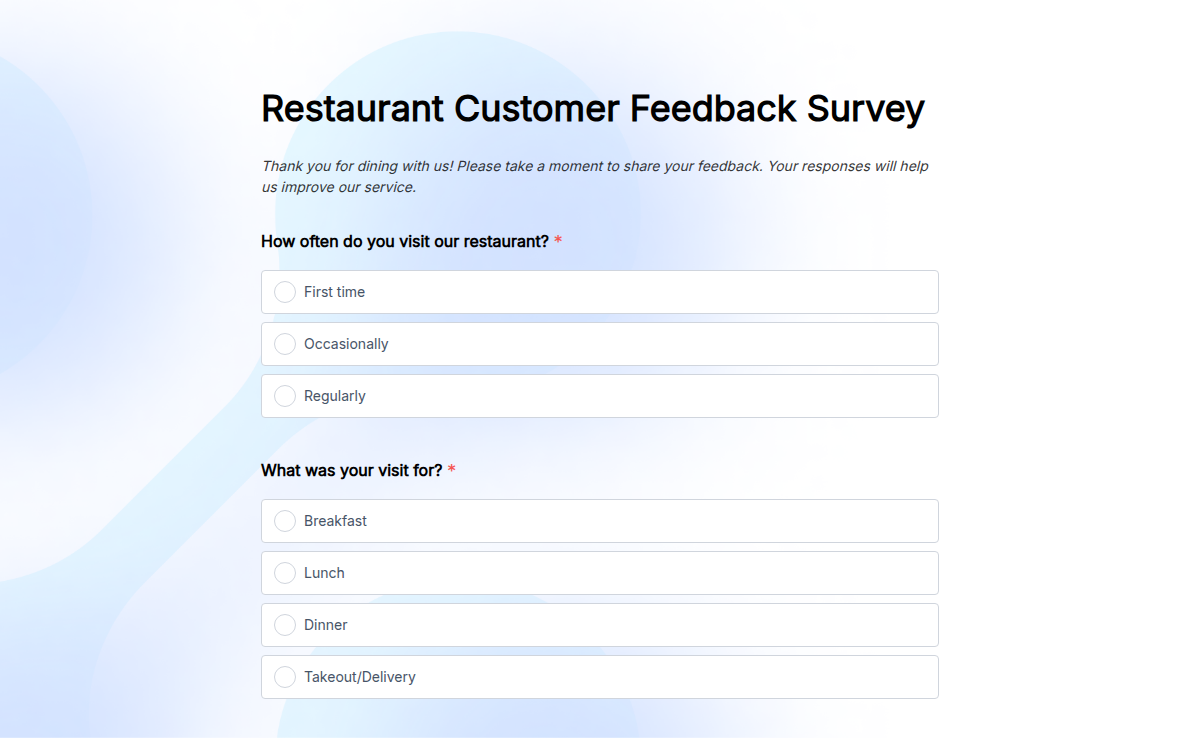
Want to know what your customers really think about your restaurant? Our Restaurant Survey Template helps you gather honest feedback about food quality, service, ambiance, and overall dining experience. Whether you run a fine-dining establishment, a casual eatery, or a takeaway service, this survey provides valuable insights to enhance customer satisfaction. With Formester’s Form Builder, you can fully customize the questionnaire, adding specific questions that matter to your business. Use Conditional Logic to tailor questions based on customer responses. Need signatures for loyalty programs or customer agreements? Enable Electronic Signatures for smooth processing. Easily Embed Forms on your website or share them via QR codes placed on tables or receipts. Track responses in real time using Form Analytics. Start improving your restaurant’s reputation today with this free survey template!