bevdkbdf.formester.com/f/SMcVr5eJw

Digital Enrollment Application

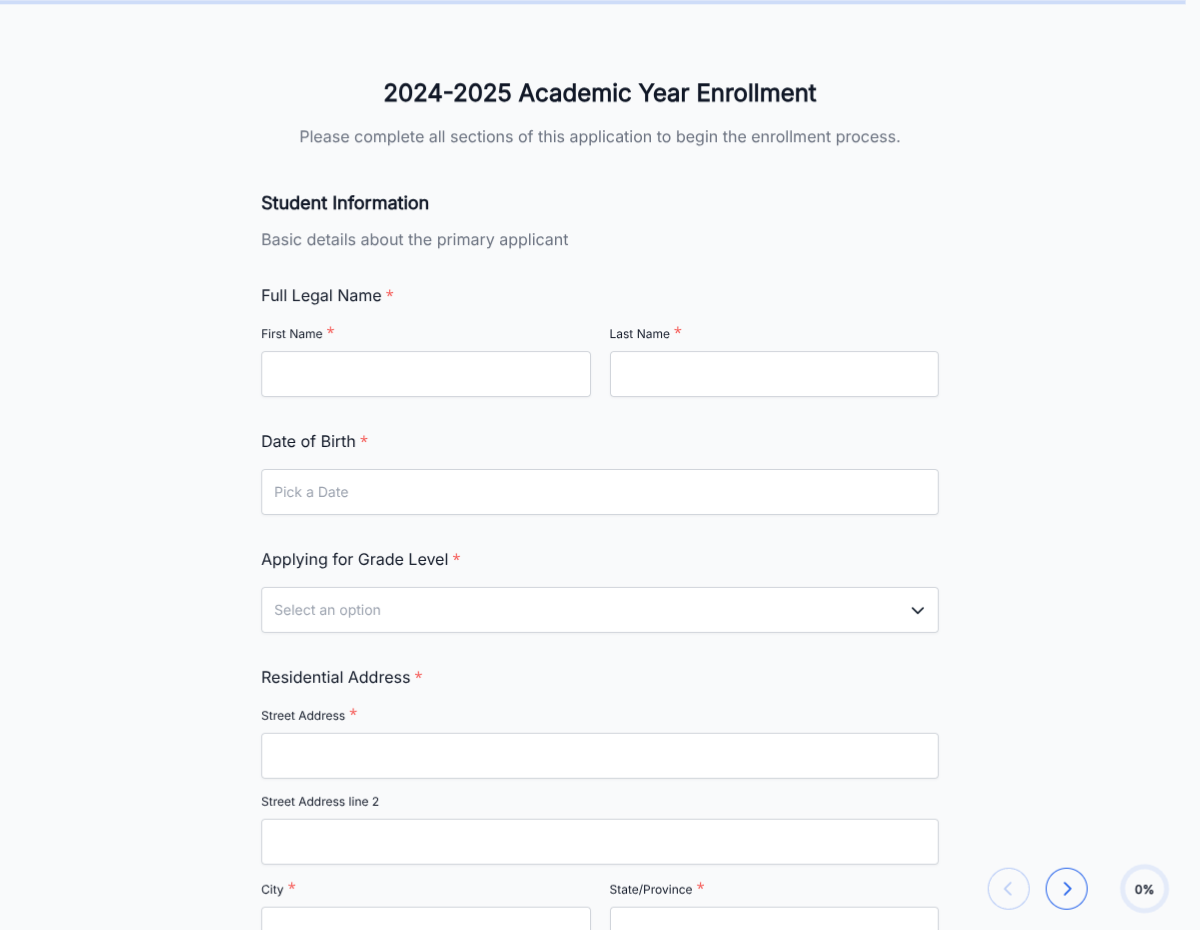
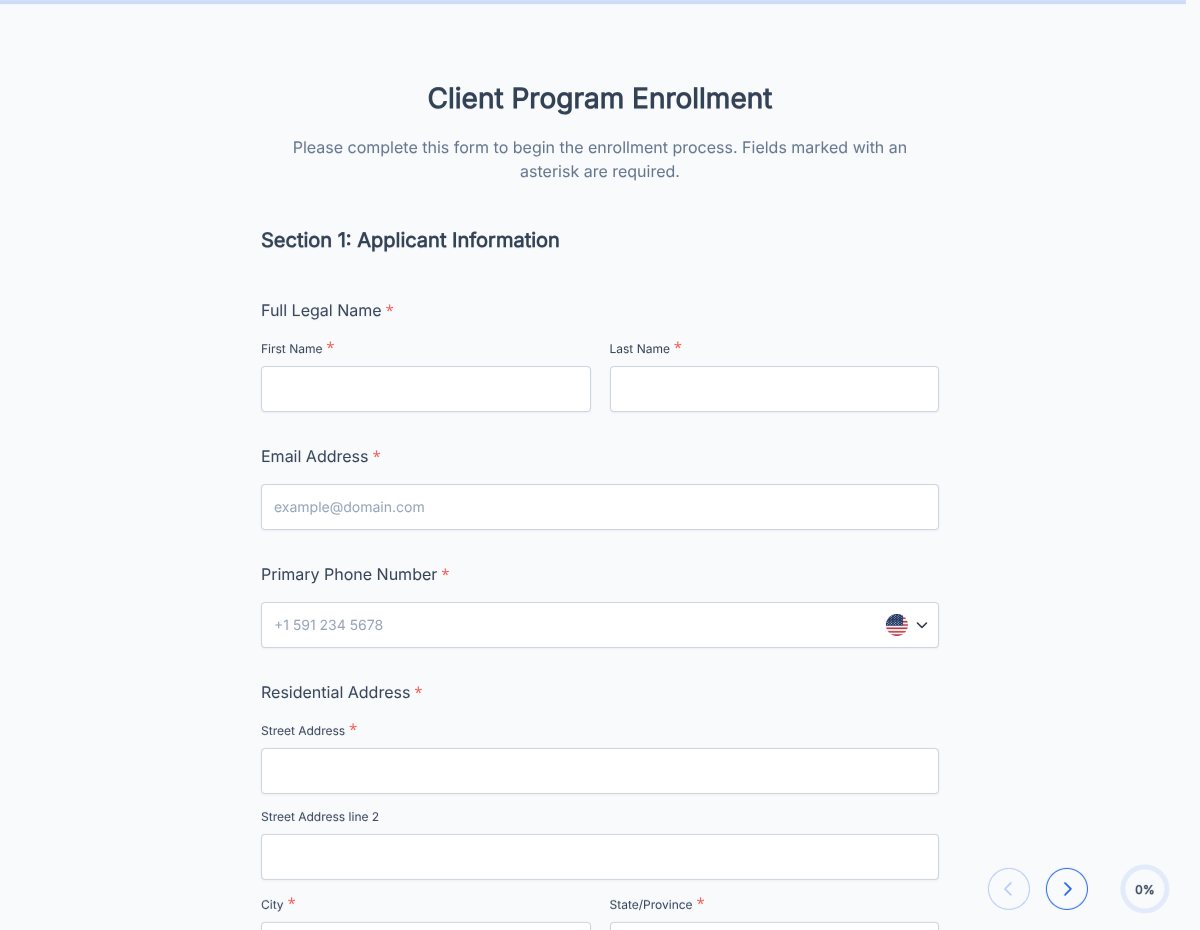
A digital enrollment form for online courses, virtual programs, and remote learning that captures student info, program selection, and signed consent, exported as a PDF.

Education

About this template

This digital enrollment form runs on Formester's drag-and-drop form builder, so you can adapt the program structure, payment, and learner fields to your online course, bootcamp, or virtual program without writing code. Captures every detail you need to enroll a learner into a fully online experience: profile, program selection, payment, and signed agreement.

Learners fill the form on any device, choose their program and cohort, pay with Stripe or PayPal, and sign with e-signature. The PDF lands in your dashboard, and the LMS access provisions automatically through Zapier so the learner can log in within minutes of enrollment.

Use conditional logic to reveal cohort start-date selection for synchronous programs, surface employer-sponsorship fields for corporate learners, or skip prerequisites verification on open-enrollment programs. Send each learner a welcome with Autoresponder Email that includes their LMS login and a calendar invite for the kickoff.

Running a specialized program (coding bootcamp, language school, professional certification)? Generate a tailored variant with the AI form generator in minutes.
How to use this digital enrollment form

Seven steps to a working digital enrollment workflow. Most program teams finish in under 15 minutes.

Open the template

Click Use Template. Program dropdown, payment fields, and signature flow load into the Formester builder.

Brand the form

Drop in your school, bootcamp, or program logo and welcome copy.

Configure programs

Edit the program dropdown to list your offerings: courses, bootcamps, certifications, language tracks. Each reveals price and cohort info per selection.

Wire payment

Connect Stripe or PayPal to take tuition or course fees in the form. Cash, scholarship, or employer-billed paths also supported via conditional logic.

Apply conditional logic

Use conditional logic to reveal cohort selection for synchronous programs, prerequisites verification, employer sponsorship fields, and accessibility accommodations.

Capture signed agreement

E-signature on enrollment terms, code of conduct, refund policy, and any program-specific agreements.

Provision LMS access

Push each enrollment to your LMS (Thinkific, Teachable, LearnWorlds, Canvas, Moodle) via Zapier so the learner can log in within minutes.

When to use this digital enrollment form

Six online program scenarios this template handles out of the box.

Online course and self-paced

Learners enroll any time, get LMS access immediately, work at their own pace. Form captures profile, payment, and signed terms; the learner is in the course within minutes.

Coding bootcamp and intensive

Cohort-based synchronous program. Conditional logic reveals cohort start dates, prerequisites verification, and tech-stack preference.

Language school and tutoring

Learners select language, level, and instructor. Form schedules the first session and provisions video-conference access for the first class.

Professional certification

CE, PMP, AWS, or other certification programs. Form captures professional credentials, prior experience, and CE-credit reporting preferences.

Continuing education and workshops

Short-form workshops, masterclasses, and CE sessions. Conditional logic skips long fields for one-day programs.

Corporate L&D and employer-sponsored

Employer pays the tuition. Conditional logic reveals employer billing fields, PO number, and HR approval signature alongside the learner profile.

Fields included in this template

Every detail a complete digital enrollment needs. Drop the ones not applicable; the rest work on the free tier.

  • Learner full name Short text

    Name as it will appear on certificates and LMS.

  • Date of birth Date picker

    For age verification and youth-program eligibility.

  • Contact Email + phone

    Email becomes the LMS login. Phone for SMS reminders.

  • Country and time zone Dropdown

    For synchronous program scheduling.

  • Program selection Dropdown

    Course, bootcamp, certification, language track. Triggers conditional logic per program.

  • Cohort start date Date picker, conditional

    Shown for synchronous programs.

  • Prerequisites verification Checkbox + file upload

    Required prior coursework, prerequisites, or skill assessment.

  • Prior experience Long text

    Background relevant to the program.

  • Accessibility accommodations Long text, optional

    Captioning, screen reader, extended time, or other accommodations.

  • Tuition payment Stripe or PayPal

    Connected payment captures tuition in the form.

  • Employer sponsorship Conditional section

    Shown when employer-paid is selected. Company, billing contact, PO number, HR approval.

  • Code of conduct and refund policy Checkbox + e-signature

    Acceptance of program terms, code of conduct, and refund policy.

  • Learner signature E-signature + date

    Final authorization.

Questions we get a lot

Program team and learner questions about LMS access, payment, and prerequisites.

Can learners pay tuition during enrollment?
Yes. Connect Stripe or PayPal to take tuition in the form. Scholarship, employer-billed, or installment paths are also supported via conditional logic.
Can the LMS access provision automatically?
Yes. Push enrollments to Thinkific, Teachable, LearnWorlds, Canvas, Moodle, or any LMS via Zapier or webhooks. Learners log in within minutes.
Can I require prerequisites verification?
Yes. Use conditional logic to reveal prerequisites checkboxes and file-upload fields. Block enrollment until prerequisites are met if the program requires it.
Can I welcome the learner with a calendar invite?
Yes. Turn on Autoresponder Email so the learner receives a welcome with LMS login, calendar invite for kickoff (synchronous), and the syllabus.
Can I handle employer-sponsored enrollments?
Yes. Conditional logic reveals employer billing, PO number, and HR approval fields when employer-paid is selected. Invoice goes to the company; learner gets access.
Where are enrollment records stored?
Every submission saves to your dashboard with a PDF copy. Filter by learner, program, or cohort, and export the archive as CSV for LMS sync or accounting.