bevdkbdf.formester.com/f/VHOsLotO8

Client Enrollment Form

A client enrollment form for coaches, consultants, and service providers that captures client profile, goals, agreement, and payment, exported as a PDF.

Applications

About this template

This client enrollment form runs on Formester's drag-and-drop form builder, so you can adapt the intake questions, agreement language, and payment structure to your coaching, consulting, agency, or service practice without writing code. Captures every detail you need to start work: client profile, goals, scope, agreement, and payment.

Clients fill the form on any device, choose their service package, pay with Stripe or PayPal, and sign the engagement agreement with e-signature. The PDF lands in your client file, and the kickoff workflow triggers automatically: welcome email, calendar invite for the kickoff call, and project setup in your management system.

Use conditional logic to reveal goal-setting questions specific to your service, surface intake questions per package tier, or skip the payment block when the client is on a custom proposal. Send each new client a welcome with Autoresponder Email that includes the kickoff call link and intake document.

Running a specialized client workflow (executive coaching, agency retainer, therapy)? Generate a tailored variant with the AI form generator in minutes.
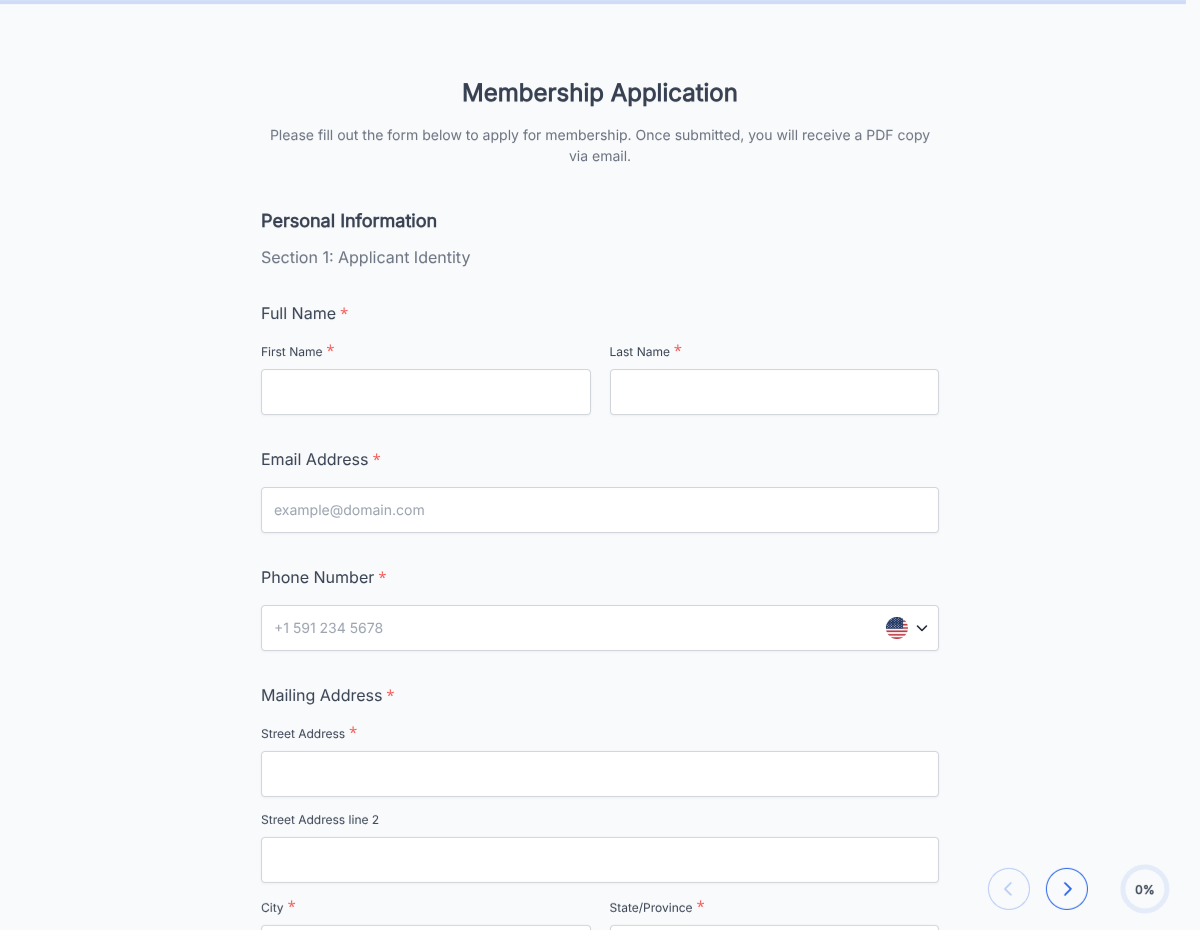
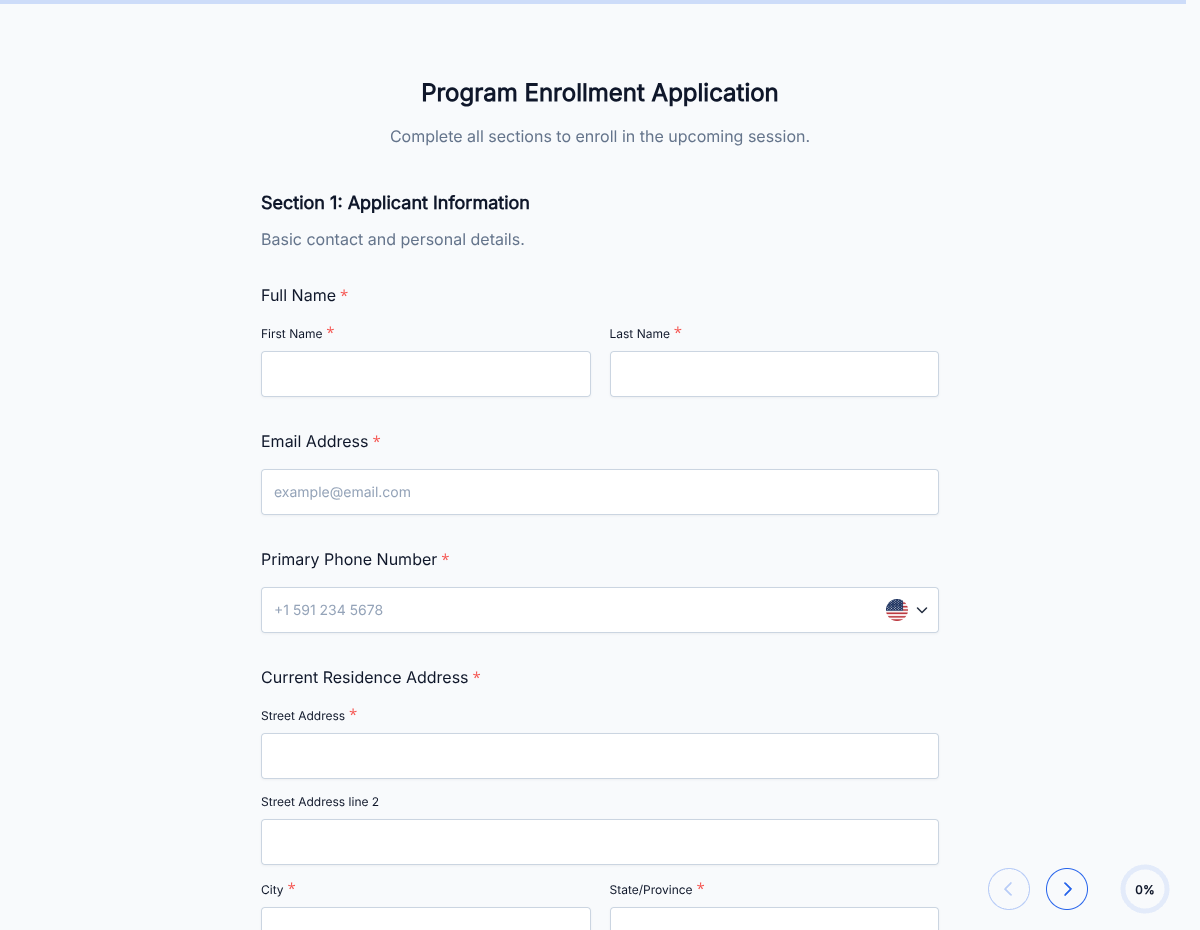
How to use this client enrollment form

Seven steps to a working client onboarding workflow. Most teams finish in under 15 minutes.

Open the template

Click Use Template. Intake questions, agreement, payment fields, and signature flow load into the Formester builder.

Brand the form

Drop in your practice or agency logo, brand colors, and welcome copy. Clients see your brand the moment they start enrollment.

Customize intake questions

Edit the goal-setting and intake questions to match your service. Coaches ask different questions than agencies; therapists different from consultants.

Configure service packages

Edit the package dropdown: discovery session, 3-month engagement, 6-month engagement, annual retainer. Each reveals its own price.

Wire payment

Connect Stripe or PayPal to take payment at enrollment. Recurring engagements support installment plans through Stripe subscriptions.

Capture engagement agreement

E-signature on the engagement letter, scope of work, refund policy, and any practice-specific agreements.

Trigger kickoff workflow

Push enrollments to your project management tool (Asana, ClickUp, Notion) via Zapier so the kickoff setup, calendar invite, and intake doc are all ready before the first call.

When to use this client enrollment form

Six service-business scenarios this template handles out of the box.

Executive and business coaching

Client enrolls in a coaching engagement. Form captures professional context, goals, package selection, and signs the engagement letter; kickoff call scheduled within a day.

Agency and freelance retainer

Marketing, design, or development agency onboarding a new client. Form captures project scope, brand assets, signed retainer, and first invoice.

Therapy and mental health intake

New therapy client intake (note: Formester is not HIPAA certified; use for non-PHI intake only). Form captures profile, presenting concerns, insurance details, and signed consent.

Consulting engagement

Strategy or implementation consultant onboarding. Form captures engagement scope, stakeholders, success metrics, and signed SOW.

Personal training and nutrition

Personal trainer or nutritionist onboarding a new client. Form captures goals, health history, dietary preferences, liability waiver, and program selection.

Online program and group coaching

Group coaching cohort or online program enrollment. Form captures profile, cohort selection, payment, and group agreement on top of the engagement letter.

Fields included in this template

Every detail you need to start work with a new client. Drop the ones not applicable; the rest work on the free tier.

  • Client full name Short text

    Name for the engagement file and invoices.

  • Contact Email + phone

    For session scheduling and follow-up.

  • Company or role Short text, optional

    For business and executive clients.

  • Time zone and preferred contact method Dropdown + dropdown

    For session scheduling and ongoing communication.

  • Service package Dropdown

    Discovery session, 3-month, 6-month, annual. Triggers conditional logic per package.

  • Goals and outcomes Long text

    What the client wants to achieve. Custom prompts per practice.

  • Current state and challenges Long text

    Where the client is today and what is in the way.

  • Relevant background Long text

    Professional, health, or personal context relevant to the engagement.

  • Stakeholders and decision makers Repeatable line

    For agency and consulting engagements. Name, role, contact for each.

  • Success metrics Long text

    How the client will measure success at the end of the engagement.

  • Payment method Stripe or PayPal

    Payment captured at enrollment; recurring subscription if applicable.

  • Engagement agreement Long text + checkbox

    Engagement letter, scope of work, refund policy. Client checks acceptance.

  • Client signature E-signature + date

    Final authorization.

Questions we get a lot

Coach, consultant, and client questions about onboarding, payment, and project setup.

Can I take payment at enrollment?
Yes. Connect Stripe or PayPal to capture the deposit or full engagement fee in the form. Recurring engagements support Stripe subscriptions for installments.
Can I customize the intake questions per service?
Yes. Replace the placeholder goal-setting and intake questions with the questions specific to your practice. Coaches, agencies, therapists, and consultants all ask different things.
Can I trigger the kickoff workflow automatically?
Yes. Push enrollments to Asana, ClickUp, Notion, or your project management tool via Zapier so the kickoff setup is ready before the first call.
Can I send a welcome email with the kickoff call link?
Yes. Turn on Autoresponder Email so each new client receives a welcome with the calendar invite, intake doc, and any prep materials.
Can I have different forms for different services?
Yes. Use conditional logic to switch the form per service (coaching, agency, consulting, therapy) or duplicate the template and customize each variant.
Where are client records stored?
Every submission saves to your dashboard with a PDF copy. Filter by client name, service, or enrollment date, and export the archive as CSV for your CRM.