Open the template
Click Use Template. Conditional rules, signature flow, and PDF layout load into the Formester builder.
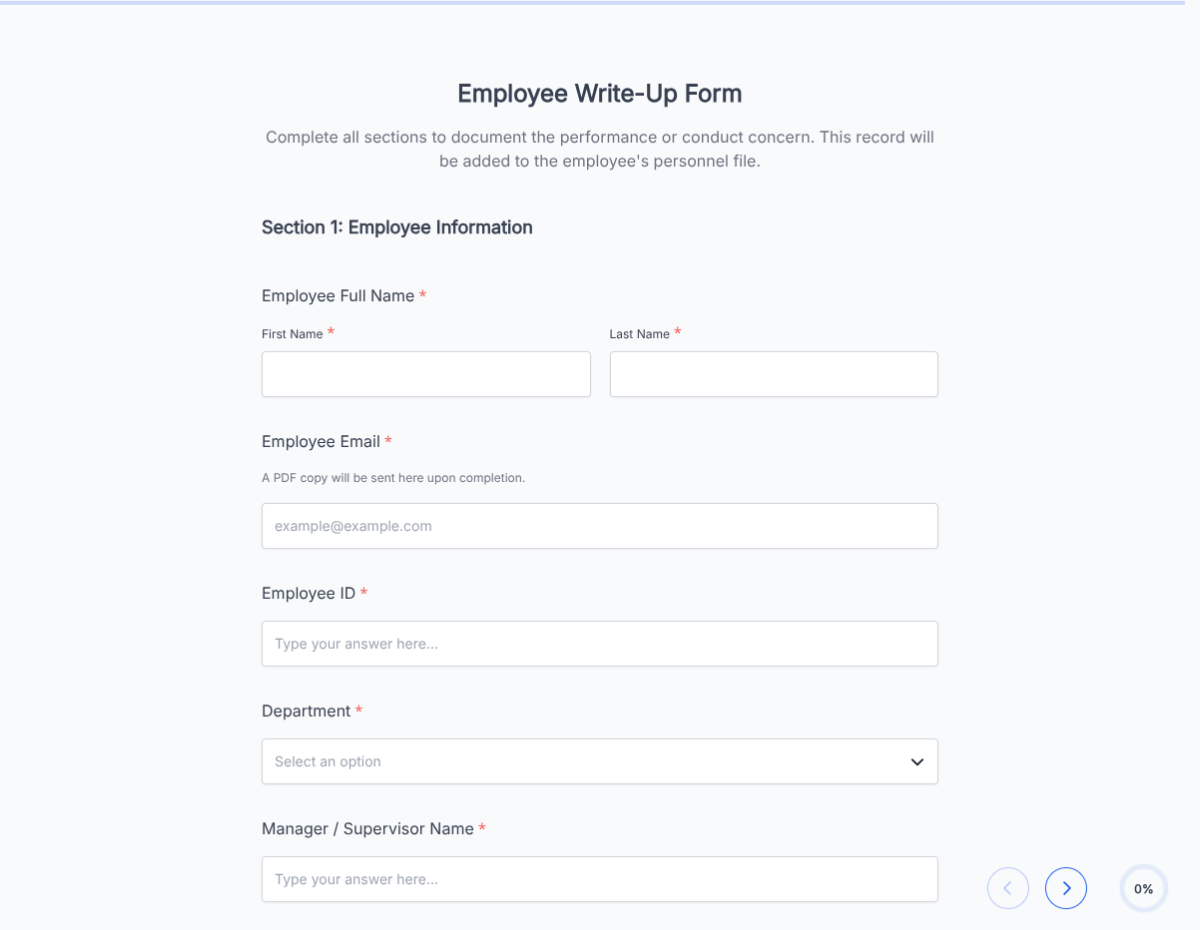
An employee information form for new-hire onboarding that captures personal, emergency and tax details, exported as PDF.
This employee information form template runs on Formester's drag-and-drop form builder, so you can adjust fields to match your onboarding workflow without writing code. Capture every detail a new hire needs to submit: personal info, emergency contacts, tax withholding, direct deposit, and signed consent in one flow.
Send the form link as part of the offer letter or first-day welcome email. New hires fill it out on any device, sign with e-signature, and submit. HR receives a clean PDF on file and the structured data lands in your Formester dashboard. Every submission is encrypted in transit and at rest, so SSN, direct deposit, and home address data stays secure.
Use conditional logic to surface tax fields for W-2 employees only, hide direct deposit fields when the employee opts for paper checks, or reveal additional fields for international hires. Autoresponder Email sends each new hire a copy of their submitted info, and HubSpot or Zapier routes the data directly into your HRIS.
Running a specialized onboarding flow (remote, contract, seasonal)? Generate a tailored variant with the AI form generator in minutes.