bevdkbdf.formester.com/f/vhi37gCO2

Payroll Stub & Salary Statement Template

A payroll template that captures employee hours, wages, deductions, and signature, with auto-calculated net pay, exported as a PDF.

Payroll

About this template

This payroll template runs on Formester's drag-and-drop form builder, so you can adapt the pay structure, deduction list, and bonus categories to your business without writing code. Captures every line a clean payroll record needs: employee identity, pay period, hours and rate, gross pay, tax and benefit deductions, and net pay with the math done automatically.

Run payroll on the schedule that matches your business (weekly, biweekly, semimonthly, monthly) and the PDF lands in your dashboard ready for the employee file. No more spreadsheets with broken formulas the day before pay day.

Use conditional logic to reveal tip-pooling fields for hospitality roles, surface commission and bonus blocks for sales, or add a contractor 1099 path that skips payroll tax withholding. Push the payroll record to your accounting software through Zapier so general ledger entries post automatically.

Running a unique payroll workflow (per-diem, project-based, multi-state)? Generate a tailored variant with the AI form generator in minutes.
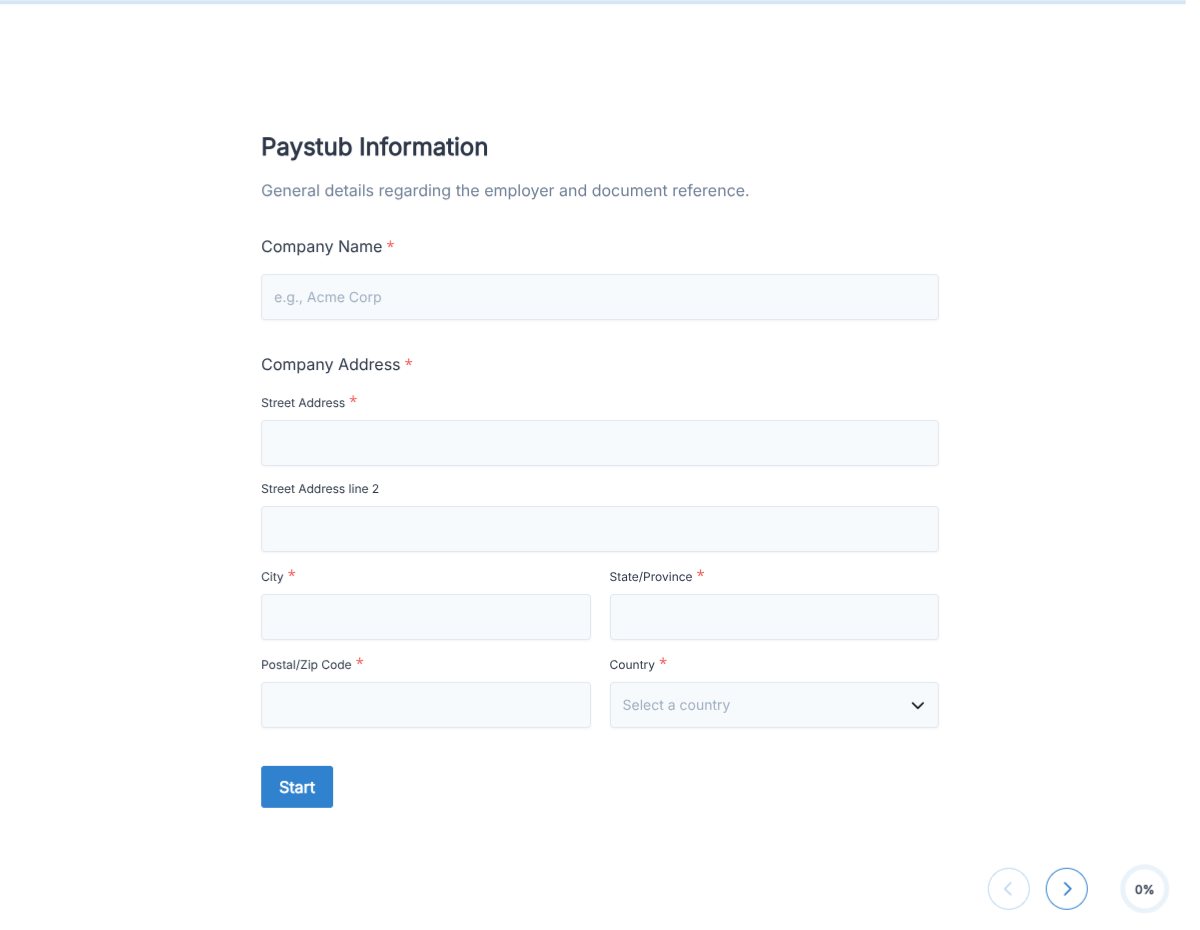
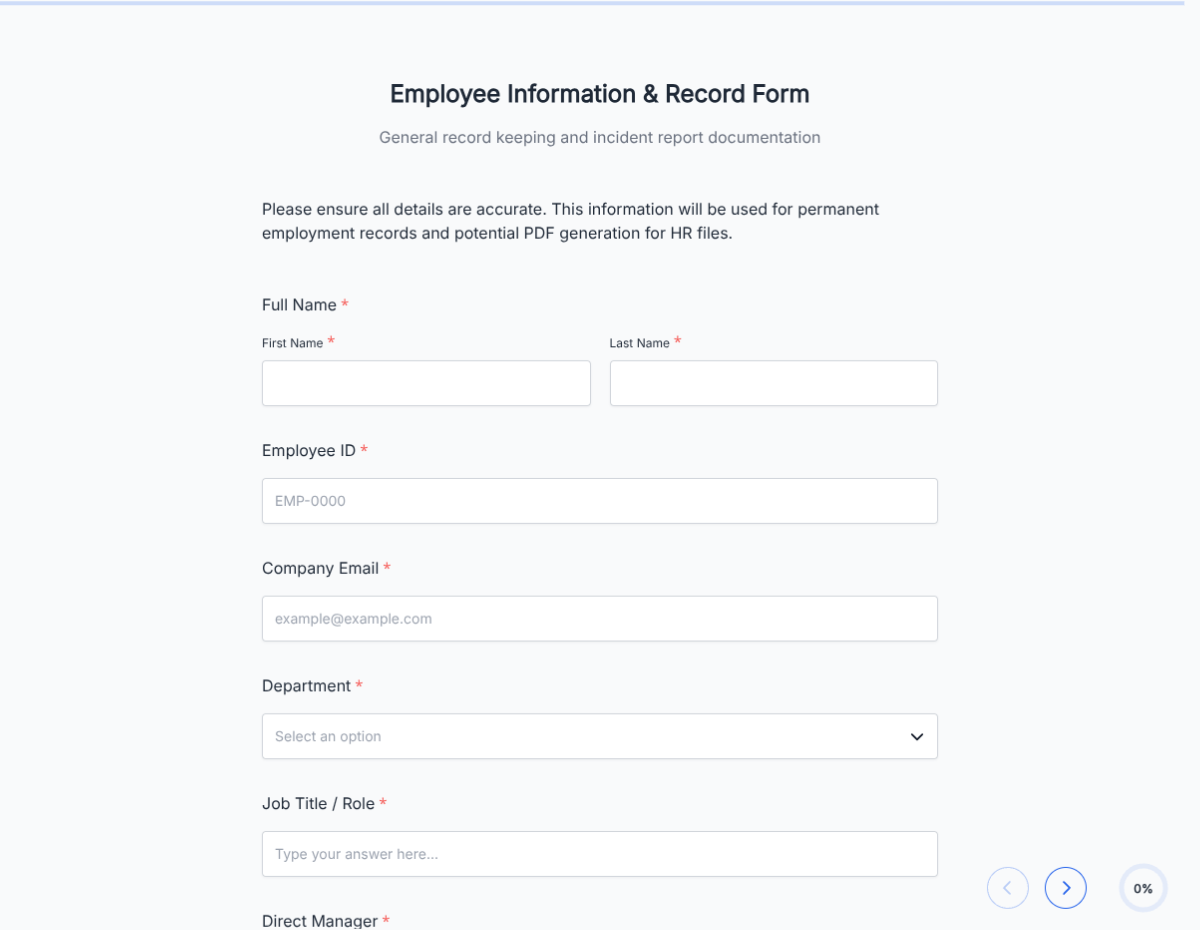
How to use this payroll template

Seven steps to a working payroll workflow. Most small-business teams finish in under 20 minutes.

Open the template

Click Use Template. Pay-period fields, deduction lines, and signature flow load into the Formester builder.

Brand the form

Drop in your company logo, EIN, and address. The PDF reads as official payroll documentation.

Configure the pay schedule

Set weekly, biweekly, semimonthly, or monthly. The pay-period field uses the schedule to validate dates.

Customize deductions

Edit the deduction list: federal tax, state tax, FICA, Medicare, health insurance, 401(k), garnishments. Each deduction has its own calculation.

Apply conditional logic

Use conditional logic to reveal tip-pooling fields for hospitality, commission and bonus for sales, or 1099 contractor path that skips withholding.

Run the auto-calculations

Gross pay calculates from hours times rate; deductions sum; net pay subtracts. No manual math; no broken formulas.

Sync to accounting

Push each payroll record to QuickBooks, Xero, or your accounting system via Zapier so general ledger entries post automatically.

When to use this payroll template

Six payroll scenarios this template handles out of the box.

Small business weekly payroll

Owner runs payroll every Friday for hourly staff. Form captures hours, rate, deductions, and produces a clean PDF per employee plus a summary CSV for the bank.

Restaurant payroll with tips

Conditional logic reveals tip-pool allocation, declared tips, and credit-card tip distribution alongside hourly wages. Net pay accounts for tip credit per state law.

Salaried staff and exempt employees

Salaried employees get a fixed gross with the same deduction structure. Conditional logic hides the hours field, surfaces PTO accrual instead.

Commission and bonus pay cycle

Conditional logic reveals commission and bonus blocks for sales and incentive-based roles. Bonuses tax at the supplemental rate; the form handles the calculation.

Contractor and freelancer payments

1099 contractor path skips payroll tax withholding. Form captures hours or project amount, sums to gross, generates a payment record for the contractor file.

Multi-state and remote payroll

Conditional logic surfaces the right state tax fields based on the employee's work state. Important for fully remote teams with employees in multiple states.

Fields included in this template

Every line a defensible payroll record needs. Drop the ones not applicable; the rest work on the free tier.

  • Pay period start and end Date range

    Defines the work covered by this payroll record.

  • Pay date Date picker

    When the funds hit the employee account.

  • Employee name Short text

    Full name on payroll.

  • Employee ID Short text

    Internal ID for the payroll file.

  • Employment type Dropdown

    Hourly, salaried, contractor. Triggers conditional logic per type.

  • Hours worked Number, conditional

    Hours for hourly employees; hidden for salaried.

  • Overtime hours Number, conditional

    OT hours at 1.5x. Hidden for exempt employees.

  • Rate per hour or salary Currency

    Hourly rate for hourly; period salary for exempt.

  • Tips Conditional section

    Declared tips and credit-card tips. Reveals for hospitality.

  • Commission and bonus Conditional section

    Reveals for sales and incentive roles.

  • Gross pay Auto-calculated

    Hours times rate, plus tips, commission, bonus.

  • Deductions Multiple lines

    Federal, state, FICA, Medicare, health, 401(k), garnishment. Each calculates from the applicable formula.

  • Net pay Auto-calculated

    Gross minus all deductions.

  • Employer signature E-signature + date

    Authorization of the payroll record.

Questions we get a lot

Bookkeeper and small-business questions about taxes, contractors, and accounting integration.

Does the form calculate payroll taxes automatically?
The form auto-sums hours times rate to gross and subtracts deductions to net. Tax rate logic per state and per income bracket is your responsibility; the form lets you enter the rate and applies it. For full tax automation, integrate with QuickBooks or Gusto via Zapier.
Can I run payroll for contractors and 1099 freelancers?
Yes. Conditional logic reveals a contractor path that skips payroll tax withholding and produces a 1099-ready payment record.
Can I handle multi-state employees?
Yes. Use conditional logic to surface the right state tax fields based on the employee's work state. Important for fully remote teams.
Can I sync payroll records to my accounting software?
Yes. Push records to QuickBooks, Xero, or any accounting platform via Zapier or webhooks so general ledger entries post automatically.
Can I handle tips and tip pooling?
Yes. Conditional logic reveals tip-pool allocation, declared tips, and credit-card tip distribution for hospitality. Net pay accounts for tip credit per state law.
Where are payroll records stored?
Every submission saves to your dashboard with a PDF copy. Filter by employee, pay period, or date, and export the archive as CSV for accounting or audit.