Pre-Interview Form Template
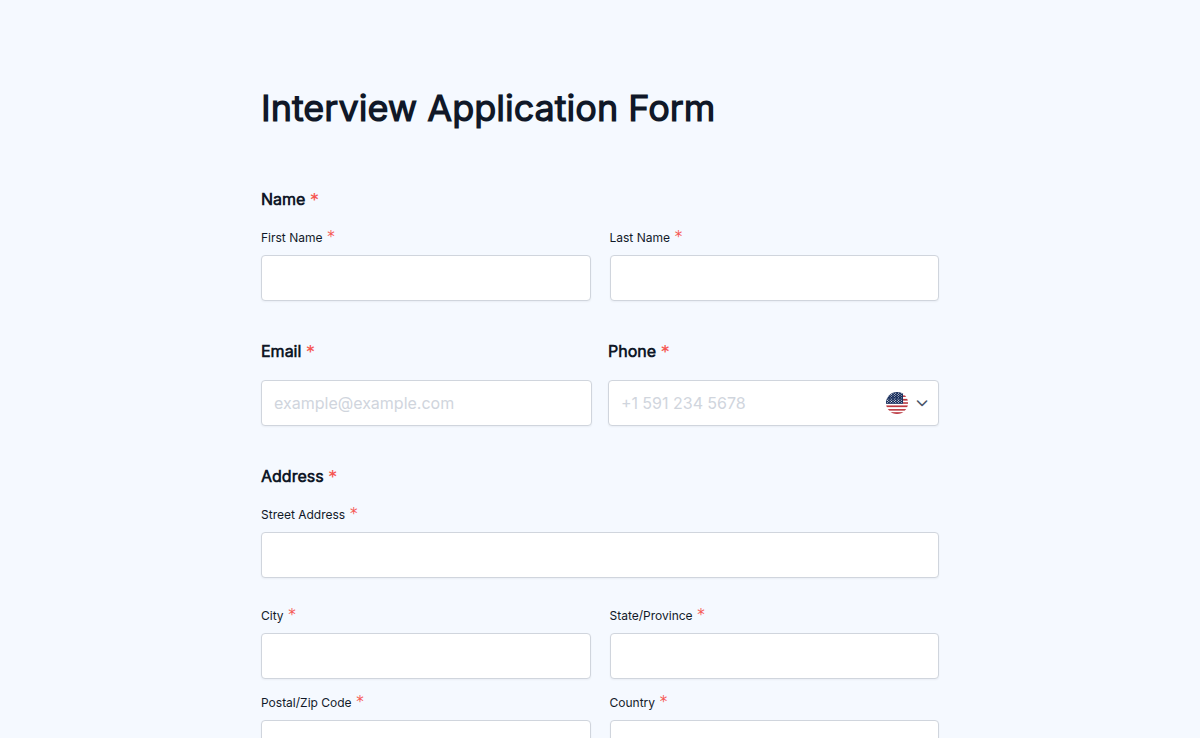
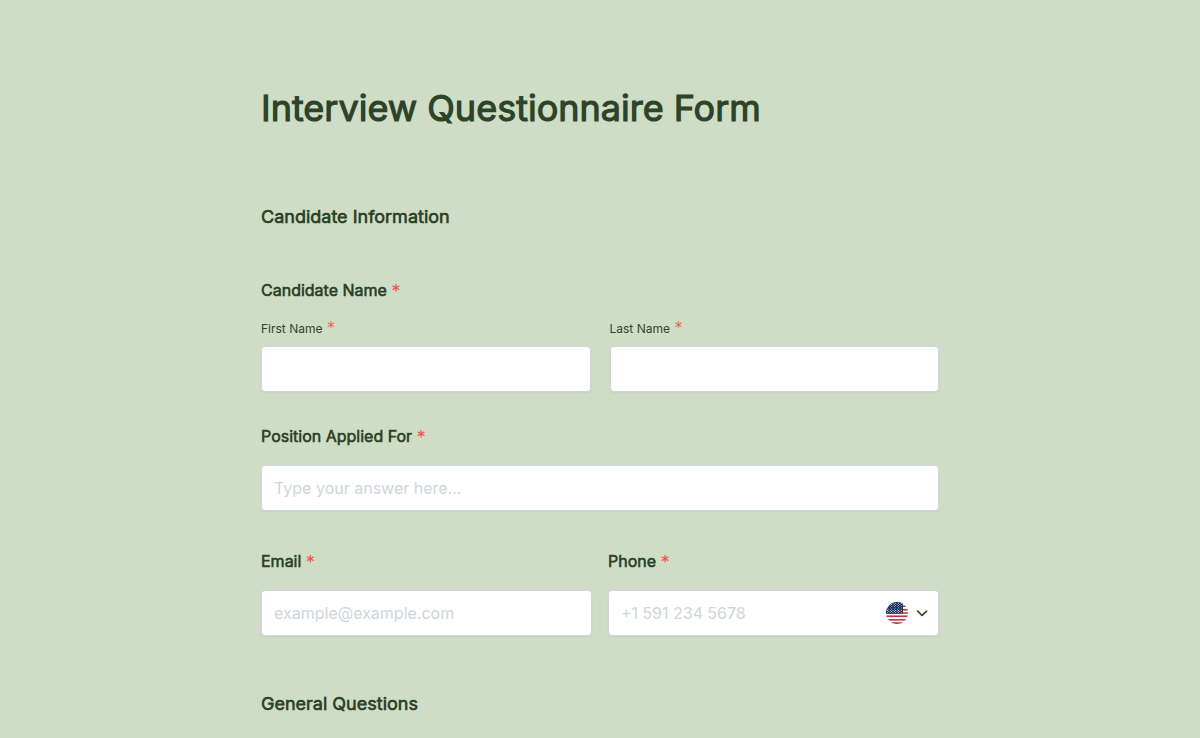
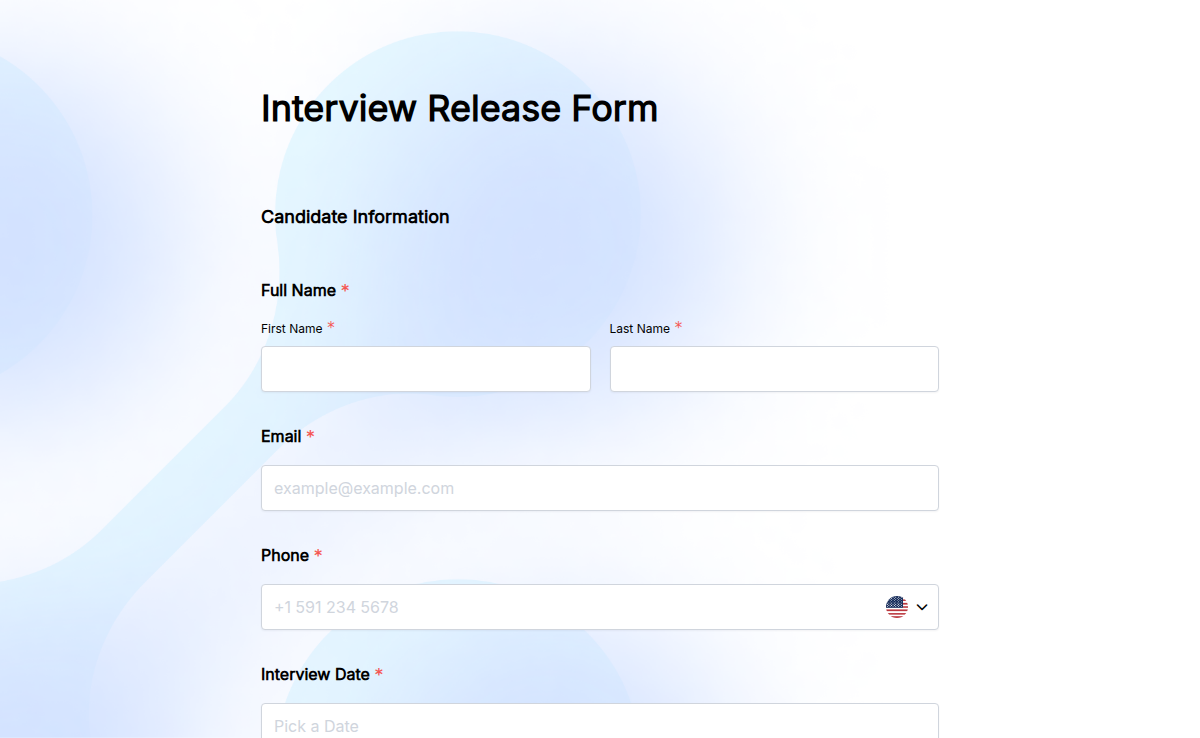
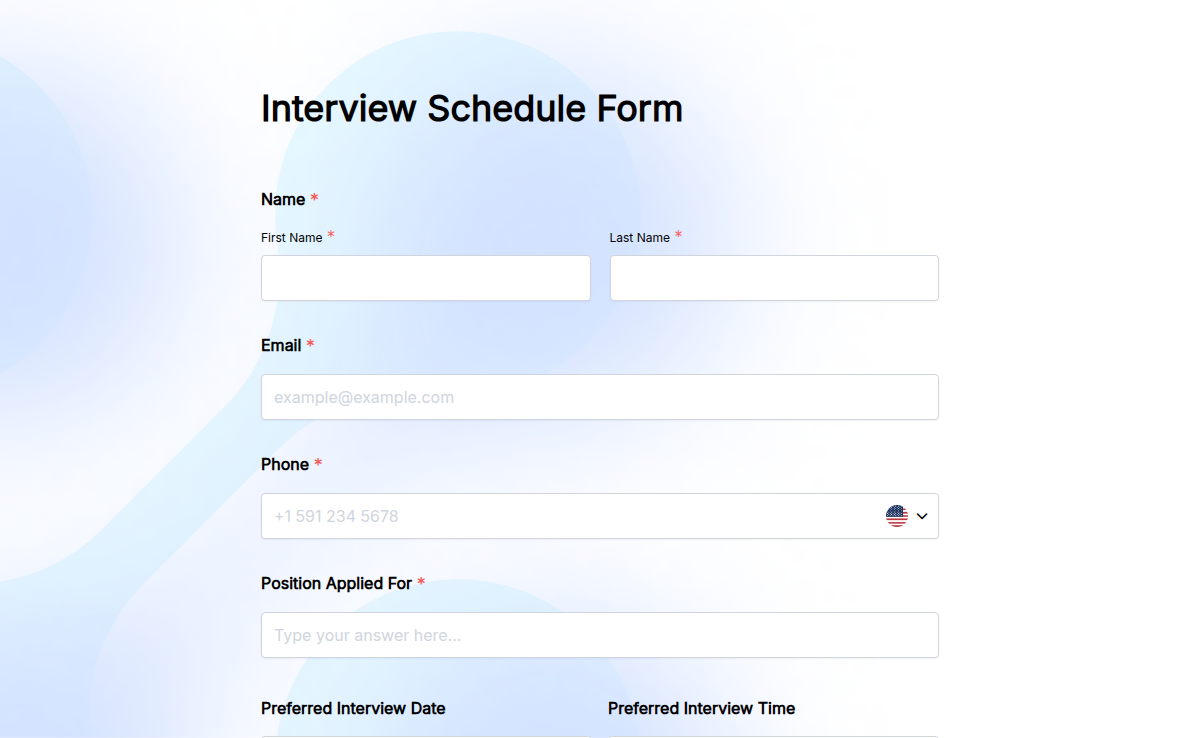
A candidate applies on a Friday afternoon. By Tuesday, three emails have gone back and forth about a date that works for both sides. This pre-interview form fixes that. Candidates pick their preferred interview slots from your panel's availability, share the role they applied for, confirm notice period, and sign any NDA or interview-recording consent in one go. The recruiter receives a complete record and can confirm the slot with one click. Use the form for inbound applications on your careers page, for ATS-driven outreach, or as the first step in a high-volume hiring funnel. With Formester's conditional logic, the form shows senior candidates leadership-scope questions, technical candidates tooling questions, and remote applicants time-zone fields, so each candidate fills only what is relevant. Customize the fields in the drag-and-drop builder, embed on your careers page, add an electronic signature for NDA or consent, and connect to your ATS so the candidate record arrives prefilled.
About this template
A pre-interview form is a short intake completed by a candidate before the first interview. It captures the basics a recruiter needs to schedule and the panel needs to prepare: availability, preferred interview format (video, phone, in-person), role applied for, notice period, resume or portfolio link, accessibility needs, and any NDA or interview-recording consent. Submission to interview confirmation collapses from days of email to a single round trip.
The Formester template ships with the most-used fields out of the box. Edit anything in the drag-and-drop builder. Add conditional logic so senior roles see leadership-scope questions and technical roles see tooling questions. Turn on the autoresponder email to send candidates an instant confirmation with interview-prep links.
A well-prepared interview is key to hiring the right candidate. Our Pre-Interview Form ensures that both the interviewer and the candidate are on the same page before the actual interview. By collecting essential details beforehand, you can save time and make interviews more effective.
This form allows candidates to share their expectations, availability, and additional information relevant to the role. With conditional logic, you can ask specific questions based on previous answers, ensuring that only the most relevant information is collected.
For companies that require NDAs or consent agreements before an interview, the electronic signature feature makes it easy to collect signed agreements online. You can also enable autoresponder emails to send confirmation emails once candidates complete the form.
If you're coordinating interviews with multiple team members, team collaboration allows you to share access, review responses, and assign follow-ups seamlessly. Once the data is collected, recruiters can export it using export form submission PDF for easy reference during the interview.
For an even more professional touch, companies can embed this form directly on their careers page, making it easily accessible to candidates. Start improving your hiring process today with our Free Form Templates.