bevdkbdf.formester.com/f/hrJrH36mvoJ0

Interview Application Form

Hiring fast and hiring well rarely happen on the same hire. Most teams pick one. The teams that consistently get both have a structured interview process that starts with a candidate intake form (this template) and ends with an interview scorecard (the companion template). Capture the data on the way in, score on the way out, decide on the data, not the vibes. Collect the resume, cover letter, references, current location, work authorization, salary expectation, availability for the interview, and a short pre-interview question or two (why this role, what excites you). The form takes a candidate 3-4 minutes; you save 20-30 minutes of back-and-forth scheduling and clarification per candidate. Customize the questions in the drag-and-drop builder, upload resumes through the file upload field, and pipe submissions into your ATS or recruiter inbox with native integrations. Structured intake plus a scorecard at the end is the most consistent predictor of who actually performs on the job.

Interview Forms

About this template

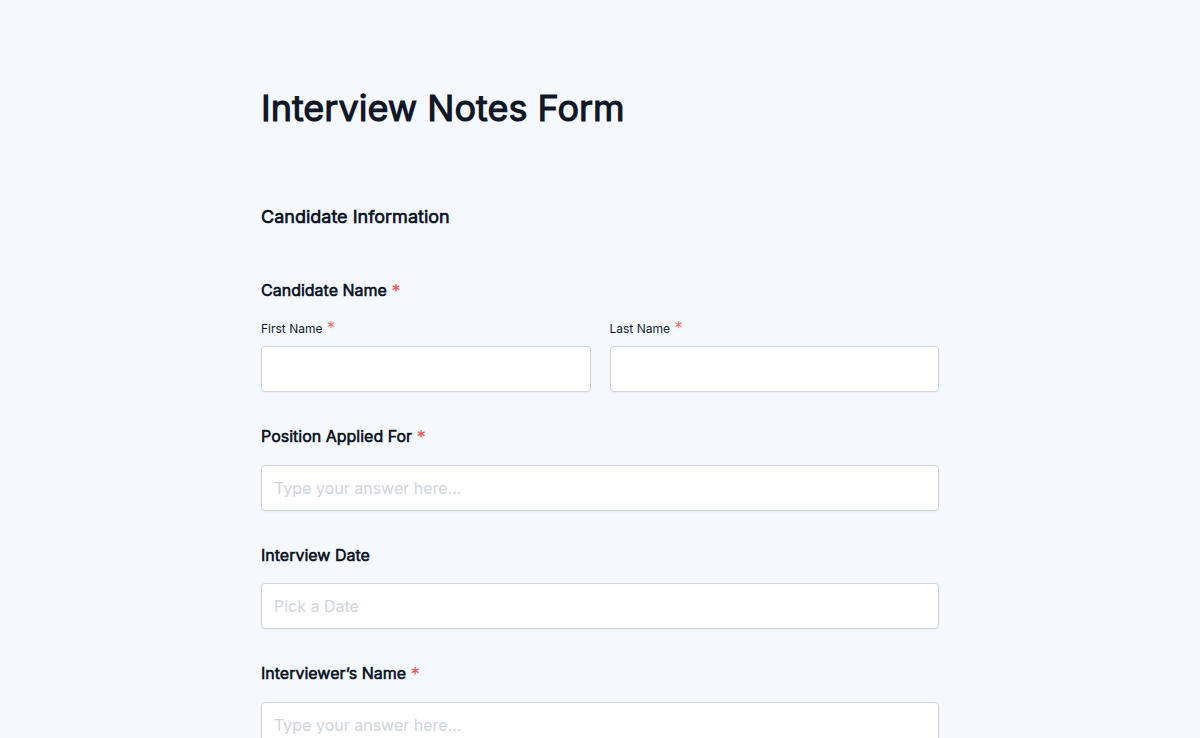
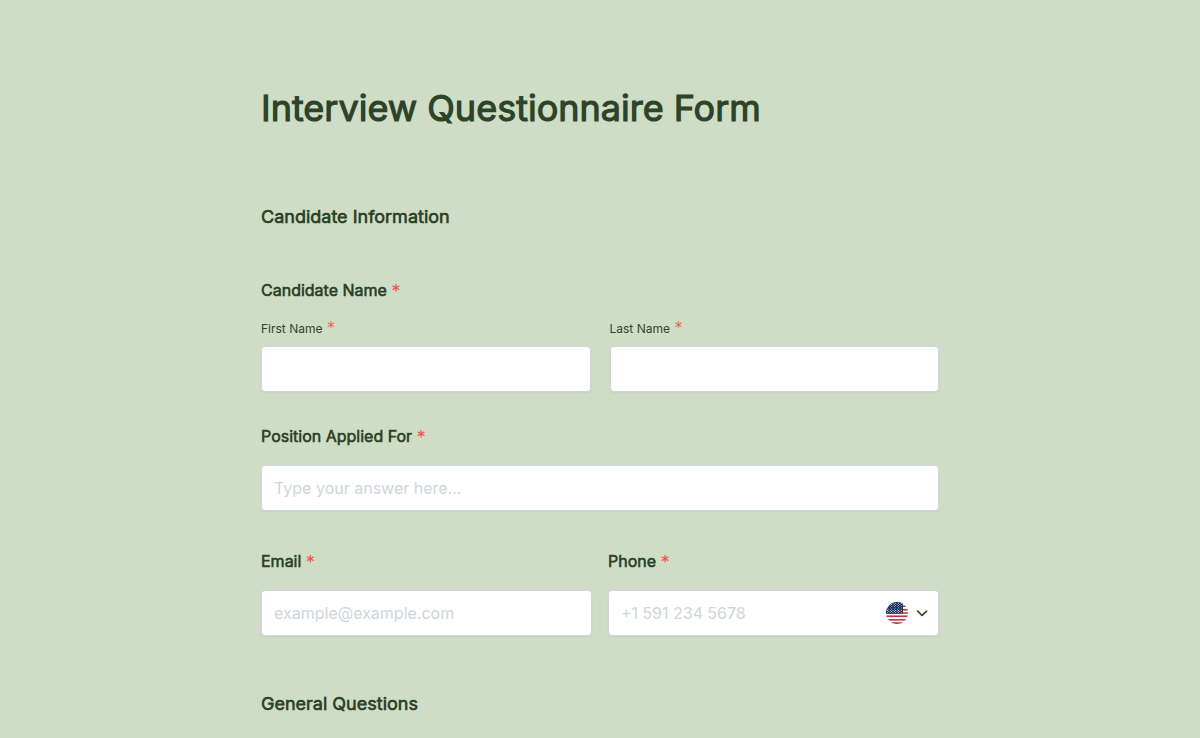
An interview form is the candidate-facing intake document that runs before the interview itself. Done well, it captures every piece of information the panel needs (resume, references, availability, salary expectation, role-specific pre-screen answers) in one structured form, so the interview itself spends 100% of the time on the candidate, not on logistics.

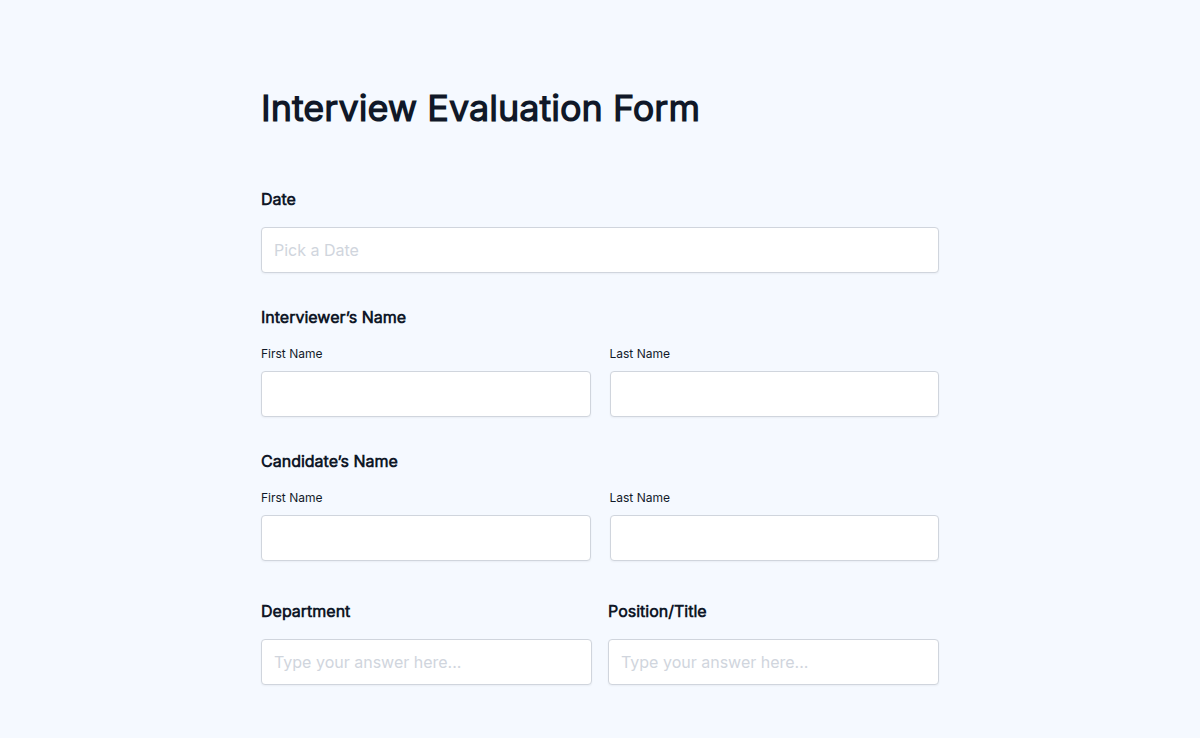
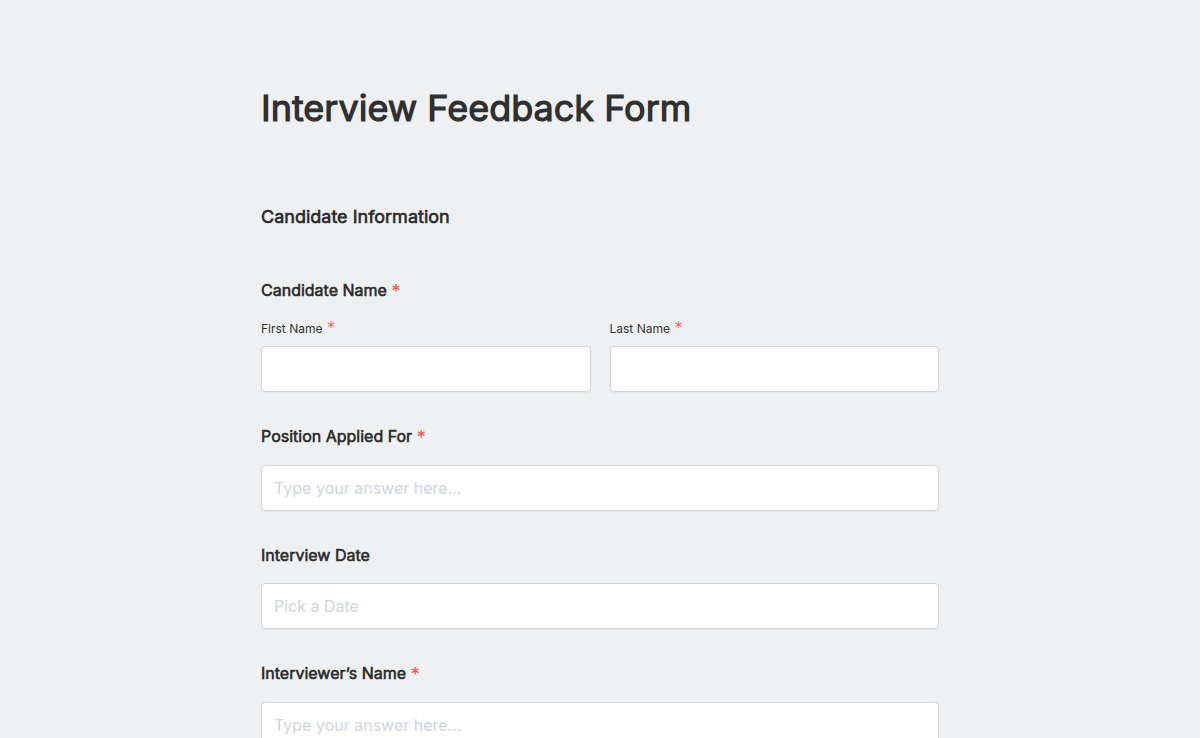
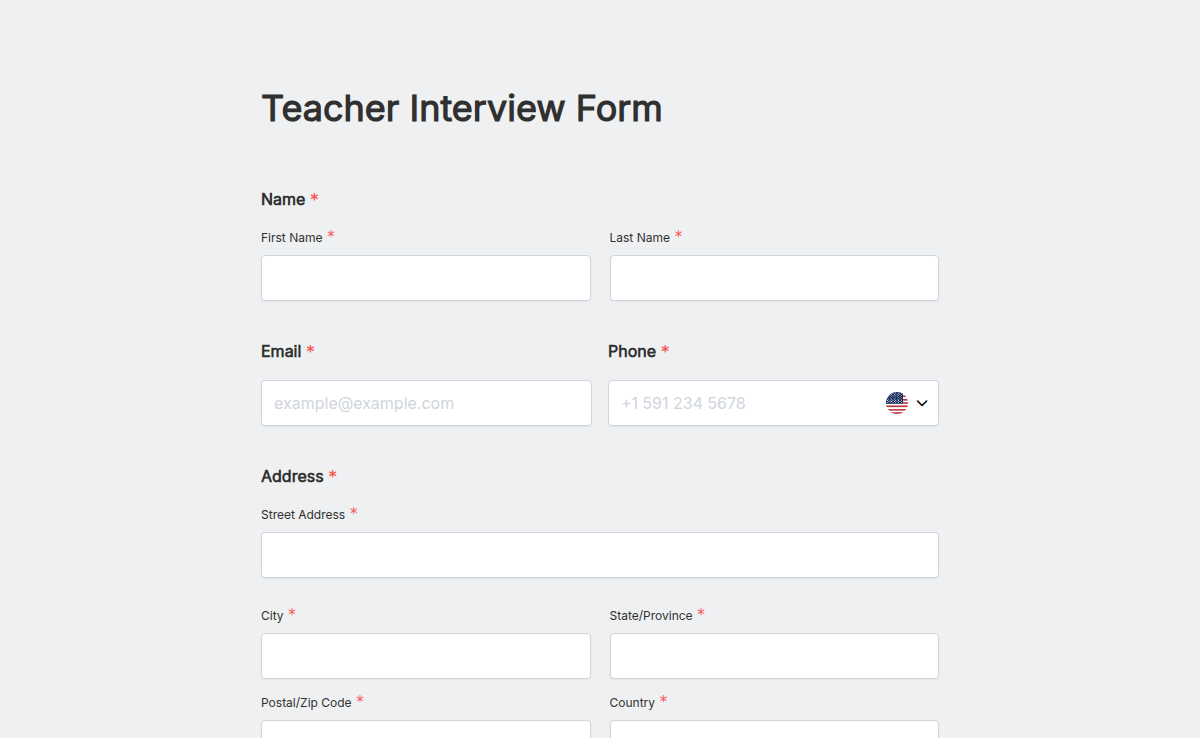
This template ships with the standard intake fields: full name, contact, current employer and title, role applied for, resume upload, cover letter upload, three references with contact info, salary expectation range, availability for the next two weeks, and three short pre-screen questions you can edit per role. Pair it with the Formester Interview Scorecard so the same hiring process captures the intake on the front end and the scoring on the back end.

Managing job interviews manually can slow down your hiring process. With our Interview Application Form, you can collect and organize applicant details effortlessly. From personal information to resumes and cover letters, everything is securely stored in one place.

This form is fully customizable, so you can tweak the fields, add instructions, and even include conditional logic to display relevant questions based on the applicant’s answers. Need signatures? Our electronic signature feature lets candidates sign documents digitally, making approvals faster.

Once an application is submitted, our Autoresponder Email feature can instantly confirm receipt, keeping candidates informed. If you’re hiring in multiple locations, our multi-language form translations ensure accessibility for a diverse applicant pool.

You can also integrate this form into your website using embed forms, making it easy for candidates to apply directly. Track responses with form analytics to refine your recruitment strategy.

Whether you're hiring for a startup, agency, or corporate role, this form ensures a smooth interview process. Get started with our Free Form Templates and make hiring easier today!
Interview form use cases

Six hiring scenarios this candidate-intake form handles. The companion scorecard captures scoring after.

External job openings

Standard intake for all external candidates: resume, references, salary expectation, availability.

Remote hiring

Captures timezone, work authorization, and remote-work readiness alongside the standard fields.

Internal promotions

Same form structure for internal candidates with adapted pre-screen questions (current role, manager reference).

Referral applications

Auto-flag candidates as referred. Trigger a notification to the referring employee on offer.

Pipeline rebuild

Open-ended applications for talent pools. Capture skills + interests; route to roles as they open.

Pre-screen for high-volume roles

Customer support, sales development, retail. Standard fields + role-specific pre-screen questions.

What this interview form captures

Every field a hiring manager actually wants captured before the first interview happens.

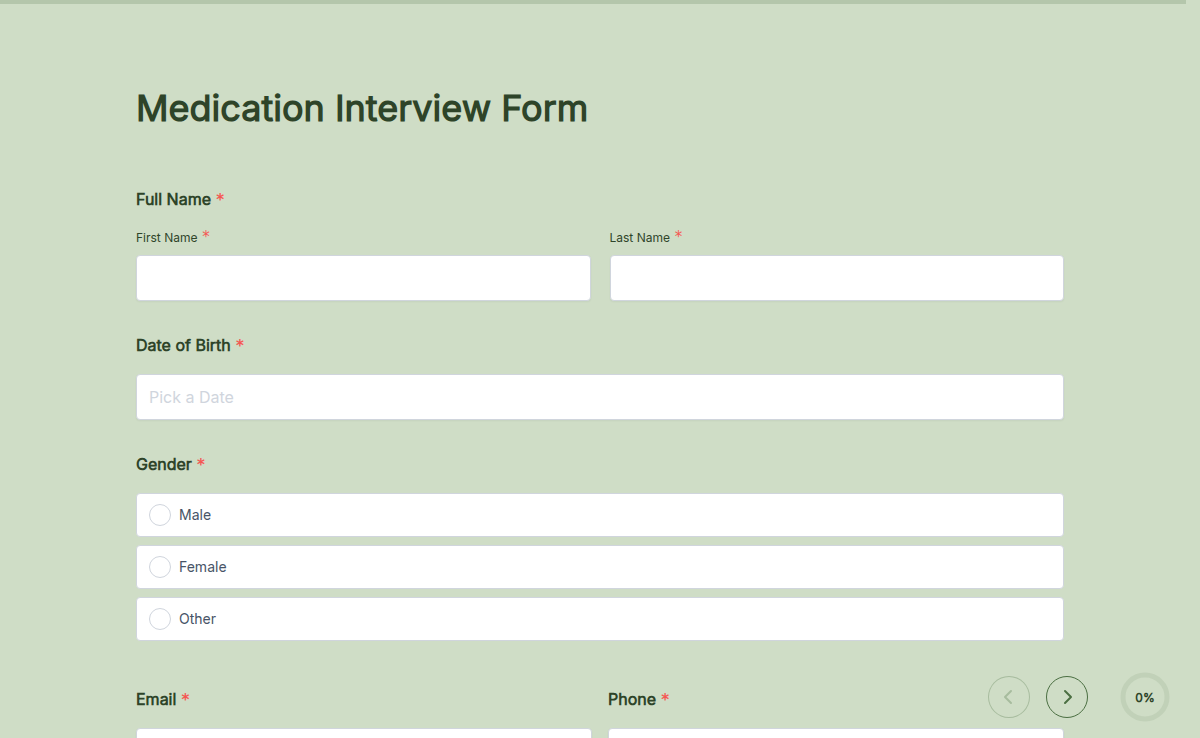
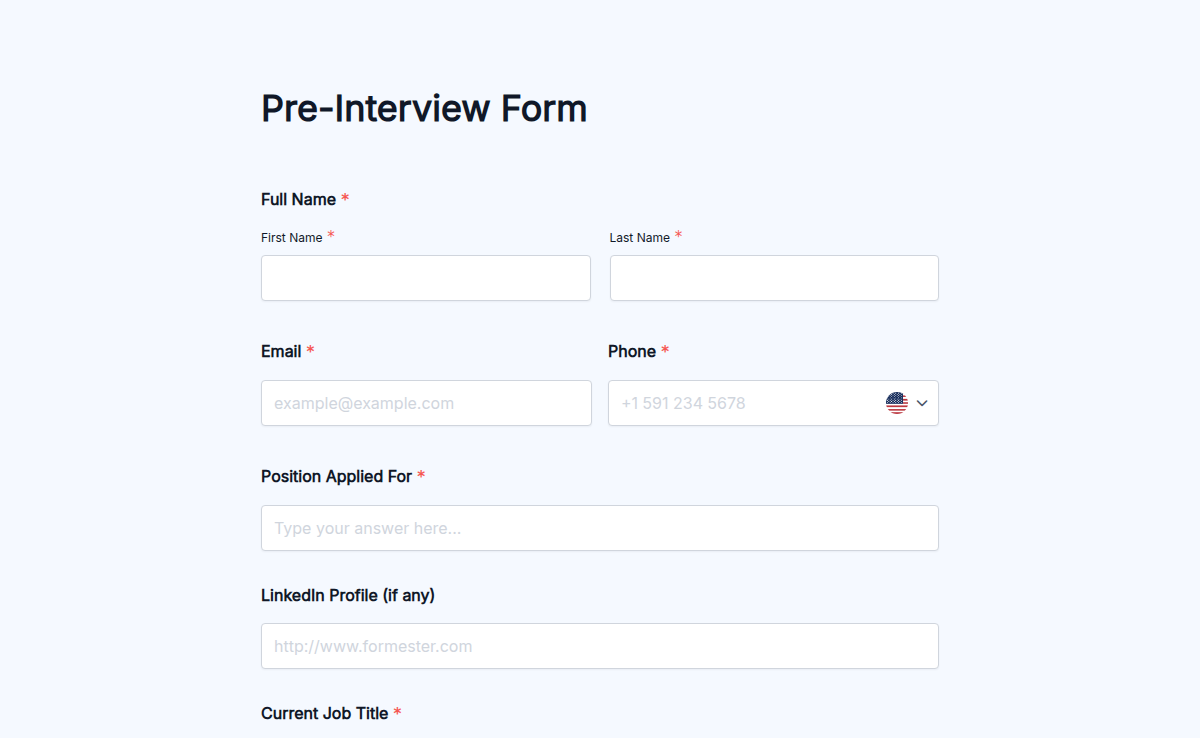
  • Candidate full name + contact Short text + Email + Phone

    Standard intake. LinkedIn URL optional but worth requesting.

  • Current employer + title Short text

    Context on the move. Recruiters use this to calibrate the conversation.

  • Role applied for Dropdown

    Routes the form to the right hiring manager. Pre-populate the dropdown with open roles.

  • Resume File upload

    PDF or Word. Max 10MB. Required field; the form won't submit without one attached.

  • Cover letter File upload (optional)

    Some roles require it. Set as required field for senior or specialized roles.

  • References Short text + Email + Phone (x3)

    Three references with name, role/company, email, phone. Capture at intake; verify later.

  • Salary expectation range Number range

    Pre-screen mismatch on salary is the most common reason offers fall apart. Asking upfront saves the cycle.

  • Availability for interview Multi-select date + time

    Two-week window of available slots. Cuts scheduling back-and-forth by 80%.

  • Pre-screen questions Long text (x3)

    Why this role, what excites you, anything we should know. Editable per role.

  • Work authorization Dropdown

    US citizen, permanent resident, work visa, visa sponsorship needed. Compliance-critical.

  • Source Dropdown

    LinkedIn, referral, company page, agency, other. Recruiting attribution.

  • Consent to data storage Required checkbox

    GDPR consent for storing candidate data. Required for EU candidates; best practice everywhere.

Interview form FAQ

Common questions from recruiters, hiring managers, and HR coordinators.

What's the difference between an interview form and an interview scorecard?
The interview form is filled out by the candidate before the interview (resume, references, availability). The scorecard is filled out by the interviewer after each session (criteria scores, comments, hire/no-hire). They work together as structured hiring.
What questions should I avoid on an interview form (legal compliance)?
In the US, EEOC restricts questions about age, race, religion, gender identity, marital status, national origin, disability, pregnancy, and family planning. Restrict to questions that relate directly to job duties.
Should I ask for salary expectation on the intake form?
Yes, with a range. Pre-screen mismatches on salary are the most common reason final-round offers fall apart. Asking the range on the intake form saves a four-week wasted cycle.
How do I keep candidate data GDPR-compliant?
Formester is GDPR compliant. Add a privacy statement at the top of the form. Capture consent for data storage explicitly. Retain candidate data only for as long as the role is open + 6 months for unsuccessful candidates.
Can the form auto-send a confirmation email to candidates?
Yes. Use Formester autoresponder emails to send a confirmation immediately after submission, including next steps. Cuts down 'did you get my application?' follow-up emails by ~80%.
Can I require resume upload?
Yes. Mark the resume upload as a required field. Configure file-size limit (typically 10MB) and accepted formats (.pdf, .doc, .docx).
Can multiple hiring managers receive the form submission?
Yes. Configure the form to email each hiring manager and recruiter for that role. Or pipe submissions into a shared Slack channel or hiring-team distribution list.
How do I integrate the form with our ATS?
Use Formester's native integrations or a Zapier action to push submissions into Greenhouse, Lever, Workable, or any ATS. The candidate's resume, references, and pre-screen answers populate the ATS profile automatically.
Can I add role-specific pre-screen questions per job?
Yes. Duplicate the form template for each role, edit the three pre-screen questions, and embed the role-specific URL on each job posting.
How do candidates submit references through the form?
Add three reference fields: name, role/company, email, phone. The candidate fills them out at intake. After progressing to the offer stage, use a separate Formester reference-check form to auto-email each reference.