Interview Forms Templates
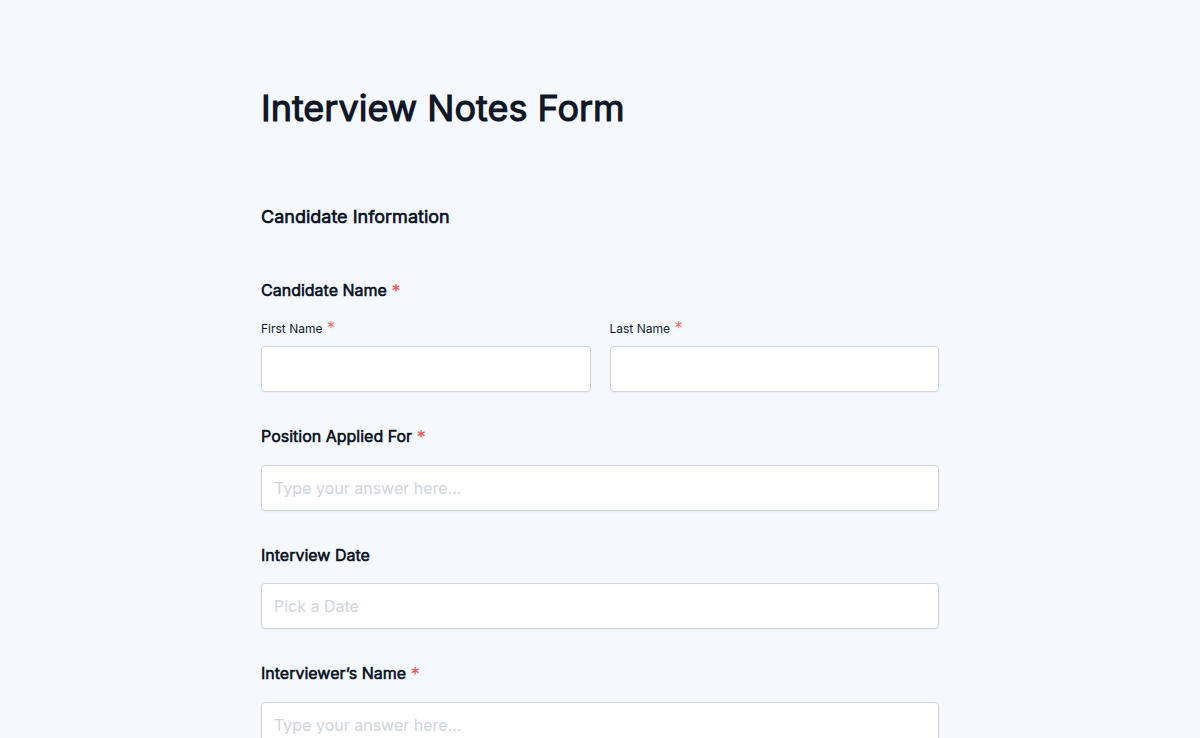
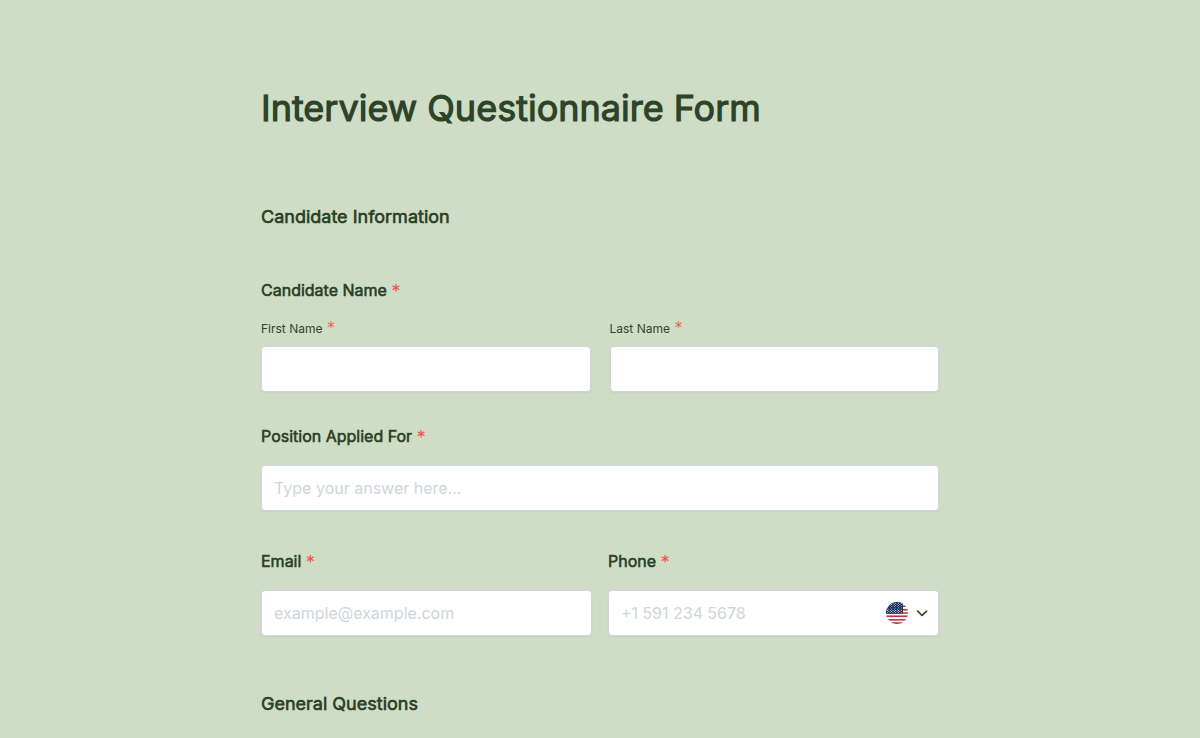
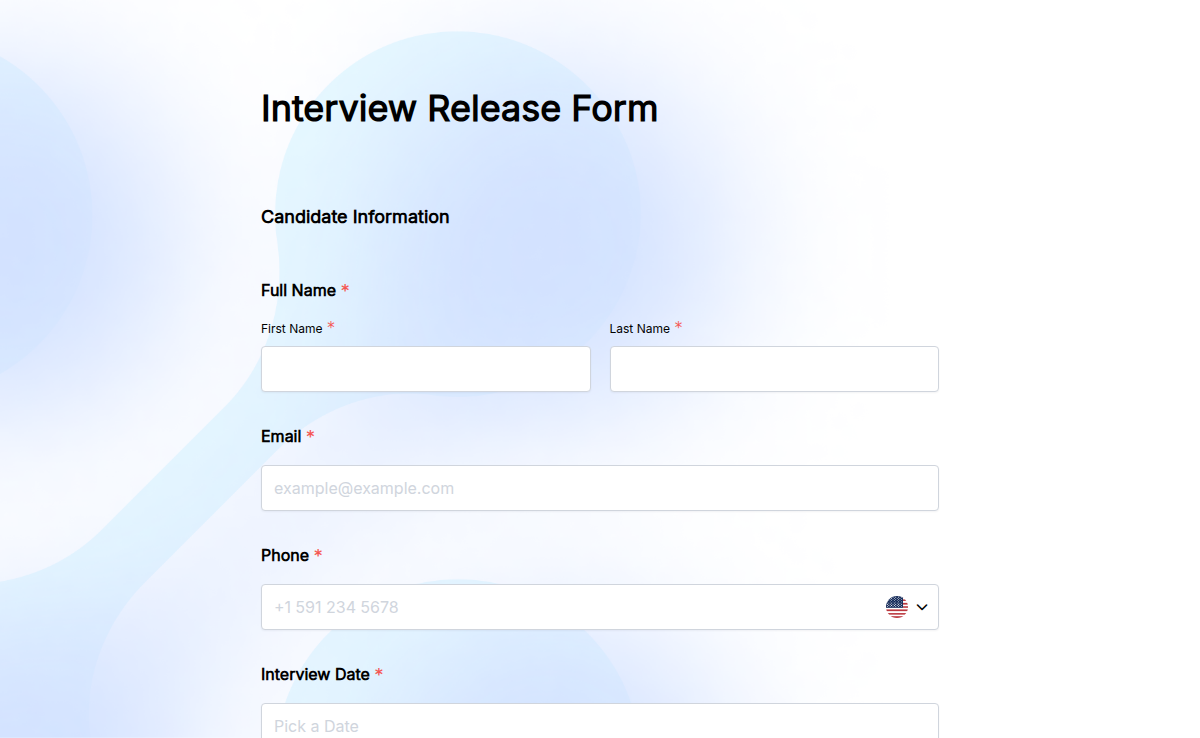
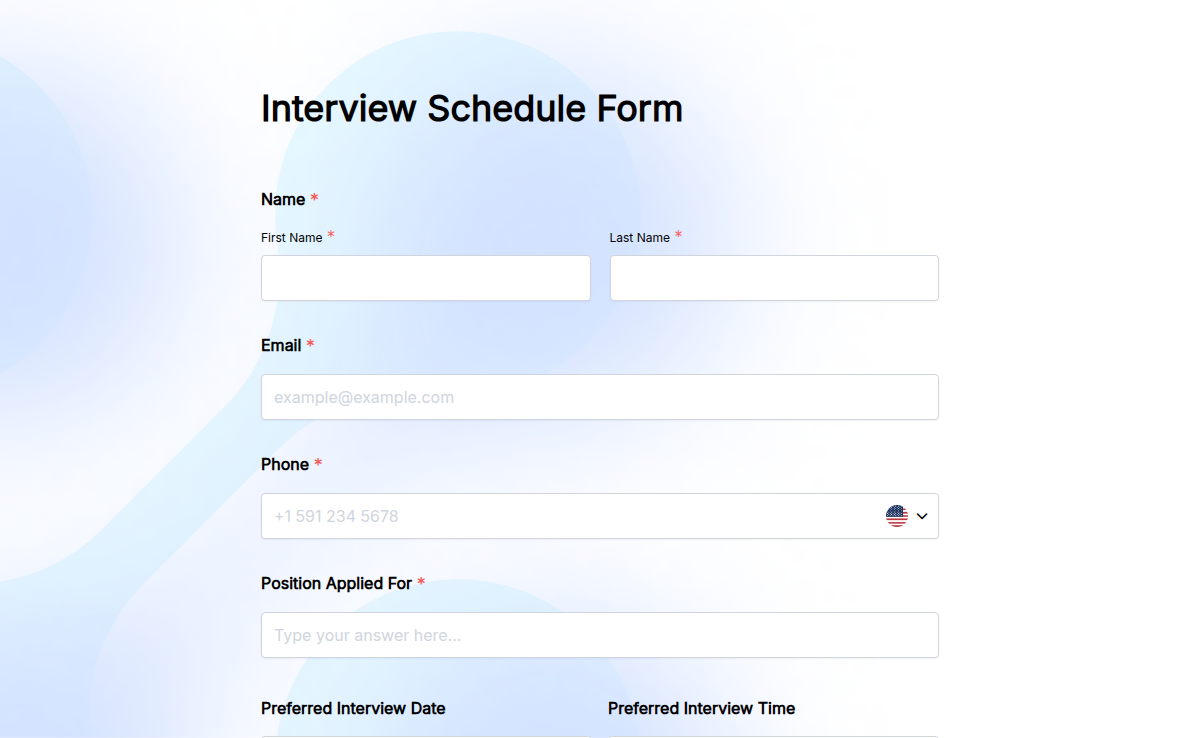
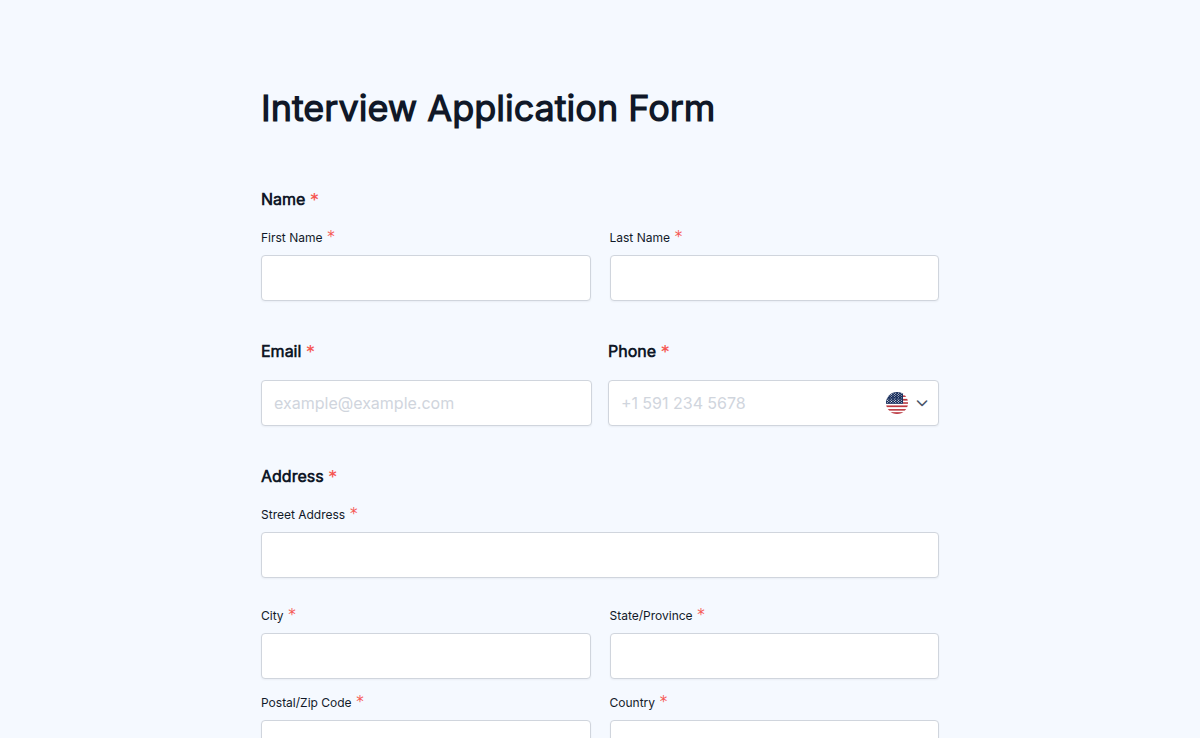
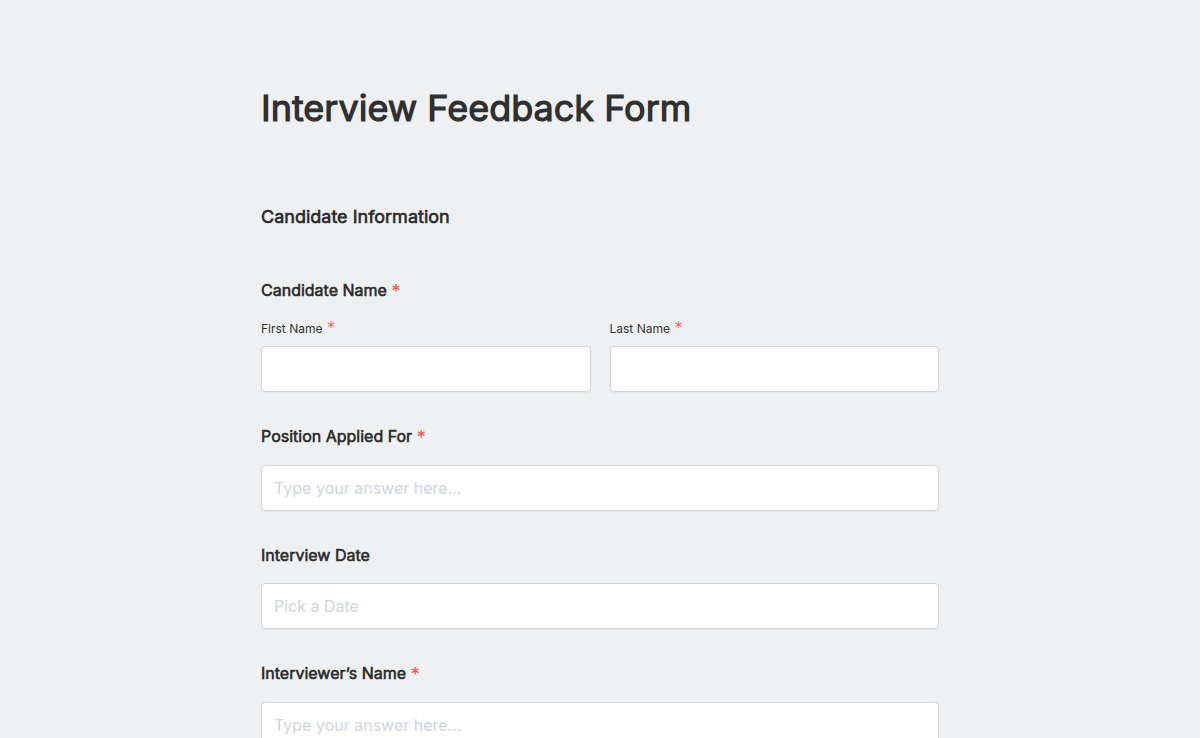
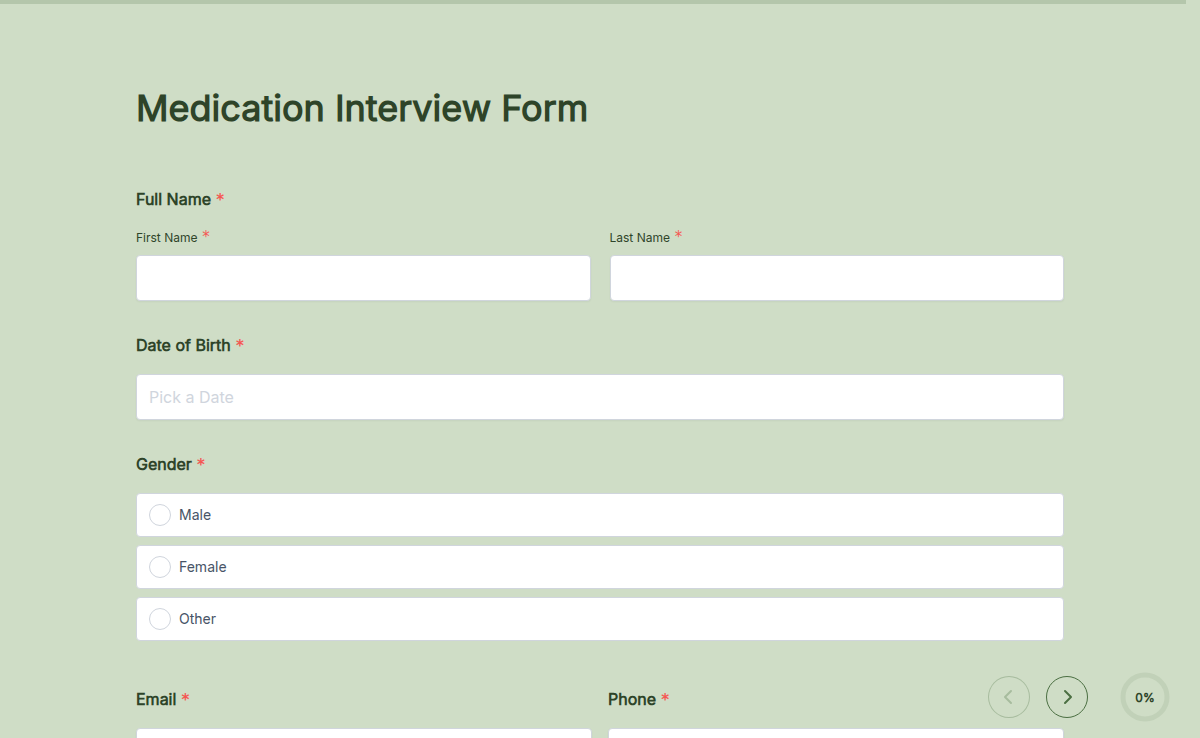
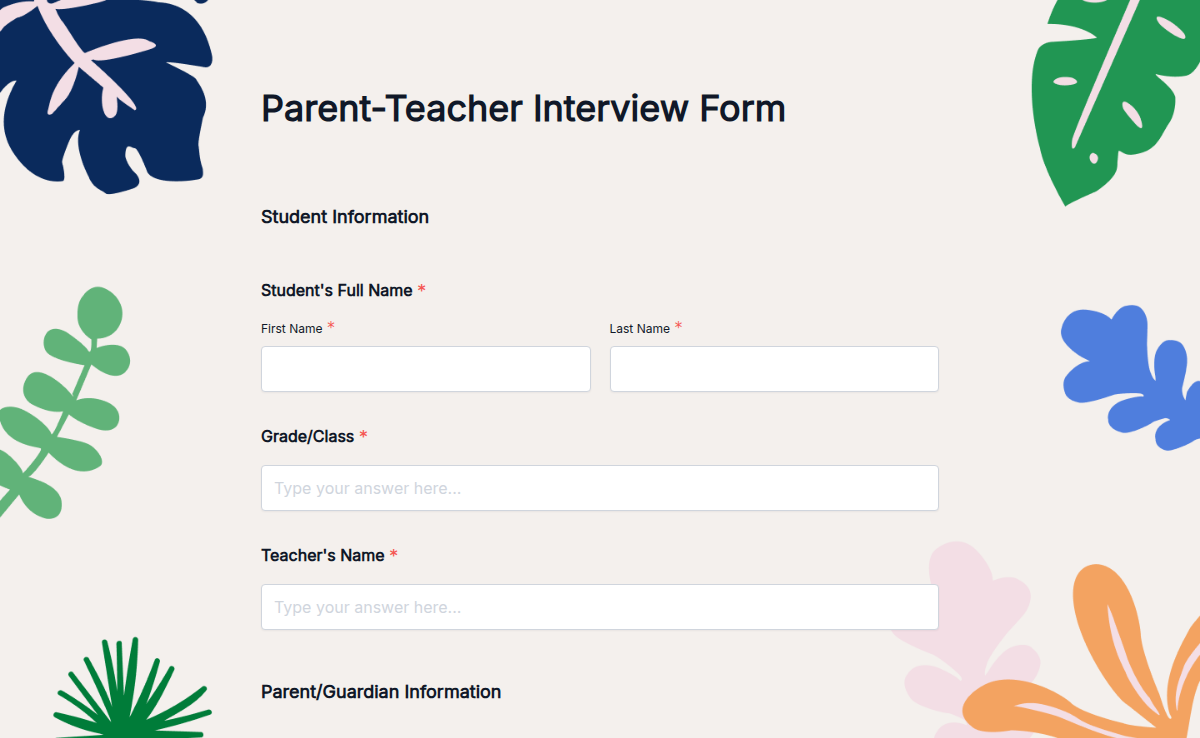
Interview forms help you collect all the important information before, during, or after an interview. Whether you’re screening candidates, collecting feedback, or confirming schedules—these forms keep everything organized, clear, and hassle-free.
What is an Interview Form?
An interview form lets you gather details from candidates or interviewers quickly. You can use it to schedule interviews, share pre-interview questions, or collect feedback after the meeting. It helps avoid endless email chains and missed information.
No matter if it's a job interview, client meeting, or academic screening—interview forms save time and reduce back and forth.
Why Use Interview Forms?
Managing interviews can get messy. With interview forms, you stay organized. You can send one simple form to collect availability, experience details, or feedback—all without chasing people for updates.
It keeps your hiring or screening process efficient and professional. Just send a form link, collect responses, and stay on track.
Smart Features You’ll Love
Custom Questions: Ask about skills, experience, availability, or feedback.
Scheduling Options: Include preferred dates and times easily.
Instant Alerts: Get notified when someone submits their form.
Response Tracker: View all responses in one simple dashboard.
AI-Powered Form Builder: Save time by letting Formester help you create your form in seconds.
Form Limiter: Control how many responses you receive and close the form when needed. limit quiz responses
Conditional Logic: Show or hide questions based on answers to make your form smarter. smart form features
How to Use an Interview Form Template
Pick a pre-designed interview form that suits your needs
Click Use Template
Customize it with your questions, instructions, or scheduling details
Publish and share the form via email, link, or QR code
Collect responses and manage interviews easily
FAQs
1. Can I collect candidate availability with this form?
Yes. You can add fields for preferred interview dates, times, and time zones.
2. Is this form useful for interview feedback?
Definitely. You can collect structured feedback from interviewers after the meeting.
3. Can I limit how many candidates can book interviews?
Yes. Use Formester’s Form Limiter to set response limits and avoid overbooking.
4. Can I create different forms for different interview stages?
Absolutely. You can use separate templates for screening, interviews, and feedback collection.
5. Do candidates need to sign up to use the form?
No. They can submit their details instantly—no logins required.

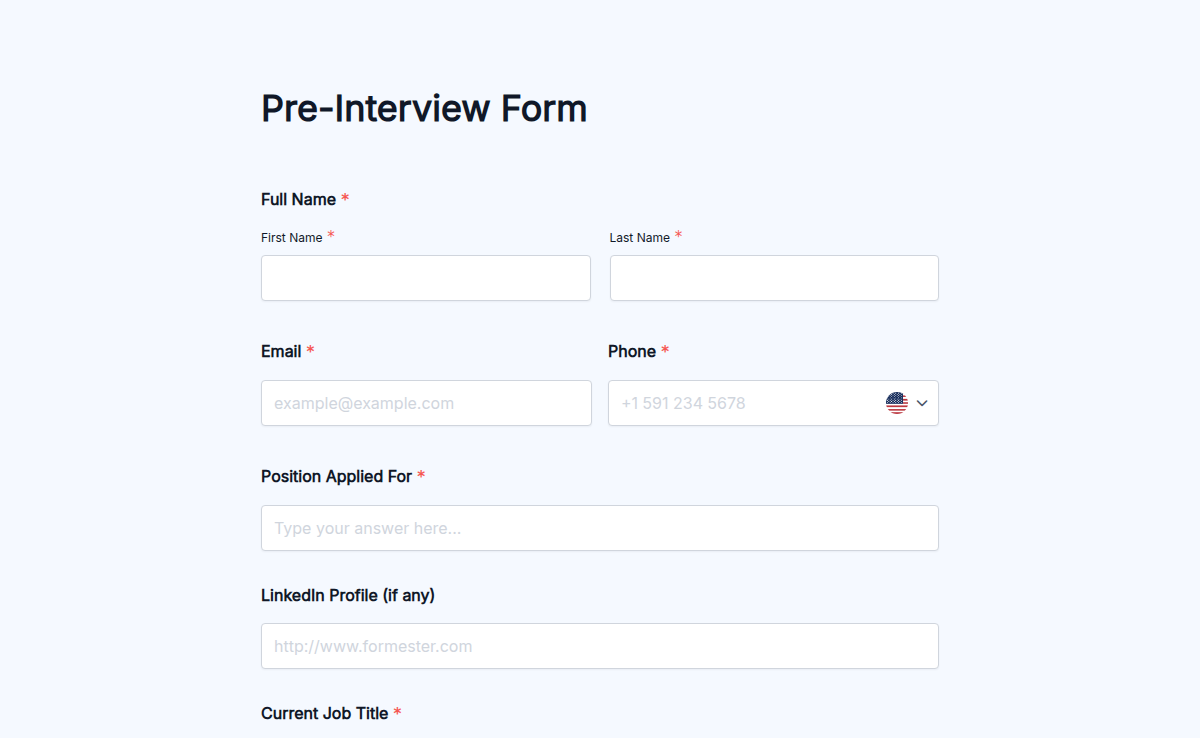
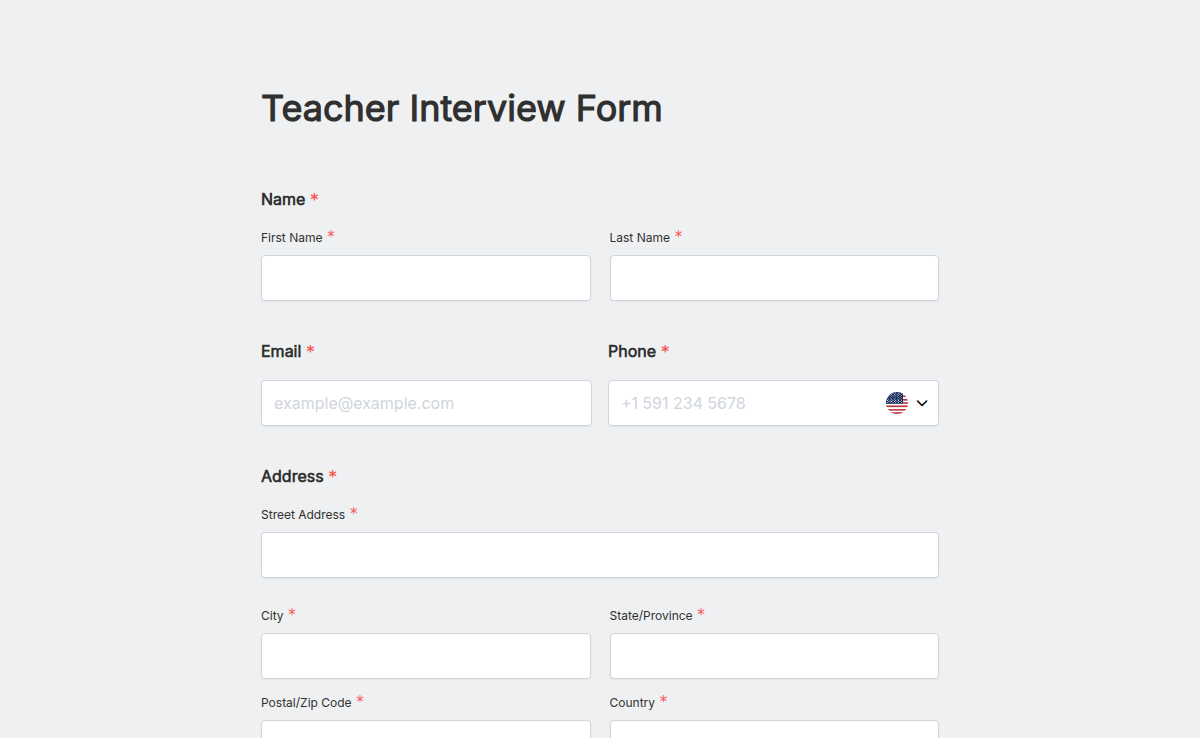
Start with a Interview Forms template, ship today.
Pick a ready-made template, brand it, embed it. Free plan included, no credit card.

