bevdkbdf.formester.com/f/yziqdTnj0

Return to Work Form

A return-to-work form that captures the employee's leave dates, medical clearance, restrictions, accommodations, and supervisor sign-off, exported as a PDF.

Hr

About this template

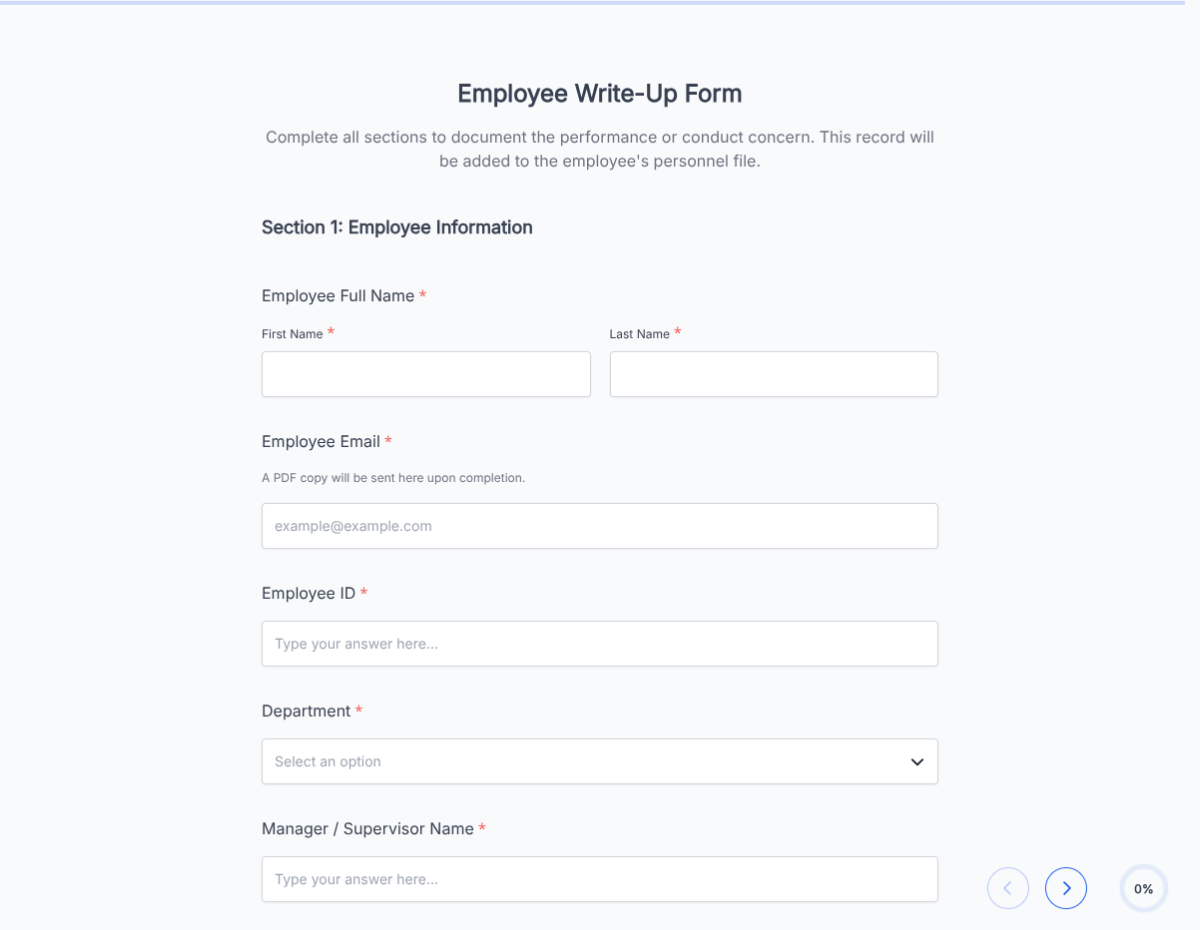
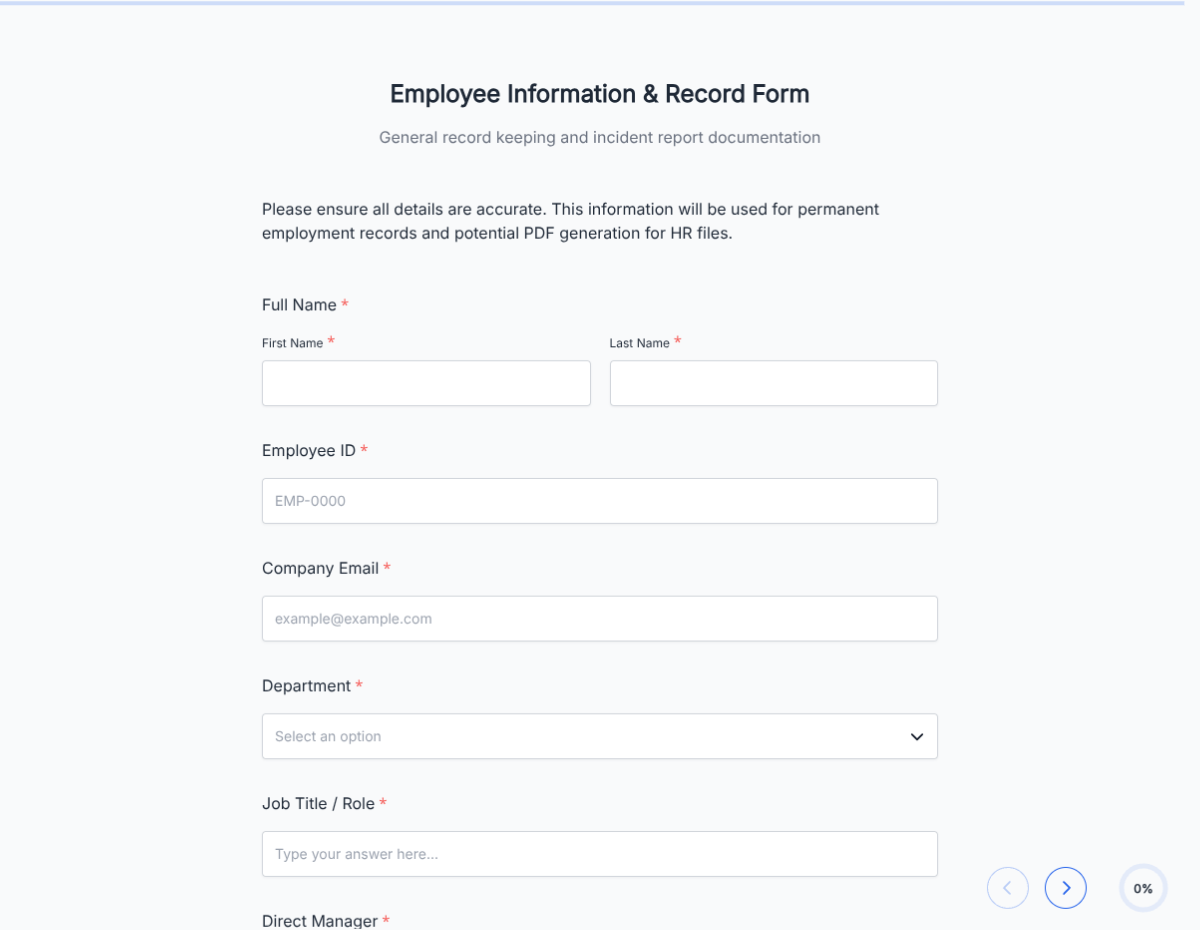
This return-to-work form runs on Formester's drag-and-drop form builder, so you can adapt the fields, restriction categories, and approval flow to your HR policy without writing code. Captures every detail required for a clean return from leave: employee identity, leave dates, medical clearance, work restrictions, requested accommodations, and dual sign-off from the supervisor and HR.

Employees fill the form on any device, upload medical clearance documents via file upload, and the form routes to the supervisor and HR for sign-off. Each submission produces a clean PDF for the employee file with the audit trail intact.

Use conditional logic to surface FMLA-specific fields when the leave was FMLA-protected, reveal accommodation-request blocks for ADA compliance, or skip medical-clearance upload for short paid time off. Push completed returns to your HR system through Zapier so timesheets, payroll, and benefits resume on the right date.

Note: this form is for HR documentation. Formester is not HIPAA certified; do not use the form to collect protected health information beyond the standard return-to-work clearance letter. Running a specialized workflow (post-injury, post-parental, multi-restriction)? Generate a tailored variant with the AI form generator in minutes.
How to use this return to work form

Seven steps to a working return-from-leave workflow. Most HR teams finish in under 15 minutes.

Open the template

Click Use Template. Leave fields, clearance upload, and dual-signature flow load into the Formester builder.

Brand the form

Drop in your company logo and HR contact. The PDF reads as official documentation for the employee file.

Configure leave types

Edit the leave-type dropdown: FMLA, ADA, workers comp, parental, personal medical, military. Each triggers conditional logic for type-specific fields.

Add document upload

File-upload field captures the medical clearance letter or fitness-for-duty certificate from the provider.

Apply conditional logic

Use conditional logic to reveal FMLA recertification fields, ADA accommodation requests, workers comp claim numbers, or military leave reinstatement language per leave type.

Configure dual sign-off

Supervisor signs to confirm the return date and any role adjustments. HR signs to file the return and resume benefits. E-signature on both.

Sync to HRIS

Push completed returns to your HRIS (BambooHR, Workday, Gusto) via Zapier so timesheets, payroll, and benefits resume on the right date.

When to use this return to work form

Six return-from-leave scenarios this template handles out of the box.

Post-injury return with restrictions

Employee returns from a workers comp leave with lifting or task restrictions. Form captures the restriction list, the supervisor's accommodation plan, and the temporary-vs-permanent designation.

FMLA return after serious health condition

Conditional logic reveals FMLA-specific fields: leave certification, recertification, and reinstatement to the same or equivalent position. HR signs to confirm reinstatement compliance.

Return after parental leave

New parent returns from maternity, paternity, or adoption leave. Form captures the return date, lactation accommodation request, and any schedule flexibility needed during the first weeks back.

Return after workers comp

Employee returns after a workplace injury claim. Form captures the workers comp claim number, treating provider clearance, and modified-duty assignment if not at full capacity.

Return after surgery or medical procedure

Employee returns from a surgical or medical leave. Form captures provider clearance, restrictions during recovery, and follow-up appointment schedule.

Return from military leave

Conditional logic surfaces USERRA reinstatement language. Form captures military orders, return date, and reinstatement to the position they would have held had leave not occurred.

Fields included in this template

Every detail an HR-compliant return-to-work record needs. Drop the ones not applicable; the rest work on the free tier.

  • Employee name and ID Short text

    For the employee file.

  • Position and supervisor Short text

    Role and the manager who will sign the return.

  • Leave type Dropdown

    FMLA, ADA, workers comp, parental, personal medical, military. Triggers conditional logic per type.

  • Leave start date Date picker

    First day of leave.

  • Leave end date Date picker

    Last day of leave.

  • Return-to-work date Date picker

    First day back on the job.

  • Medical clearance letter File upload

    From the treating provider. Required for medical-related leave types.

  • Work restrictions Long text + checkboxes

    Lifting, standing, task-specific, schedule. Specific enough that the supervisor can plan accommodations.

  • Restriction duration Dropdown

    Temporary, permanent, with follow-up review date.

  • Requested accommodations Long text

    Any accommodation the employee requests under ADA, lactation, or schedule.

  • Supervisor's accommodation plan Long text

    How the supervisor plans to accommodate during the return.

  • Employee signature E-signature + date

    Employee confirms the return terms.

  • Supervisor signature E-signature + date

    Supervisor approves the return.

  • HR signature E-signature + date

    HR signs to file and resume benefits.

Questions we get a lot

HR and employee questions about FMLA, ADA, medical clearance, and HRIS integration.

Is this form HIPAA compliant?
Formester is not HIPAA certified. The form captures the standard fitness-for-duty clearance letter from the provider, which is acceptable for HR documentation. Do not use the form to collect or store protected health information beyond the standard clearance.
Can I customize the form for FMLA-specific returns?
Yes. Conditional logic reveals FMLA recertification fields, reinstatement language, and benefit-continuation details when FMLA is selected as the leave type.
Can the form capture ADA accommodation requests?
Yes. The accommodation section is part of the standard flow. The employee describes any accommodation requested; the supervisor describes the planned response. Have legal review your accommodation process for ADA compliance.
Can I require a medical clearance letter?
Yes. File-upload for the clearance letter is required for medical leave types. The form will not submit without it.
Can I sync return-to-work records to my HRIS?
Yes. Push completed returns to BambooHR, Workday, Gusto, or any HRIS via Zapier or webhooks so timesheets, payroll, and benefits resume on the right date.
Where are return-to-work records stored?
Every submission saves to your dashboard with a PDF copy. Filter by employee, leave type, or return date, and export the archive as CSV for HRIS sync or audit.