Training Application Form
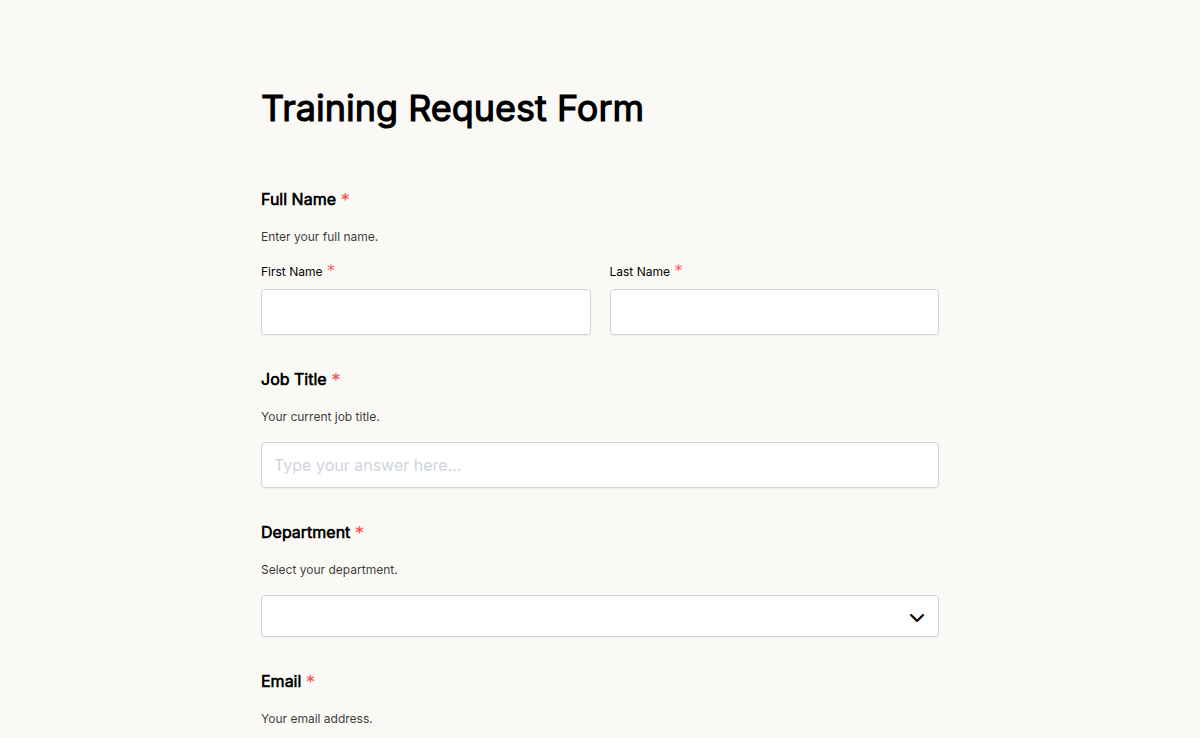
L&D teams run compliance training every quarter, technical training on rolling cohorts, leadership development on multi-week cycles, and onboarding on a weekly schedule. Each one needs its own registration form, its own approval flow, its own waitlist, and its own certificate on completion. This template handles all four. Capture the basics (employee, role, department, manager), the training-specific details (which session, which cohort, prerequisites, dietary needs for in-person events), and the approval flow (auto-route to the manager for sign-off before the registration confirms). Add a waitlist field when the session caps and a certificate trigger on completion. Pair this with the Course Registration Form template for external-facing courses, and pipe completed registrations into your LMS through native integrations. One template, four training scenarios, every L&D workflow covered.
About this template
A training registration form captures the data L&D and HR teams need to enroll an employee in a learning program, route the enrollment for manager approval, and trigger the program logistics (calendar invite, materials, certificate on completion). The form replaces the spreadsheet-and-email pattern that breaks the moment a cohort hits 20+ participants.
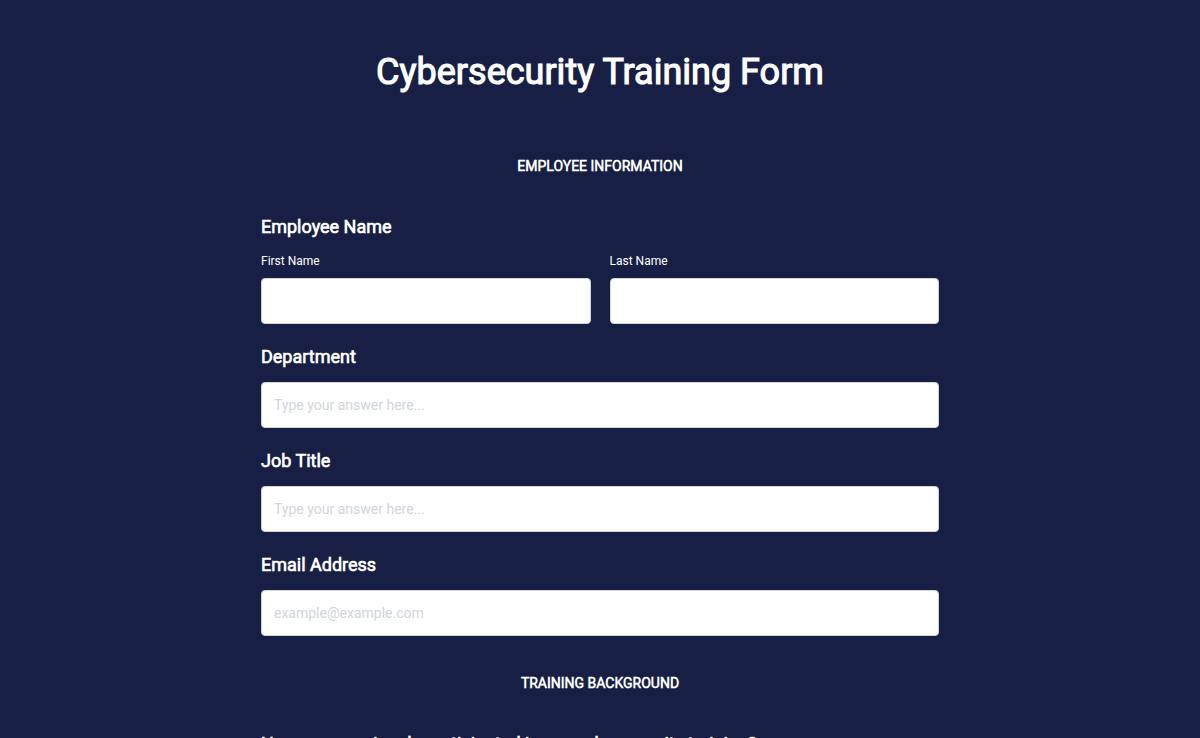
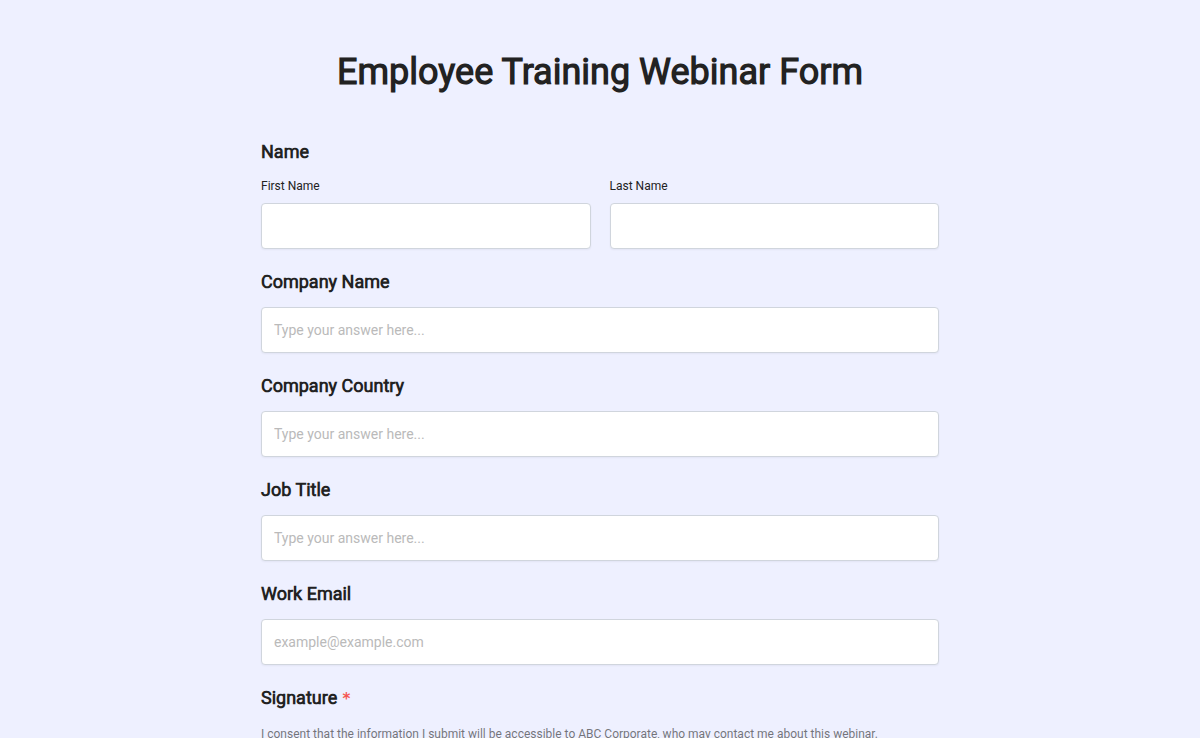
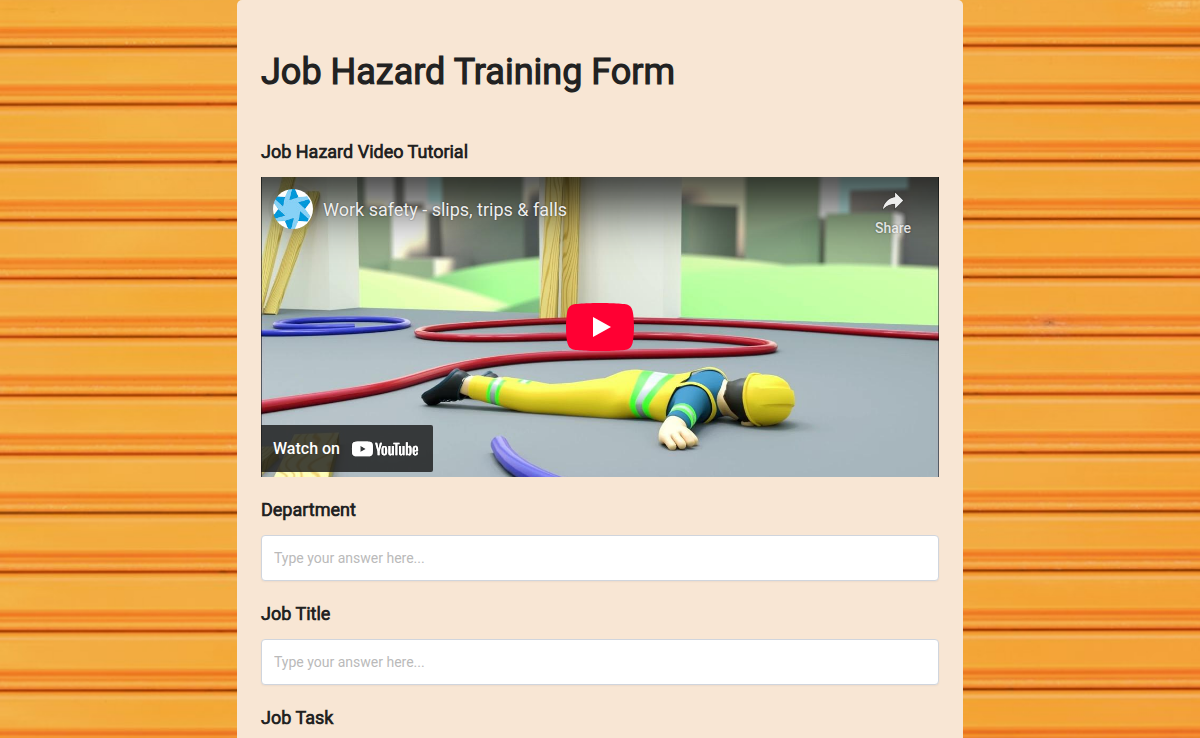
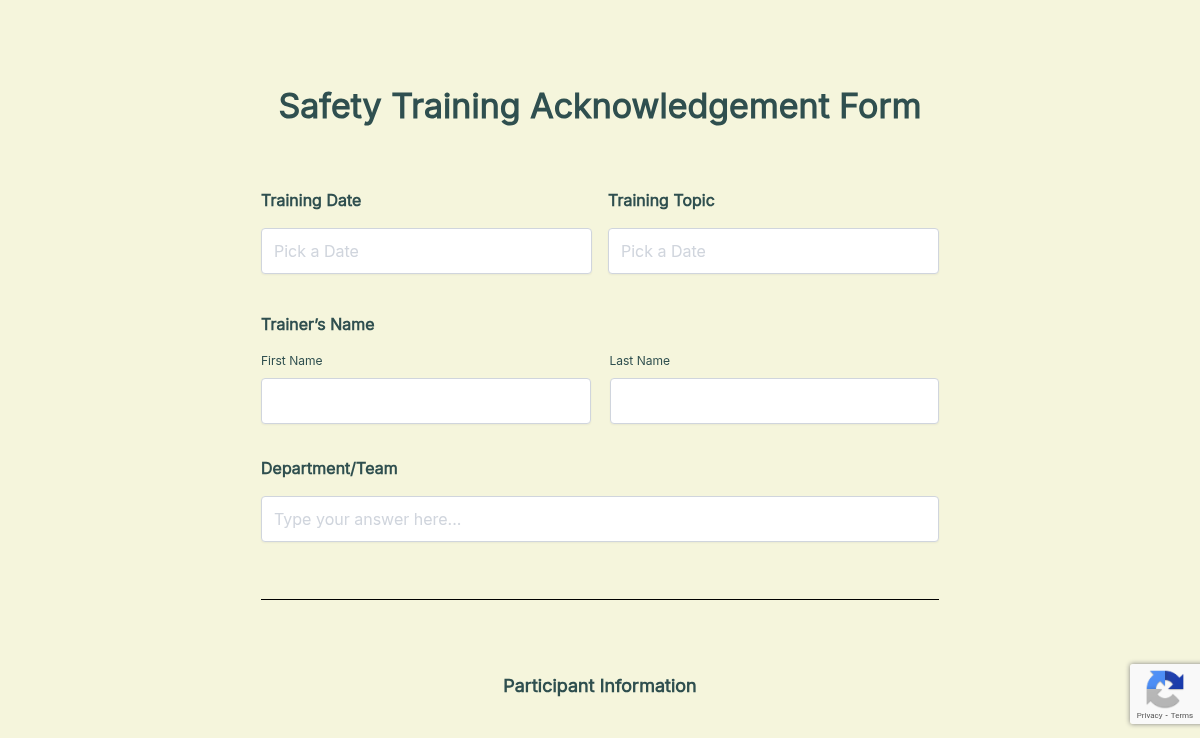
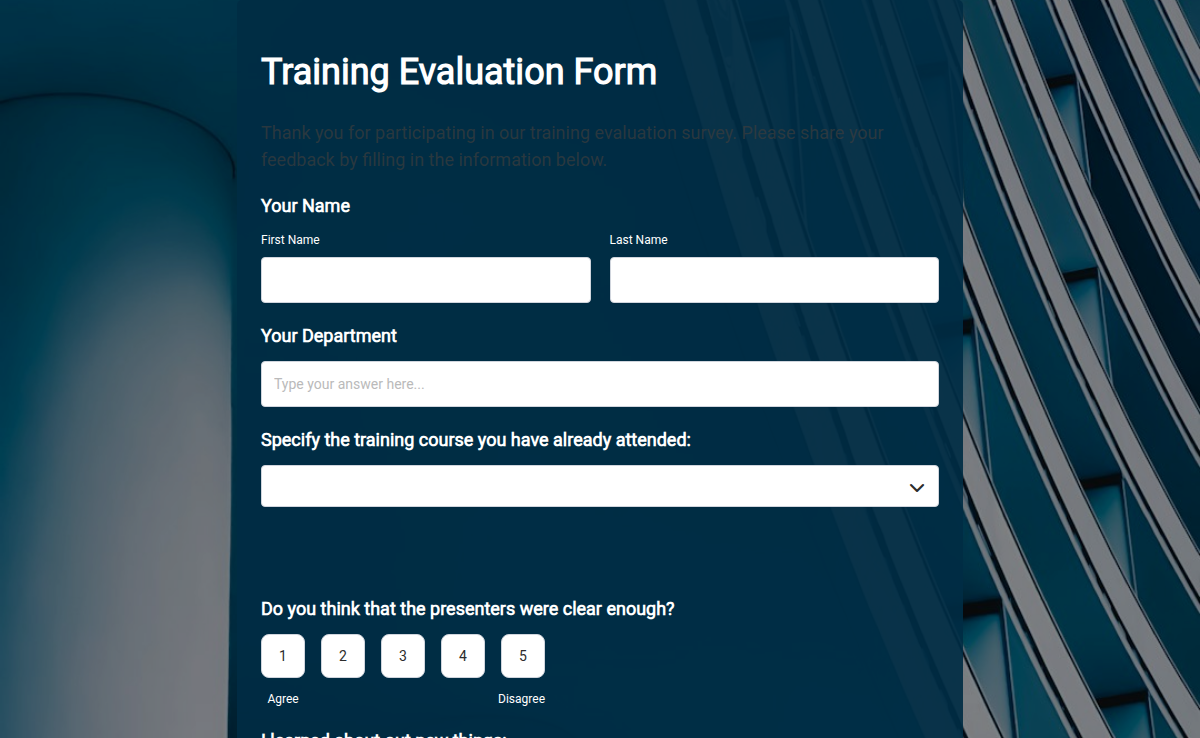
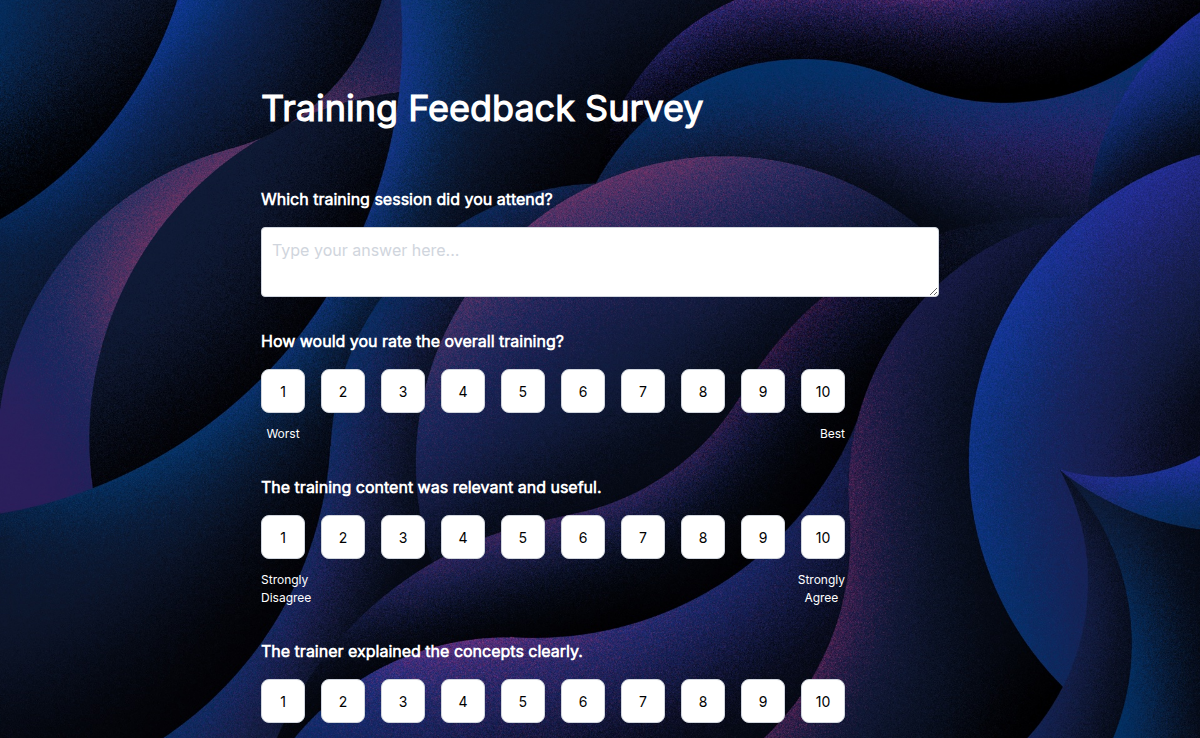
The Formester template ships with the standard fields (employee, manager, department, training name, session date, prerequisites, accommodations), the approval flow (auto-email to manager for sign-off before the registration is final), the optional certificate trigger on completion, and integrations into Slack, Workday, BambooHR, and LMS platforms. Customize for compliance, technical, leadership, or onboarding programs in the form builder.
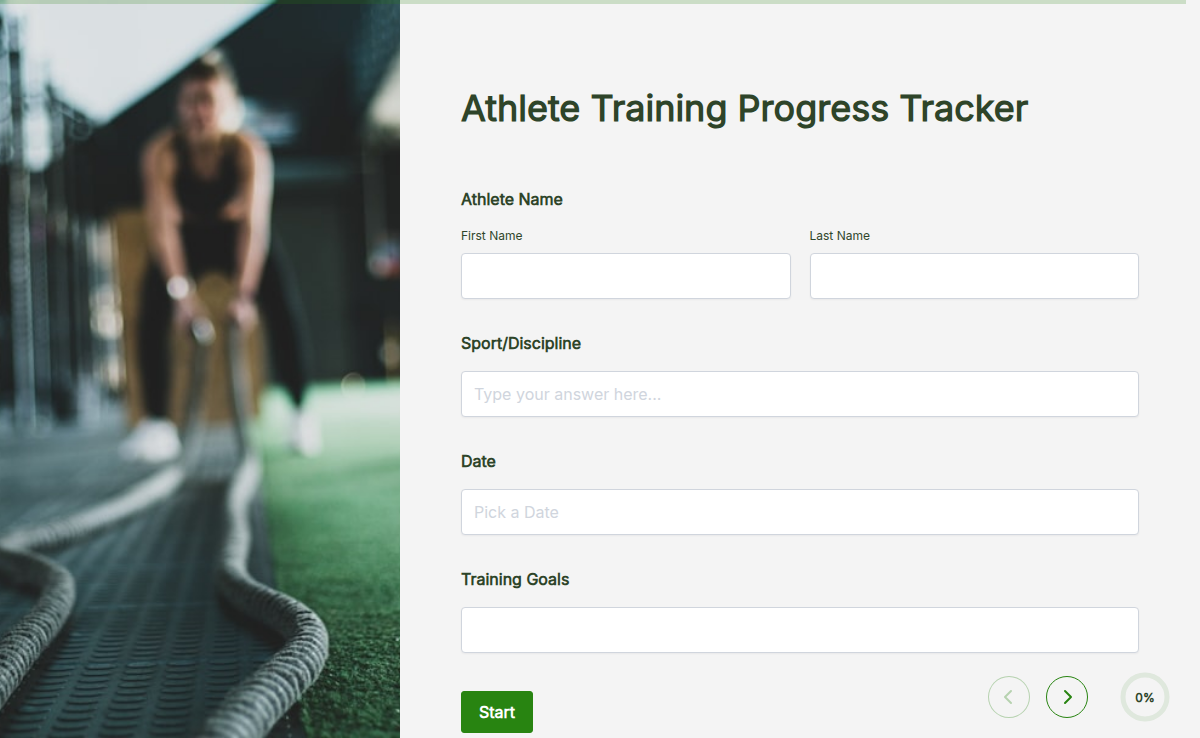
Make your training application process easy and organized with Formester’s Form Builder! Our Training Application Form Template helps you collect essential information from applicants, making it simple to manage registrations for workshops, courses, or training sessions.
With Free Form Templates, you can set up a customized training application form in no time. Customize it to ask for important details like applicant name, contact information, training experience, and any specific skills or qualifications relevant to the program. This ensures you get all the information you need to review applicants quickly.
Need to gather documents or supporting materials? Use File Upload Forms to allow applicants to easily upload their resumes, certifications, or other required documents directly through the form.
You can also enhance your training application process with Autoresponder Email. This feature sends automatic confirmation emails to applicants once they submit their form, letting them know their application was received and is under review.
For better organization and to stay on top of applications, you can use Export Form Submission PDF to download completed applications, keeping everything neatly stored in one place for future reference.
Lastly, make it even easier for your team to review applications together by using Collaborative Forms, allowing multiple people to access and work on the forms at the same time.
Streamline your training application process and manage your applicants efficiently with Formester today!