Training Forms Templates
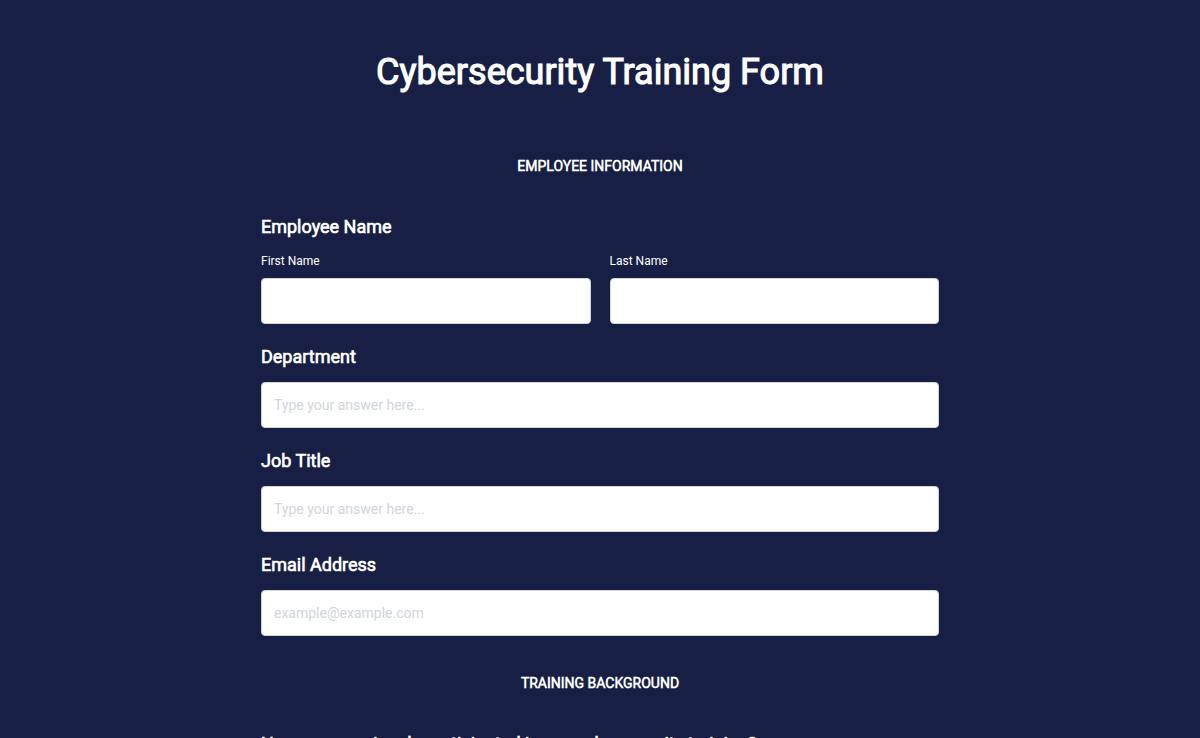
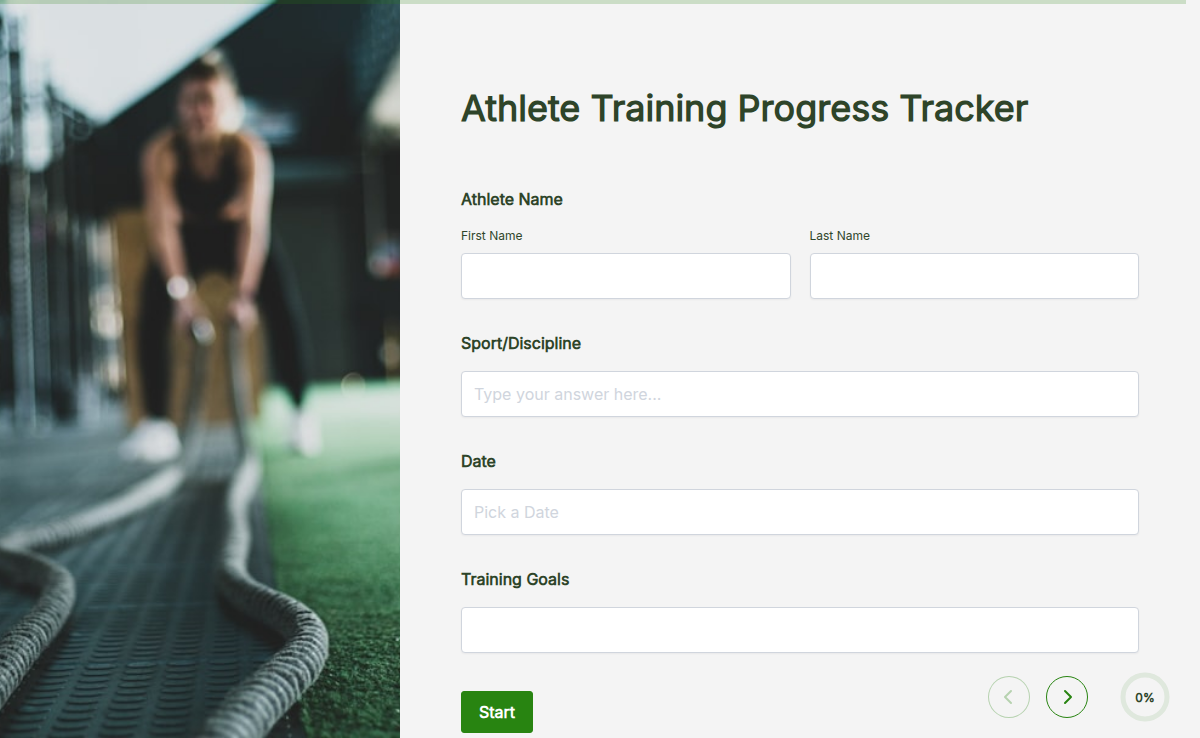
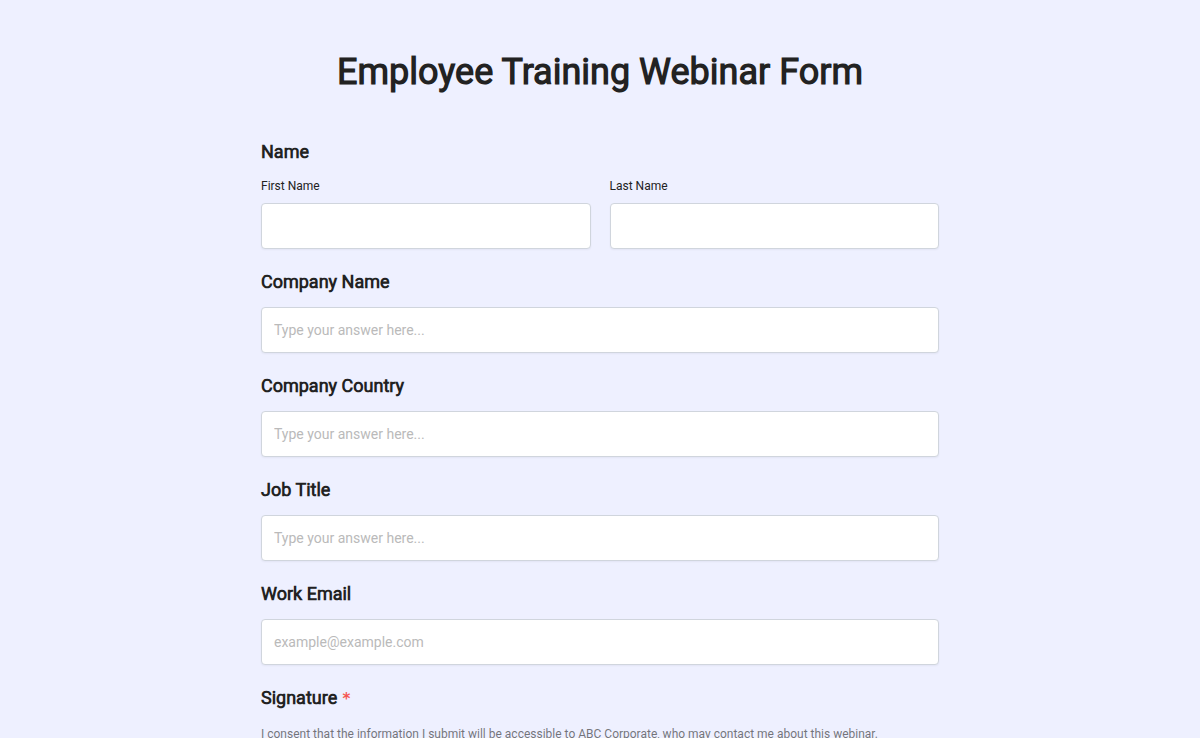
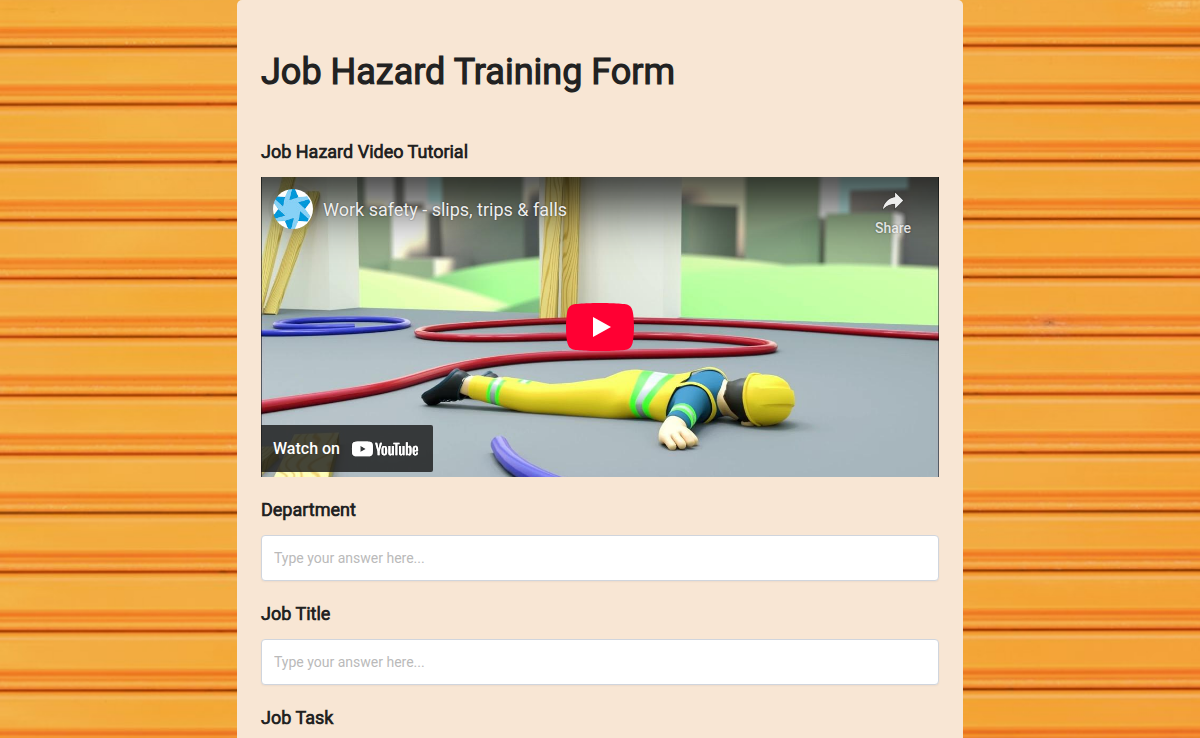
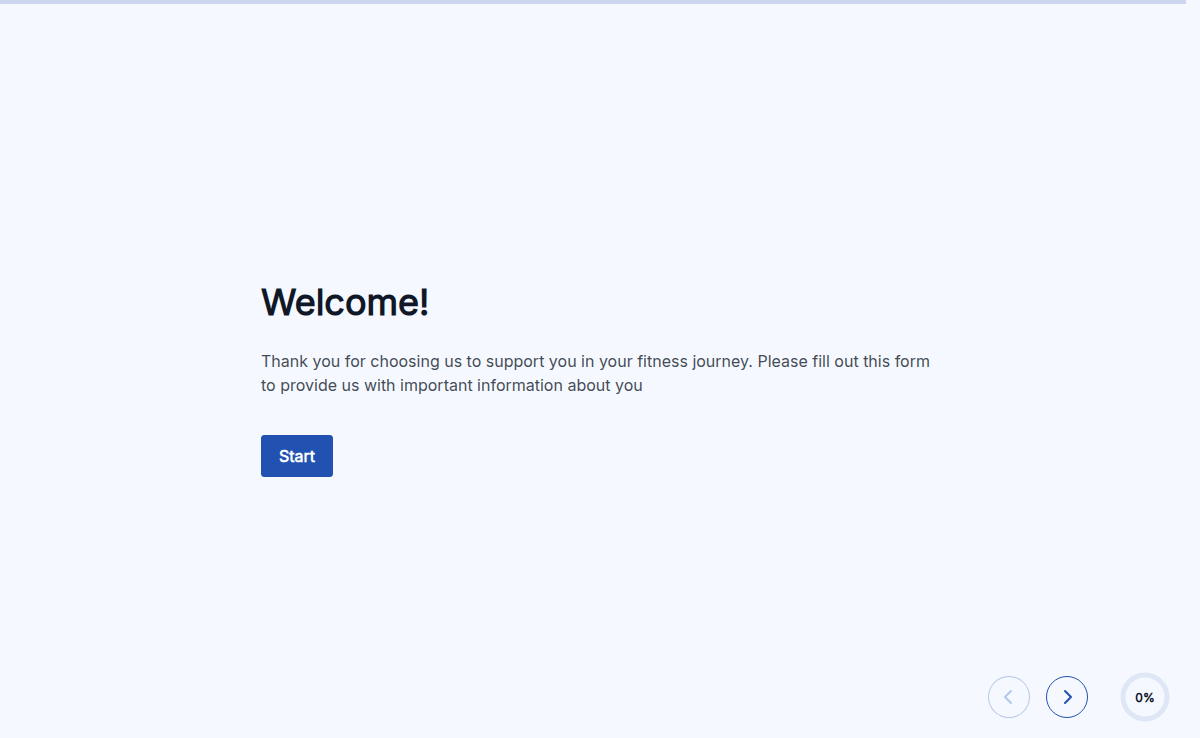
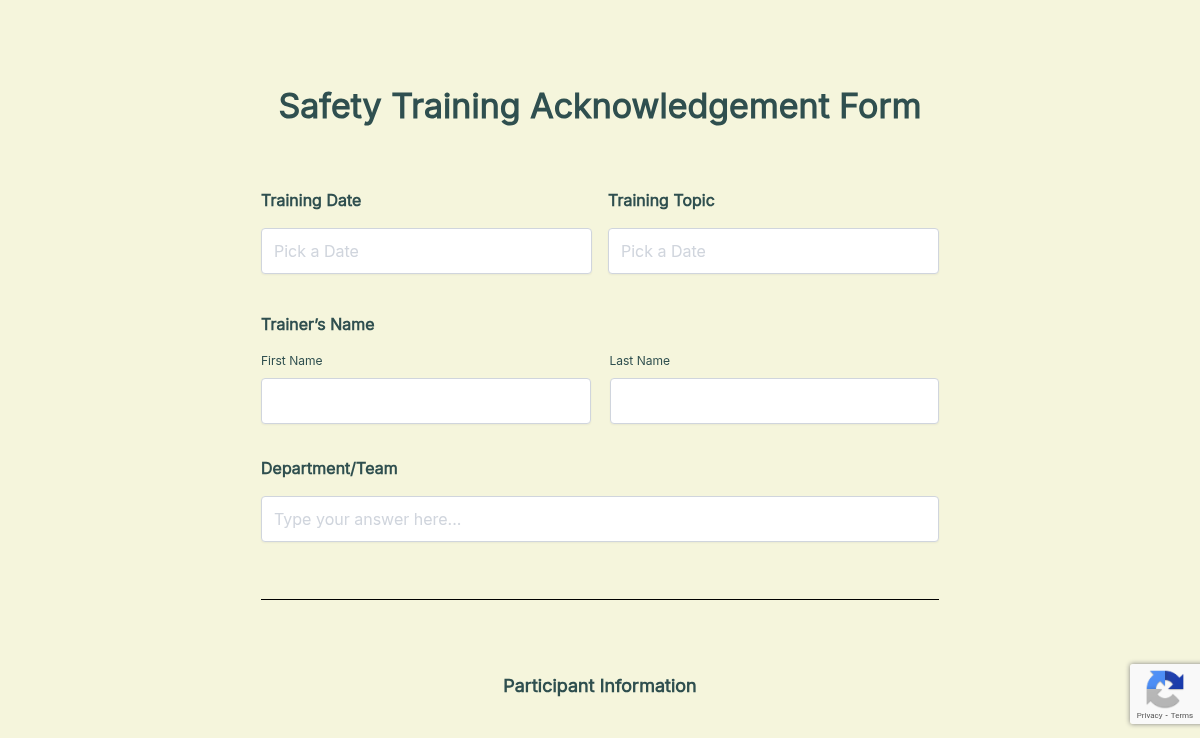
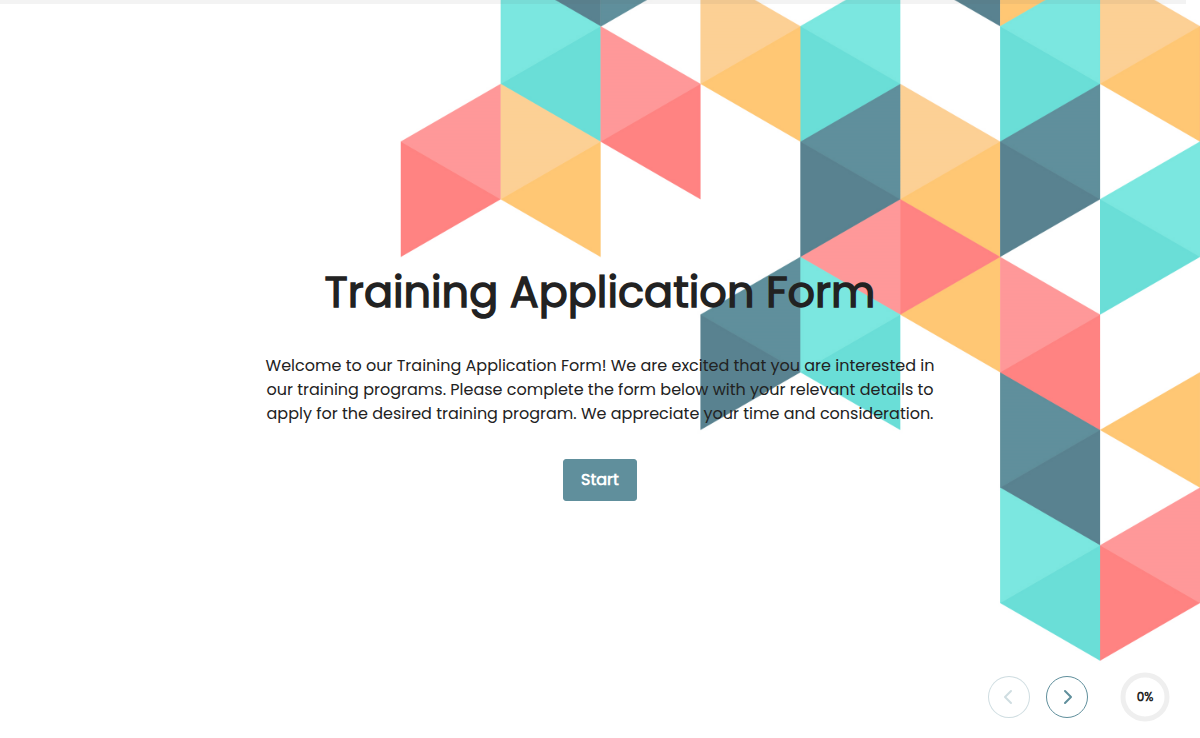
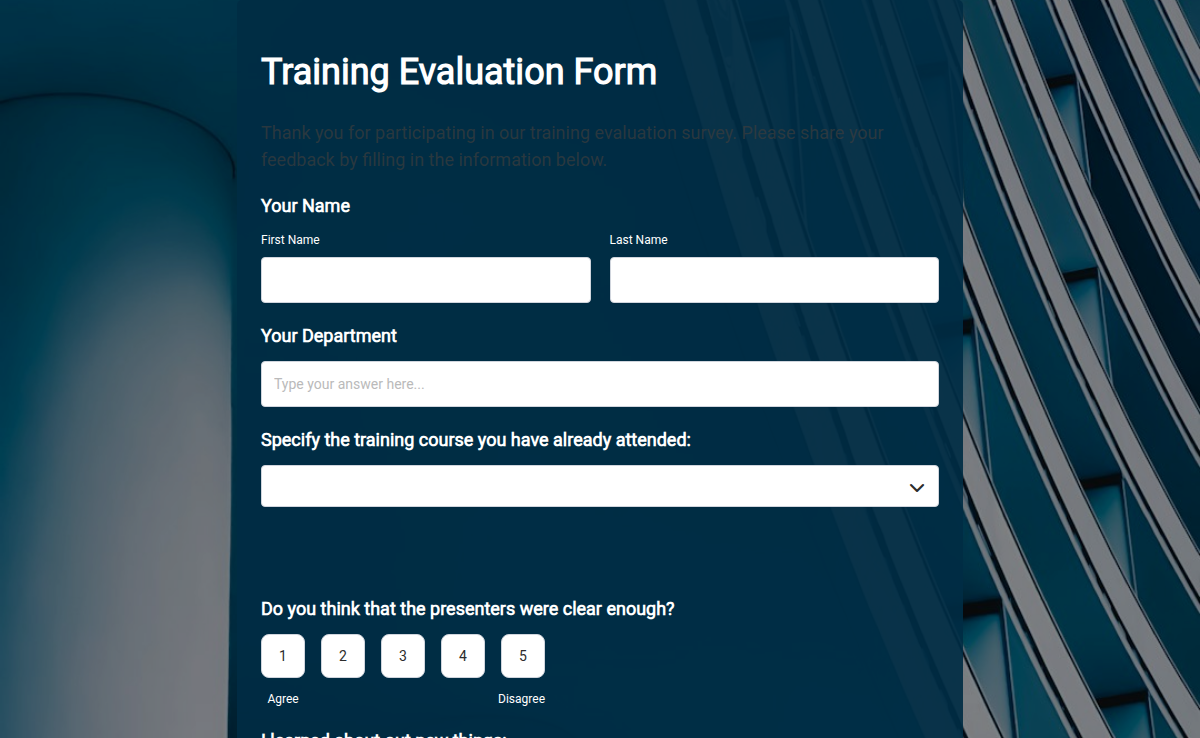
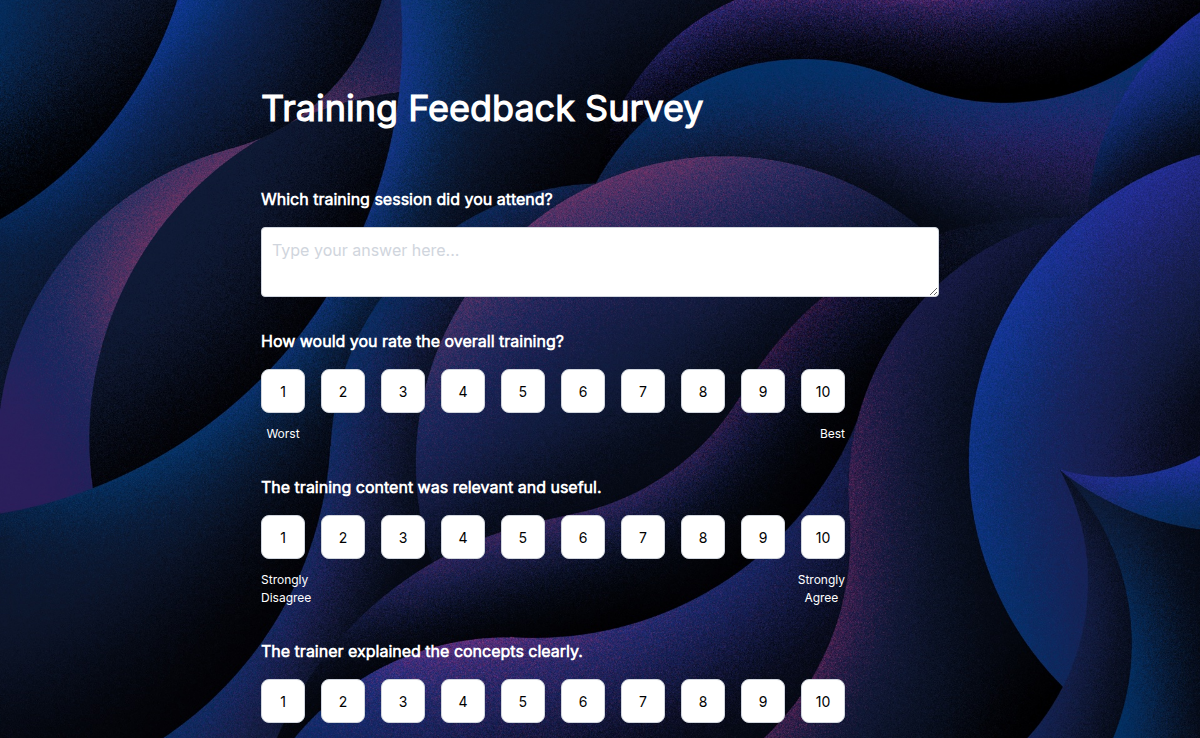
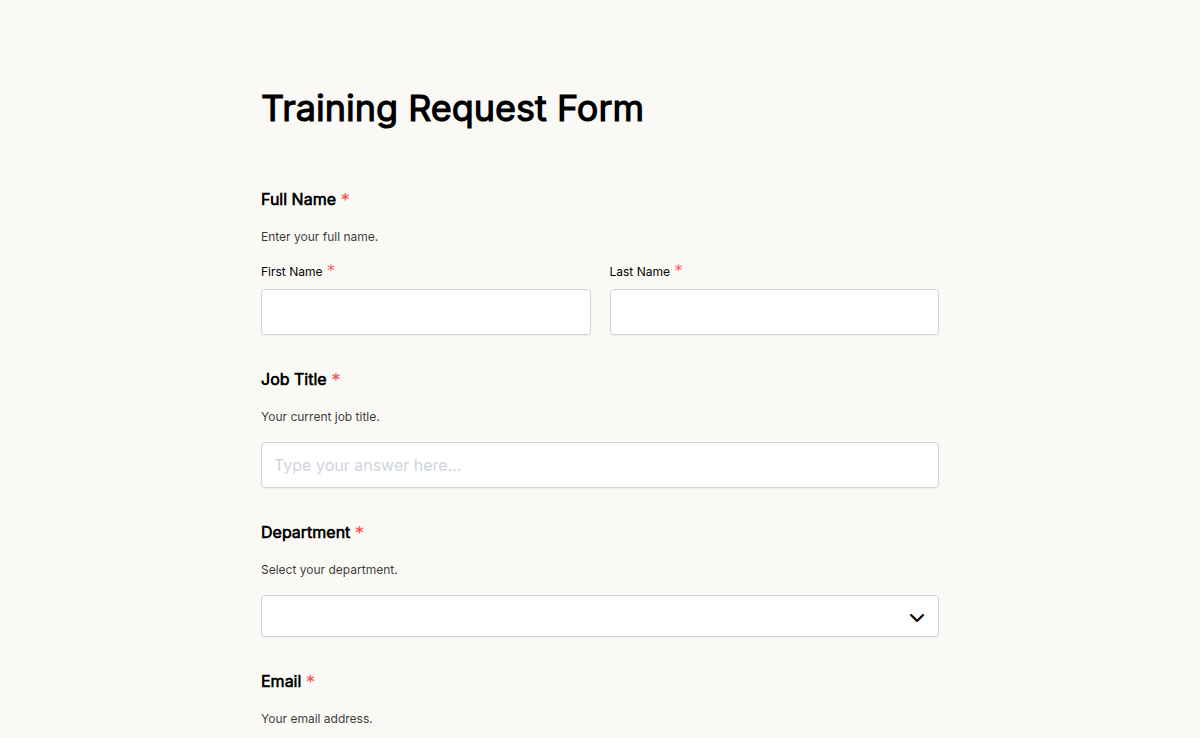
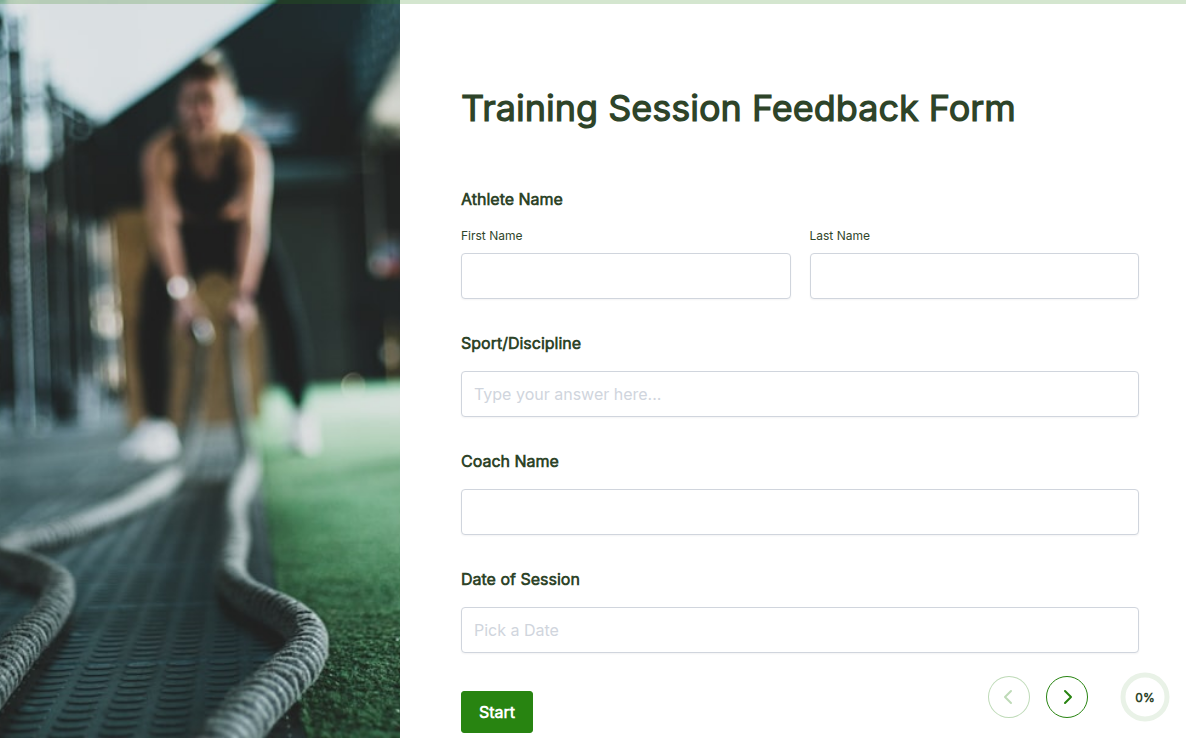
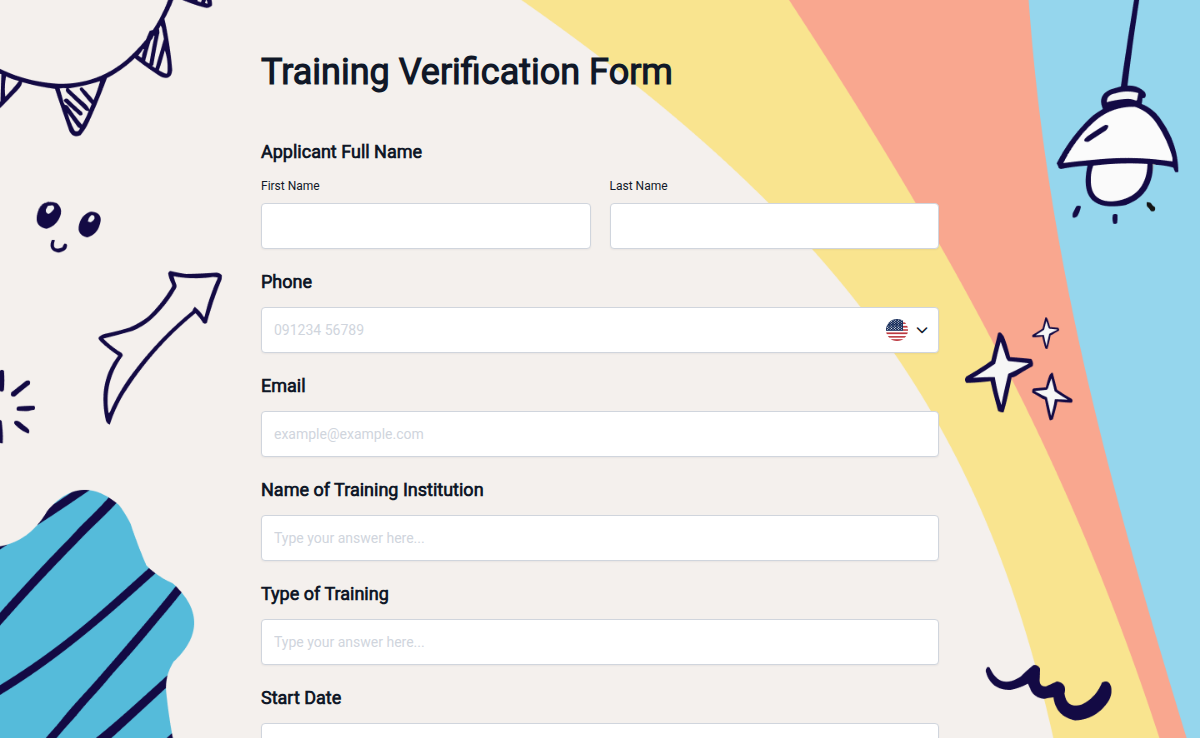
Training forms help you collect registrations, feedback, and assessments for your training sessions. Whether it’s employee development, workshops, or certifications, these forms keep your training organized.
What are Training Forms?
Training forms are ready-made templates designed to collect participant details, session feedback, and test results. You can use them for course sign ups, evaluations, and certification tracking.
They help you manage training smoothly and improve learning outcomes.
Why Use Training Forms?
Managing training with emails and paper is slow and disorganized. Digital training forms let you gather registrations and feedback fast, track progress, and plan better sessions.
Just share the form link and streamline your training process.
Smart Features You’ll Love
Custom Fields: Collect participant info, session details, and feedback.
Quizzes and Assessments: Add tests to evaluate learning.
Instant Alerts: Get notified when participants register or submit feedback.
Response Tracker: Manage registrations and results from one dashboard.
AI-Powered Form Builder: Create training forms quickly with Formester.
Form Features: Add logic, required fields, or scoring. explore form features
Powerful Integrations: Connect training data to Google Sheets, LMS, or email tools. explore integrations
How to Use a Training Form Template
Pick a ready-made training form
Click Use Template
Customize it with participant and session details
Publish and share the form via link or email
Collect registrations and feedback with ease
FAQs
1. Can I use these forms for training registration and feedback?
Yes. You can customize them for all training needs.
2. Can I add quizzes or assessments?
Absolutely. Formester supports quizzes to check learning.
3. Will I be notified when someone registers or submits feedback?
Yes. You get instant alerts for every submission.
4. Can I track all training data in one place?
Yes. Your dashboard keeps everything organized.
5. Can I integrate these forms with Google Sheets or LMS?
Yes. Formester’s integrations help automate your training management.

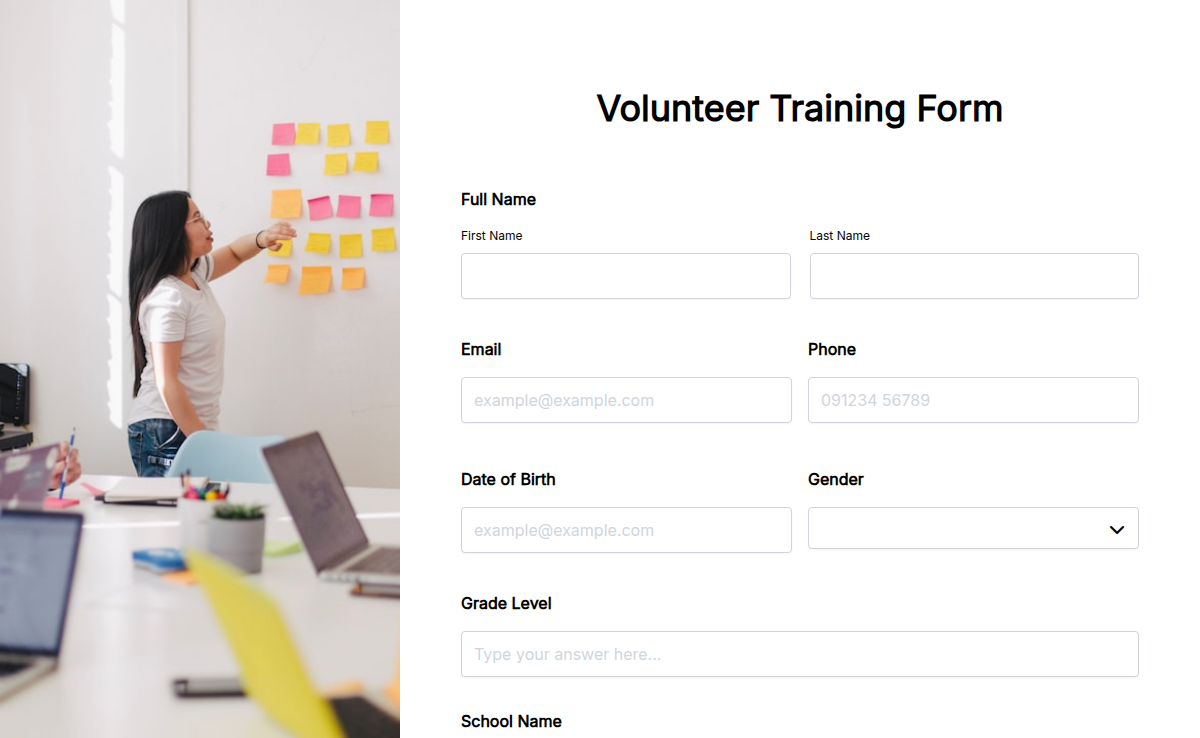
Start with a Training Forms template, ship today.
Pick a ready-made template, brand it, embed it. Free plan included, no credit card.

