How we verified this: every figure on this page comes from the vendor's own pricing page or its public G2 profile. You can check every source here.
Which form builder should a real estate team choose?
Real estate asks things of a form that most builders were not designed for. An open house sign-in has to work when the listing has no Wi-Fi. A rental application has to take a screening fee and accept three months of pay stubs as uploads.
Buyer intake has to branch, so a first-time buyer sees mortgage questions and an investor sees yield questions. Very few tools do all four, which is what the list below sorts on.
The 60-second TL;DR
- Best all-around: Formester, offline sign-ins and payments on the free plan
- Best for rental application depth: Jotform, from $39/mo
- Best for fee and valuation maths: Cognito Forms, from $24/mo
- Best for WordPress agent sites: Gravity Forms, from $59/year
- Best for listing pages: Paperform, from $29/mo
- Best for buyer intake flow: Typeform, from $39/mo
- Best free option for new agents: Tally
- Best for brokerage CRMs: HubSpot Forms, unlimited submissions free
Form builders for real estate at a glance
The table shows the two things that decide most real estate projects: whether the tool works offline for open house sign-ins, and whether it can take an application fee. Then the monthly price.
| Tool | Offline capture | Payments on free? | First paid plan (monthly) | G2 rating |
|---|---|---|---|---|
| Formester | Yes | Yes | $13/mo | 4.7/5 (14) |
| Jotform | Mobile app | Yes | $39/mo | 4.7/5 (5,426) |
| Cognito Forms | No | Yes | $24/mo | 4.6/5 (133) |
| Gravity Forms | No | Add-on | $59/year | 4.7/5 (248) |
| Fillout | No | No | $19/mo | 4.6/5 (30) |
| Paperform | No | No free plan | $29/mo | 4.8/5 (86) |
| Typeform | No | No | $39/mo | 4.5/5 (1,017) |
| WPForms | No | Pro licence | $99/year at renewal | 4.7/5 (971) |
| HubSpot Forms | No | No | $20/seat/mo | 4.4/5 (12,747) |
| forms.app | No | No | See review | 4.5/5 (498) |
| Wufoo | No | No | $22/mo | 4.2/5 (296) |
| Zoho Forms | Yes, mobile apps | No | $10/mo billed annually | 4.4/5 (129) |
| Tally | No | No | $29/mo | 4.5/5 (305) |
| Formstack | No | Yes | $99/mo | 4.3/5 (471) |
| Microsoft Forms | No | No | Bundled with M365 | 4.4/5 (476) |
| Google Forms | No | No | Bundled with Workspace | No standalone profile |
How we picked these
Every figure here comes from the vendor's own pricing page and plan limits, read in full. The ranking weighs the things real estate forms actually need: offline capture, fee collection, file uploads and conditional intake.
Tools that cover those without an add-on rank highest. Several vendors advertise annual rates, so the monthly figures below run higher than the ones on their pricing pages.
1. Formester, the best all-around form builder for real estate
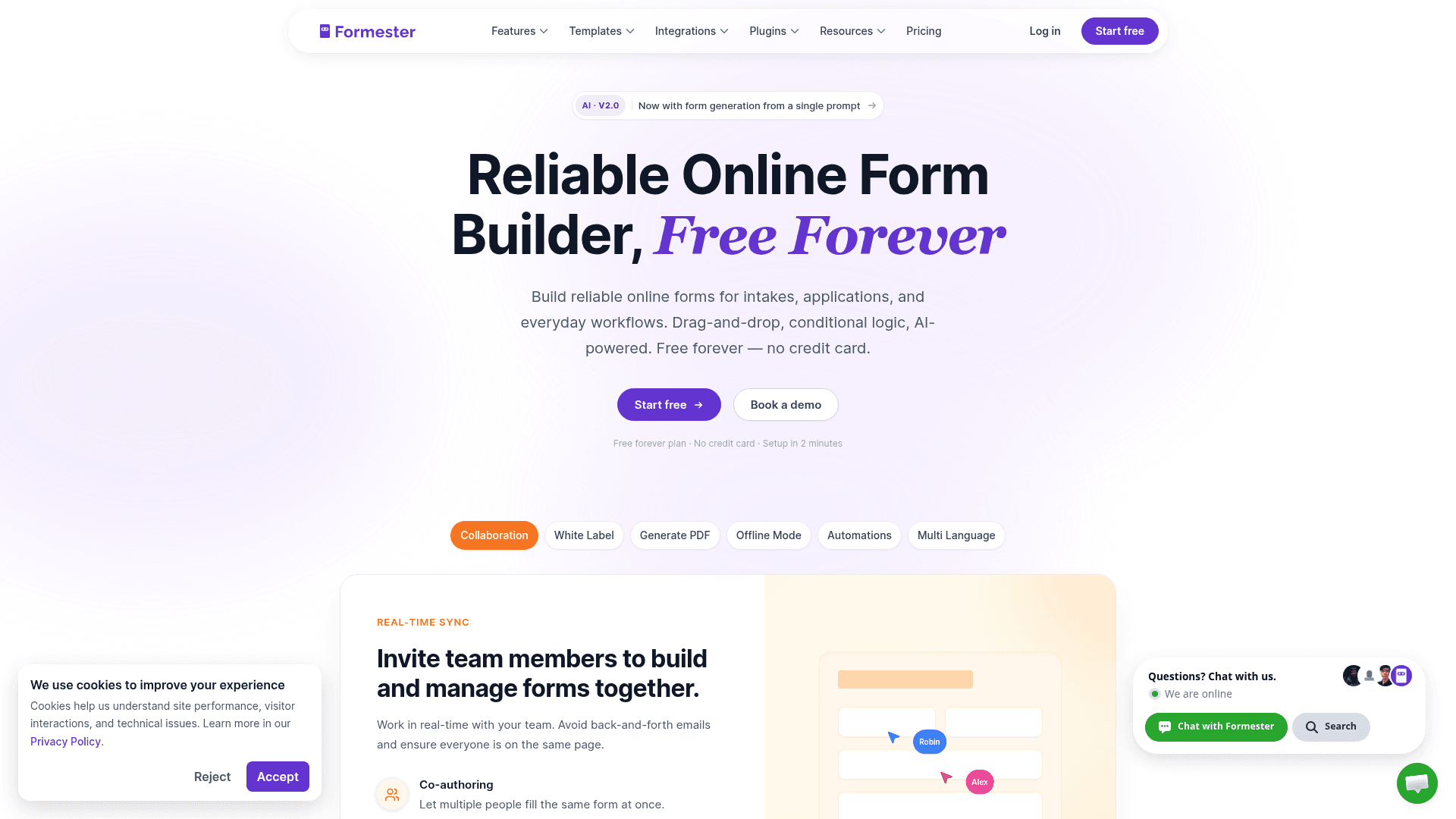
Formester is the only tool here that covers the open house problem properly. Offline capture stores sign-ins locally on a phone or tablet and syncs them when the connection returns.
Payments are on the free plan through Stripe and PayPal, so a $50 application fee or a holding deposit works without upgrading, and e-signatures cover the disclosure paperwork.
Nothing is metered on any plan, which matters when a listing goes viral and 400 people sign in at one weekend open house.
| Strengths | Weaknesses |
|---|---|
| Offline capture for open house sign-ins | Conditional logic starts on Personal at $13/mo |
| Payments on the free plan for application fees | No native real estate CRM integration |
| No cap on forms, responses or fields | Calculations are basic for valuation formulas |
| E-signatures for disclosures included free | 14 G2 reviews, a small sample |
| AI generation from a prompt or a PDF |
| Plan | What you get |
|---|---|
| Free | $0. Unlimited forms, responses and fields, AI generation, payments |
| Personal | $13/mo ($12/mo billed yearly). Adds conditional logic |
| Business | $49/mo ($45/mo billed yearly). Adds custom domain and 25 seats |
Best for: agents and brokerages that need sign-ins, fees and paperwork in one tool.
The catch: there is no direct connection to real estate CRMs like Chime or Follow Up Boss, so lead handoff runs through Zapier.
G2 rating: 4.7/5, from 14 reviews. High score, small sample; read it as an early signal.
2. Jotform, the deep-template rental application builder
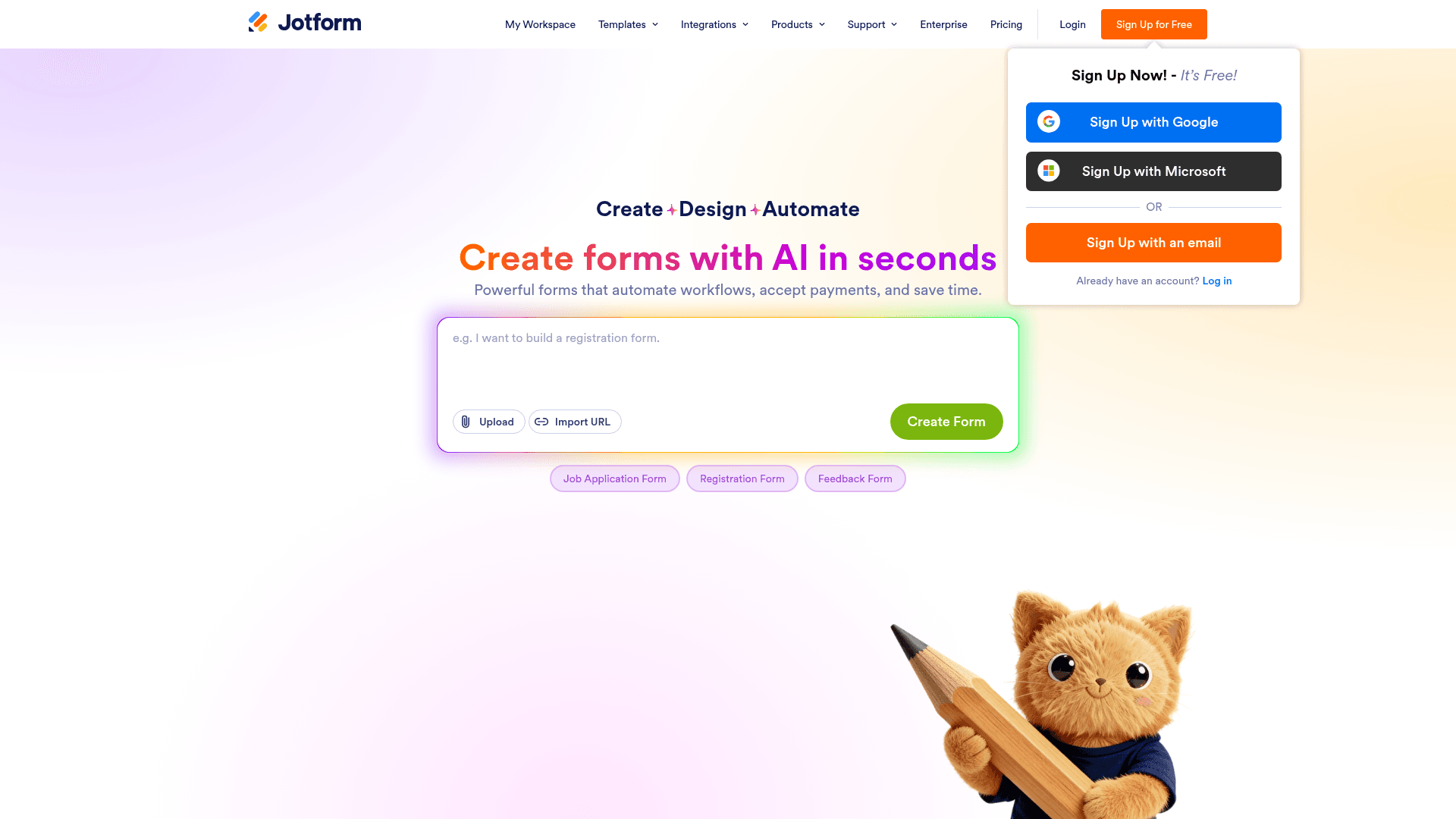
Jotform's 20,000+ templates include a large set of rental applications, tenant screening forms and property inquiry layouts, which saves building a long form from nothing.
File uploads handle the pay stubs, bank statements and ID documents a rental application collects, and 40+ payment gateways cover the screening fee.
Its mobile app captures responses in the field, which covers open house sign-ins less completely than true offline mode but better than nothing.
| Strengths | Weaknesses |
|---|---|
| 20,000+ templates including rental applications | Submissions metered on every tier |
| 40+ payment gateways for screening fees | Free plan covers only 5 forms |
| Mobile app for field capture | Dense interface takes time to learn |
| All field types available on the free plan | Advertised prices are the annual rates |
| Plan | What you get |
|---|---|
| Starter (free) | $0. 5 forms, 100 submissions/mo |
| Bronze | $39/mo ($34/mo billed yearly). 1,000 submissions/mo |
| Silver | $49/mo ($39/mo billed yearly). 2,500 submissions/mo |
| Gold | $129/mo ($99/mo billed yearly). 10,000 submissions/mo, HIPAA |
Best for: brokerages processing rental applications with document uploads.
The catch: the free plan's 100 submissions a month will not survive a listing season, so plan on Bronze at $39 from the start.
G2 rating: 4.7/5, from 5,426 reviews, the largest base of any tool here.
3. Cognito Forms, the calculation-heavy real estate form builder
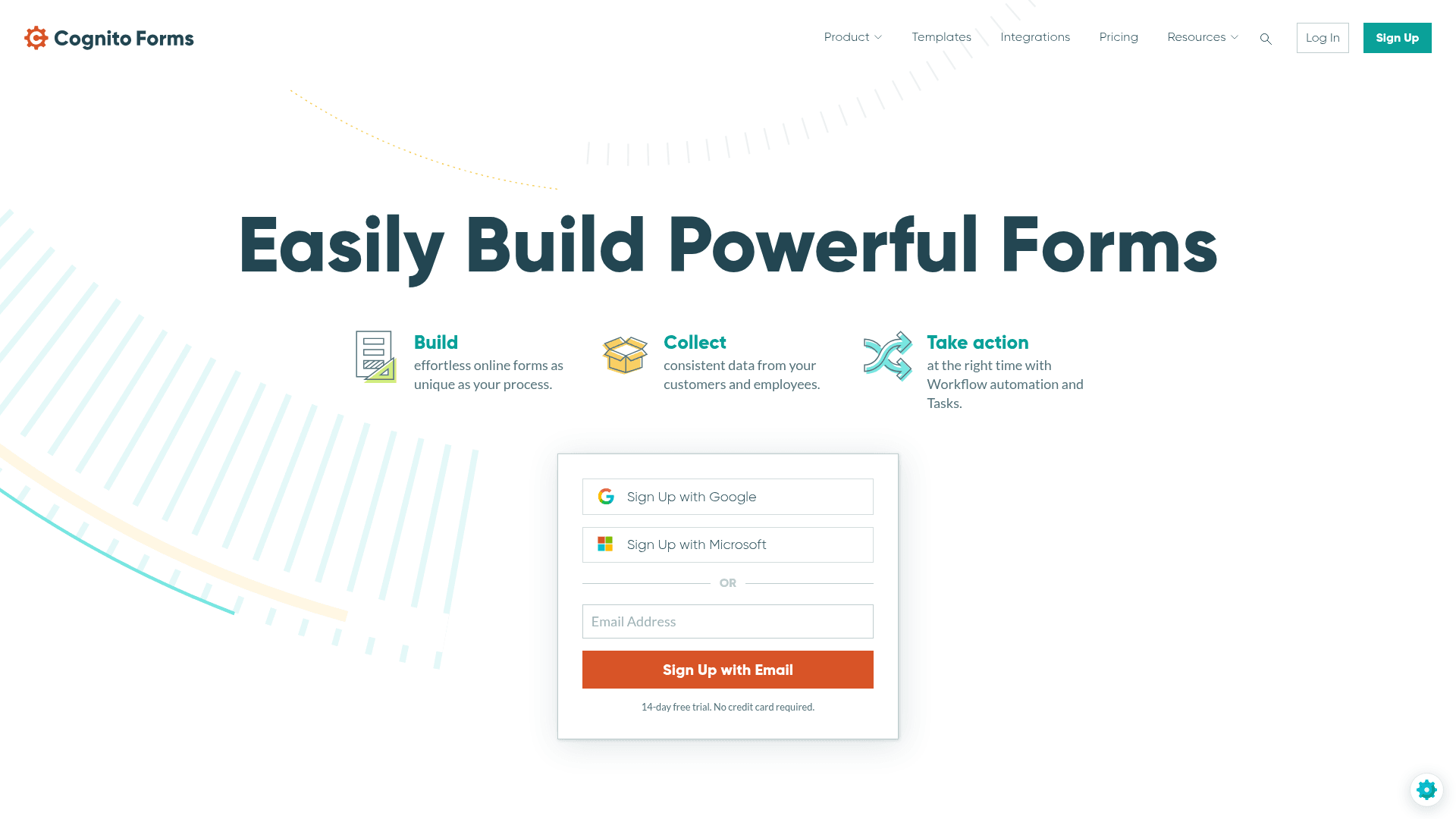
Cognito Forms has the strongest calculation engine here, which in real estate means the form can work out the numbers rather than you doing it afterwards.
That covers commission splits, rental fee tiers with pet and parking add-ons, rough cap rate estimates on an investor enquiry, and HOA transfer costs.
Payments are on the free plan, so an agent collecting a $50 application fee can do it without upgrading, and repeating sections handle multiple applicants on one lease.
| Strengths | Weaknesses |
|---|---|
| Strongest calculation engine for fees and valuations | Free plan caps at 100 entries a month |
| Repeating sections for multi-applicant leases | No offline mode for open house sign-ins |
| Payments on the free plan | No AI form generation |
| Conditional logic on the free plan | Advertised prices are the annual rates |
| Plan | What you get |
|---|---|
| Individual (free) | $0. 100 entries/mo, conditional logic, payments |
| Pro | $24/mo ($19/mo billed yearly). 2,000 entries/mo, 2 users |
| Team | $49/mo ($39/mo billed yearly). 10,000 entries/mo, 5 users |
| Enterprise | $174/mo ($129/mo billed yearly). Unlimited entries, HIPAA |
Best for: agents running fee calculations or commission maths inside the form.
The catch: there is no offline capture, so an open house at a property with poor signal needs a different tool.
G2 rating: 4.6/5, from 133 reviews. A reasonable base with a consistently good score.
4. Gravity Forms, the WordPress real estate plugin
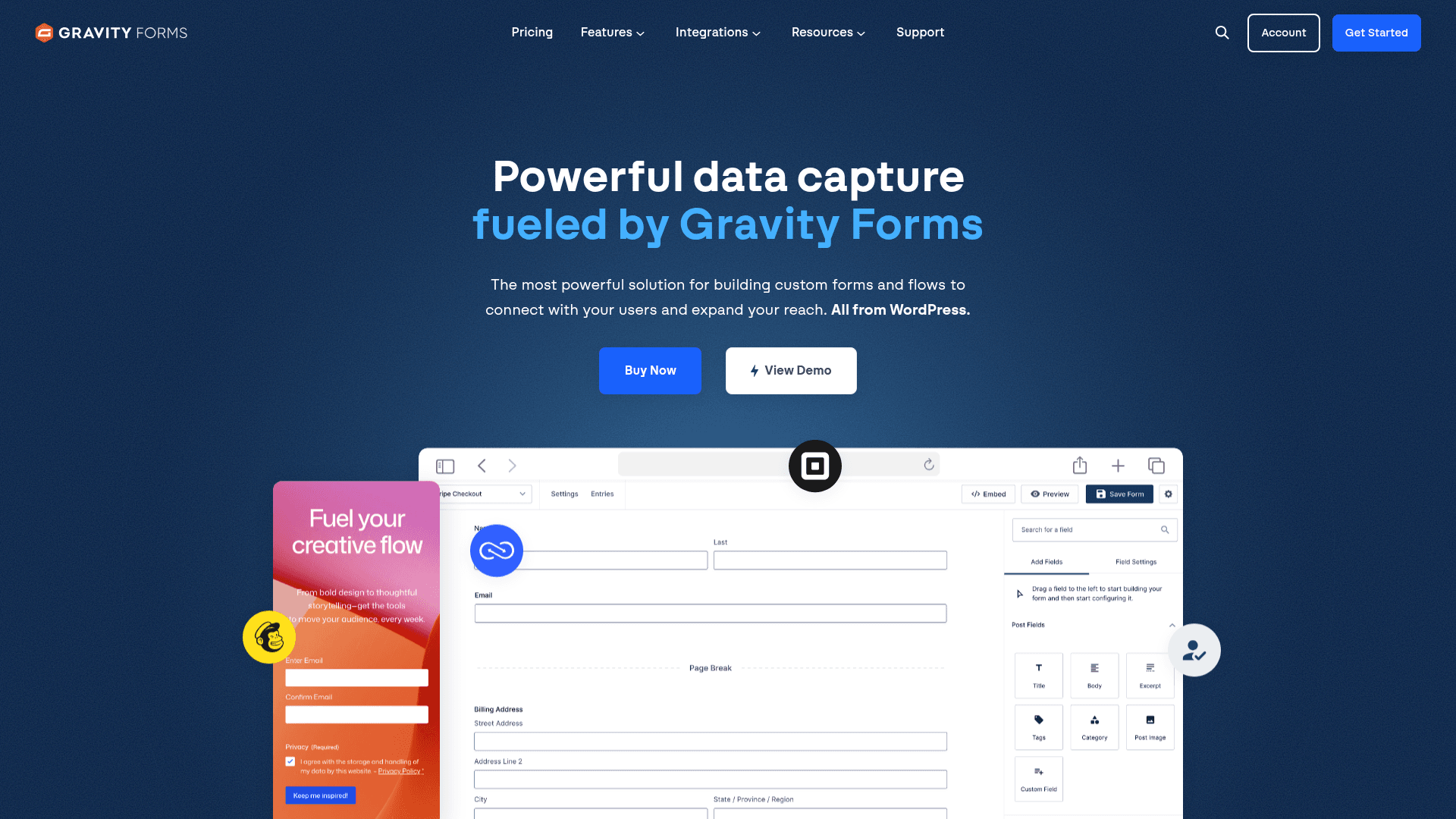
Most agent and brokerage sites run on WordPress, and Gravity Forms keeps the enquiry data in that site's own database rather than a vendor's.
Its conditional logic is the deepest of any WordPress plugin, which suits buyer intake where a first-time buyer and an investor should see different questions.
Payment add-ons cover Stripe and PayPal for application fees, sitting on the Pro licence at $159 a year rather than Basic at $59.
| Strengths | Weaknesses |
|---|---|
| No metering once self-hosted | WordPress only |
| Deepest conditional logic on WordPress | Payment add-ons need the Pro licence at $159/year |
| Payment add-ons for application fees | No free plan, annual licence required |
| Elite covers unlimited sites for $259/year | No offline capture |
| Plan | What you get |
|---|---|
| Basic | $59/year. 1 site |
| Pro | $159/year. 3 sites, most add-ons |
| Elite | $259/year. Unlimited sites, all add-ons |
Best for: WordPress agent sites that want enquiry data self-hosted.
The catch: payments are an add-on, so a form that collects an application fee costs $159 a year rather than the $59 headline.
G2 rating: 4.7/5, from 248 reviews built over years of WordPress use.
5. Fillout, the modern editor for agents on Airtable

Plenty of small brokerages run their pipeline in Airtable rather than a real estate CRM, and Fillout writes enquiries straight into those records.
Its free plan allows 1,000 responses a month with unlimited seats, which covers a small team's enquiry volume without cost.
Multi-step forms are the default, which suits a longer buyer intake where asking everything on one screen loses people.
| Strengths | Weaknesses |
|---|---|
| 1,000 responses a month on the free plan | No payments on the free plan |
| Unlimited seats for the whole team | No offline capture for open houses |
| Writes into Airtable and Notion records | Most useful only with Airtable or Notion |
| Multi-step forms reduce intake drop-off | 30 G2 reviews, a small sample |
| Plan | What you get |
|---|---|
| Free | $0. 1,000 responses/mo, unlimited seats |
| Starter | $19/mo ($15/mo billed yearly, $180/year) |
| Pro | $49/mo ($40/mo billed yearly, $480/year) |
| Business | $89/mo ($75/mo billed yearly, $900/year) |
Best for: small brokerages whose pipeline lives in Airtable or Notion.
The catch: application fees need Starter at $19 a month, since payments are not on the free plan.
G2 rating: 4.6/5, from 30 reviews. A small base, consistent with a newer product.
6. Paperform, the property listing page builder
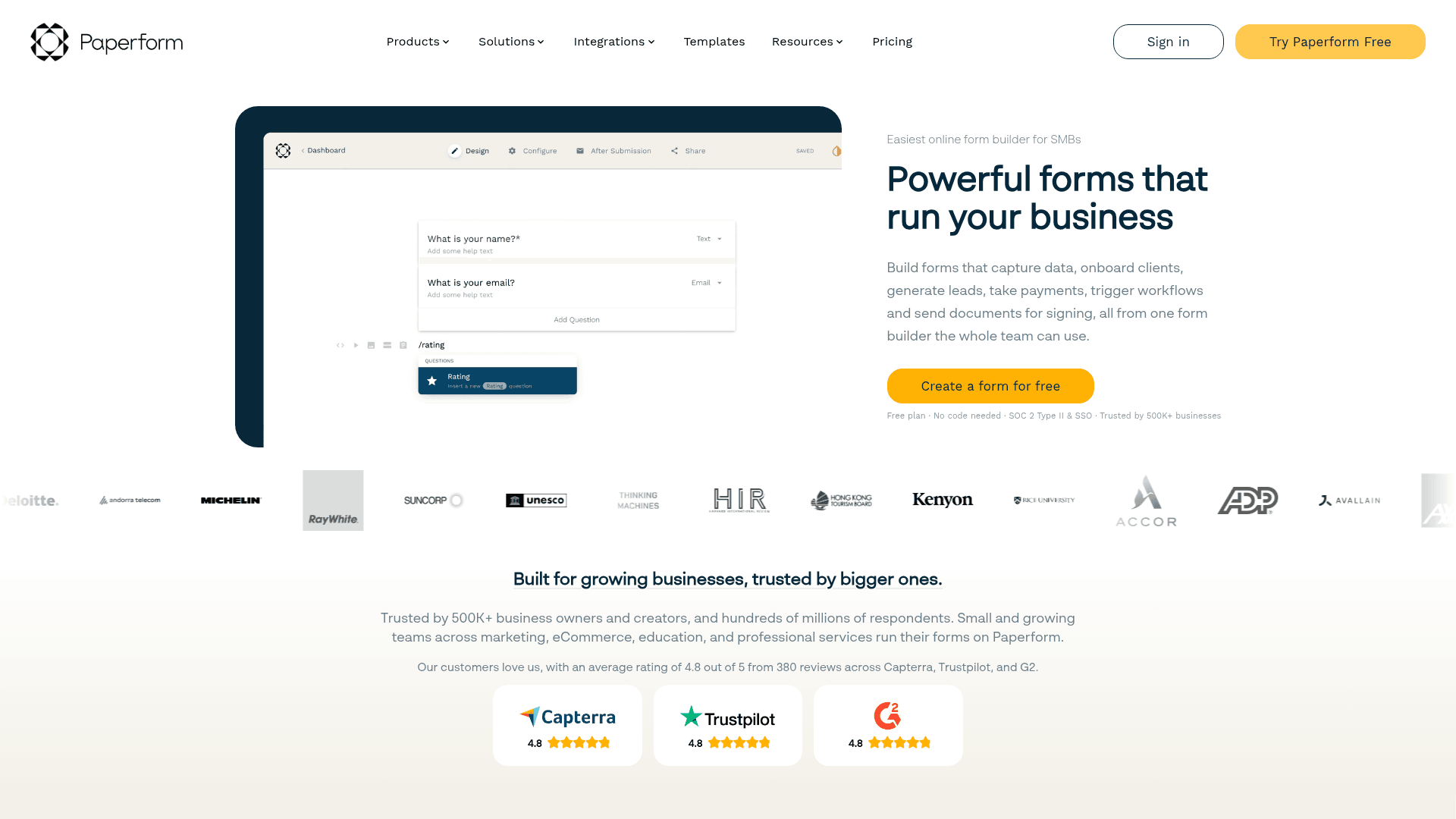
Paperform builds the page and the form as one object, so property photos, the neighbourhood description and the enquiry form all sit at a single URL.
For a featured listing or a new development that removes the split between a marketing page and a form somewhere below it.
Monthly pricing runs $29 for Essentials, $59 for Pro and $129 for Business, above the advertised annual rates of $24, $49 and $99.
| Strengths | Weaknesses |
|---|---|
| Listing page and enquiry form are one object | No permanent free plan, only a trial |
| Payments and scheduling built in | No offline capture |
| Highest G2 score in this comparison | Submission limits on every tier |
| Custom domain from the Pro plan | Advertised prices are the annual rates |
| Plan | What you get |
|---|---|
| Free | No free plan; a 14-day trial is offered |
| Essentials | $29/mo ($24/mo billed yearly) |
| Pro | $59/mo ($49/mo billed yearly). Adds custom domain |
| Business | $129/mo ($99/mo billed yearly). Adds SSO |
Best for: featured listings and developments that need their own page.
The catch: there is no free plan, so a single listing page costs $29 a month unless you finish inside the 14-day trial.
G2 rating: 4.8/5, from 86 reviews, the highest score in this comparison.
7. Typeform, the conversational buyer intake tool

Buyer intake is where Typeform earns its price. Asking one question at a time gets more of a long qualification finished than a single page of fields does.
Logic jumps mean a first-time buyer never sees the investment property questions, and an investor never sees the mortgage prequalification ones.
It is the most expensive per response here. Free covers 10 a month, Basic is $39 with 100, Plus $79 with 1,000, and Business $129 with 10,000.
| Strengths | Weaknesses |
|---|---|
| Highest completion on long buyer intake | Free plan covers only 10 responses a month |
| Logic jumps separate buyer types cleanly | No payment collection |
| AI drafts a full form from a prompt | No offline capture |
| Strong drop-off analytics | Advertised prices are the annual rates |
| Plan | What you get |
|---|---|
| Free | $0. 10 responses/mo |
| Basic | $39/mo ($28/mo billed yearly). 100 responses/mo |
| Plus | $79/mo ($56/mo billed yearly). 1,000 responses/mo |
| Business | $129/mo ($91/mo billed yearly). 10,000 responses/mo |
Best for: buyer intake where each qualified lead is worth a commission.
The catch: there is no way to take an application fee, so it handles the qualifying and nothing that follows.
G2 rating: 4.5/5, from 1,017 reviews. A large base, with cost the common complaint.
8. WPForms, the beginner-friendly WordPress alternative
WPForms is the easier WordPress plugin for an agent maintaining their own site, with a builder most people can use without documentation.
Enquiries are not metered once self-hosted, so a busy listing season costs nothing extra on a flat annual licence.
Payments require the Pro licence at $399 a year at renewal, which is the figure to plan around for application fees.
| Strengths | Weaknesses |
|---|---|
| Easiest WordPress form builder to learn | WordPress only |
| No metering once self-hosted | Payments need the Pro licence at $399/year |
| 2,000+ templates | No offline capture |
| One licence covers unlimited submissions | Renewal prices exceed first-year rates |
| Plan | What you get |
|---|---|
| Lite | Free WordPress plugin |
| Basic | $99/year at renewal. 1 site |
| Plus | $199/year at renewal |
| Pro | $399/year at renewal. Adds payments and Conversational Forms |
| Elite | $599/year at renewal. Unlimited sites |
Best for: agents who maintain their own WordPress site.
The catch: an application fee needs the $399 Pro licence, which makes it the priciest WordPress route to collecting money.
G2 rating: 4.7/5, from 971 reviews. A large base among WordPress users.
9. HubSpot Forms, the CRM-integrated lead capture
A good number of brokerages run HubSpot as their CRM, and its forms turn every enquiry into a contact record with the follow-up sequence attached.
Submissions are unlimited on the free tier with HubSpot branding, which suits a brokerage running many listing enquiry forms at once.
Paid Marketing Hub plans start at $20 per seat a month, rising to $800 for Professional where automation and attribution arrive.
| Strengths | Weaknesses |
|---|---|
| Unlimited enquiries on the free plan | Form builder is basic next to the specialists |
| Every enquiry becomes a CRM contact | No payment collection |
| Free email marketing for nurture sequences | No offline capture |
| Strong segmentation by buyer type | Paid tiers jump steeply to $800/mo |
| Plan | What you get |
|---|---|
| Free Tools | $0. Unlimited submissions with HubSpot branding, free CRM |
| Marketing Hub Starter | $20/seat/mo |
| Marketing Hub Professional | $800/mo, plus a one-time onboarding fee |
| Marketing Hub Enterprise | $3,600/mo, plus a one-time onboarding fee |
Best for: brokerages already running HubSpot as their CRM.
The catch: you cannot collect an application fee, and the form itself is weaker than most tools here. The CRM is what you are buying.
G2 rating: 4.4/5, from 12,747 reviews across HubSpot Marketing Hub.
10. forms.app, the AI-first builder for solo agents
forms.app drafts a form from a description, which suits a solo agent who needs a new enquiry form per listing and has no time to build each one.
Its free plan allows unlimited responses across up to 5 forms, so one busy listing form costs nothing however many enquiries arrive.
forms.app prices regionally. The US view lists Basic at $19, Pro at $29 and Premium at $59 a month, while the EU view lists 16, 24 and 49 EUR billed annually.
| Strengths | Weaknesses |
|---|---|
| AI generation from a prompt | Free plan caps at 5 forms and 10 MB storage |
| Unlimited responses on the free plan | No payments on the free plan |
| Conditional logic and e-signatures included | No offline capture |
| 5,000+ templates | Pricing varies by region and currency |
| Plan | What you get |
|---|---|
| Free | Up to 5 forms, unlimited responses, 10 MB storage |
| Basic | Listed at $19/mo in the US view and 16 EUR/mo billed annually in the EU view |
| Pro | Listed at $29/mo in the US view and 24 EUR/mo billed annually in the EU view |
| Premium | Listed at $59/mo in the US view and 49 EUR/mo billed annually in the EU view |
Best for: solo agents who want a form drafted rather than built.
The catch: the 10 MB storage cap on free is quickly reached by rental applications carrying pay stubs and ID scans.
G2 rating: 4.5/5, from 498 reviews. A solid base for a younger product.
11. Wufoo, the straightforward property inquiry builder
Wufoo handles a plain property enquiry form competently and does not attempt anything beyond it, which suits an agent who wants a contact form and nothing more.
It is simple to set up and predictable to budget, with a plan ladder that steps cleanly by volume.
Paid plans start at $22 a month, and every plan charges $0.05 for each entry past its limit.
| Strengths | Weaknesses |
|---|---|
| Very simple to set up | Free plan caps at 100 entries a month |
| Clear plan ladder with predictable steps | $0.05 charged per entry over the limit |
| Long track record | No offline capture or payments on free |
| Reports and basic analytics included | Dated interface and limited design control |
| Plan | What you get |
|---|---|
| Free | $0. 5 forms, 100 entries/mo |
| Starter | $22/mo ($16.25/mo billed yearly). 1,000 entries/mo |
| Professional | $45/mo ($33.25/mo billed yearly). 5,000 entries/mo |
| Advanced | $113/mo ($83.25/mo billed yearly). 25,000 entries/mo |
| Ultimate | $286/mo ($210.25/mo billed yearly). 200,000 entries/mo |
Best for: agents who need a plain enquiry form and nothing else.
The catch: a listing that attracts real interest pushes you over the entry limit, and the overage bills at $0.05 each on top of the tier.
G2 rating: 4.2/5, from 296 reviews, the lowest score here, which tracks its age.
12. Zoho Forms, the pick for Zoho CRM real estate teams
Zoho Forms is worth considering for two reasons: it routes enquiries into Zoho CRM natively, and its mobile apps capture responses offline.
That offline capability puts it alongside Formester as one of only two tools here that handle an open house sign-in with no signal.
At $10 a month billed annually it is the cheapest paid tier in this comparison, and its free plan allows 500 submissions across three forms.
| Strengths | Weaknesses |
|---|---|
| Offline mobile apps for open house sign-ins | Free plan covers only 3 forms |
| Cheapest paid tier at $10/mo | No payments on the free plan |
| Routes into Zoho CRM natively | Little value outside the Zoho suite |
| 500 submissions a month free | Interface feels dated |
| Plan | What you get |
|---|---|
| Free | $0. 3 forms, 500 submissions/mo |
| Basic | $10/mo billed annually. 10,000 submissions/mo |
| Standard | $25/mo billed annually. 25 forms |
| Professional | $50/mo billed annually. Unlimited forms |
| Premium | $90/mo billed annually. HIPAA compliance |
Best for: teams on Zoho CRM that need offline sign-ins cheaply.
The catch: outside Zoho this is an ordinary form builder with an older interface, and the free plan's three forms is restrictive for an agent with several listings.
G2 rating: 4.4/5, from 129 reviews, at the lower end of this list.
13. Tally, the free unlimited option for indie agents
Tally places no cap on forms or submissions on its free plan, which suits a new agent building enquiry forms for every listing with no budget.
Conditional logic and file uploads are included free, so a basic rental application works without paying anything.
Paid plans start at $29 a month, mainly to remove branding rather than to raise a limit.
| Strengths | Weaknesses |
|---|---|
| Unlimited forms and enquiries free | Tally branding on the free plan |
| Conditional logic included free | No payment collection |
| File uploads on the free plan | No offline capture |
| Document-style editor is quick to use | Analytics are basic |
| Plan | What you get |
|---|---|
| Free | $0. Unlimited forms and submissions, logic, file uploads |
| Pro | $29/mo ($24/mo billed yearly). Removes branding, adds partial submissions |
| Business | $89/mo ($74/mo billed yearly). Adds data retention controls |
Best for: new and part-time agents who need forms at no cost.
The catch: the branding is visible on every listing enquiry form, which reads as less established than it should on a property page.
G2 rating: 4.5/5, from 305 reviews. A solid base for a relatively young product.
14. Formstack, the enterprise brokerage form builder
Formstack suits large brokerages where forms are subject to audit and permissions have to be granular across offices and teams.
Its Salesforce integration maps enquiry fields to Salesforce records natively, which matters for brokerages running Salesforce rather than a real estate CRM.
It is the highest entry price here at $99 a month, and the Suite with Documents and Sign runs $299.
| Strengths | Weaknesses |
|---|---|
| Native Salesforce field mapping | $99/mo entry point, the highest here |
| Full audit trails and granular permissions | No free plan at all |
| Documents and e-signature in the Suite | No offline capture |
| Payments available on paid plans | Interface feels dated in places |
| Plan | What you get |
|---|---|
| Free | No free plan; a trial is offered |
| Forms | $99/mo ($83/mo billed yearly) |
| Suite (Forms, Documents, Sign) | $299/mo ($250/mo billed yearly) |
| Enterprise | Custom pricing |
Best for: large brokerages with Salesforce and audit requirements.
The catch: at $99 a month this is priced for a brokerage, not an agent. A solo practice will not get $99 of value from it.
G2 rating: 4.3/5, from 471 reviews. A large base, with cost the recurring theme.
15. Microsoft Forms, the brokerage-internal option
For internal brokerage forms such as listing submissions, agent onboarding or office feedback, Microsoft Forms is already provisioned inside Microsoft 365.
Responses land in Excel and the form can be posted into a Teams channel, which covers internal routing without another vendor.
A personal Microsoft account caps at 200 responses per form. Inside a tenant those limits lift considerably.
| Strengths | Weaknesses |
|---|---|
| No extra cost inside Microsoft 365 | Very limited design control |
| Results flow into Excel | No payments and no offline capture |
| Posts directly into Teams channels | Free accounts cap at 200 responses per form |
| Inherits tenant security | No value on client-facing pages |
| Plan | What you get |
|---|---|
| Free | $0 with a personal Microsoft account. 200 responses per form |
| M365 Business Basic | $7/user/mo, annual basis |
| M365 Business Standard with Copilot | $23.50/user/mo, annual basis |
| M365 Business Premium with Copilot | $32/user/mo, annual basis |
Best for: internal brokerage forms and agent onboarding.
The catch: nothing about it suits a client-facing page, so treat it as an internal tool and use something else for listings.
G2 rating: 4.4/5, from 476 reviews, which fits its internal-tool scope.
16. Google Forms, the free open house sign-in option
Google Forms is free with any Google account and has no response limit, which makes it the default free option for a simple open house sign-in sheet.
Sign-ins populate a Sheet in real time, which doubles as the follow-up list the agent works from that evening.
There is no paid Forms tier. It arrives with Google Workspace, where Business Starter is $7 per user a month on an annual basis.
| Strengths | Weaknesses |
|---|---|
| Free with any Google account | Requires a working internet connection |
| No practical response cap | No payments and no file upload limits worth relying on |
| Sign-ins become a live follow-up spreadsheet | Very limited design control |
| Real-time collaborative editing | Google branding stays on every form |
| Plan | What you get |
|---|---|
| Free | $0 with any Google account. Effectively unlimited responses |
| Workspace Business Starter | $7/user/mo, annual basis |
| Workspace Business Standard | $14/user/mo, annual basis |
| Workspace Business Plus | $22/user/mo, annual basis |
Best for: free open house sign-ins where signal is reliable.
The catch: it needs a connection to submit, so a basement viewing or a rural listing loses the sign-in entirely.
G2 rating: Google Forms has no standalone G2 profile. The 4.6/5 from 48,175 reviews quoted elsewhere covers Google Workspace as a whole.
Take open house sign-ins offline. Collect application fees on Free.
Formester ships unlimited real estate forms with offline capture, plus Stripe and PayPal on the free plan.
Try Formester freeFree forever · No credit card · 56,000+ teams
Which real estate form builder should you actually pick?
Start with the open house. If sign-ins happen where signal is unreliable, only Formester and Zoho Forms capture offline, and everything else loses the entry.
Then check the money. Application and screening fees on a free plan mean Formester or Cognito Forms; everywhere else you upgrade first, and Typeform, Tally and Google Forms cannot take payment at all.
After that it is about what your forms are for. Rental applications with heavy uploads point to Jotform, fee and commission maths to Cognito Forms, and buyer intake that needs finishing to Typeform.
Frequently asked questions
What is the best form builder for real estate?
Which form builder works offline for open house sign-ins?
Can I collect application fees on a real estate form?
Which form builder handles rental applications best?
Do real estate form builders connect to a CRM?
What is the cheapest form builder for a solo agent?
Can a form builder handle disclosure signatures?
Which form builder suits a WordPress agent site?
Verdict
Real estate forms fail in specific ways. The sign-in is lost because the basement has no signal, the application stalls because the fee needs a separate payment link, or the intake form asks an investor about first-time buyer programmes.
Formester covers the first two, since offline capture and payments are both on the free plan. Cognito Forms handles the fee maths better than anything here, and Jotform is the one to pick when applications arrive with a folder of documents attached.