How we verified this: every figure on this page comes from the vendor's own pricing page or its public G2 profile. You can check every source here.
Which free form builder should you choose?
Free form builders fall into three groups, and the word free means something different in each. Some place no meaningful cap at all. Some allow a usable monthly allowance. Some offer a trial dressed as a plan.
Knowing which group a tool belongs to matters more than comparing features, because the group decides whether you will still be using it in six months or shopping again. The 17 tools below are sorted on exactly that.
The 60-second TL;DR
- Best genuinely unlimited free plan: Formester, unlimited forms and responses
- Best free plan for unlimited submissions: Tally, unlimited forms and submissions
- Best free option in Google Workspace: Google Forms
- Best free option in Microsoft 365: Microsoft Forms, 200 responses per form
- Best free plan with real logic: Cognito Forms, 100 entries/mo
- Best free plan for templates: Jotform, 5 forms and 100 submissions/mo
- Best free plan with unlimited seats: Fillout, 1,000 responses/mo
- Best free plan for marketing: HubSpot Forms, unlimited submissions
How the 17 free form builders compare at a glance
The table lists exactly what each free tier allows and what the first paid plan costs on monthly billing, so you can see how far each free plan goes before it runs out. Read it first, then jump to the relevant review.
| Tool | Free plan limit | First paid plan (monthly) | Free plan type | G2 rating |
|---|---|---|---|---|
| Formester | Unlimited forms and responses | $13/mo | Genuinely unlimited | 4.7/5 (14 reviews) |
| Tally | Unlimited forms and submissions | $29/mo | Genuinely unlimited | 4.5/5 (305 reviews) |
| Google Forms | No practical cap | Bundled with Workspace | Genuinely unlimited | No standalone profile |
| Microsoft Forms | 200 responses per form | Bundled with M365 | Capped but usable | 4.4/5 (476 reviews) |
| Cognito Forms | 100 entries/mo | $24/mo | Capped but usable | 4.6/5 (133 reviews) |
| Jotform | 5 forms, 100 submissions/mo | $39/mo | Capped but usable | 4.7/5 (5,426 reviews) |
| Fillout | 1,000 responses/mo | $19/mo | Capped but generous | 4.6/5 (30 reviews) |
| Zoho Forms | 3 forms, 500 submissions/mo | $10/mo | Capped but usable | 4.4/5 (129 reviews) |
| Wufoo | 5 forms, 100 entries/mo | $22/mo | Capped, tight | 4.2/5 (296 reviews) |
| forms.app | Up to 5 forms, unlimited responses | See review | Capped by form count | 4.5/5 (498 reviews) |
| HubSpot Forms | Unlimited submissions with branding | $20/mo/seat | Free with CRM | 4.4/5 (12,747 reviews) |
| MailerLite | Free tier with subscriber cap | $12/mo | Free with email tool | 4.6/5 (1,113 reviews) |
| Feathery | Free tier available | Not published | Pricing not published | No G2 rating found |
| Typeform | 10 responses/mo | $39/mo | Effectively a demo | 4.5/5 (1,017 reviews) |
| Getform | 100 submissions/mo | $15.83/mo billed yearly | Capped but usable | 5.0/5 (3 reviews) |
| Formaloo | Free tier available | Not published | Capped, seat-based | No verified G2 count |
| YouForm | Free tier available | $29/mo | Capped but usable | No G2 profile found |
How we picked and ranked these 17 tools
Everything here comes from the vendors' own pricing pages and plan limits, read in full. The ranking question was what the free plan actually allows before it stops being useful.
Tools with no meaningful cap rank highest, followed by those with a usable monthly allowance, then those whose free tier works as a demo. Several vendors advertise annual rates, so the monthly figures here run higher than the ones on their pricing pages.
1. Formester, best genuinely unlimited free plan
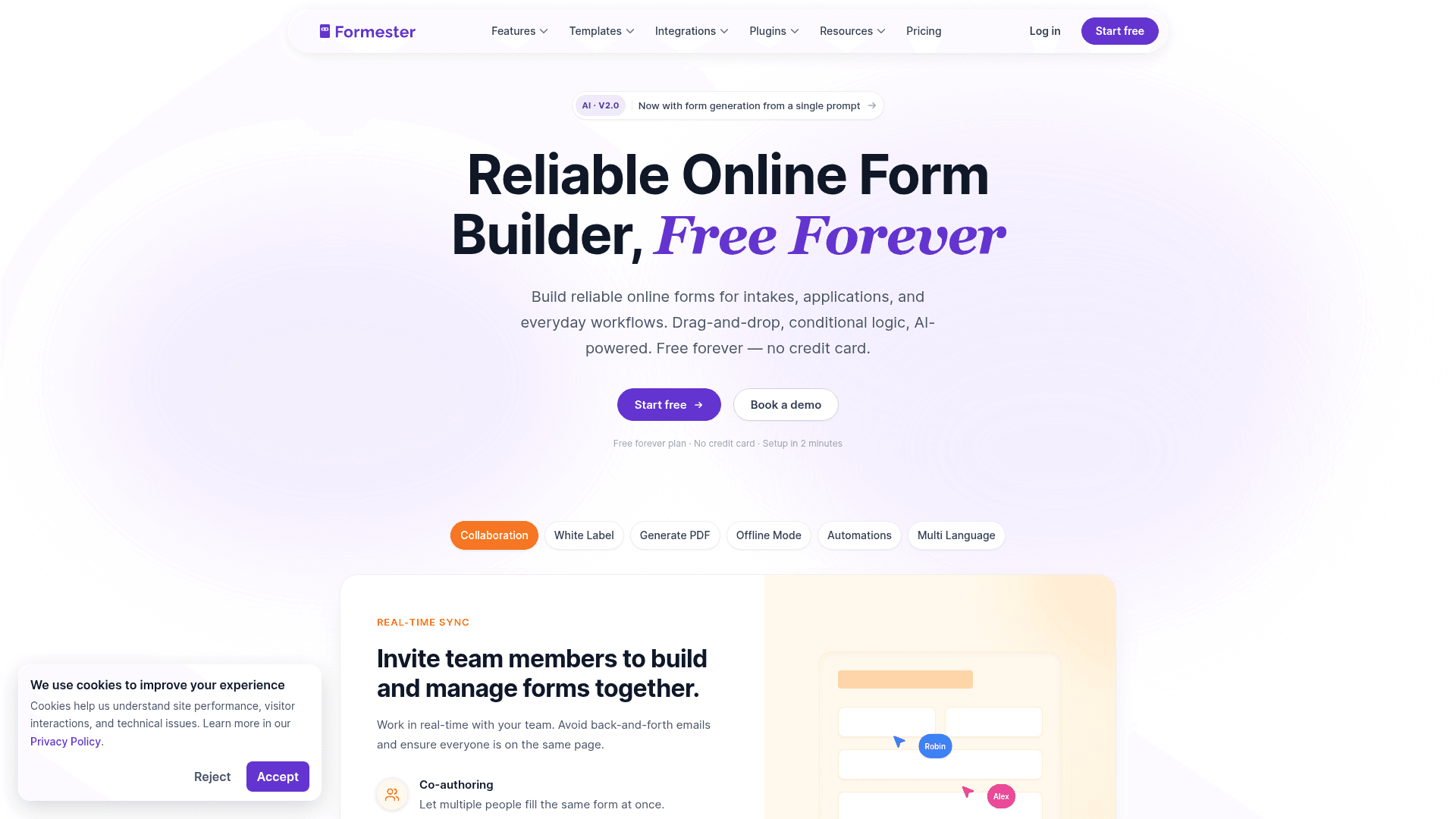
Formester's free plan carries no response cap, no form cap and no field cap, which puts it in a very small group. Most tools that advertise unlimited attach a fair-use clause; this one does not.
The free tier also includes the parts vendors usually reserve for paid plans: AI form generation from a prompt or a PDF, quiz auto-scoring, drop-off analytics, plus Stripe and PayPal payments.
Paid plans add capability rather than volume, so upgrading is a decision about conditional logic at $13 or a custom domain at $49, never about running out of room.
| Strengths | Weaknesses |
|---|---|
| No response, form or field cap on the free plan | Formester branding stays until the Personal plan |
| AI generation included free | Conditional logic starts on the paid plan |
| Payments and e-signature on the free plan | 720 templates against Jotform's 20,000 |
| Quiz auto-scoring and drop-off analytics free | 14 G2 reviews, a small sample |
| Offline capture available |
| Plan | What you get |
|---|---|
| Free | $0. Unlimited forms, responses and fields, AI generation, payments |
| Personal | $13/mo ($12/mo billed yearly). Adds conditional logic |
| Business | $49/mo ($45/mo billed yearly). Adds custom domain and 25 seats |
Best for: anyone who wants a free plan that will not run out.
The catch: branding stays on the form until you reach Personal at $13 a month, which is the main thing the free tier holds back.
G2 rating: 4.7/5, from 14 reviews. High score, small sample; read it as an early signal.
2. Tally, best free plan for unlimited submissions
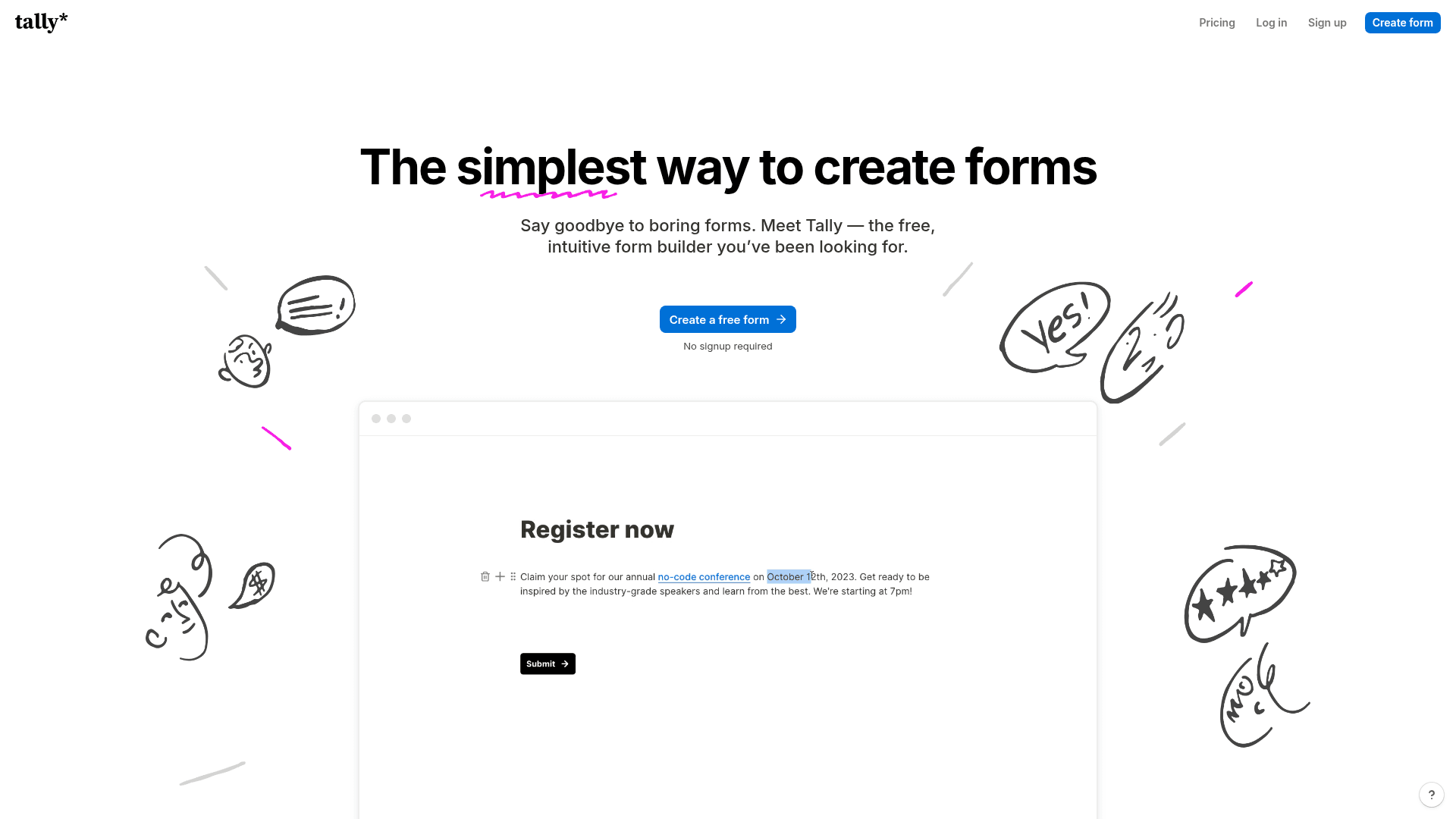
Tally built its reputation on giving away what others charge for. Unlimited forms and unlimited submissions come with the free plan, alongside logic and file uploads.
The editor works like a text document, so you type and questions appear inline, which many people find faster than dragging fields onto a canvas.
Paid plans start at $29 a month on monthly billing, or $24 billed yearly, mainly for removing branding and adding partial submissions.
| Strengths | Weaknesses |
|---|---|
| Unlimited forms and submissions on the free plan | Tally branding on the free plan |
| Conditional logic included free | Analytics are basic |
| Document-style editor is quick to use | Fewer integrations than the larger tools |
| File uploads on the free plan | Advertised prices are the annual rates |
| Plan | What you get |
|---|---|
| Free | $0. Unlimited forms and submissions, logic, file uploads |
| Pro | $29/mo ($24/mo billed yearly). Removes branding, adds partial submissions |
| Business | $89/mo ($74/mo billed yearly). Adds data retention controls |
Best for: people who want unlimited free submissions and a fast writing-style editor.
The catch: the free plan carries Tally branding, and analytics stop at the basics, so campaign-level measurement needs another tool.
G2 rating: 4.5/5, from 305 reviews. A solid base for a relatively young product.
3. Google Forms, best free option in Google Workspace
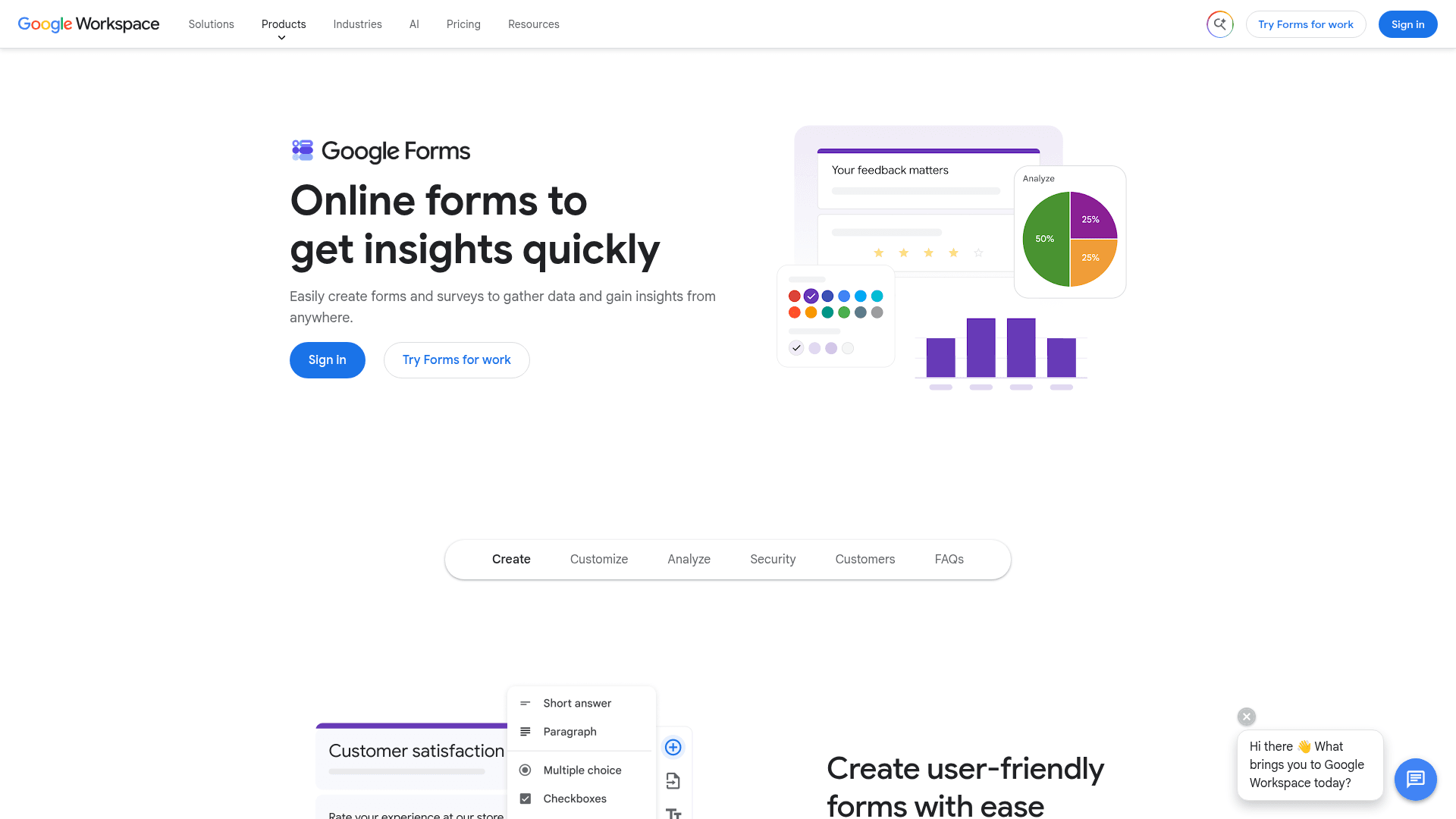
Google Forms is free with any Google account and has no response limit worth planning around, which makes it the default free form builder for most people.
Answers land in Sheets automatically, and several people can edit the same form at once, which covers the collaboration most teams need.
There is no paid Forms plan. It comes with Google Workspace, where Business Starter is $7 per user a month on an annual basis.
| Strengths | Weaknesses |
|---|---|
| Free with any Google account | Very limited design control |
| No practical response cap | Skip-to-section logic only |
| Answers sync straight into Sheets | No native payment collection |
| Real-time collaborative editing | Google branding stays on every form |
| Quiz scoring built in |
| Plan | What you get |
|---|---|
| Free | $0 with any Google account. Effectively unlimited responses |
| Workspace Business Starter | $7/user/mo, annual basis |
| Workspace Business Standard | $14/user/mo, annual basis |
| Workspace Business Plus | $22/user/mo, annual basis |
Best for: internal forms where function matters more than appearance.
The catch: every Google Form looks like a Google Form, and there is no way to change that, which rules it out for customer-facing pages.
G2 rating: Google Forms has no standalone G2 profile. The 4.6/5 from 48,175 reviews quoted elsewhere covers Google Workspace as a whole.
4. Microsoft Forms, best free option in Microsoft 365
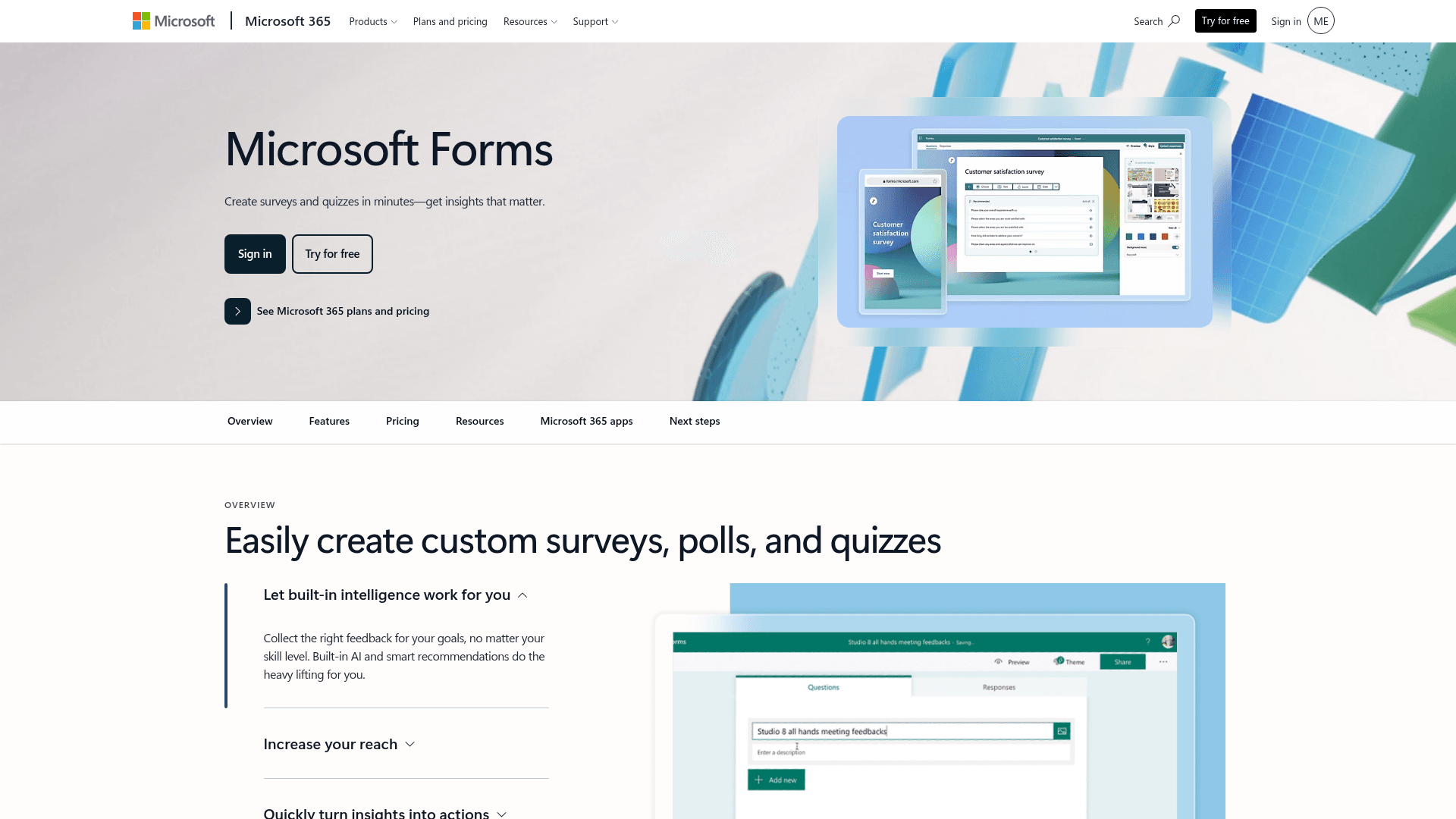
Microsoft Forms is free with a personal Microsoft account and included with any Microsoft 365 subscription, where it is already provisioned and waiting.
Results land in Excel, and polls run directly inside Teams meetings, which covers most internal collection without adding a vendor.
The free personal tier caps at 200 responses per form. Inside a Microsoft 365 tenant those limits lift considerably.
| Strengths | Weaknesses |
|---|---|
| Free with a personal Microsoft account | Free accounts cap at 200 responses per form |
| Included with any Microsoft 365 plan | Very limited design control |
| Results flow into Excel | Basic branching only |
| Polls run natively inside Teams | Little value outside Microsoft |
| Inherits tenant security |
| Plan | What you get |
|---|---|
| Free | $0 with a personal Microsoft account. 200 responses per form |
| M365 Business Basic | $7/user/mo, annual basis |
| M365 Business Standard with Copilot | $23.50/user/mo, annual basis |
| M365 Business Premium with Copilot | $32/user/mo, annual basis |
Best for: internal forms in organisations already on Microsoft 365.
The catch: 200 responses per form on a free account is reached quickly by anything public, and the fix is a Microsoft 365 subscription rather than a form upgrade.
G2 rating: 4.4/5, from 476 reviews, which fits its internal-tool scope.
5. Cognito Forms, best free plan with real logic
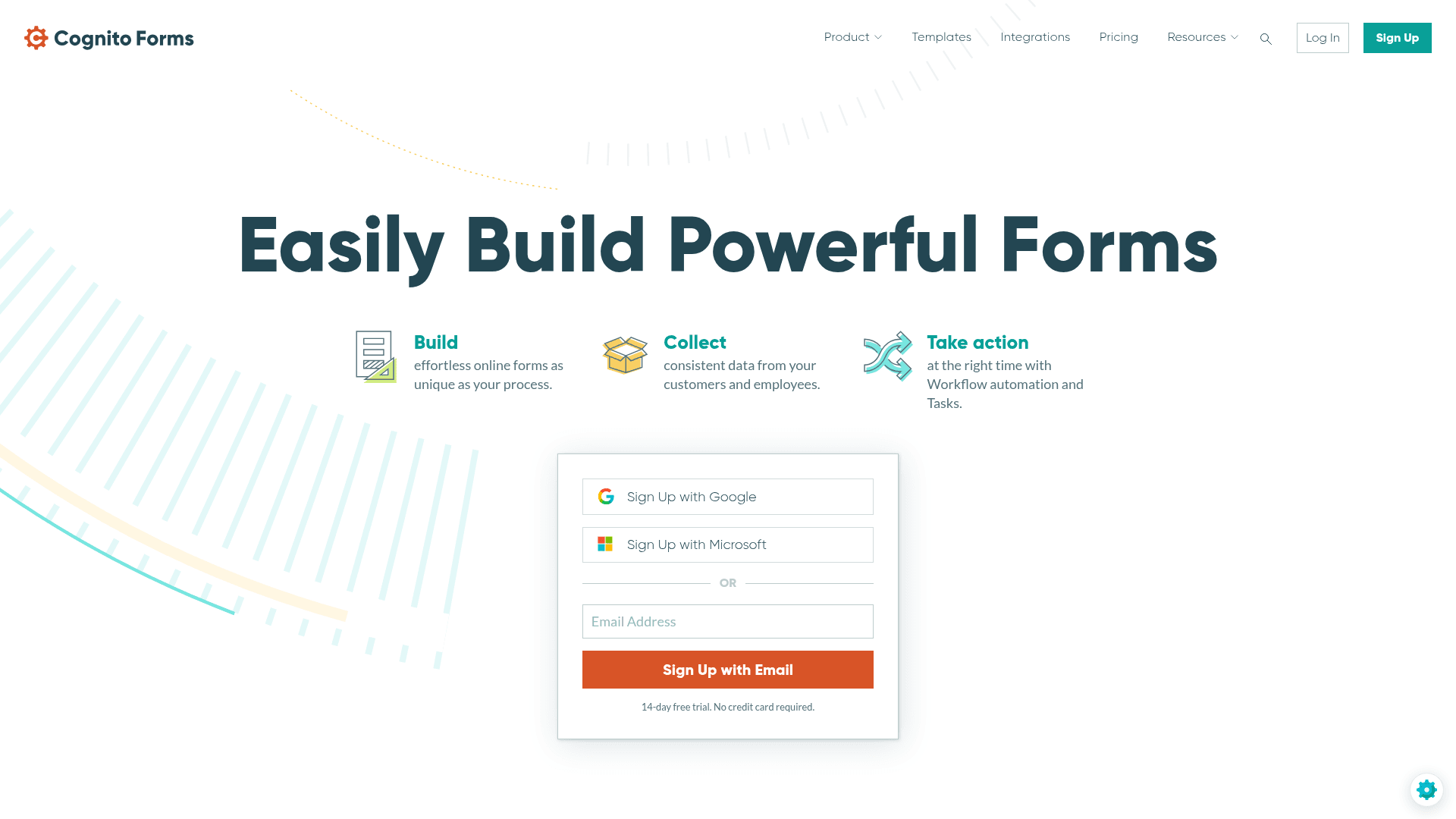
Cognito Forms gives away the feature most competitors hold back: proper conditional logic, including calculations and repeating sections, on the free plan.
That makes it the only free tier here capable of genuinely complex forms, such as an application that adds a section per dependant or an order form that totals itself.
The trade is volume. Free allows 100 entries a month, and paid tiers start at $24 for 2,000 entries.
| Strengths | Weaknesses |
|---|---|
| Conditional logic and calculations on the free plan | Free plan caps at 100 entries a month |
| Repeating sections included free | Entries metered on every tier |
| Native payment collection on free | Interface is functional rather than polished |
| Document generation from entries | Advertised prices are the annual rates |
| Plan | What you get |
|---|---|
| Individual (free) | $0. 100 entries/mo, conditional logic, payments |
| Pro | $24/mo ($19/mo billed yearly). 2,000 entries/mo, 2 users |
| Team | $49/mo ($39/mo billed yearly). 10,000 entries/mo, 5 users |
| Enterprise | $174/mo ($129/mo billed yearly). Unlimited entries |
Best for: complex free forms where logic matters more than volume.
The catch: 100 entries a month is the tightest usable cap here, so anything with real traffic moves to $24 quickly.
G2 rating: 4.6/5, from 133 reviews. A reasonable base with a consistently good score.
6. Jotform, best free plan for templates
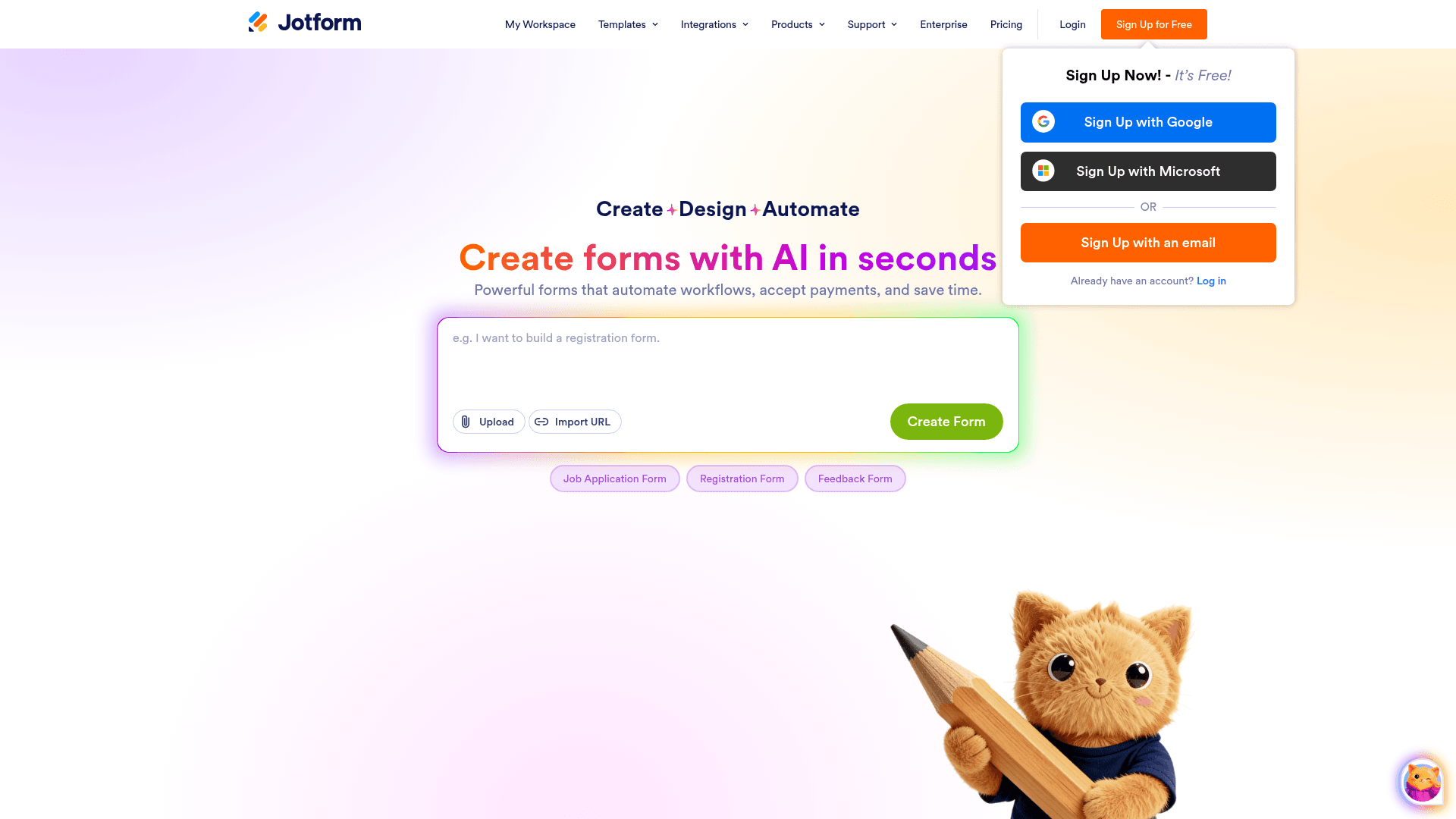
Jotform's free plan is limited, but it opens the largest template library in this comparison at 20,000+ forms, which means most free users start from something rather than nothing.
All field types are available on free, including payments, so the constraint is volume rather than capability.
Free covers 5 forms and 100 submissions a month. Bronze at $39 monthly lifts that to 1,000 submissions.
| Strengths | Weaknesses |
|---|---|
| 20,000+ templates available on the free plan | Free plan covers 5 forms and 100 submissions/mo |
| All field types available, including payments | Jotform branding on free |
| 100 MB storage on free | Dense interface takes time to learn |
| Mobile app included | Advertised prices are the annual rates |
| Plan | What you get |
|---|---|
| Starter (free) | $0. 5 forms, 100 submissions/mo, 100 MB storage |
| Bronze | $39/mo ($34/mo billed yearly). 25 forms, 1,000 submissions/mo |
| Silver | $49/mo ($39/mo billed yearly). 2,500 submissions/mo |
| Gold | $129/mo ($99/mo billed yearly). 10,000 submissions/mo |
Best for: free users who want to start from a ready-made template.
The catch: five forms and 100 submissions a month is a demo allowance, and the first real tier is $39 a month.
G2 rating: 4.7/5, from 5,426 reviews, the largest base of any tool here.
7. Fillout, best free plan with unlimited seats
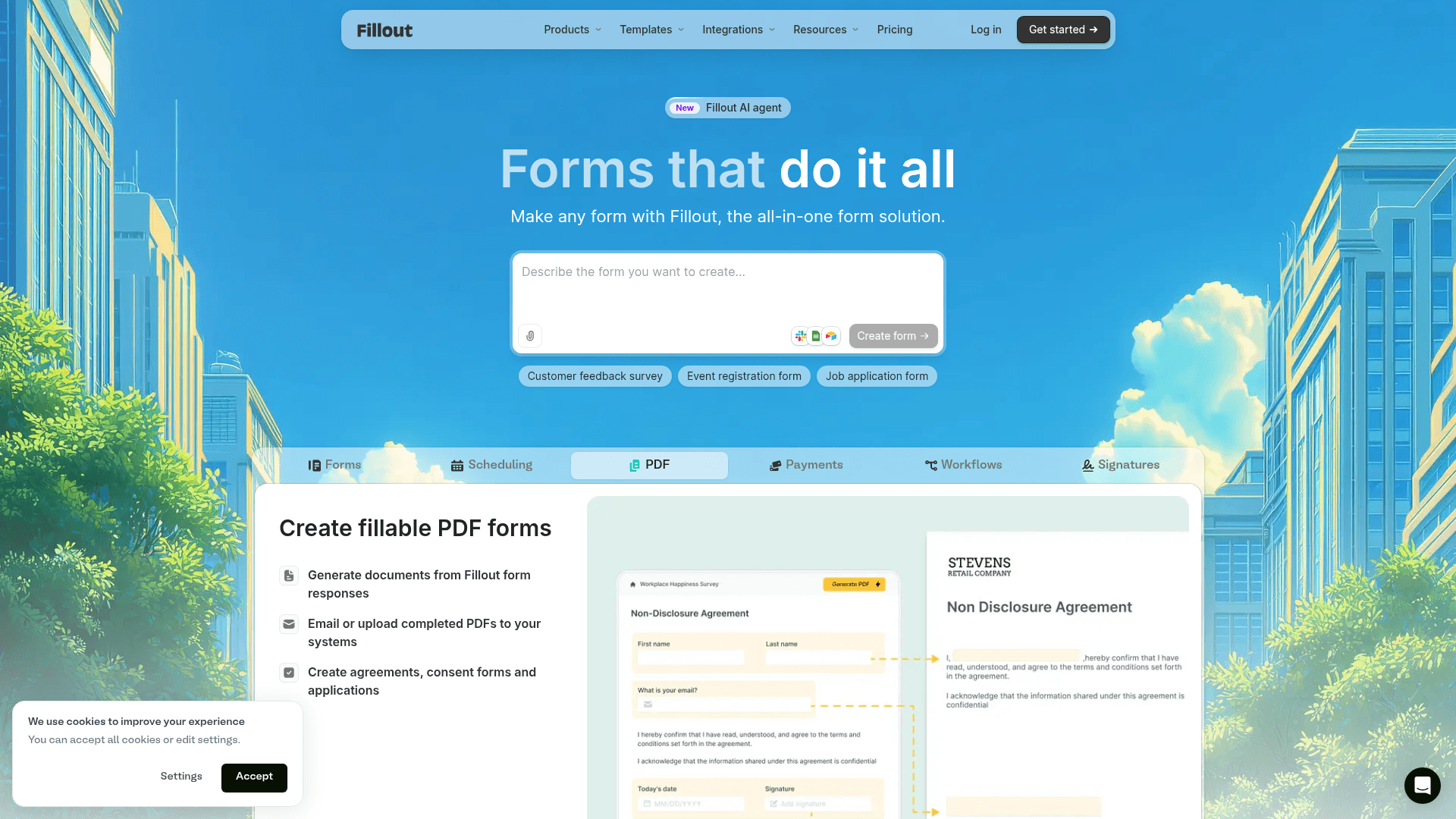
Fillout's free plan is unusually generous on the dimension teams care about: unlimited seats. Most free tiers allow one user, which makes collaboration impossible without paying.
It also allows 1,000 responses a month, and forms write into Airtable and Notion records, which is normally a paid capability elsewhere.
Paid plans start at $19 a month on monthly billing, or $15 billed yearly.
| Strengths | Weaknesses |
|---|---|
| Unlimited seats on the free plan | Most useful only with Airtable or Notion |
| 1,000 responses a month free | Fillout branding on the free plan |
| Writes into Airtable and Notion on free | Advertised prices are the annual rates |
| Multi-step forms by default | 30 G2 reviews, a small sample |
| Plan | What you get |
|---|---|
| Free | $0. 1,000 responses/mo, unlimited seats |
| Starter | $19/mo ($15/mo billed yearly, $180/year) |
| Pro | $49/mo ($40/mo billed yearly, $480/year) |
| Business | $89/mo ($75/mo billed yearly, $900/year) |
Best for: teams that need several people working on free forms.
The catch: the database write-back is the differentiator, so outside Airtable and Notion the free plan is good but not distinctive.
G2 rating: 4.6/5, from 30 reviews. A small base, consistent with a newer product.
8. Zoho Forms, best free plan in the Zoho suite
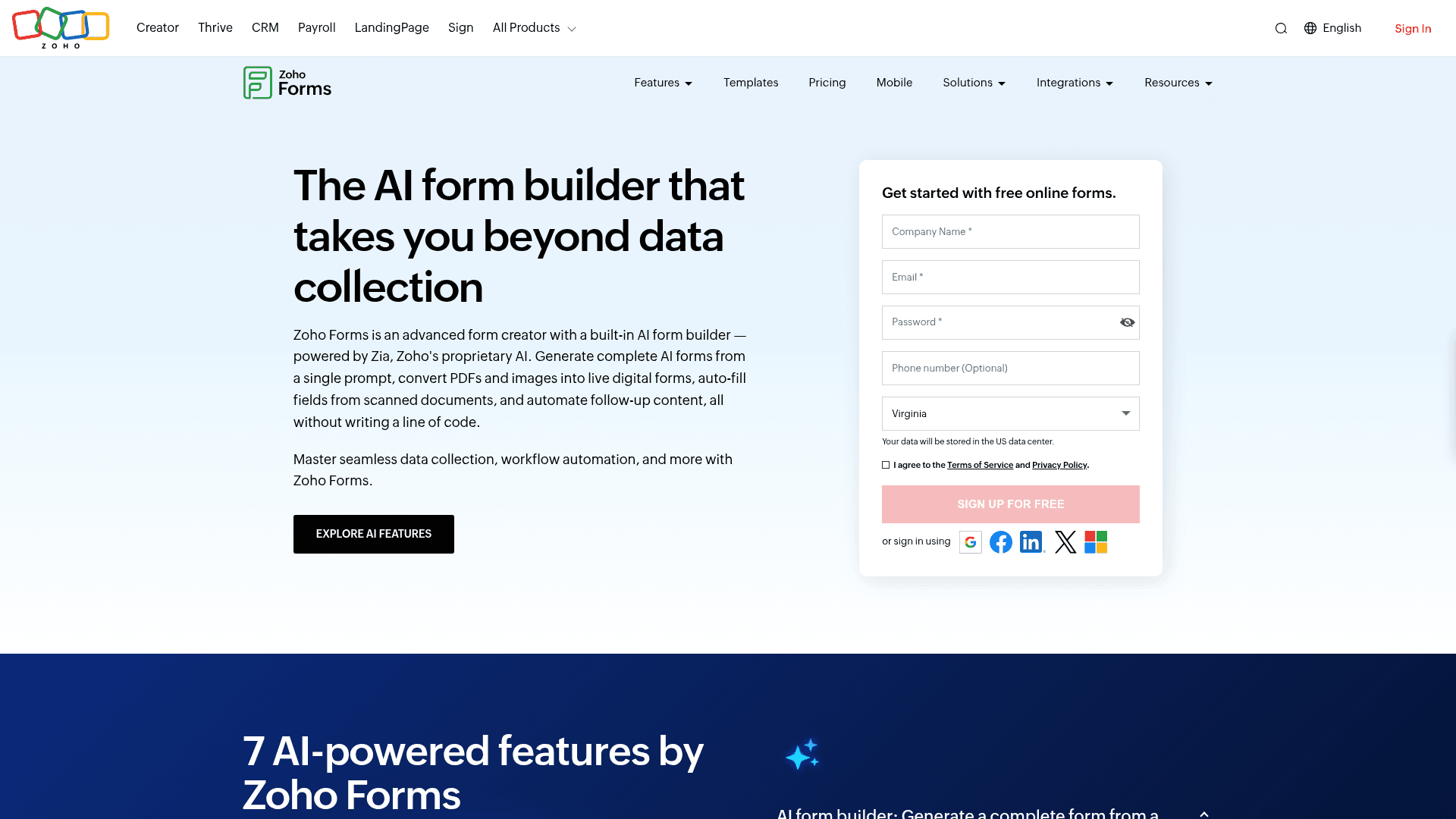
Zoho Forms gives free users 3 forms and 500 submissions a month, which sits mid-table here, plus native offline mobile apps that very few free plans include.
If you already use Zoho CRM, the free plan also routes submissions there, which is the main reason to choose it over more generous alternatives.
Paid plans start at $10 a month billed annually, the cheapest first paid tier in this comparison.
| Strengths | Weaknesses |
|---|---|
| Native offline mobile apps on free | Free plan covers only 3 forms |
| Routes into Zoho CRM | Little value outside the Zoho suite |
| Cheapest first paid tier at $10/mo | Interface feels dated |
| 500 submissions a month free | Prices are the annual-billed rates |
| Plan | What you get |
|---|---|
| Free | $0. 3 forms, 500 submissions/mo |
| Basic | $10/mo billed annually. 10,000 submissions/mo |
| Standard | $25/mo billed annually. 25 forms |
| Professional | $50/mo billed annually. Unlimited forms |
| Premium | $90/mo billed annually. HIPAA compliance |
Best for: Zoho users who want free forms feeding their CRM.
The catch: three forms is restrictive, and the tool only really makes sense if the rest of your stack is Zoho.
G2 rating: 4.4/5, from 129 reviews, at the lower end of this list.
9. Wufoo, most limited free plan here
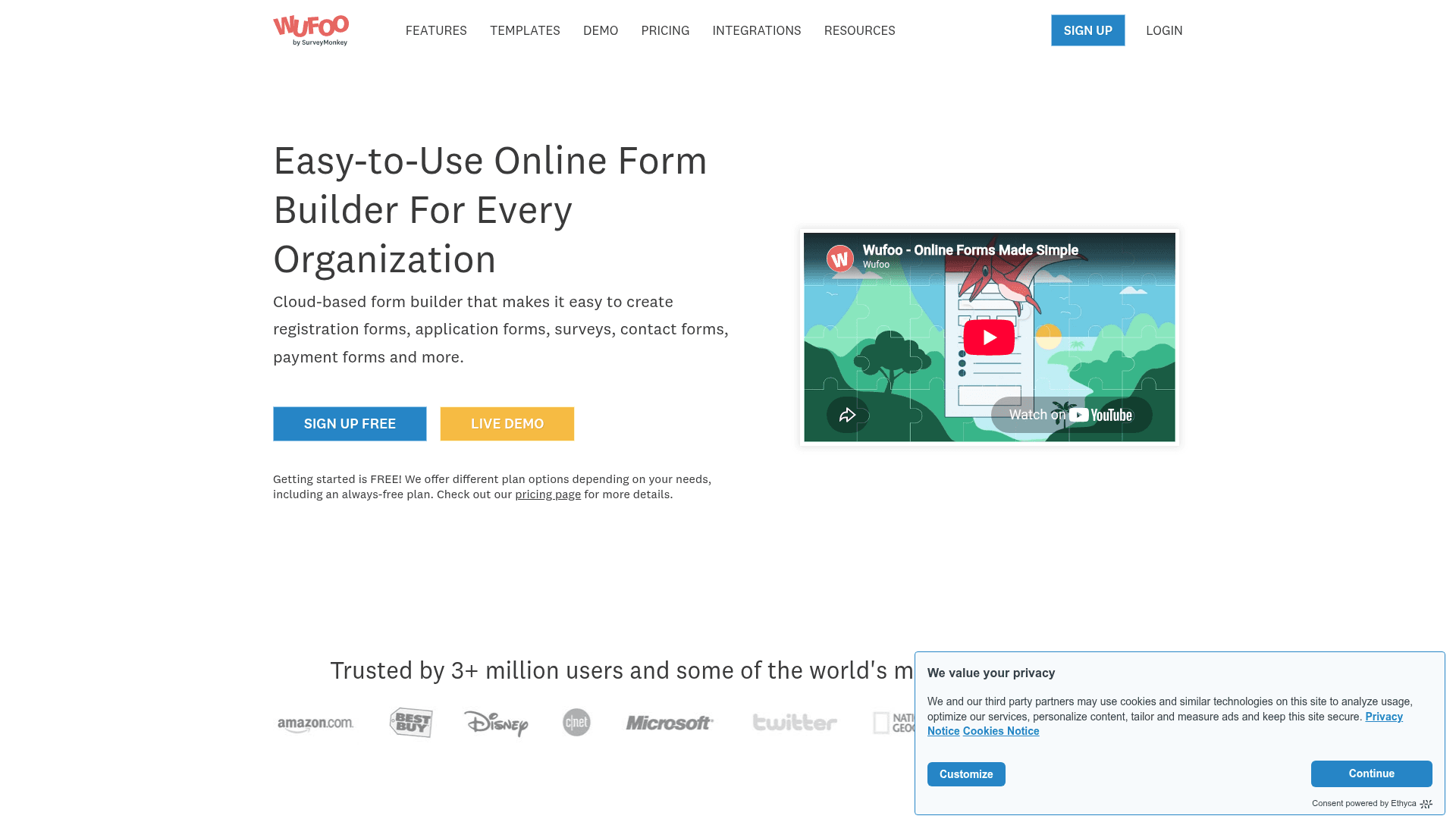
Wufoo is one of the oldest form builders on the web, and its free plan reflects an earlier era: 5 forms and 100 entries a month, with Wufoo branding throughout.
The builder is simple and reliable, and for a low-traffic personal site those limits may never bind.
Paid plans start at $22 a month on monthly billing, or $16.25 billed yearly, and every plan charges $0.05 for each entry past its limit.
| Strengths | Weaknesses |
|---|---|
| Simple and reliable builder | Only 100 entries a month on free |
| Long track record | $0.05 charged per entry over the limit on paid plans |
| Clear plan ladder | Dated interface and limited design control |
| Reports and basic analytics included | Advertised prices are the annual rates |
| Plan | What you get |
|---|---|
| Free | $0. 5 forms, 100 entries/mo, Wufoo branding |
| Starter | $22/mo ($16.25/mo billed yearly). 1,000 entries/mo |
| Professional | $45/mo ($33.25/mo billed yearly). 5,000 entries/mo |
| Advanced | $113/mo ($83.25/mo billed yearly). 25,000 entries/mo |
| Ultimate | $286/mo ($210.25/mo billed yearly). 200,000 entries/mo |
Best for: low-traffic personal sites that need something dependable.
The catch: the free plan stops at 100 entries a month and paid plans bill $0.05 per extra entry, so a traffic spike costs money either way.
G2 rating: 4.2/5, from 296 reviews, the lowest score here, which tracks its age.
10. forms.app, best free plan for unlimited responses on few forms
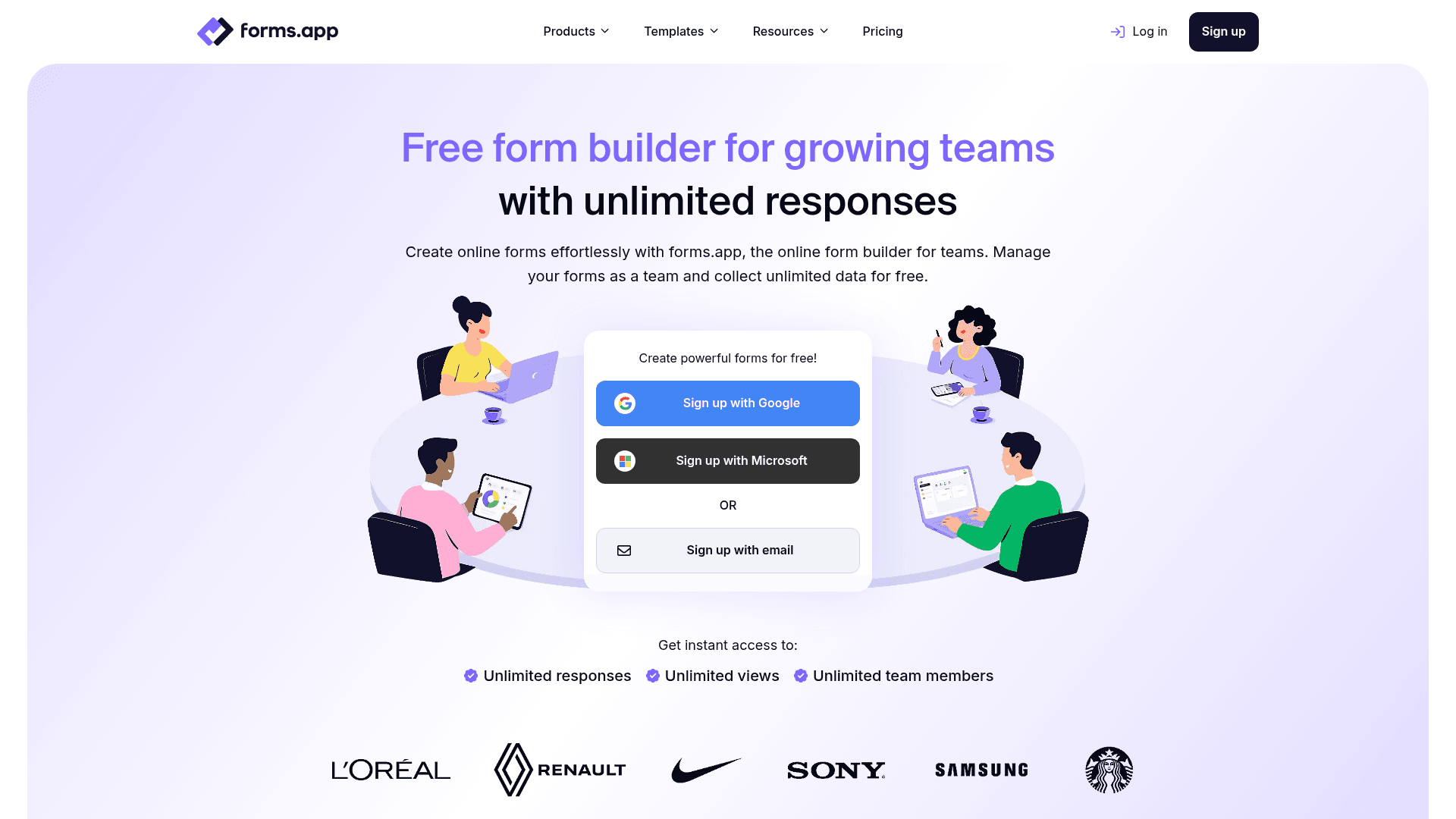
forms.app takes an unusual approach to its free tier: responses are unlimited, but you are capped at 5 forms and 10 MB of storage.
For a site with one or two busy forms that is a better deal than most metered free plans, and the AI generation and conditional logic are included too.
forms.app prices regionally. The US view lists Basic at $19, Pro at $29, and Premium at $59 a month, while the EU view lists 16, 24, and 49 EUR billed annually, so check the rate shown in your region.
| Strengths | Weaknesses |
|---|---|
| Unlimited responses on the free plan | Free plan caps at 5 forms and 10 MB storage |
| Conditional logic and AI generation free | Pricing varies by region and currency |
| E-signatures included | Younger product with a shorter track record |
| 5,000+ templates | Advertised prices are the annual rates |
| Unlimited team members on paid tiers |
| Plan | What you get |
|---|---|
| Free | €0 / $0. Up to 5 forms, unlimited responses, 10 MB storage |
| Basic | Listed at $19/mo in the US view and 16 EUR/mo billed annually in the EU view |
| Pro | Listed at $29/mo in the US view and 24 EUR/mo billed annually in the EU view |
| Premium | Listed at $59/mo in the US view and 49 EUR/mo billed annually in the EU view |
Best for: sites running one or two forms that receive a lot of traffic.
The catch: prices differ by region and currency, so the figure you see may not match the one quoted here. Confirm on the pricing page in your own region.
G2 rating: 4.5/5, from 498 reviews. A solid base for a younger product.
11. HubSpot Forms, best free plan for marketing
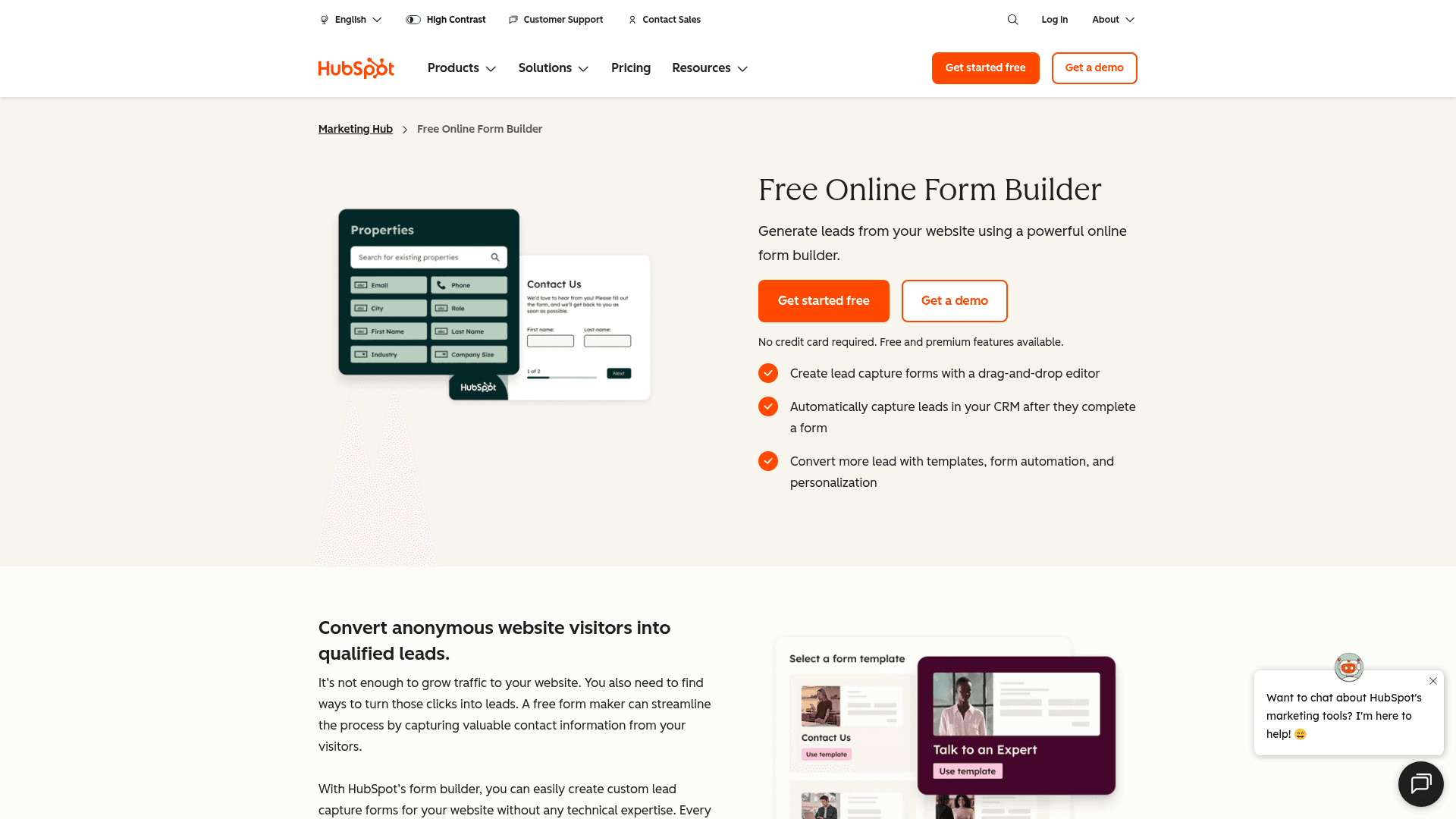
HubSpot's free forms come with its free CRM, so every submission becomes a contact record automatically. For marketing teams that connection is worth more than any form feature.
Submissions are unlimited on the free tier, with HubSpot branding on the form, and the data feeds free email marketing and list segmentation.
Paid Marketing Hub plans start at $20 per seat a month for Starter, rising to $800 a month for Professional and $3,600 for Enterprise, with onboarding fees on the upper tiers.
| Strengths | Weaknesses |
|---|---|
| Unlimited submissions on the free plan | HubSpot branding on free forms |
| Every submission becomes a CRM contact | Form builder is basic compared with the specialists |
| Free CRM and email marketing included | Paid tiers jump steeply to $800/mo |
| Strong list segmentation | Professional and Enterprise carry onboarding fees |
| Plan | What you get |
|---|---|
| Free Tools | $0. Unlimited submissions with HubSpot branding, free CRM |
| Marketing Hub Starter | $20/seat/mo |
| Marketing Hub Professional | $800/mo, plus a one-time onboarding fee |
| Marketing Hub Enterprise | $3,600/mo, plus a one-time onboarding fee |
Best for: marketing teams that want forms feeding a CRM at no cost.
The catch: the free forms are basic, and the jump from Starter at $20 to Professional at $800 a month is the steepest in this list.
G2 rating: 4.4/5, from 12,747 reviews across HubSpot Marketing Hub.
12. MailerLite, best free plan with email marketing
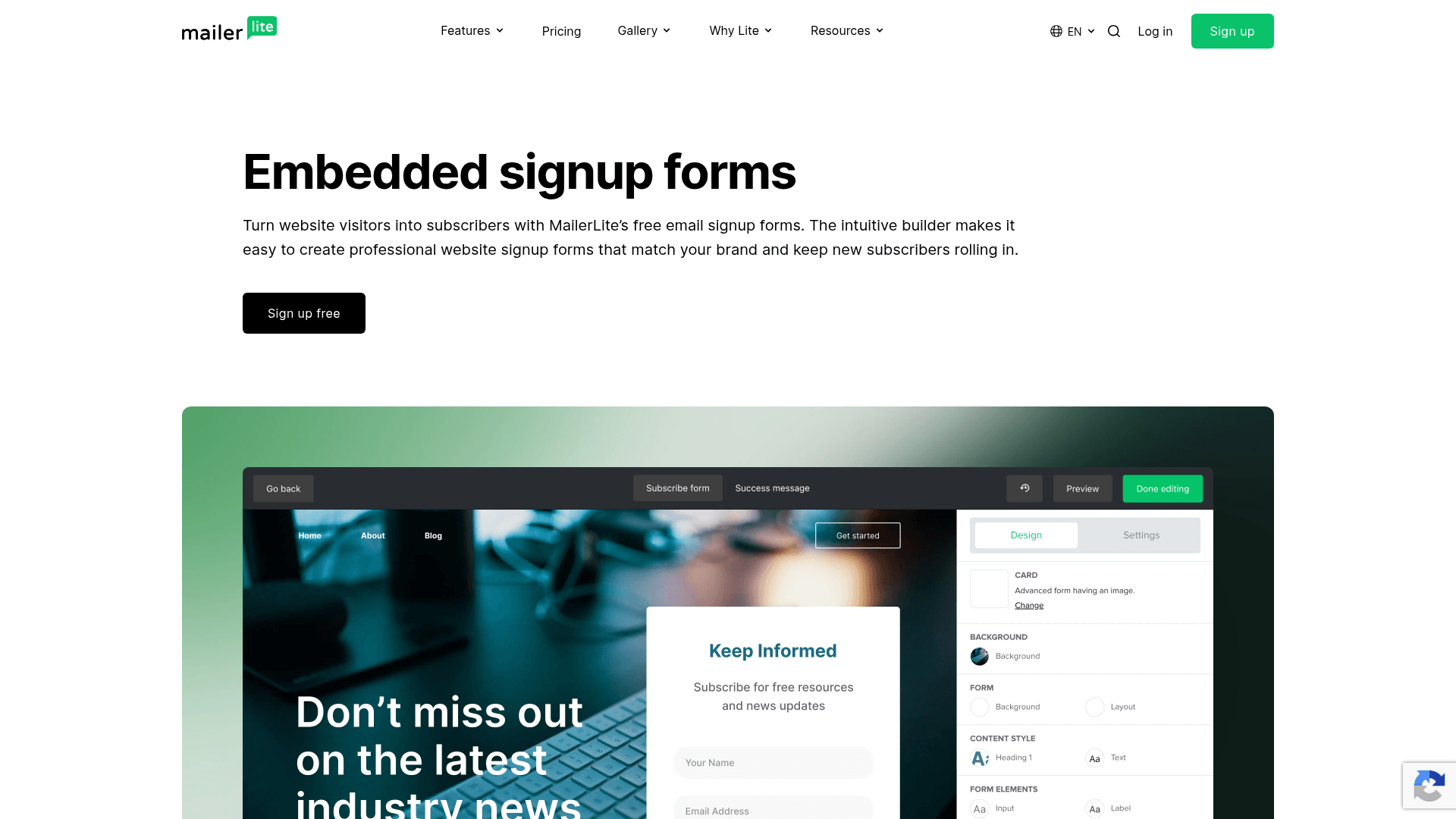
MailerLite's forms exist to grow an email list, and they come free with its email marketing platform rather than as a standalone product.
Embedded forms, pop-ups and landing pages are all included on the free tier, with submissions flowing straight into your subscriber list and automations.
Paid plans start at $12 a month, or $10.80 billed yearly, and scale by subscriber count rather than form submissions.
| Strengths | Weaknesses |
|---|---|
| Forms included free with email marketing | Forms are for list building rather than general use |
| Pop-ups and landing pages on the free tier | Free tier limited by subscriber count |
| Submissions flow into automations | MailerLite branding on free |
| Pricing scales by subscribers, not submissions | Not a general-purpose form builder |
| Plan | What you get |
|---|---|
| Free | $0. Up to 250 subscribers, 2,500 emails/mo, 3 signup forms |
| Comfort | $12/mo ($10.80/mo billed yearly) at 500 subscribers |
| Power | $25/mo ($22.50/mo billed yearly) at 500 subscribers |
| Enterprise | Custom pricing, from 200K subscribers |
Best for: anyone building an email list rather than collecting general form data.
The catch: these are list-building forms. For anything other than capturing subscribers, a general form builder will serve you better.
G2 rating: 4.6/5, from 1,113 reviews. A large base for an email platform.
13. Feathery, powerful free tier with unpublished pricing
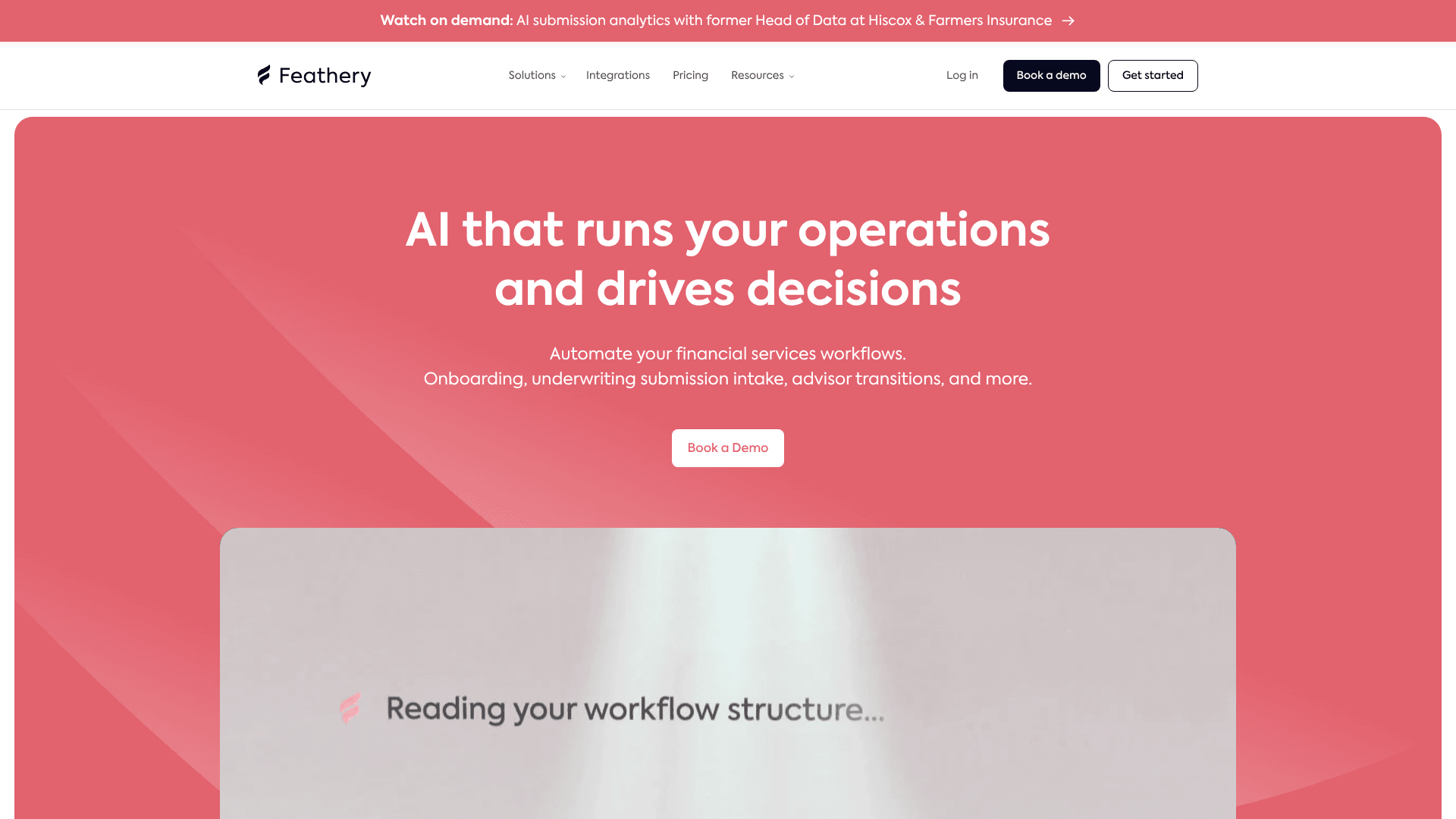
Feathery targets complex data intake, particularly in insurance and financial services, with a builder that handles dynamic calculations and document workflows.
A free tier exists, and the product is genuinely capable, with over 100 integrations and conditional logic well beyond most tools here.
Feathery does not publish prices. Its pricing page lists three product areas and invites you to book a demo for each, so this page does not quote figures.
| Strengths | Weaknesses |
|---|---|
| Handles complex conditional intake | No published pricing at any tier |
| Document generation and e-signature workflows | Aimed at insurance and financial services |
| Over 100 standard integrations | Evaluation requires a demo booking |
| Free tier available for evaluation | No G2 rating found for the product |
| Plan | What you get |
|---|---|
| Free | A free tier is offered |
| Workflows, Documents and Meetings | Not published. Feathery invites a demo booking for each product area |
Best for: insurance and financial teams with complex intake requirements.
The catch: you cannot compare its cost against anything, because no prices are published for any tier.
G2 rating: No G2 rating was found for Feathery, so there is no independent score to report.
14. Typeform, free plan is effectively a demo

Typeform makes the best-looking forms here, and its free plan exists to show you that rather than to be used.
Ten responses a month is enough to build a form, send it to colleagues and decide whether the experience justifies the price. It is not enough to run anything.
Paid plans start at $39 a month on monthly billing, or $28 billed yearly, with 100 responses included.
| Strengths | Weaknesses |
|---|---|
| Best-looking forms in this comparison | Free plan covers only 10 responses a month |
| One question at a time raises completion | Highest cost per response here |
| AI drafts a form from a prompt | Response caps on every tier |
| Strong drop-off analytics | Advertised prices are the annual rates |
| Plan | What you get |
|---|---|
| Free | $0. 10 responses/mo |
| Basic | $39/mo ($28/mo billed yearly). 100 responses/mo |
| Plus | $79/mo ($56/mo billed yearly). 1,000 responses/mo |
| Business | $129/mo ($91/mo billed yearly). 10,000 responses/mo |
Best for: evaluating whether Typeform's experience is worth paying for.
The catch: ten responses a month is a demo allowance, not a free plan, so treat it as a trial with no expiry rather than a permanent option.
G2 rating: 4.5/5, from 1,017 reviews. A large base, with cost the common complaint.
15. Getform, best free form endpoint
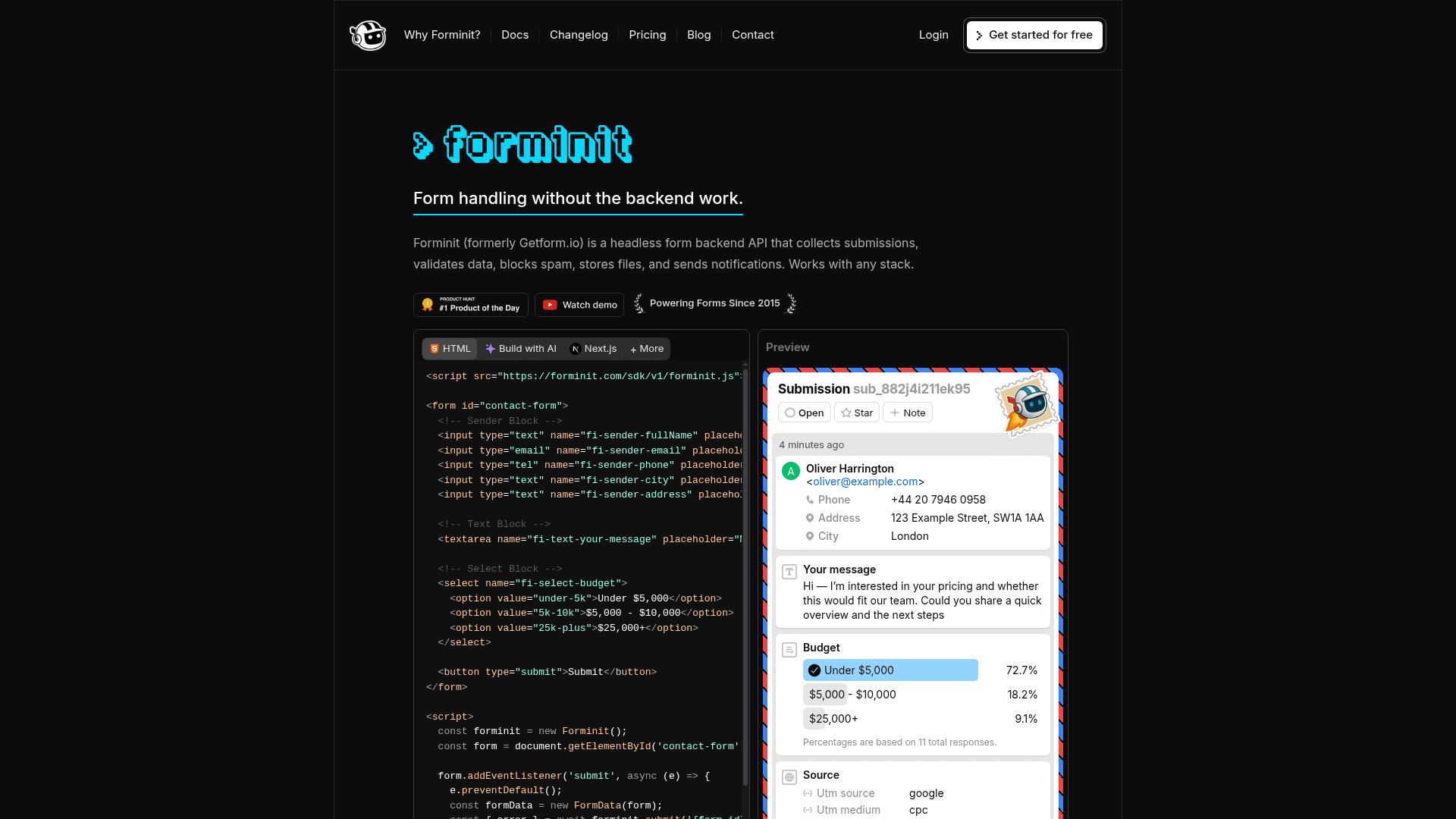
Getform is a form endpoint rather than a builder. You write your own HTML and post it to a Getform URL, which collects and stores the submissions.
Its free tier allows 100 submissions a month, the most generous free allowance among the endpoint tools, along with 100 MB of file storage.
Paid plans are published at yearly-billed rates only, starting at $15.83 a month for Pro.
| Strengths | Weaknesses |
|---|---|
| 100 submissions a month free, the best among endpoints | You write the HTML yourself |
| File storage included on the free tier | Only yearly-billed prices are published |
| No builder to learn | 3 G2 reviews, too few to judge by |
| Zapier and webhook support | No visual form builder at all |
| Plan | What you get |
|---|---|
| Free | $0. 100 submissions/mo, 100 MB file storage |
| Pro | $15.83/mo, billed yearly. 5,000 submissions/mo, 1 GB storage |
| Business | $40.83/mo, billed yearly |
| Volume | $82.50/mo, billed yearly. 50,000 submissions/mo, 10 GB storage |
Best for: developers who write their own markup and want a free backend.
The catch: there is no form builder, so this only suits people comfortable writing and styling HTML themselves.
G2 rating: 5.0/5, from 3 reviews. Far too small a sample to carry meaning.
16. Formaloo, free plan with seat-based pricing
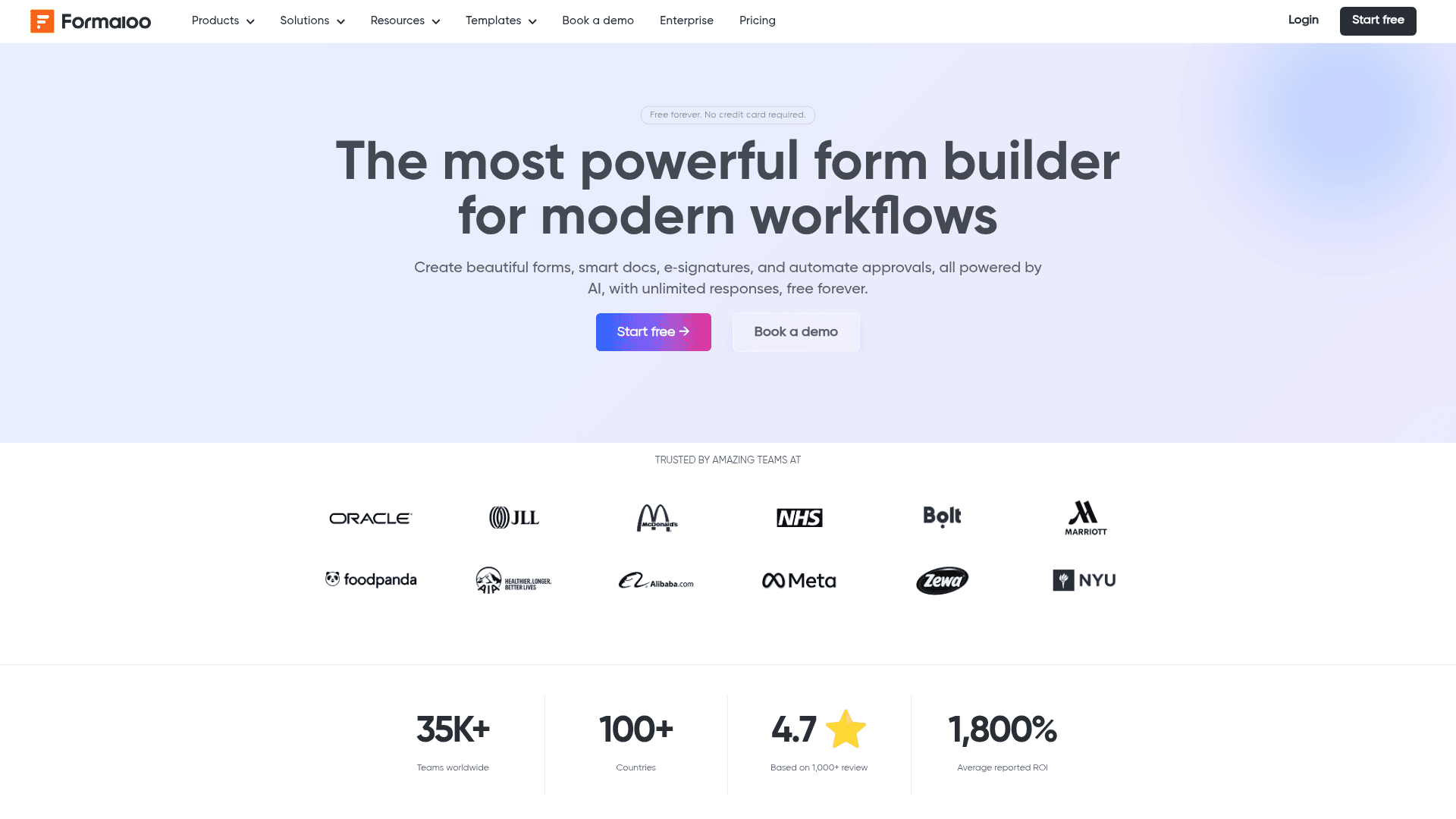
Formaloo builds forms alongside databases and simple internal apps, so a form can feed a relational table rather than a flat list of responses.
The free tier covers basic use, and extra team member seats are $9 each a month, which suits small teams better than per-response pricing.
Formaloo does not render its plan prices in the page text, so the only rates we can confirm are the $9 seat and the $9 a month add-on that removes its badge.
| Strengths | Weaknesses |
|---|---|
| Forms feed relational databases | Pricing model is complex, mixing seats and blocks |
| Extra seats at a flat $9/mo | Plan prices are not published in the page text |
| Builds simple internal apps | Smaller product with less independent feedback |
| Free tier available for evaluation | More tool than a simple form needs |
| Plan | What you get |
|---|---|
| Free | A free tier is offered |
| Paid plans | Plan rates are not rendered in the pricing page text, so none are quoted here |
| Extra team seats | $9/seat/mo |
| Remove badge | $9/mo add-on, on Pro and higher |
Best for: small teams that want forms feeding a structured database.
The catch: the plan rates are not written into the pricing page, so you cannot compare Formaloo against the flat tiers elsewhere in this list without asking.
G2 rating: Formaloo's G2 review count could not be verified, so no rating is quoted here.
17. YouForm, newest free plan here
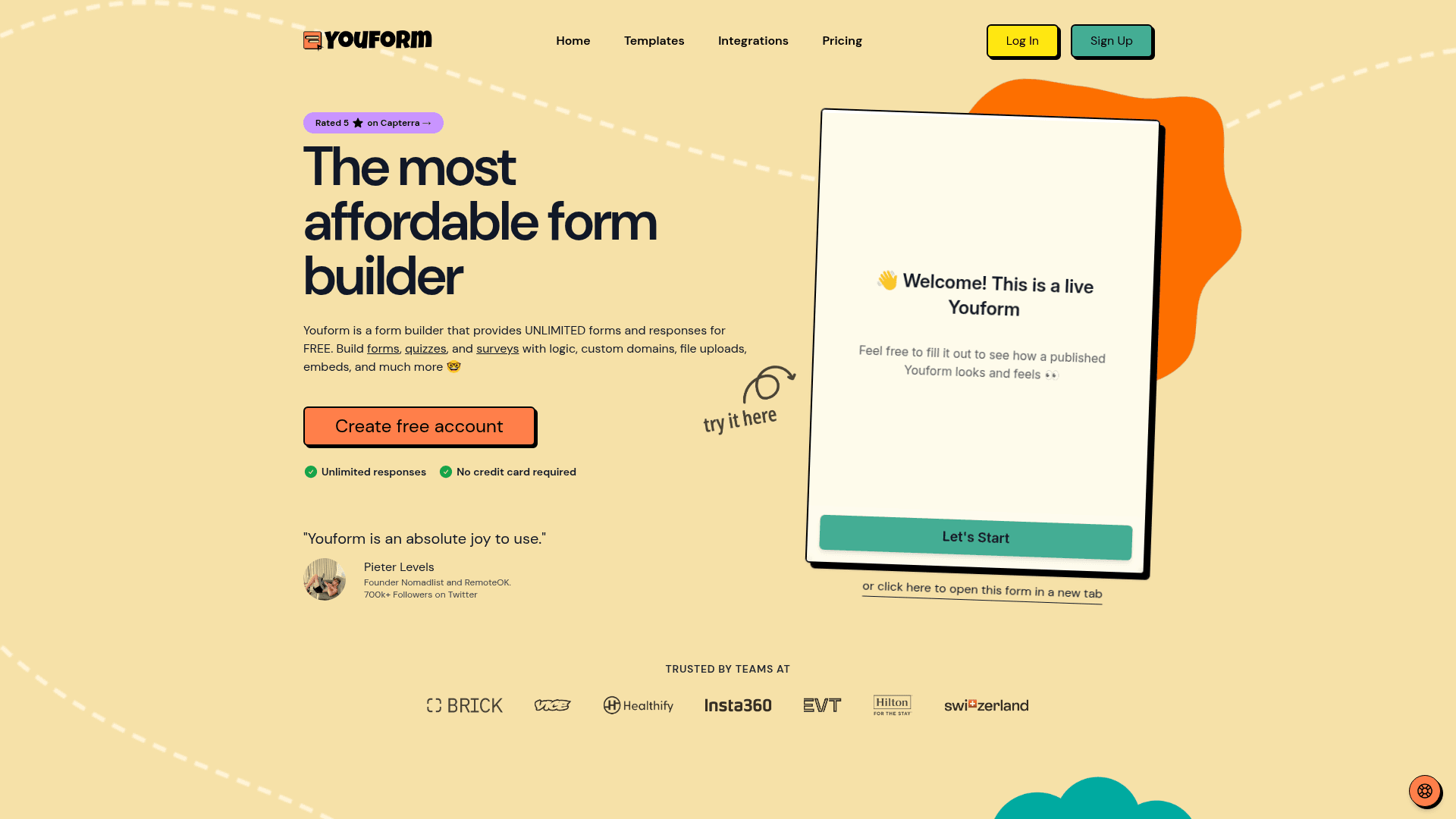
YouForm is the youngest tool in this comparison, offering a free tier and a straightforward builder aimed at people who find the established options overpriced.
It covers the basics competently, and the paid tiers are cheaper than most: $29 a month for Pro or $20 billed annually, and $89 for Business or $60 annually.
Extra seats cost $10 a month each, and a lifetime deal has been offered periodically.
| Strengths | Weaknesses |
|---|---|
| Free tier available | Shortest track record of any tool here |
| Cheaper paid tiers than most established tools | No G2 profile found |
| Simple, quick builder | Fewer integrations than established tools |
| Extra seats at a flat $10/mo | Free tier limits are not clearly published |
| Plan | What you get |
|---|---|
| Free | A free tier is offered |
| Pro | $29/mo ($20/mo billed annually) |
| Business | $89/mo ($60/mo billed annually, $720/year) |
| Extra seats | $10/mo each |
Best for: people who want a cheap, simple builder and can accept a young product.
The catch: we could not find a G2 profile for YouForm, so there is no independent feedback to check before relying on it.
G2 rating: No G2 profile was found for YouForm, so there is no rating to report.
The only free form builder with no submission cap and AI generation
Formester's free plan runs unlimited forms and unlimited responses, with an AI form generator (prompts, question lists, or PDF uploads) on the free tier. No credit card, no fair-use asterisk.
Free forever plan • No credit card • Setup in 2 minutes
How to pick the right free form builder
Work out first whether your volume is predictable. If it is not, only the genuinely uncapped plans will do, which means Formester, Tally, or Google Forms. Everything else will interrupt you at some point.
If volume is predictable and modest, the choice opens up considerably. Cognito Forms gives you real logic free, Fillout gives you unlimited seats, and Jotform gives you the biggest template library.
Then check what your free plan needs to do beyond collecting. Payments free means Formester or Cognito Forms. A CRM behind the form means HubSpot. An email list means MailerLite.


