How we verified this: every figure on this page comes from the vendor's own pricing page or its public G2 profile. You can check every source here.
Which poll maker should you choose?
Polls split into two situations. One is live: a room, a webinar, or a lecture where results appear on screen as people answer. The other is asynchronous, where you send a link and collect votes over days.
Tools built for live events price by audience size, which is the number you can least predict. Tools built for async polling price by responses or not at all. Knowing which situation you are in removes half the shortlist immediately.
The 60-second TL;DR
- Best for live audience engagement: Mentimeter, from $14 per presenter/mo
- Best for corporate events and Q&A: Slido, from $17.50 per host/mo
- Best for large lecture halls: Poll Everywhere, from $10/mo
- Best all-around with no caps: Formester, unlimited responses free
- Best for quick public polls: StrawPoll, free, paid from $8/mo
- Best free option: Google Forms, free with any Google account
- Best inside Teams: Microsoft Forms with Polls in Teams, bundled with M365
- Best for polished async polls: Typeform, from $39/mo
How the eight poll makers compare at a glance
The table below shows what each free plan covers, where paid pricing starts on monthly billing, and whether the tool is built for live rooms or async links. Start here, then read whichever review matches your situation.
| Tool | Free plan | Paid from (monthly) | Built for | G2 rating |
|---|---|---|---|---|
| Mentimeter | 50 participants/mo | $14 per presenter/mo | Live audience engagement | 4.7/5 (533 reviews) |
| Slido | Basic plan, free | $17.50 per host/mo | Corporate events and Q&A | 4.8/5 (780 reviews) |
| Poll Everywhere | Free tier available | $10/mo | Large lecture halls | 4.5/5 (63 reviews) |
| Formester | Unlimited forms and responses | $13/mo | Async polls without caps | 4.7/5 (14 reviews) |
| StrawPoll | Unlimited public polls | $8/mo | Quick public voting | No G2 profile |
| Google Forms | Free with a Google account | Bundled with Workspace | Simple internal polls | No standalone profile |
| Microsoft Forms | 200 responses/form | Bundled with M365 | Polls inside Teams | 4.4/5 (476 reviews) |
| Typeform | 10 responses/mo | $39/mo | Polished async polls | 4.5/5 (1,017 reviews) |
How we picked and ranked these eight poll makers
Everything here comes from the vendors' own pricing pages and plan limits, read in full. For polling the participant cap decides more than the feature list, because it is the ceiling you hit in the middle of an event.
The ranking weighs what each free plan allows and what a full team pays, plus whether the tool fits live rooms or async links. Several of these vendors bill annually, so the monthly figures here are the ones you actually pay each month.
1. Mentimeter, best for live audience engagement
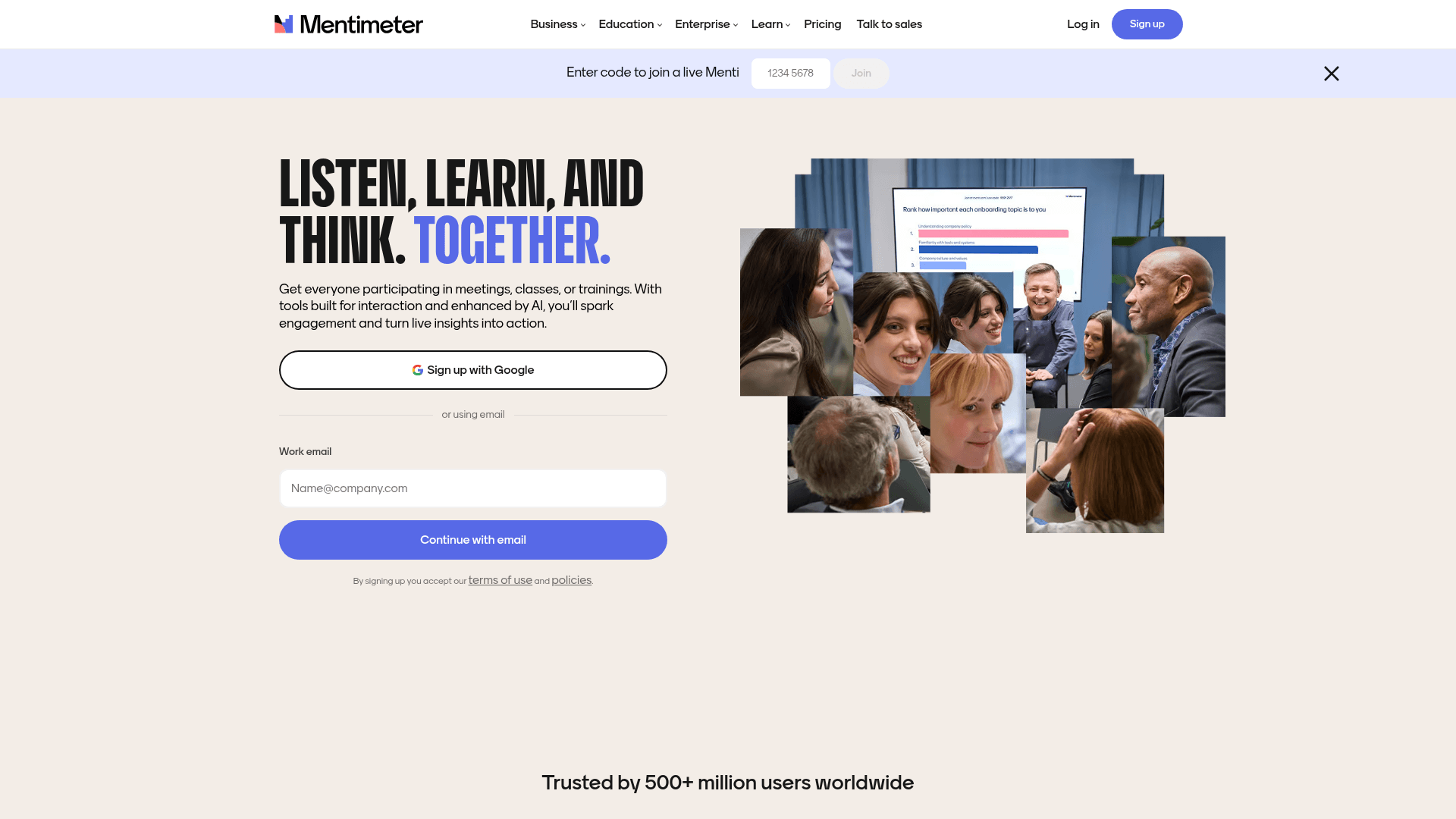
Mentimeter is the tool most people picture when they think of live polling: a question on screen, a code for the room, then a bar chart filling in as answers arrive.
Its strength is the range of interaction types. Word clouds, scales, rankings and open text all update live, which keeps a session moving in ways a plain multiple-choice poll cannot.
Pricing is per presenter and billed yearly: Basic at $14 a month and Pro at $28. The free plan allows 50 participants a month, which suits testing rather than real events.
| Strengths | Weaknesses |
|---|---|
| Widest range of live interaction types | Free plan covers 50 participants a month |
| Word clouds and live-updating visuals | Priced per presenter, so a team of speakers multiplies cost |
| Presentation-first interface built for stage use | Prices are billed yearly |
| Strong template library for workshops | Weaker for async polls than live sessions |
| Plan | What you get |
|---|---|
| Free | $0. 50 participants/mo |
| Basic | $14 per presenter/mo, billed yearly. Unlimited participants |
| Pro | $28 per presenter/mo, billed yearly. Team collaboration and analytics |
| Enterprise | Custom pricing with SSO |
Best for: workshops, classes and conference sessions where the room answers live.
The catch: cost scales with presenters rather than usage, so five people who each run one session a quarter still need five licences.
G2 rating: 4.7/5, from 533 reviews. A solid base and the strongest score among the live-polling specialists here.
2. Slido, best for corporate events and Q&A
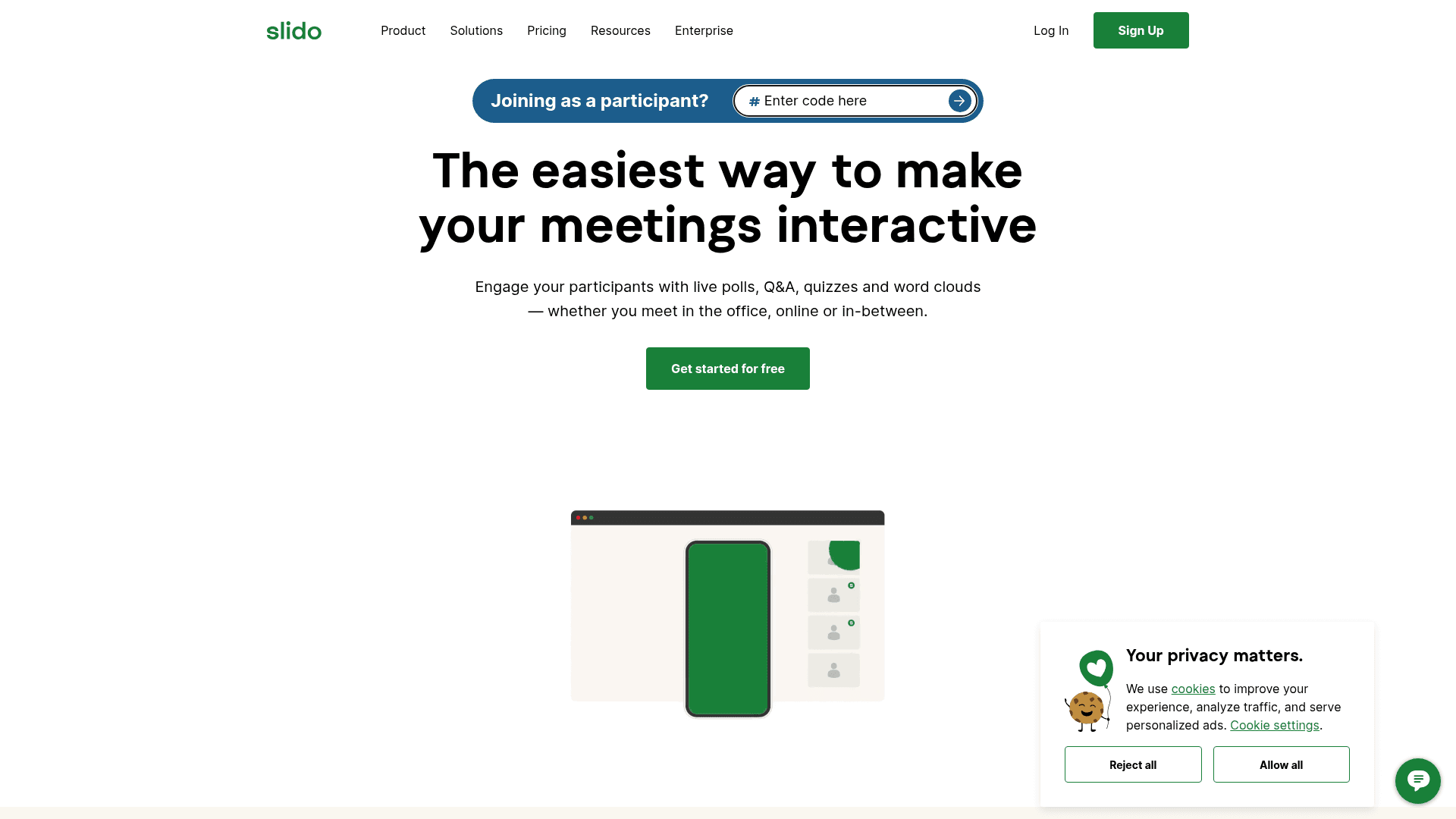
Slido is the corporate default, and its Q&A moderation is why. Audience questions arrive and get upvoted, then a moderator picks what reaches the stage, which is what large all-hands meetings actually need.
Owned by Cisco, it integrates tightly with Webex and works inside Teams and PowerPoint, so IT approval tends to be straightforward in enterprises.
Paid plans are per host and billed annually: Engage at $17.50 a month, Professional at $75, and Enterprise at $200, which works out at $210, $900, and $2,400 a year.
| Strengths | Weaknesses |
|---|---|
| Best Q&A moderation and upvoting in this list | All paid plans are billed annually |
| Tight integration with Webex, Teams and PowerPoint | Priced per host |
| Free Basic plan with unlimited events | Participant caps apply per event on lower tiers |
| Trusted by enterprise IT through Cisco ownership | Poll types are narrower than Mentimeter's |
| Plan | What you get |
|---|---|
| Basic | $0. Unlimited events with basic polls and Q&A |
| Engage | $17.50 per host/mo, billed annually ($210/year) |
| Professional | $75 per host/mo, billed annually ($900/year) |
| Enterprise | $200 per host/mo, billed annually ($2,400/year) |
Best for: all-hands meetings and conferences where audience Q&A needs moderating.
The catch: there is no month-to-month option. Every paid tier is an annual commitment, so a single event pays for a year.
G2 rating: 4.8/5, from 780 reviews, the highest score in this comparison on a substantial base.
3. Poll Everywhere, best for large lecture halls
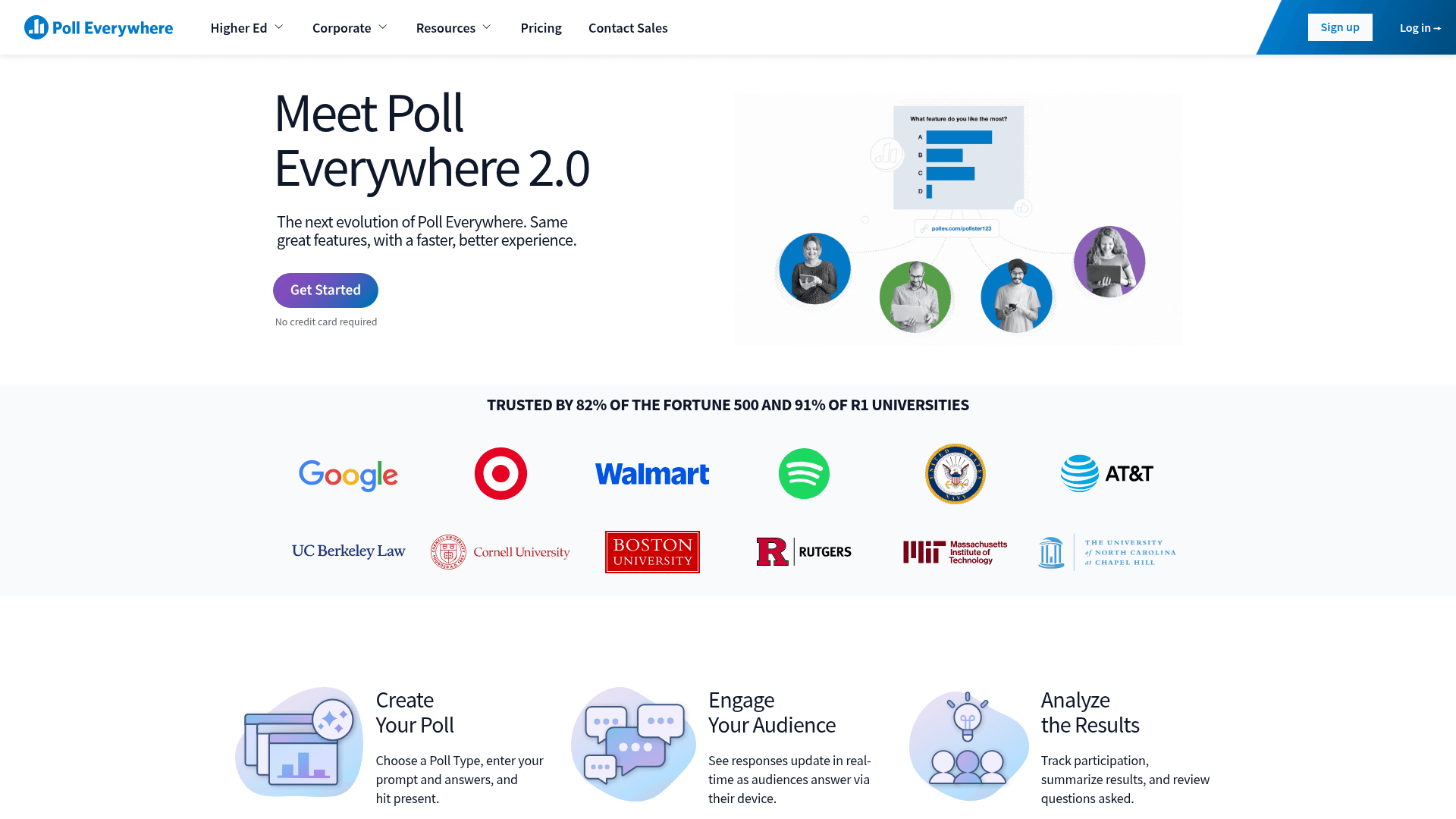
Poll Everywhere scales to audiences the others struggle with, which is why universities and large training organisations keep choosing it. Its higher tiers handle tens of thousands of respondents in a single session.
It also works well in mixed settings, where some people answer on a laptop, some by SMS, others through the web app.
Paid plans run $10 a month for Present, $49 for Engage, and $84 for Teams, billed as $120, $588, and $999 a year. Additional seats are charged on top.
| Strengths | Weaknesses |
|---|---|
| Handles very large audiences | Additional seats cost extra on every tier |
| SMS voting alongside web responses | Prices quoted are billed annually |
| Cheapest entry point among the live tools | Interface feels dated next to Mentimeter |
| Strong education and training track record | 63 G2 reviews, a modest base |
| Plan | What you get |
|---|---|
| Free | $0. Limited audience size |
| Present | $10/mo ($120/year) |
| Engage | $49/mo ($588/year) |
| Teams | $84/mo ($999/year), additional seats extra |
| Enterprise | Custom pricing |
Best for: universities and large events where audience size is the binding constraint.
The catch: seats are billed separately from the plan, so a teaching department with several lecturers pays well above the headline price.
G2 rating: 4.5/5, from 63 reviews. A modest base for a product this established.
4. Formester, best all-around with no caps
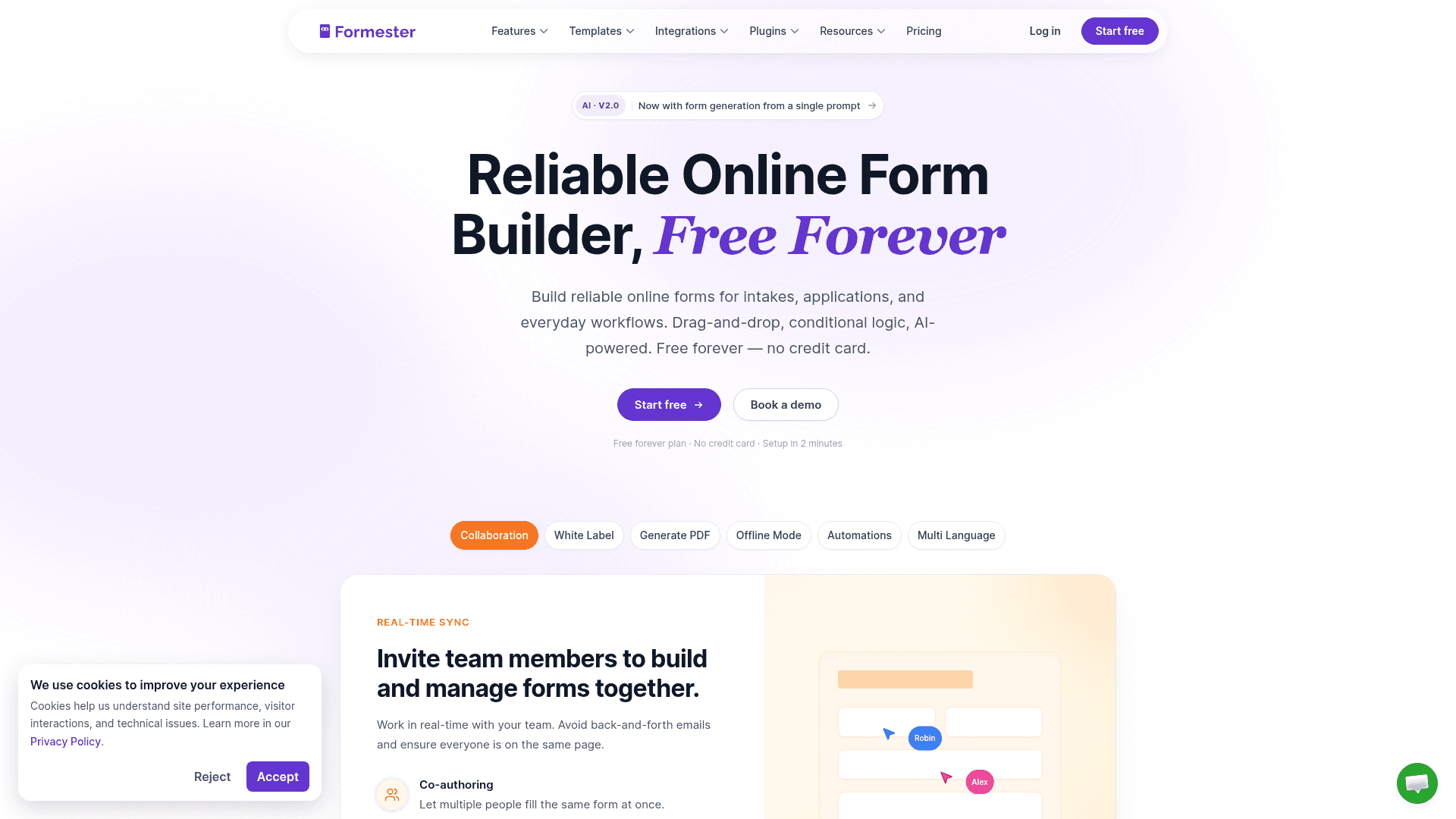
Formester is not a live-polling tool, and it earns its place here for the other half of the category: polls you send as a link and collect over time.
Nothing is metered. Unlimited forms and unlimited responses come with the free plan, so a poll that gets shared more widely than expected costs the same as one that does not.
Quiz auto-scoring and drop-off analytics are included free, and paid tiers add capability rather than volume: Personal at $13 a month for conditional logic, Business at $49 for 25 seats and a custom domain.
| Strengths | Weaknesses |
|---|---|
| No participant or response cap on any plan | No live presentation mode |
| Quiz auto-scoring included free | No word clouds or live-updating room visuals |
| Results collect over days rather than in one session | 14 G2 reviews, a small sample |
| Payments on the free plan | Conditional logic starts on the paid plan |
| Offline capture available |
| Plan | What you get |
|---|---|
| Free | $0. Unlimited forms and responses, auto-scoring, analytics |
| Personal | $13/mo ($12/mo billed yearly). Adds conditional logic |
| Business | $49/mo ($45/mo billed yearly). Adds custom domain and 25 seats |
Best for: async polls and surveys where you send a link and results arrive over time.
The catch: there is no live mode. If you need a chart filling in on a projector while a room answers, pick Mentimeter or Slido.
G2 rating: 4.7/5, from 14 reviews. High score, small sample; read it as an early signal.
5. StrawPoll, best for quick public polls
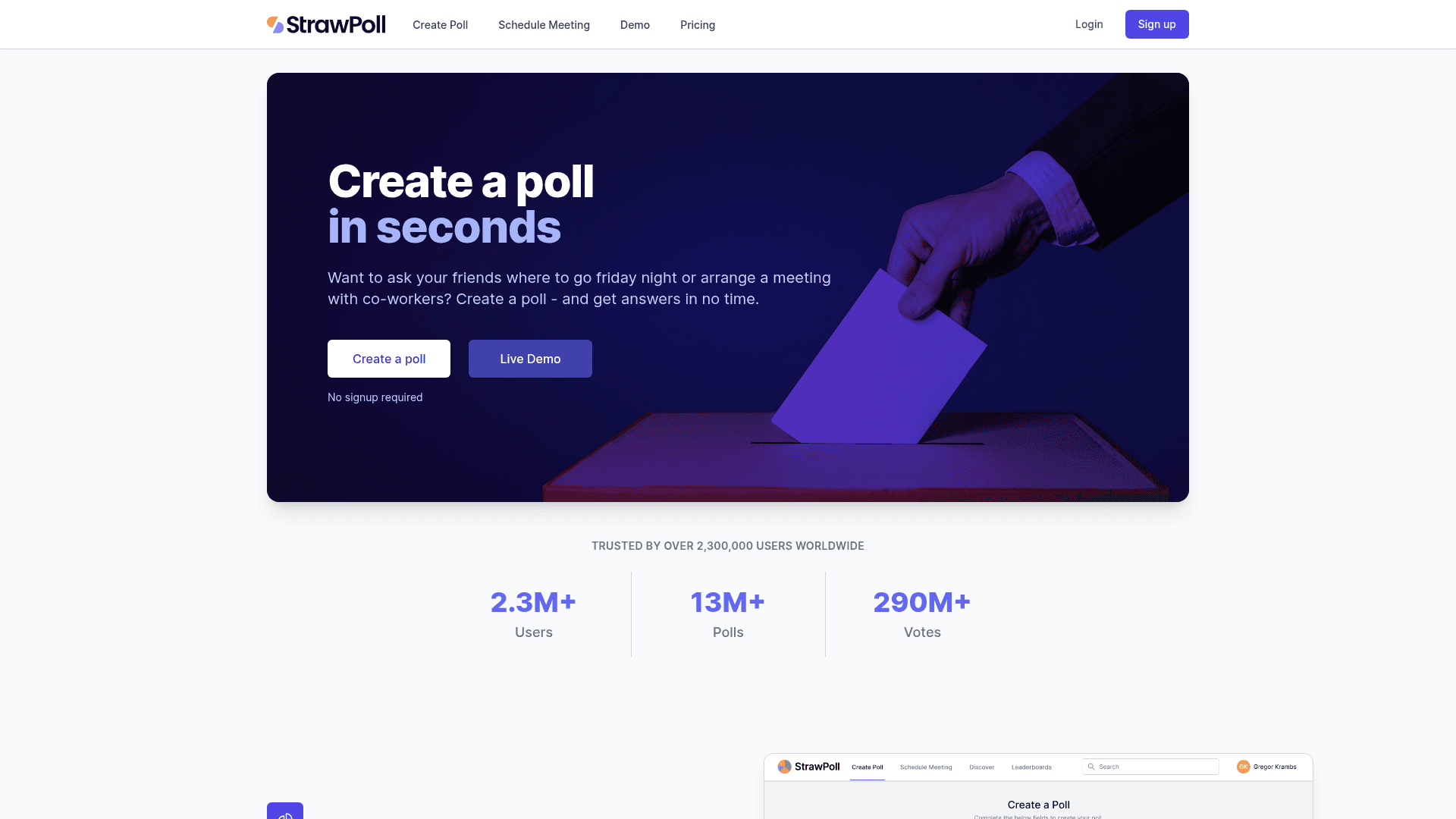
StrawPoll is the fastest way to put a poll on the internet. No account is needed for a basic poll, the link works immediately, and results are public by default.
That simplicity is the entire product. For settling a question in a community, a Discord server, or a social thread, nothing here is quicker.
Paid plans add control rather than scale: $8 a month for Basic, $28 for Pro, and $52 for Business, which bring custom domains, poll passwords and vote verification.
| Strengths | Weaknesses |
|---|---|
| No signup needed for a basic poll | Free results pages carry ads |
| Unlimited public polls on the free plan | Consumer-oriented rather than built for business workflows |
| Vote verification and poll passwords on paid tiers | No G2 profile, so third-party trust signals are limited |
| Custom domain on paid plans | No CRM or workflow integrations |
| Plan | What you get |
|---|---|
| Free | $0. Unlimited polls, ads on results pages |
| Basic | $8/mo. Removes ads |
| Pro | $28/mo. Custom domain and poll passwords |
| Business | $52/mo. Vote verification and higher limits |
Best for: quick public voting where speed matters more than analytics.
The catch: it has no G2 profile at all, so the usual third-party trust signals are not there to check before you rely on it.
G2 rating: StrawPoll has no G2 profile. Reputation signals come from Trustpilot and general usage rather than reviewed feedback.
6. Google Forms, best free option
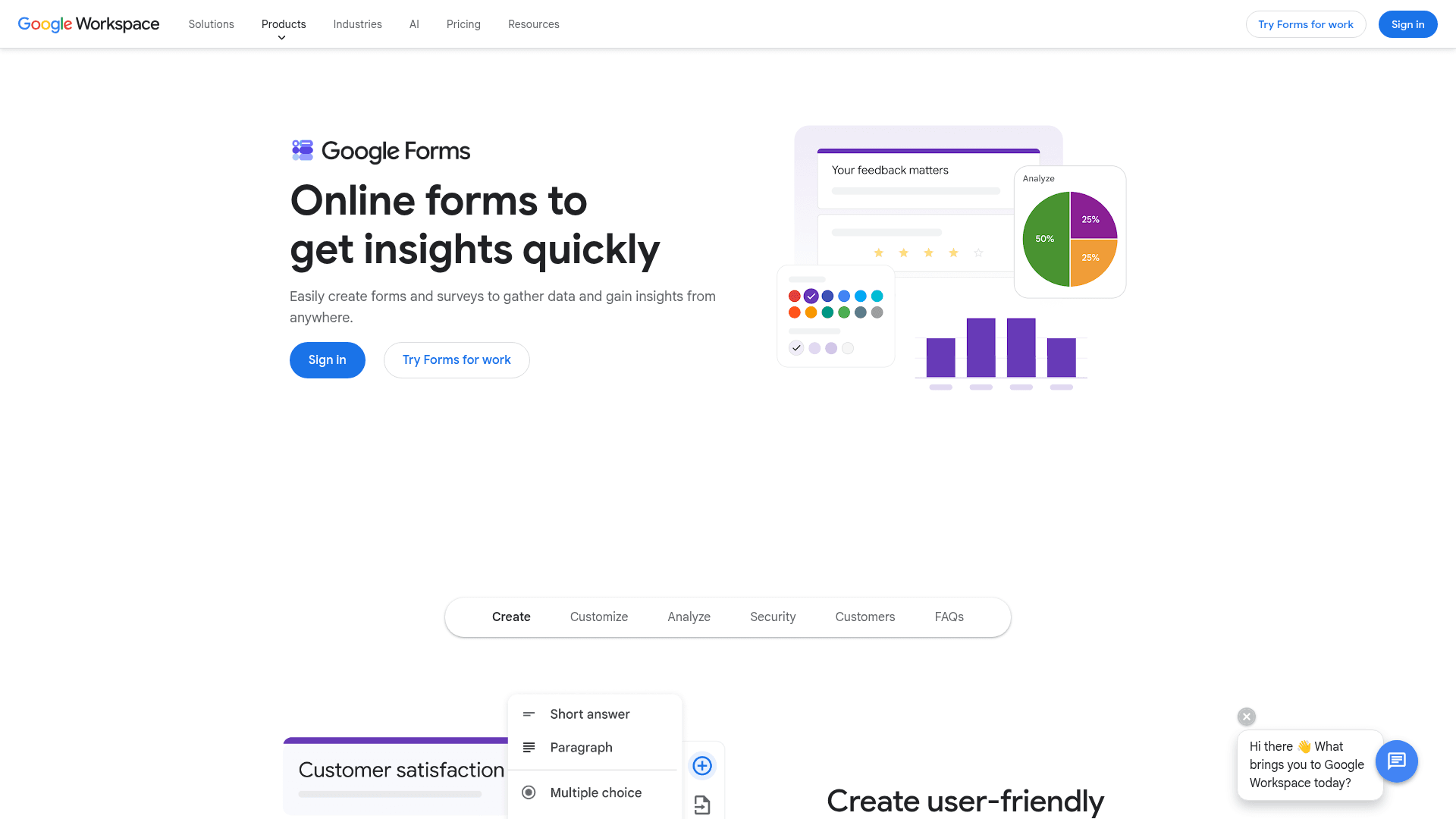
Google Forms handles a simple poll perfectly well, costs nothing with any Google account, and puts results in Sheets where you can chart them in a minute.
For an internal poll about lunch orders, meeting times, or team preferences, this is usually the correct amount of tool.
There is no separate paid plan for polling. Forms arrives with Google Workspace, where Business Starter is $7 per user a month on an annual basis, Standard is $14, and Plus is $22.
| Strengths | Weaknesses |
|---|---|
| Free with any Google account | No live presentation mode |
| No practical response cap | Very limited design control |
| Results chart instantly in Sheets | No word clouds or audience visuals |
| Everyone already knows how it works | Google branding stays on the poll |
| Plan | What you get |
|---|---|
| Free | $0 with any Google account. Effectively unlimited responses |
| Workspace Business Starter | $7/user/mo, annual basis |
| Workspace Business Standard | $14/user/mo, annual basis |
| Workspace Business Plus | $22/user/mo, annual basis |
Best for: internal polls where the result matters and the presentation does not.
The catch: it cannot run a live room. Results only update when you refresh the responses tab.
G2 rating: Google Forms has no standalone G2 profile. The 4.6/5 from 48,175 reviews quoted elsewhere covers Google Workspace as a whole.
7. Microsoft Forms + Polls in Teams, best inside Teams
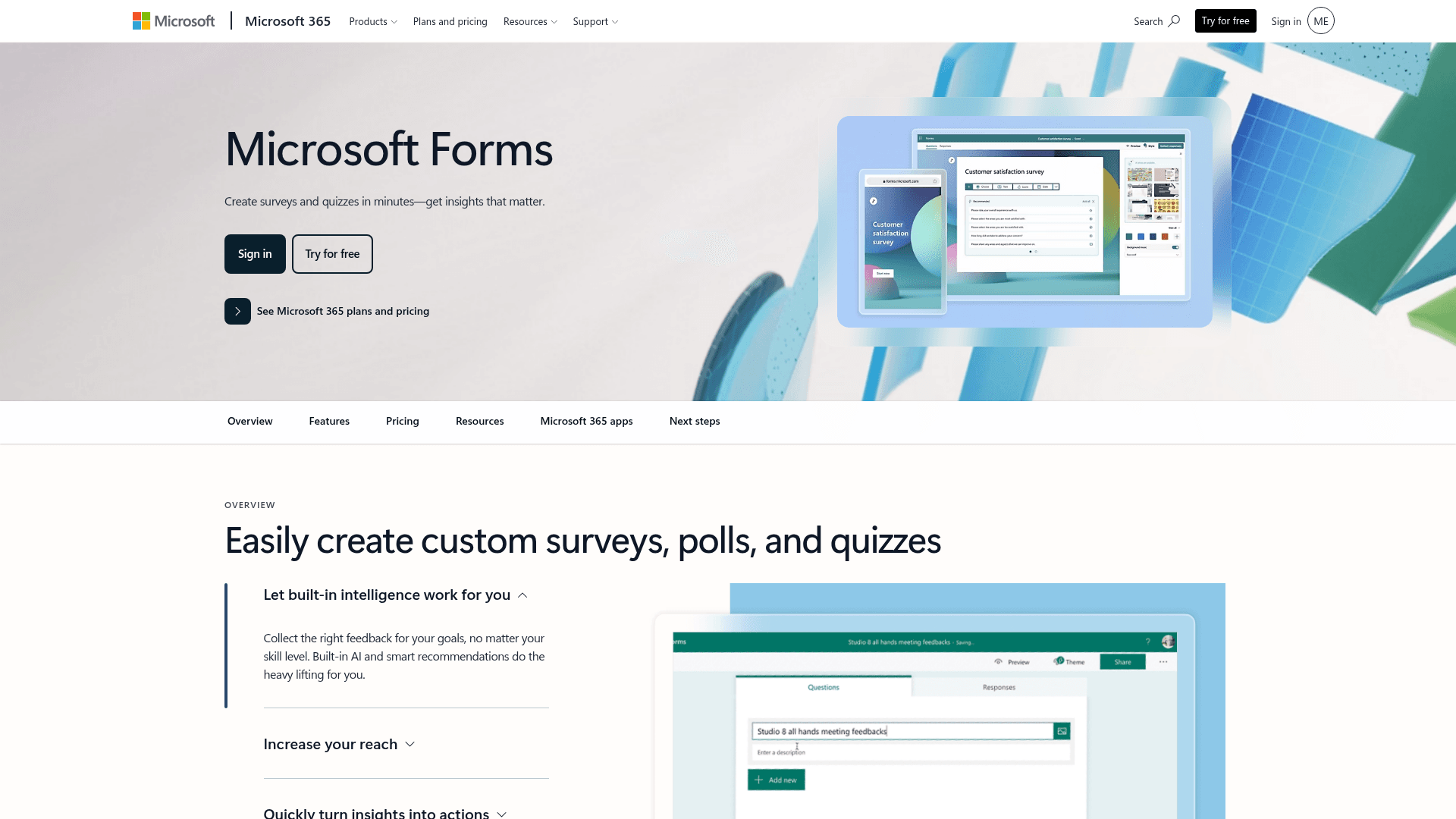
If your meetings happen in Teams, the poll you want is already there. Polls in Teams launches a question inside the meeting, and results appear in the chat without anyone leaving the call.
Microsoft Forms handles the same job outside meetings, with results in Excel and the tenant's compliance posture applied automatically.
There is nothing extra to buy. Business Basic is $7 per user a month on annual billing, and Business Standard now bundles Copilot at $23.50.
| Strengths | Weaknesses |
|---|---|
| Polls launch inside a Teams meeting | Only useful inside Microsoft 365 |
| No extra cost inside Microsoft 365 | Free accounts cap at 200 responses per form |
| Inherits tenant compliance settings | Basic poll types compared with Mentimeter |
| Results land in Excel | No standalone live-presentation mode |
| Plan | What you get |
|---|---|
| Free | $0 with a personal Microsoft account. 200 responses per form |
| M365 Business Basic | $7/user/mo, annual basis |
| M365 Business Standard with Copilot | $23.50/user/mo, annual basis |
| M365 Business Premium with Copilot | $32/user/mo, annual basis |
Best for: teams that already run their meetings in Microsoft Teams.
The catch: outside a Microsoft tenant it does nothing for you, and the poll types are basic next to the live specialists.
G2 rating: 4.4/5, from 476 reviews, at the lower end here, which matches its internal scope.
8. Typeform, best for polished async polls
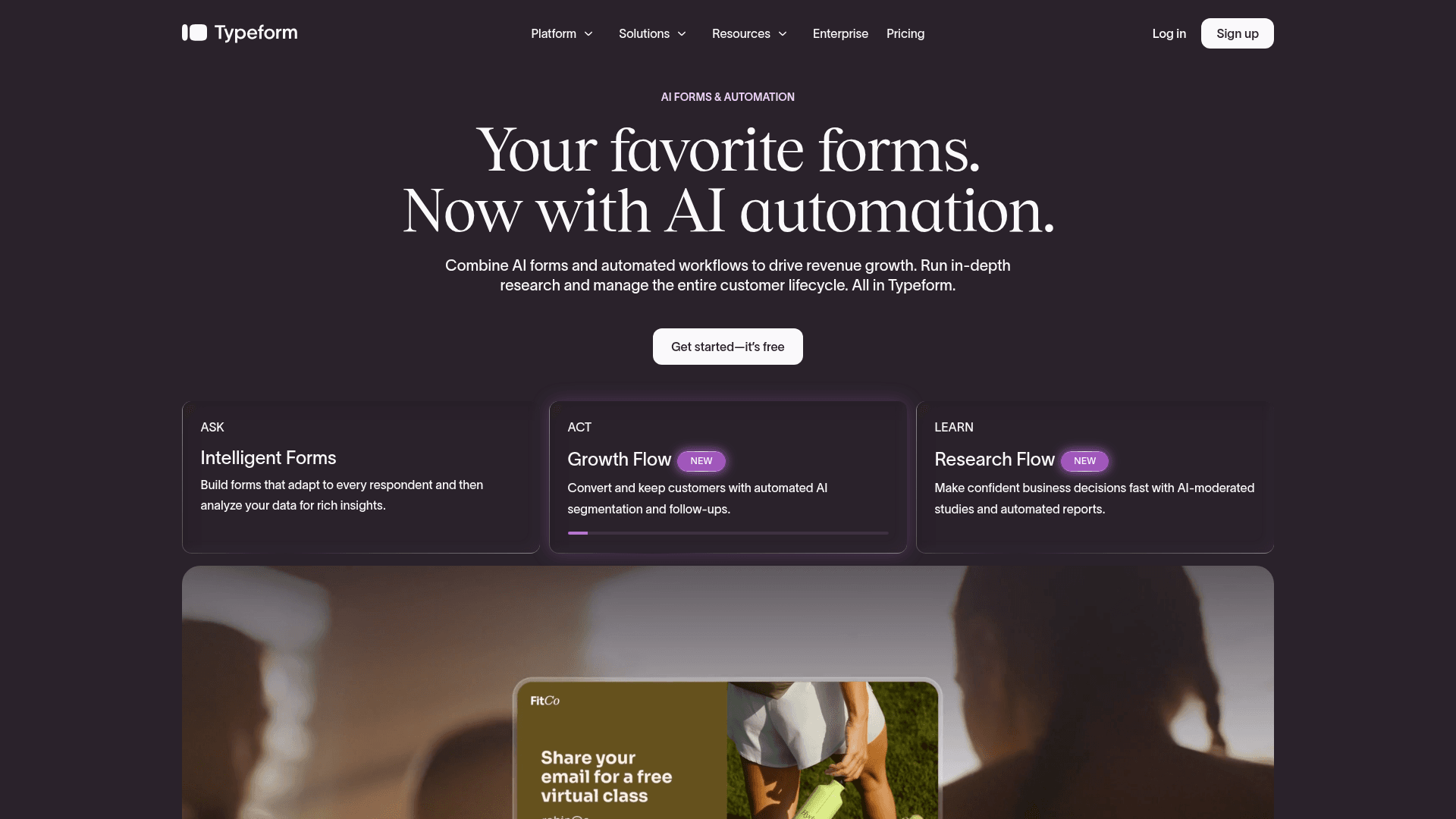
Typeform is the option when a poll represents your brand. One question at a time, with clean transitions and a respondent experience that looks considered rather than functional.
For a public poll on a marketing site or in a customer email, that polish measurably helps completion.
It is also the most expensive way to collect volume here. Free covers 10 responses a month, Basic is $39 with 100 responses, Plus $79 with 1,000, and Business $129 with 10,000.
| Strengths | Weaknesses |
|---|---|
| Most polished respondent experience | Free plan covers only 10 responses a month |
| Higher completion rates on longer polls | Highest cost per response in this list |
| Strong drop-off analytics | No live presentation mode |
| AI drafts a poll from a prompt | Advertised prices are the annual rates |
| Plan | What you get |
|---|---|
| Free | $0. 10 responses/mo |
| Basic | $39/mo ($28/mo billed yearly). 100 responses/mo |
| Plus | $79/mo ($56/mo billed yearly). 1,000 responses/mo |
| Business | $129/mo ($91/mo billed yearly). 10,000 responses/mo |
Best for: customer-facing polls where presentation is part of the message.
The catch: ten free responses a month makes the free plan a demo, and volume gets expensive quickly after that.
G2 rating: 4.5/5, from 1,017 reviews. A large base, with cost the most frequent complaint.
Share a poll link, collect unlimited responses
Formester's free plan ships unlimited polls, unlimited responses, all field types (including matrix and ranking), and custom email notifications.
Free forever plan • No credit card • Setup in 2 minutes
How to pick the right poll maker
Answer the live-or-async question first, because it splits this list cleanly in two. If a room needs to see results appear while people answer, you are choosing between Mentimeter, Slido and Poll Everywhere.
Within that group, the tie-breaker is the shape of your event. Mentimeter suits workshops and teaching, Slido suits all-hands meetings that need Q&A moderation, and Poll Everywhere suits audiences large enough that capacity is the real constraint.
If you are sending a link instead, cost per response decides it. Formester never meters, StrawPoll is fastest for public voting, Google Forms and Microsoft Forms are free inside their suites, and Typeform is worth its price only when presentation matters.


