How we verified this: every figure on this page comes from the vendor's own pricing page or its public G2 profile. You can check every source here.
Which Cognito Forms alternative should you choose?
People leave Cognito Forms for one of two reasons. Either the entry cap starts biting, since the free plan stops at 100 a month and even Pro allows only 2,000, or they want AI generation and a modern editor that Cognito Forms does not offer.
What they rarely want to give up is the calculation engine, which is genuinely the best in this category. Knowing which of those matters to you settles most of the list below.
The 60-second TL;DR
- Best overall alternative: Formester, unlimited responses with AI generation on the free plan
- Best when HIPAA is required: Jotform, HIPAA on Gold at $129/mo
- Best for Airtable or Notion teams: Fillout, writes into records directly
- Best for regulated industries: Formstack, from $99/mo with a BAA
- Best for AI-first building: forms.app
- Best for Zoho shops: Zoho Forms, from $10/mo billed annually
- Best plain replacement: Wufoo, from $22/mo
- Best free option: Google Forms
Formester vs Cognito Forms at a glance
The difference that matters most is metering. Cognito Forms counts entries on every tier; Formester counts nothing on any tier. The rest follows from that.
| Formester | Cognito Forms | |
|---|---|---|
| Free plan | Unlimited forms and responses | 100 entries/mo, 1 user |
| First paid plan | $13/mo ($12 billed yearly) | $24/mo ($19 billed yearly) |
| Entry limits | None on any plan | 2,000/mo on Pro, 10,000 on Team |
| AI form generation | On the free plan | Not offered |
| Payments | Stripe and PayPal on free | On the free plan |
| Conditional logic | Personal, $13/mo | On the free plan |
| Calculations | Basic | Strongest in this category |
| Offline forms | Included | Not offered |
| HIPAA | Not offered | Enterprise, $174/mo |
| G2 rating | 4.7/5 (14 reviews) | 4.6/5 (133 reviews) |
How we picked these
Every figure here comes from the vendor's own pricing page and plan limits, read in full. The question each tool had to answer was what it does better than Cognito Forms, not whether it is a good product in general.
Tools that lift the entry ceiling rank highest, then those that add something Cognito Forms lacks. Several vendors advertise annual rates, so the monthly figures below run higher than the ones on their pricing pages.
1. Formester, the strongest overall Cognito Forms alternative
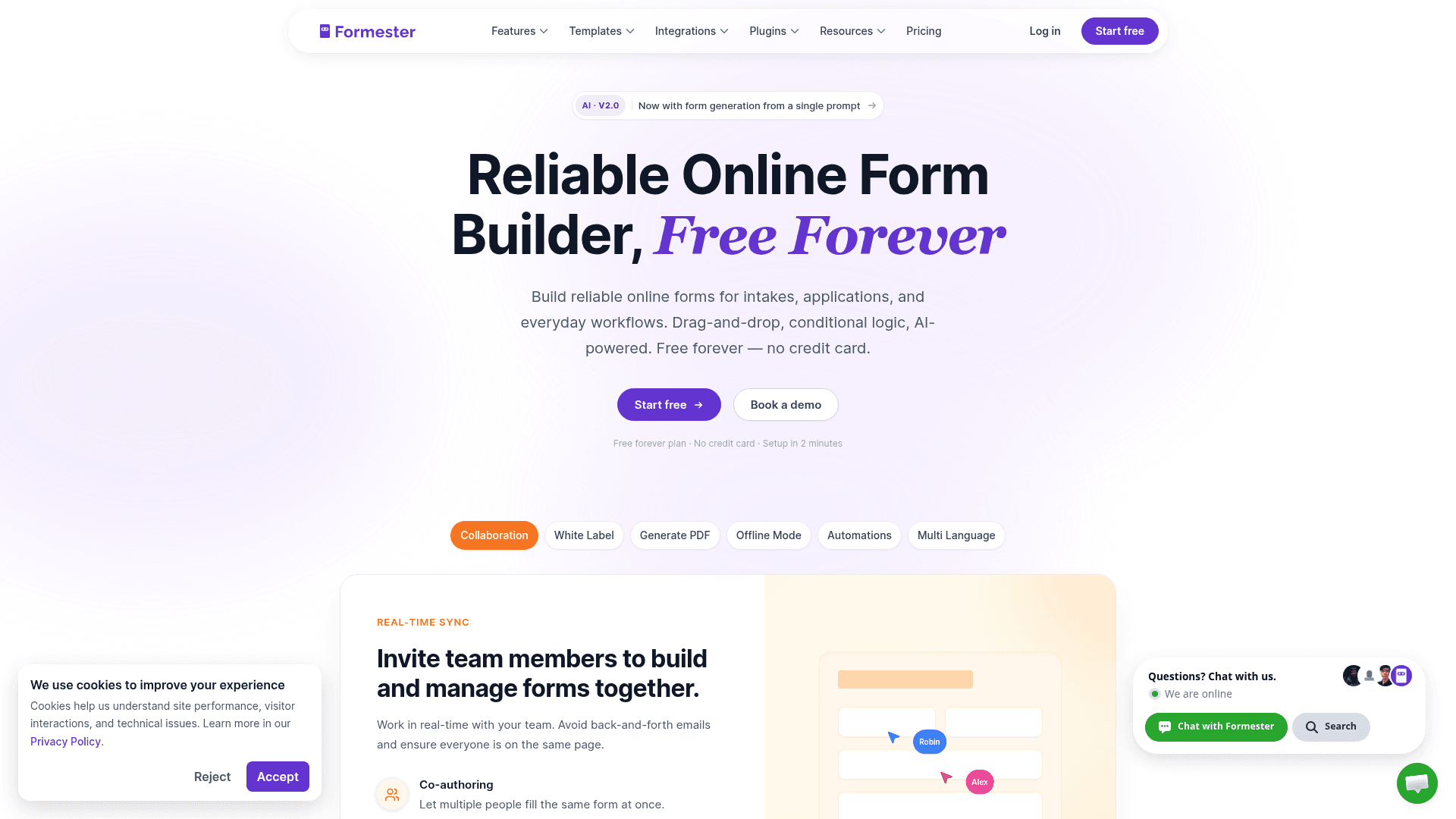
Formester removes the constraint that pushes most people off Cognito Forms. There is no entry cap, no form cap and no field cap on any plan, including the free one.
It also adds what Cognito Forms does not have: AI form generation from a prompt or a PDF, offline capture, plus drop-off analytics showing where people abandon.
Payments work on the free plan through Stripe and PayPal, matching Cognito Forms there. Conditional logic sits on Personal at $13 a month, which is the one place Cognito Forms is more generous.
| Strengths | Weaknesses |
|---|---|
| No entry, form or field cap on any plan | Calculations are basic next to Cognito Forms |
| AI generation from a prompt or a PDF | Conditional logic starts on the paid plan |
| Payments and e-signature on the free plan | No HIPAA option at any tier |
| Offline capture for field work | 14 G2 reviews, a small sample |
| Drop-off analytics on every tier |
| Plan | What you get |
|---|---|
| Free | $0. Unlimited forms, responses and fields, AI generation, payments |
| Personal | $13/mo ($12/mo billed yearly). Adds conditional logic |
| Business | $49/mo ($45/mo billed yearly). Adds custom domain and 25 seats |
Best for: anyone leaving Cognito Forms because of the entry cap.
The catch: if you moved to Cognito Forms for its calculation engine, you will notice the difference. Formester handles arithmetic, not multi-step formula chains.
G2 rating: 4.7/5, from 14 reviews. High score, small sample; read it as an early signal.
2. Jotform, the alternative when HIPAA is non-negotiable
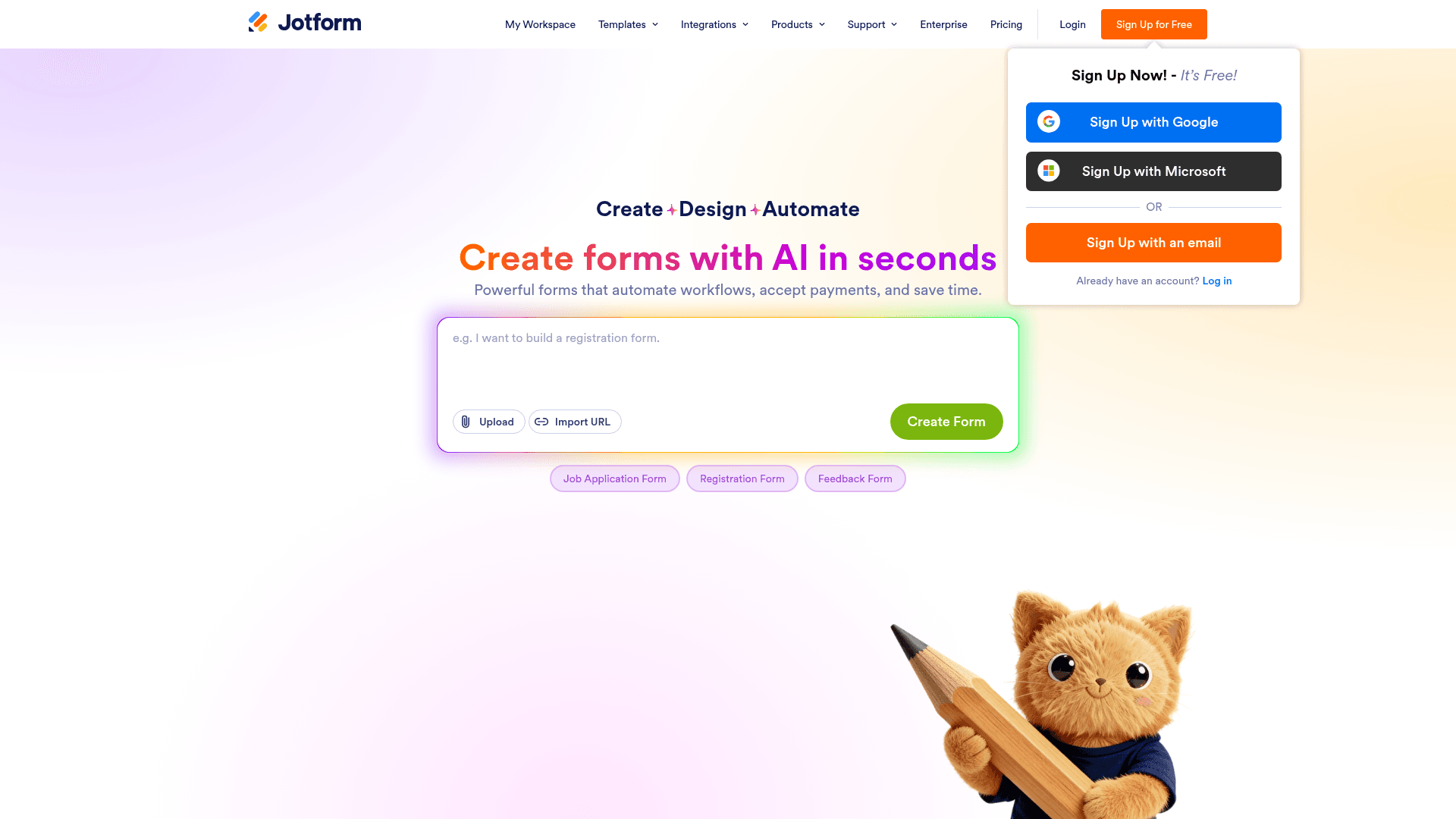
Jotform is the obvious move if you need HIPAA without the price Cognito Forms attaches to it. Both put HIPAA on their top tier, but Jotform's Gold sits at $129 a month against Cognito Forms Enterprise at $174.
It also brings the largest template library here at 20,000+ forms, and every field type is available from the free plan, payments included.
The trade is metering. Jotform counts submissions on every tier, so you swap one cap for another: 100 a month free, 1,000 on Bronze at $39.
| Strengths | Weaknesses |
|---|---|
| HIPAA on Gold at $129/mo, cheaper than Cognito Forms Enterprise | Submissions metered on every tier |
| 20,000+ templates | Interface is dense next to Cognito Forms |
| 40+ payment gateways | Free plan covers only 5 forms |
| All field types available on the free plan | Advertised prices are the annual rates |
| Plan | What you get |
|---|---|
| Starter (free) | $0. 5 forms, 100 submissions/mo |
| Bronze | $39/mo ($34/mo billed yearly). 1,000 submissions/mo |
| Silver | $49/mo ($39/mo billed yearly). 2,500 submissions/mo |
| Gold | $129/mo ($99/mo billed yearly). 10,000 submissions/mo, HIPAA |
Best for: teams that need HIPAA at a lower price than Cognito Forms charges.
The catch: you are trading an entry cap for a submission cap, so this only helps if the template depth or HIPAA pricing is what you came for.
G2 rating: 4.7/5, from 5,426 reviews, the largest base of any tool here.
3. Fillout, the alternative for Airtable or Notion source-of-truth teams
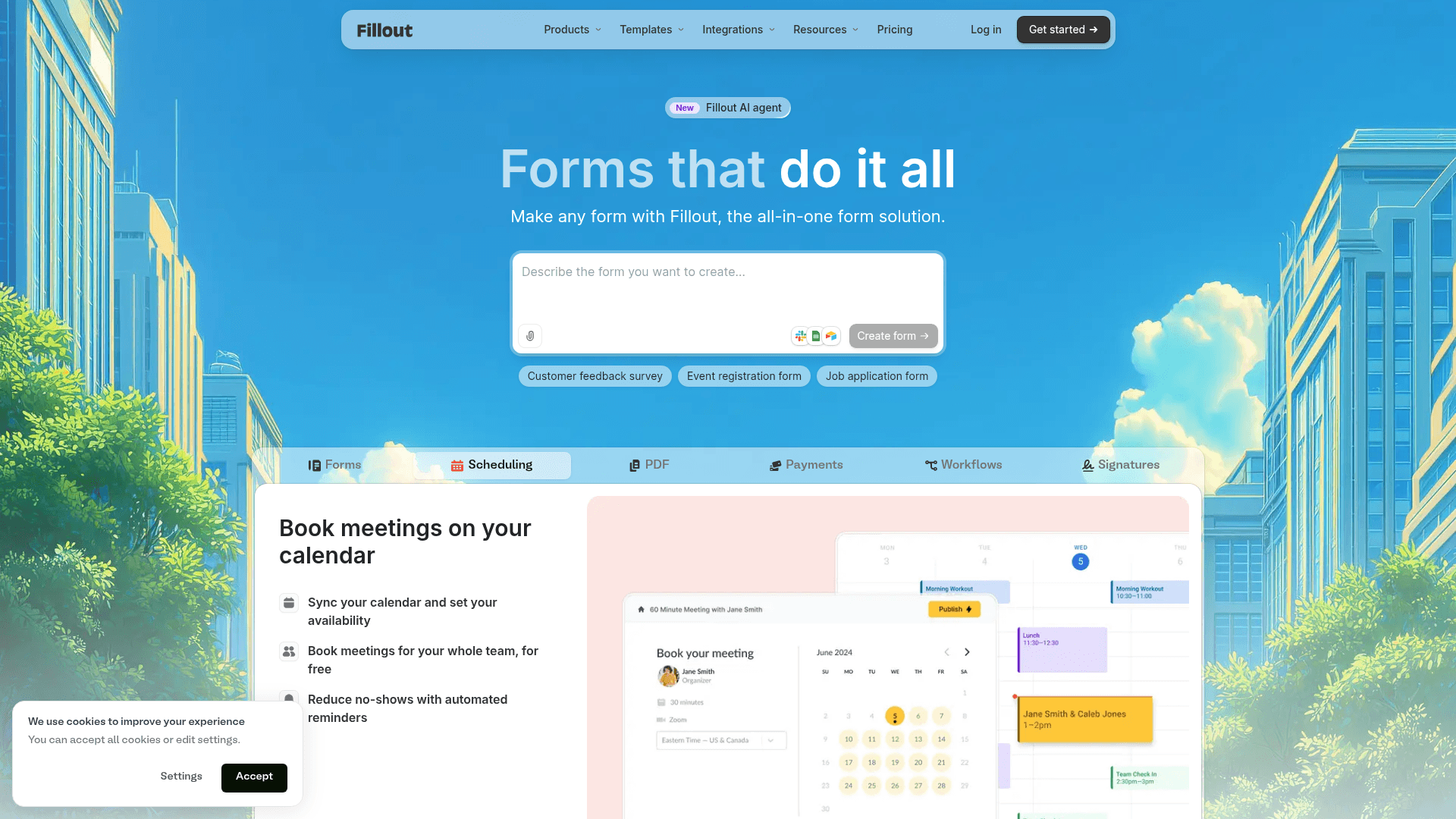
Fillout answers a different question than Cognito Forms. Instead of calculating inside the form, it writes the answers into Airtable and Notion records and updates existing rows.
Its free plan allows 1,000 responses a month against Cognito Forms' 100 entries, and it puts no limit on seats, where Cognito Forms allows one user free and five on Team.
Paid plans start at $19 a month, below Cognito Forms Pro at $24, with a considerably higher allowance.
| Strengths | Weaknesses |
|---|---|
| 1,000 responses a month on the free plan | Most useful only with Airtable or Notion |
| Unlimited seats on every tier | No calculation engine to speak of |
| Writes into Airtable and Notion records | No HIPAA option |
| Multi-step forms with a progress bar by default | 30 G2 reviews, a small sample |
| Plan | What you get |
|---|---|
| Free | $0. 1,000 responses/mo, unlimited seats |
| Starter | $19/mo ($15/mo billed yearly, $180/year) |
| Pro | $49/mo ($40/mo billed yearly, $480/year) |
| Business | $89/mo ($75/mo billed yearly, $900/year) |
Best for: teams whose real database is Airtable or Notion.
The catch: outside those two tools the advantage largely disappears, and you lose the calculations that made Cognito Forms worth using.
G2 rating: 4.6/5, from 30 reviews. A small base, consistent with a newer product.
4. Formstack, the alternative for regulated industries and Salesforce shops
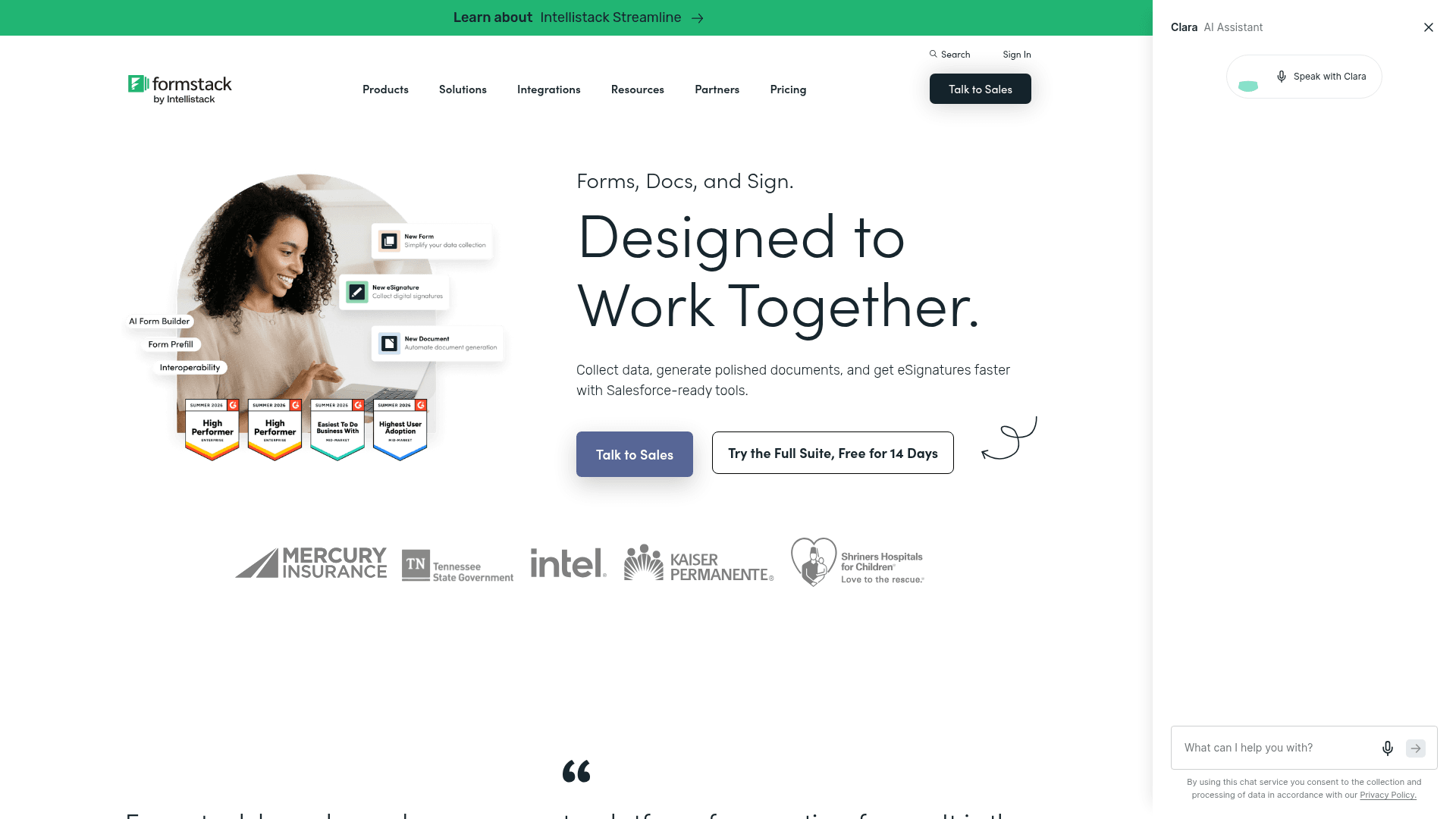
Formstack is where Cognito Forms users go when compliance stops being a checkbox and becomes a procurement requirement. HIPAA comes with a BAA, alongside audit trails and granular permissions.
Its Salesforce integration maps form fields to Salesforce records natively rather than through a connector, which is the reason most Salesforce shops choose it.
It is also the most expensive entry point here at $99 a month, four times Cognito Forms Pro. If that price is the problem, compare plans on our Formstack Forms alternative page.
| Strengths | Weaknesses |
|---|---|
| HIPAA with a BAA and full audit trails | $99/mo entry point, the highest here |
| Native Salesforce field mapping | No free plan at all |
| Documents and e-signature in the Suite | Interface feels dated in places |
| Granular permissions for large teams | Advertised prices are the annual rates |
| Plan | What you get |
|---|---|
| Free | No free plan; a trial is offered |
| Forms | $99/mo ($83/mo billed yearly) |
| Suite (Forms, Documents, Sign) | $299/mo ($250/mo billed yearly) |
| Enterprise | Custom pricing |
Best for: regulated teams that need a BAA and Salesforce mapping.
The catch: at $99 a month this is a compliance purchase. If you only wanted more entries, it is a costly way to get them.
G2 rating: 4.3/5, from 471 reviews. A large base, with cost the recurring theme.
5. forms.app, the alternative for AI-first form building
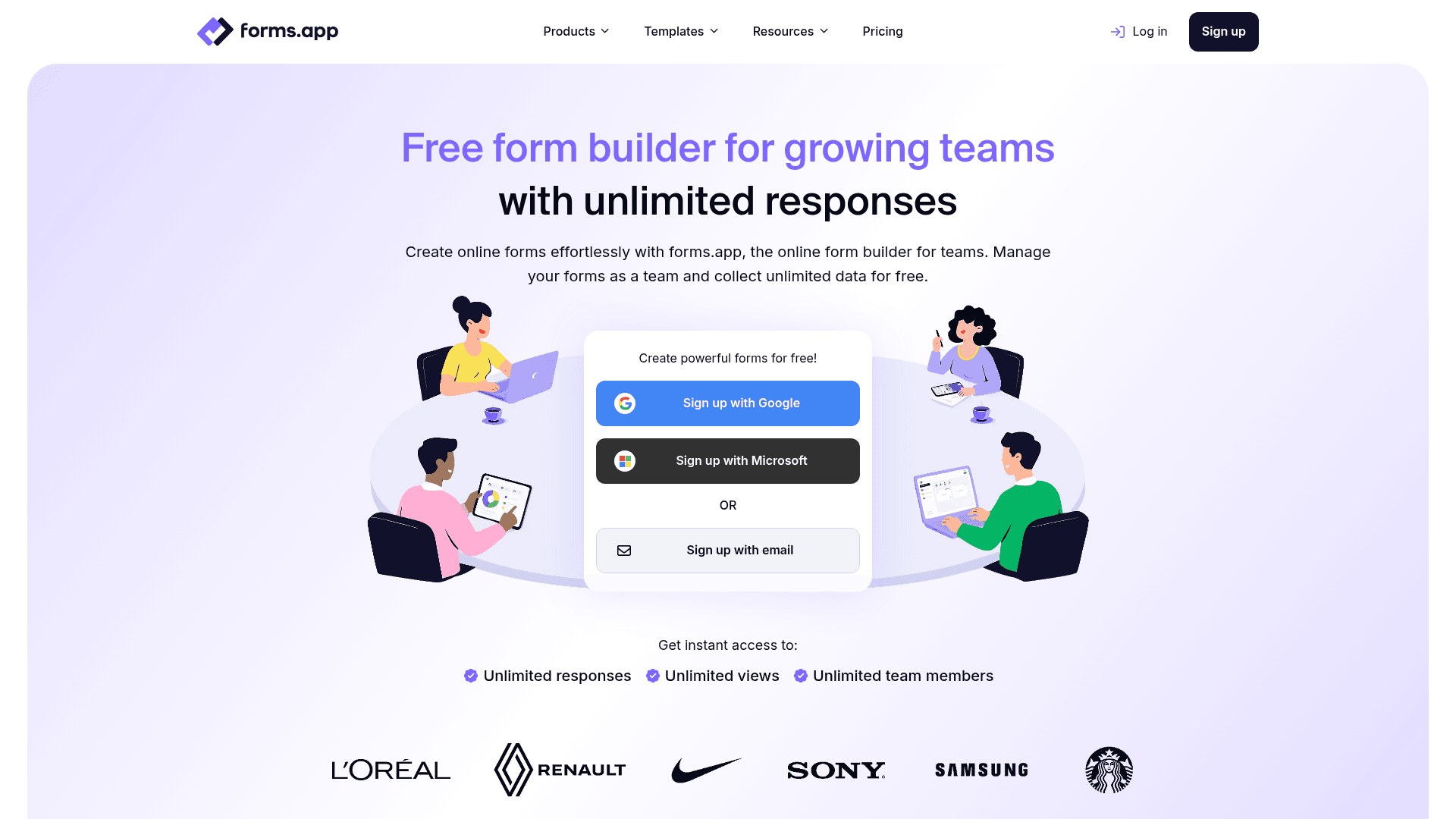
forms.app fills the gap Cognito Forms leaves open: describe the form you want and it drafts it, then you edit rather than build from nothing.
Its free plan takes the opposite approach to metering. Responses are unlimited, but you are capped at 5 forms, which suits a small number of busy forms rather than many quiet ones.
forms.app prices regionally. The US view lists Basic at $19, Pro at $29 and Premium at $59 a month, while the EU view lists 16, 24 and 49 EUR billed annually.
| Strengths | Weaknesses |
|---|---|
| AI generation from a prompt | Free plan caps at 5 forms and 10 MB storage |
| Unlimited responses on the free plan | No calculation engine to match Cognito Forms |
| Conditional logic and e-signatures included | Pricing varies by region and currency |
| 5,000+ templates | No HIPAA option |
| Plan | What you get |
|---|---|
| Free | Up to 5 forms, unlimited responses, 10 MB storage |
| Basic | Listed at $19/mo in the US view and 16 EUR/mo billed annually in the EU view |
| Pro | Listed at $29/mo in the US view and 24 EUR/mo billed annually in the EU view |
| Premium | Listed at $59/mo in the US view and 49 EUR/mo billed annually in the EU view |
Best for: people who want a form drafted for them rather than built by hand.
The catch: prices differ by region and currency, so confirm the rate on your own regional pricing page before you budget for it.
G2 rating: 4.5/5, from 498 reviews. A solid base for a younger product.
6. Zoho Forms, the alternative for Zoho CRM and Zoho One shops
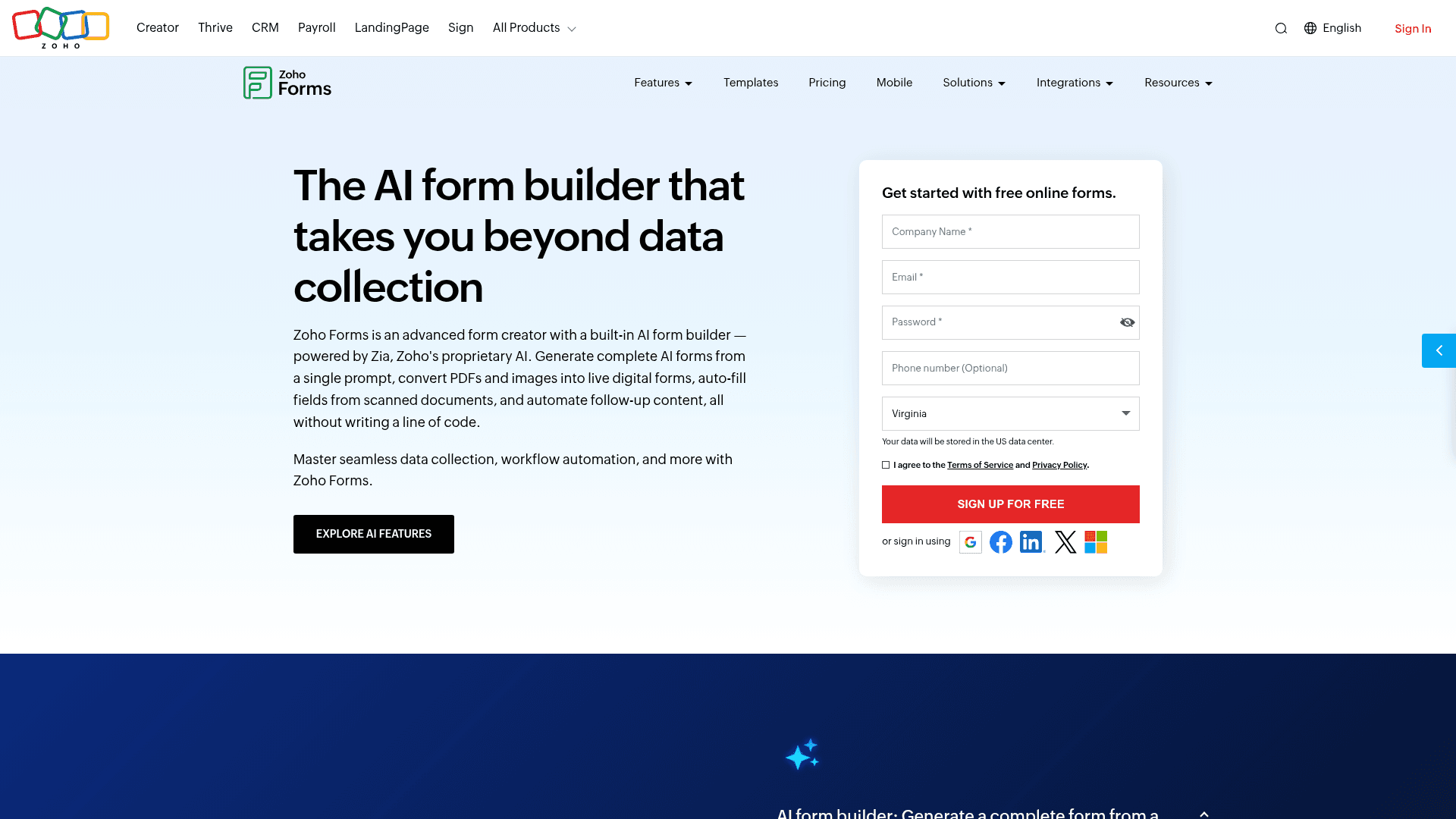
Zoho Forms only makes sense if the rest of your stack is Zoho, and then it makes a great deal of sense, because submissions route into Zoho CRM without a connector in between.
It is also the cheapest paid entry point in this comparison at $10 a month billed annually, less than half Cognito Forms Pro.
Its free plan allows 500 submissions a month against Cognito Forms' 100 entries, though it limits you to three forms.
| Strengths | Weaknesses |
|---|---|
| Cheapest paid tier here at $10/mo | Free plan covers only 3 forms |
| Routes into Zoho CRM natively | Little value outside the Zoho suite |
| 500 submissions a month free | Interface feels dated |
| Offline mobile apps included | Prices are the annual-billed rates |
| HIPAA on Premium at $90/mo |
| Plan | What you get |
|---|---|
| Free | $0. 3 forms, 500 submissions/mo |
| Basic | $10/mo billed annually. 10,000 submissions/mo |
| Standard | $25/mo billed annually. 25 forms |
| Professional | $50/mo billed annually. Unlimited forms |
| Premium | $90/mo billed annually. HIPAA compliance |
Best for: Zoho CRM shops that want forms feeding the same system.
The catch: outside Zoho this is a downgrade from Cognito Forms on almost every axis except price.
G2 rating: 4.4/5, from 129 reviews, at the lower end of this list.
7. Wufoo, the alternative for straightforward no-frills forms
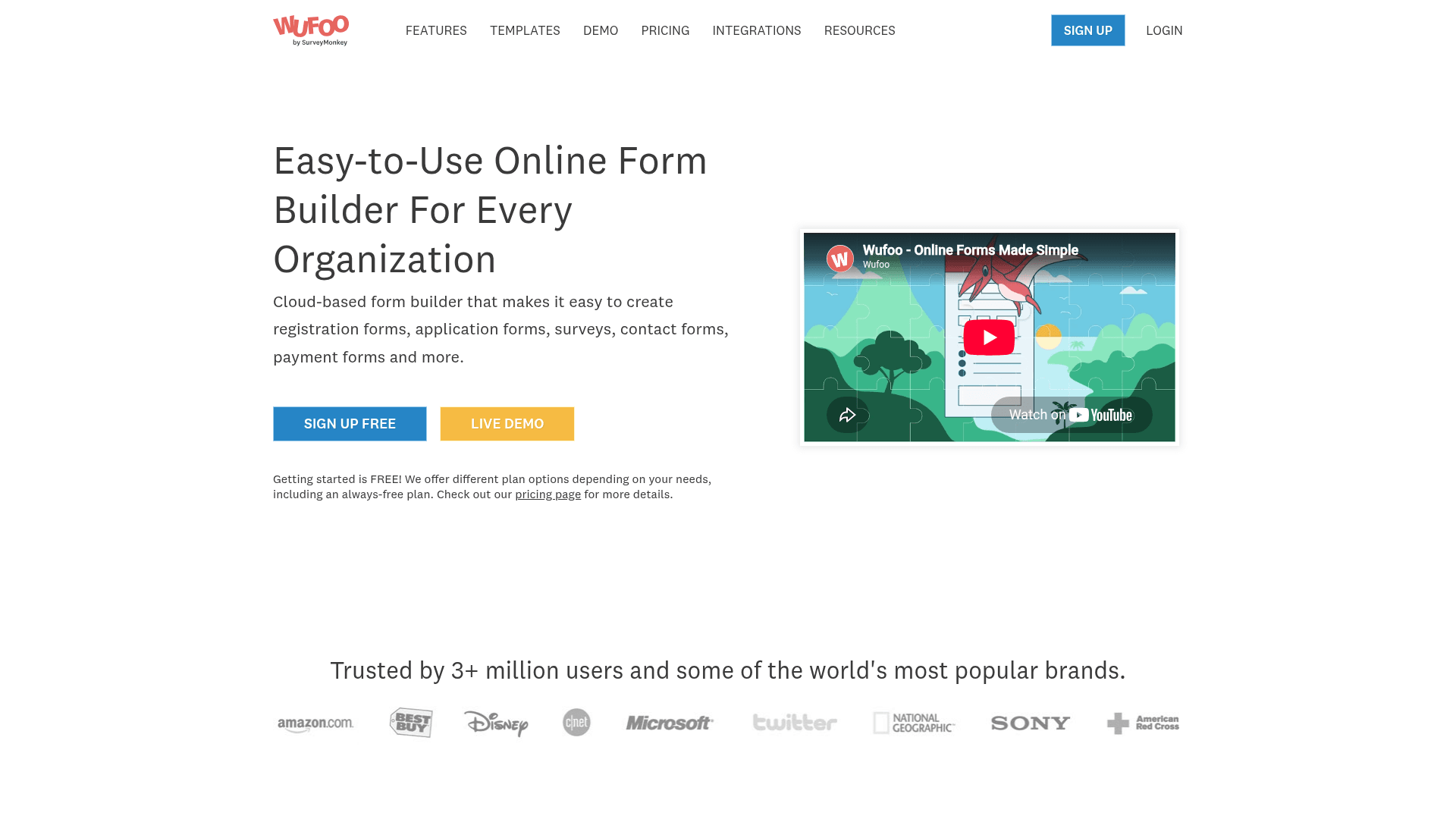
Wufoo is the plainest swap here. It does what Cognito Forms does minus the calculations, with a simpler interface and a longer track record.
Its free plan is tighter than Cognito Forms at 100 entries a month across 5 forms, so this is not the choice if volume is the problem you are solving.
Paid plans start at $22 a month, close to Cognito Forms Pro at $24, and every plan charges $0.05 for each entry past its limit.
| Strengths | Weaknesses |
|---|---|
| Simple and reliable, quick to learn | Free plan matches Cognito Forms at 100 entries |
| Long track record | $0.05 charged per entry over the limit |
| Clear plan ladder with predictable steps | Dated interface and limited design control |
| Reports and basic analytics included | No AI generation or calculations |
| Plan | What you get |
|---|---|
| Free | $0. 5 forms, 100 entries/mo |
| Starter | $22/mo ($16.25/mo billed yearly). 1,000 entries/mo |
| Professional | $45/mo ($33.25/mo billed yearly). 5,000 entries/mo |
| Advanced | $113/mo ($83.25/mo billed yearly). 25,000 entries/mo |
| Ultimate | $286/mo ($210.25/mo billed yearly). 200,000 entries/mo |
Best for: people who want something simpler than Cognito Forms, not bigger.
The catch: the free plan is no more generous than the one you are leaving, and overage bills at $0.05 an entry on top.
G2 rating: 4.2/5, from 296 reviews, the lowest score here, which tracks its age.
8. Paperform, the content-driven alternative
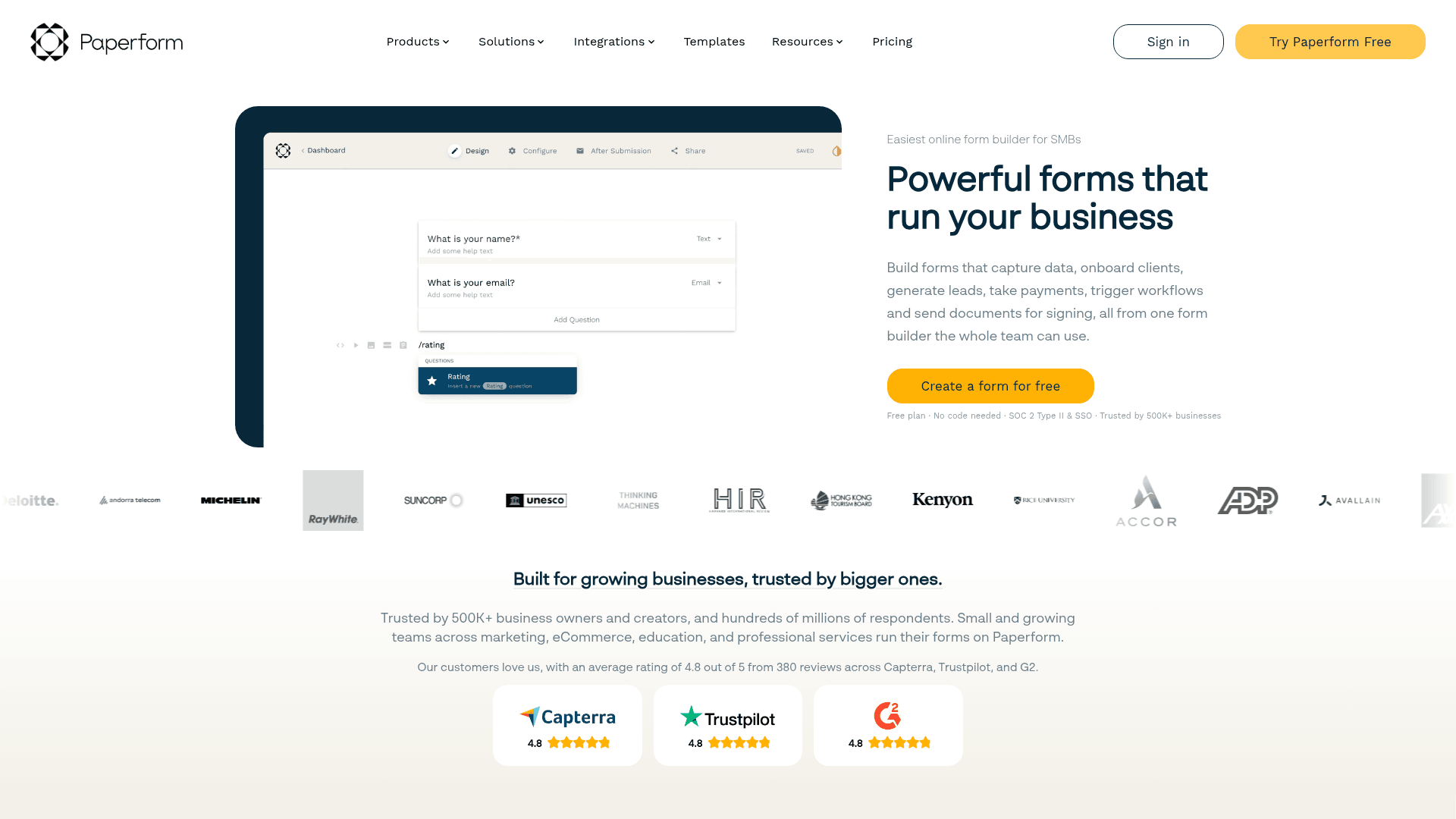
Paperform treats a form as a page rather than a box, so questions sit inside your copy and the whole thing reads as one piece.
For a landing page that qualifies someone, books them in and takes payment, that is a different job from anything Cognito Forms does.
Monthly pricing runs $29 for Essentials, $59 for Pro and $129 for Business, above the advertised annual rates of $24, $49 and $99.
| Strengths | Weaknesses |
|---|---|
| Questions embedded in page copy | No permanent free plan, only a trial |
| Payments and scheduling built in | Submission limits on every tier |
| Highest G2 score in this comparison | No calculation engine to match Cognito Forms |
| Custom domain from the Pro plan | Advertised prices are the annual rates |
| Plan | What you get |
|---|---|
| Free | No free plan; a 14-day trial is offered |
| Essentials | $29/mo ($24/mo billed yearly) |
| Pro | $59/mo ($49/mo billed yearly). Adds custom domain |
| Business | $129/mo ($99/mo billed yearly). Adds SSO |
Best for: pages where the form and the pitch are the same thing.
The catch: losing the free plan entirely is a real step down from Cognito Forms, which at least gives you 100 entries indefinitely.
G2 rating: 4.8/5, from 86 reviews, the highest score in this comparison.
9. Microsoft Forms, the alternative for Microsoft 365 organizations
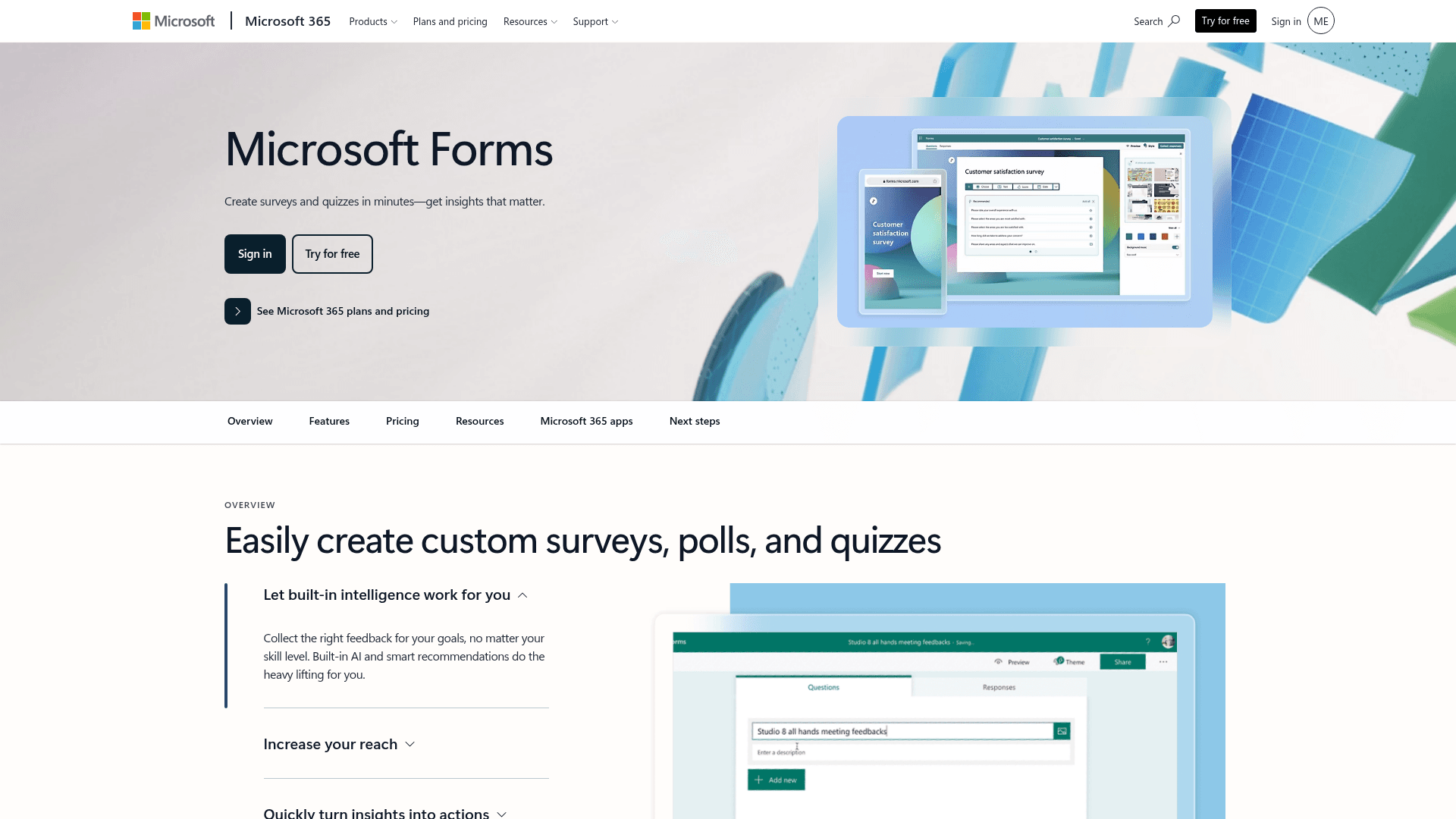
If your organisation already pays for Microsoft 365, Microsoft Forms is provisioned and waiting, which makes the cost comparison against Cognito Forms straightforward.
Results land in Excel and polls run inside Teams meetings, covering most internal collection without adding a vendor or a purchase order.
A personal Microsoft account caps at 200 responses per form. Inside a tenant those limits lift considerably.
| Strengths | Weaknesses |
|---|---|
| No extra cost inside Microsoft 365 | Very limited design control |
| Results flow into Excel | Basic branching only, no calculations |
| Polls run natively inside Teams | Free accounts cap at 200 responses per form |
| Inherits tenant security and compliance | No value outside Microsoft |
| Plan | What you get |
|---|---|
| Free | $0 with a personal Microsoft account. 200 responses per form |
| M365 Business Basic | $7/user/mo, annual basis |
| M365 Business Standard with Copilot | $23.50/user/mo, annual basis |
| M365 Business Premium with Copilot | $32/user/mo, annual basis |
Best for: internal forms in organisations already paying for Microsoft 365.
The catch: you give up everything that made Cognito Forms interesting. This is a cost decision, not a capability one.
G2 rating: 4.4/5, from 476 reviews, which fits its internal-tool scope.
10. Google Forms, the alternative for free internal surveys
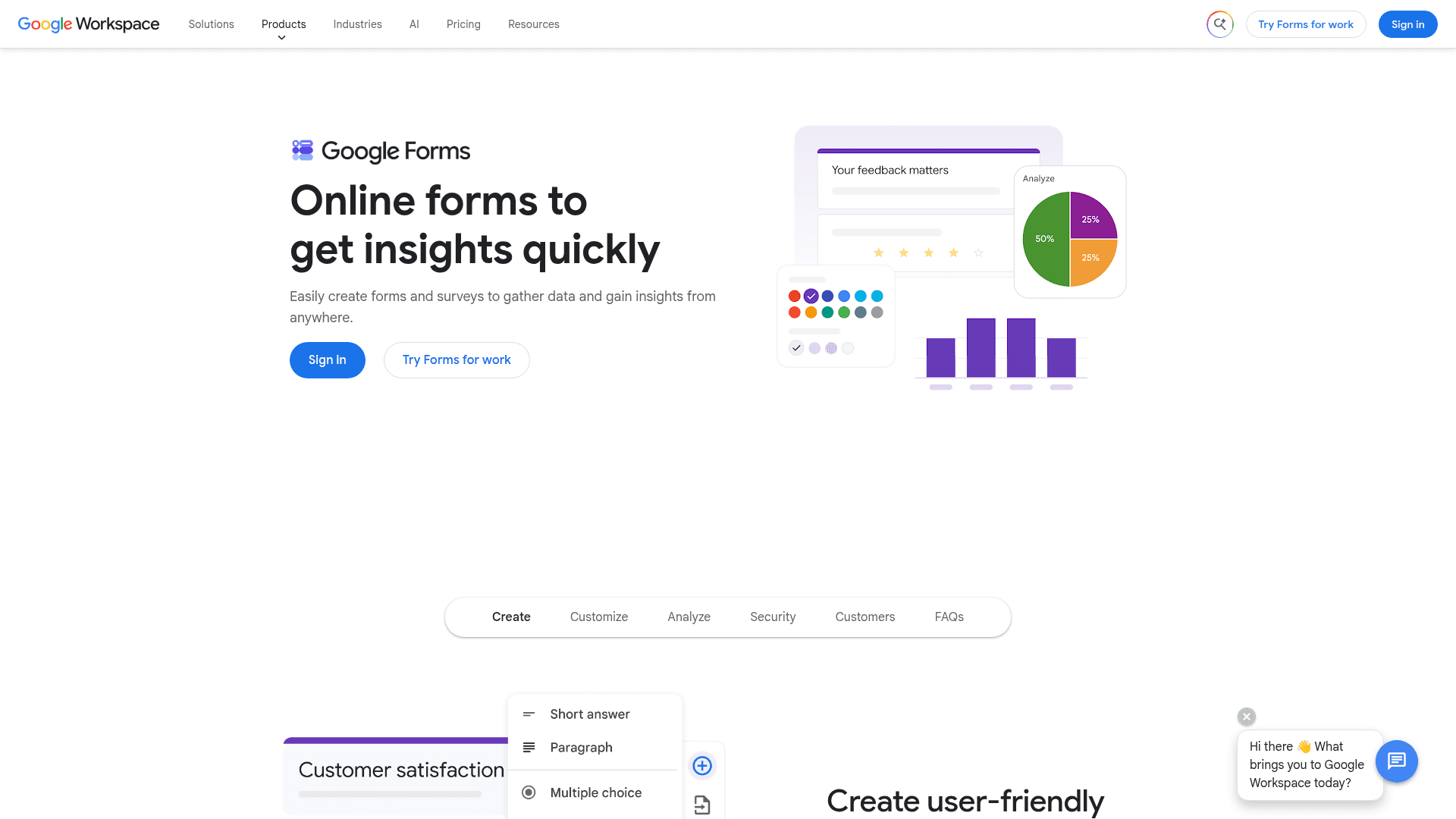
Google Forms is free with any Google account and has no response limit worth planning around, which solves the entry-cap problem outright.
Answers sync into Sheets, several people can edit at once, and quiz scoring is built in, which covers a good deal of internal use.
There is no paid Forms tier. It arrives with Google Workspace, where Business Starter is $7 per user a month on an annual basis.
| Strengths | Weaknesses |
|---|---|
| Free with any Google account | Very limited design control |
| No practical response cap | Skip-to-section logic only, no calculations |
| Answers sync straight into Sheets | No native payment collection |
| Real-time collaborative editing | Google branding stays on every form |
| Plan | What you get |
|---|---|
| Free | $0 with any Google account. Effectively unlimited responses |
| Workspace Business Starter | $7/user/mo, annual basis |
| Workspace Business Standard | $14/user/mo, annual basis |
| Workspace Business Plus | $22/user/mo, annual basis |
Best for: internal surveys where function matters more than appearance.
The catch: no payments, no calculations and no design control. It fixes the cap by removing most of the reasons you were using Cognito Forms.
G2 rating: Google Forms has no standalone G2 profile. The 4.6/5 from 48,175 reviews quoted elsewhere covers Google Workspace as a whole.
Ready to test the strongest Cognito Forms alternative?
Unlimited responses on the free plan, with an AI form generator and payments included. No credit card, no 100-entry cap, no forced upgrade at month one.
Try Formester freeFree forever · No credit card · 56,000+ teams
Which Cognito Forms alternative should you actually pick?
Start with why you are leaving. If it is the entry cap, only Formester and Google Forms remove it outright, and Fillout raises it tenfold on the free plan.
If it is HIPAA pricing, Jotform gives you the same capability for $45 a month less than Cognito Forms Enterprise, and Formstack gives you a BAA with audit trails at a higher price.
If you are leaving because the editor feels dated, forms.app and Paperform are the two that will feel like an upgrade. Neither replaces the calculation engine, so check that you can live without it first.
Frequently asked questions
What is the best Cognito Forms alternative?
Why do people leave Cognito Forms?
Is there a Cognito Forms alternative with no entry limits?
Which Cognito Forms alternative is cheapest?
Can I get HIPAA compliance cheaper than Cognito Forms?
Does any alternative match the Cognito Forms calculation engine?
Which alternative is best for Airtable users?
Verdict
Cognito Forms is a strong product with one structural problem: it charges by entries, and the entries run out. Everything else about it, particularly the calculations, holds up well against newer tools.
If the cap is what pushed you here, Formester is the direct answer, since nothing is metered on any plan and AI generation and payments are on the free tier.
If you need HIPAA, Jotform costs less than staying. If your forms are really database records, Fillout is the better shape.